How to Control Replays in Assetto Corsa: Keyboard Shortcuts Guide
-lg_modland.jpg)
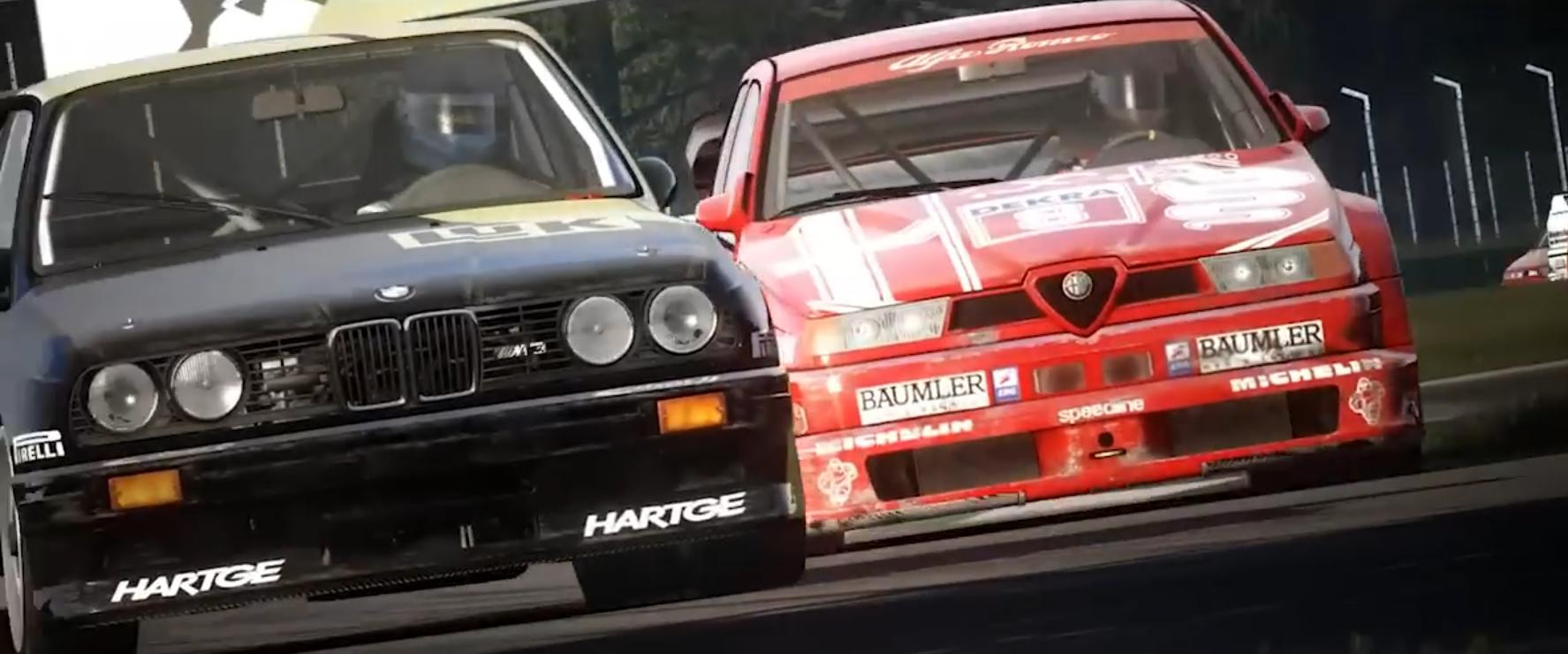
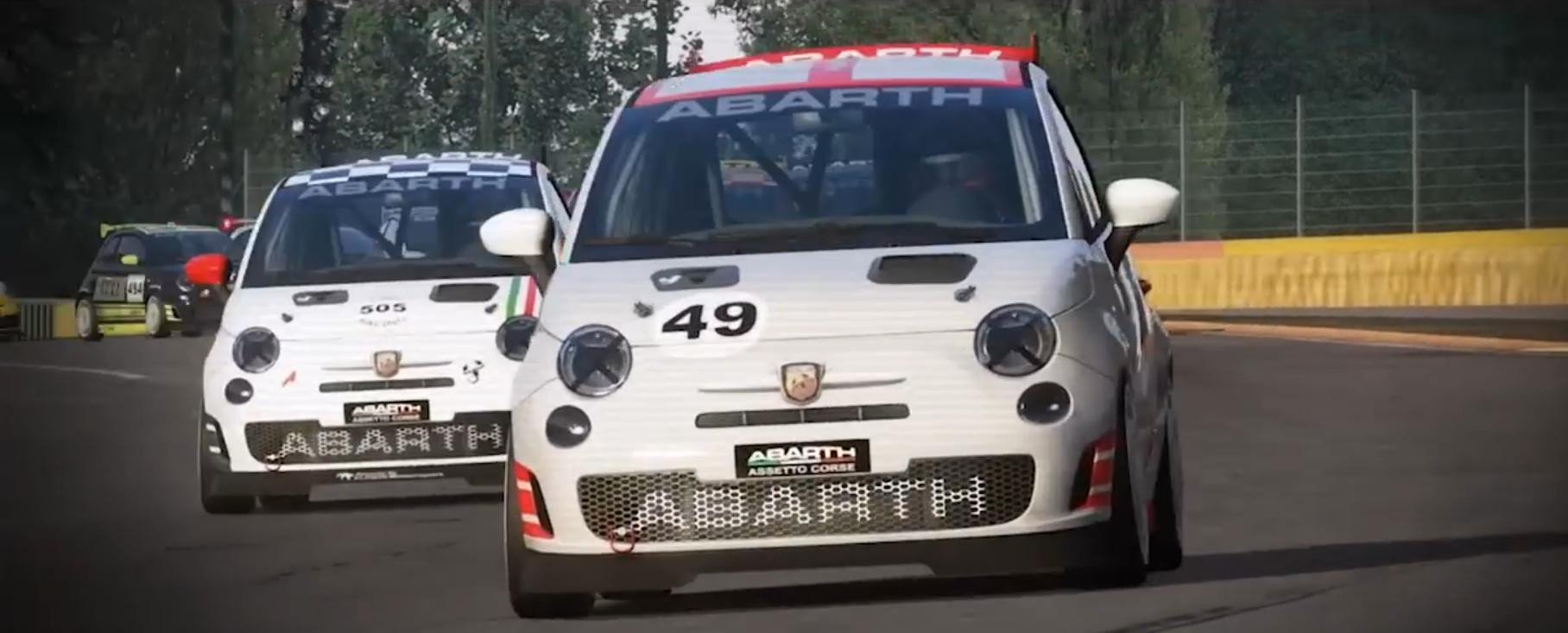
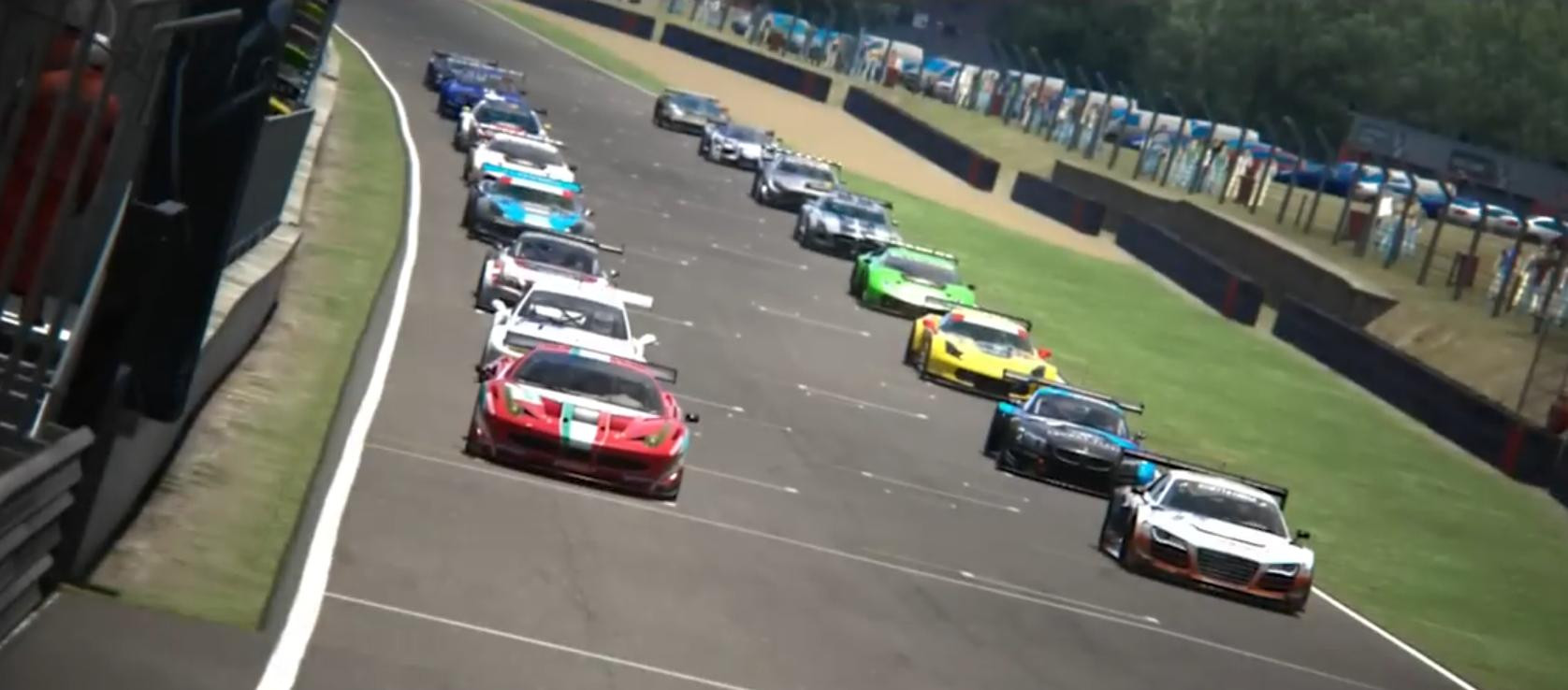
Assetto Corsa has a well implemented system of replaying game moments. There are several useful key combinations in the game, which will allow you to capture the most beautiful moments in the game, to review them and make work on mistakes or capture beautiful moments in the game.
You will be able to analyze how well you did the maneuver and how well you completed the race. Below we will find out which keys you can use for replays.
Basic replay control
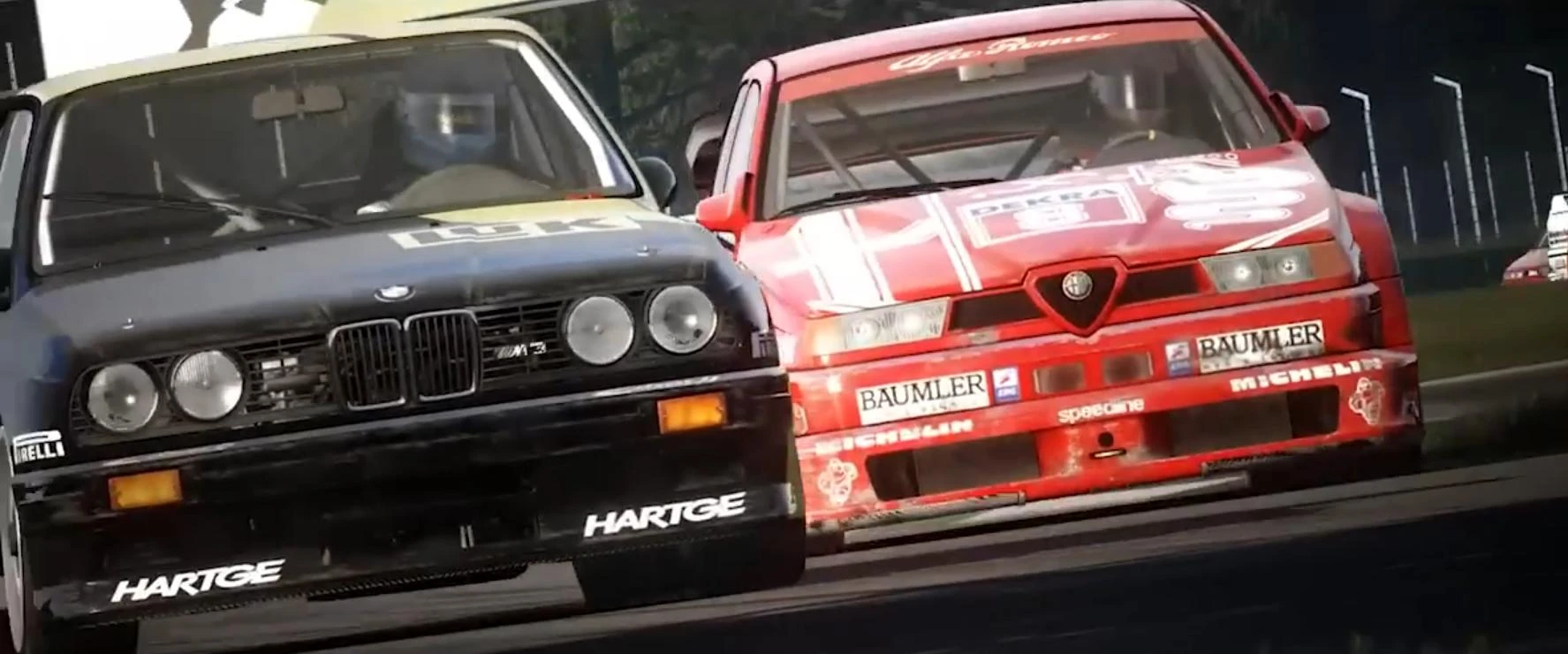
A normal replay can be started at any time by pressing CTRL+R. But from the basic options there is also a slow motion repeat, it can be started by pressing CTRL+S.
To pause the view or start it again after a pause, you need to press CTRL+SPACE.
Rewind and transitions between laps
Repeats can be controlled however you like. You can rewind time if you don't want to watch the whole video. Then use CTRL+D to rewind the time back a little. The replay will rewind with the ability to increase the rewind speed - x2, x3, x4 and all the way up to x5.
Fast-forwarding works in exactly the same way, only to use it there is a command - CTRL+F.
Precise transition between laps
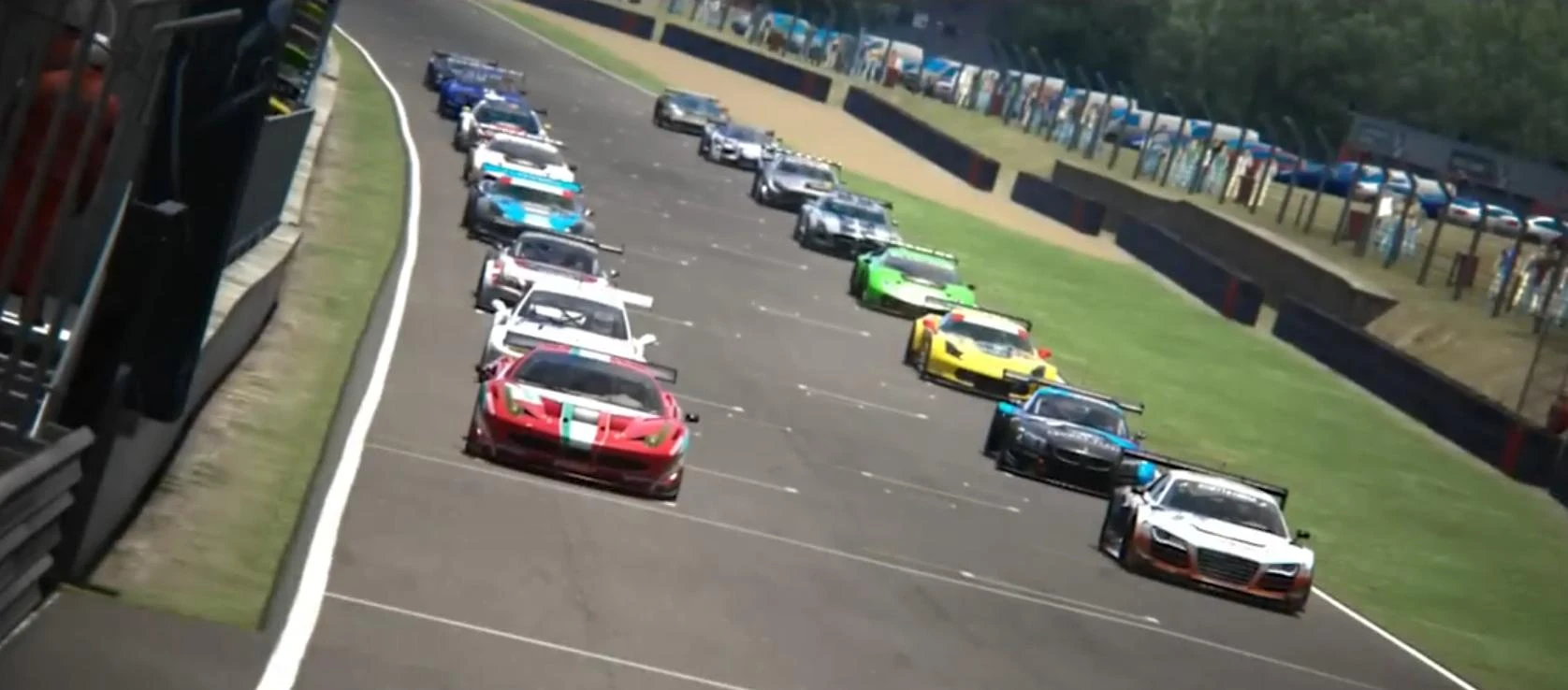
And last but not least, a few more useful combinations... In Assetto Corsa there is also the CTRL+N combination, which is responsible for moving quickly to the beginning of the next lap with a 2-second advance.
If you press CTRL+P, you will return to the beginning of the previous lap with the same 2-second advance.
In the following guides we will learn about other useful key combinations.
Added by




_modland.webp)