
![Ford Mustang Mach-E [PACK]](https://temp2.modland.net/i/6aa50a7184eaa/0_modland.jpg)
![BMW X6 G06/F96 [PACK]](https://temp2.modland.net/i/6a8ff76445a04/0_modland.jpg)
3/5,
2
votes
Changelog
Engine Update: Engines & Suspension
- New 2.0L DOHC Racing F4 Engine.
- New optional ABS.
- New default wheel alignment.
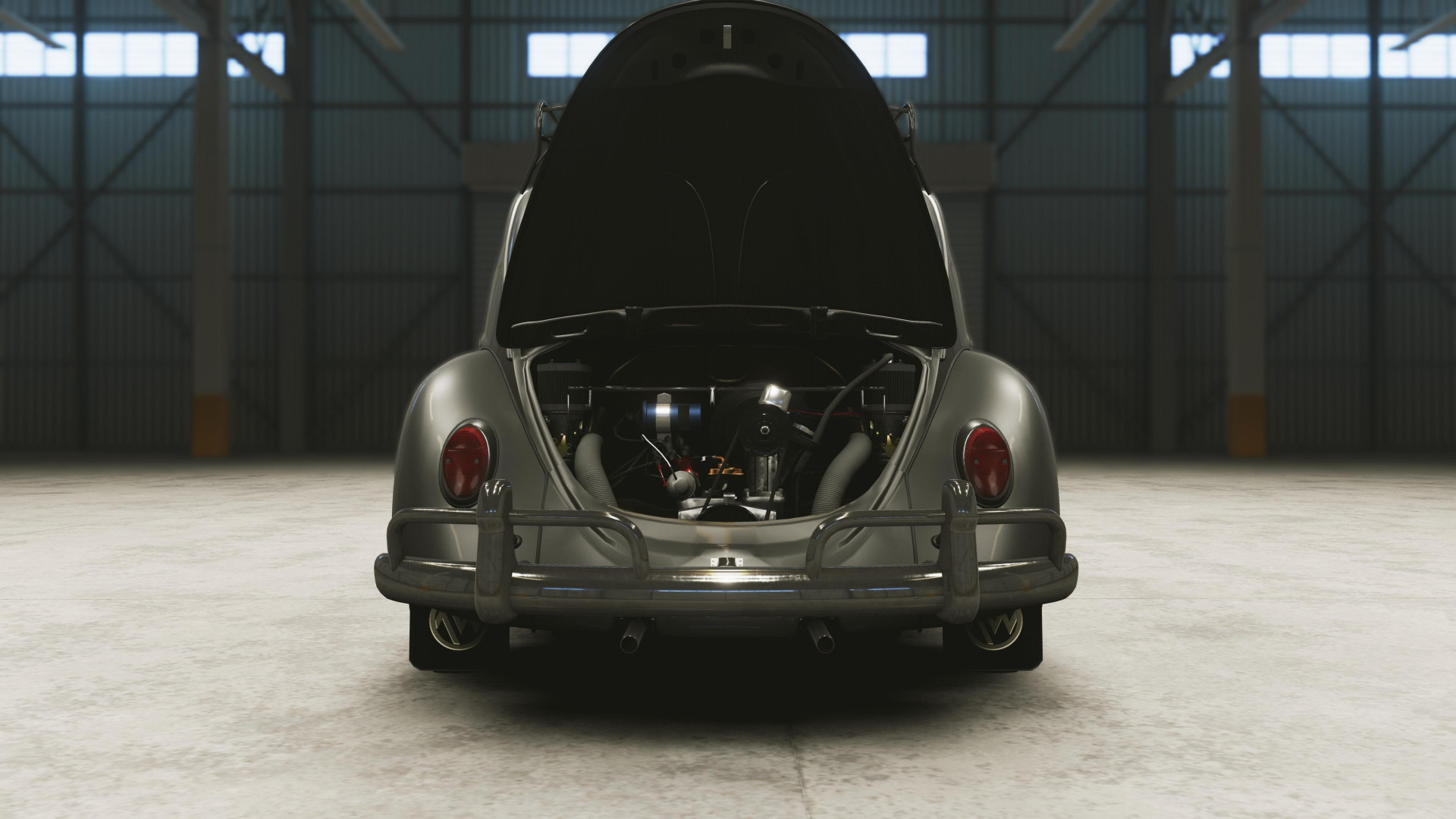
- Reworked stock engines to better reflect real world data (torque set to 100%).
- Reworked front and rear suspension variable to allow more tuning range.
- Reworked suspension setup of the 1963 AW Type 1.
Description
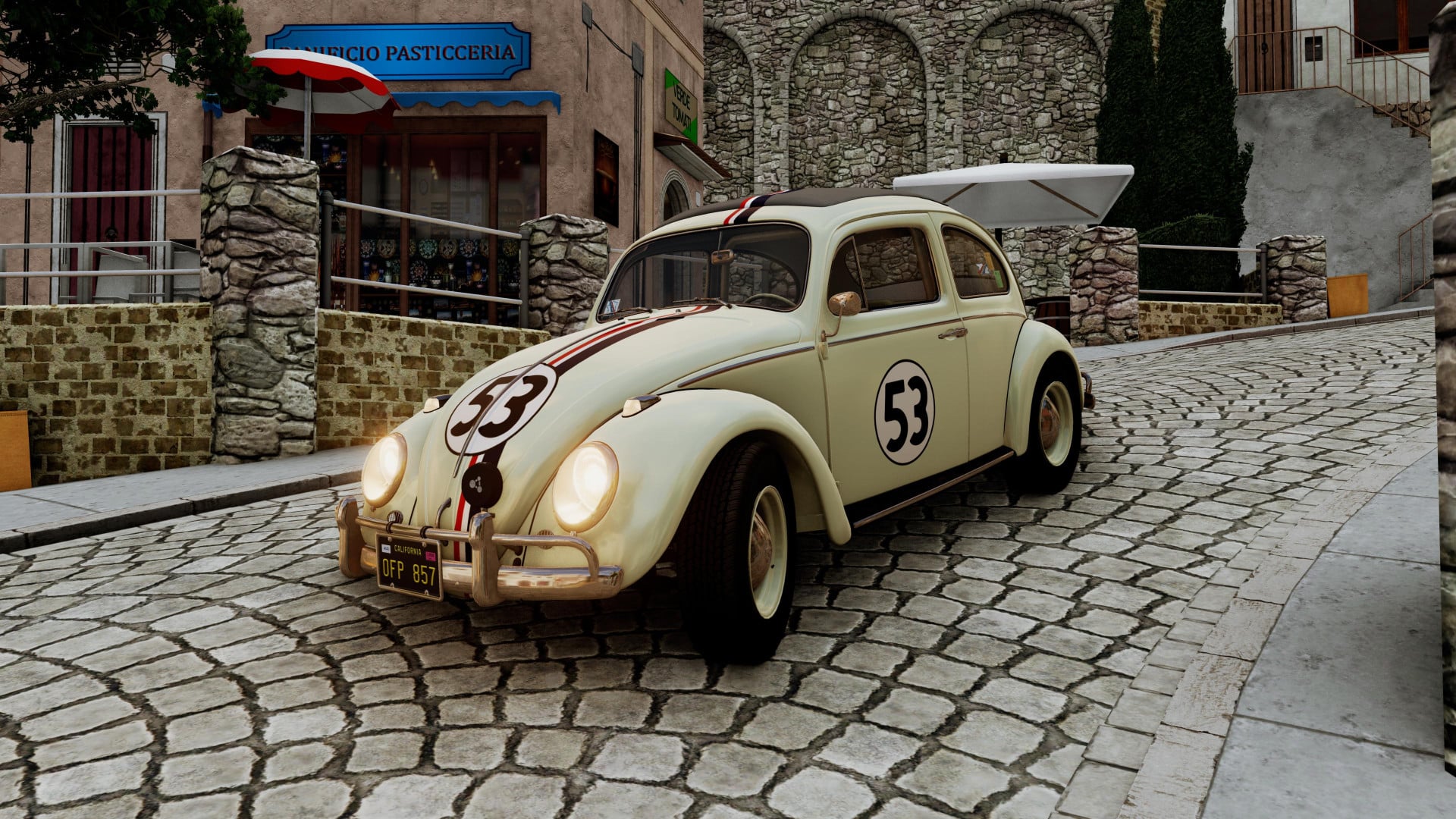
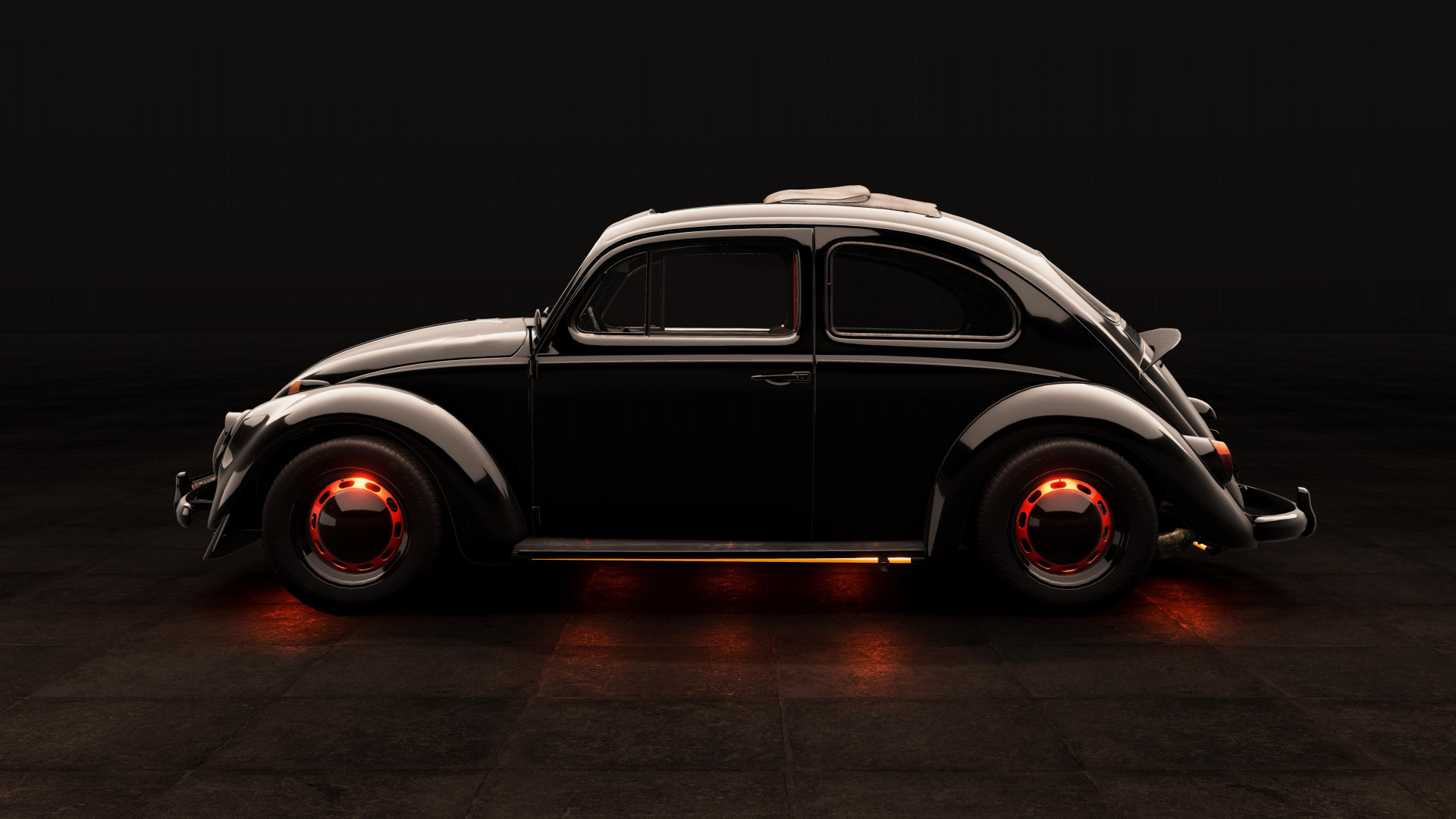
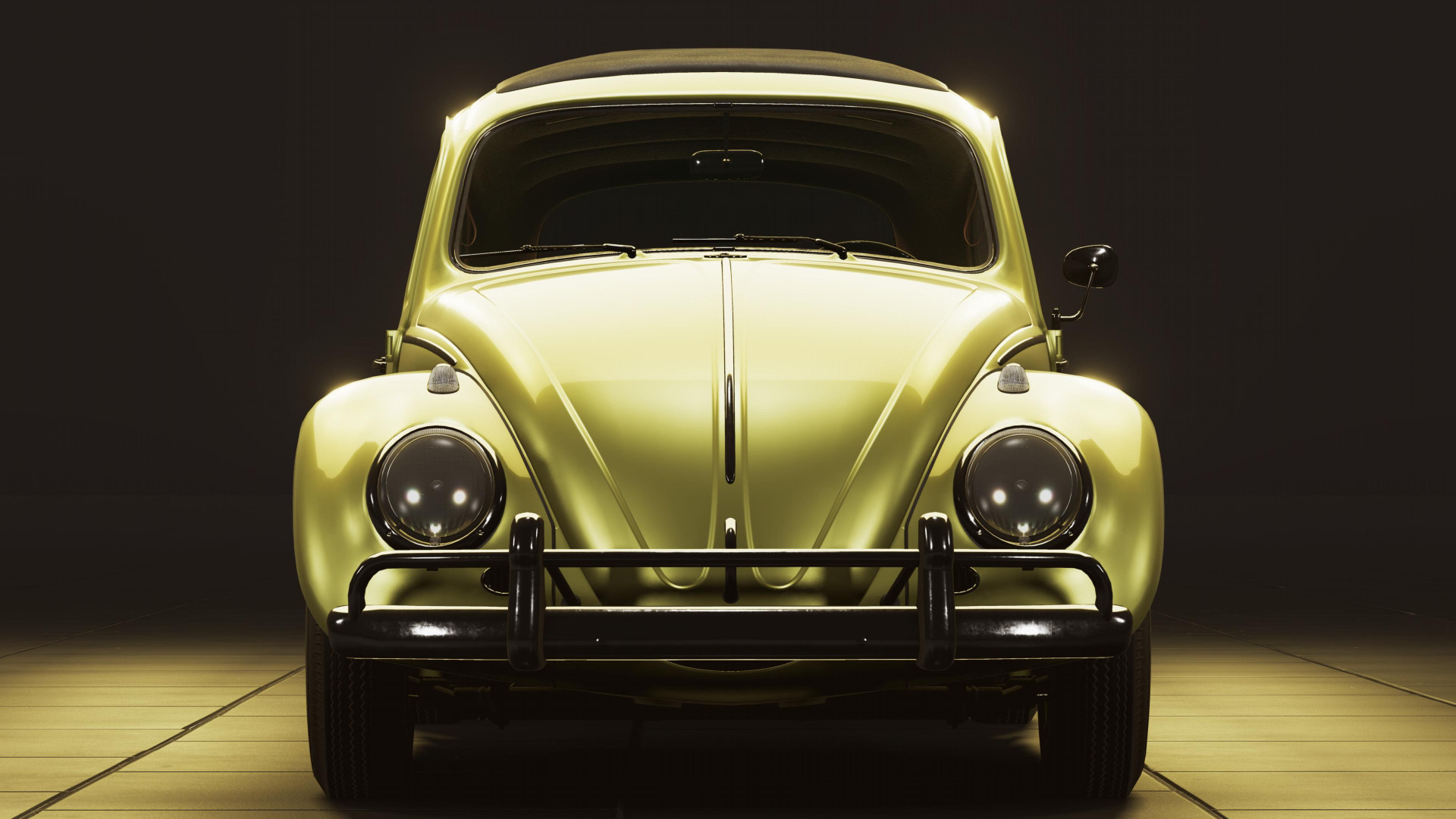
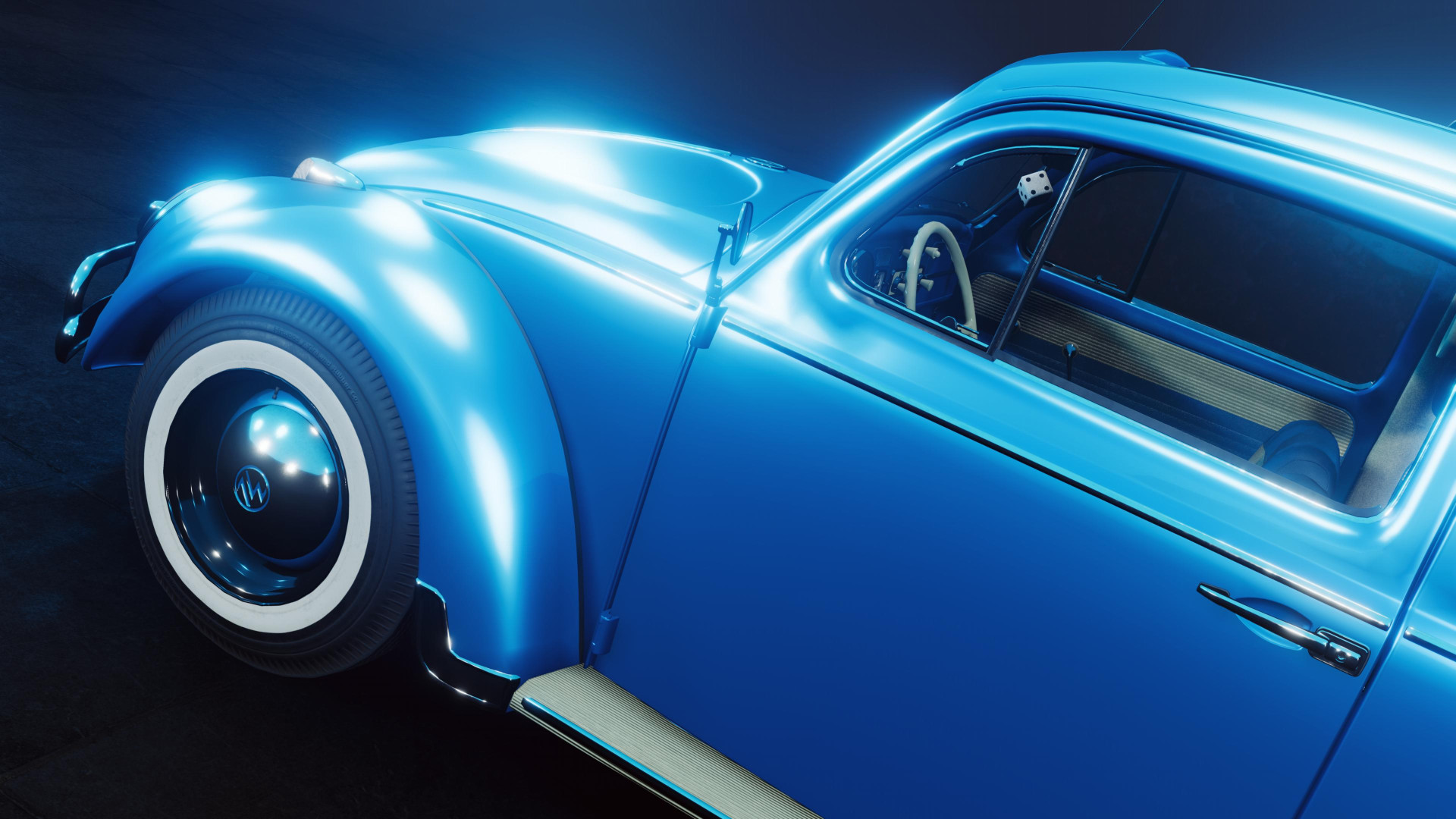
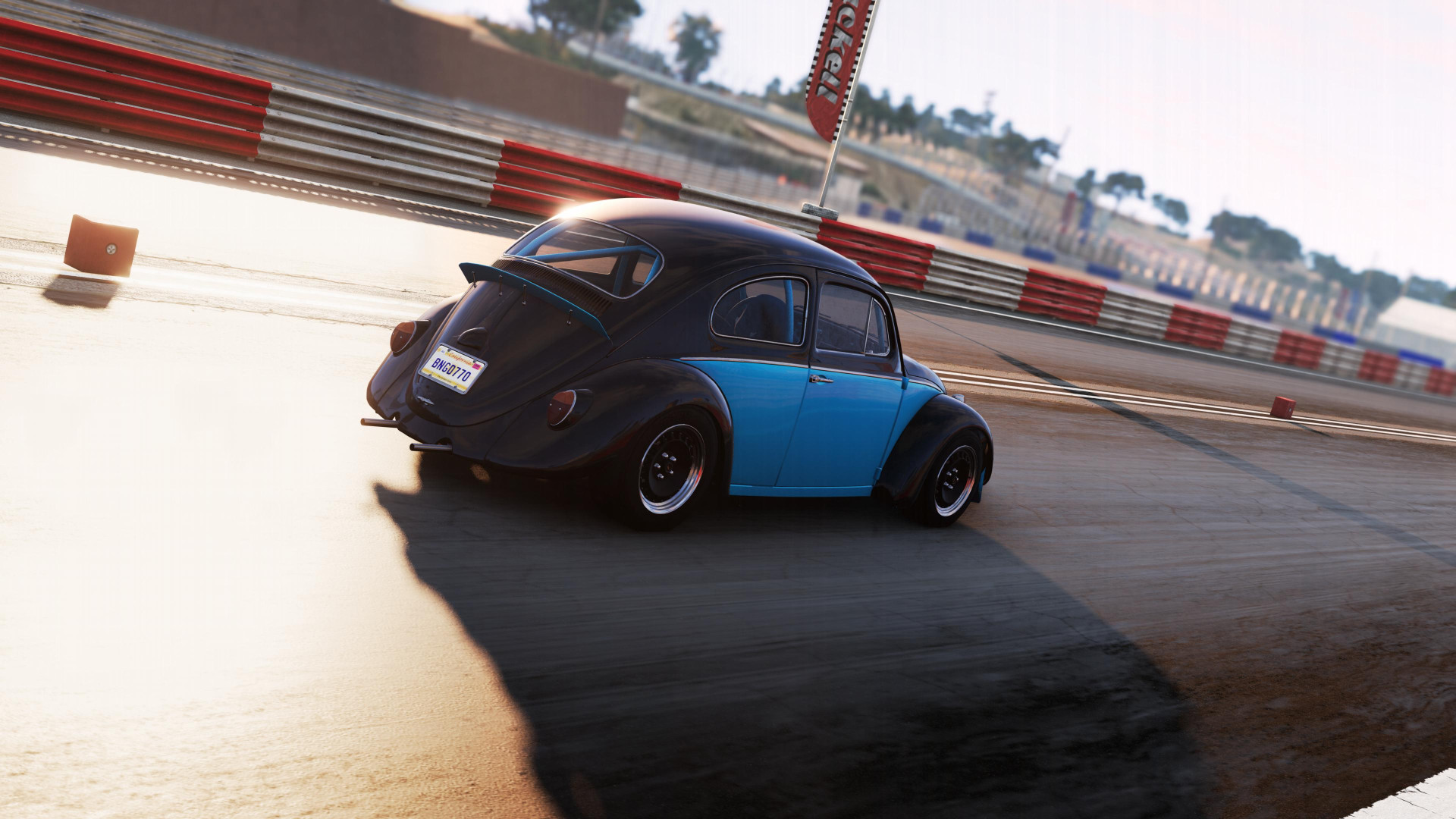
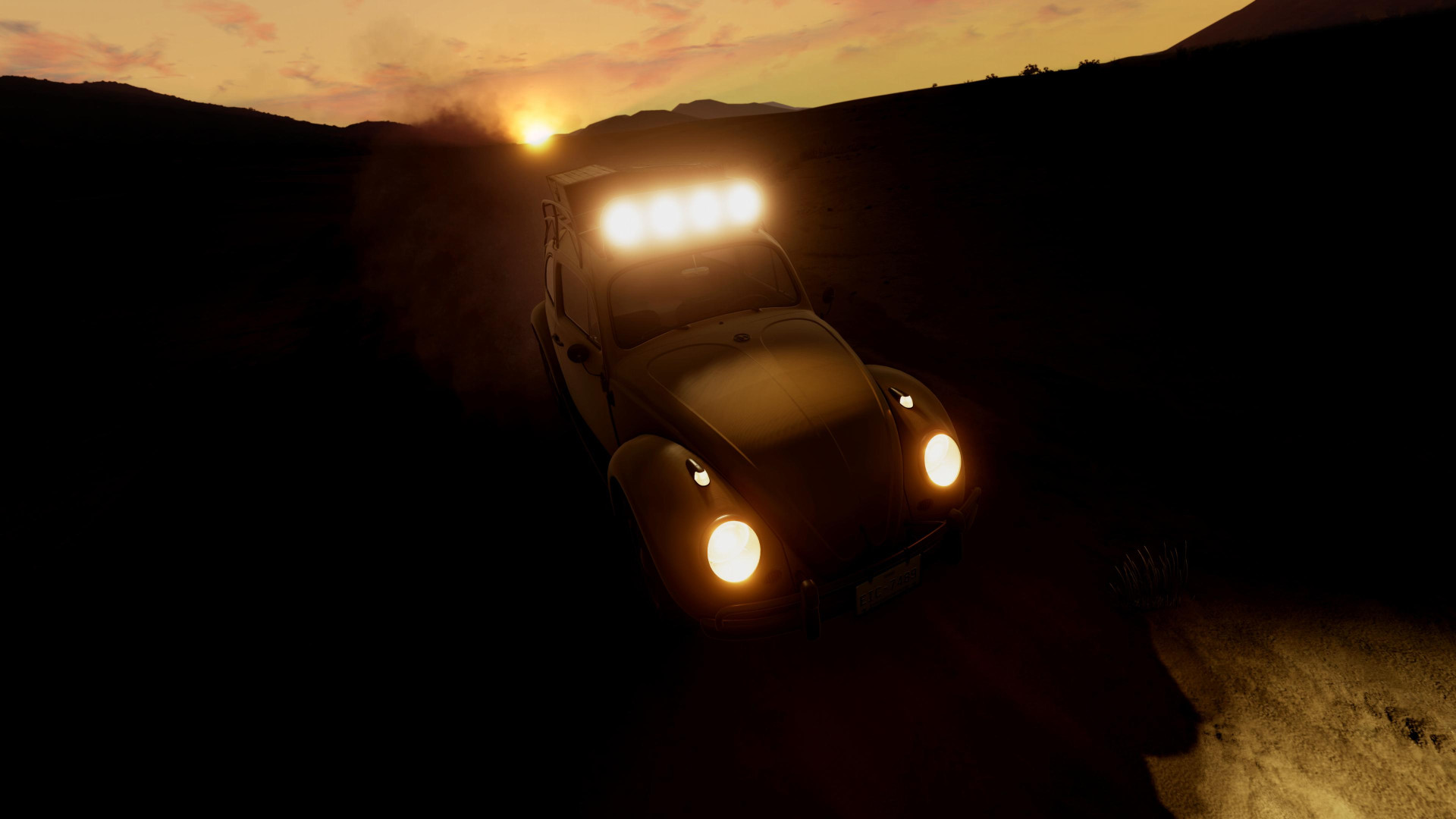
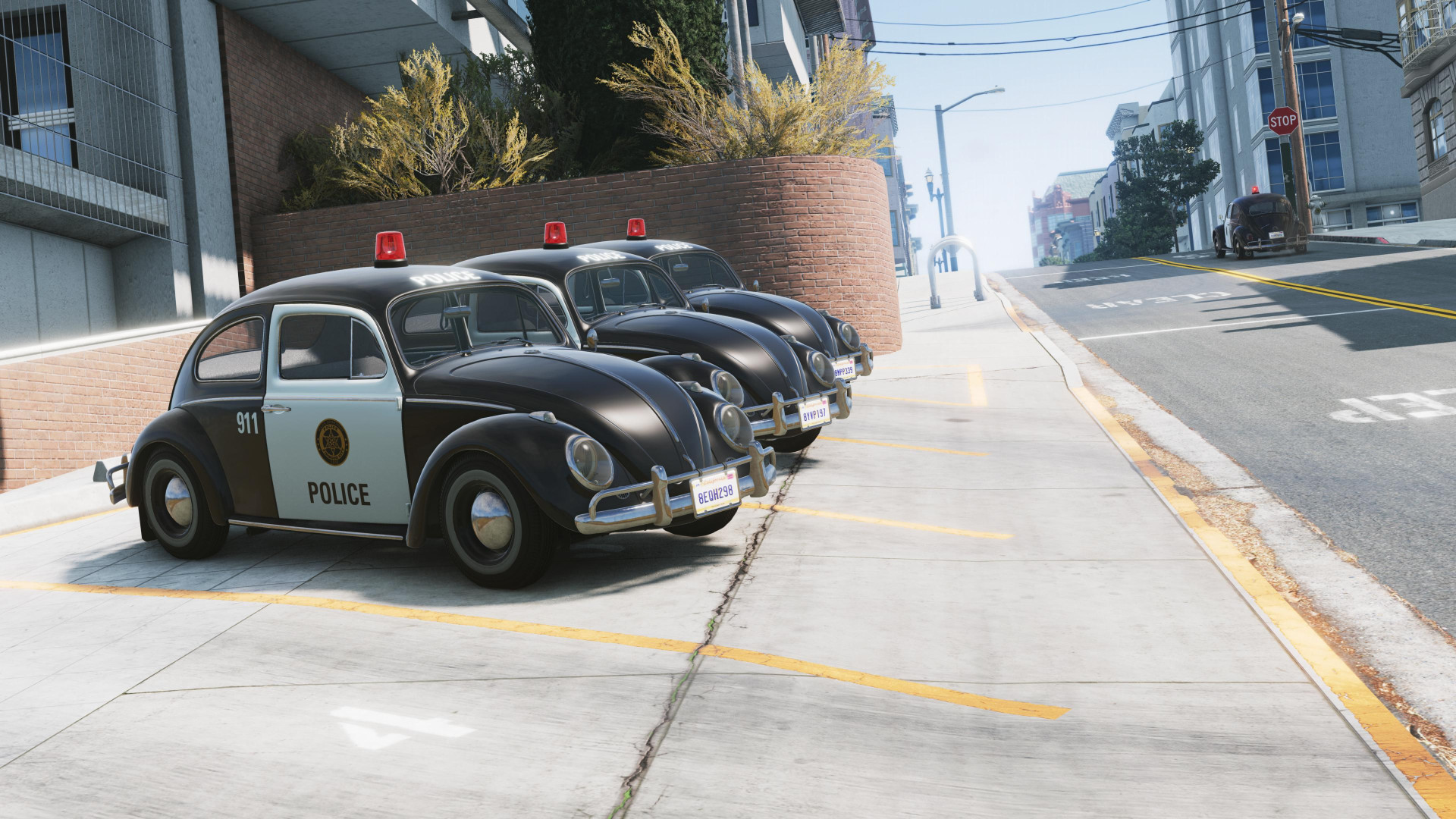
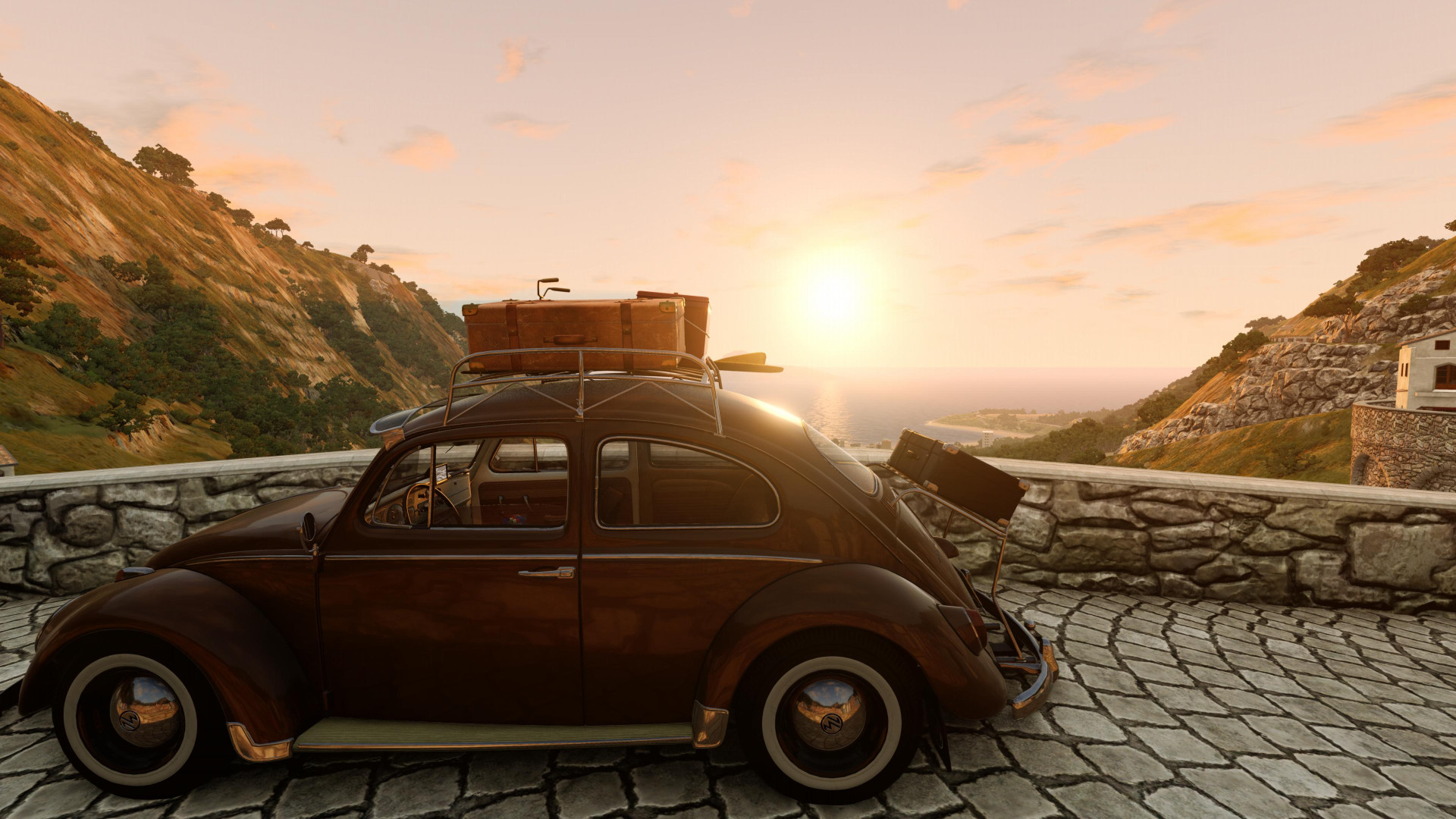
The AW Bug originated in pre-WW2 times as a vehicle for the average citizen. As one of AW’s earliest models, it helped establish Automobilwerke Wolfsburg as a leading manufacturer of practical, accessible cars. In the 1950s and 60s, it succeeded worldwide due to its simple, reliable design. Its distinctive shape and engineering made it instantly recognizable and beloved by many.
Features
- Curby: A vehicle with its own mind
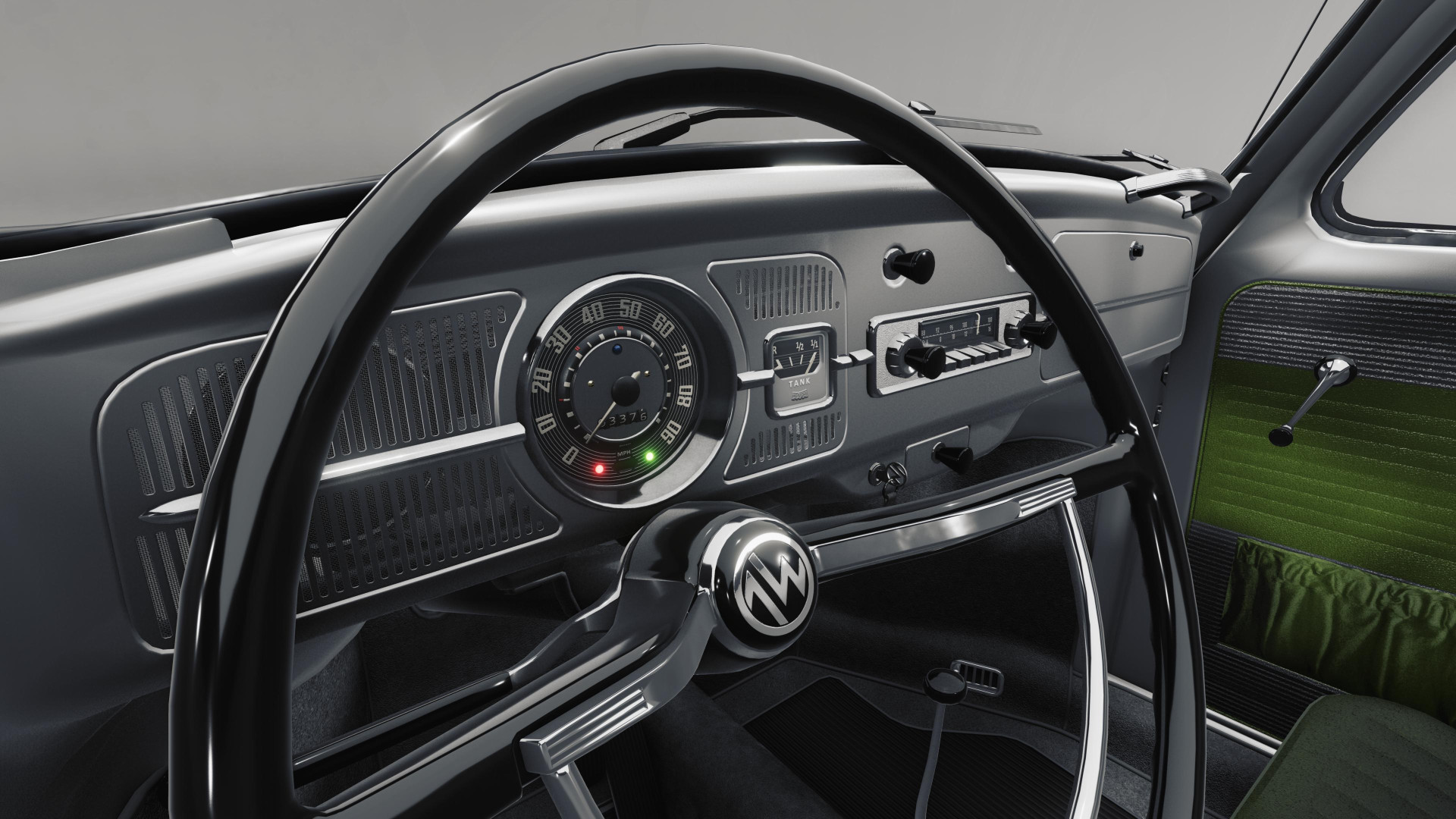
- Many interactable controls and parts
- Animated handles and knobs
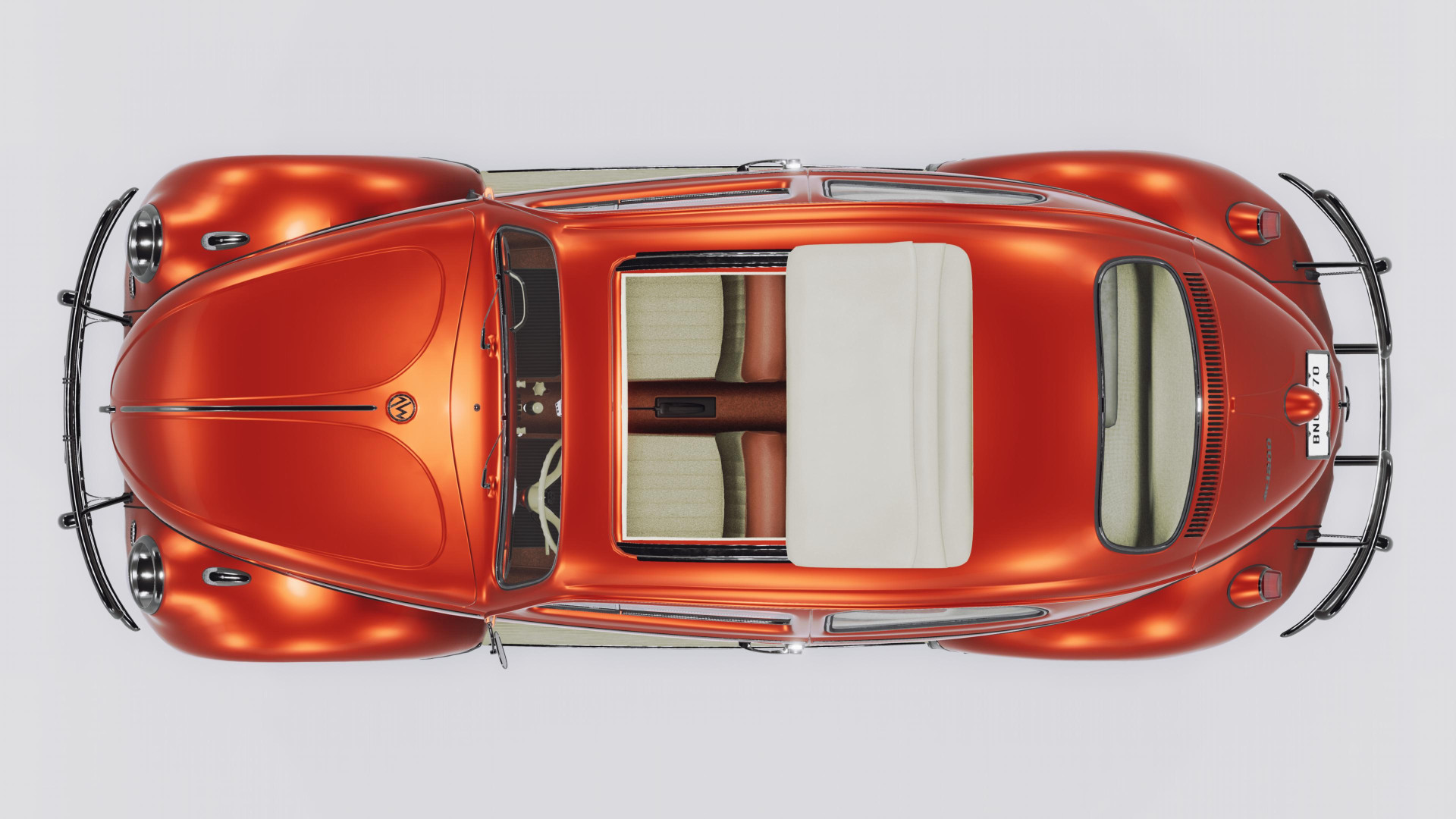
- Openable windows and ragtop roof
- Fully working radio to play your favorite tunes
- Battery simulation with charge and discharge behavior
- Interior sound affected by open doors and windows
Custom Radio Stations
To play your own music in the radio follow these steps:
1. In the Launcher of the game click on Manage User Folder and then on Open User Folder
2. In the user folder open settings\vehicles and create a folder bug with a folder radio in it: settings\vehicles\bug\radio\
3. For each radio station, create a folder with the following format: Frequency Name
- Frequency is a number between 87.5 and 108.0 (MHz). The decimal place must always be included. From one station to the next, a gap of at least 0.3 MHz must be present.
- Name is an arbitrary label for the radio station displayed in game. It's expected to be separated from the frequency by a single space.
- Tracks are played in random order. To play the tracks in order, add a = after the frequency (before the space).
Examples:
88.3= TheFolder
97.5 Beats.FM
105.0 MyMusic
4. Place your favorite music files in the created folders. Supported formats are MP3, FLAC, OGG, OPUS and WAV files.
5. Press CTRL+R to reload the vehicle to load the new radio station (Restarting the game also works).
Credits
MrX13415
VertexStyle, STEVIE_G4M1NG_YT, Justin Dueck, David Evans, fufsgfen, Dummiesman, MrAngry, atv_123, gmaksi83, Ludger Meyer-Wuelfing, UnspheredLeek74
Engine Update: Engines & Suspension
- New 2.0L DOHC Racing F4 Engine.
- New optional ABS.
- New default wheel alignment.
- Reworked stock engines to better reflect real world data (torque set to 100%).
- Reworked front and rear suspension variable to allow more tuning range.
- Reworked suspension setup of the 1963 AW Type 1.
Description
The AW Bug originated in pre-WW2 times as a vehicle for the average citizen. As one of AW’s earliest models, it helped establish Automobilwerke Wolfsburg as a leading manufacturer of practical, accessible cars. In the 1950s and 60s, it succeeded worldwide due to its simple, reliable design. Its distinctive shape and engineering made it instantly recognizable and beloved by many.
Features
- Curby: A vehicle with its own mind
- Many interactable controls and parts
- Animated handles and knobs
- Openable windows and ragtop roof
- Fully working radio to play your favorite tunes
- Battery simulation with charge and discharge behavior
- Interior sound affected by open doors and windows
Custom Radio Stations
To play your own music in the radio follow these steps:
1. In the Launcher of the game click on Manage User Folder and then on Open User Folder
2. In the user folder open settings\vehicles and create a folder bug with a folder radio in it: settings\vehicles\bug\radio\
3. For each radio station, create a folder with the following format: Frequency Name
- Frequency is a number between 87.5 and 108.0 (MHz). The decimal place must always be included. From one station to the next, a gap of at least 0.3 MHz must be present.
- Name is an arbitrary label for the radio station displayed in game. It's expected to be separated from the frequency by a single space.
- Tracks are played in random order. To play the tracks in order, add a = after the frequency (before the space).
Examples:
88.3= TheFolder
97.5 Beats.FM
105.0 MyMusic
4. Place your favorite music files in the created folders. Supported formats are MP3, FLAC, OGG, OPUS and WAV files.
5. Press CTRL+R to reload the vehicle to load the new radio station (Restarting the game also works).
Credits
MrX13415
VertexStyle, STEVIE_G4M1NG_YT, Justin Dueck, David Evans, fufsgfen, Dummiesman, MrAngry, atv_123, gmaksi83, Ludger Meyer-Wuelfing, UnspheredLeek74
Direct Download Links
About Mod
| Latest Version | 3.0 |
| Game | BeamNG.drive |
| Category | Cars |
| Game Version | 0.39.x |
| Downloads | 391 |
| Created | 2 days ago |
You Might Also Like »

0 Comments
There are no comments. Be first to comment!