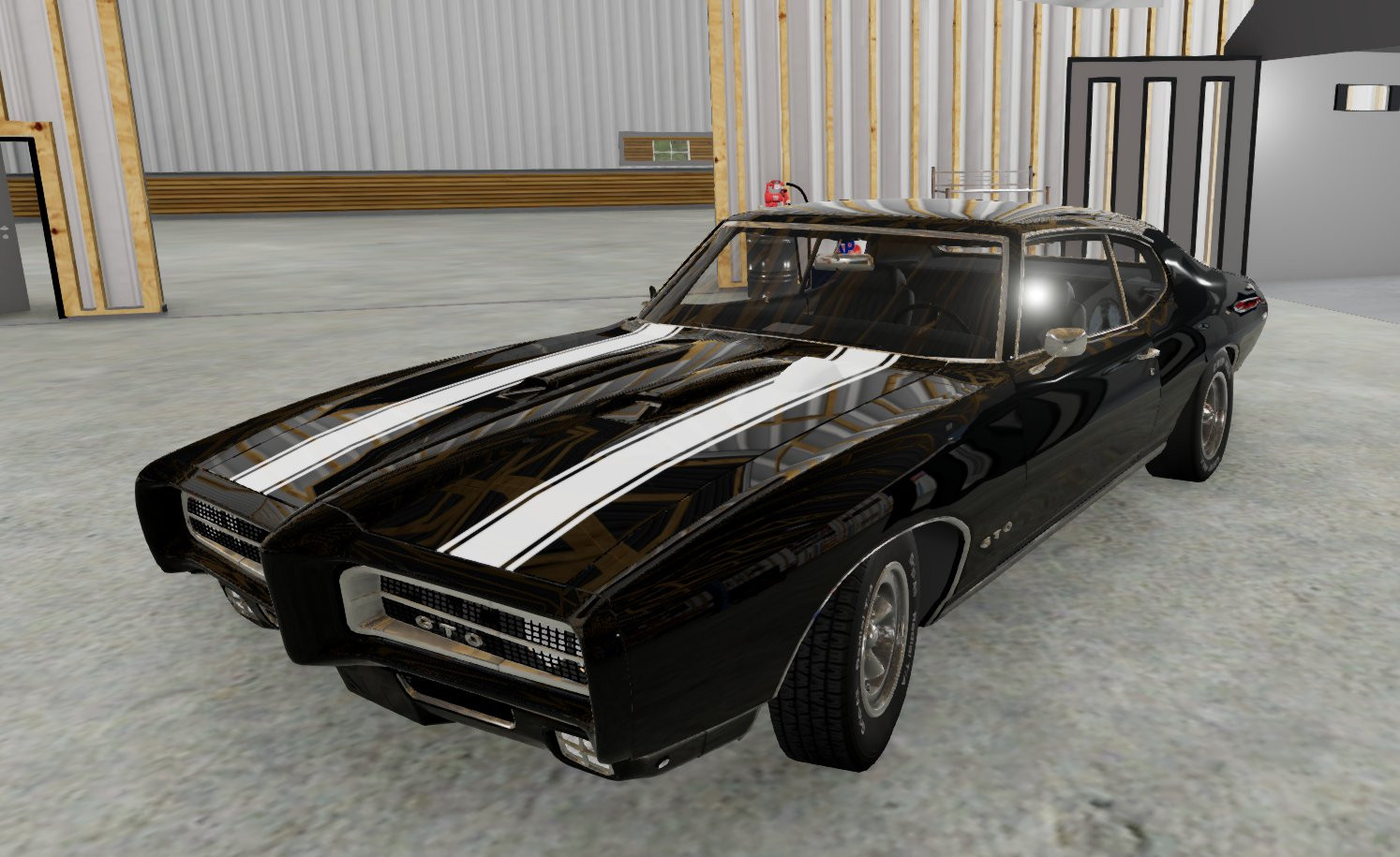
69 GTO with Stripes (7.5s Car 1/4 Mile) 1.0a
![Ford Bronco [PACK]](https://temp2.modland.net/i/6abb8bc6ce51c/0_modland.webp)


0/5,
0
votes
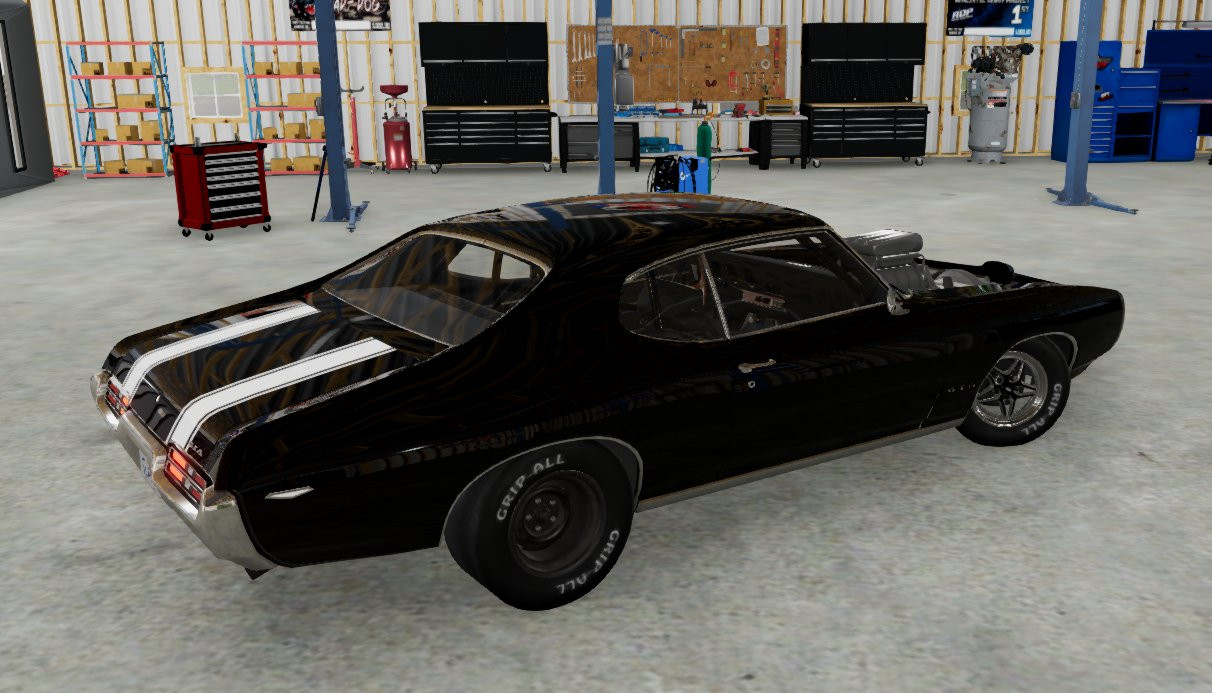
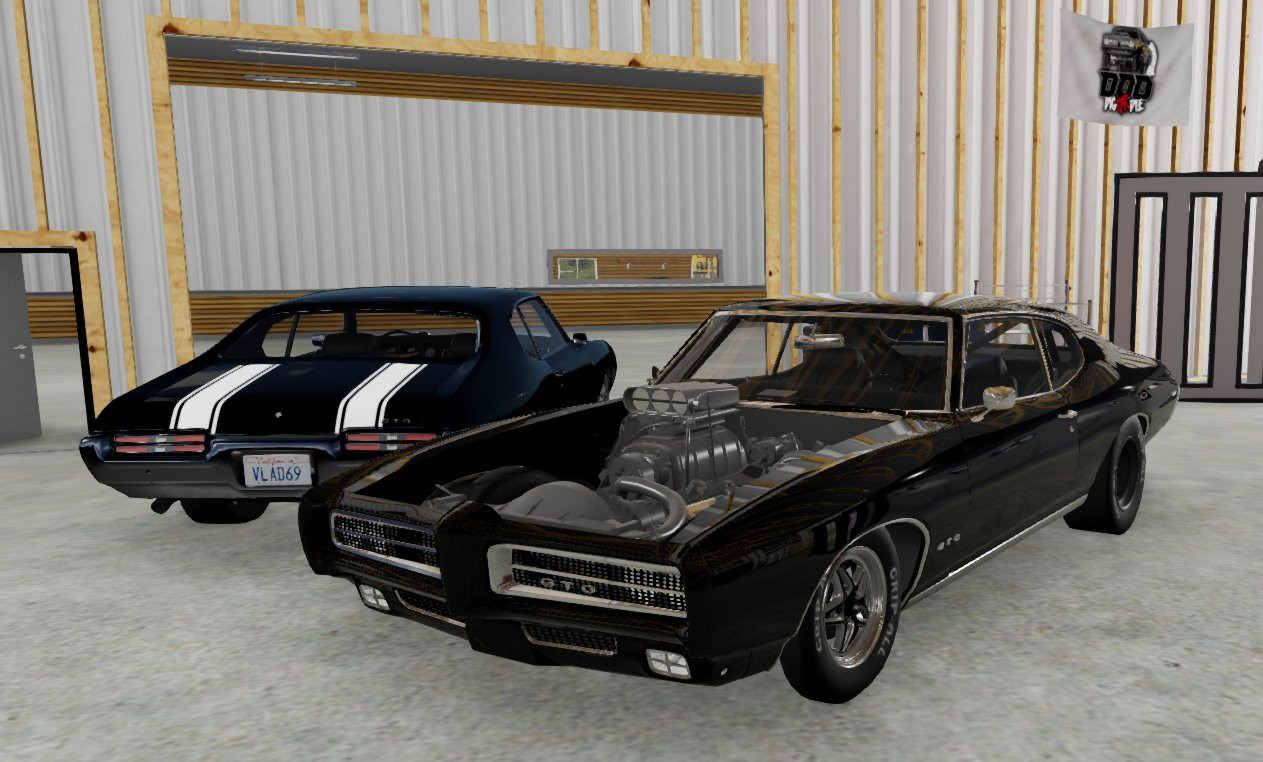
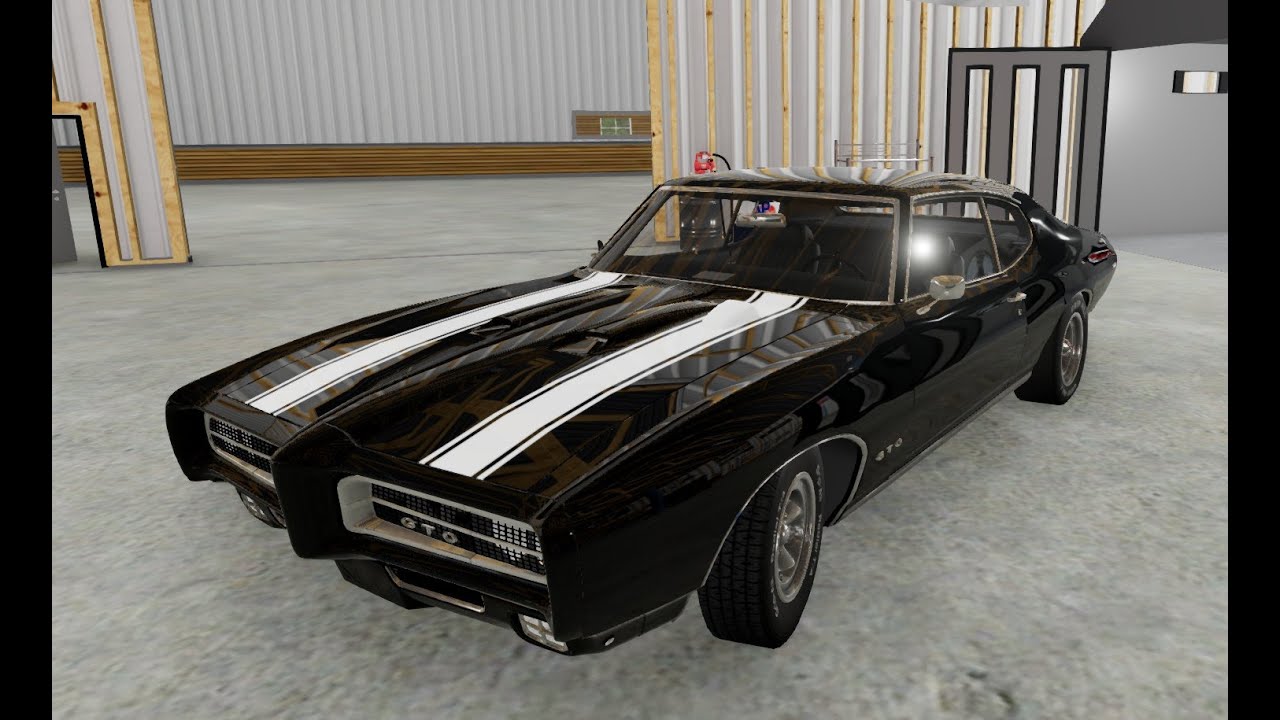
This is my first skin. Unfortunately I lost the tach dial & the other badge images on export from Blender. I really don't know how to export shrinkwrap images & multiple images layers & have no idea why the original ones disappeared. I added the right door mirror. You can change the paint & stripe color in "World Editor" by pressing F11 & clicking "Window" tab, click "Material Editor" tab, & under "Materials" select "Judge69" then click between "Layer" 1 & 2. "Layer" 1 will allow you to change stripe color & it'll be glossy, "Layer" 2 will be a matte finish with "Ghost Stripes". You can make the "Stripes" disappear by changing the color to black & the "Stripes" will be gone. Exit "World Editor" & adjust your paint color, shine, metallic, & clear coat for the car in the "Garage" like normal. I've uploaded the "GTO Ghost Stripes" pack here as well which you can find here or ask me on my YT channel. I will upload ANY & ALL for anyone. ANTI-Patreon! You may need: "cdc_wheelpack_2.1.1", "DragWheelTirePackRR", "dragpartwheelnitrous", "EXTRAGRIPTIRES", "nix_parts_pack_elite", "nix_tire_pack_elite", "RRMeosDragPartsAddOn", "tires_legacy", "TPURacetechParts". You may not need all I've listed but I rather list them so you have a correct functioning mod.
Videos
Direct Download Links
latest
initial
Version
1.0a
· BeamNG.drive
0.33.x
1 year ago
Game Versions:
0.33.x
gto_vlad69_modland.zip
direct download
· 35.25 MB
· added 1 year ago
This File is Scanned by Antivirus and is Safe.
More Details
About Mod
| Latest Version | 1.0a |
| Game | BeamNG.drive |
| Category | Cars |
| Game Version | 0.33.x |
| Downloads | 1080 |
| Created | 1 year ago |
| Last Virus Scan |
0/96
More Details |
You Might Also Like »
![Ford Bronco [PACK]](https://temp2.modland.net/i/6abb8bc6ce51c/0_modland.jpg)



![Mack Anthem / Pinnacle [PACK]](https://temp2.modland.net/i/6aa50a7184eaa/6ab9344368d3b/0_modland.jpg)
0 Comments
There are no comments. Be first to comment!