DOOM in Your Car (Cherrier Vivace) 0.40



INSTALL
-------
1. Close BeamNG.
2. Copy DOOMNG_v0.4.0.zip (DO NOT unzip it) into the "mods" folder inside your BeamNG user folder.
To find it: BeamNG launcher > Manage User Folder > Open in Explorer > "mods" folder.
(Usually: %LOCALAPPDATA%\BeamNG\BeamNG.drive\current\mods)
3. Open BeamNG and check in the Mod Manager that "DOOMNG" is enabled.
PLAY
----
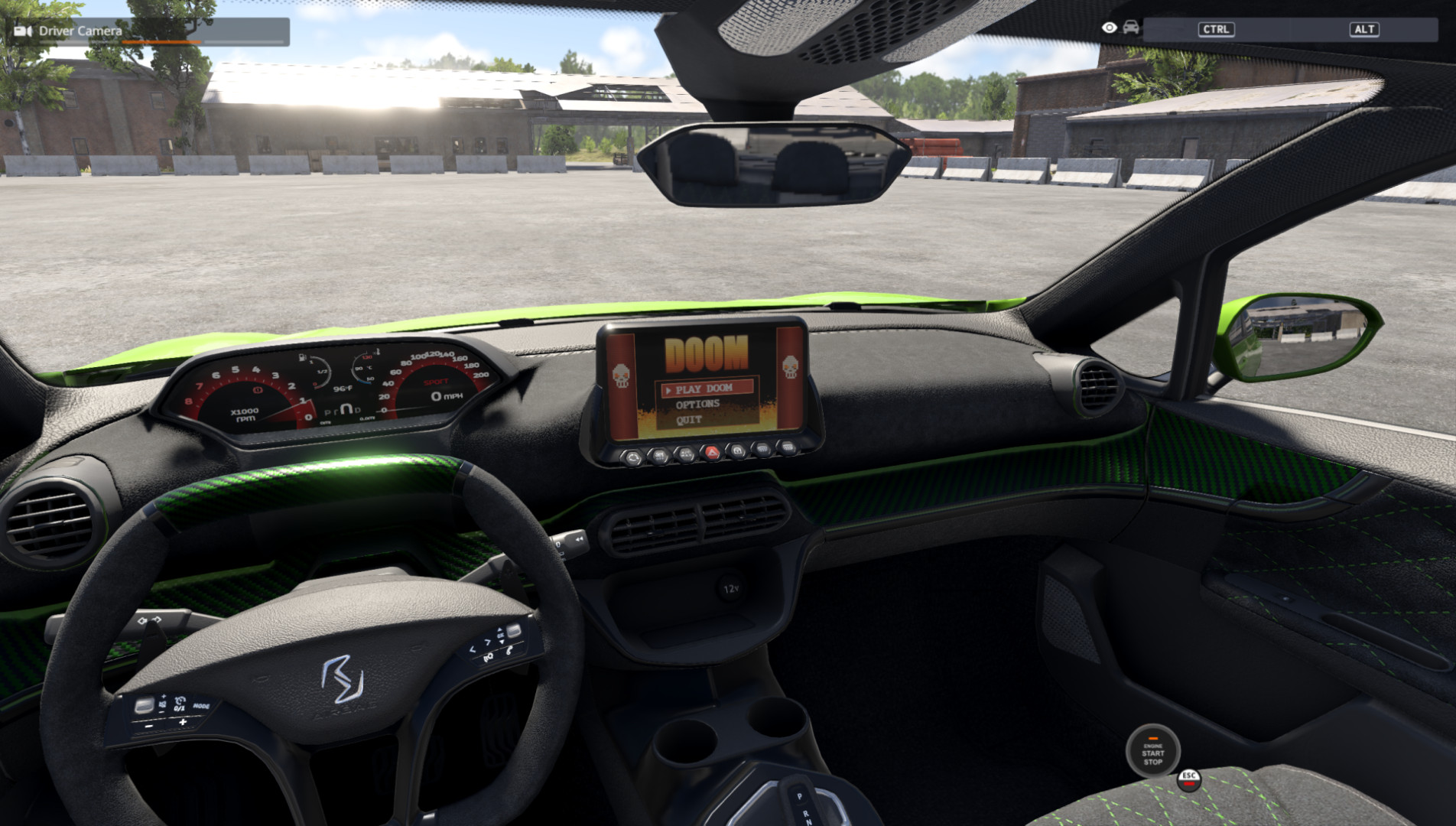
1. Spawn the Cherrier Vivace (standard interior; not the panoramic or race one).
2. Driver camera. Stop the car.
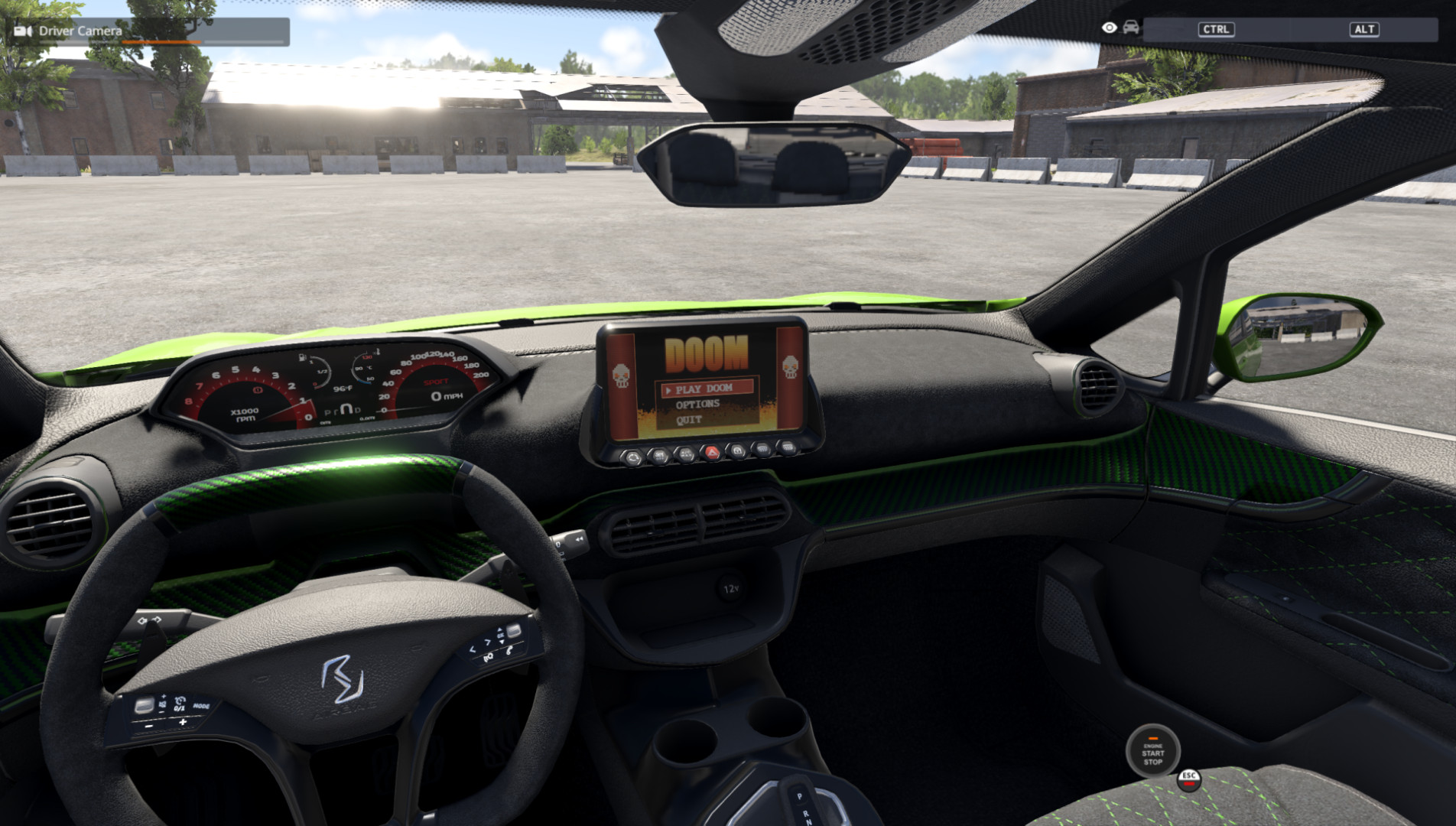
3. Click the RED HAZARD BUTTON (the triangle below the dashboard screen) with the mouse.
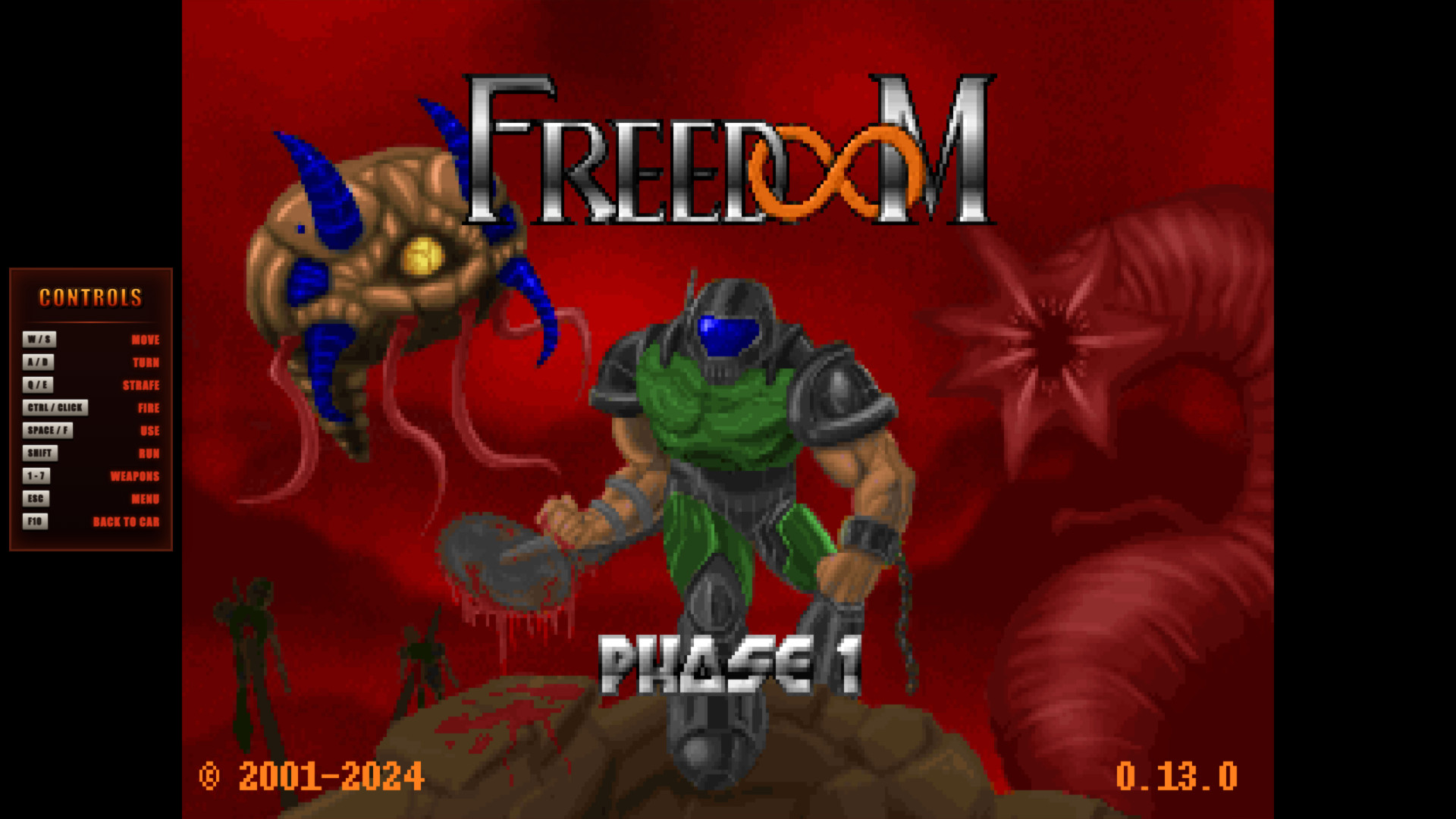
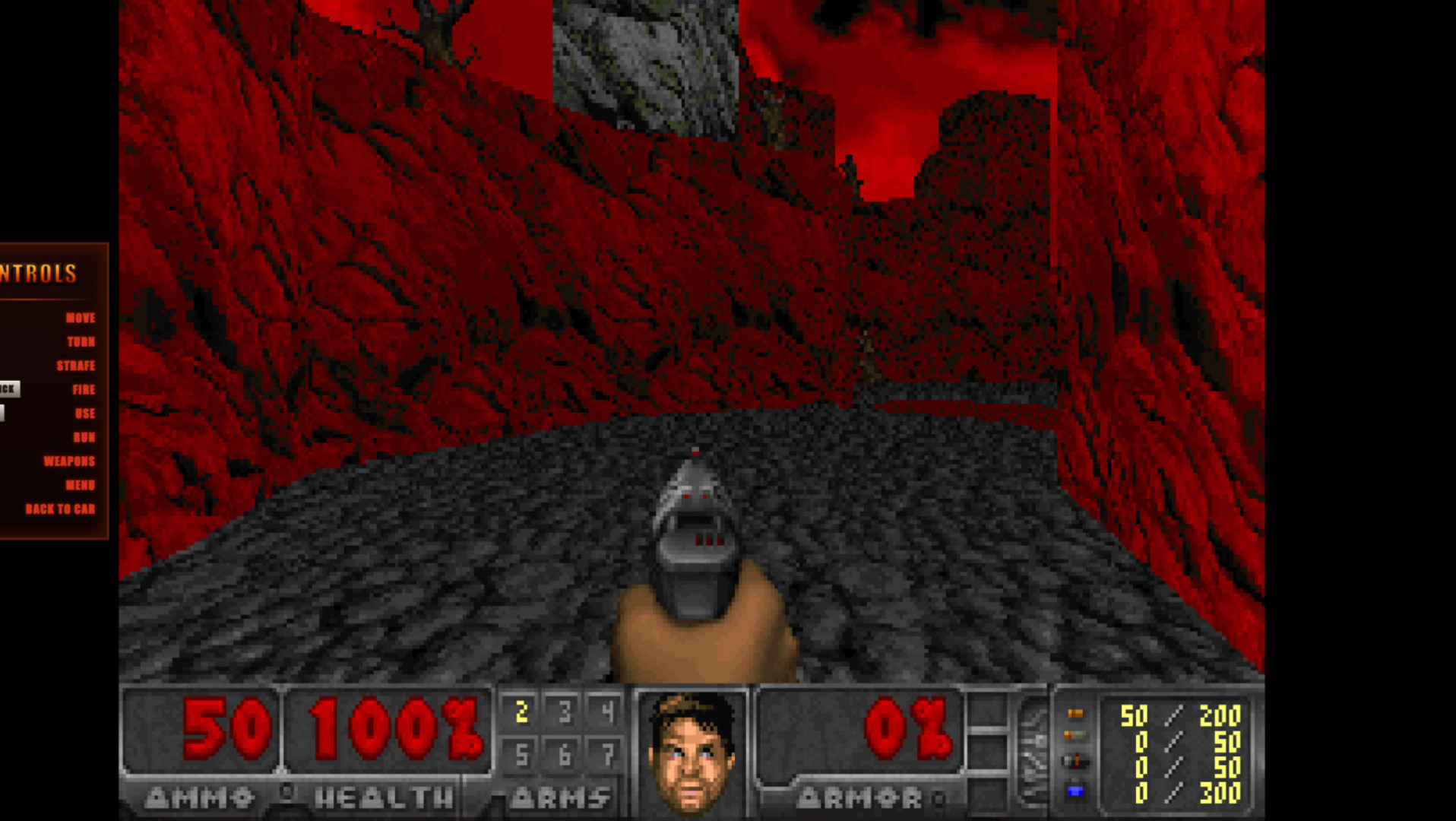
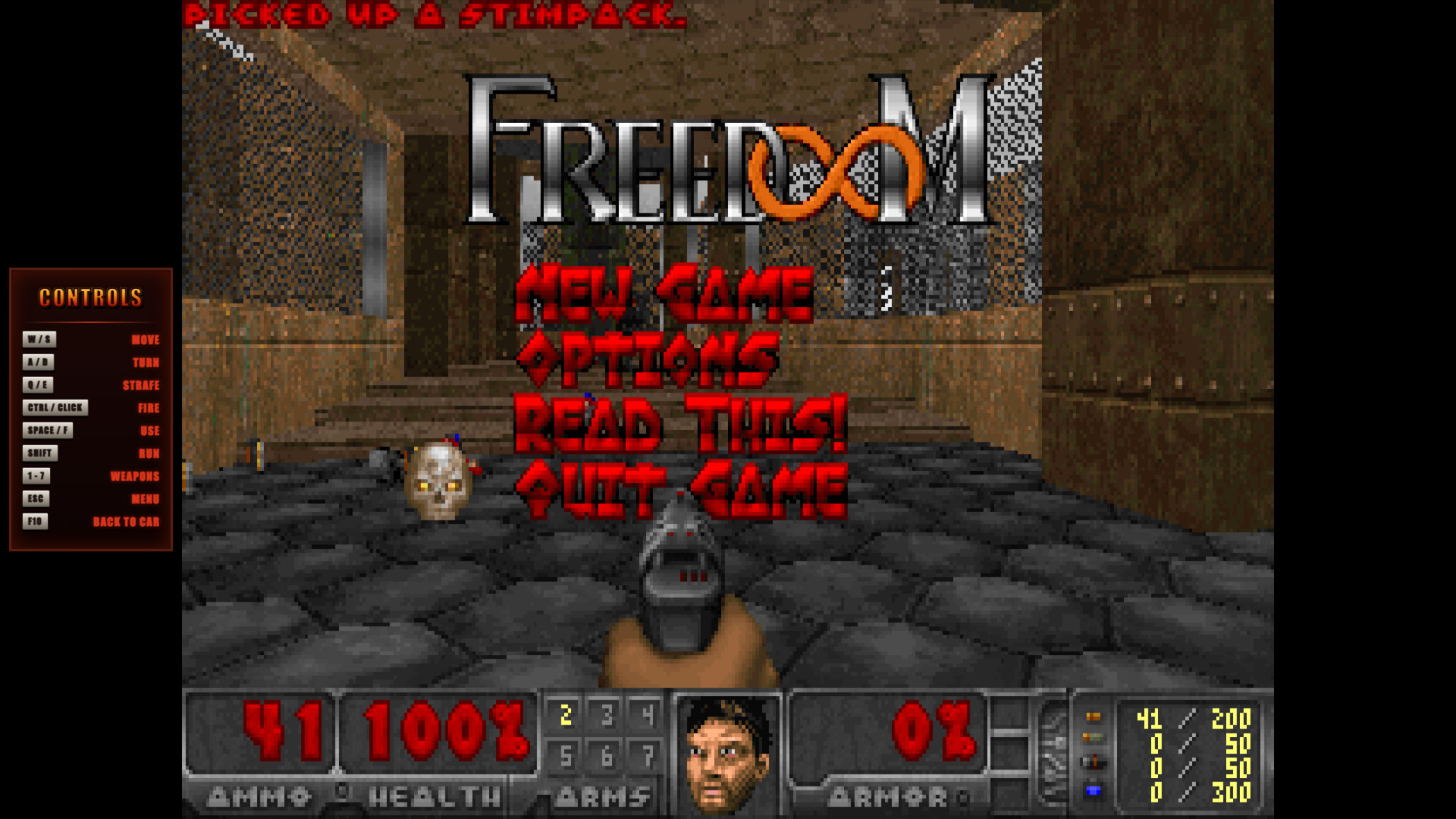
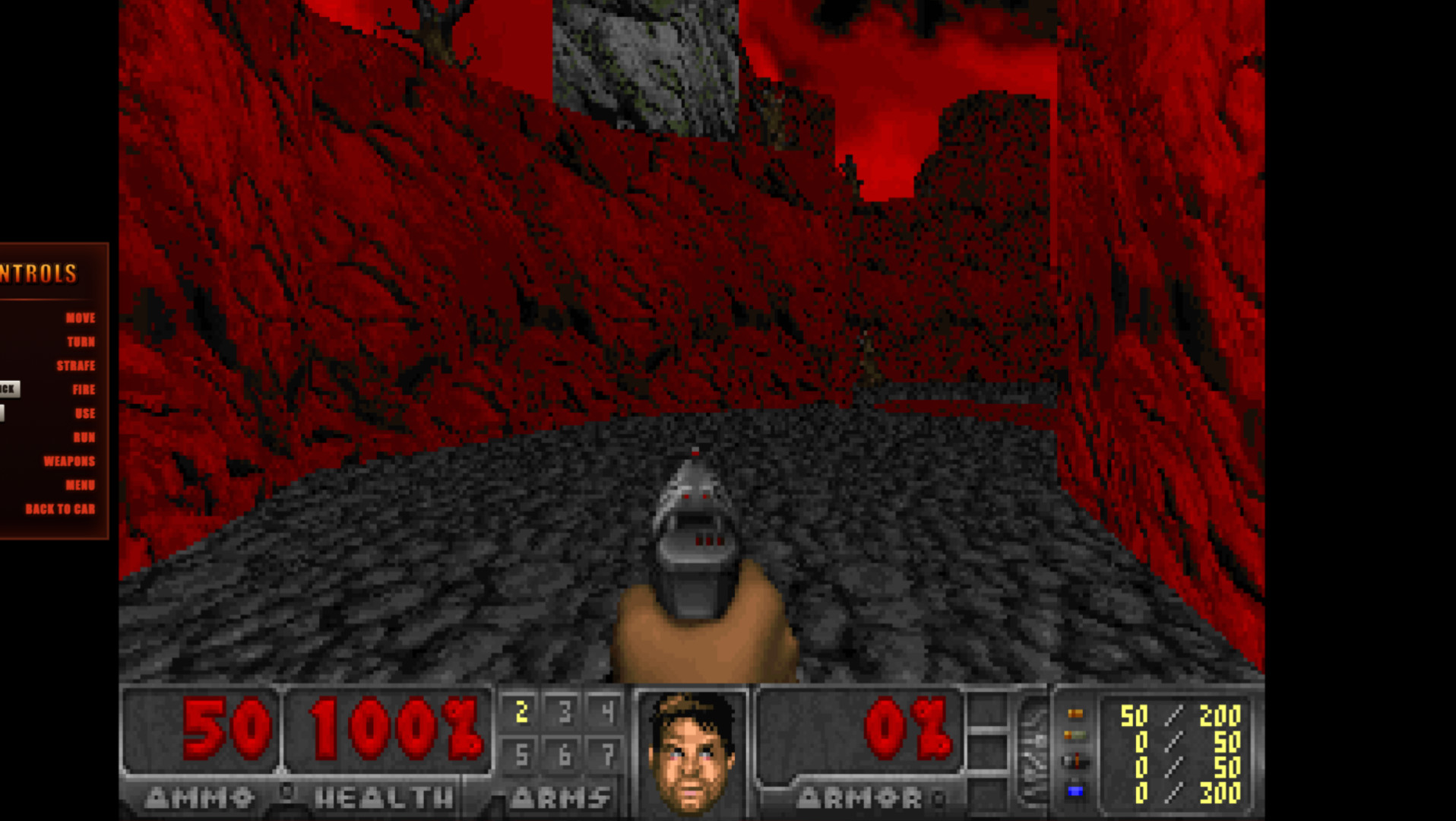
The car's screen plays a DOOM animation and the game opens after 3 seconds.
(That button no longer turns on the hazard lights; use its normal key for that.)
4. F10 takes you back to the car. Your game is kept until you close BeamNG.
While you play: the engine shuts off, the handbrake is applied and the car is muted.
When you exit with F10 everything goes back to how it was (the engine starts by itself).
TROUBLESHOOTING
---------------
- No sound: check that BeamNG has sound (the car's engine). If you switched headphones
while the game was open, restart BeamNG.
- The button does nothing: it has to be the Vivace with the standard interior, and the car must be stopped.
- To uninstall: delete DOOMNG_v0.4.0.zip from the mods folder.
if you want to donate me here is my kofi - ko-fi.com/yo1d4r
Direct Download Links
About Mod
| Latest Version | 0.40 |
| Game | BeamNG.drive |
| Category | Cars |
| Game Version | 0.40.x |
| Downloads | 16 |
| Created | 30 minutes ago |