Fluid-Simulated Afterfire 0.3.0-beta



5/5,
1
votes
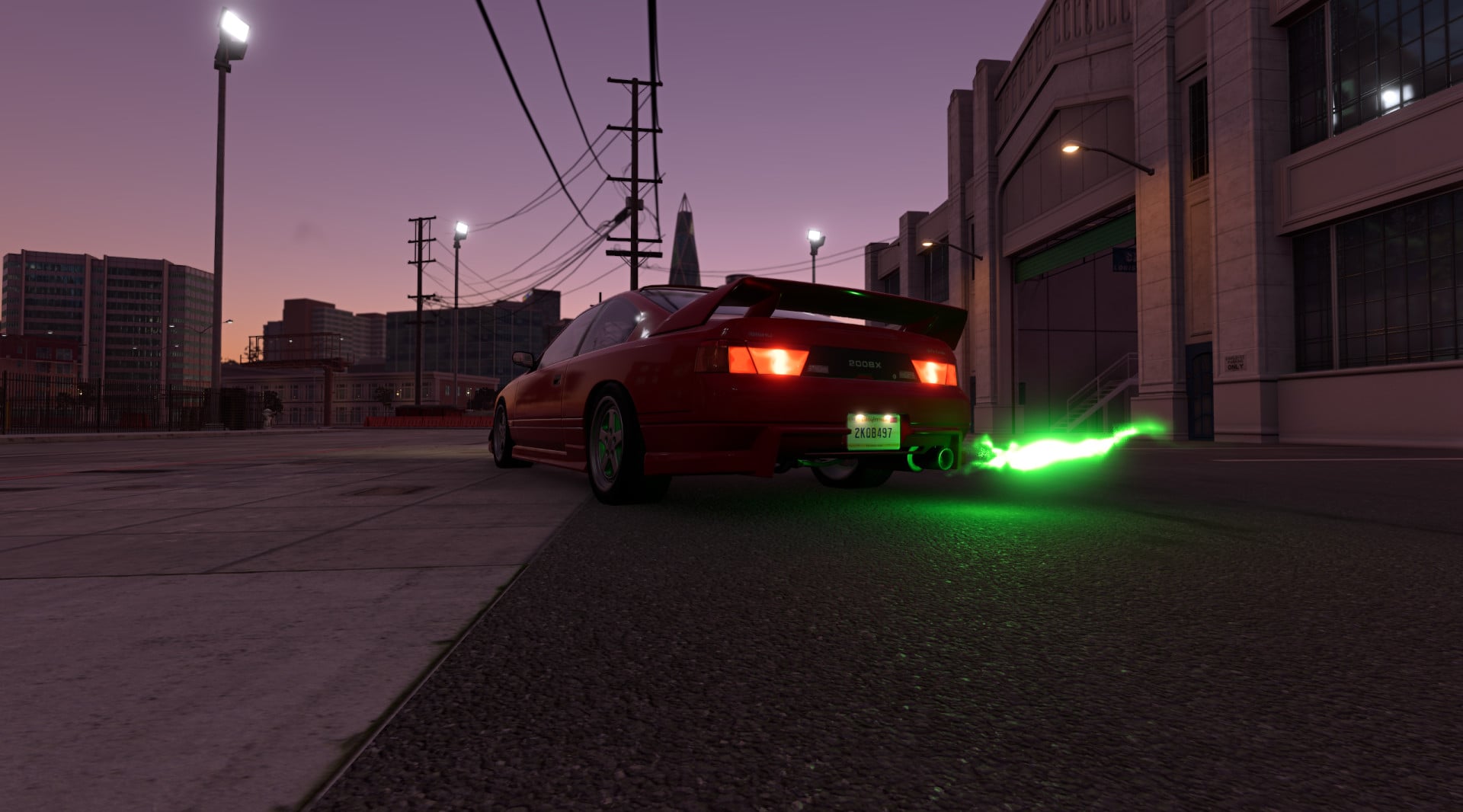
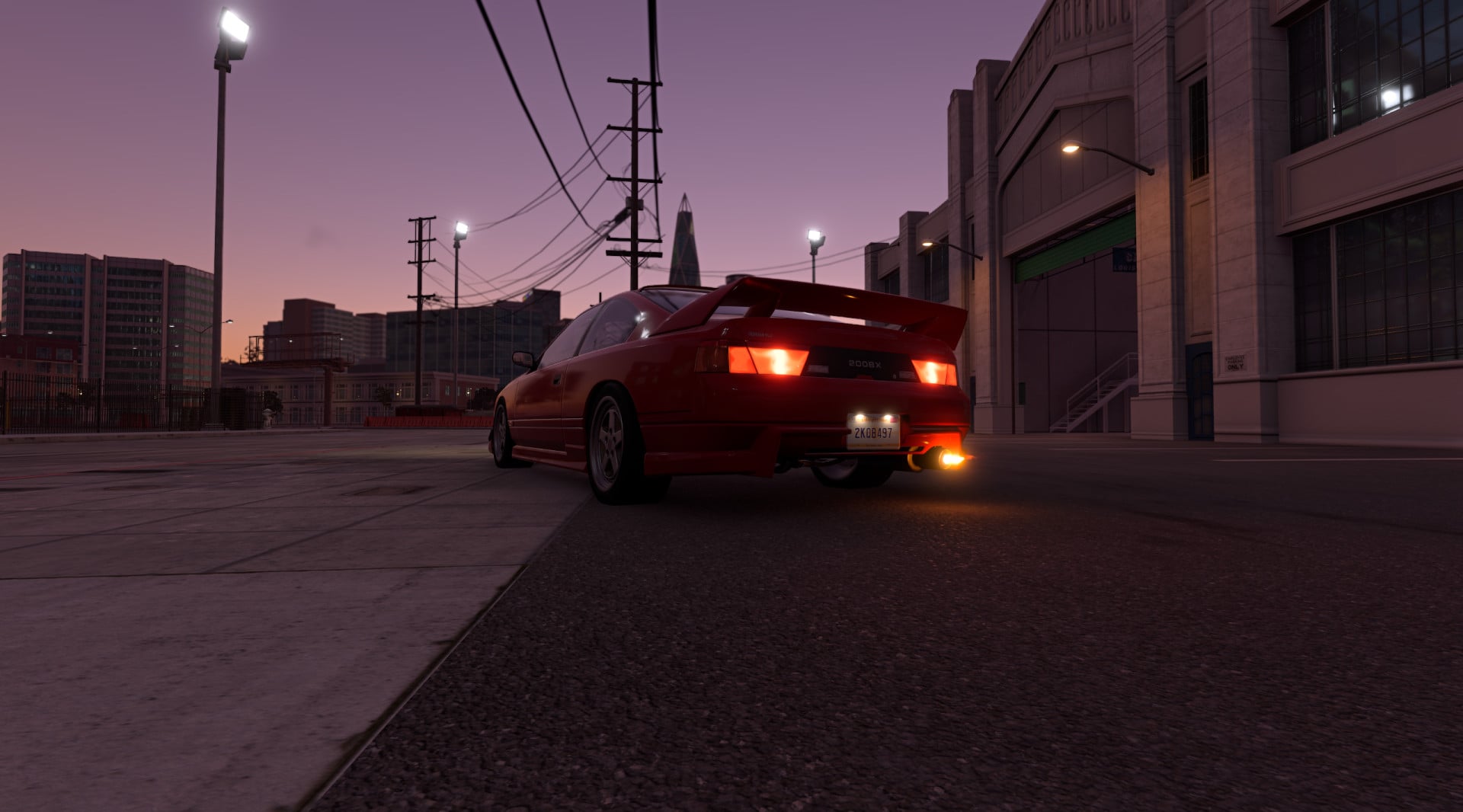
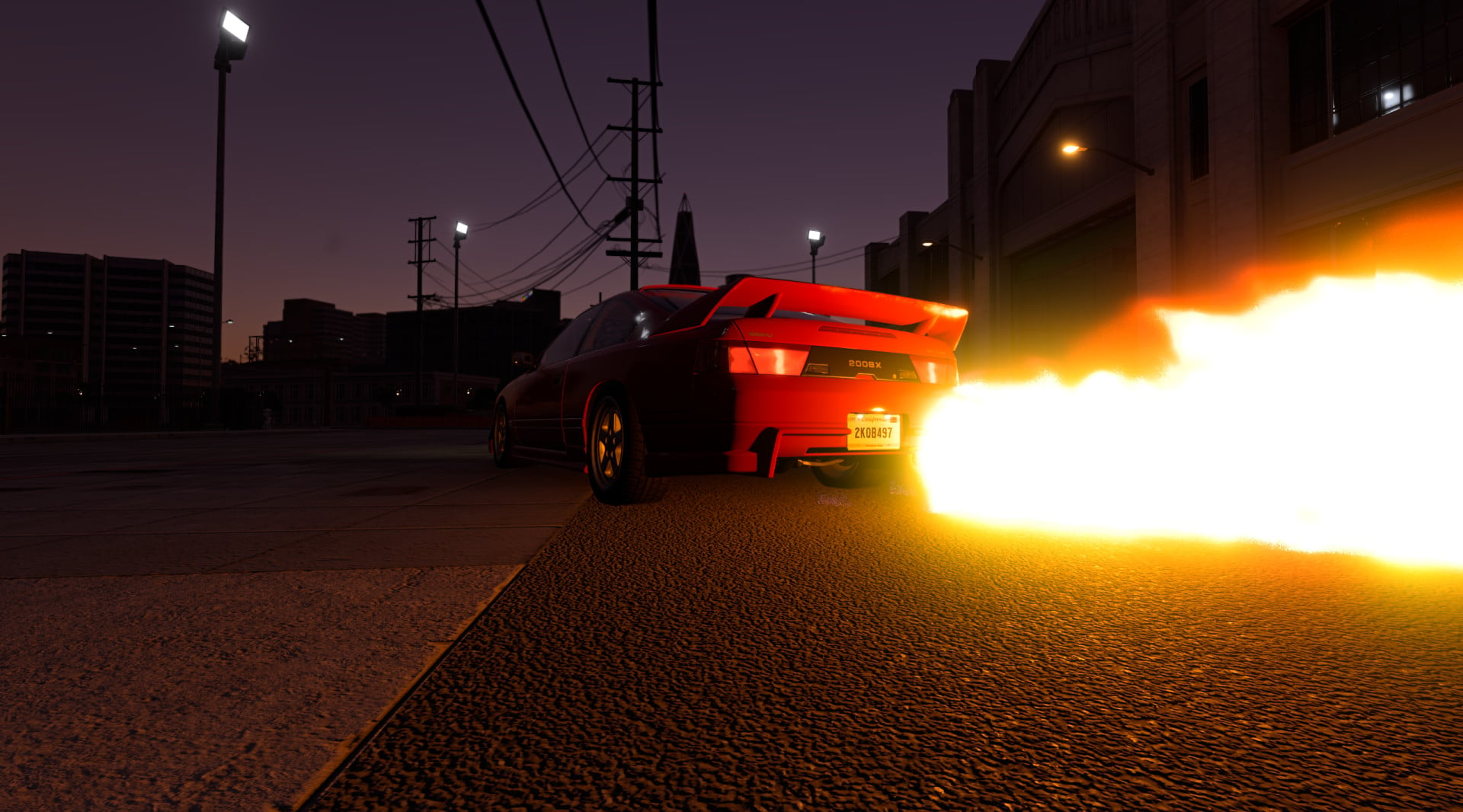
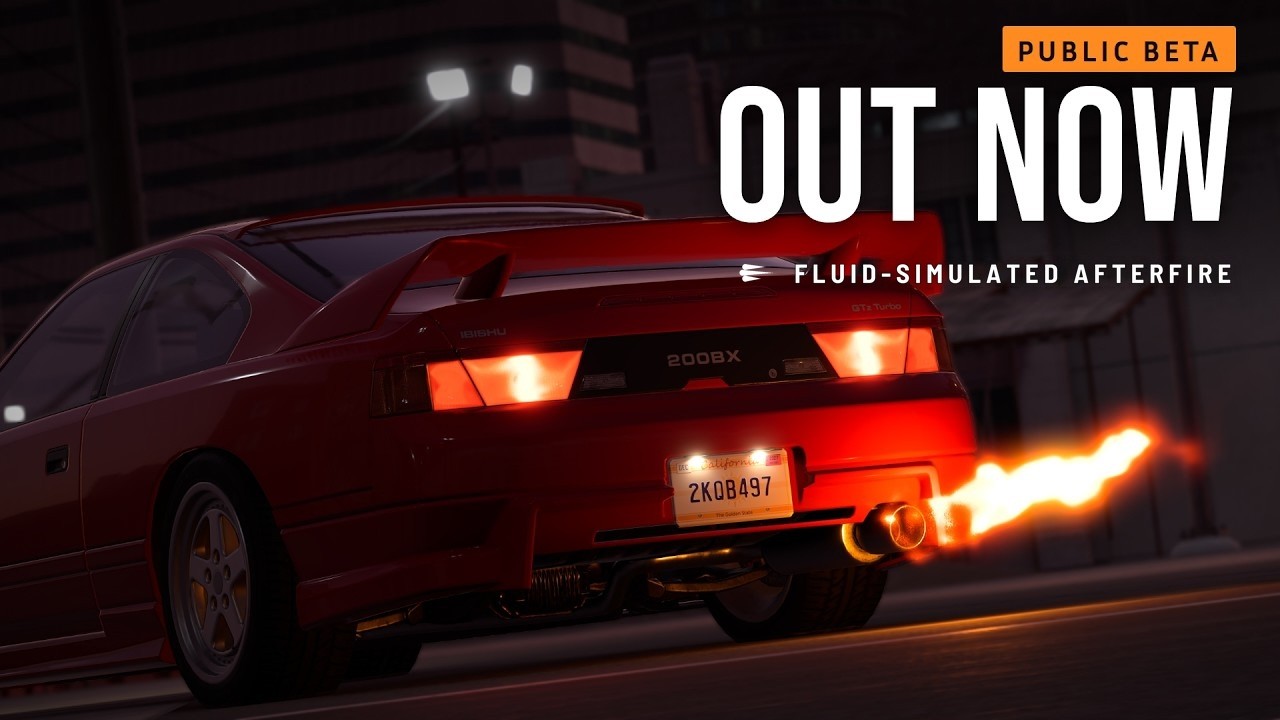
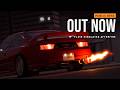
Fluid-Simulated Afterfire (beta) replaces the game's afterfire sprites with a small fluid simulation of hot gas on the GPU, so every pop and flame has its own shape, colour and motion. Its behaviour follows published research on combustion in exhaust systems, flame light and hot jets, and was tuned against footage of real cars.
Features
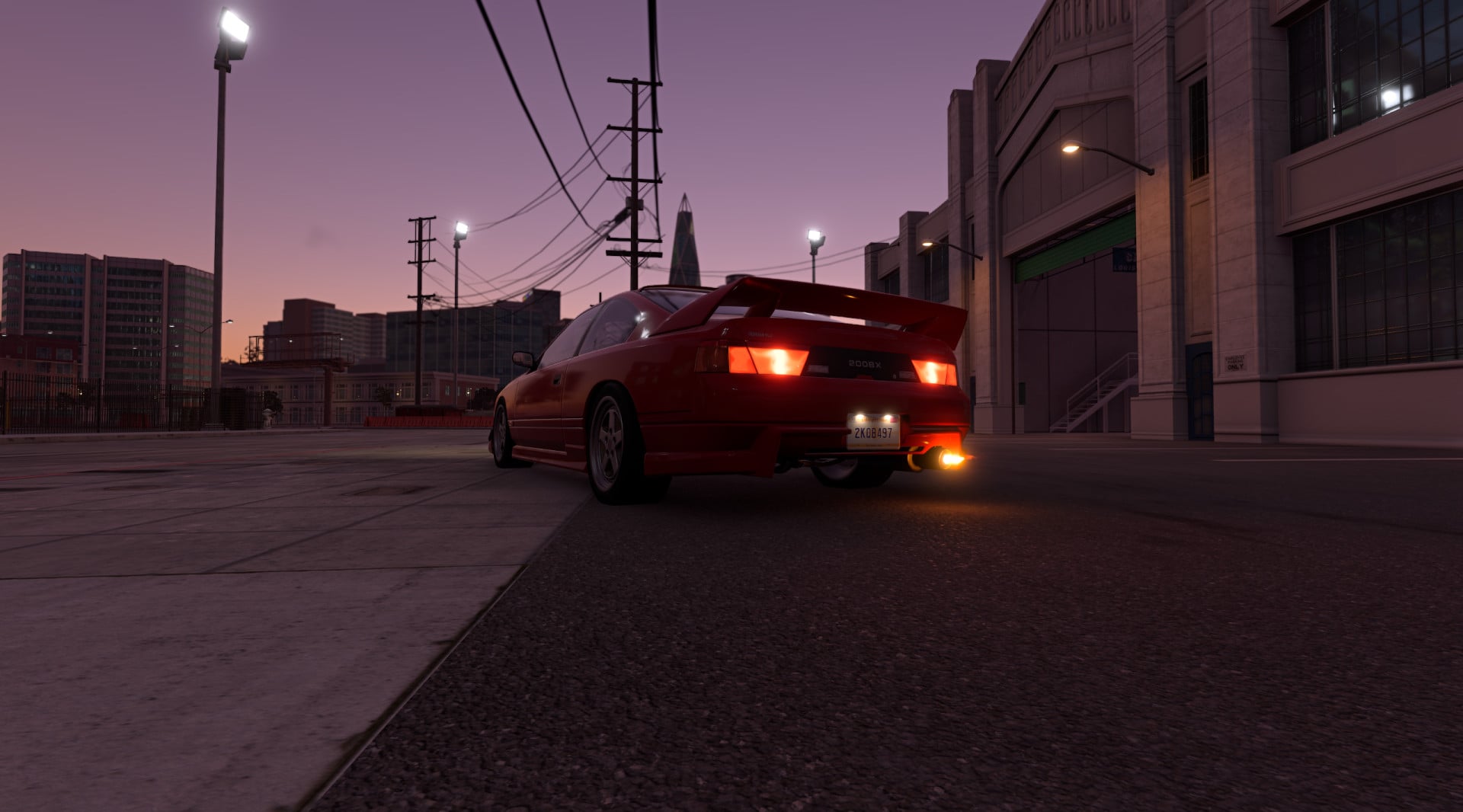
- Real-time simulation: Exhaust flames are simulated in real time; weak pops are small and bluish, while strong ones are yellow and orange.
- Dynamic behavior: Flames are swept back at speed, blown by the wind, and spread along the ground.
- Independent outlets: Dual exhausts fire independently based on the pipe configuration.
- Dynamic lighting: Flames light the road and the car at night.
- Vehicle integration: Uses the game's own engine values, meaning every car reacts differently based on its engine and exhaust.
Settings
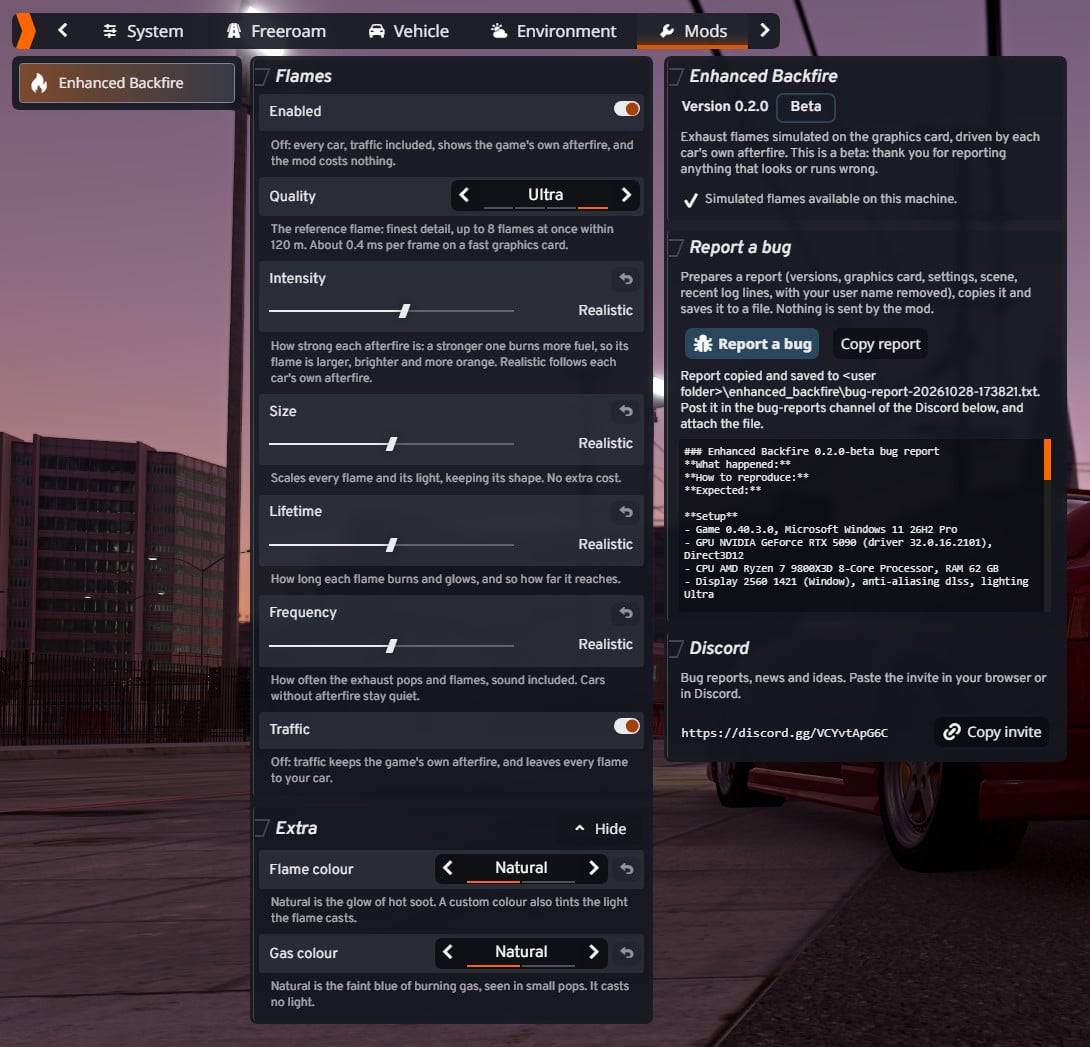
Press Esc, open the Mods tab, then Fluid-Simulated Afterfire.
- Enabled: turns the mod off.
- Quality: Low to Ultra. Ultra is the reference look.
- Intensity: Determines how large, bright, and orange the afterfire is.
- Size: Scales every flame while keeping its shape.
- Lifetime: Controls how long each flame burns and how far it reaches.
- Frequency: Adjusts how often the exhaust pops and flames, including sound.
- Traffic: Toggles flames on traffic cars.
- Extra: Allows customization of flame and gas colours.
Requirements
The DirectX 12 renderer (the game's default). On other renderers the mod stays off and the game's own afterfire is used.
Planned for later
- Simulated exhaust smoke coming out of the tailpipe.
- Collision for flames against walls, wheels, and other cars.
Credits
raellka
Features
- Real-time simulation: Exhaust flames are simulated in real time; weak pops are small and bluish, while strong ones are yellow and orange.
- Dynamic behavior: Flames are swept back at speed, blown by the wind, and spread along the ground.
- Independent outlets: Dual exhausts fire independently based on the pipe configuration.
- Dynamic lighting: Flames light the road and the car at night.
- Vehicle integration: Uses the game's own engine values, meaning every car reacts differently based on its engine and exhaust.
Settings
Press Esc, open the Mods tab, then Fluid-Simulated Afterfire.
- Enabled: turns the mod off.
- Quality: Low to Ultra. Ultra is the reference look.
- Intensity: Determines how large, bright, and orange the afterfire is.
- Size: Scales every flame while keeping its shape.
- Lifetime: Controls how long each flame burns and how far it reaches.
- Frequency: Adjusts how often the exhaust pops and flames, including sound.
- Traffic: Toggles flames on traffic cars.
- Extra: Allows customization of flame and gas colours.
Requirements
The DirectX 12 renderer (the game's default). On other renderers the mod stays off and the game's own afterfire is used.
Planned for later
- Simulated exhaust smoke coming out of the tailpipe.
- Collision for flames against walls, wheels, and other cars.
Credits
raellka
Videos
Direct Download Links
About Mod
| Latest Version | 0.3.0-beta |
| Game | BeamNG.drive |
| Category | Other |
| Game Version | 0.40.x |
| Downloads | 483 |
| Created | 1 day ago |

Does this work in Beammp?
badass mod