Local Split-Screen 1.32

![Ford Bronco [PACK]](https://temp2.modland.net/i/6abb8bc6ce51c/0_modland.webp)
5/5,
2
votes
Updates
latest
Version
1.32
· Changelog V1.32 -
· BeamNG.drive
0.39.x
1 month ago
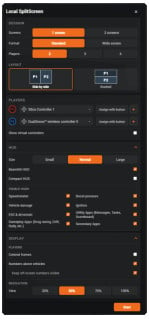
- Added a new Wheel Setup mode: Player 1 gets a dedicated screen while up to four additional players share the second screen.
- Expanded multiplayer vehicle audio.
- Improved controller assignment, reconnection and missing-device handling.
- Fixed other players losing their controls when someone exits a vehicle.
- Expanded multiplayer vehicle audio.
- Improved controller assignment, reconnection and missing-device handling.
- Fixed other players losing their controls when someone exits a vehicle.
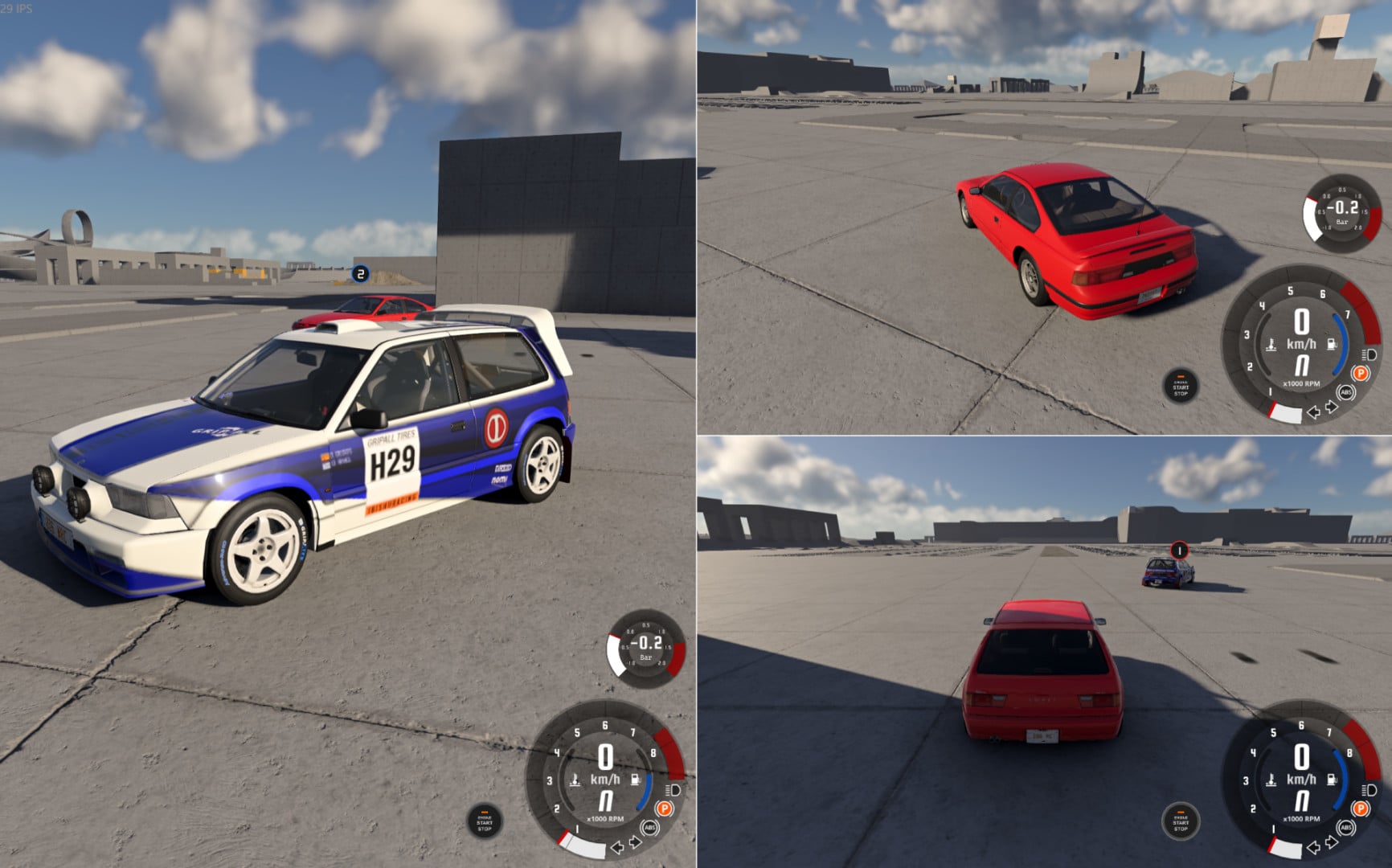
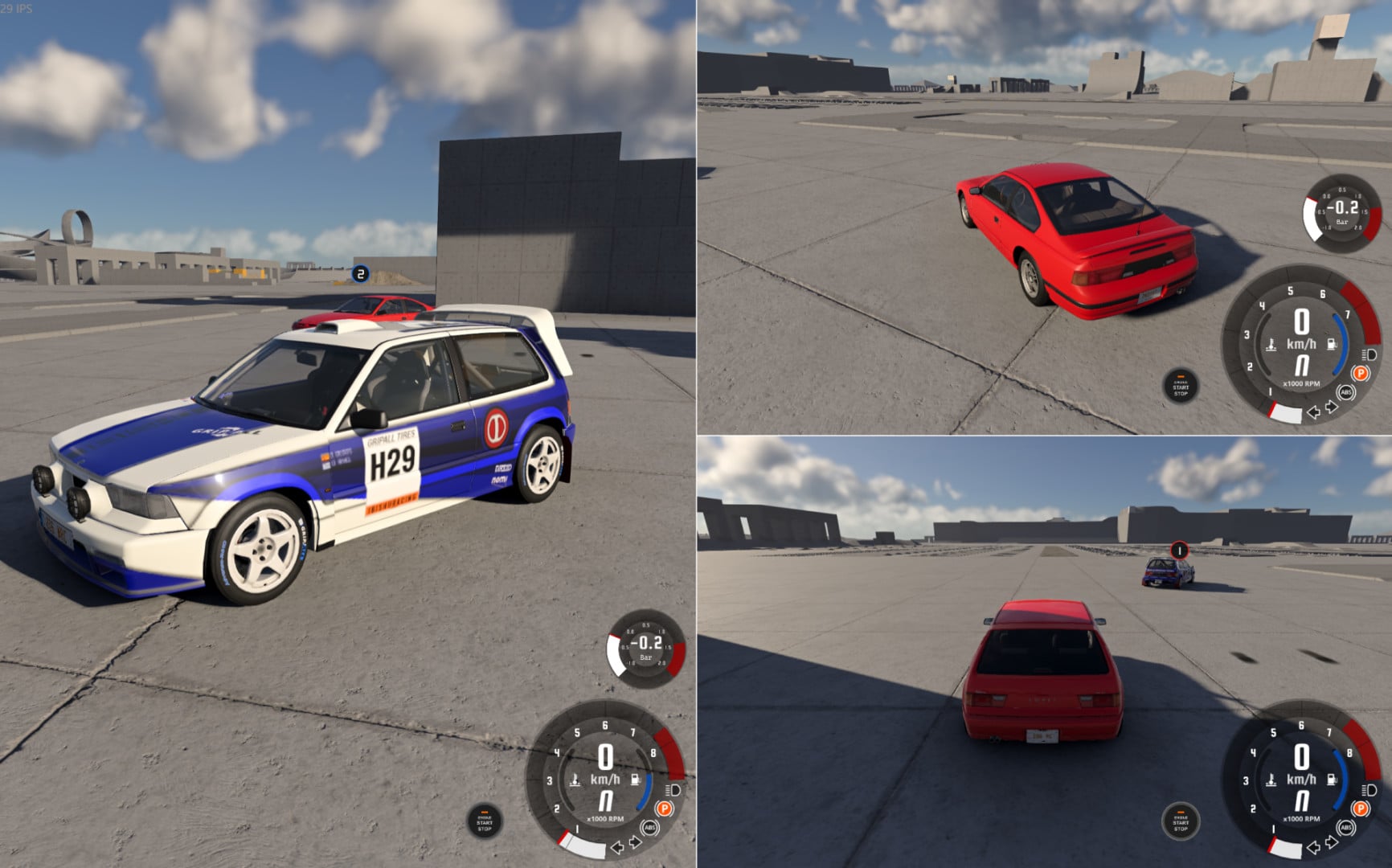
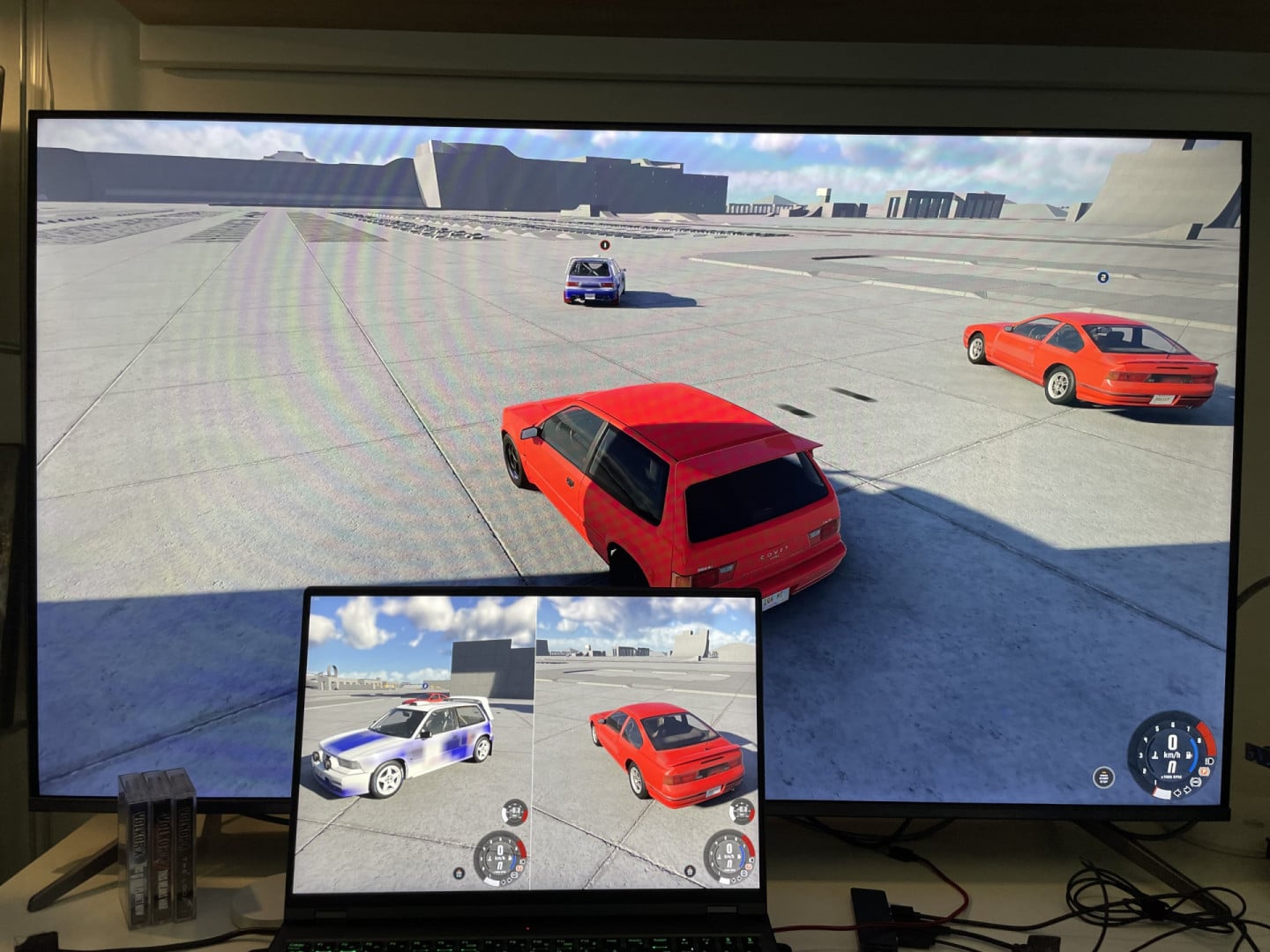
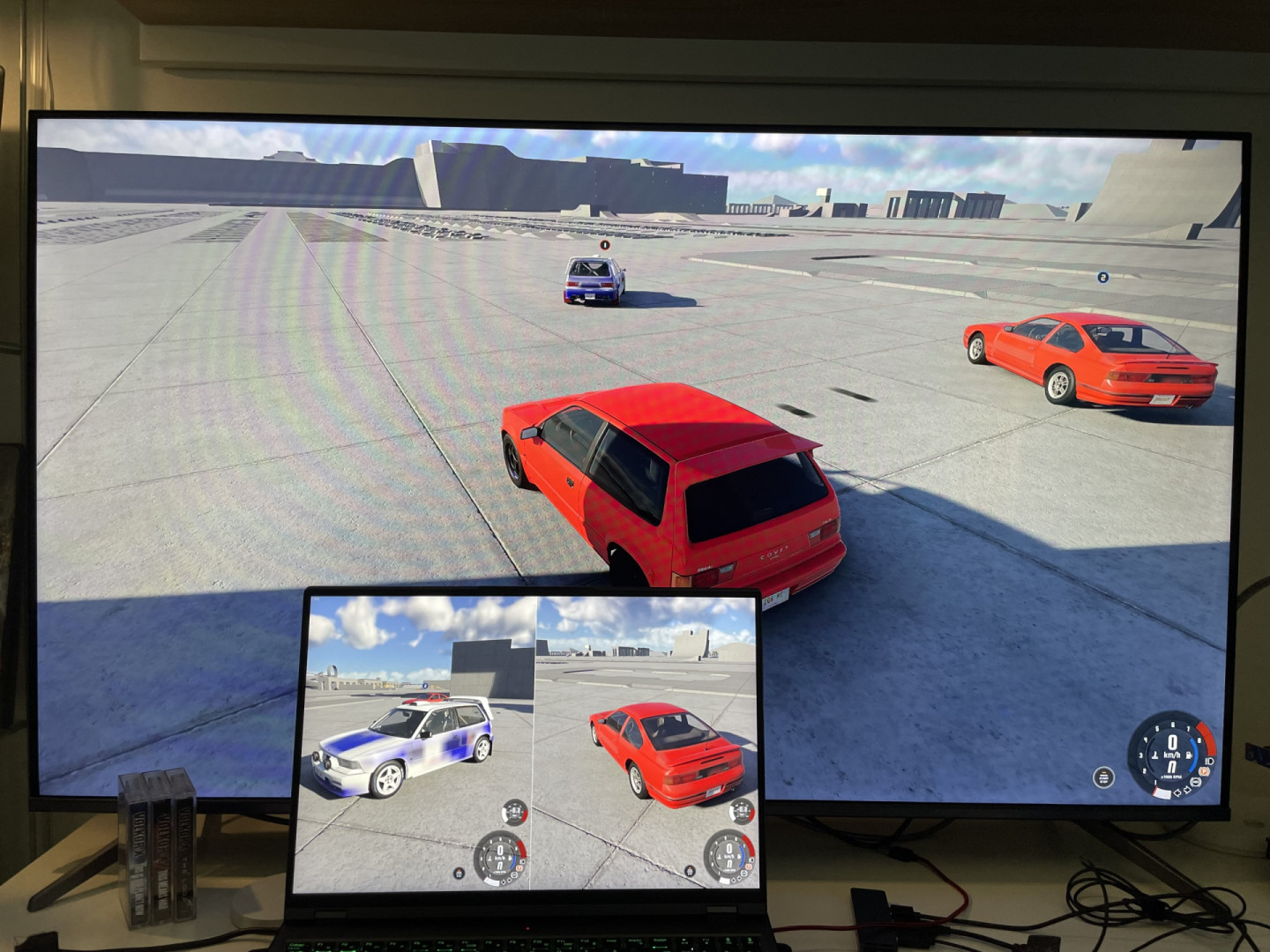
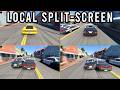
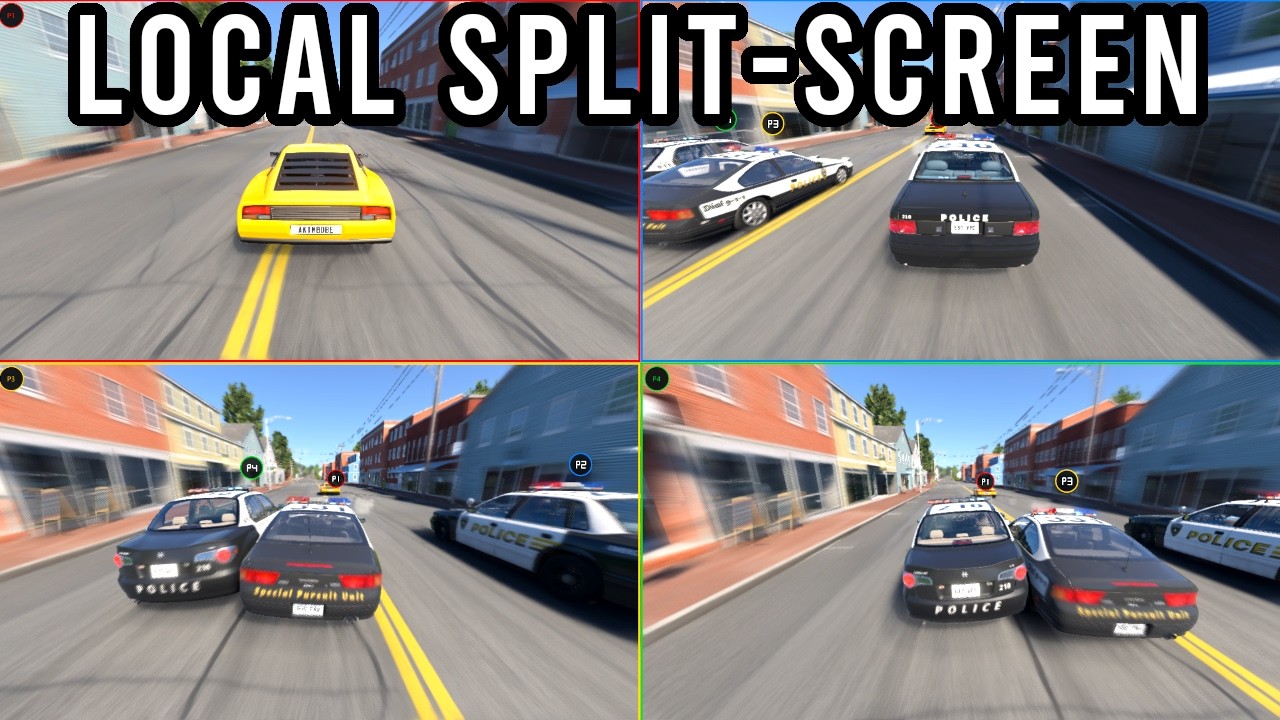
Play BeamNG together on one PC with up to 8 local players. Local Split-Screen adds local multiplayer directly to BeamNG, inside a single game instance. Each player gets their own vehicle, camera, controls and HUD while sharing the same world. (Freeroam only)
Race, drift, explore or simply crash together on the same screen!
Features
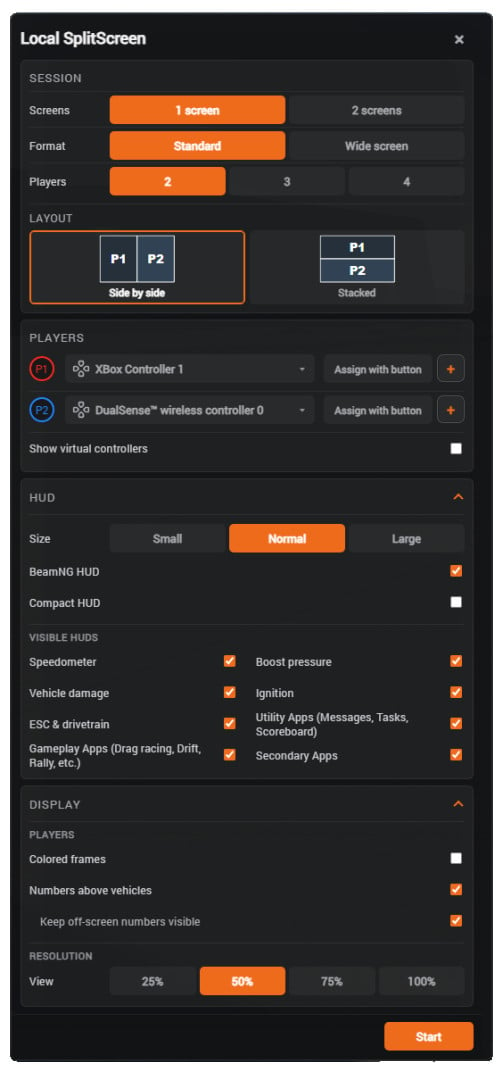
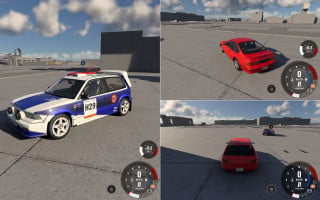
- 2–4 players on one screen.
- Up to 8 players with two screens.
- HUD with key features.
- Quick start with F9.
- Mod settings with F6.
- Separate keyboard/steering wheel/gamepad controls.
- Standard and large screen layouts compatible.
- Automatic split-screen layouts (customizable).
- Independent resolution settings for each screen.
- Optional colored player borders.
- Optional player numbers above vehicles.
- Compatible with most gameplay features: BigMap, Walking mode, boost, force, and more.
- Auto vehicle replacement for each player.
- Controller disconnected detection.
- Compatible with the Beamng mod Enhanced PS5 DualSense Haptics.
Performance
Unlike multi-instance split-screen solutions, all players run inside a single BeamNG process and share the same world and simulation. This significantly reduces the overhead of running multiple complete game instances. Performance will still depend on the number of players, vehicles, map and graphics settings. With 2 or 3 players, you will maintain your original performance.
Experimental
This is an early release. Bugs, visual issues and crashes may occur.
Current limitations of BeamNG:
- Some BeamNG menus can temporarily affect the split-screen presentation.
- HDR is temporarily disabled while split-screen is active.
- The per-player HUDs use BeamNG's original visual assets with adapted data routing and rendering.
- Audio is mainly based around Player 1; non-spatialized sound can have a filtering or tunneling effect.
- Using two FFBs is supported, but version 0.39 currently has a bug that crashes BeamNG.
- Headlight malfunction at night.
Installation Instructions
1. Install and enable the mod, then restart BeamNG.
2. Load a Freeroam map.
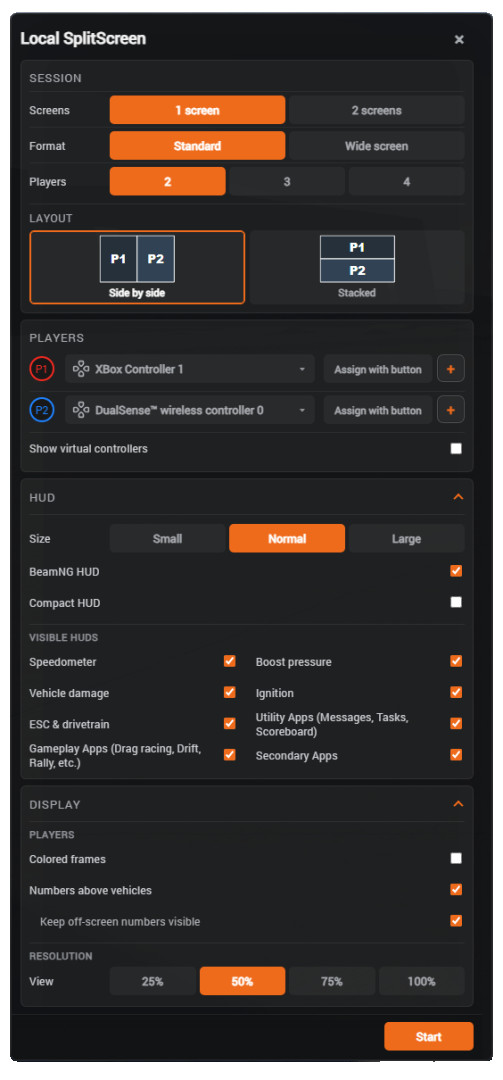
3. Press F6 or go through Pause > Mods > Split-Screen.
4. You can also use F9 as a quick start.
5. Assign your screen layout, numbers of players and a different input device to each player.
6. Press Start and wait a few seconds.
7. Use F6 > Stop or F9 to return to normal gameplay or exit the current level.
Credits
ragnarok179
Race, drift, explore or simply crash together on the same screen!
Features
- 2–4 players on one screen.
- Up to 8 players with two screens.
- HUD with key features.
- Quick start with F9.
- Mod settings with F6.
- Separate keyboard/steering wheel/gamepad controls.
- Standard and large screen layouts compatible.
- Automatic split-screen layouts (customizable).
- Independent resolution settings for each screen.
- Optional colored player borders.
- Optional player numbers above vehicles.
- Compatible with most gameplay features: BigMap, Walking mode, boost, force, and more.
- Auto vehicle replacement for each player.
- Controller disconnected detection.
- Compatible with the Beamng mod Enhanced PS5 DualSense Haptics.
Performance
Unlike multi-instance split-screen solutions, all players run inside a single BeamNG process and share the same world and simulation. This significantly reduces the overhead of running multiple complete game instances. Performance will still depend on the number of players, vehicles, map and graphics settings. With 2 or 3 players, you will maintain your original performance.
Experimental
This is an early release. Bugs, visual issues and crashes may occur.
Current limitations of BeamNG:
- Some BeamNG menus can temporarily affect the split-screen presentation.
- HDR is temporarily disabled while split-screen is active.
- The per-player HUDs use BeamNG's original visual assets with adapted data routing and rendering.
- Audio is mainly based around Player 1; non-spatialized sound can have a filtering or tunneling effect.
- Using two FFBs is supported, but version 0.39 currently has a bug that crashes BeamNG.
- Headlight malfunction at night.
Installation Instructions
1. Install and enable the mod, then restart BeamNG.
2. Load a Freeroam map.
3. Press F6 or go through Pause > Mods > Split-Screen.
4. You can also use F9 as a quick start.
5. Assign your screen layout, numbers of players and a different input device to each player.
6. Press Start and wait a few seconds.
7. Use F6 > Stop or F9 to return to normal gameplay or exit the current level.
Credits
ragnarok179
Videos
Direct Download Links
latest
Version
1.32
· BeamNG.drive
0.39.x
1 month ago
Game Versions:
0.39.x
LocalSplitScreen_modland.zip
direct download
· 6.86 MB
· added 1 month ago
This File is Scanned by Antivirus and is Safe.
More Details
About Mod
| Latest Version | 1.32 |
| Game | BeamNG.drive |
| Category | Other |
| Game Version | 0.39.x |
| Downloads | 780 |
| Created | 1 month ago |
| Last Updated | 1 month ago |
| Last Virus Scan |
0/93
More Details |
Download Latest Version
Version: 1.32Updated: 1 month ago
Total Size: 6.86 MB
LocalSplitScreen_modland.zip
direct download
· 6.86 MB
· added 1 month ago
This File is Scanned by Antivirus and is Safe.
More Details
![Ford Bronco [PACK]](https://temp2.modland.net/i/6abb8bc6ce51c/0_modland.jpg)
i needed something like this, only problem I had was my mouse kept disappearing i tried alot of things and i think it might just be a bug but great mod otherwise
the best mod ever bro
Yay i can finaly play with my friends on beamng!