NLR WestCoast Drive-In Theater (Must Use Companion tab in mod until next update) Free Version


0/5,
0
votes
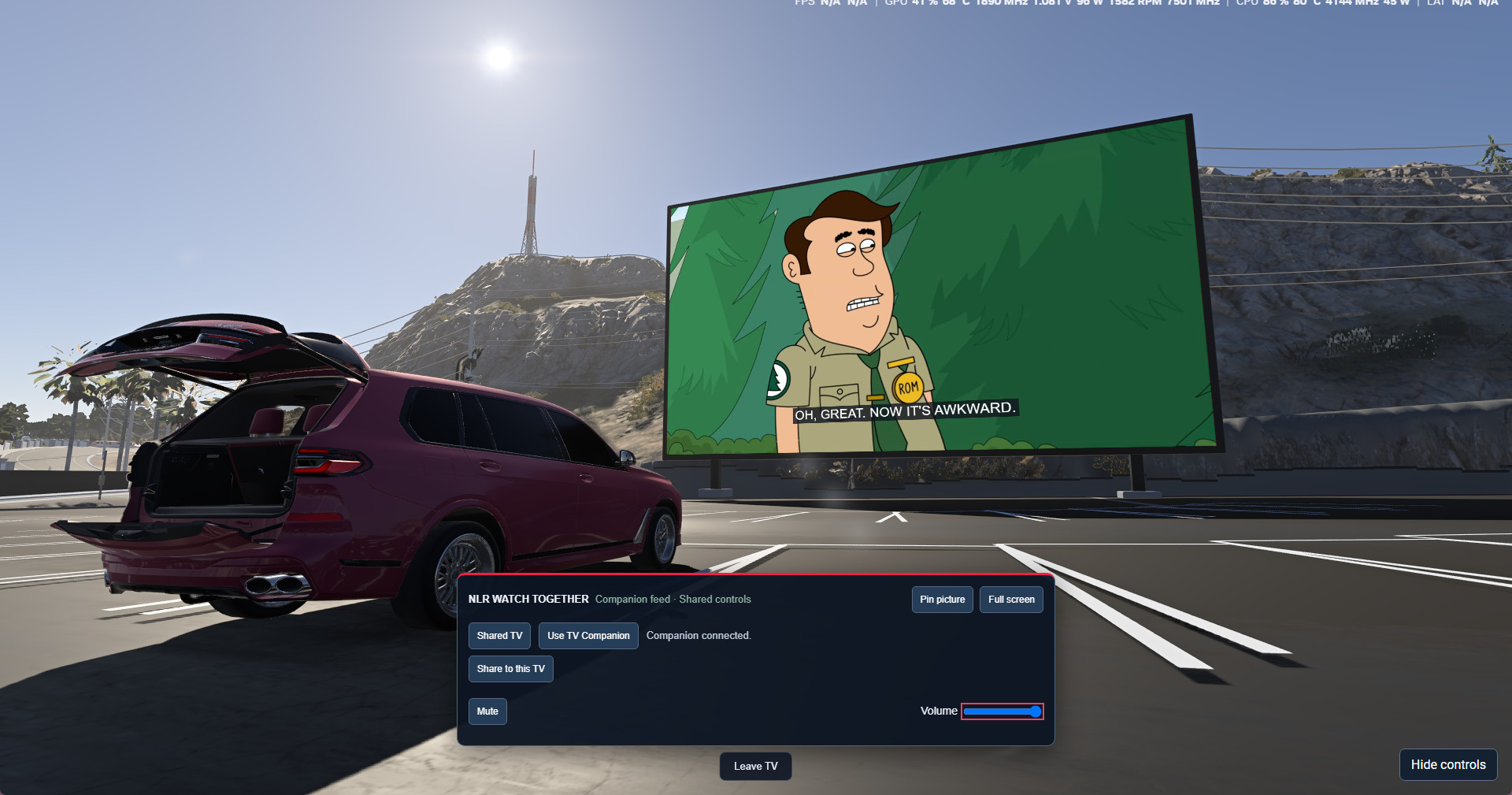
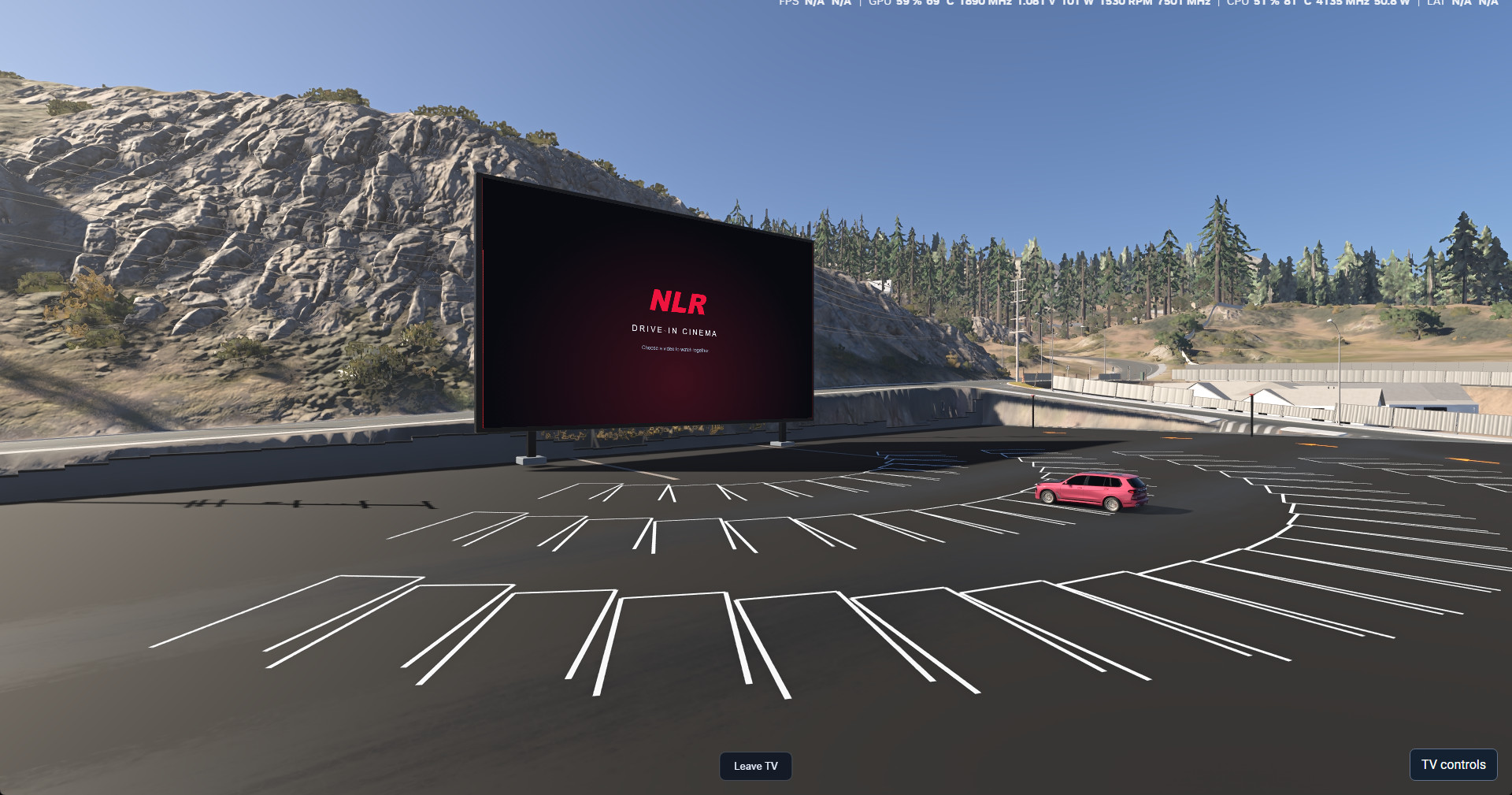
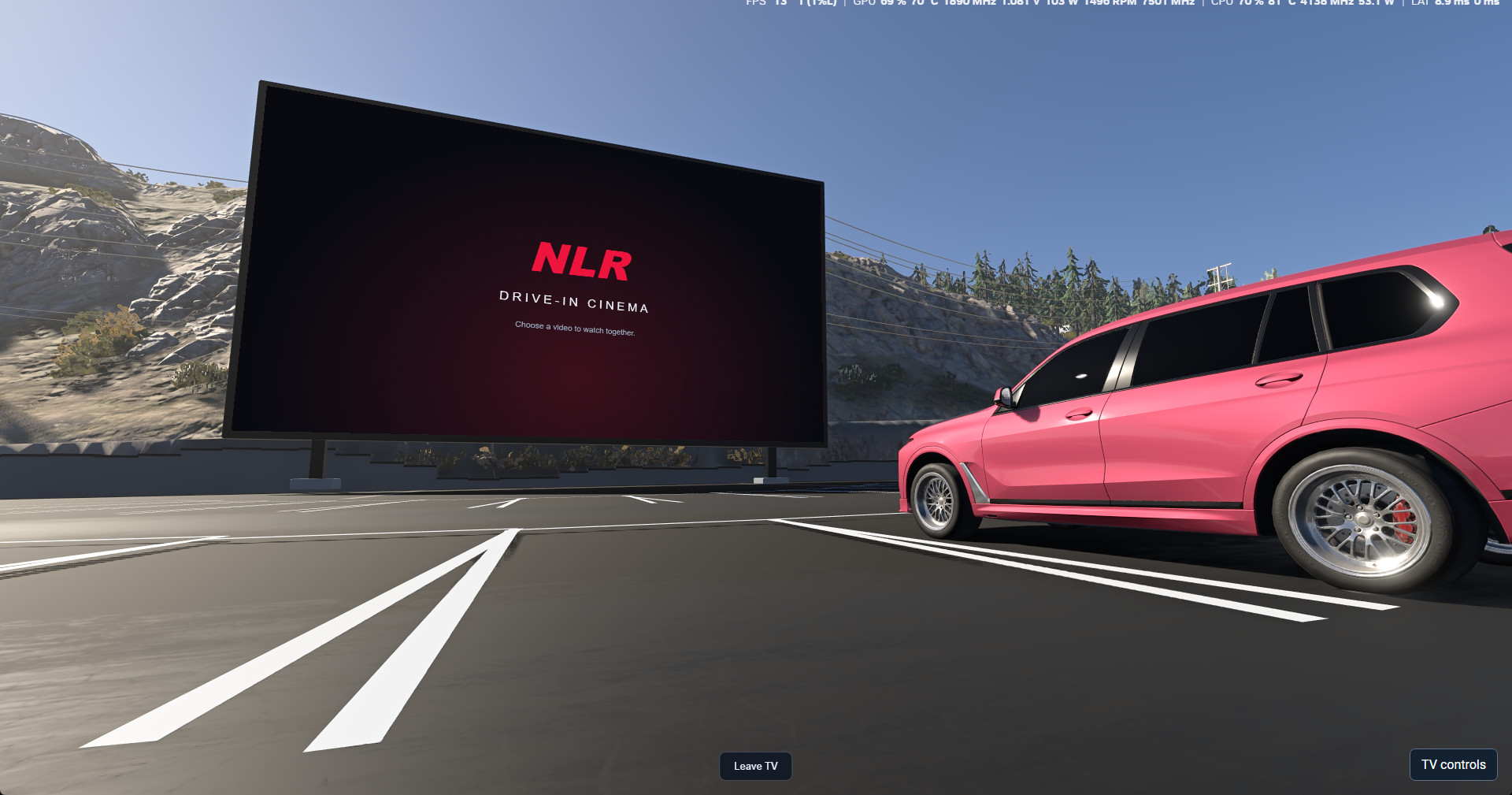
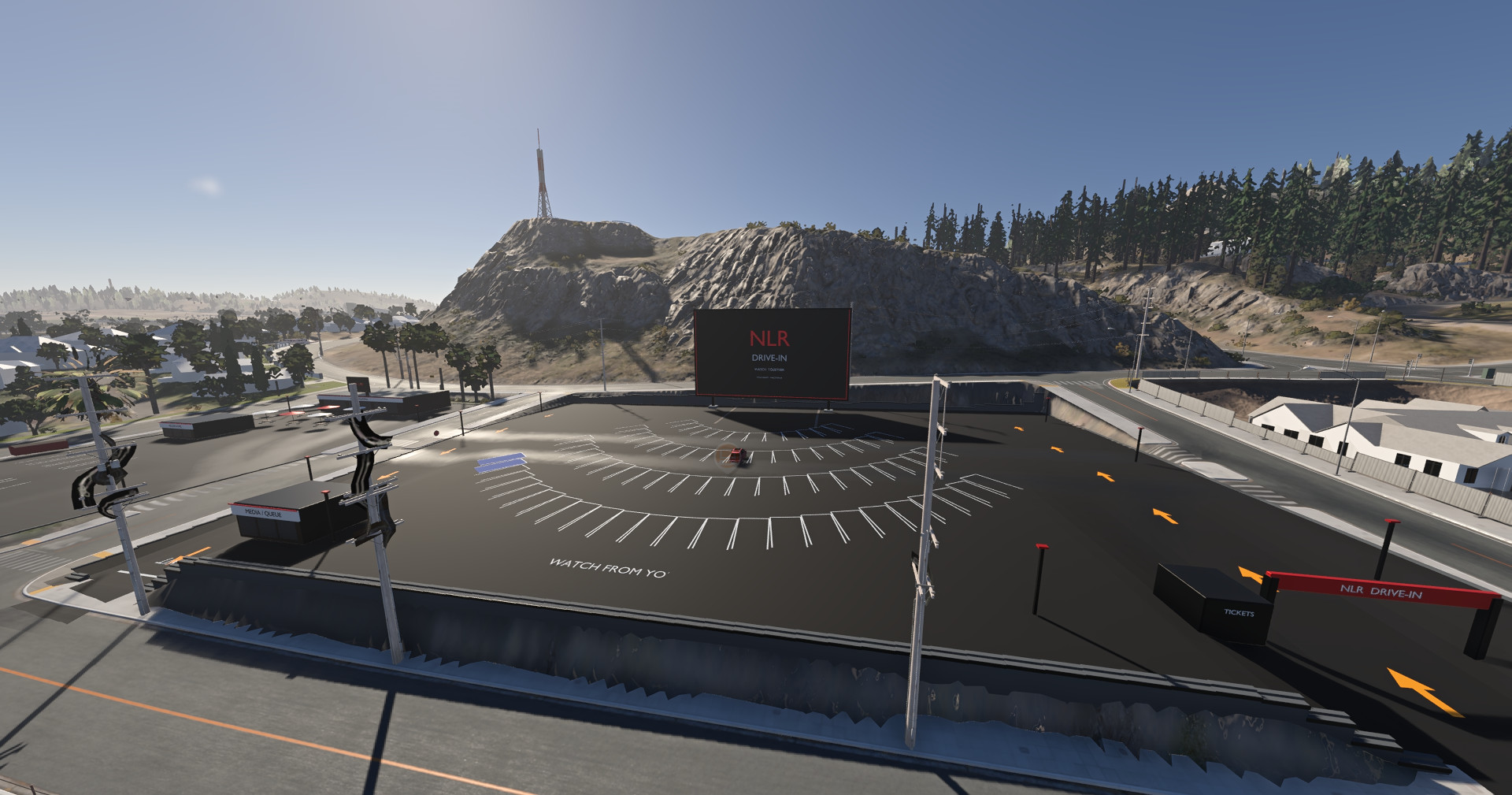
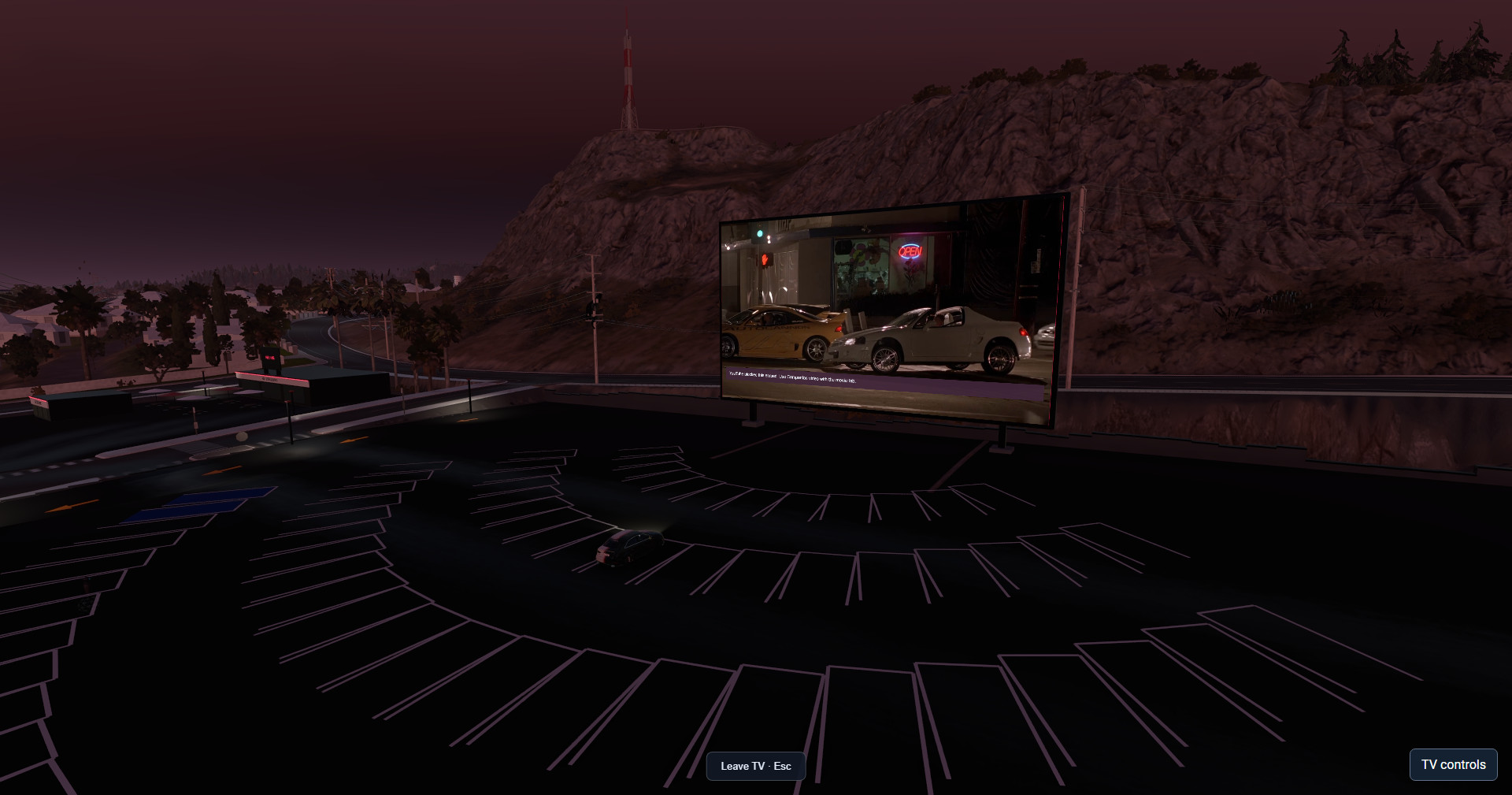
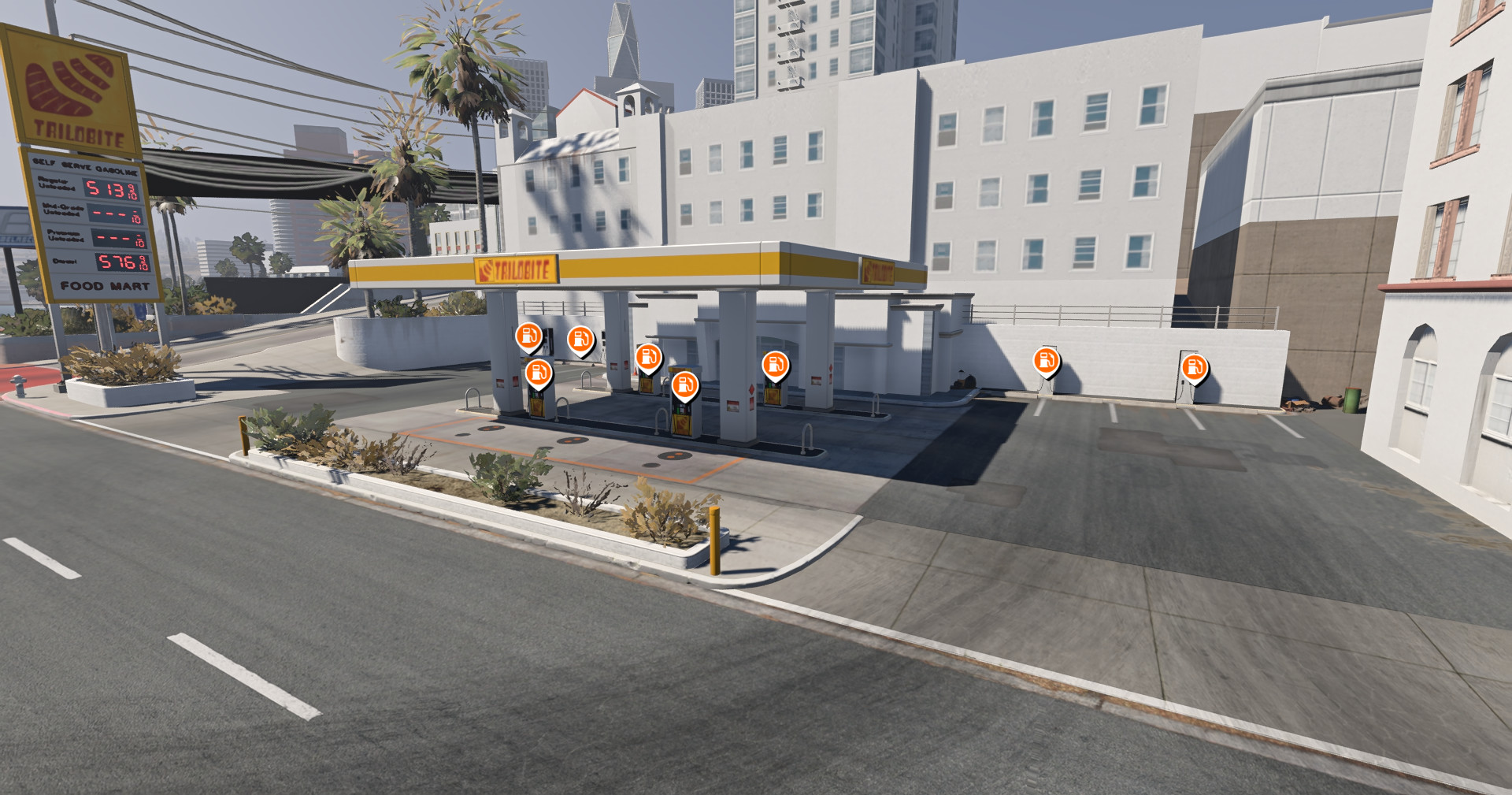
NLR WestCoast Houses & Drive-In | Free Version Release for BeamMP and BeamNG.drive 0.40Pull into the Drive-In with friends, park facing the big screen, and start a Watch Party right inside BeamNG. To my knowledge, NLR Houses & Drive-In is the first BeamMP map mod to bring synchronized live browser-tab sharing to an in-world drive-in cinema.
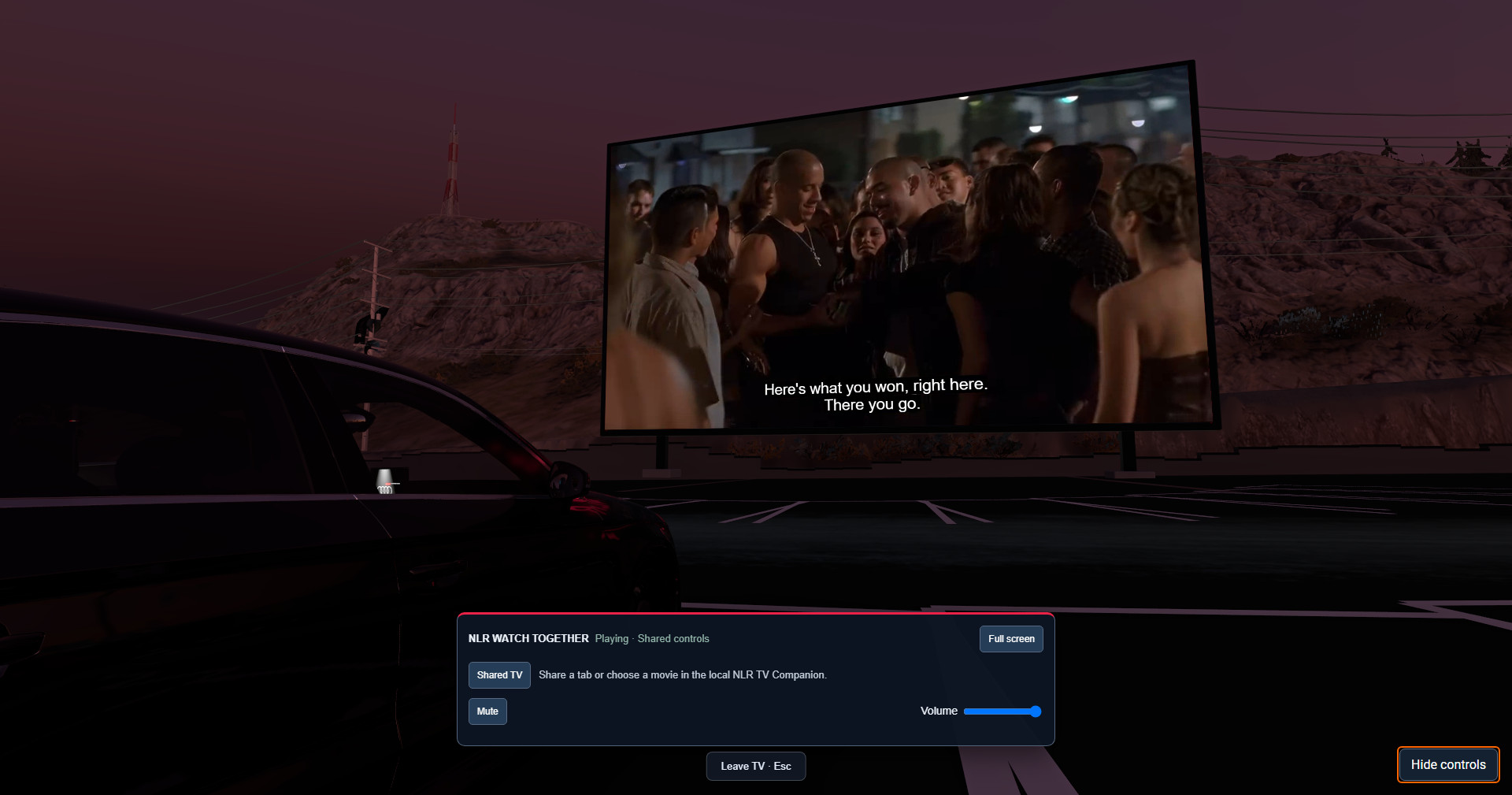
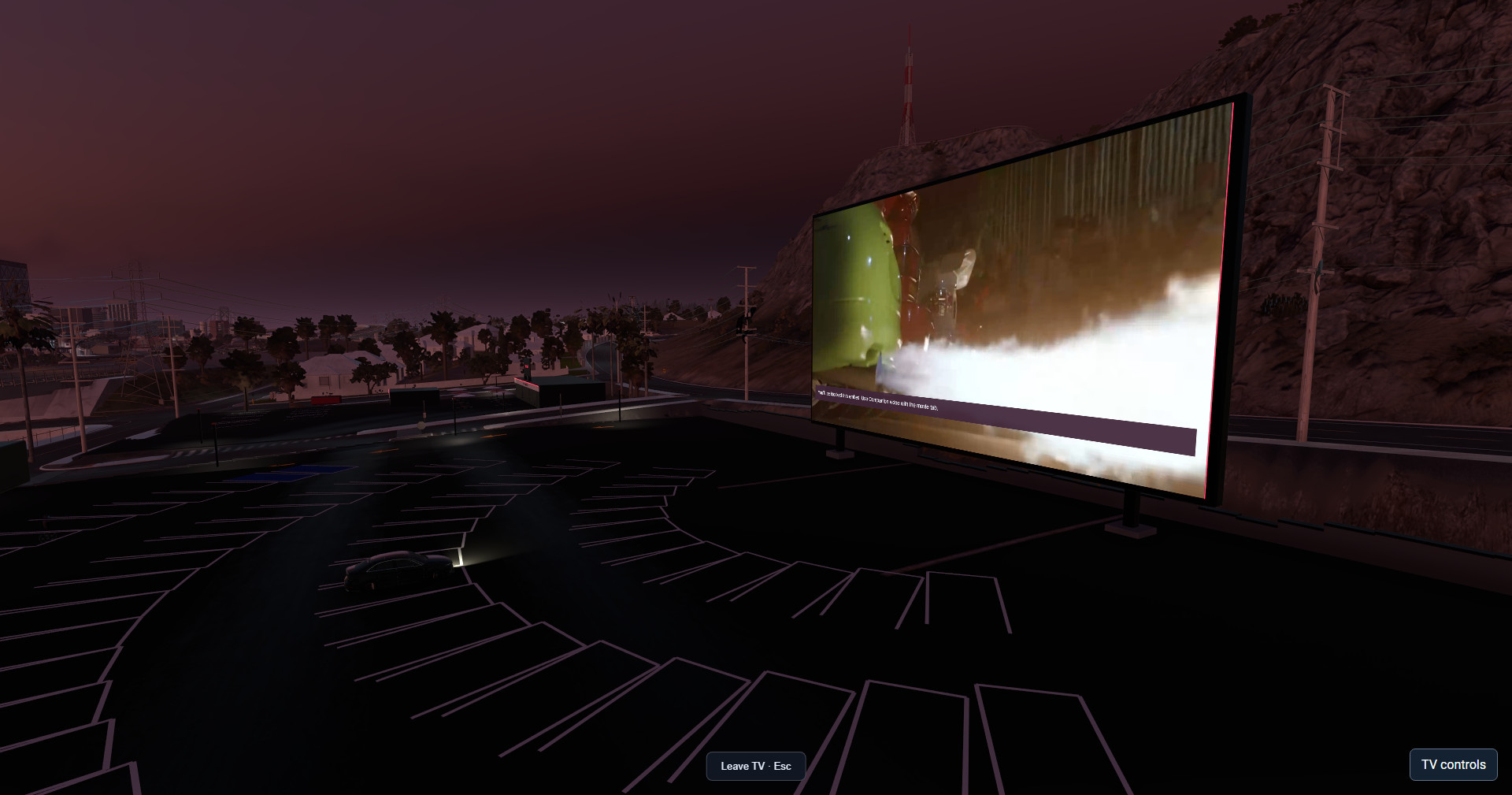
One player hosts from a browser tab or a local video file, and up to three nearby viewers join from the in-game TV controller. The group watches the same live feed with audio. The host can play a livestream, show a race replay, or even share a web search while everyone watches the results on the Drive-In screen.
What’s included in the Free edition
How to host video or share a web search
Release files
Copyright and Digital Distribution
NLR Houses & Drive-In — Free Edition
Original NLR content © 2026 GiveOpportunityLLC DBA (NLR)NoLoveRacing. All rights reserved except for the permissions below.
You may download and play the Free Edition, host it on a BeamMP server, and let BeamMP deliver the unmodified map ZIP to players joining that server. You may also share the official release link.
Reuploading the ZIP to another download site, selling copies, or distributing modified copies containing original NLR content requires prior written permission, except where applicable law or a separate license permits it. BeamNG and third-party assets remain subject to their respective licenses. When using Watch Party, share media you have permission to show.
One player hosts from a browser tab or a local video file, and up to three nearby viewers join from the in-game TV controller. The group watches the same live feed with audio. The host can play a livestream, show a race replay, or even share a web search while everyone watches the results on the Drive-In screen.
What’s included in the Free edition
- NLR Drive-In Cinema with 76 main viewing bays, eight overflow spaces, and a concessions TV. Use the main screen from your car.
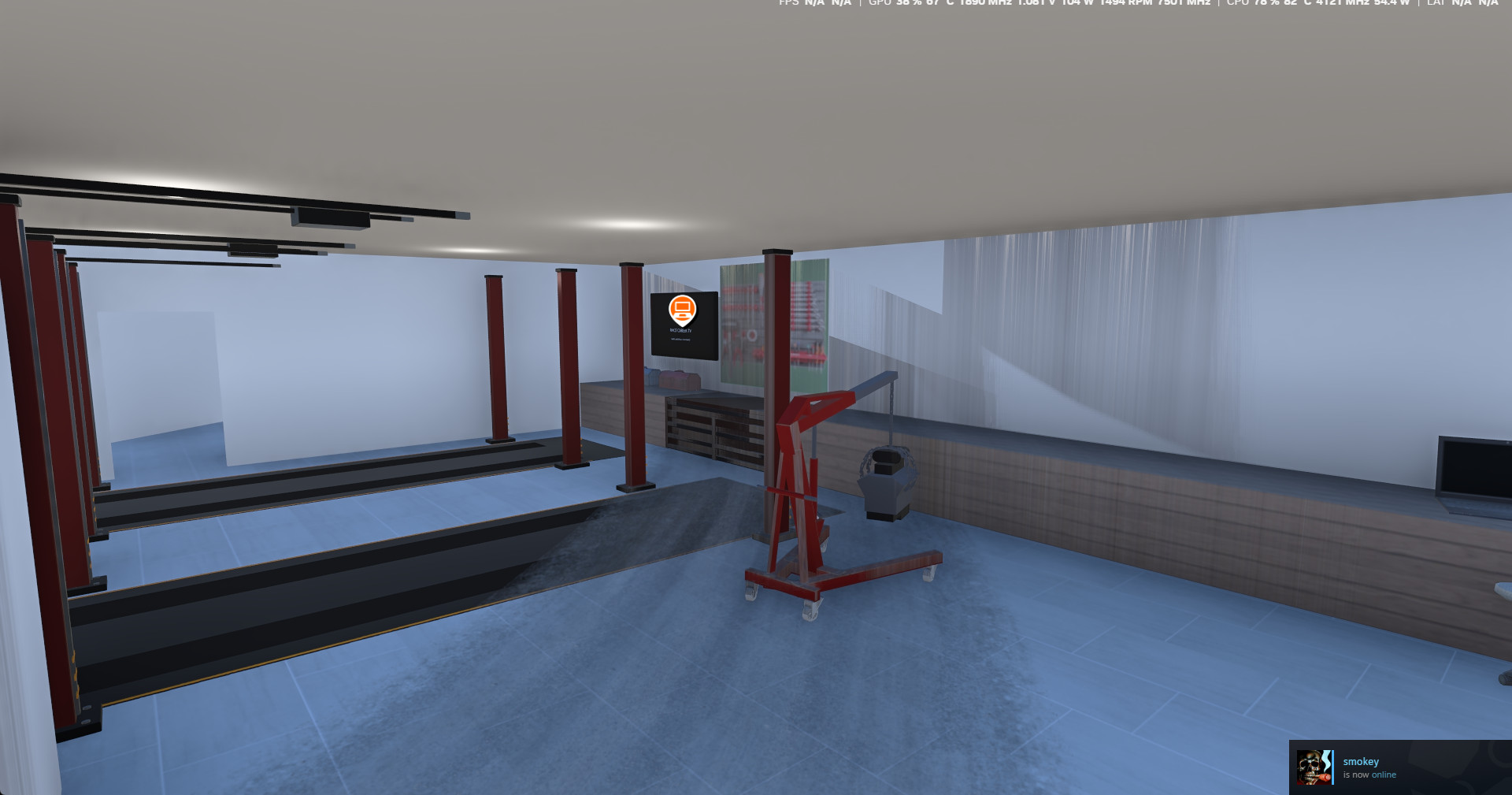
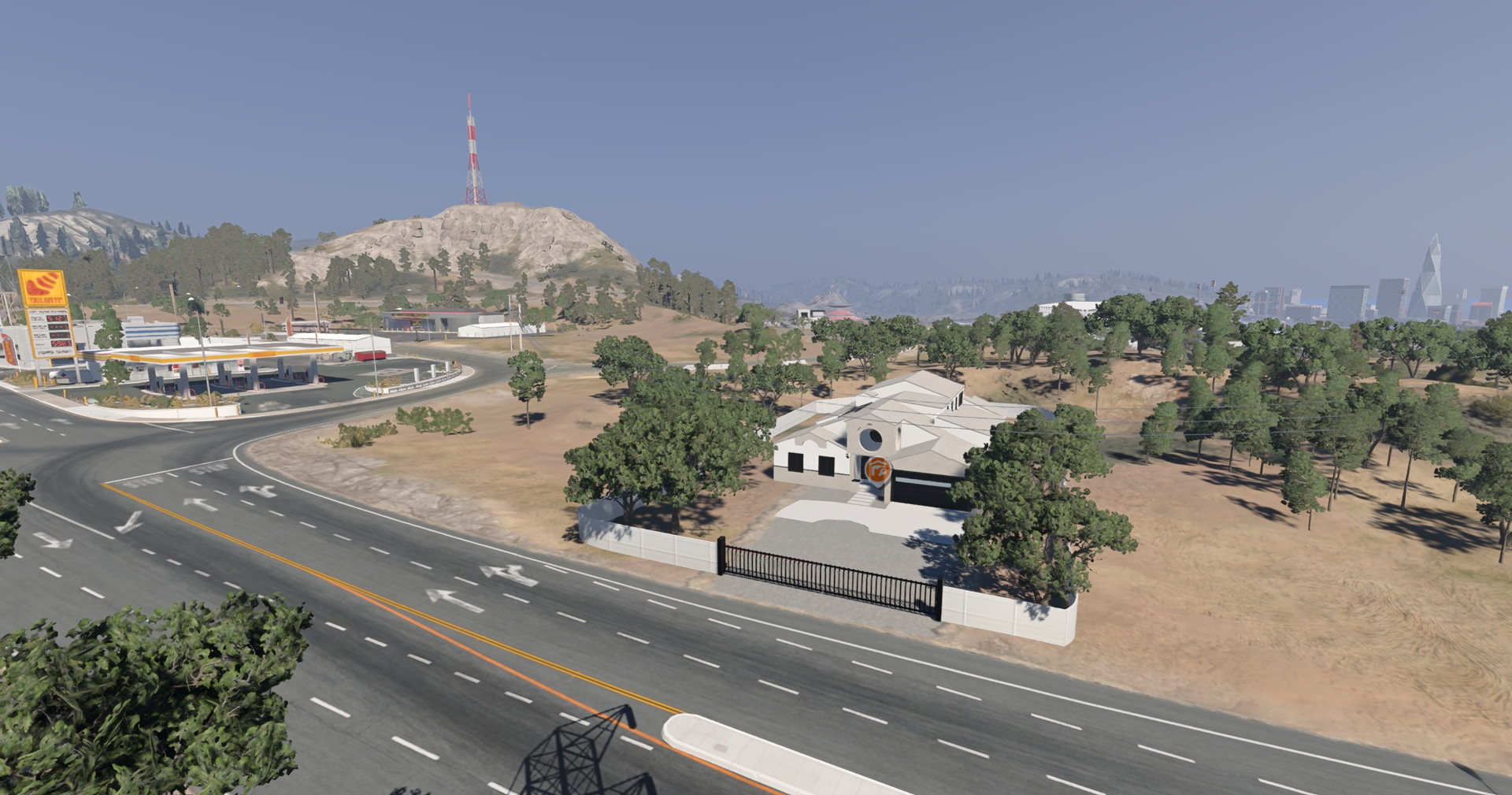
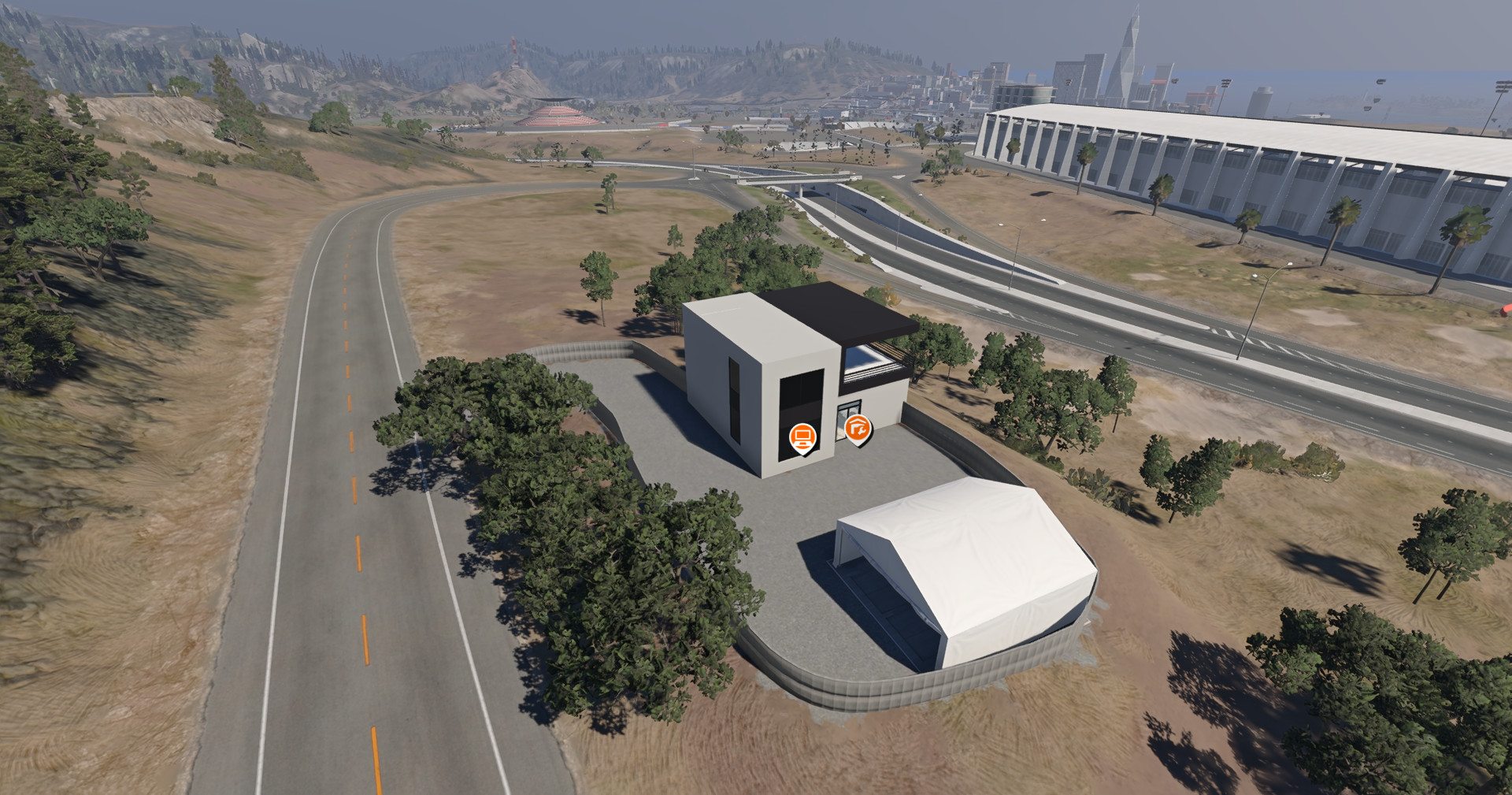
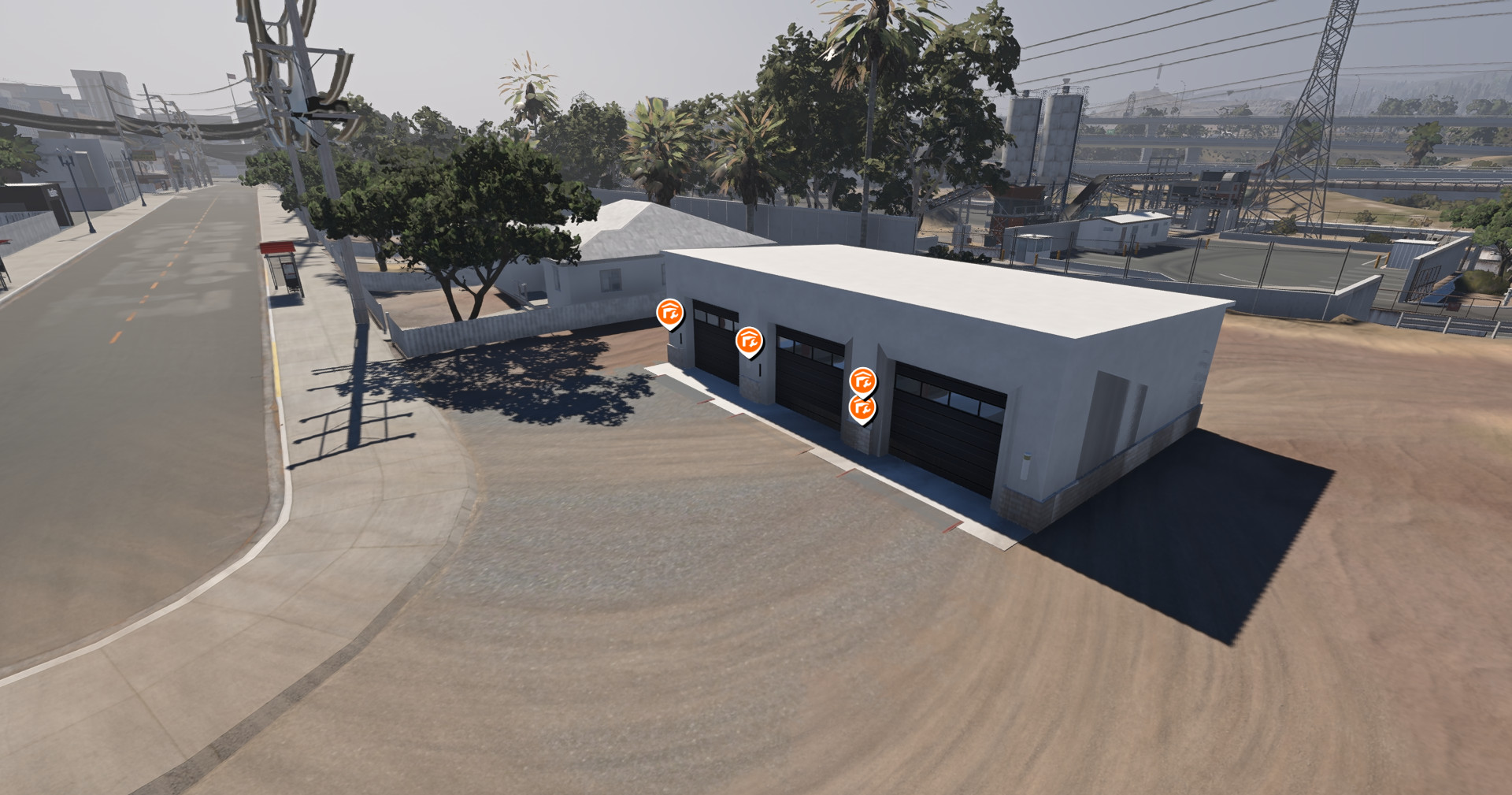
- Houses, garages, and interactive TVs across the NLR West Coast map, including public screens at the NLR, Blanco, and Alder garages.
- A working two-lane drag tree at Alder Drag Strip with prestage and stage lights, an amber countdown, green and red lights, and a results board.
- A shared Watch Party queue where players can add links or submit requests for the host to approve. The queue stays in place when the host switches sources.
- In-game sync controls that show Synced to host when the live feed is playing. Use Refresh sync or Restart player to reconnect.
- Join a BeamMP server running the Free map and its server kit.
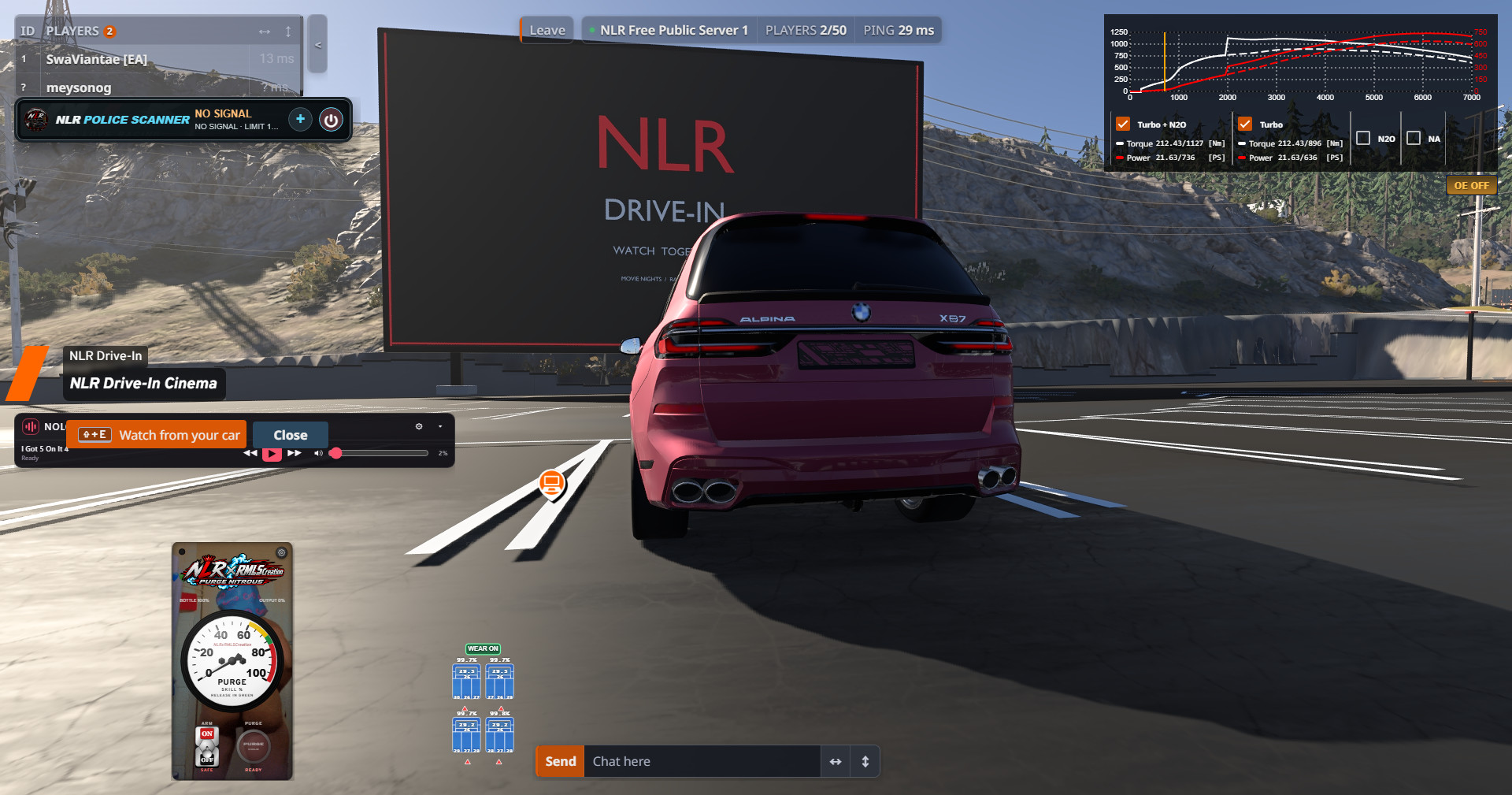
- Drive to NLR Drive-In Cinema or visit the same public TV as the host. Open the screen’s TV interaction.
- Select Join watch party. Wait for Synced to host, then select Unmute and set your volume.
How to host video or share a web search
- Extract the NLR TV Companion ZIP on your Windows PC. With Node.js available, open PowerShell in the extracted folder and run the command below. Replace the example path with your active BeamNG current folder, which you can find through Launcher → Manage User Folder.
- Open a public TV or the Drive-In in game and select Companion video → Use TV Companion.
- In Chrome or Edge, paste a link into the companion and select Open movie tab, or open a tab and run a web search. Return to the companion, select Share a browser tab, choose that tab, and turn on Share tab audio if you want sound. You can also choose a local video file.
- Return to BeamNG. When the controller says Companion connected, select Share to this TV.
- To play something from the queue, select Send to companion beside the link, then select Open queued link in the companion and share the new tab. To end the party, select Leave watch party in game or Stop sharing in the companion.
- Stop your server and put the Free map ZIP in Resources/Client. Keep it zipped and replace any older copy of the NLR map.
- Extract the Free BeamMP Server Kit at the server root. Confirm both plugin files are present:
- Set the map under [General] in ServerConfig.toml.
- Start the server and join. BeamMP distributes the map ZIP to players. The server plugins handle public Watch Party signaling and multiplayer drag racing.
Release files
- Free Map — NLR WestcoastDHFree.zip
- Free BeamMP Server Kit — NLRDriveinServerKitFree.zip
- NLR TV Companion for video hosts — NLR_WestCoastTVPanion.zip
Copyright and Digital Distribution
NLR Houses & Drive-In — Free Edition
Original NLR content © 2026 GiveOpportunityLLC DBA (NLR)NoLoveRacing. All rights reserved except for the permissions below.
You may download and play the Free Edition, host it on a BeamMP server, and let BeamMP deliver the unmodified map ZIP to players joining that server. You may also share the official release link.
Reuploading the ZIP to another download site, selling copies, or distributing modified copies containing original NLR content requires prior written permission, except where applicable law or a separate license permits it. BeamNG and third-party assets remain subject to their respective licenses. When using Watch Party, share media you have permission to show.
External Download Links:
About Mod
| Latest Version | Free Version |
| Game | BeamNG.drive |
| Category | Maps |
| Game Version | 0.40.x |
| Downloads | 6 |
| Forum Thread | Visit forum thread |
| Created | 2 hours ago |
You Might Also Like »
0 Comments
There are no comments. Be first to comment!