


5/5,
2
votes
Changelog
1.0 - First release.
Description
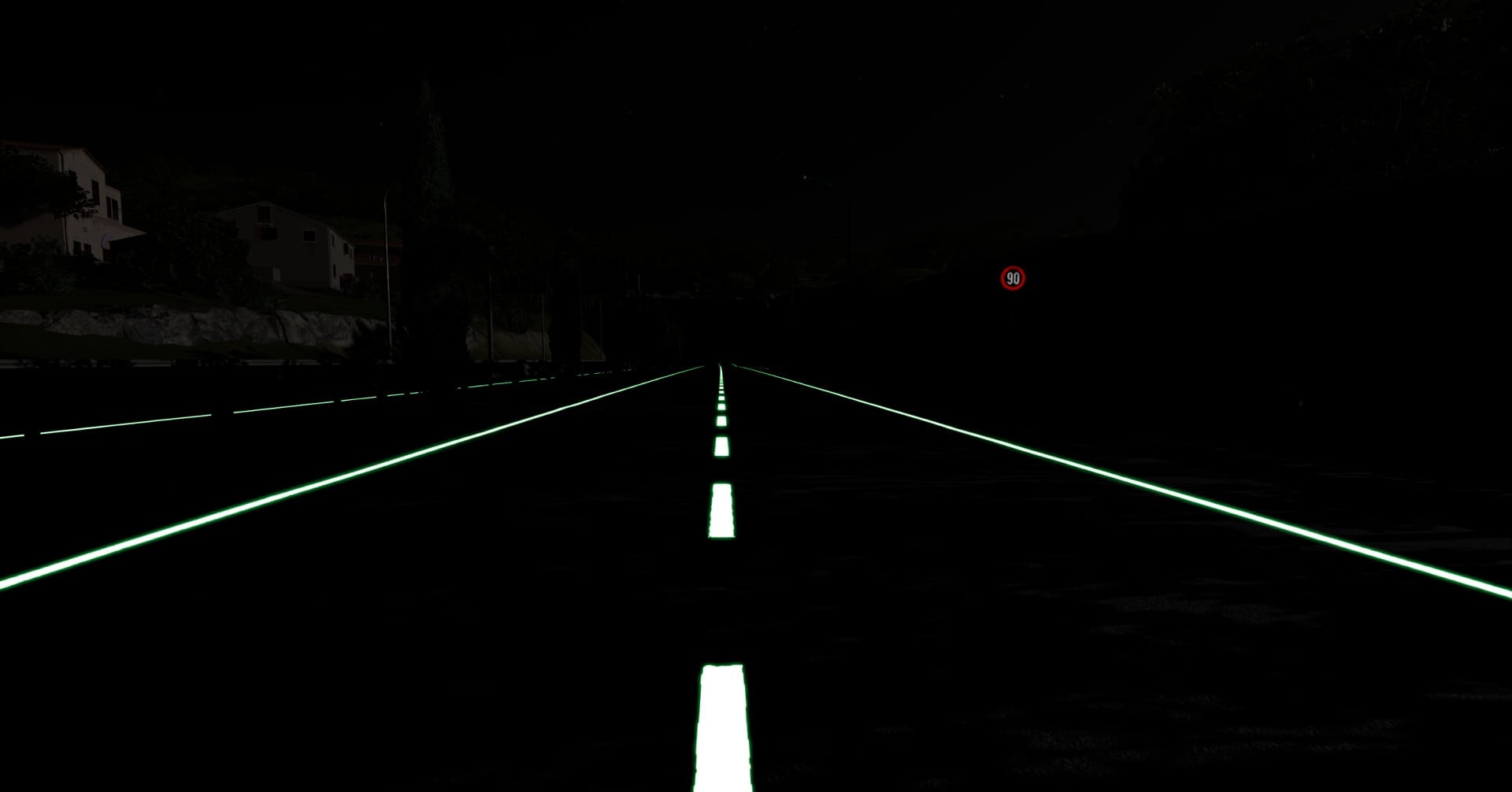
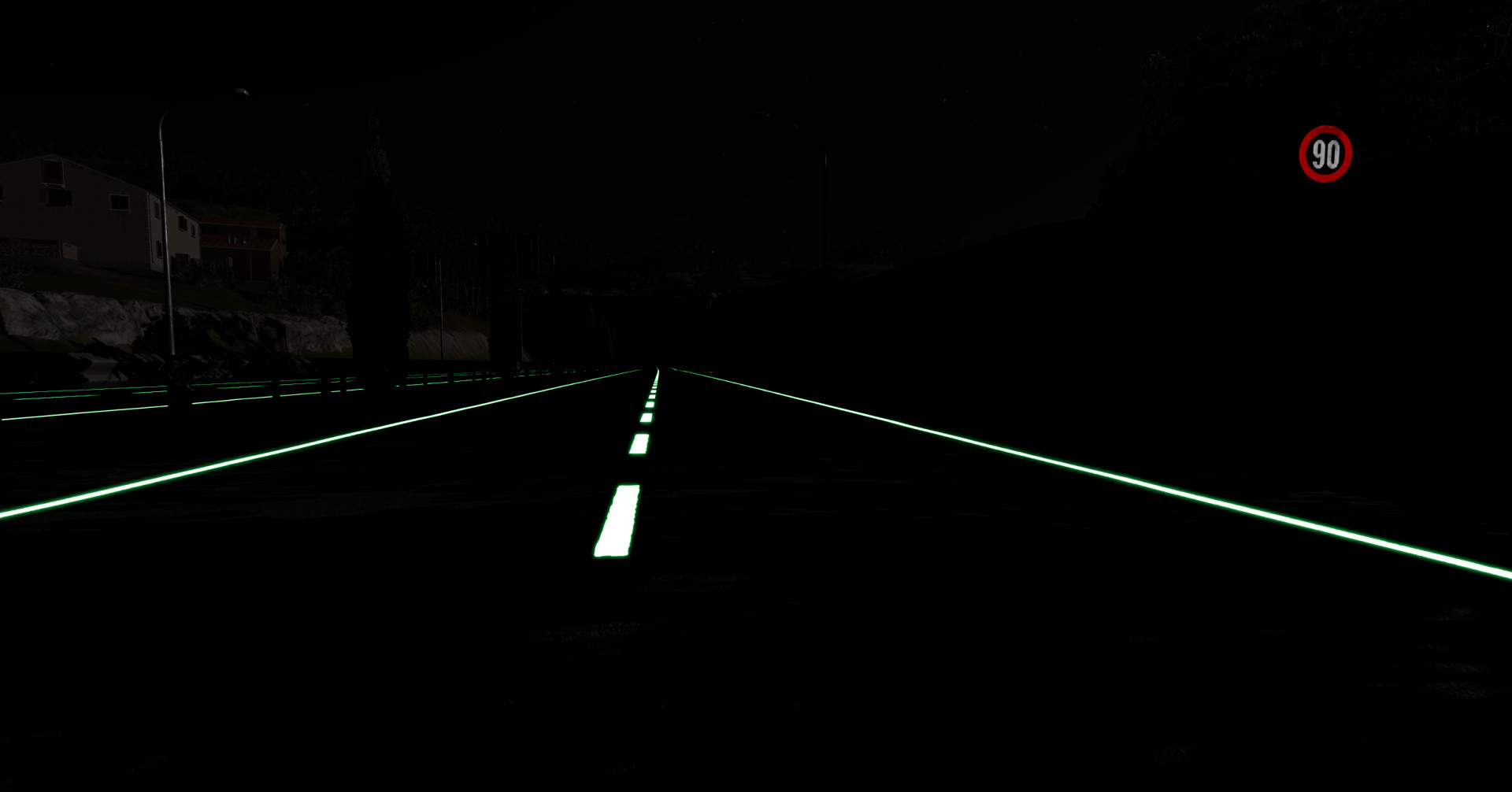
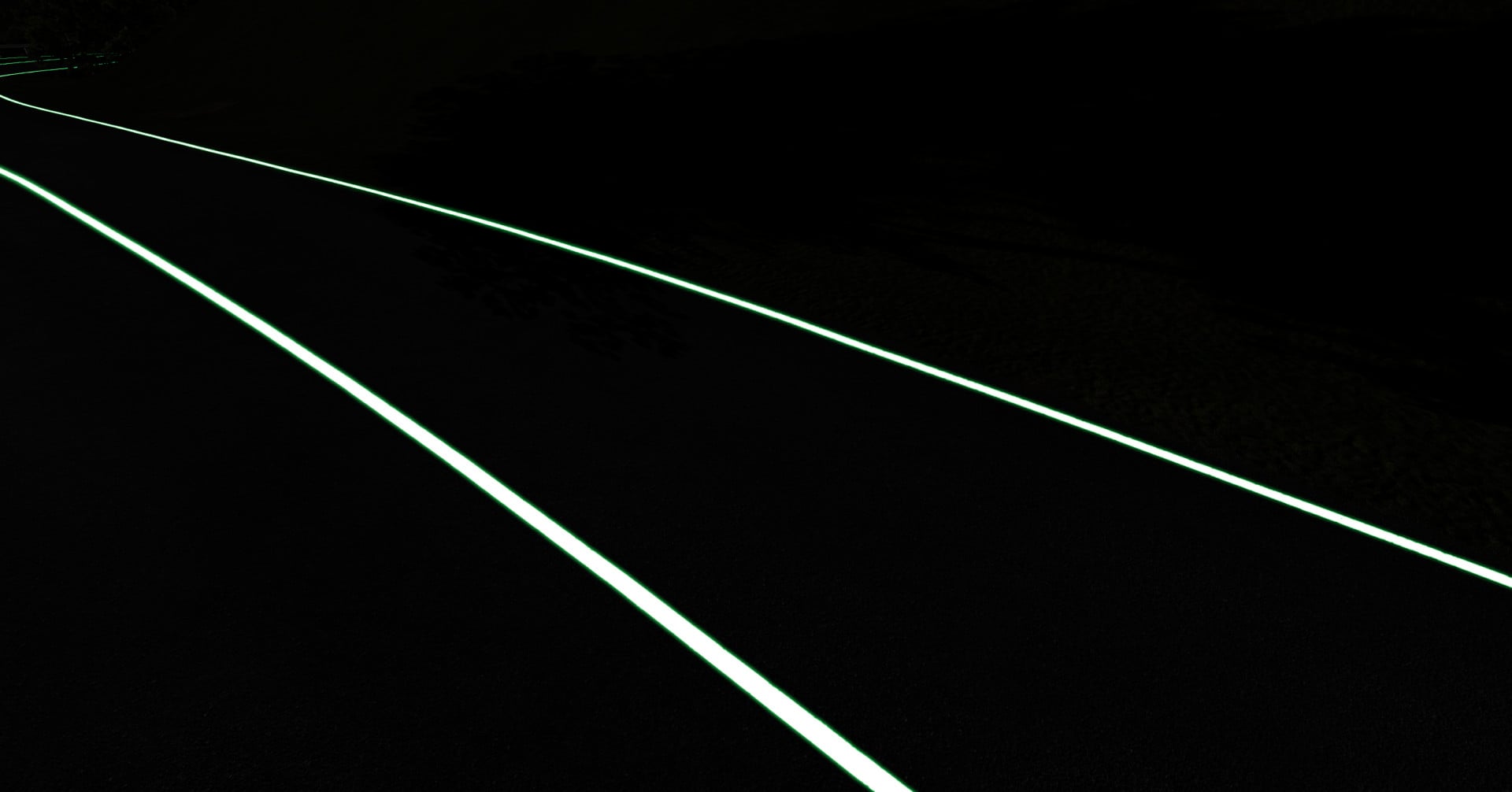
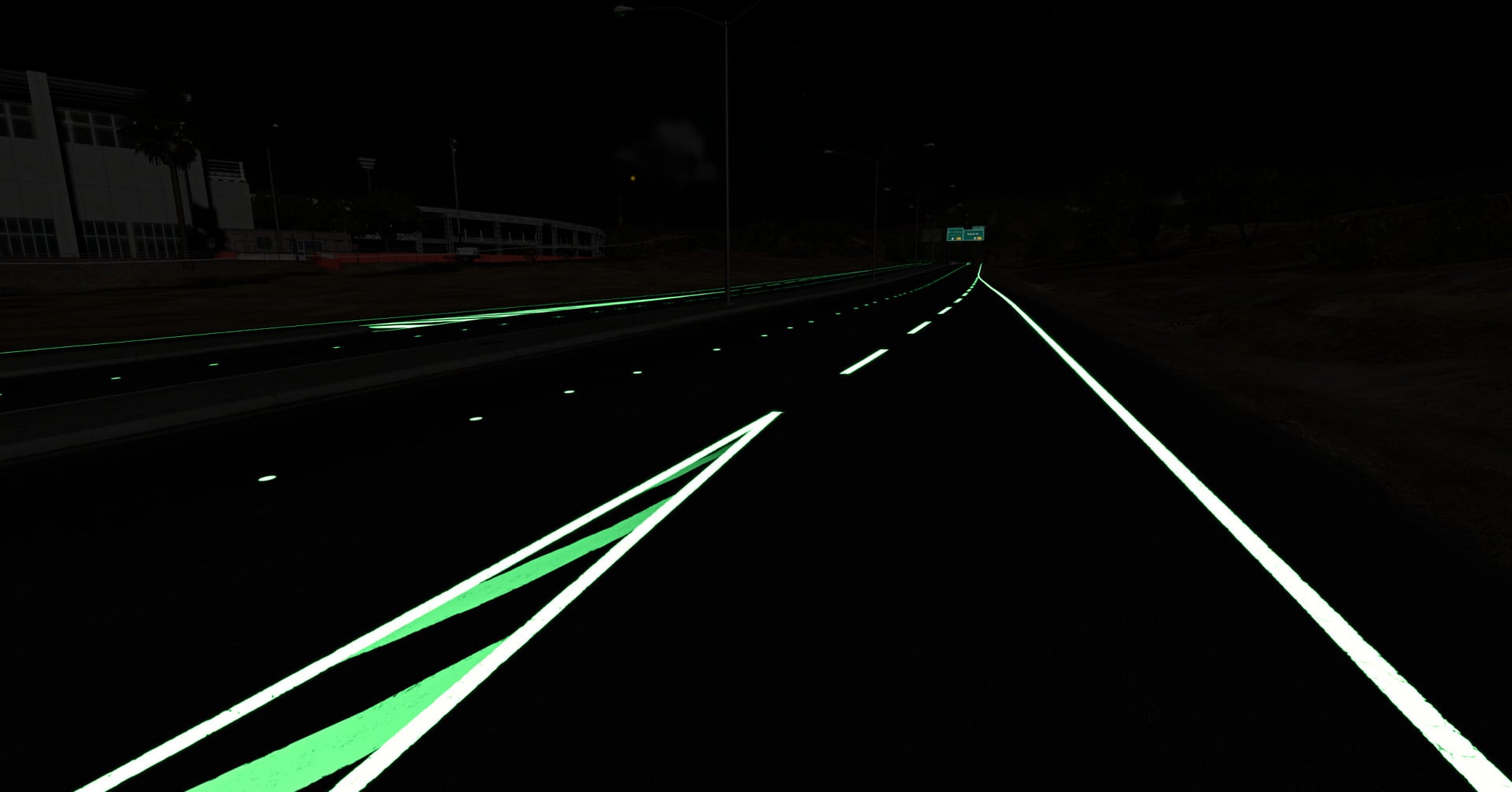
Turn the painted lines of any map into glowing LED strips, light up the road signs, and switch off every light on the map so the neon is all that's left. Best at night!
Features
- One switch turns off all the map's lights: only your neon and your headlights remain
- Road lines glow, on the maps you already drive, tunnels included (only the paint lights up)
- Choose the colour of white lines and yellow lines: 9 colours
- Road signs light up and keep their own picture, with their own brightness slider (can be switched off)
- Bridges where the map's lines don't reach the deck get neon lines of their own (can be switched off)
- View distance slider, to see the lines from further away
- Blue and red lines keep their colour
- Off by default. Turning it off restores the map's original lines and signs
Good to know
- Works best on maps with lots of painted lines. Off-road maps have few lines to light up.
- Lines and signs are found by their material name, so a modded map with other names may not glow.
- No lines are added over the sea, and some maps get very few added lines.
- Added bridge lines follow the map's road data. Some grey dashes on a deck can stay unlit, and a few added lines can land oddly, for example on elevated town roads.
- The brightness is tuned for night, so the lines look much softer by day.
- The glow doesn't cast light on the surroundings.
- Changing a setting can cause a small hitch.
Installation Instructions
Press Escape, open the Neon Roads tab, and switch it on. Set the time to night for the best effect.
1.0 - First release.
Description
Turn the painted lines of any map into glowing LED strips, light up the road signs, and switch off every light on the map so the neon is all that's left. Best at night!
Features
- One switch turns off all the map's lights: only your neon and your headlights remain
- Road lines glow, on the maps you already drive, tunnels included (only the paint lights up)
- Choose the colour of white lines and yellow lines: 9 colours
- Road signs light up and keep their own picture, with their own brightness slider (can be switched off)
- Bridges where the map's lines don't reach the deck get neon lines of their own (can be switched off)
- View distance slider, to see the lines from further away
- Blue and red lines keep their colour
- Off by default. Turning it off restores the map's original lines and signs
Good to know
- Works best on maps with lots of painted lines. Off-road maps have few lines to light up.
- Lines and signs are found by their material name, so a modded map with other names may not glow.
- No lines are added over the sea, and some maps get very few added lines.
- Added bridge lines follow the map's road data. Some grey dashes on a deck can stay unlit, and a few added lines can land oddly, for example on elevated town roads.
- The brightness is tuned for night, so the lines look much softer by day.
- The glow doesn't cast light on the surroundings.
- Changing a setting can cause a small hitch.
Installation Instructions
Press Escape, open the Neon Roads tab, and switch it on. Set the time to night for the best effect.
Direct Download Links
About Mod
| Latest Version | 1.0 |
| Game | BeamNG.drive |
| Category | Other |
| Game Version | 0.40.x |
| Downloads | 84 |
| Created | 1 day ago |
You Might Also Like »







0 Comments
There are no comments. Be first to comment!