How to make mods? For Beginner
1920
downloads
12
comments
1
videos
by
Guest
4 years ago
![BMW X6 G06/F96 [PACK]](https://temp2.modland.net/i/6a8ff76445a04/0_modland.jpg)

5/5,
11
votes
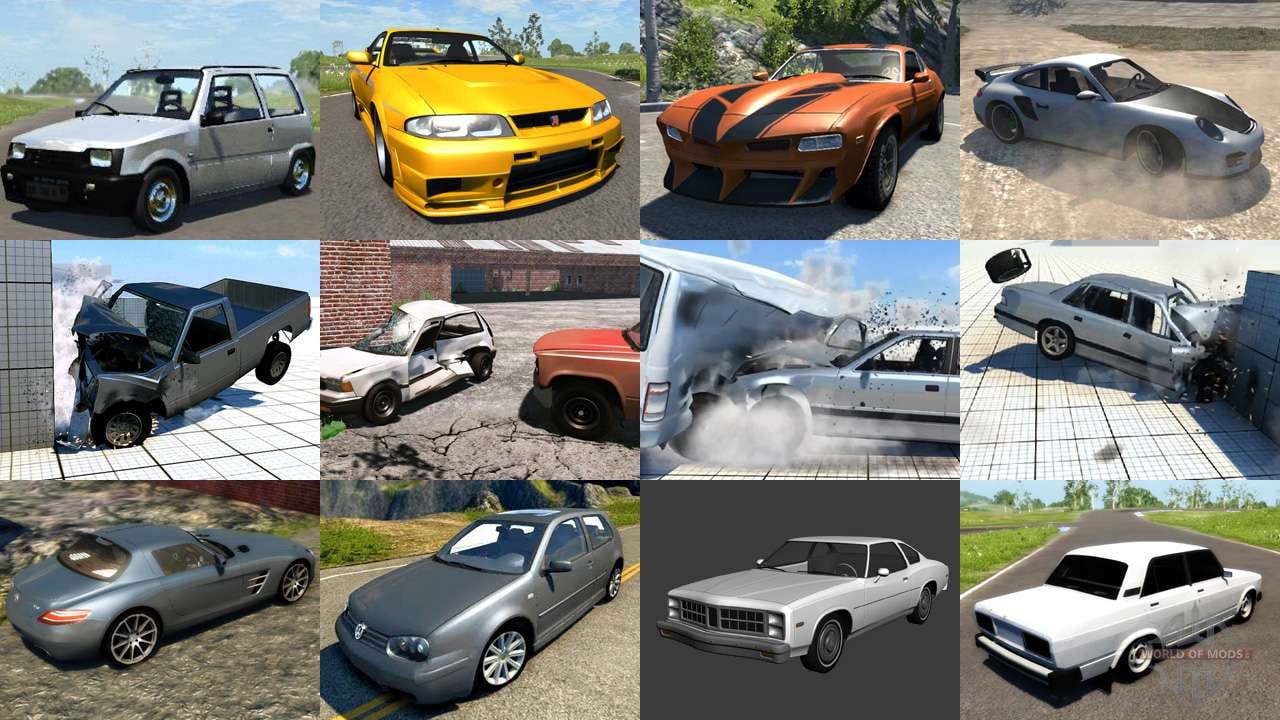
How to make mods for beamng?
1. you must have a blender
2. get a 3d model from gta sa mods
2. download dragonff to import dff model
3. rotate to 180
4. load a default beamng cars
5. to join most parts. press ctrl j
6. fit to a car (select all parts to join) then resize a car like this https://www.youtube.com/watch?v=9ZTKOuWbGCI&t=265s
7. rename. a object to (*your_car_body)
8. texture the car (rollcage_01a for a color, mirror for a chrome, rollcage_01b for a black) you must texturing like this https://www.youtube.com/watch?v=9ZTKOuWbGCI&t=74s
9. test the car
10. now it's working!
1. you must have a blender
2. get a 3d model from gta sa mods
2. download dragonff to import dff model
3. rotate to 180
4. load a default beamng cars
5. to join most parts. press ctrl j
6. fit to a car (select all parts to join) then resize a car like this https://www.youtube.com/watch?v=9ZTKOuWbGCI&t=265s
7. rename. a object to (*your_car_body)
8. texture the car (rollcage_01a for a color, mirror for a chrome, rollcage_01b for a black) you must texturing like this https://www.youtube.com/watch?v=9ZTKOuWbGCI&t=74s
9. test the car
10. now it's working!
External Download Links:
Videos


About Mod
| Latest Version | For Beginner |
| Game | BeamNG.drive |
| Category | Other |
| Downloads | 1920 |
| Created | 4 years ago |
![Ford Mustang Mach-E [PACK]](https://temp2.modland.net/i/6aa50a7184eaa/0_modland.jpg)
where to get the pessima dae
interesno...
@8lackbear Это не Нигер а Поляк.
@fahd I might make an english transcript for the text on screen.