

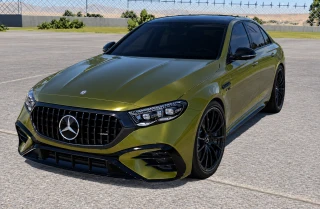
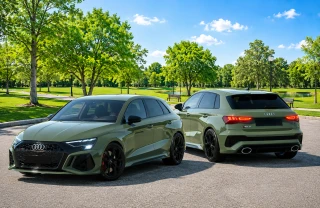
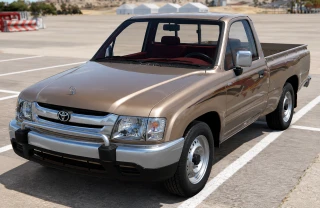
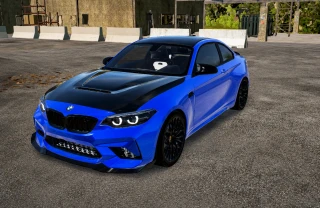
0/5,
0
votes
Description
Node Balloons
Gravity was more of a suggestion anyway
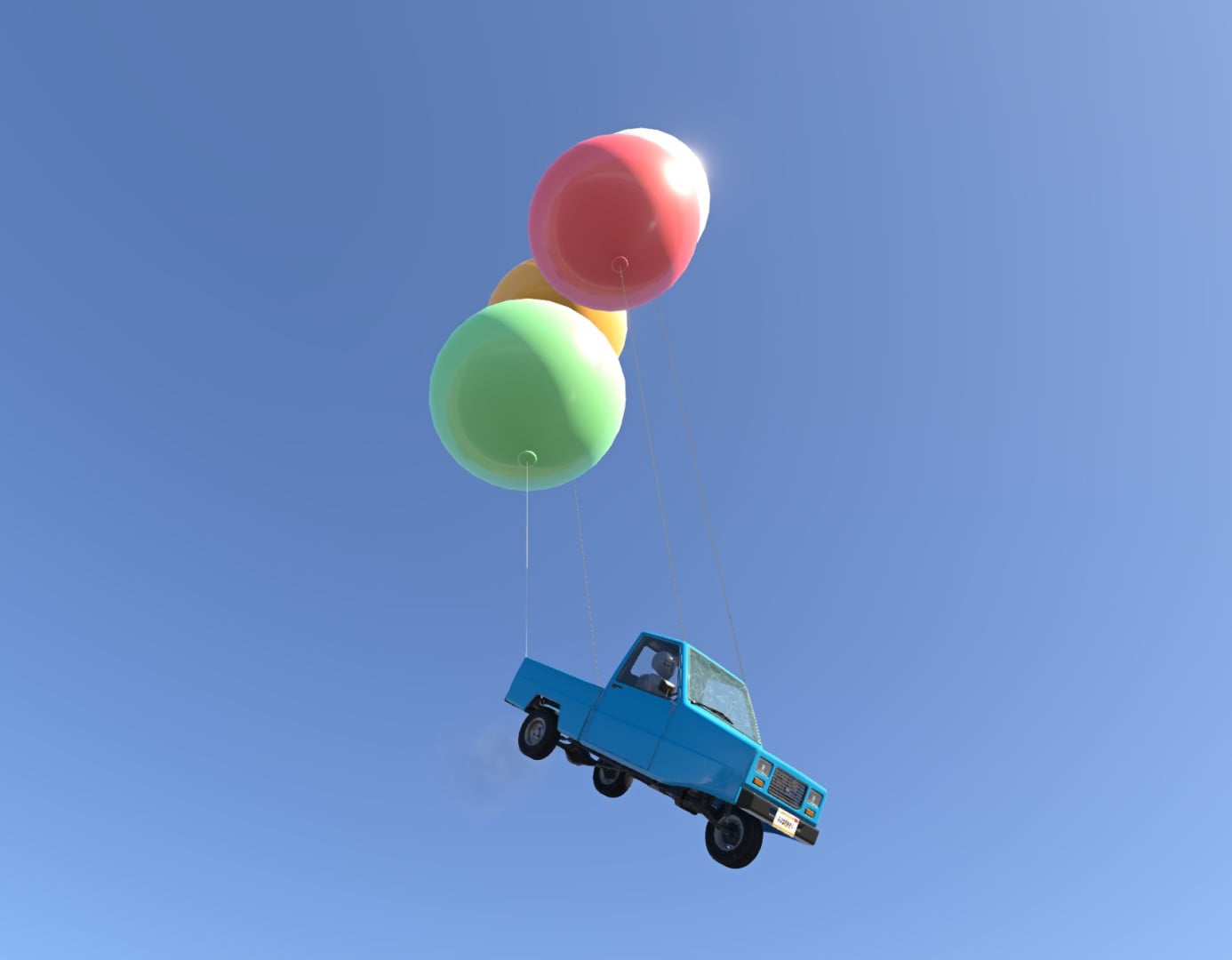
Node Balloons lets you click any node on any vehicle and tie a lifting balloon to it on a wire. Then real physics takes over. It won't make you a better driver, but it will make you a higher one.
Features
- Tie a balloon to any node of any vehicle: yours, a parked one, or traffic cars.
- Lift ranges from 0 to 5000 kg, and wire length from 0.5 to 50 m.
- No limit on the number of balloons per vehicle or node.
- Balloons push each other apart, rest on cars/ground, and react to the game's ground wind.
- Balloons trail behind when driving due to air resistance.
- Nine colours; new balloons automatically cycle colors.
- Realism slider: adjusts balloon size from a tidy 0.6 m to realistic helium dimensions.
- Reset (R) keeps balloons and blows them up again above their nodes.
- UI App (Debug category) providing a placement mode switch, sliders for lift/wire/realism, and a detailed list of active balloons with tension monitoring.
Keybindings
- Ctrl + O: Toggle placement mode on/off.
- Left click: Tie a balloon to the yellow node or remove a balloon (red shell).
- Shift + mouse wheel: Adjust lift.
- Ctrl + mouse wheel: Winch wire length in or out.
- Remove all: Bind a key to clear balloons from the vehicle under the cursor or all vehicles.
- Mouse wheel (general): Changes settings for the next balloon to be placed.
Good to know
A lot of lift on one node can pull that node out of the body; spread big loads over several nodes. Balloons currently do not collide with other cars or buildings, and wires pass through objects.
Installation Instructions
Install the mod and load Free Roam. Press Ctrl + O, hover over a car, and click to place balloons. Keep clicking or use Shift + scroll until the vehicle leaves the ground.
Credits
physicsfreak
Node Balloons
Gravity was more of a suggestion anyway
Node Balloons lets you click any node on any vehicle and tie a lifting balloon to it on a wire. Then real physics takes over. It won't make you a better driver, but it will make you a higher one.
Features
- Tie a balloon to any node of any vehicle: yours, a parked one, or traffic cars.
- Lift ranges from 0 to 5000 kg, and wire length from 0.5 to 50 m.
- No limit on the number of balloons per vehicle or node.
- Balloons push each other apart, rest on cars/ground, and react to the game's ground wind.
- Balloons trail behind when driving due to air resistance.
- Nine colours; new balloons automatically cycle colors.
- Realism slider: adjusts balloon size from a tidy 0.6 m to realistic helium dimensions.
- Reset (R) keeps balloons and blows them up again above their nodes.
- UI App (Debug category) providing a placement mode switch, sliders for lift/wire/realism, and a detailed list of active balloons with tension monitoring.
Keybindings
- Ctrl + O: Toggle placement mode on/off.
- Left click: Tie a balloon to the yellow node or remove a balloon (red shell).
- Shift + mouse wheel: Adjust lift.
- Ctrl + mouse wheel: Winch wire length in or out.
- Remove all: Bind a key to clear balloons from the vehicle under the cursor or all vehicles.
- Mouse wheel (general): Changes settings for the next balloon to be placed.
Good to know
A lot of lift on one node can pull that node out of the body; spread big loads over several nodes. Balloons currently do not collide with other cars or buildings, and wires pass through objects.
Installation Instructions
Install the mod and load Free Roam. Press Ctrl + O, hover over a car, and click to place balloons. Keep clicking or use Shift + scroll until the vehicle leaves the ground.
Credits
physicsfreak
Direct Download Links
About Mod
| Latest Version | 0.5.0 |
| Game | BeamNG.drive |
| Category | Other |
| Game Version | 0.40.x |
| Downloads | 115 |
| Created | 1 day ago |

BeamNG Drive Meets UP