![Ford Mustang Mach-E [PACK]](https://temp2.modland.net/i/6aa50a7184eaa/0_modland.webp)
![BMW X6 G06/F96 [PACK]](https://temp2.modland.net/i/6a8ff76445a04/0_modland.webp)
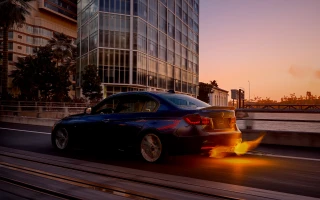
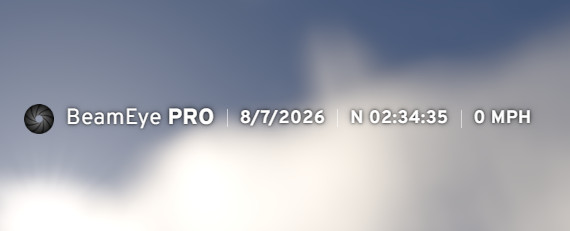
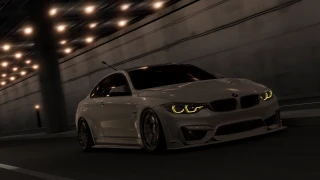
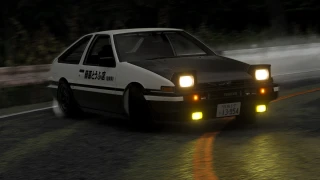
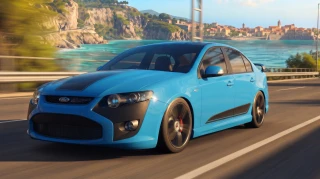
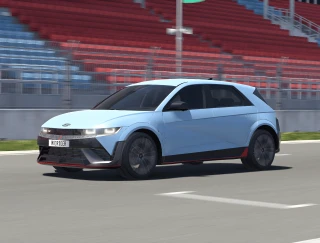
BeamEye Pro adds a clean, dashcam-style overlay to your BeamNG.drive HUD - date, time, compass heading, and live speed, styled like a professional in-car camera readout.
Unlike a simple speedometer, BeamEye Pro's clock is fully adjustable: use the included BeamEye Set Time companion app to punch in whatever time you want, and it'll keep ticking forward realistically from that point on - even after you close the app or restart the game - just like a real dashcam clock that only updates when you set it.
Features:
-
Live speed readout (MPH), pulled directly from vehicle telemetry
-
Compass heading (N/NE/E/SE/S/SW/W/NW) based on your vehicle's facing direction
-
Adjustable, persistent clock - set it once, it keeps counting
-
Clean, minimal dashcam-style design that stays out of the way
-
Lightweight - no performance impact
Includes 2 apps:
-
BeamEye Pro - the overlay itself
-
BeamEye Set Time - a small control panel to set the clock
Add both from the UI Apps menu (category: Dashboard) and position them anywhere on your screen.
For a dashcam-type look for this mod, press 5 on your keyboard to open the Relative Camera. You can move the camera using your camera movements. You can move it up and down using Page Up and Page Down. For a more realistic dashcam-type camera, you can set your FOV to 100 using 9 and 3 on the Numberpad.
External Download Links:
About Mod
| Latest Version | V1 |
| Game | BeamNG.drive |
| Category | Other |
| Game Version | 0.39.x |
| Tags | Gameplay Tools UI |
| Downloads | 94 |
| Created | 1 month ago |