DR1A Diesel Train 1.0

![BMW X6 G06/F96 [PACK]](https://temp2.modland.net/i/6a8ff76445a04/0_modland.webp)

5/5,
12
votes
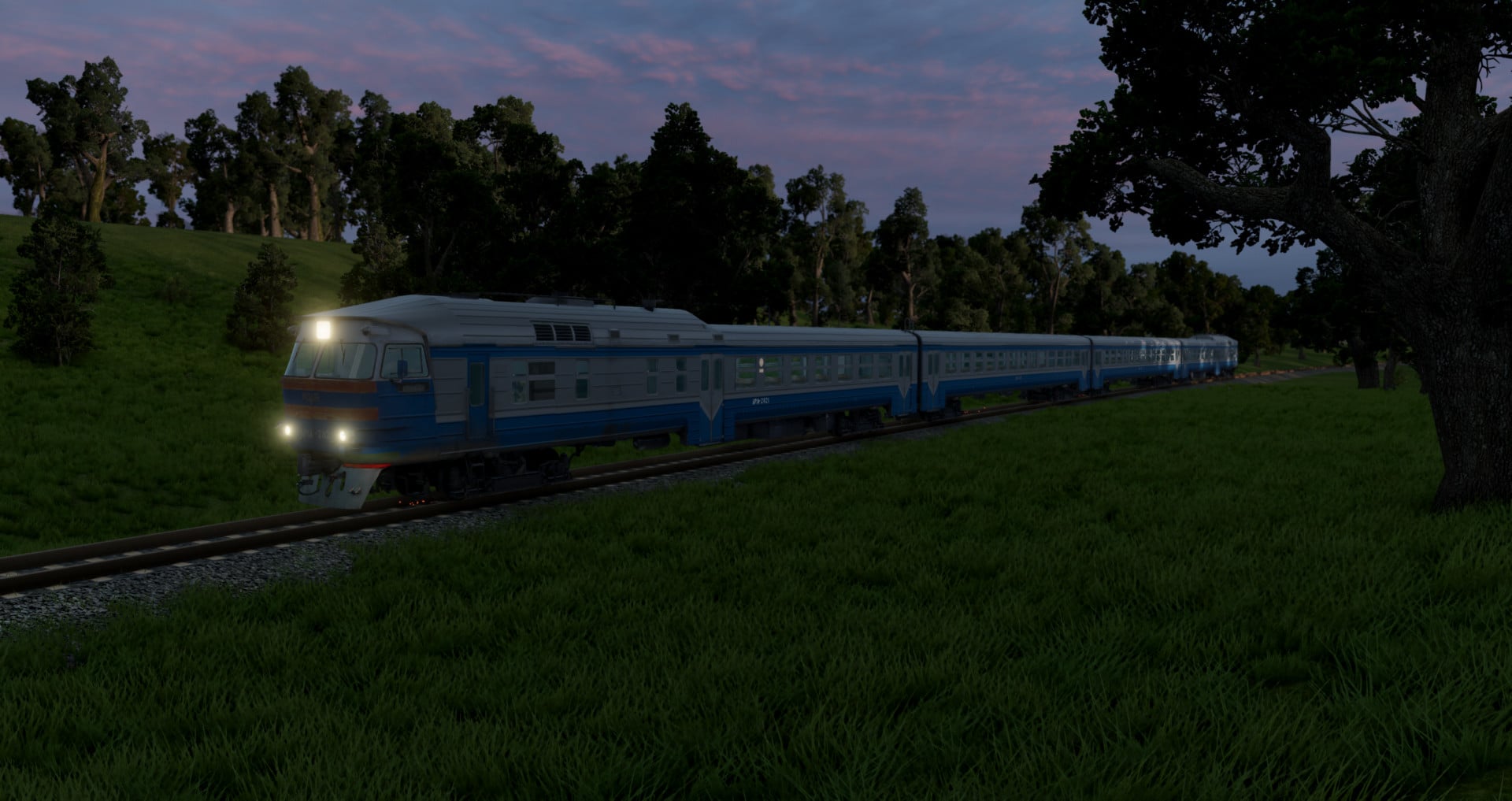
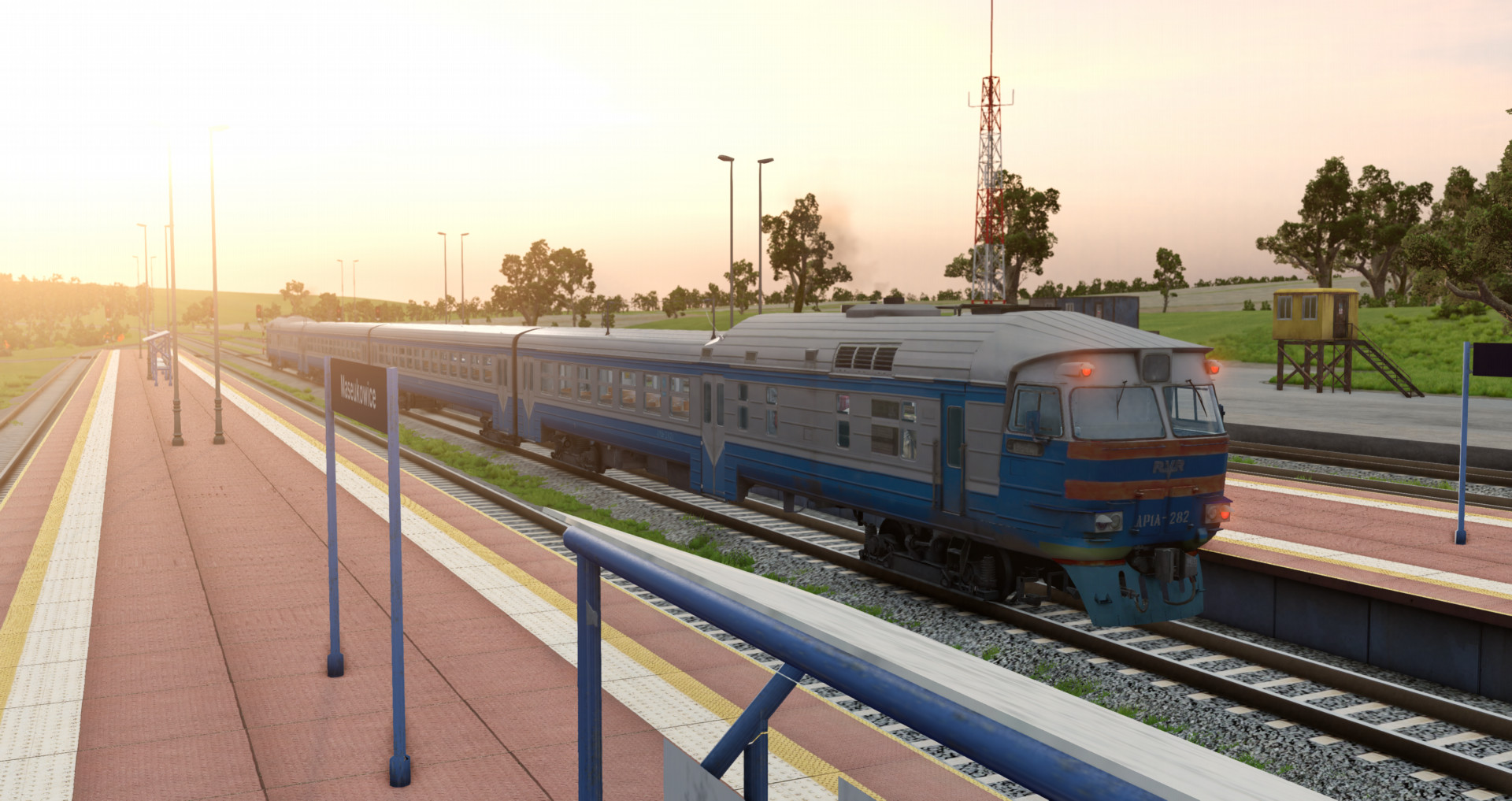
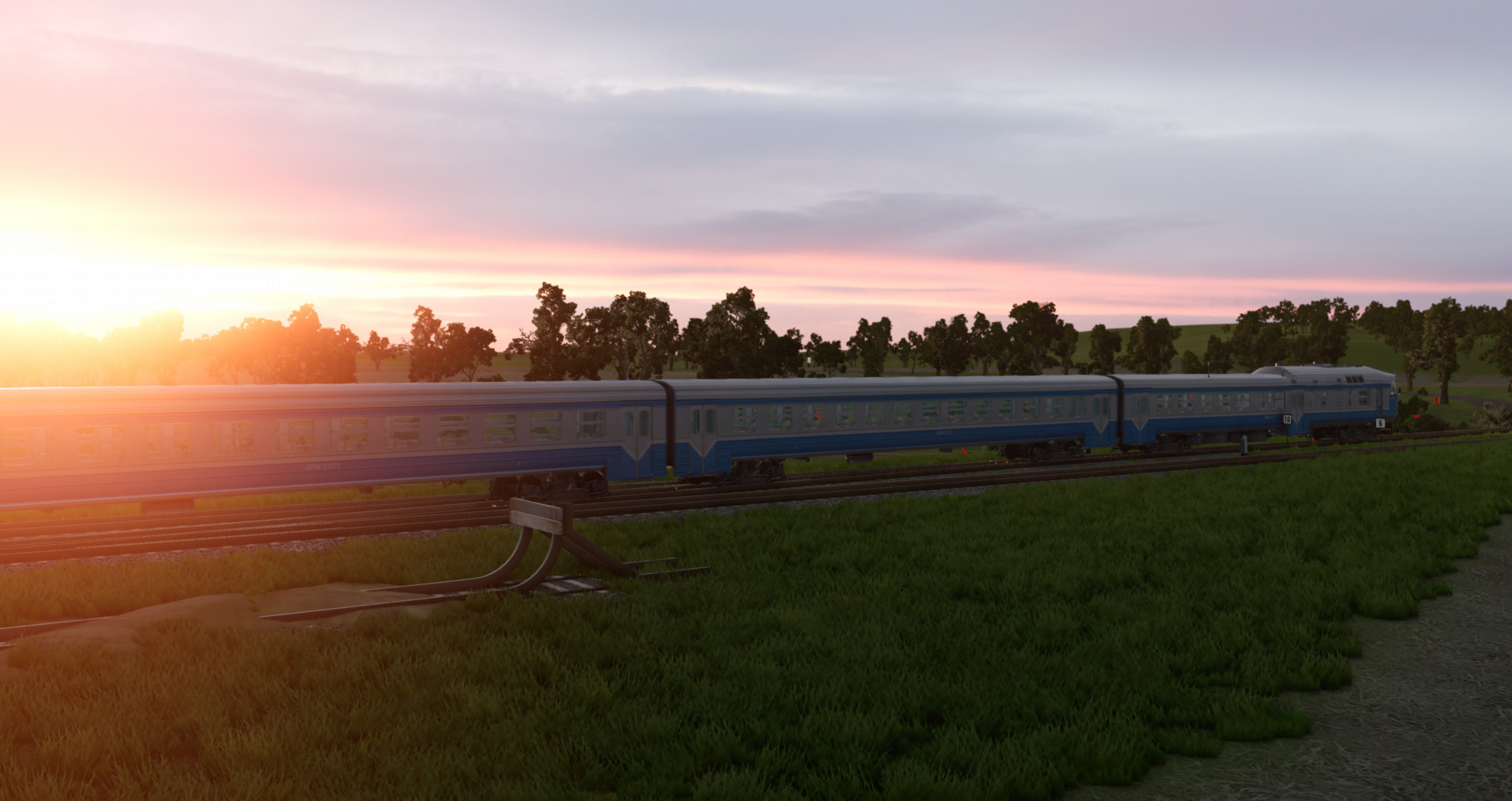
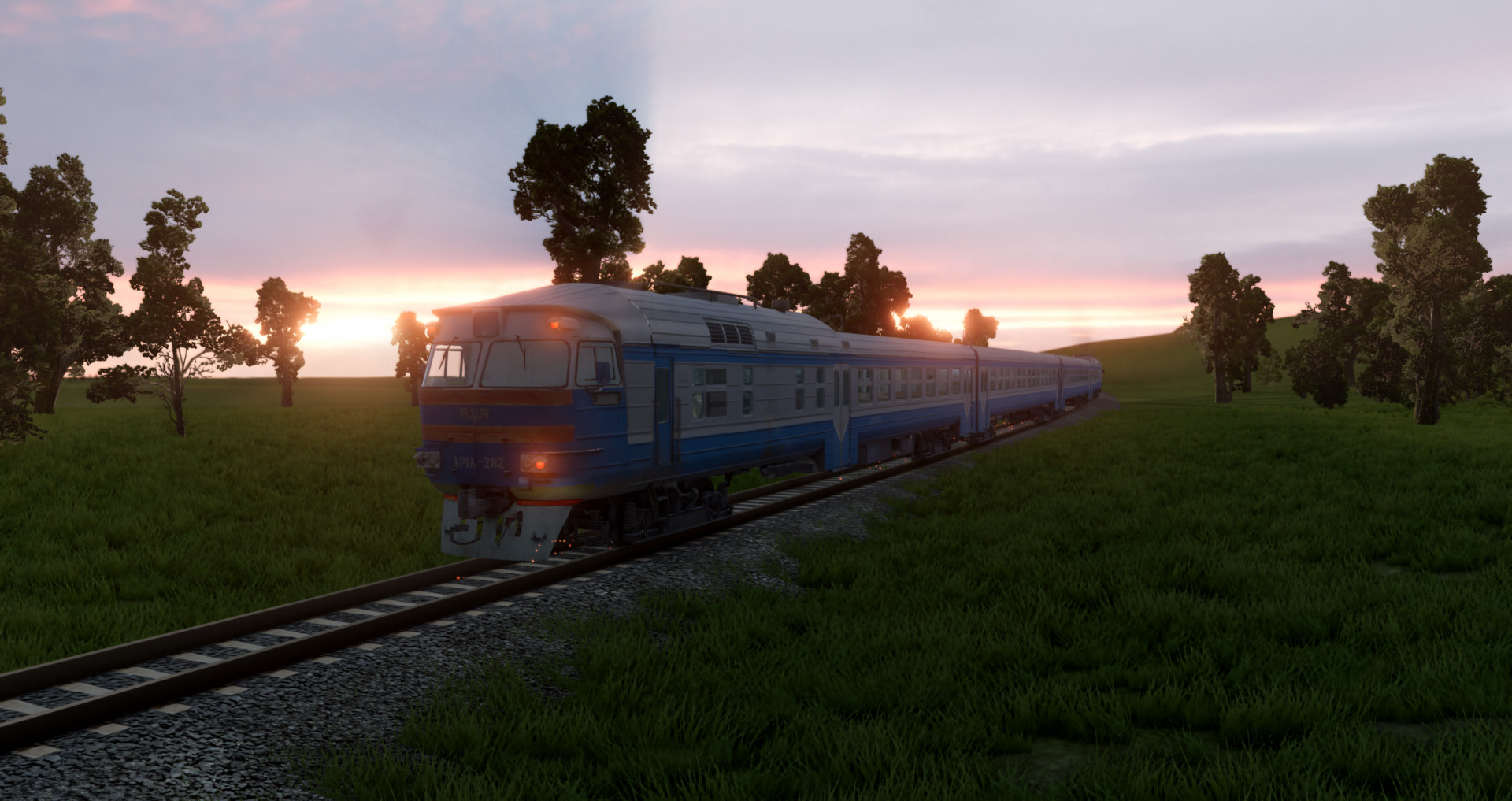
Passenger Diesel Train DR1A For Beamng Drive 0.34.2
The mod comes with the carriage, to install just drop the downloaded mod into the Mods folder
- If you have problem with braking you should drive it in realistic mode (press q) and brake in N gear i still didnt figure out how to fix this issue but in this way its playable at least
- 12 configs, 6 liveries. The first 6 Configs have "Front Engine" prefix in the beggining, are the Main trains DR1A and are should be placed at the beginning of the train, the remaining configs with "Rear Engine" prefix are the Rear Trains and are placed at the end of the train, their only difference is that they have different couplers.
- Fully working lights, you can toggle front lights and main projector separately;
- Moving wheels;
- Correctly placed exhaust;
- Drives well;
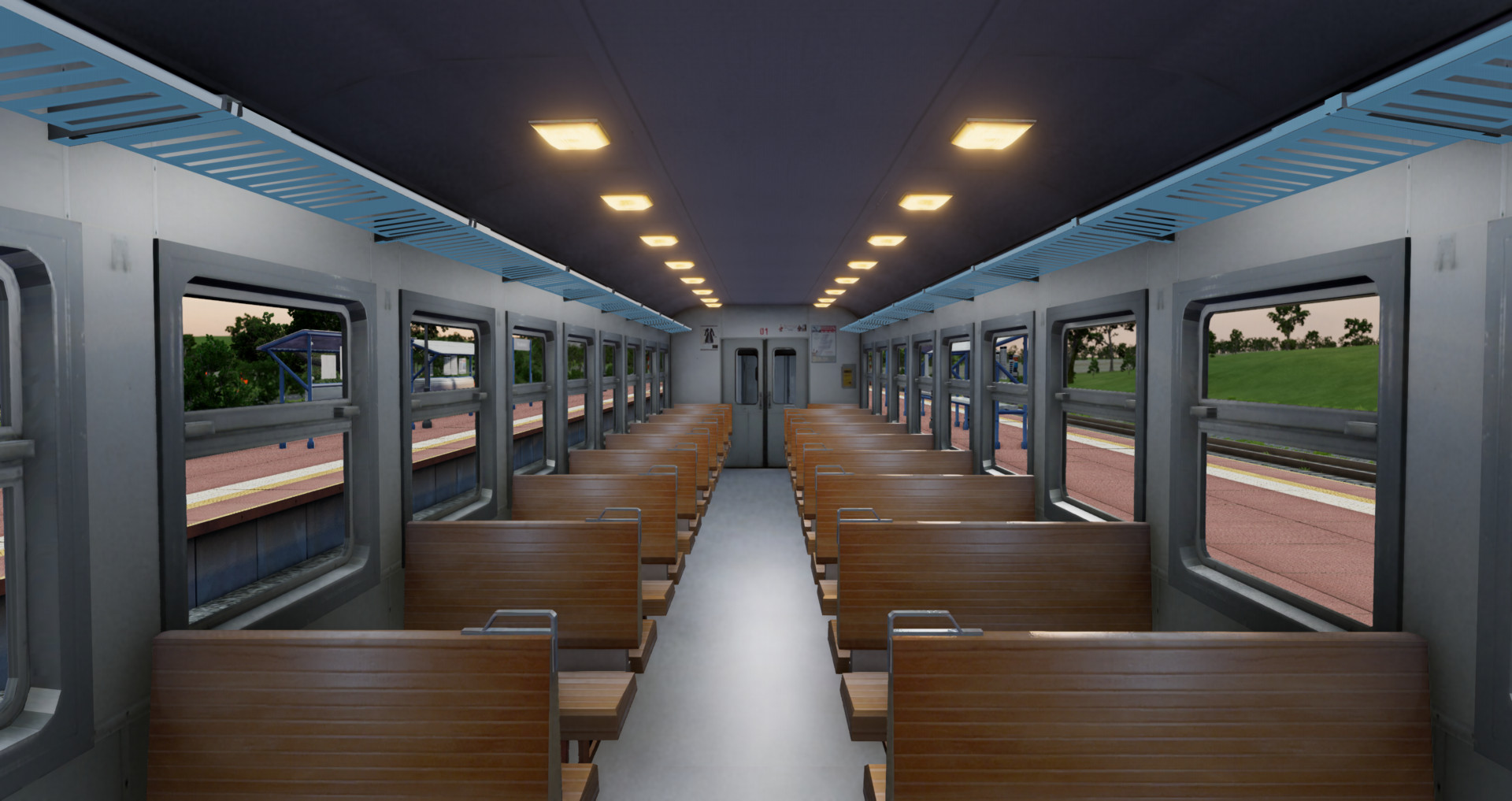
- The carriage have seats with collision, you can walk around the carriage in walking mode.
- To assemble a train, select the DR1A with Front Engine prefix and place it at the beginning of the train, then spawn the carriages. You can spawn one carriage and place it on the rails using the editor on F11. When you have placed the first carriage on rails, you can duplicate it by holding Shift and dragging the carriage in the direction you need, then spawn the DR1A with Rear Engine prefix. Switch to the first train and press L, make sure the carriages are not stuck in the rails by lifting them upwards slightly. Then switch to the first coupled carriage, open radial menu then click on Trailers > "Hook all". If the Rear Diesel Train cant be coupled, then back it up closer to the carriage and release the brakes and switch to the last coupled carriage again and click "Hook up all"
(lighting controls differ from my other mods.)
DR1A control:
T - Accelerate and press W
G - Slow down and press S
L near speedometer - Going straight
H near speedometer - Reverse
Alt + A - Change direction
H - Horn
K - Toggle front headlights
I - Toggle main projector
[ - Toggle right taillight
] - Toggle three taillights
Y - Interior lights
DR1A carriage control:
Y - Interior lights
If the train doesnt move make sure it didnt get stuck in rails press f11 and lift it upwards slightly, if the train still doesnt move release air brakes (arrow down) and independent brakes (P / space bar) and shift into m1.
Known issues: Bad quality driver cab, Unopenable doors, interior lights must be toggled separately on each car, interior lights goes through the floor and illuminates the rails below, DR1A Engine doesnt have seats collision, The mod is quite heavy on perfomance, expect lags if you couple way too much carriages.
In the future, I plan to replace the cabin with a better quality one, improve sounds and improve Latvian, Lithuanian railways liveries.
The mod comes with the carriage, to install just drop the downloaded mod into the Mods folder
- If you have problem with braking you should drive it in realistic mode (press q) and brake in N gear i still didnt figure out how to fix this issue but in this way its playable at least
- 12 configs, 6 liveries. The first 6 Configs have "Front Engine" prefix in the beggining, are the Main trains DR1A and are should be placed at the beginning of the train, the remaining configs with "Rear Engine" prefix are the Rear Trains and are placed at the end of the train, their only difference is that they have different couplers.
- Fully working lights, you can toggle front lights and main projector separately;
- Moving wheels;
- Correctly placed exhaust;
- Drives well;
- The carriage have seats with collision, you can walk around the carriage in walking mode.
- To assemble a train, select the DR1A with Front Engine prefix and place it at the beginning of the train, then spawn the carriages. You can spawn one carriage and place it on the rails using the editor on F11. When you have placed the first carriage on rails, you can duplicate it by holding Shift and dragging the carriage in the direction you need, then spawn the DR1A with Rear Engine prefix. Switch to the first train and press L, make sure the carriages are not stuck in the rails by lifting them upwards slightly. Then switch to the first coupled carriage, open radial menu then click on Trailers > "Hook all". If the Rear Diesel Train cant be coupled, then back it up closer to the carriage and release the brakes and switch to the last coupled carriage again and click "Hook up all"
(lighting controls differ from my other mods.)
DR1A control:
T - Accelerate and press W
G - Slow down and press S
L near speedometer - Going straight
H near speedometer - Reverse
Alt + A - Change direction
H - Horn
K - Toggle front headlights
I - Toggle main projector
[ - Toggle right taillight
] - Toggle three taillights
Y - Interior lights
DR1A carriage control:
Y - Interior lights
If the train doesnt move make sure it didnt get stuck in rails press f11 and lift it upwards slightly, if the train still doesnt move release air brakes (arrow down) and independent brakes (P / space bar) and shift into m1.
Known issues: Bad quality driver cab, Unopenable doors, interior lights must be toggled separately on each car, interior lights goes through the floor and illuminates the rails below, DR1A Engine doesnt have seats collision, The mod is quite heavy on perfomance, expect lags if you couple way too much carriages.
In the future, I plan to replace the cabin with a better quality one, improve sounds and improve Latvian, Lithuanian railways liveries.
External Download Links:
Direct Download Links
latest
initial
Version
1.0
· BeamNG.drive
0.33.x
1 year ago
Game Versions:
0.33.x
dr1azlodikan_modland.zip
direct download
· 16.03 MB
· added 1 year ago
This File is Scanned by Antivirus and is Safe.
More Details
About Mod
| Latest Version | 1.0 |
| Game | BeamNG.drive |
| Category | Other |
| Game Version | 0.33.x |
| Downloads | 7952 |
| Created | 1 year ago |
| Last Virus Scan |
0/96
More Details |
![BMW X6 G06/F96 [PACK]](https://temp2.modland.net/i/6a8ff76445a04/0_modland.jpg)
Peak Mod But Make A CHS2 Locomotive
What maps do you use ?
@Keith Maseukowice train station, gridtrain, river highway
if you cant couple train cars between each other try pressing shift + L cuz of update changing radial menu
Very good mod, can you make polish EU07?
please fix Planet class locomotive and publish the fixed version on modland.
please rip KTM 5
Nice mod,can u make 2044 028 next?
good mod tho all skins are very low quality, could you please make anything polish now? like sn61 or sth idk
can you make this train for me 854 Hydra
Nice train but do a br 101 mod
Thank you. I really like this mod. I've been dreaming about this train in beamng for a long time!