Dual Screen Split 1.0

![Ford Bronco [PACK]](https://temp2.modland.net/i/6abb8bc6ce51c/0_modland.webp)
0/5,
0
votes
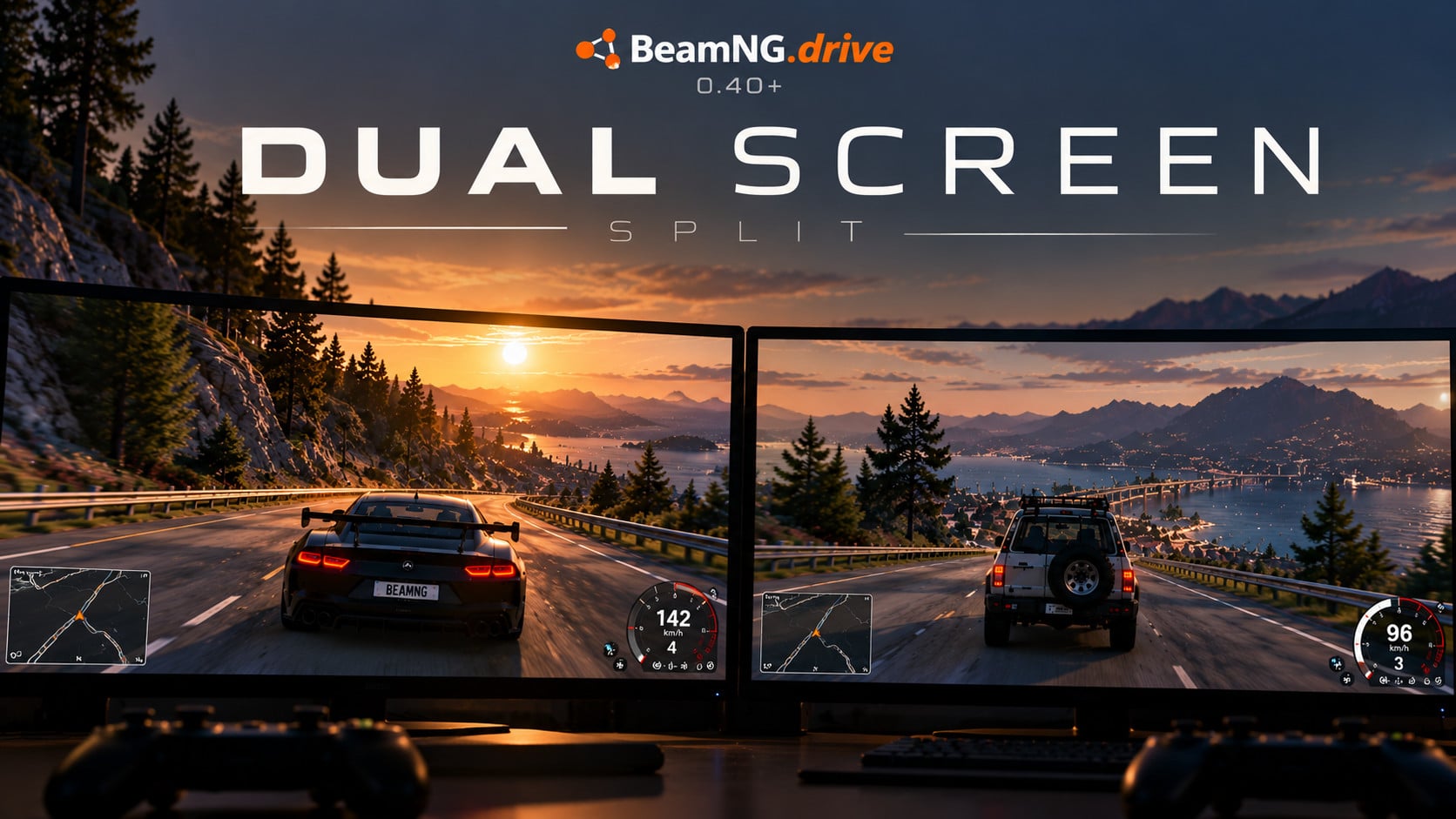
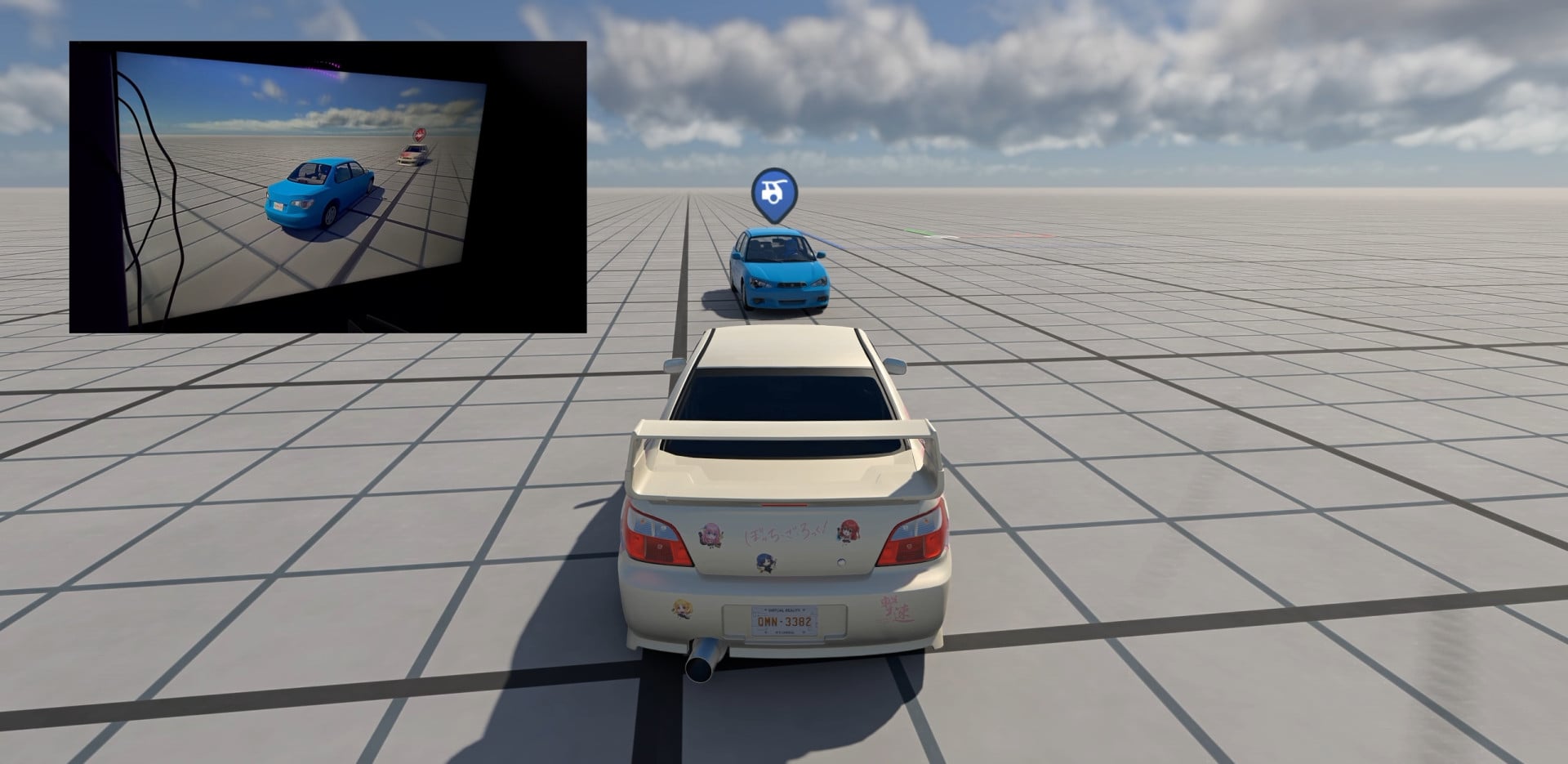
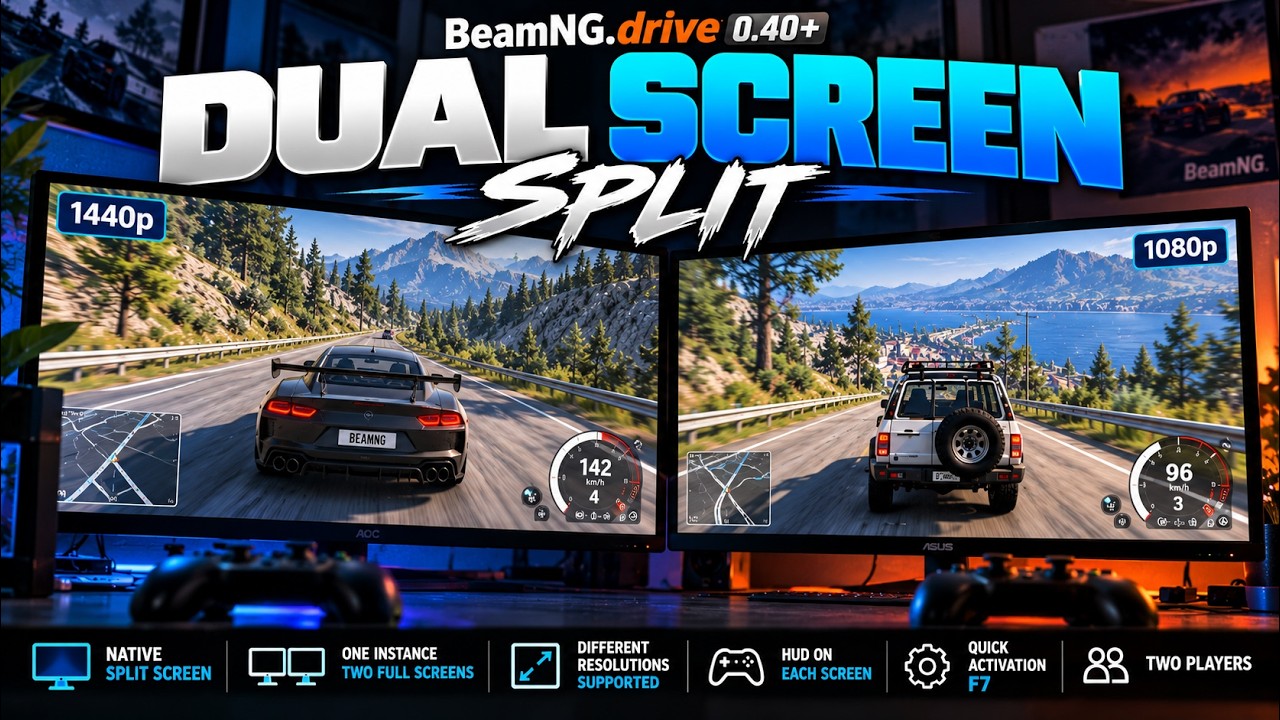
Dual Screen Split lets you play BeamNG.drive native Split Screen with one game process, each player on their own full display — even when the monitors have different resolutions (e.g. 1440p PC + 1080p TV).
No duplicate display. No second game instance. Real heterogeneous layout.
Features
- Auto-detects Windows monitors and spans the game window across them
- Proportional viewport layout (not a dumb 50/50 split)
- HUD / speedometers stuck to each player’s screen
- Heavy menus (vehicle selector, pause dialogs, etc.) clipped to one monitor (configurable)
- Toggle with F7 or the Dual Screen UI App
- Borderless helper included (DualScreenBorderless.exe)
Requirements
- BeamNG.drive 0.40+
- Windows display mode: Extend (not Duplicate)
- Native Split Screen started (2 players / 2 screens)
- Two input devices (keyboard + controller, or 2 controllers)
How to use
- Install the zip in your mods folder (do not extract)
- Enable the mod in Mod Manager → Rescan
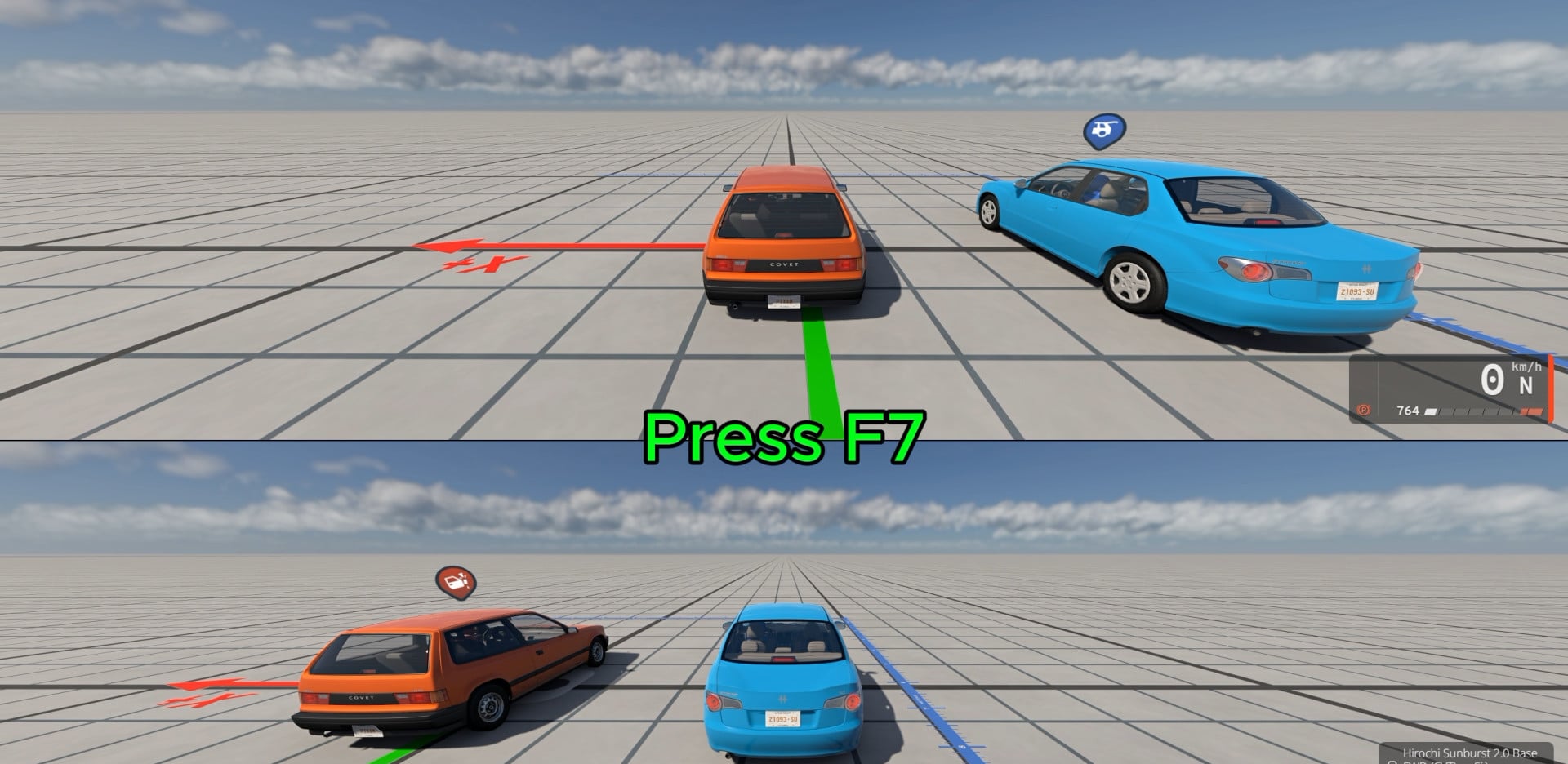
- Start native Split Screen (2 players)
- Press F7 (or open UI Apps → Dual Screen → Activate)
- Optional: in the Dual Screen app, choose which monitor shows menus
Hotkeys
- F7 — Enable / disable Dual Screen
- Ctrl+F7 — Rescan monitors
Notes / limitations
- Windows only
- Number of players must match number of monitors
- Brief flash possible when opening/closing some menus (CEF clip)
- Always leave Split Screen / press F7 to restore display cleanly
Credits Author: Pixam
External Download Links:
Videos
Direct Download Links
About Mod
| Latest Version | 1.0 |
| Game | BeamNG.drive |
| Category | Other |
| Game Version | 0.40.x |
| Tags | Gameplay Tools UI |
| Downloads | 149 |
| Created | 12 hours ago |
You Might Also Like »


0 Comments
There are no comments. Be first to comment!