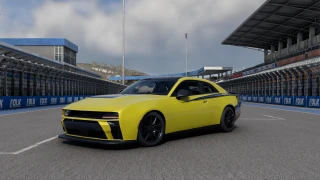
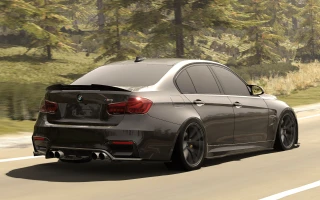
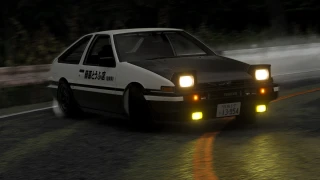
[FREE] Vaschito000 (Reshade) Graphic mod, realistic, more colored, rtx, hdr. 1.0

![BMW X6 G06/F96 [PACK]](https://temp2.modland.net/i/6a8ff76445a04/0_modland.webp)
![[FREE] Vaschito000 (Reshade) Graphic mod, realistic, more colored, rtx, hdr.](https://temp2.modland.net/i/6815a71b55b85/681e0dc62a78a/BeamNG.drive.x64 2025-05-06 21-47-27_934-lg_modland.jpg)
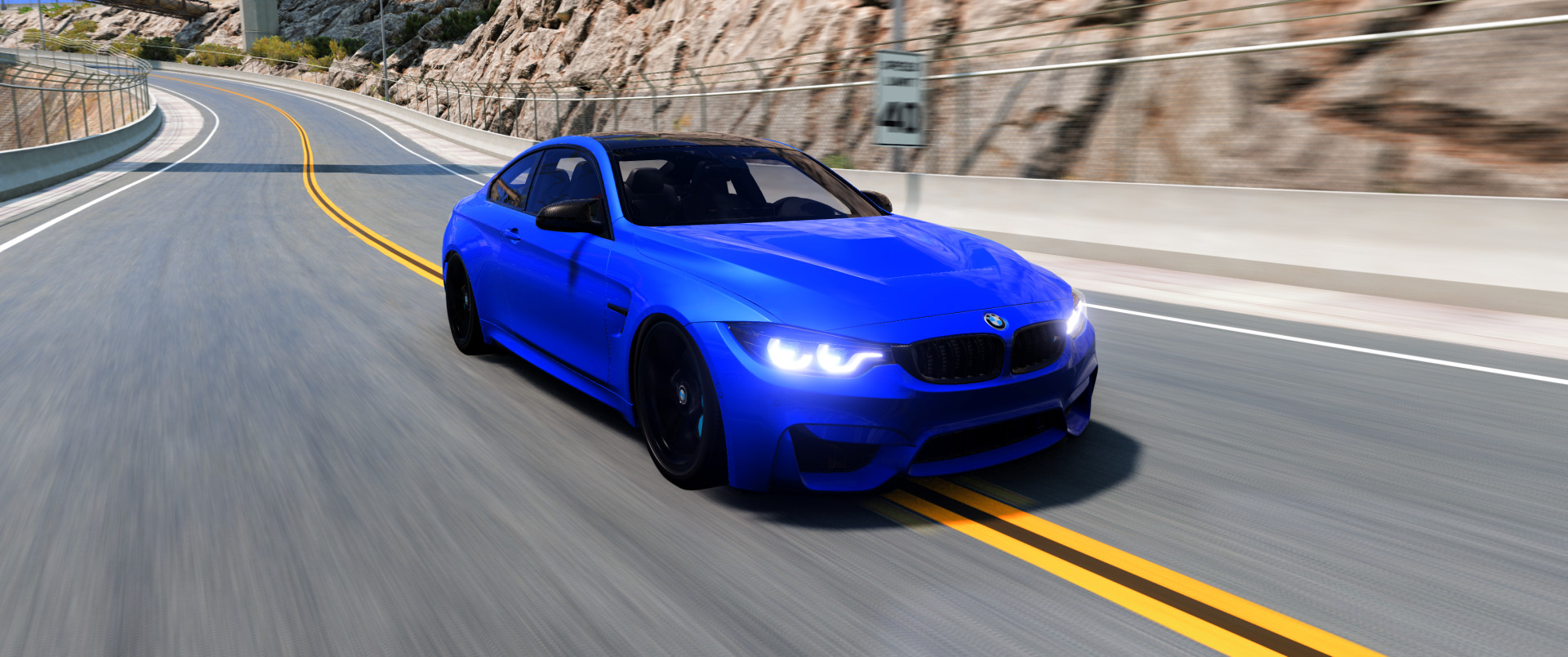
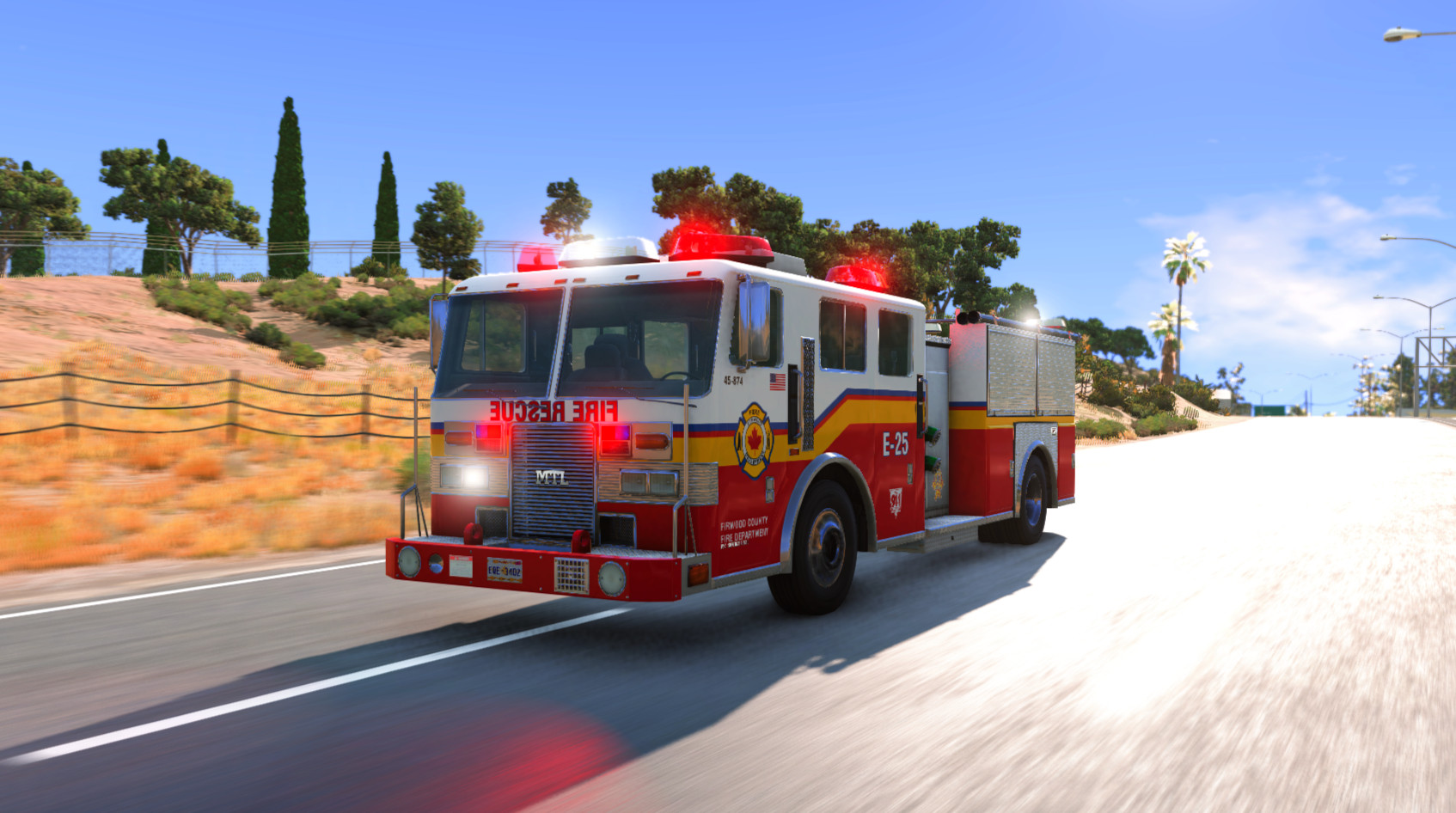
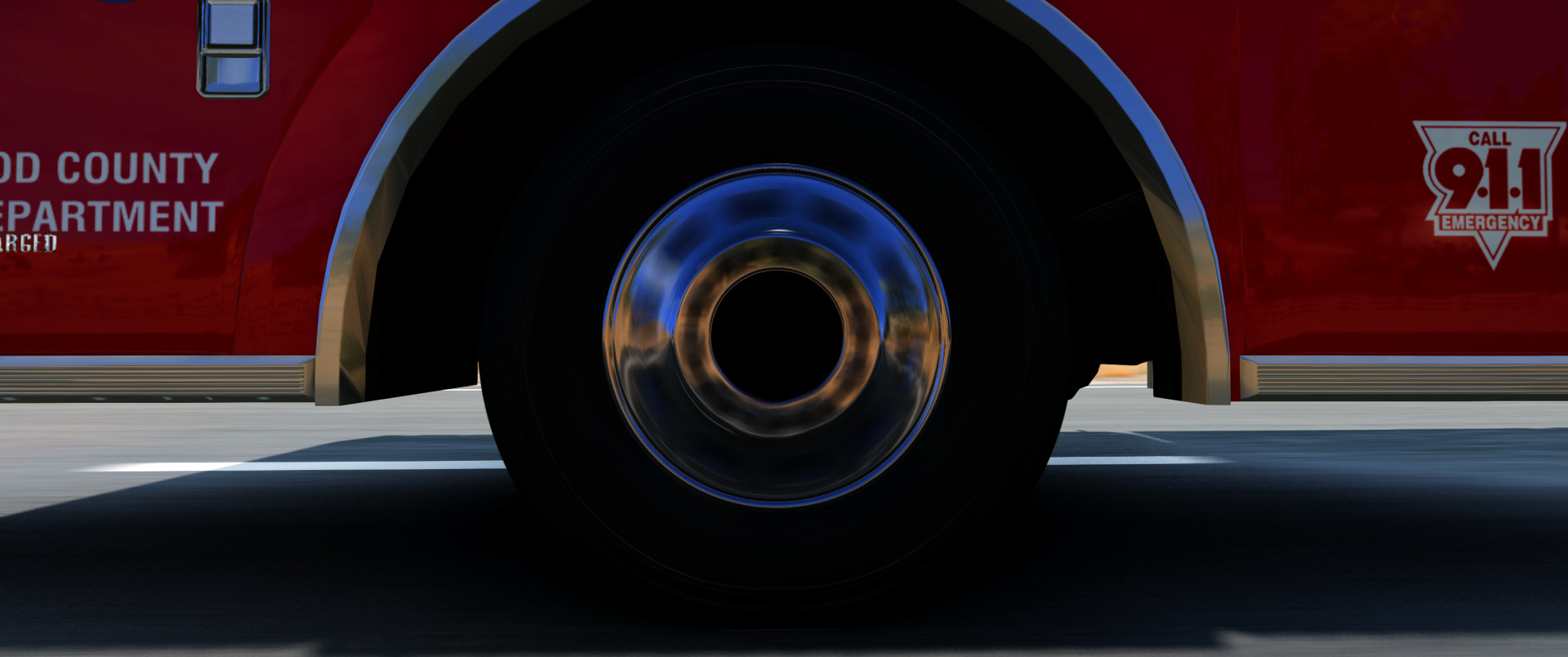
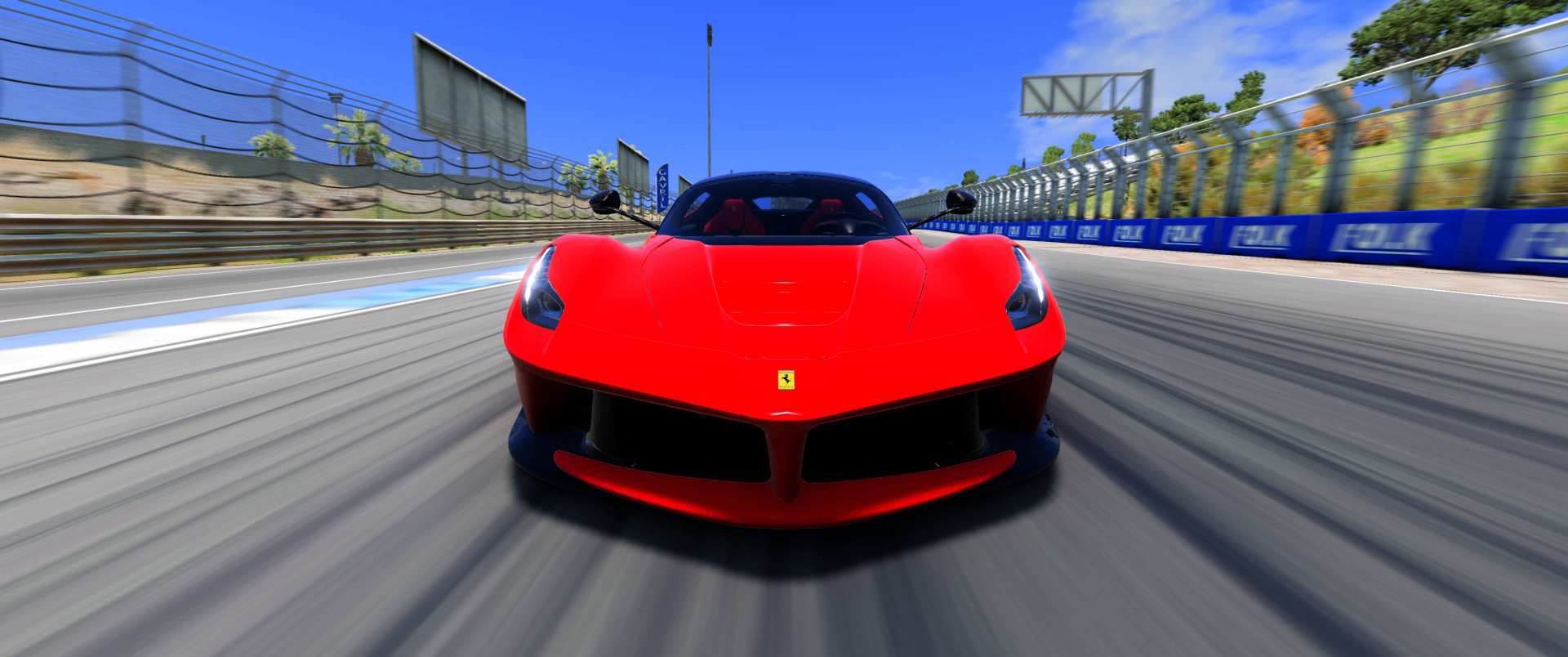
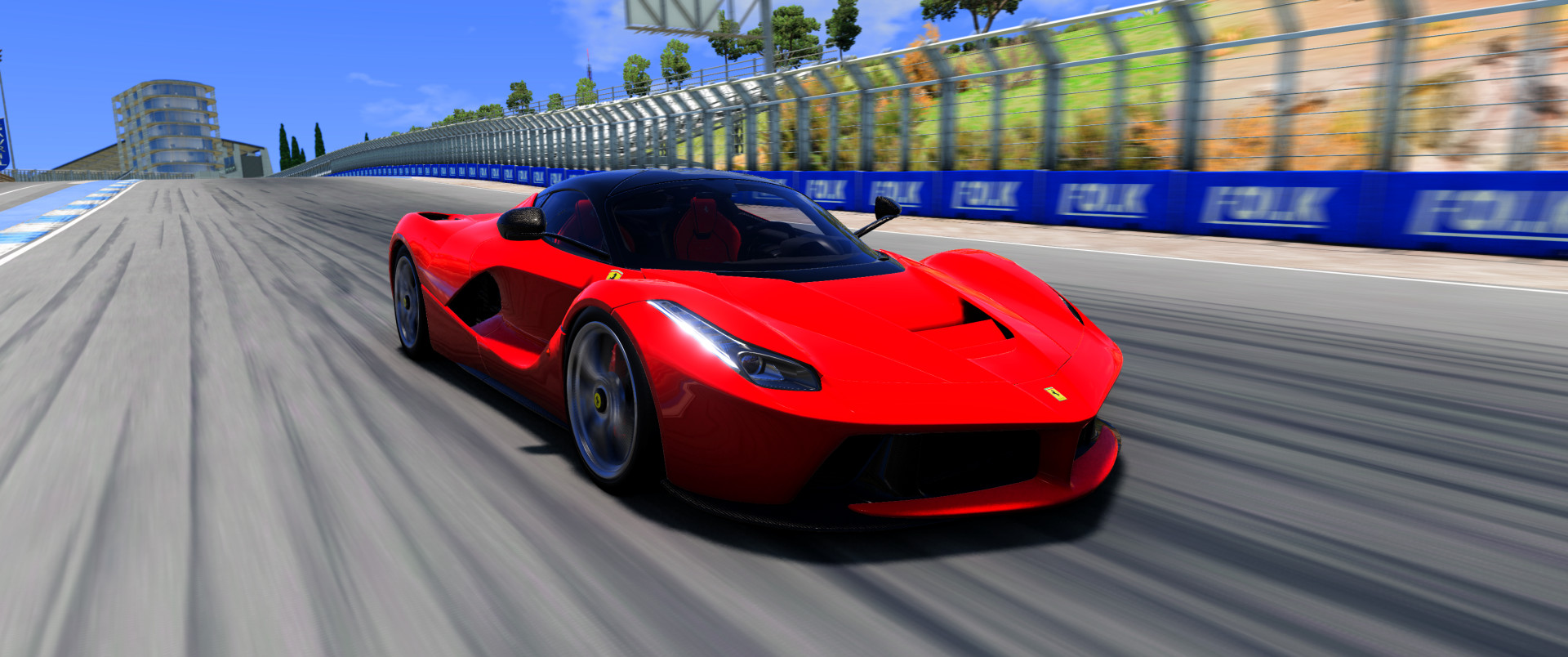
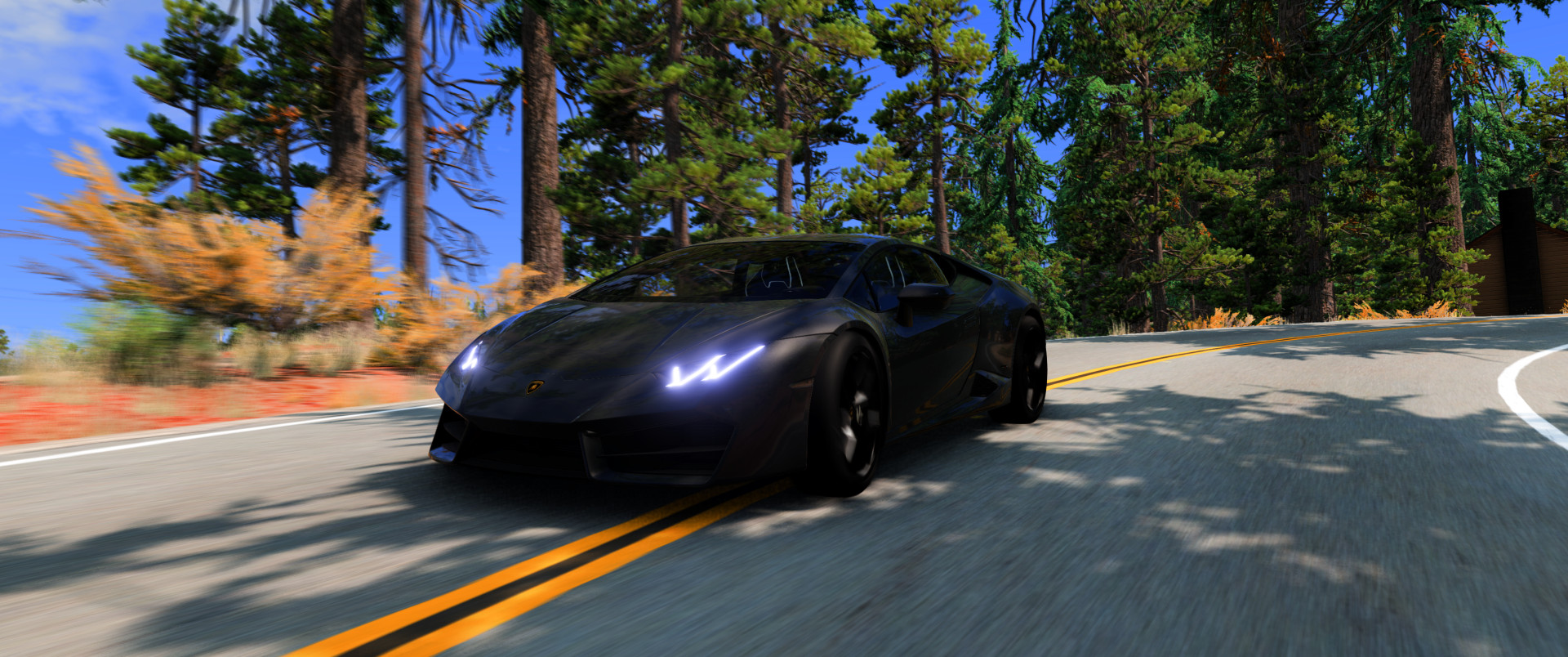
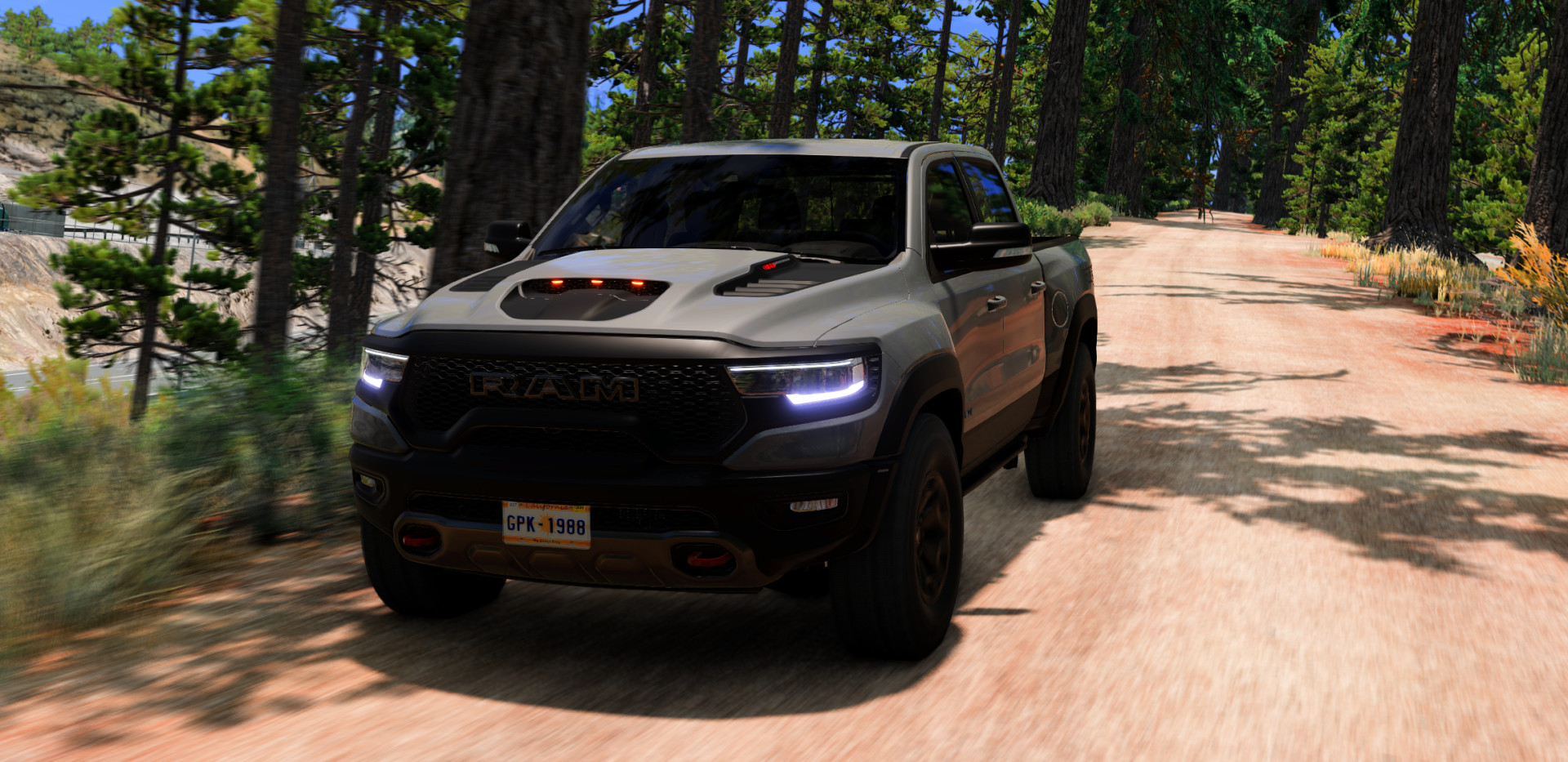
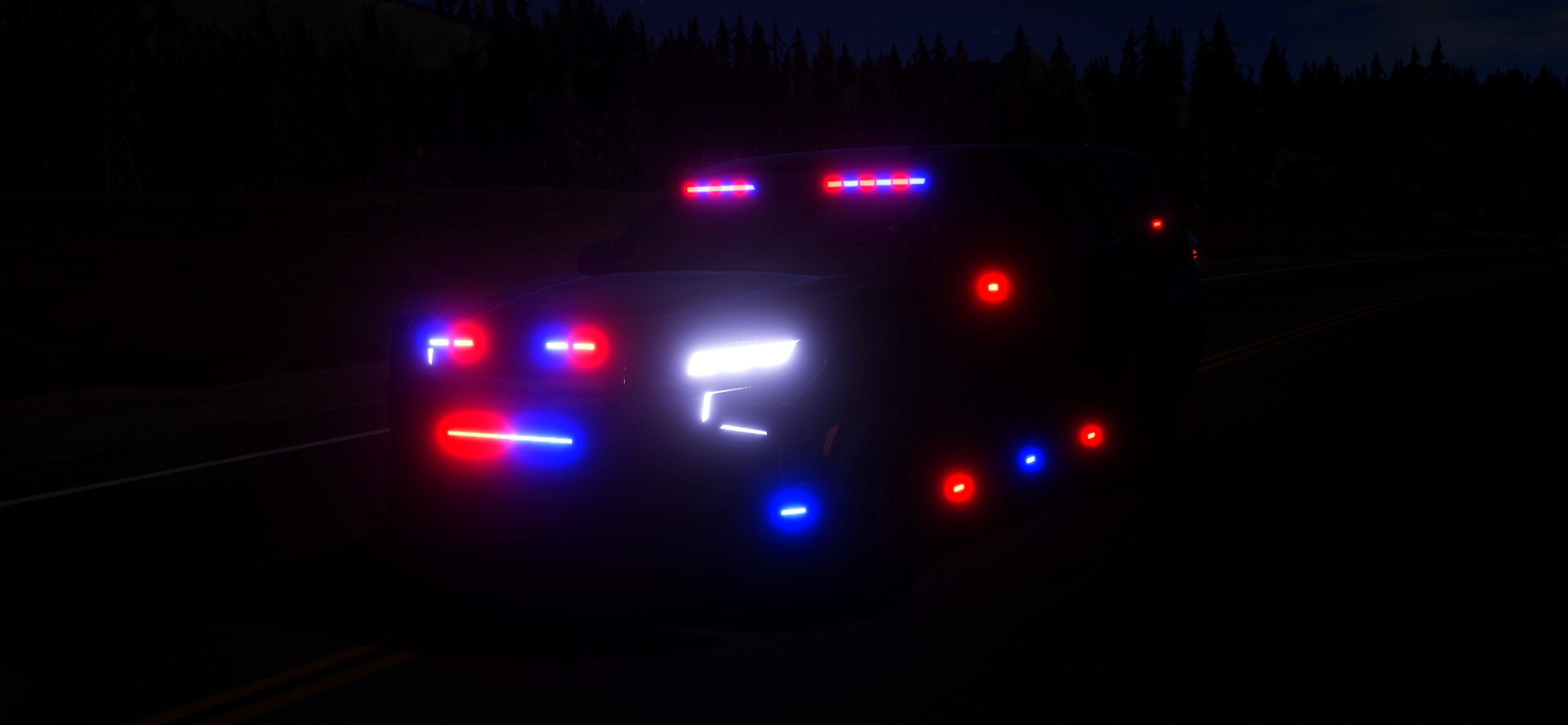

4/5,
8
votes
Hello and thanks for downloading my preset.
tutorial on how to install:
First of all if you don't already have Reshade installed then you will need to install it by following these steps
1) download reshade, search in your browser's search bar for reshade and download it.
2) Once you have downloaded the Reshade_Setup file, open it.

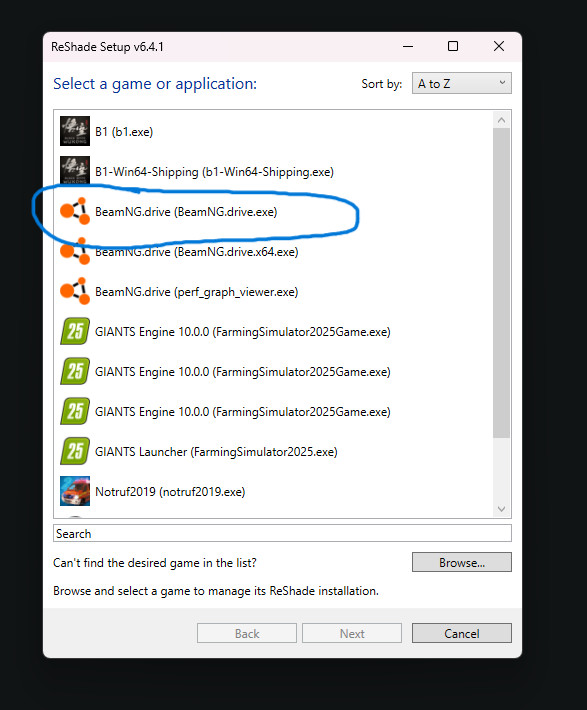
3) Select BeamNG.drive, if you haven't already you will have to add it manually by clicking on browse, once you click on the game press next, and select DirectX 10/11/12,
then click on the top right on UNCHECK ALL and then click again in the same spot on CHECK ALL, then press next and wait for it to finish.
4) Download my preset and extract it.
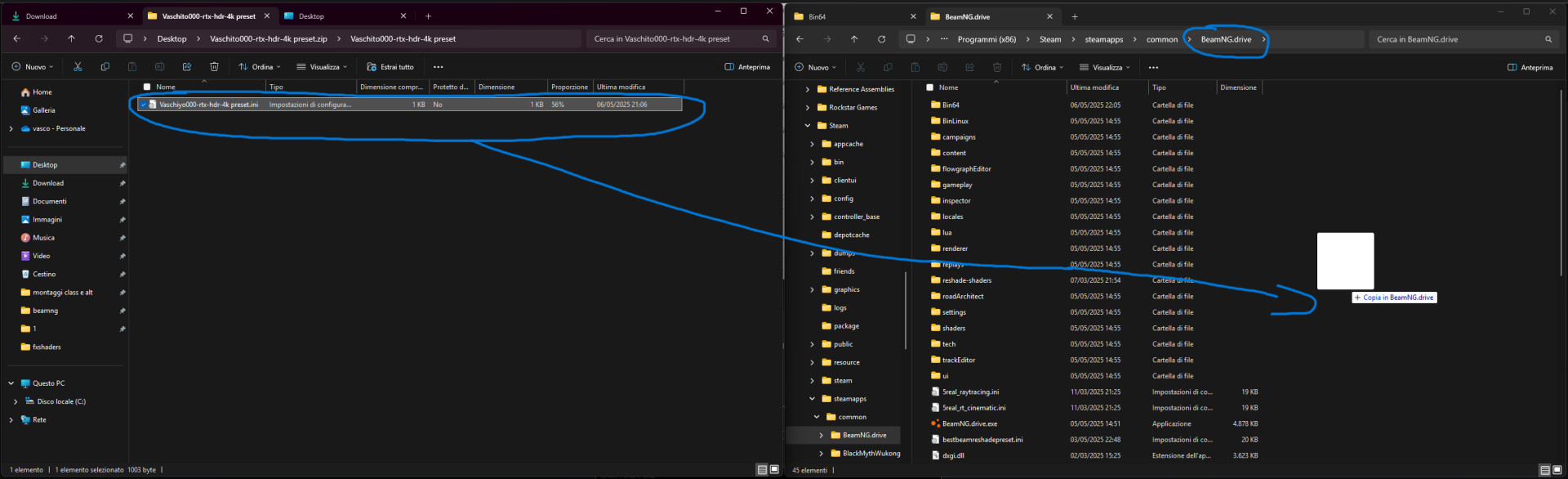
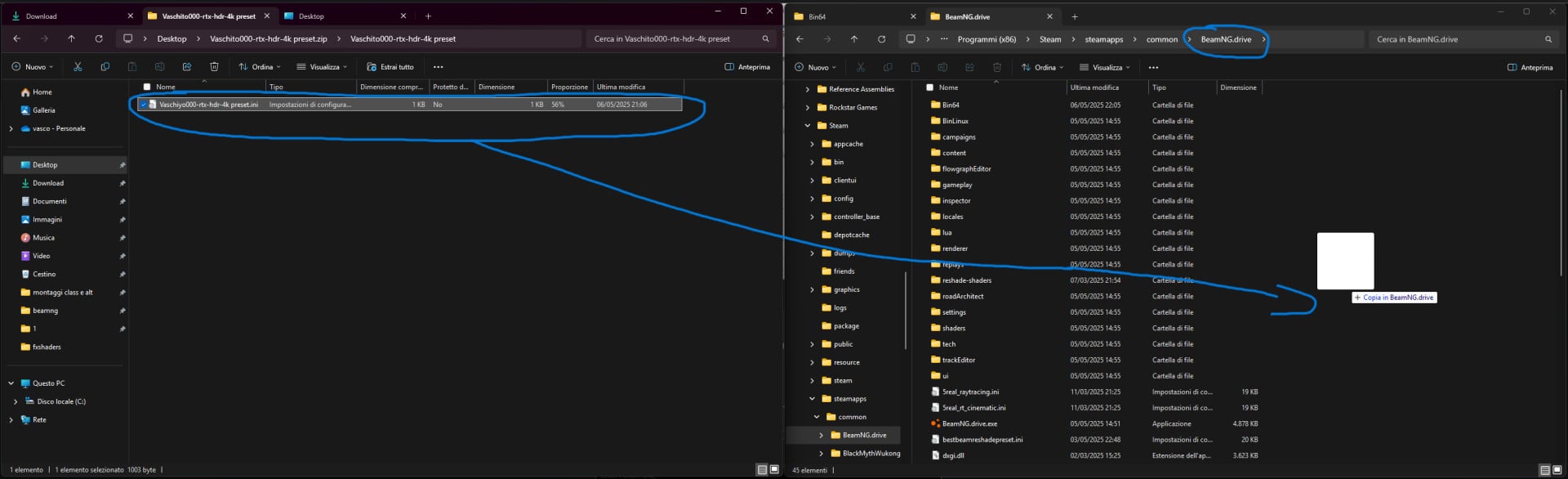
5) to install the preset you will have to go to the main folder of BeamNG.drive, go to steam right click on BeamNG.drive, manage and browse local files.
6) once you have done this take my preset, the .ini file and drag it to the main folder of the game.
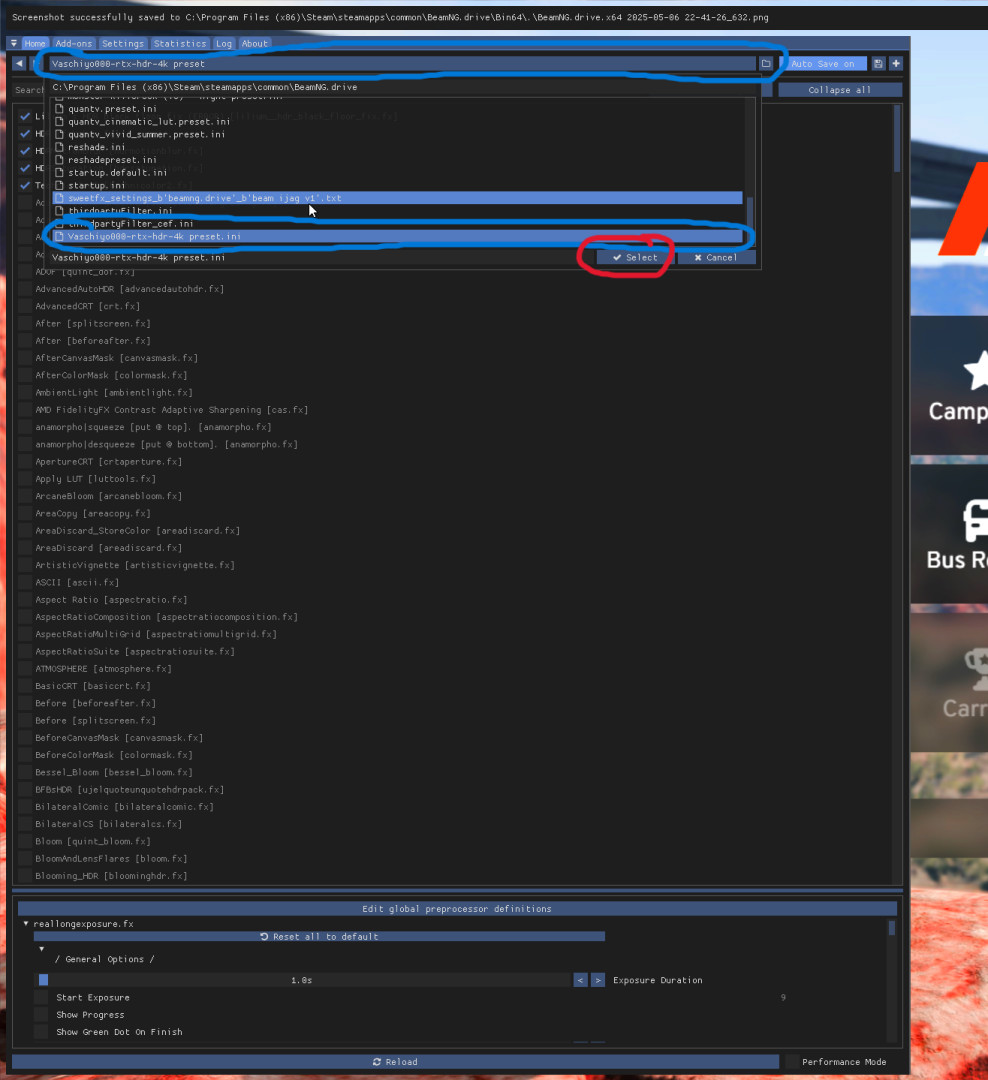
 7) start the game and once started press the "home" key on your keyboard and a menu will open
8) click on the top center of the menu, the blue bar, and click on my preset .ini, then press select and that's it.
AND NOW ENJOY THE GAME WITH MY PRESET
THIS IS THE FIRST PRESET I MADE AND THE FIRST TIME I PUBLISH SOMETHING ON THIS SITE I HOPE YOU APPRECIATE.
THANK YOU!
tutorial on how to install:
First of all if you don't already have Reshade installed then you will need to install it by following these steps
1) download reshade, search in your browser's search bar for reshade and download it.
2) Once you have downloaded the Reshade_Setup file, open it.
3) Select BeamNG.drive, if you haven't already you will have to add it manually by clicking on browse, once you click on the game press next, and select DirectX 10/11/12,
then click on the top right on UNCHECK ALL and then click again in the same spot on CHECK ALL, then press next and wait for it to finish.
4) Download my preset and extract it.
5) to install the preset you will have to go to the main folder of BeamNG.drive, go to steam right click on BeamNG.drive, manage and browse local files.
6) once you have done this take my preset, the .ini file and drag it to the main folder of the game.
7) start the game and once started press the "home" key on your keyboard and a menu will open8) click on the top center of the menu, the blue bar, and click on my preset .ini, then press select and that's it.
AND NOW ENJOY THE GAME WITH MY PRESET
THIS IS THE FIRST PRESET I MADE AND THE FIRST TIME I PUBLISH SOMETHING ON THIS SITE I HOPE YOU APPRECIATE.
THANK YOU!
External Download Links:
Direct Download Links
latest
initial
Version
1.0
· BeamNG.drive
0.35.x
1 year ago
Game Versions:
0.35.x
Vaschito000-rtx-hdr-4k preset_modland.zip
direct download
· 933 B
· added 1 year ago
This File is Scanned by Antivirus and is Safe.
More Details
About Mod
| Latest Version | 1.0 |
| Game | BeamNG.drive |
| Category | Other |
| Game Version | 0.35.x |
| Downloads | 3306 |
| Created | 1 year ago |
| Last Virus Scan |
0/97
More Details |
![BMW X6 G06/F96 [PACK]](https://temp2.modland.net/i/6a8ff76445a04/0_modland.jpg)
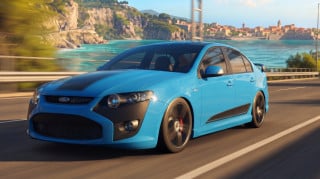
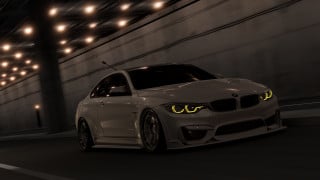
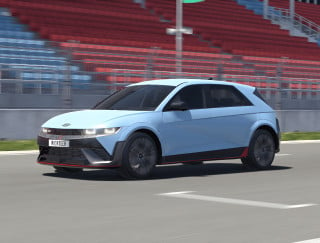
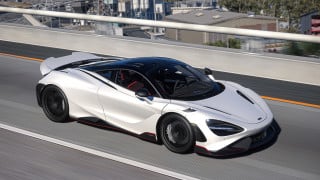
I have a 75% keyboard so I don't have a home button but I know the combination for it but when I press the key bind which is FN+END it resets the car back to home spot and it is confusing because I can't figure out how to pull up the menu.
home button is not working (did all the things correct i checked)
Home button does not work
@velvrynofficial whats the button how do you do it
@Voidrix what button did you use?
@Vaschito000 i figured it out
@Voidrix did you install reshade correctly on beamng.drive.exe and not on beamng.drive.x64.exe or on beamng.drive perfh graph viewer?
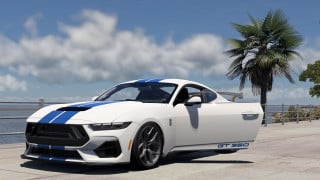
What presets are you using i want to make it look like what you have in the pictures
@CF23545 i use the preset in this mod with MK's Dynamic Weather and I change the hour of the day
please leave me a comment to let me know what you think