
![Ford Mustang Mach-E [PACK]](https://temp2.modland.net/i/6aa50a7184eaa/0_modland.jpg)
![BMW X6 G06/F96 [PACK]](https://temp2.modland.net/i/6a8ff76445a04/0_modland.jpg)

Updates
Flight energy system
- Flight now consumes a battery that drains in the air and recharges whenever the vehicle is not flying.
- Depleting the battery triggers an automatic landing rather than an abrupt loss of power.
- Take-off is refused when the battery is empty.
- Flight time and recharge time are configurable. The entire system can be disabled.
Damage effects on flight
- A damaged vehicle loses thrust and lift.
- Attitude is held poorly and the vehicle sags, as gravity is no longer cancelled cleanly.
- Battery drain increases with damage.
- Severe damage causes the flight system to sputter.
- Resetting or repairing the vehicle clears all penalties.
- Damage thresholds are configurable. The system can be disabled.
Arcade / Consequences switch
- New single-click mode toggle. Arcade removes both the battery and the damage penalty for unlimited flight with nothing to manage.
Interface
- New Energy tab in the app.
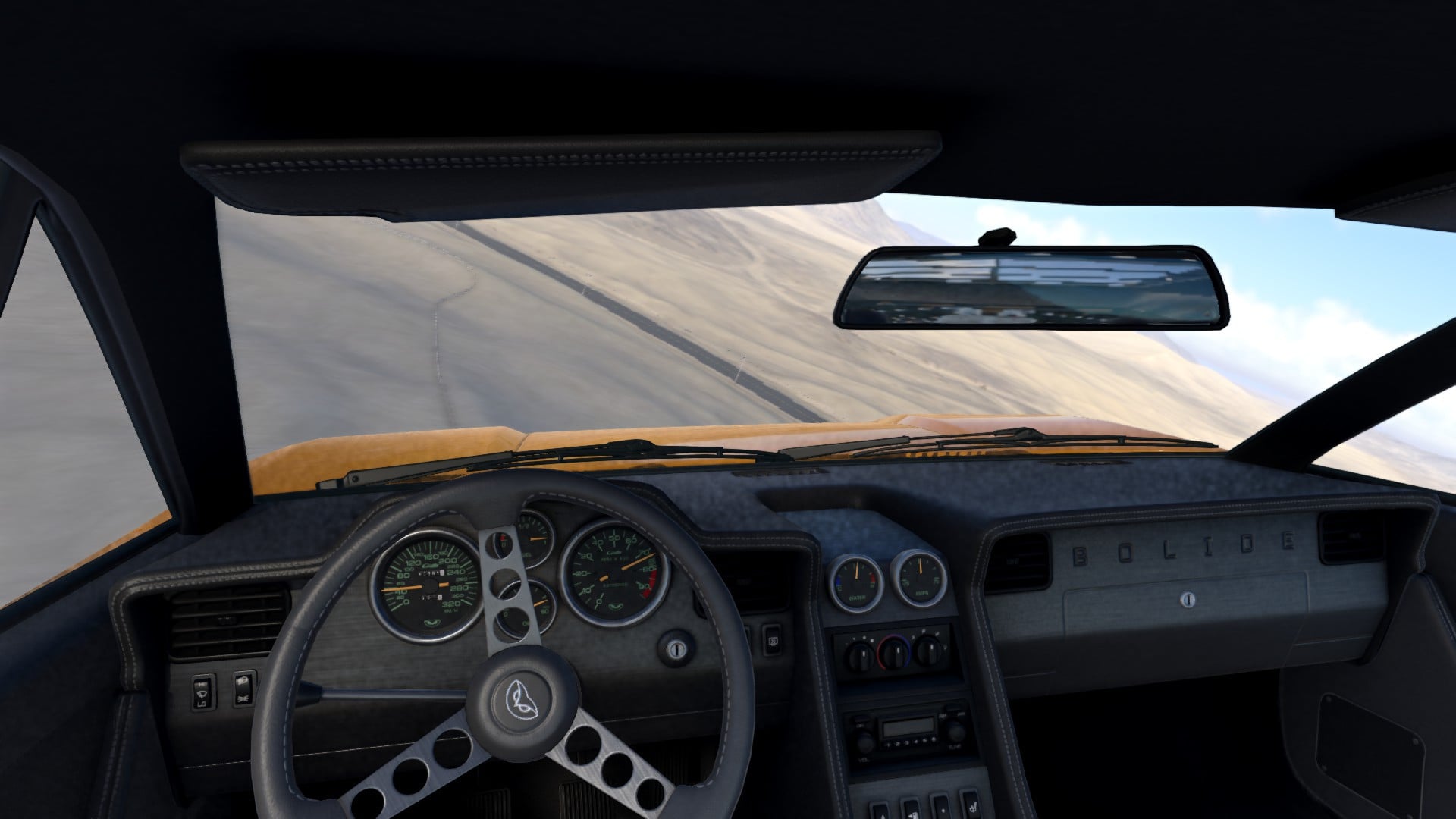
- Battery bar and damage readout added to the instrument panel.
Handling
- Steering and pitch authority now falls off as speed increases, making high-speed flight feel heavier and more stable.
- Field of view widens with speed while flying, and is restored exactly on landing and when switching vehicles.
- Increased default thrust, reduced drag and a raised speed ceiling.
Fixes
- The handbrake is now released while flying. The climb key doubles as the handbrake, so holding it previously kept the wheels locked for the entire flight - leaving automatic gearboxes stuck in first gear and landing the vehicle on skidding tyres.
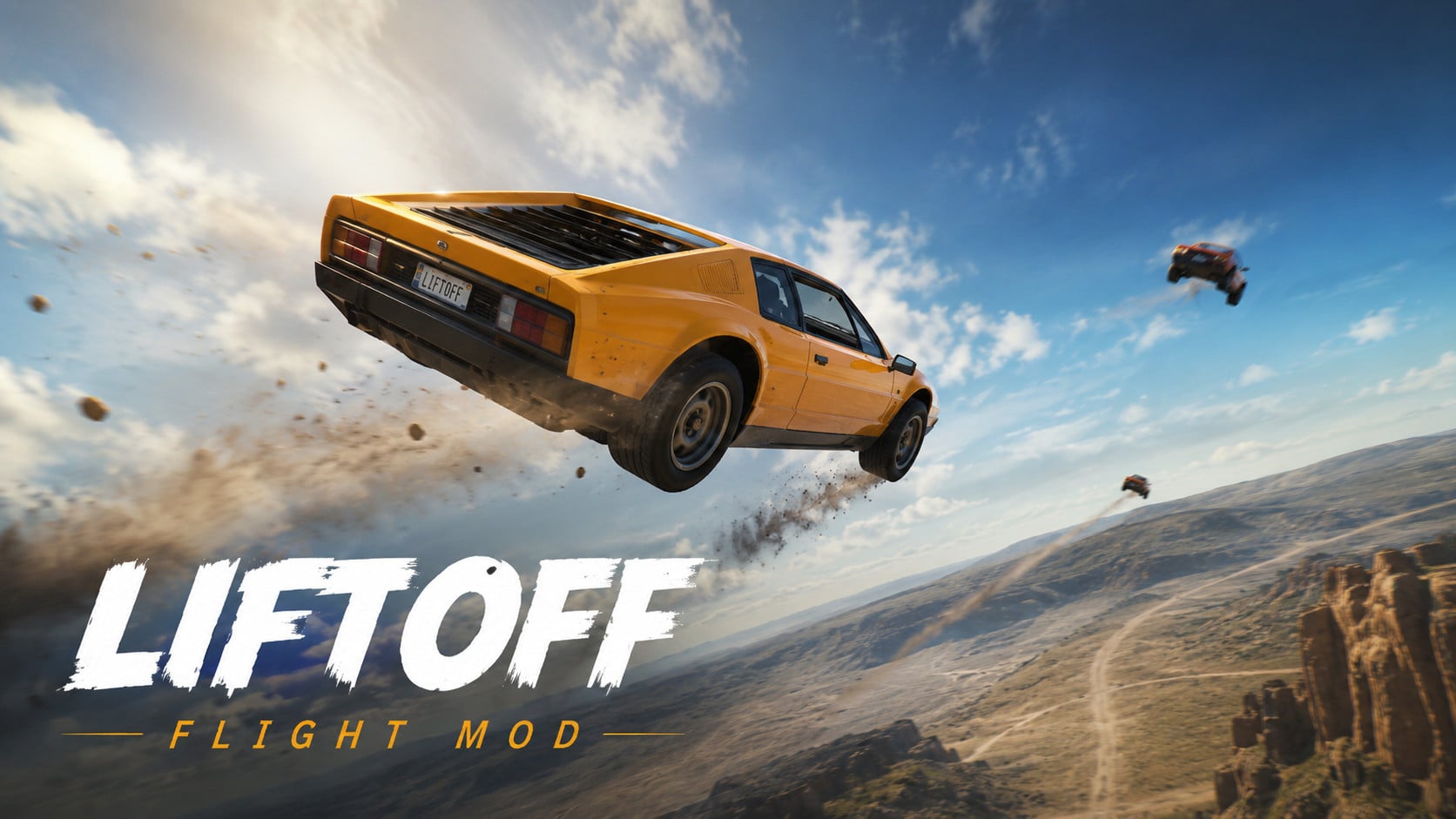
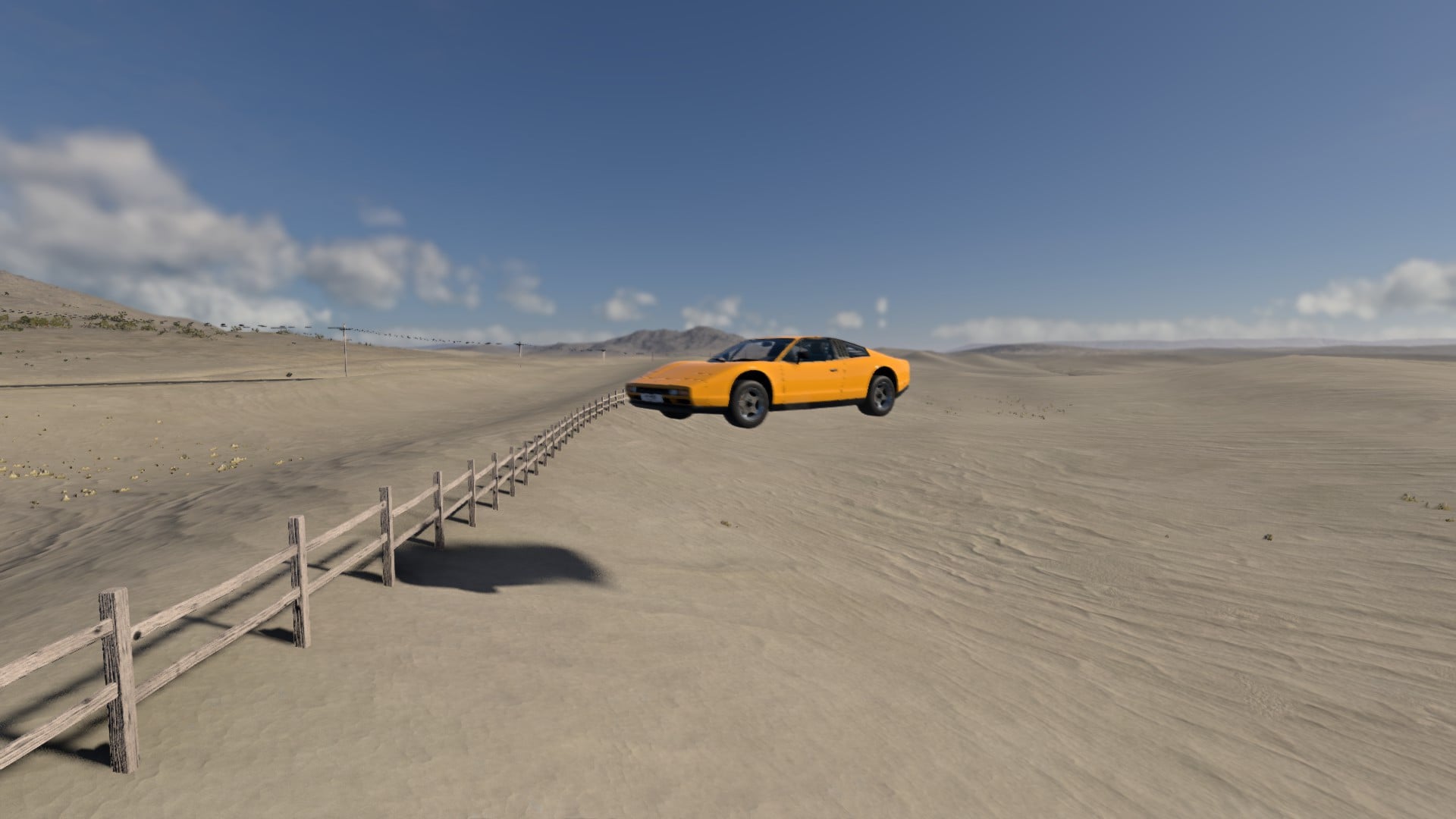
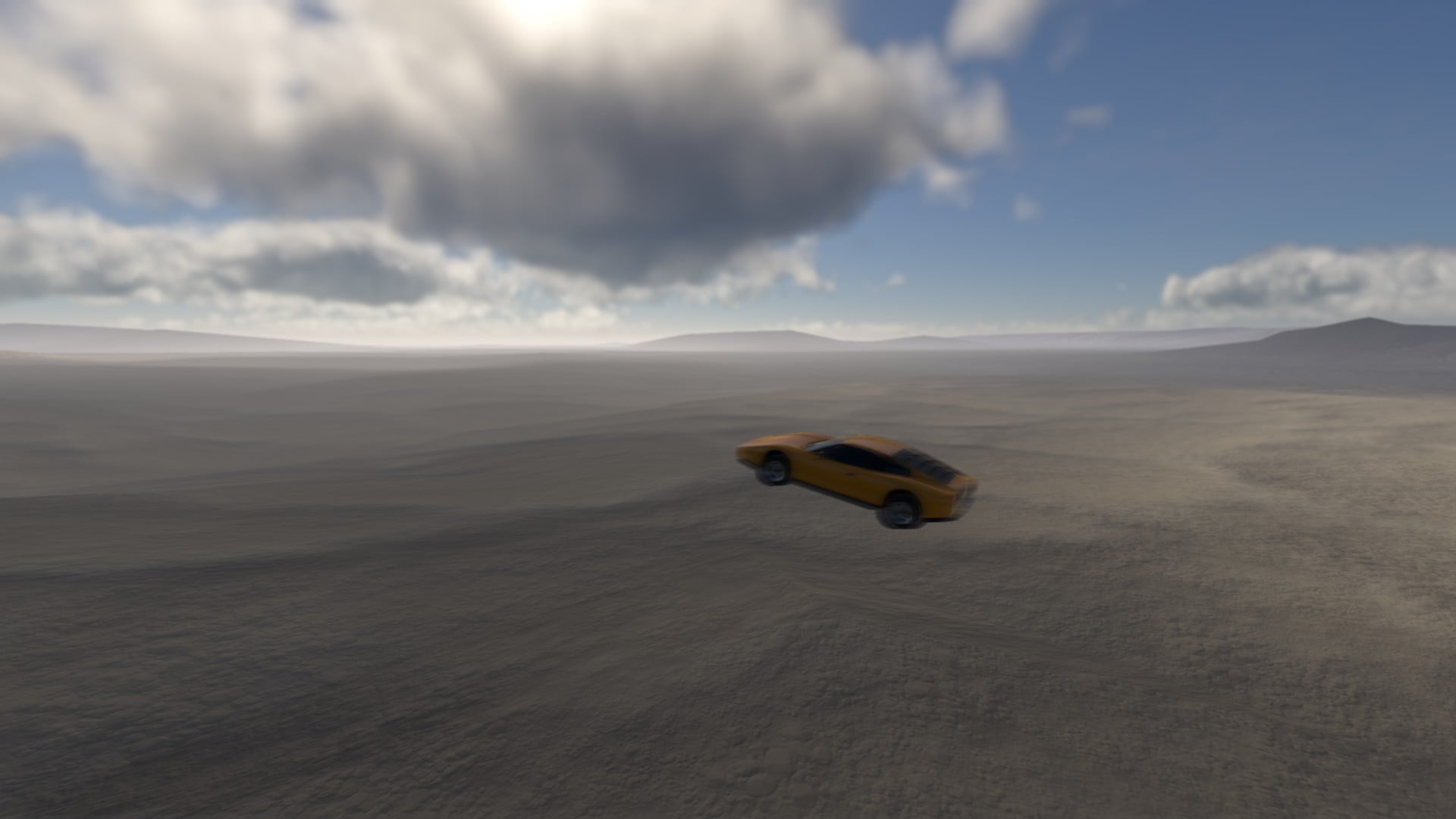
Turns the car you're driving into a flying car. Press Alt+F and it lifts off - gravity is cancelled with a body thrust, and your normal driving controls become flight controls: the throttle pushes you forward, the brake acts as a reverse thruster and air brake, steering turns you, and the handbrake and clutch keys climb and descend.
Two modes, switched with Alt+H
Hover - holds a set height above whatever is under you (road, terrain, a rooftop, or the surface of a lake), following the ground up and down while keeping the car locked level, so it handles like a hovercraft.
Flight - free 3D flying. Thrust follows the nose, so pitch up with T, hold the throttle, and you climb. The car banks into its turns, and the auto-level assist is adjustable all the way from fully manual aerobatics to permanently upright.
Landing assist flies the car back down under control instead of dropping it, and ground effect keeps you off the tarmac when you skim it.
No models, no parts, no vehicle edits. It works on every car, truck, bus, and trailer in the game, stock or modded, and the car still steers, revs, crashes, and deforms exactly as it normally does. Thruster vapour and ground dust kick up under the car, plus an optional synthesized thruster hum.
Everything is tunable in the app - thrust, lift, turn rates, auto-level strength and damping, hover height, drag, and top speed - and it's all saved between sessions.
Default keys:
-
Alt+F (on/off)
-
Alt+H (hover/flight)
-
T and Y (nose up/down).
-
Space/Shift: up/down
Installation
I recommend installation via AVA Mod Manager from my partners. It can automatically install mods, pack/unpack them.
You can also install mod manually, as a standart modification. I recommend unpacked installation.
External Download Links:
About Mod
| Latest Version | 1.1 |
| Game | BeamNG.drive |
| Category | Other |
| Game Version | 0.39.x |
| Tags | Gameplay |
| Downloads | 278 |
| Created | 1 month ago |
| Last Updated | 1 month ago |
Download Latest Version
Version: 1.1Updated: 1 month ago
https://boostylink.com/KQYseBGZ external download · added 1 month ago
GOOOOOOOOOOAAAAAAAATTTTTTTTEEEEEEEEEEEEDDDDDDDDDD!!!!!!!!!!!!!!!!!!!!!!!!!!!!!!!!!!!!!!!!!!!!!!!!!!!!!!!
@aa thanks!)