LuxPhone Pro — Interactive Smartphone for BeamNG.drive [PAID] 5.2.2

![BMW X6 G06/F96 [PACK]](https://temp2.modland.net/i/6a8ff76445a04/0_modland.webp)


![LuxPhone Pro — Interactive Smartphone for BeamNG.drive [PAID]](https://temp2.modland.net/i/6a6233bd241a3/chatgpt-image-27-de-jul-de-2026-15-56-55-1-lg_modland.jpg)
2/5,
30
votes
Description
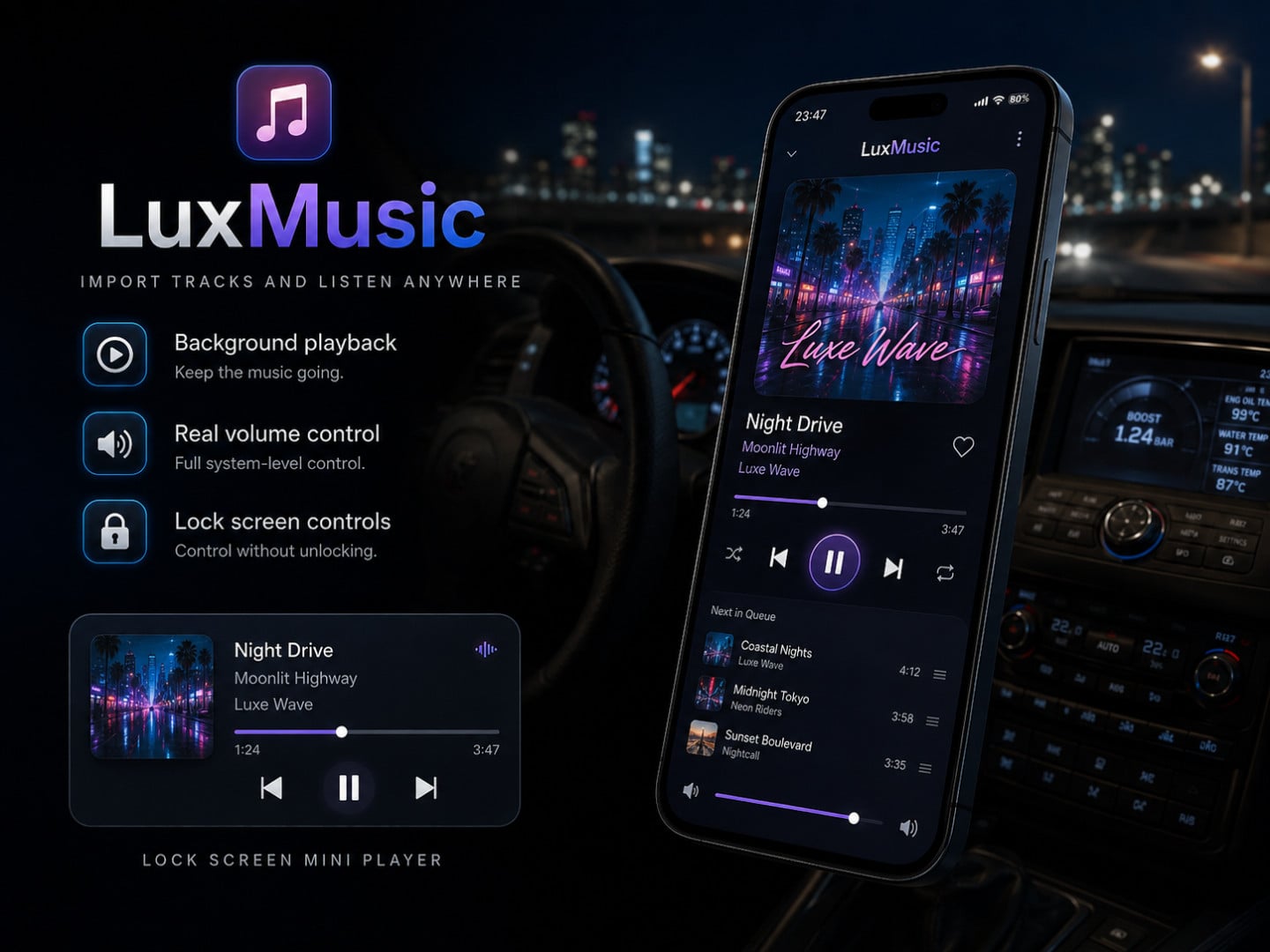
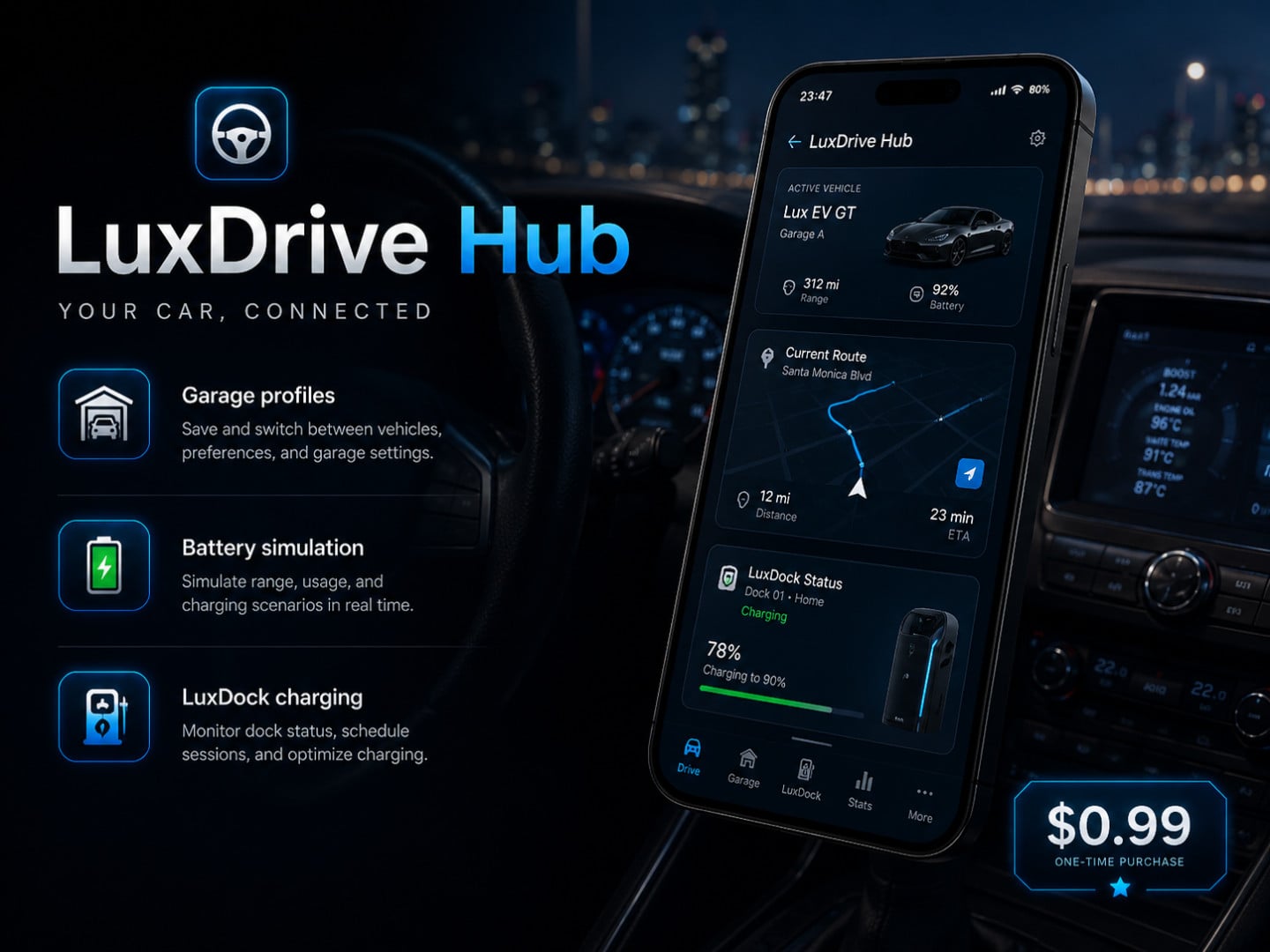
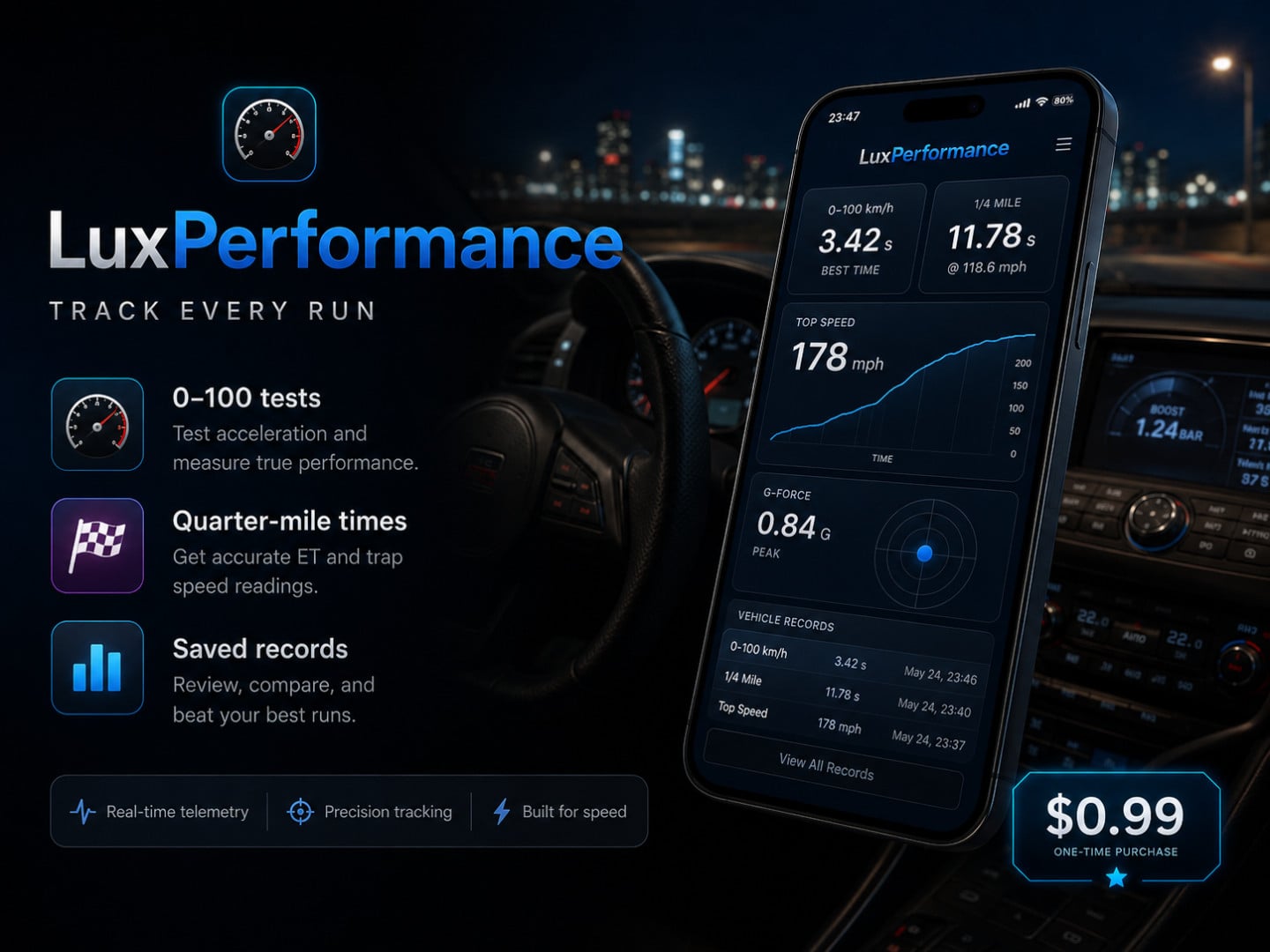
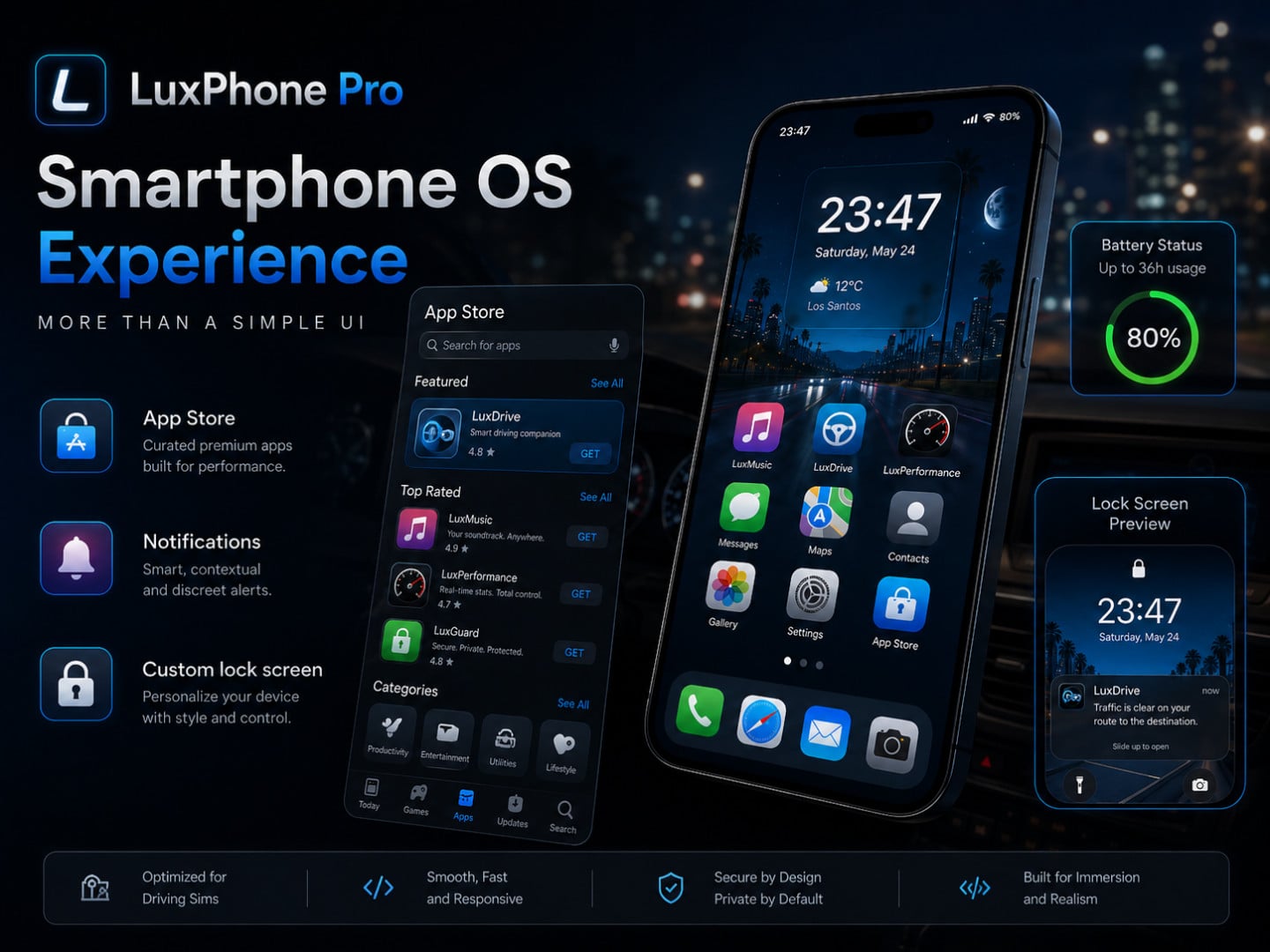
LuxPhone Pro is a complete and interactive in-game smartphone system designed for BeamNG.drive. It adds a modern phone interface with interactive applications, animations, sounds, Dynamic Island activities, vehicle-related tools, and integration with Career Mode.
Features
- Fully interactive smartphone inside BeamNG.drive
- Boot screen, lock screen, and home screen
- Smooth app opening and closing animations
- Sound effects and visual feedback
- Dynamic Island with notifications and live activities
- App installation and removal system
- Customizable performance settings
- Icon organization
- Local save system
- Customizable keybind through the BeamNG.drive Controls menu
- Career Mode integration
- Vehicle-related tools and information
Included Apps and Systems
- LuxBank: A banking system connected to Career Mode and the player’s in-game money.
- LuxInvest: An interactive investment system available directly through the phone.
- LuxAssist with Atlas: A virtual assistant integrated into LuxPhone Pro.
- LuxSIM: A mobile network system with plans, connectivity, and download speed control.
- App Store: Install and remove applications directly from the phone.
- LuxGo Delivery: An interactive delivery application.
- Radar Alert: Radar warnings and driving-related notifications.
- LuxControl: Vehicle controls and useful vehicle-related features.
- LuxCard: A virtual card connected to the LuxBank system.
- Dynamic Island: Displays notifications, activities, progress information, driving data, and quick actions.
Compatibility
- BeamNG.drive for PC
- Current LuxPhone Pro version: 5.2.2
- Designed for BeamNG.drive 0.38.x
License System
Each customer receives one personal license key. After receiving your key, visit the official LuxMods license portal: https://lux-mods-portal-cdow.vercel.app/
Enter the license key, validate it, and use the download option shown on the portal.
Installation Instructions
1. Purchase LuxPhone Pro through the official Patreon link.
2. Download the LuxPhone Pro ZIP file.
3. Do not extract the ZIP file unless specifically instructed.
4. Open your BeamNG.drive user folder.
5. Open the mods folder.
6. Place the LuxPhone Pro ZIP file inside the mods folder.
7. Start BeamNG.drive.
8. Confirm that LuxPhone Pro is enabled in the Mod Manager.
9. Open the Controls menu and configure the LuxPhone keybind.
Credits
Created by: LuxMods
LuxPhone Pro is a complete and interactive in-game smartphone system designed for BeamNG.drive. It adds a modern phone interface with interactive applications, animations, sounds, Dynamic Island activities, vehicle-related tools, and integration with Career Mode.
Features
- Fully interactive smartphone inside BeamNG.drive
- Boot screen, lock screen, and home screen
- Smooth app opening and closing animations
- Sound effects and visual feedback
- Dynamic Island with notifications and live activities
- App installation and removal system
- Customizable performance settings
- Icon organization
- Local save system
- Customizable keybind through the BeamNG.drive Controls menu
- Career Mode integration
- Vehicle-related tools and information
Included Apps and Systems
- LuxBank: A banking system connected to Career Mode and the player’s in-game money.
- LuxInvest: An interactive investment system available directly through the phone.
- LuxAssist with Atlas: A virtual assistant integrated into LuxPhone Pro.
- LuxSIM: A mobile network system with plans, connectivity, and download speed control.
- App Store: Install and remove applications directly from the phone.
- LuxGo Delivery: An interactive delivery application.
- Radar Alert: Radar warnings and driving-related notifications.
- LuxControl: Vehicle controls and useful vehicle-related features.
- LuxCard: A virtual card connected to the LuxBank system.
- Dynamic Island: Displays notifications, activities, progress information, driving data, and quick actions.
Compatibility
- BeamNG.drive for PC
- Current LuxPhone Pro version: 5.2.2
- Designed for BeamNG.drive 0.38.x
License System
Each customer receives one personal license key. After receiving your key, visit the official LuxMods license portal: https://lux-mods-portal-cdow.vercel.app/
Enter the license key, validate it, and use the download option shown on the portal.
Installation Instructions
1. Purchase LuxPhone Pro through the official Patreon link.
2. Download the LuxPhone Pro ZIP file.
3. Do not extract the ZIP file unless specifically instructed.
4. Open your BeamNG.drive user folder.
5. Open the mods folder.
6. Place the LuxPhone Pro ZIP file inside the mods folder.
7. Start BeamNG.drive.
8. Confirm that LuxPhone Pro is enabled in the Mod Manager.
9. Open the Controls menu and configure the LuxPhone keybind.
Credits
Created by: LuxMods
External Download Links:
Direct Download Links
About Mod
| Latest Version | 5.2.2 |
| Game | BeamNG.drive |
| Category | Other |
| Game Version | 0.39.x |
| Tags | Gameplay Tools UI |
| Downloads | 799 |
| Created | 1 month ago |

![BMW X6 G06/F96 [PACK]](https://temp2.modland.net/i/6a8ff76445a04/0_modland.jpg)




![Ford Mustang Mach-E [PACK]](https://temp2.modland.net/i/6aa50a7184eaa/0_modland.jpg)
can you at least show how it looks in-game instead of using slop-gpt