MGH Subwoofer 2x12 — Music Player & Bass Rattle 1
114
downloads
41.45 MB
files size
0
comments
0
videos
by
Guest
1 hour ago




0/5,
0
votes
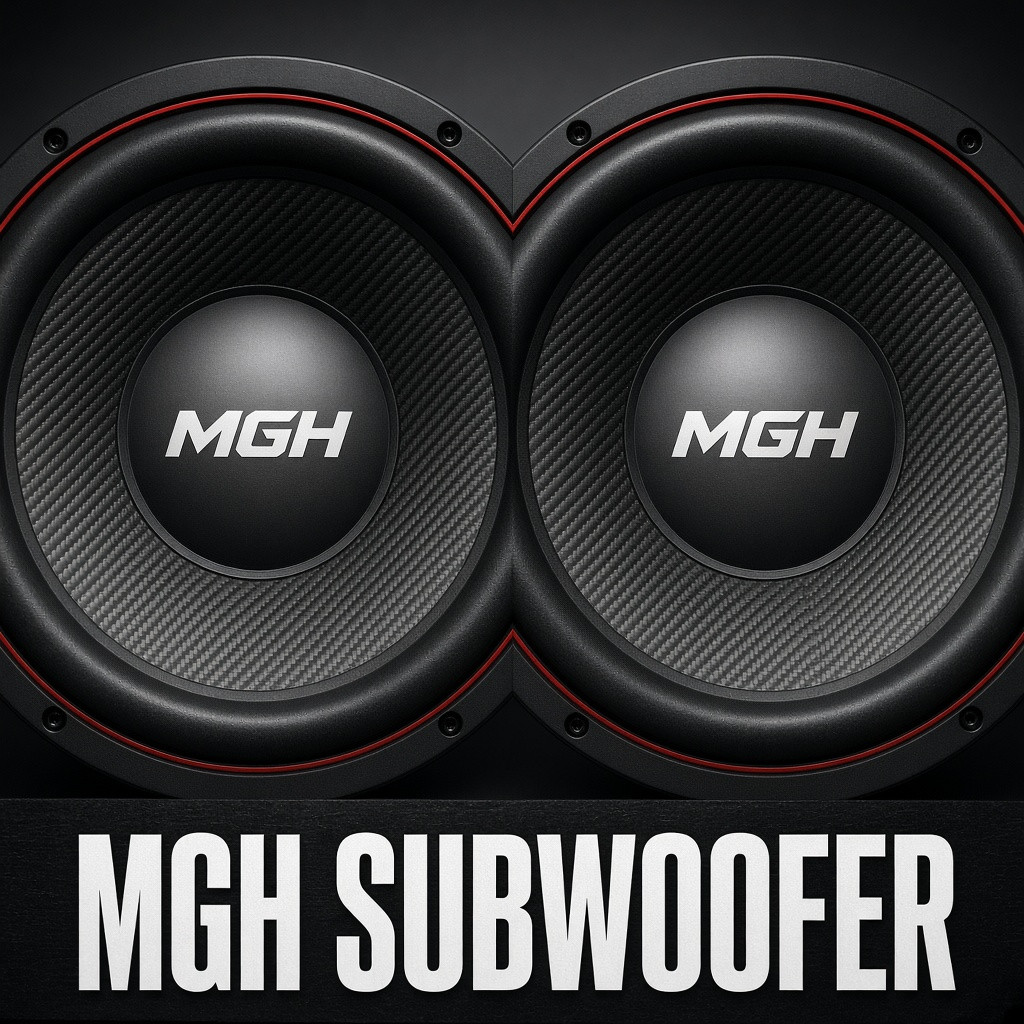
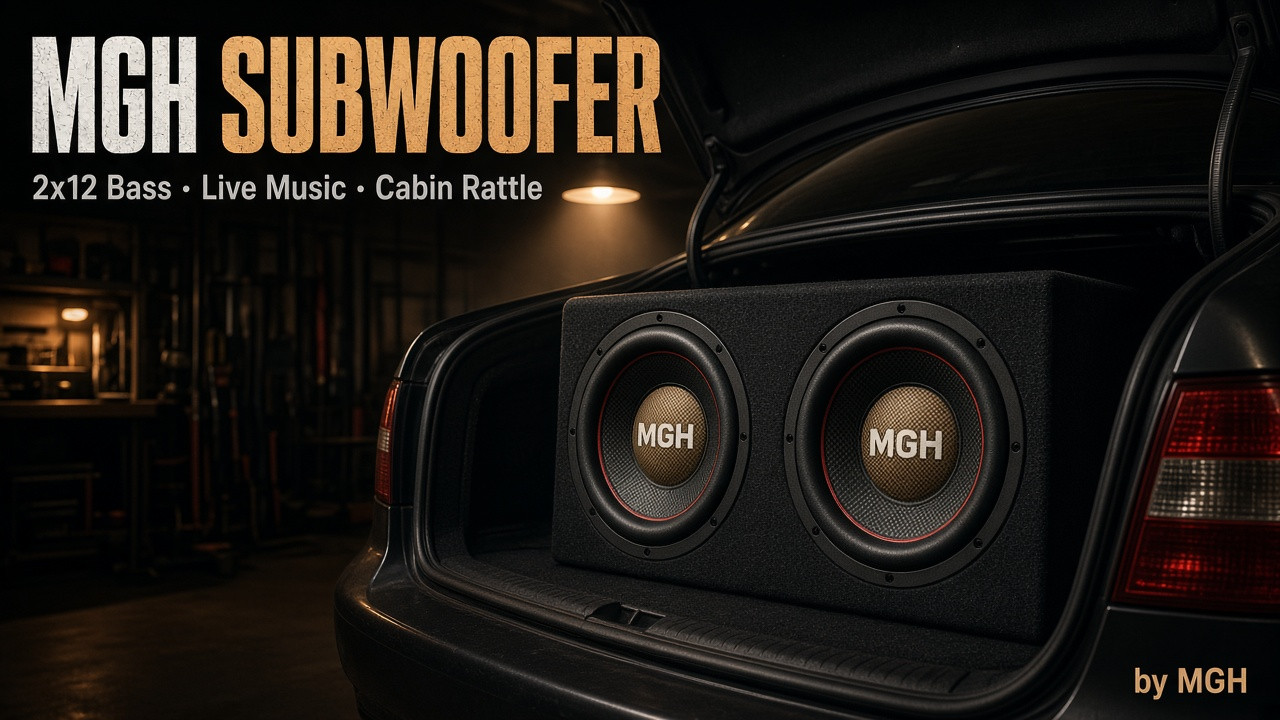
MGH Subwoofer — a 2x12 subwoofer for BeamNG.drive with its own player and bass physics.
Features:
• 2x12 cabinet with animated baffles
• Installation via Additional Modifications or the license plate slot (universal)
• Adjustment of position, direction, cone travel, and vibration intensity
• Player in Apps: music from files (mp3 / ogg / wav)
• "From PC" mode: Spotify / Yandex / any Windows audio via VB-Audio Cable
• Surround sound from the trunk + door and window vibration
• Hotkeys (Controls)
How to install:
1. Enable the mod by putting the car to sleep
2. Vehicle Config → Additional Modifications → Subwoofer
(or license plate → Subwoofer universal)
3. Apps → MGH Subwoofer
Music from files:
Place tracks in:
%LOCALAPPDATA%\BeamNG\BeamNG.drive\current\subwoofer_music\
In the widget, select the “Files” tab.
Music from Spotify / Yandex:
1. Install VB-Audio Virtual Cable (free)
2. In the player, select the “CABLE Input” output
3. Run tools\start_pc_bridge.bat and do not close the window
4. In the widget: “From PC” → ▶
Python is not required. A delay of ~1 second is normal for the game’s UI.
Detailed instructions can be found in INSTRUCTION.txt within the mod.
Author: MGH
Features:
• 2x12 cabinet with animated baffles
• Installation via Additional Modifications or the license plate slot (universal)
• Adjustment of position, direction, cone travel, and vibration intensity
• Player in Apps: music from files (mp3 / ogg / wav)
• "From PC" mode: Spotify / Yandex / any Windows audio via VB-Audio Cable
• Surround sound from the trunk + door and window vibration
• Hotkeys (Controls)
How to install:
1. Enable the mod by putting the car to sleep
2. Vehicle Config → Additional Modifications → Subwoofer
(or license plate → Subwoofer universal)
3. Apps → MGH Subwoofer
Music from files:
Place tracks in:
%LOCALAPPDATA%\BeamNG\BeamNG.drive\current\subwoofer_music\
In the widget, select the “Files” tab.
Music from Spotify / Yandex:
1. Install VB-Audio Virtual Cable (free)
2. In the player, select the “CABLE Input” output
3. Run tools\start_pc_bridge.bat and do not close the window
4. In the widget: “From PC” → ▶
Python is not required. A delay of ~1 second is normal for the game’s UI.
Detailed instructions can be found in INSTRUCTION.txt within the mod.
Author: MGH
Direct Download Links
You Might Also Like »






0 Comments
There are no comments. Be first to comment!