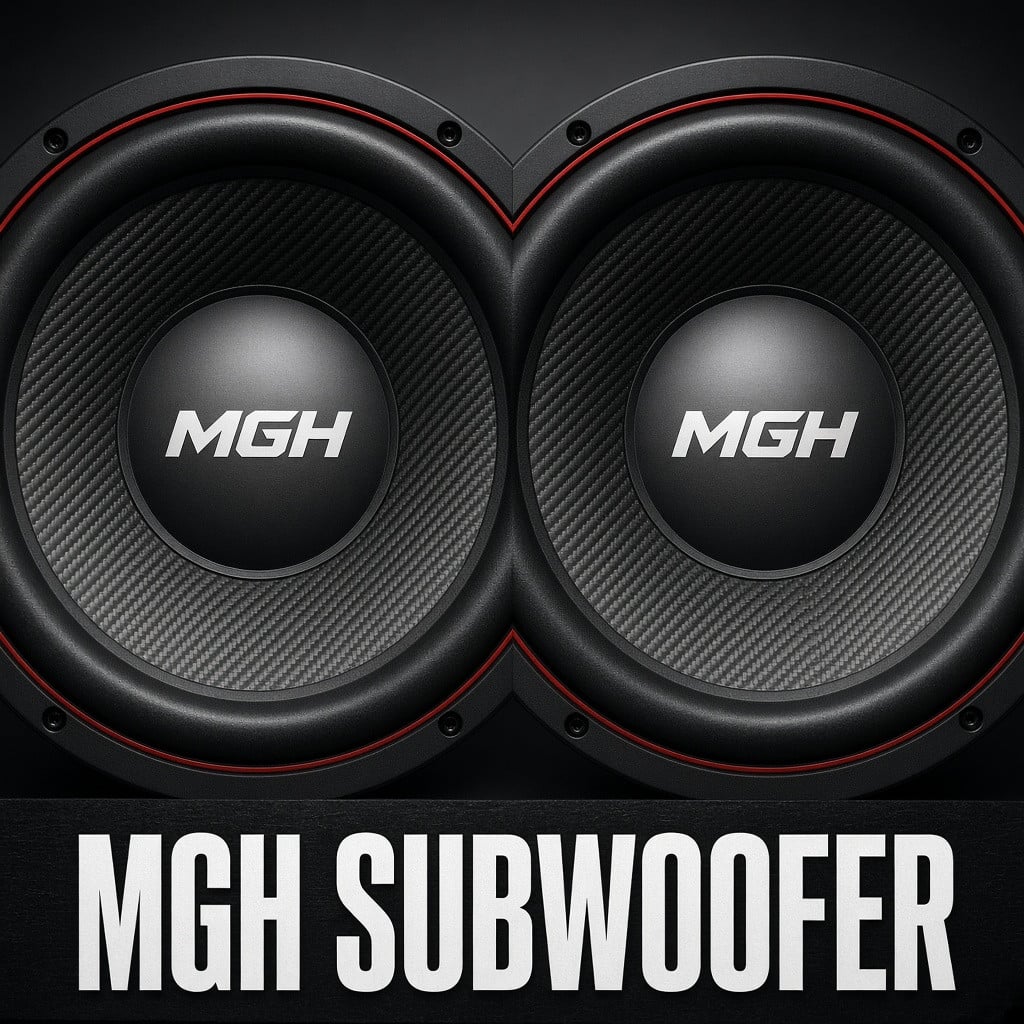
MGH Subwoofer 2x12 v1.1.7
432
downloads
104.35 MB
files size
2
comments
0
videos
by
Guest
3 hours ago



4/5,
3
votes
Description
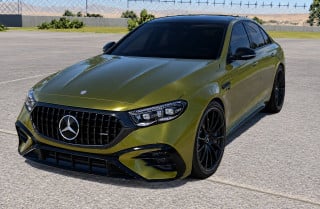
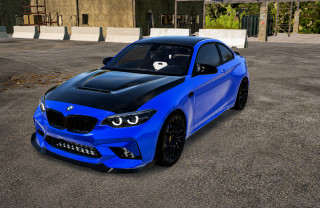
A 2x12 subwoofer for BeamNG.drive with its own player and bass physics. The enclosure is placed in the trunk via "Additional Modifications " or the license plate slot; the grilles move in time with the music, and the body and windows react to the bass.
Features
- 2x12 subwoofer with animated grilles
- installation via Additional Modifications or the universal license plate slot
- adjustment of position, direction, cone travel, and vibration intensity
- player in Apps: local MP3, OGG, WAV files
- “From PC” mode: Spotify, Yandex.Music, or another app via Bridge from PC.exe
- spatial audio from the trunk
Bridge from PC.exe is a utility for capturing audio from a PC. It is not a cheat or an anti-cheat modification. If your antivirus shows a warning, check the file on VirusTotal.
Installation Instructions
- Download MGH_Subwoofer_solo.zip and place it in the mods folder without extracting it: %LOCALAPPDATA%\BeamNG\BeamNG.drive\current\mods\/
- Enable the mod in the BeamNG.drive mod manager and completely restart the game.
- Park the car, open Vehicle Config, and install the Subwoofer in Additional Modifications or in the License Plate (universal).
- Open Apps and select MGH Subwoofer. To play music from files, place the tracks in %LOCALAPPDATA%\BeamNG\BeamNG.drive\current\subwoofer_music\/
- For Spotify or Yandex.Music, run “Bridge from PC.exe,” play a track in the app, open the “From PC” tab in the widget, and select the desired app. Do not close the bridge window.
A 2x12 subwoofer for BeamNG.drive with its own player and bass physics. The enclosure is placed in the trunk via "Additional Modifications " or the license plate slot; the grilles move in time with the music, and the body and windows react to the bass.
Features
- 2x12 subwoofer with animated grilles
- installation via Additional Modifications or the universal license plate slot
- adjustment of position, direction, cone travel, and vibration intensity
- player in Apps: local MP3, OGG, WAV files
- “From PC” mode: Spotify, Yandex.Music, or another app via Bridge from PC.exe
- spatial audio from the trunk
Bridge from PC.exe is a utility for capturing audio from a PC. It is not a cheat or an anti-cheat modification. If your antivirus shows a warning, check the file on VirusTotal.
Installation Instructions
- Download MGH_Subwoofer_solo.zip and place it in the mods folder without extracting it: %LOCALAPPDATA%\BeamNG\BeamNG.drive\current\mods\/
- Enable the mod in the BeamNG.drive mod manager and completely restart the game.
- Park the car, open Vehicle Config, and install the Subwoofer in Additional Modifications or in the License Plate (universal).
- Open Apps and select MGH Subwoofer. To play music from files, place the tracks in %LOCALAPPDATA%\BeamNG\BeamNG.drive\current\subwoofer_music\/
- For Spotify or Yandex.Music, run “Bridge from PC.exe,” play a track in the app, open the “From PC” tab in the widget, and select the desired app. Do not close the bridge window.


how do i play the music i downloaded?
doesnt work