PowerLab — Engine Tuning, Hybrid Power & Custom Sounds | BeamNG.drive 0.40 1.0

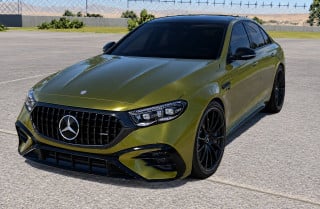

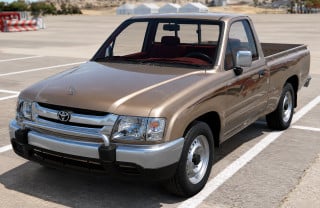
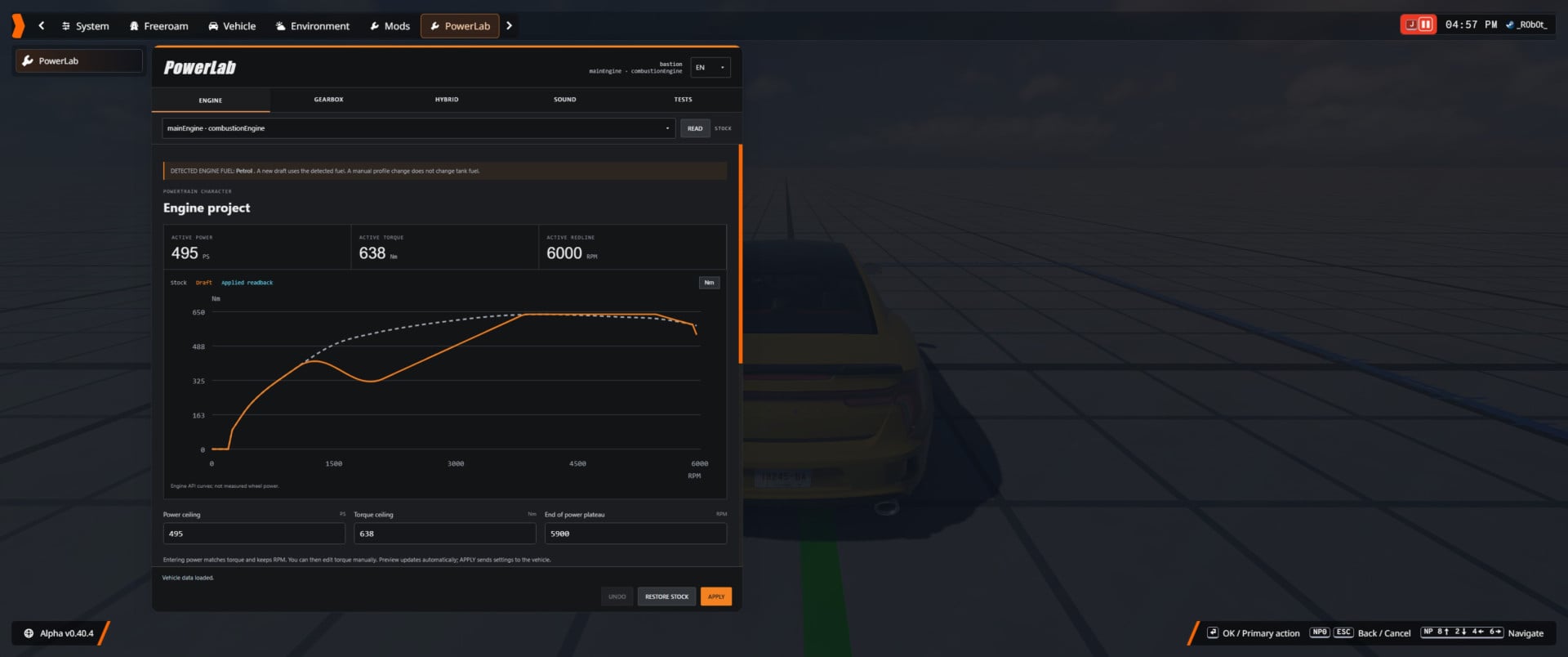
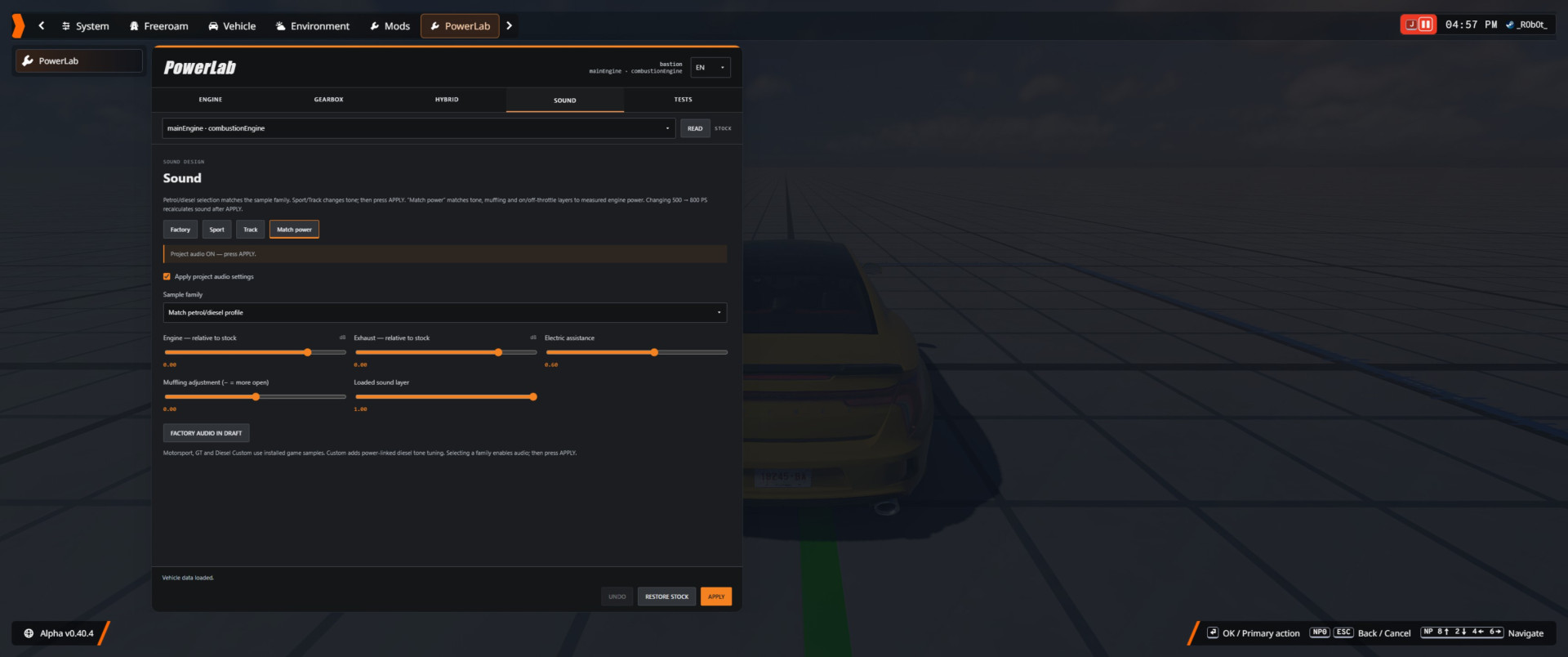
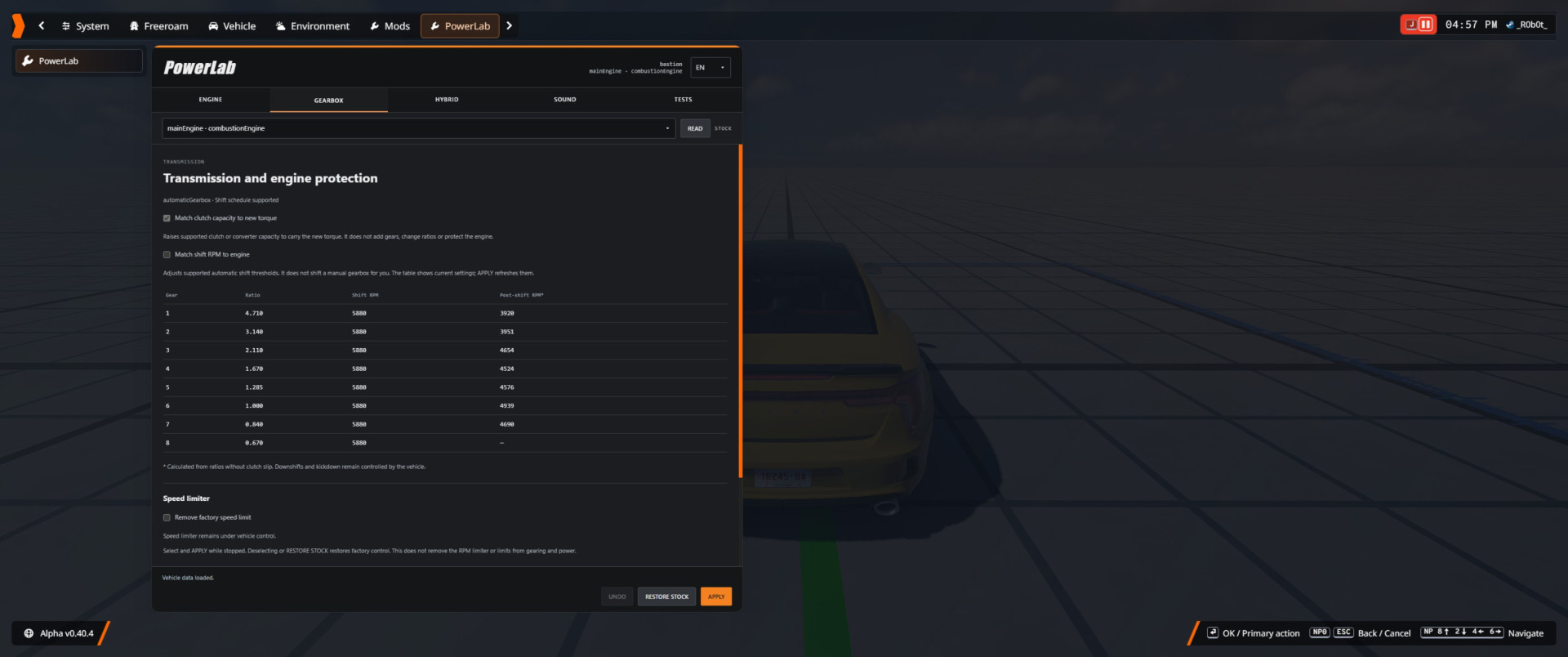
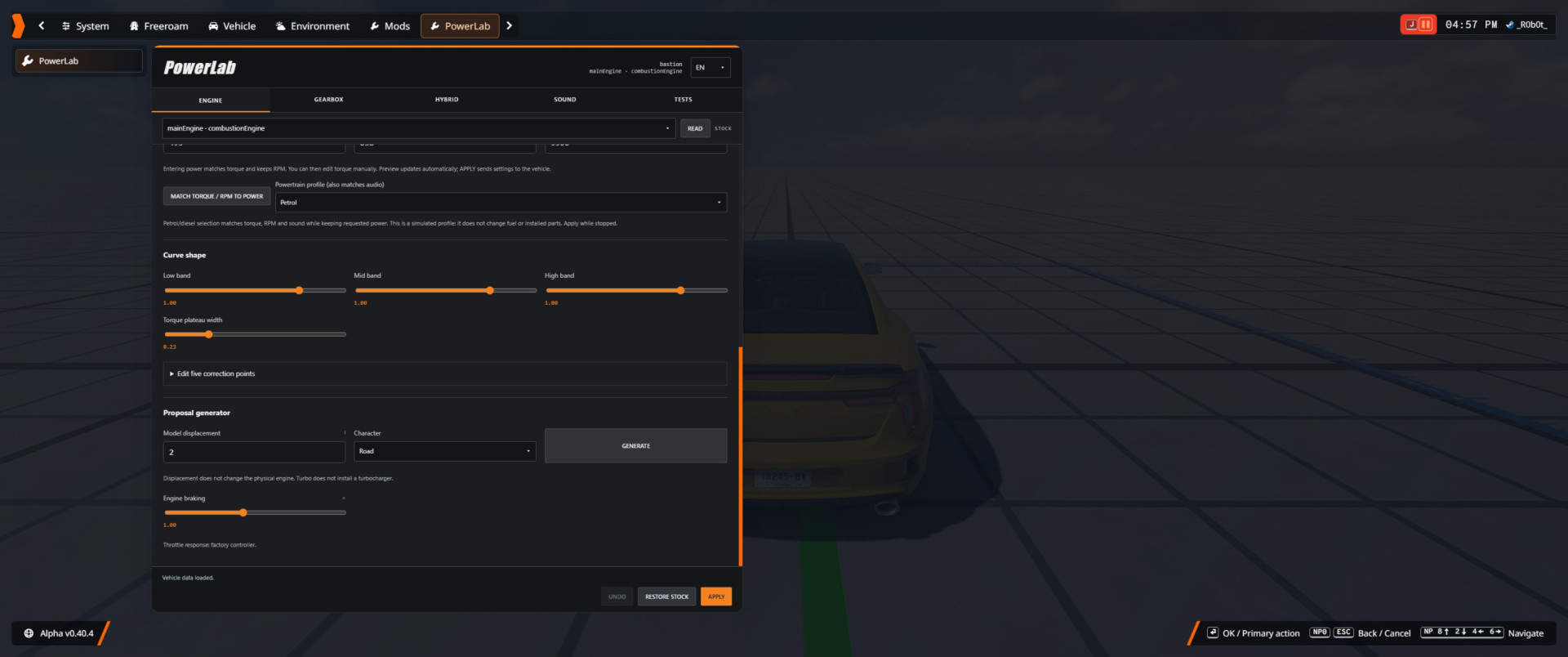
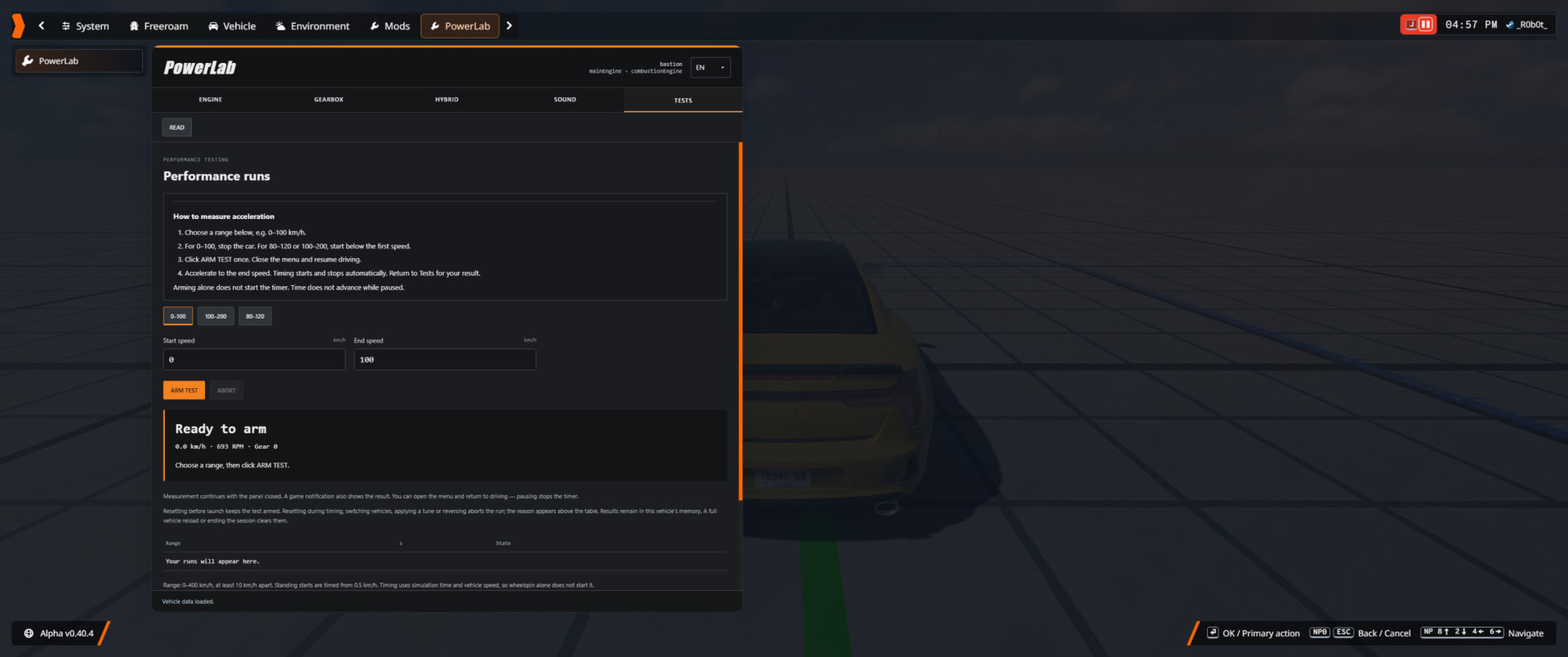
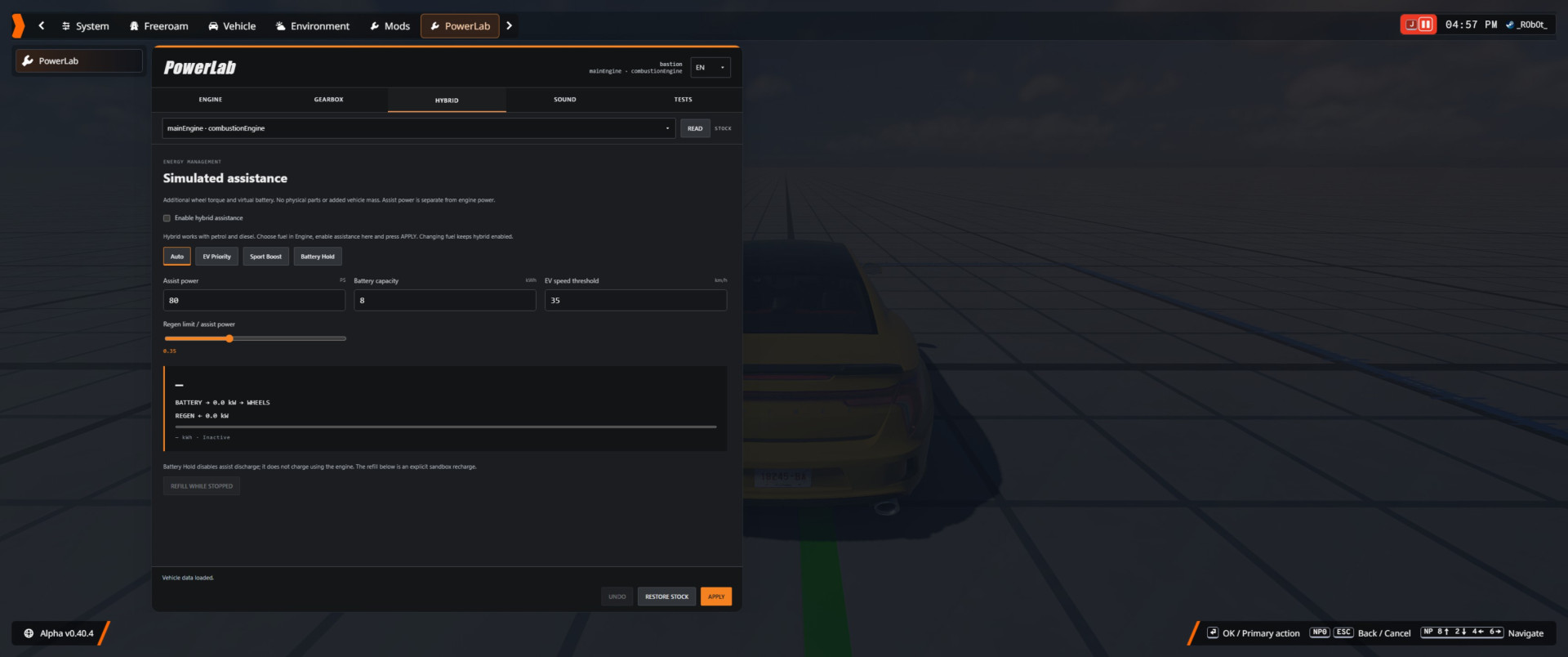
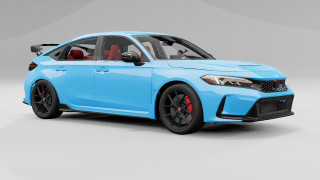
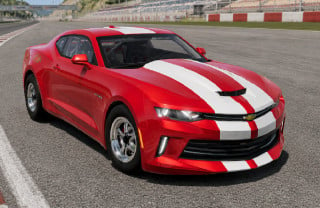
PowerLab lets you customize your vehicle's powertrain directly from the pause menu. Fine-tune horsepower and torque, reshape your engine's power curve, customize exhaust and engine sounds, and compare acceleration performance before and after tuning.
⚙️ Key Features
🔥 Engine Tuning
-
Adjust horsepower, torque, RPM range, and engine power curves with automatic previews.
-
Automatically detects the installed engine's fuel type.
-
Simulated gasoline and diesel engine profiles.
⚡ Hybrid System
-
Independent hybrid assistance for gasoline and diesel engines.
-
Virtual battery system with regenerative braking.
-
Four driving modes: Auto, EV Priority, Sport Boost, and Battery Hold.
🛡️ Engine Protection & Drivetrain
-
Automatically adjusts engine protection to match your tuning setup.
-
Three protection modes: Realistic, Reinforced, and Sandbox.
-
Compatible clutch adjustments and automatic transmission shift-point tuning.
-
Remove factory speed limiters on supported engine controllers.
🔊 Custom Engine Sounds
-
Engine sound tuning that responds to horsepower, RPM, and engine load.
-
Multiple sound presets, including I4 Motorsport, V8 GT, I4 Diesel Custom, I6 Diesel Custom, and V8 Diesel Custom.
-
Uses sound assets already included with your installed game.
⏱️ Performance Testing
-
Measure 0–100, 80–120, and 100–200 km/h acceleration.
-
Create custom speed ranges for testing.
-
View test history for your current vehicle.
-
Compare performance before and after tuning with A/B comparisons.
-
Built-in testing instructions and clear status messages.
-
Optional PowerLab HUD for additional information.
🌍 Interface & Settings
-
Available in English and Polish.
-
Integrated directly into the BeamNG.drive pause menu.
-
Restore factory settings whenever needed.
📦 Installation
-
Close BeamNG.drive.
-
Place PowerLab-RC9.zip inside the mods folder of your active BeamNG.drive user directory.
-
Do not extract the ZIP file.
-
Remove any older active versions of PowerLab and disable Easy Tune to avoid conflicting modifications.
-
Launch Freeroam and select your vehicle.
-
Open Pause Menu → PowerLab → PowerLab.
-
Configure your tuning while the vehicle is stationary and click APPLY.
🚀 How to Run Your First Acceleration Test
-
Bring your vehicle to a complete stop.
-
Open Tests → 0–100 km/h.
-
Click ARM TEST.
-
Close the menu and resume driving.
-
Accelerate to 100 km/h.
✅ The timer starts and stops automatically, recording your acceleration result.
⚠️ Important Notes
-
Fuel profiles and hybrid systems are simulated. They do not physically replace or install vehicle components.
-
The engine performance graph displays calculated data from the game's API, not actual wheel horsepower measurements.
-
Engine protection does not repair an already damaged engine.
-
Acceleration test history and session settings are not permanently saved as project data.
-
Fully reloading a vehicle may clear previous test results.
External Download Links:
About Mod
| Latest Version | 1.0 |
| Game | BeamNG.drive |
| Category | Other |
| Game Version | 0.40.x |
| Tags | Gameplay Tools Tuning |
| Downloads | 3 |
| Created | 1 hour ago |