Vehicle Parts Painting 1.0
![Ford Bronco [PACK]](https://temp2.modland.net/i/6abb8bc6ce51c/0_modland.webp)
5/5,
1
votes
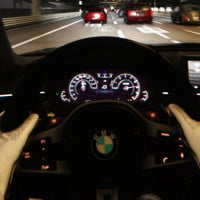
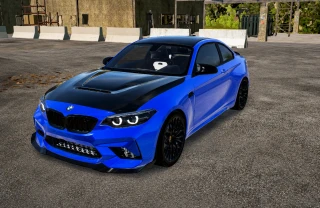
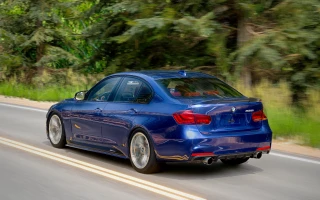
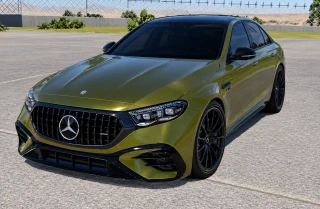
An app that lets you paint individual parts of any vehicle.
Usage:
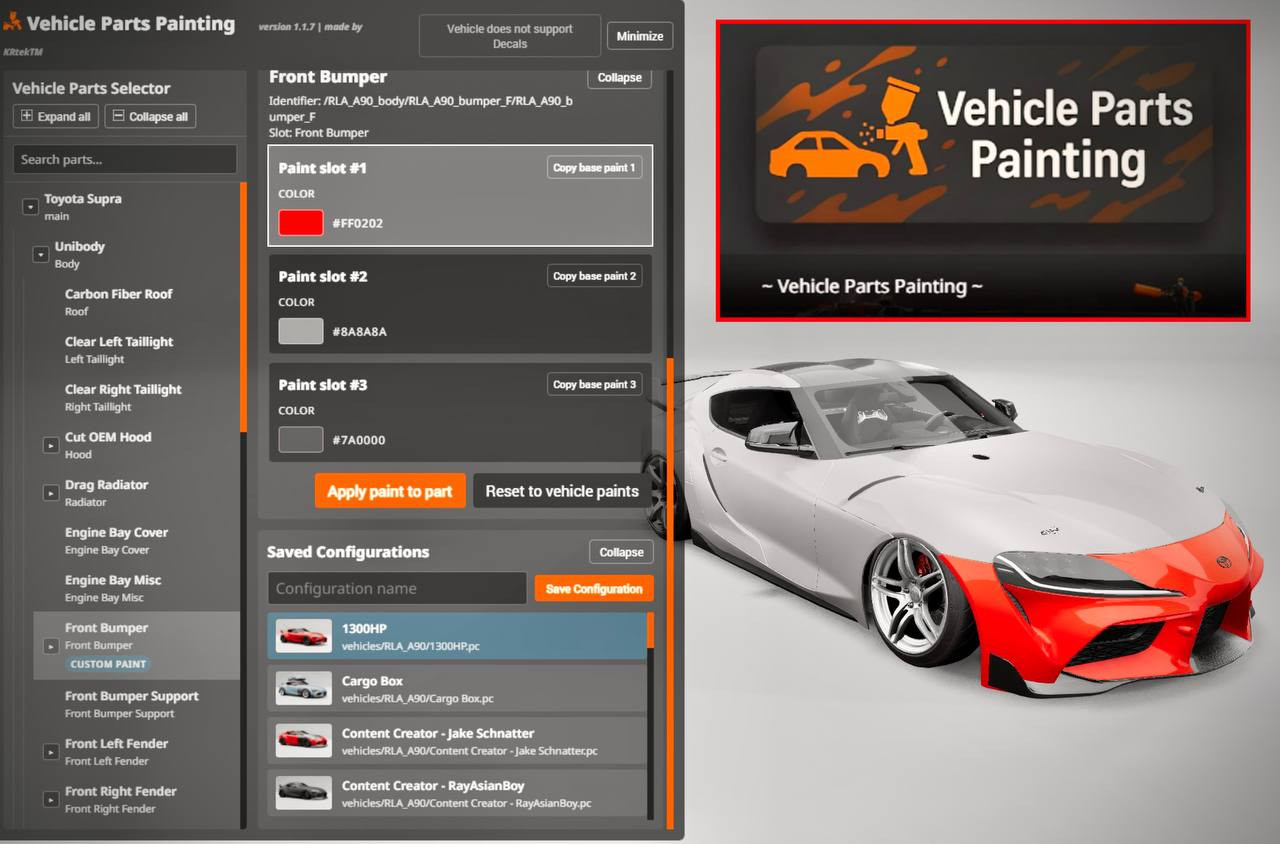
1. Go to the "Applications" section and add the "Vehicle Parts Painting" feature;
• Make sure the vehicle you want to edit is the player's active vehicle.
2. Open the "Vehicle Parts Painting" app;
3. Select a part from the list on the left;
4. Change the paint values (RGB color, alpha, metallic, roughness, clearcoat, clearcoat roughness) for each paint slot;
5. Click "Apply paint to part" to apply the changes to the vehicle;
• Use the "Reset Vehicle Paint Settings" feature to revert to the current paint scheme for the entire vehicle.
Usage:
1. Go to the "Applications" section and add the "Vehicle Parts Painting" feature;
• Make sure the vehicle you want to edit is the player's active vehicle.
2. Open the "Vehicle Parts Painting" app;
3. Select a part from the list on the left;
4. Change the paint values (RGB color, alpha, metallic, roughness, clearcoat, clearcoat roughness) for each paint slot;
5. Click "Apply paint to part" to apply the changes to the vehicle;
• Use the "Reset Vehicle Paint Settings" feature to revert to the current paint scheme for the entire vehicle.
External Download Links:
About Mod
| Latest Version | 1.0 |
| Game | BeamNG.drive |
| Category | Other |
| Game Version | 0.37.x |
| Downloads | 1060 |
| Created | 1 year ago |
![Ford Bronco [PACK]](https://temp2.modland.net/i/6abb8bc6ce51c/0_modland.jpg)

![Mack Anthem / Pinnacle [PACK]](https://temp2.modland.net/i/6aa50a7184eaa/6ab9344368d3b/0_modland.jpg)
which file do you put this in when installing?
@fashion_nova mods-repo