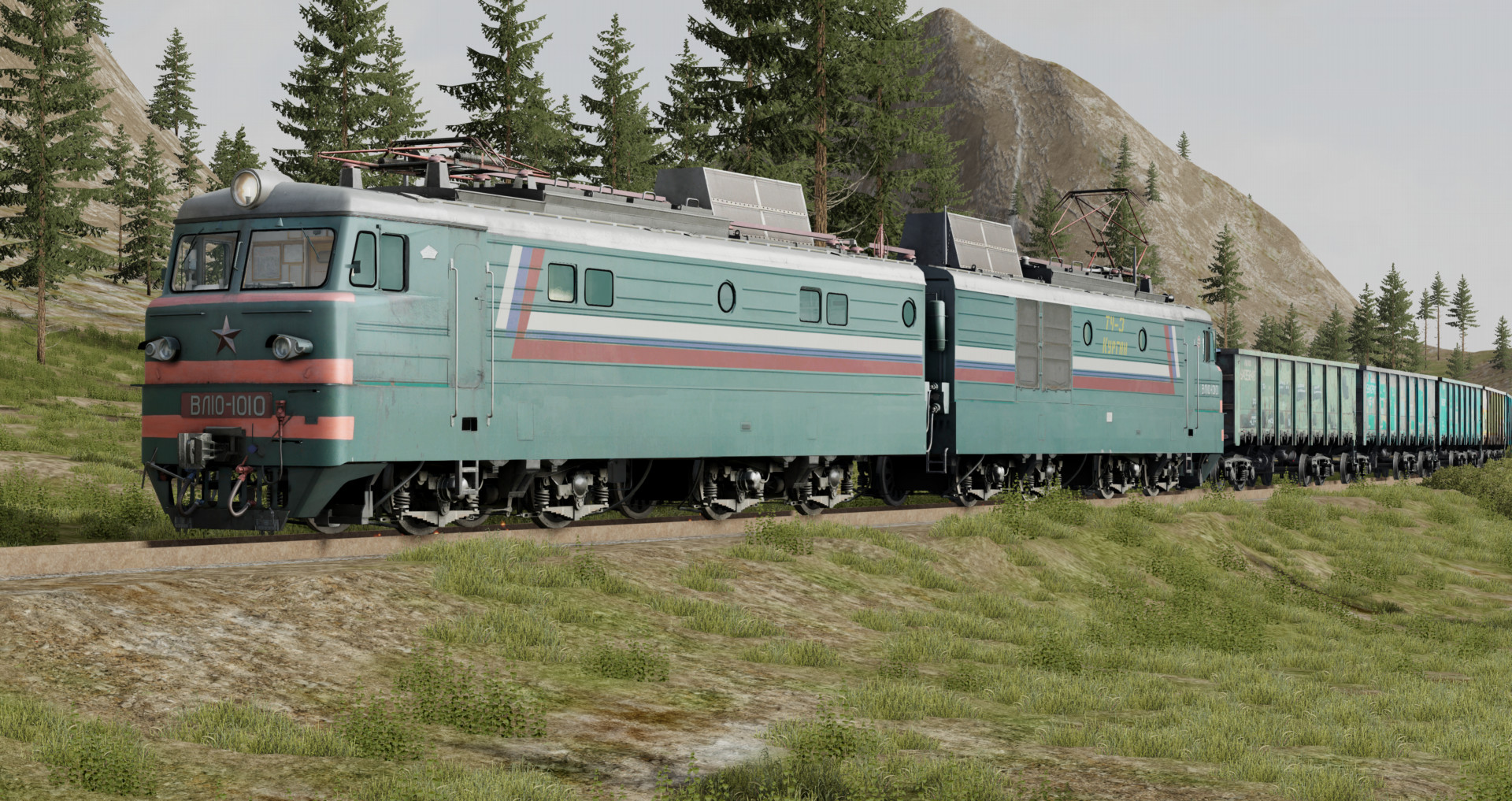
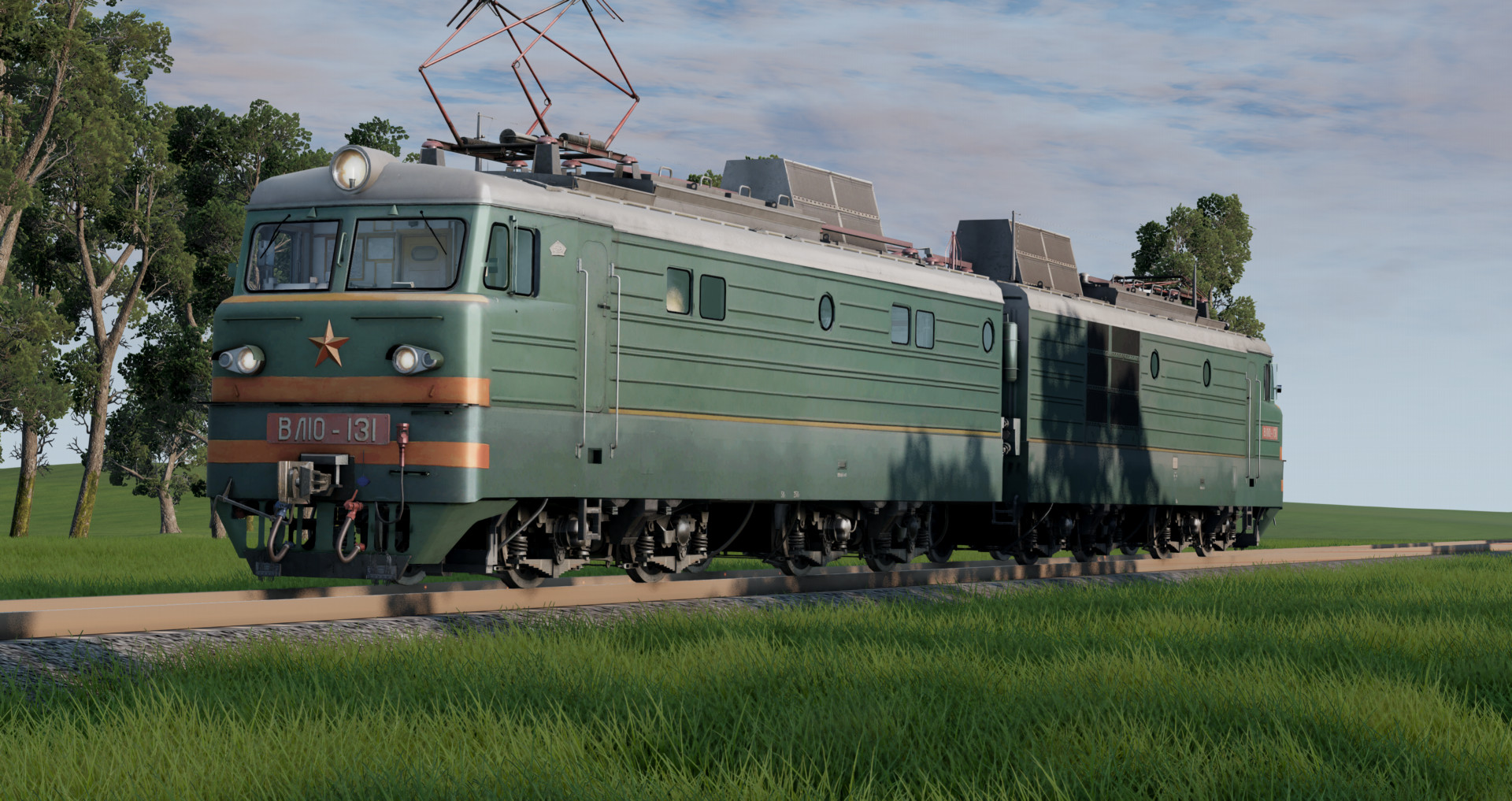
VL10 Soviet DC Electric Locomotive 1.1

![Ford Mustang Mach-E [PACK]](https://temp2.modland.net/i/6aa50a7184eaa/0_modland.webp)
![BMW X6 G06/F96 [PACK]](https://temp2.modland.net/i/6a8ff76445a04/0_modland.webp)
5/5,
4
votes
Updates
latest
Version
1.1
· Pantograph Update (Sounds, Front & Rear Pantograph control)
· BeamNG.drive
0.38.x
2 months ago
- Made rear pantograph work from leading locomotive (couple them first);
- Added sound for pantograph;
- Rear locomotive ("Rear") configurations updated, replaced Front Pantograph with Rear Pantograph. Rear Pantograph must be selected on the "Rear" config for everything to work as intended.
- Alt + N - Raise/Lower front pantograph;
- Shift + N - Raise/Lower rear pantograph.
- Added sound for pantograph;
- Rear locomotive ("Rear") configurations updated, replaced Front Pantograph with Rear Pantograph. Rear Pantograph must be selected on the "Rear" config for everything to work as intended.
- Alt + N - Raise/Lower front pantograph;
- Shift + N - Raise/Lower rear pantograph.
Description
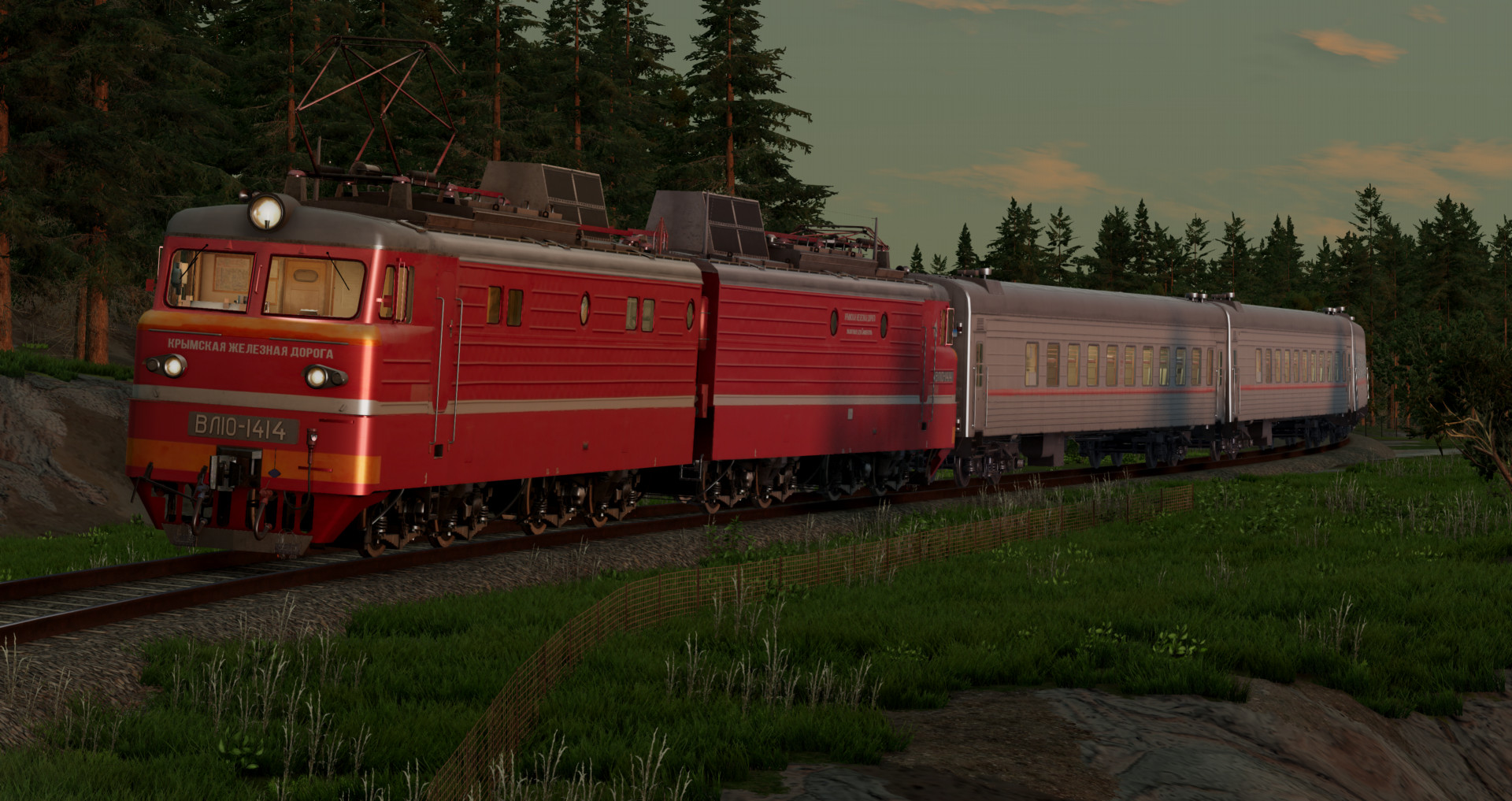
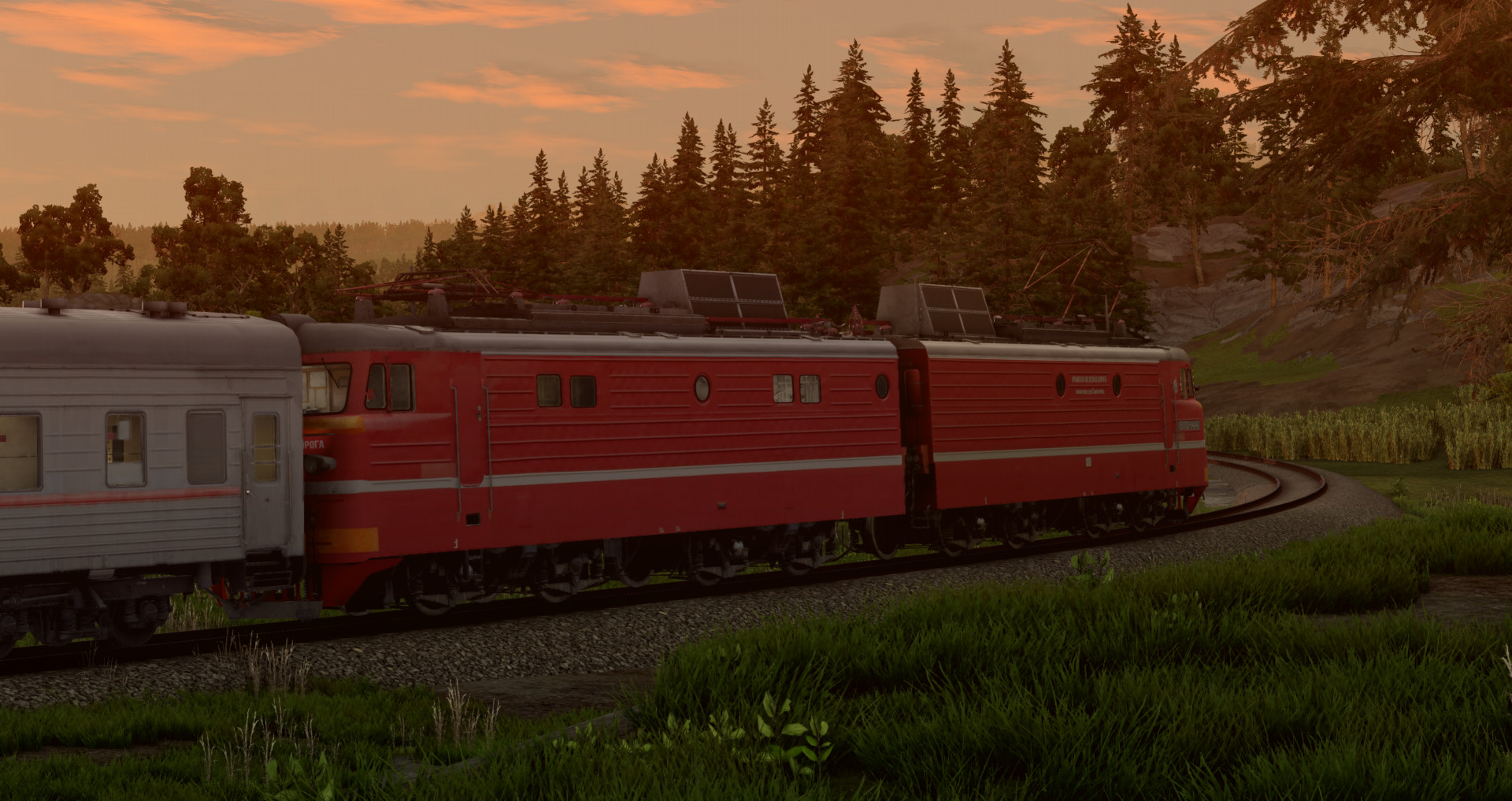
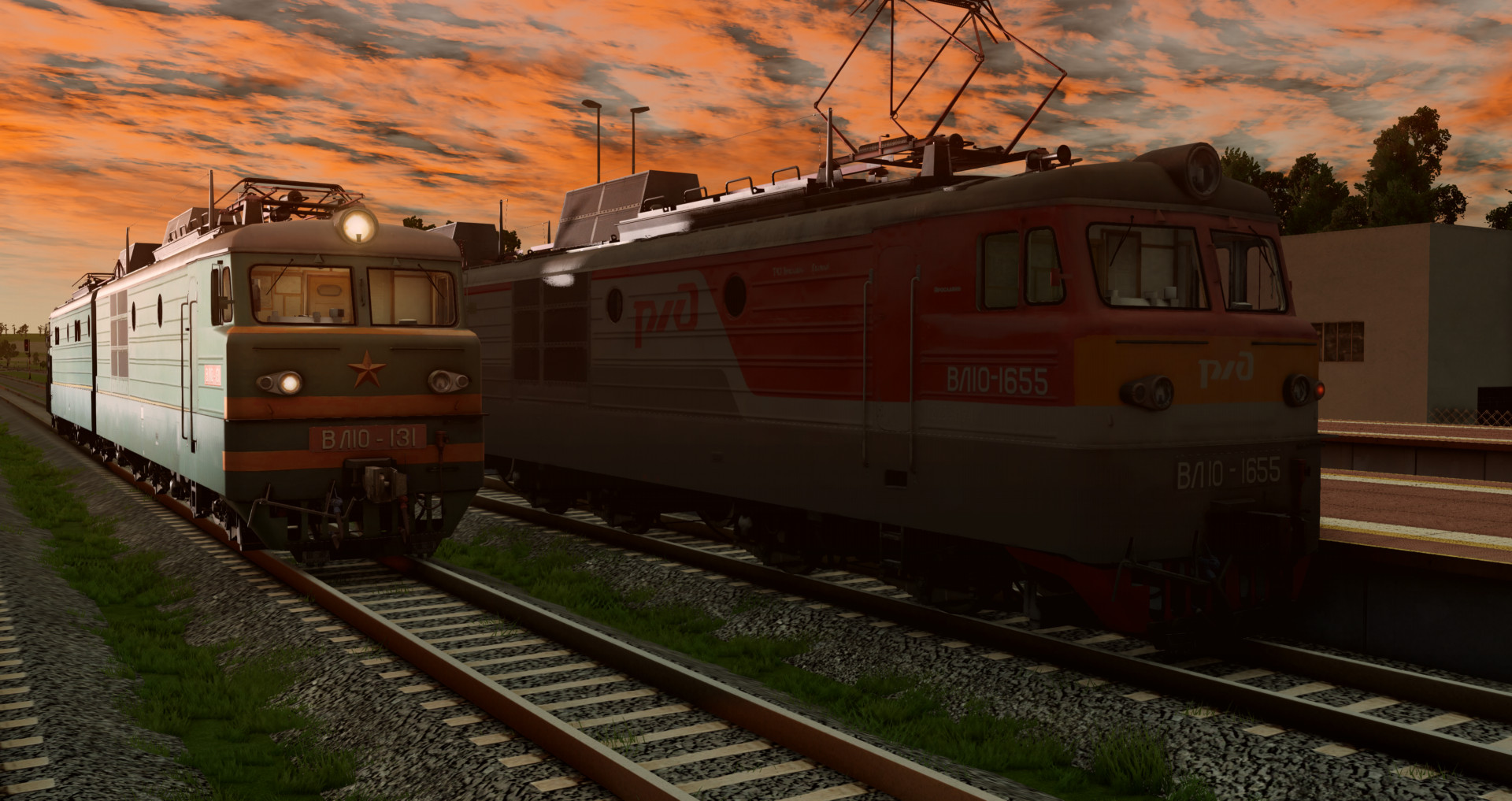
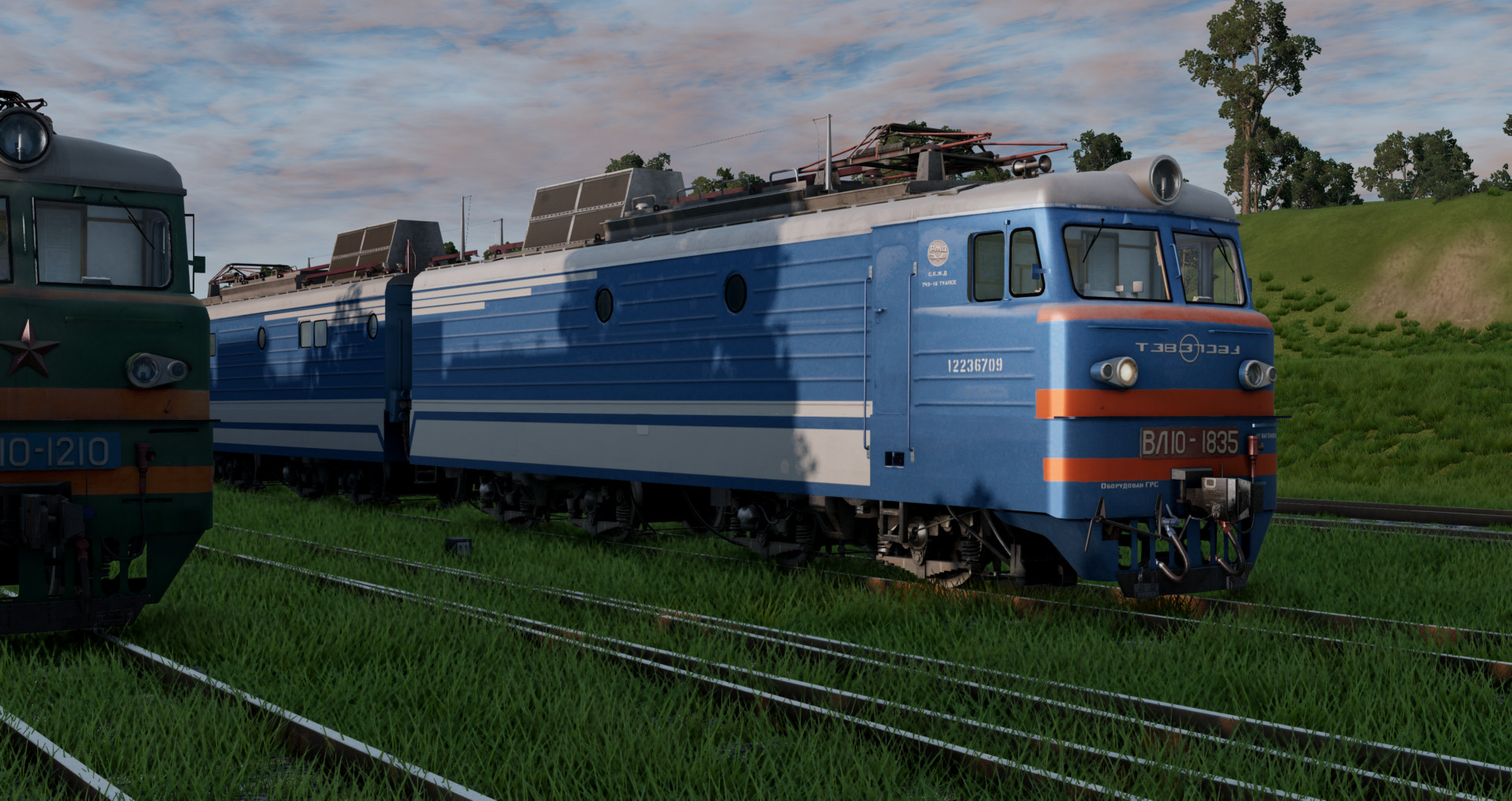
VL10 Two-Section DC electric locomotive.
Features:
- 56 Configs, 28 liveries (28 "Front", 28 "Rear" configs)
- Working lights
- Moving wheels
- Realistic sounds
- Couples with sound
- Seats with jbeam
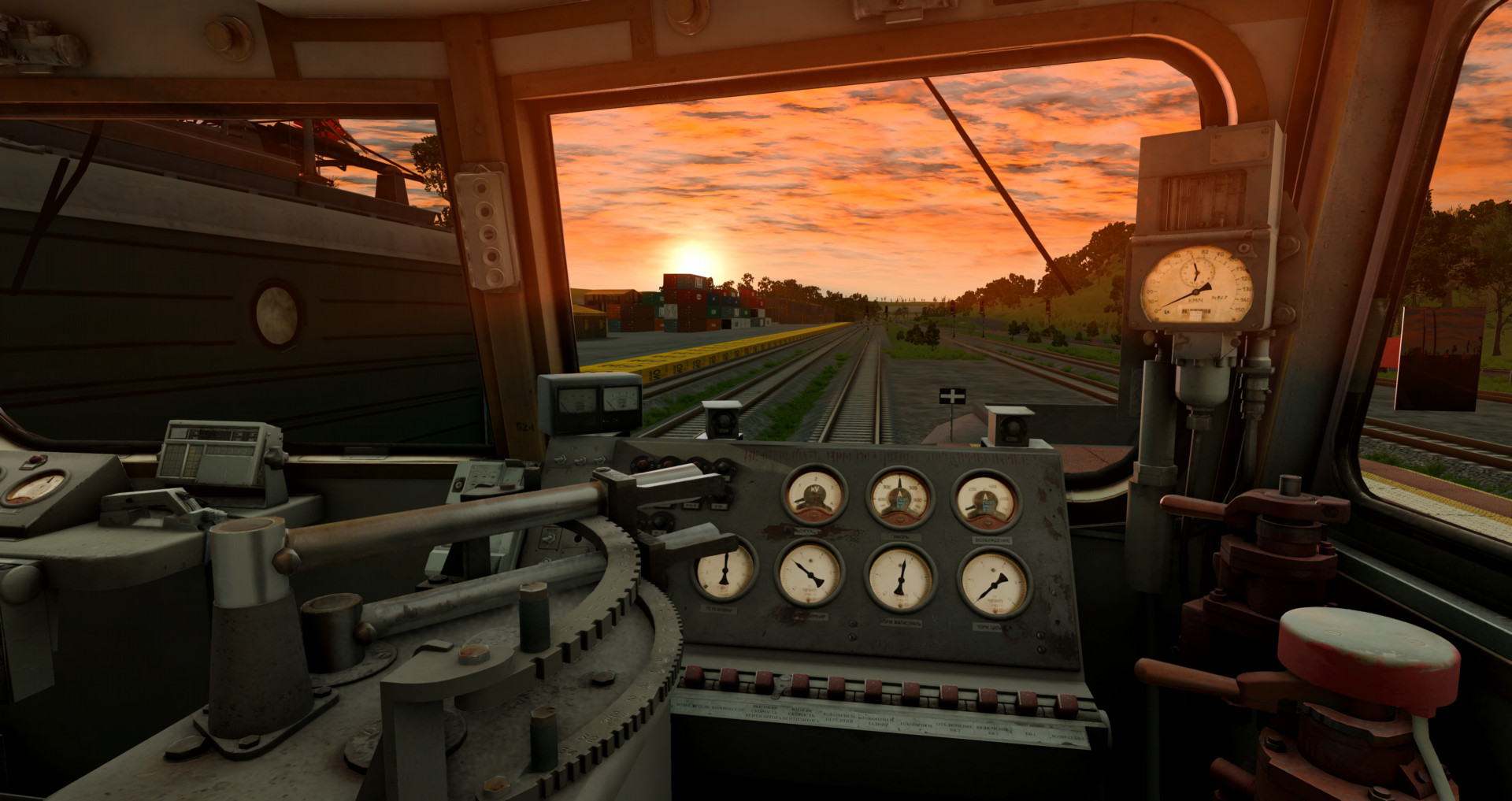
- Realistic lighting in the cab
- Smooth lighting for Frontlights, Taillights, and Interior lights
- Smooth animations to switches, buttons, valves in the cab
- Animated buttons, brake indicators, switches
- Triggers for reverser lever, windshield wipers, window opening, and lighting controls
- Working brake hoses at the front end
- Working pantograph
- Realistic weight
- Drives well
Configurations marked "Front" is the front locomotive, those marked "Rear" is the rear locomotive. To couple them, switch to the rear locomotive, release the brakes (Space bar), and change direction (Alt + A).
To couple different train cars, switch to the rear locomotive and press Shift + L. Switch to each last coupled car one at a time by pressing Shift + L. If train cars don't couple, move it by the frame using the Node Grabber, or rotate the carriage.
Controls:
Alt + N - Raise/Lower pantograph
H - Whistle
T - Accelerate and press W
G - Slow down and press S
Alt + A - Change direction
K - Main projector
I - Left Headlight
O - Right Headlight
[ - Left Taillight
] - Right Taillight
U - Cab Light
B - Engine Bay Light
N - Gauge Lighting (1 time - Train driver side gauges, 2 times - Assistant side gauges)
Y - Wipers
If the train doesn't move, make sure it didn't get stuck in rails; press F11 and lift it upwards slightly. If the train still doesn't move, release air brakes (arrow down) and independent brakes (P / space bar) and shift into M1.
VL10 Two-Section DC electric locomotive.
Features:
- 56 Configs, 28 liveries (28 "Front", 28 "Rear" configs)
- Working lights
- Moving wheels
- Realistic sounds
- Couples with sound
- Seats with jbeam
- Realistic lighting in the cab
- Smooth lighting for Frontlights, Taillights, and Interior lights
- Smooth animations to switches, buttons, valves in the cab
- Animated buttons, brake indicators, switches
- Triggers for reverser lever, windshield wipers, window opening, and lighting controls
- Working brake hoses at the front end
- Working pantograph
- Realistic weight
- Drives well
Configurations marked "Front" is the front locomotive, those marked "Rear" is the rear locomotive. To couple them, switch to the rear locomotive, release the brakes (Space bar), and change direction (Alt + A).
To couple different train cars, switch to the rear locomotive and press Shift + L. Switch to each last coupled car one at a time by pressing Shift + L. If train cars don't couple, move it by the frame using the Node Grabber, or rotate the carriage.
Controls:
Alt + N - Raise/Lower pantograph
H - Whistle
T - Accelerate and press W
G - Slow down and press S
Alt + A - Change direction
K - Main projector
I - Left Headlight
O - Right Headlight
[ - Left Taillight
] - Right Taillight
U - Cab Light
B - Engine Bay Light
N - Gauge Lighting (1 time - Train driver side gauges, 2 times - Assistant side gauges)
Y - Wipers
If the train doesn't move, make sure it didn't get stuck in rails; press F11 and lift it upwards slightly. If the train still doesn't move, release air brakes (arrow down) and independent brakes (P / space bar) and shift into M1.
External Download Links:
- Modsfire.com - vl10_zlodikan.zip [138.45 MB]
- Sharemods.com - vl10_zlodikan.zip [138.4 MB]
Direct Download Links
latest
Version
1.1
· BeamNG.drive
0.38.x
2 months ago
Game Versions:
0.38.x
About Mod
| Latest Version | 1.1 |
| Game | BeamNG.drive |
| Category | Other |
| Game Version | 0.38.x |
| Downloads | 1271 |
| Created | 3 months ago |
| Last Updated | 2 months ago |
Download Latest Version
Version: 1.1Updated: 2 months ago
Total Size: 415.3 MB vl10_zlodikan_modland.zip direct download · 138.45 MB · added 2 months ago vl10_zlodikan.zip external download · 138.45 MB · added 2 months ago vl10_zlodikan.zip external download · 138.4 MB · added 2 months ago
Your trains are actually great I love them, could you make locomotives from different countries too? Like Polish ET22 or American EMD SD70 or maybe even British LNER Class A3 4472? :)
awesome mod! mind doing an american locomotive?
Победа! предлагаю сделать чс4т и чс2
hey i know your making mostly soviet trains but could you make polish et22 or eu07 please? or port it from some game
@Konrad Miłośnik Kolei O tym samym pomyślałem xD, zajebiscie by bylo jakby zrobil inne lokomotywy oprócz radzieckich
my favorite locomotive! btw will there be variants like vl10u or vl80s?
@Konrad Miłośnik Kolei btw will there be horn too for vl10? becuse now we only have whistle
Mind doing a ЧС2К Locomotive please?
It's amazing! It would be even more amazing if you could make the UK, France, and Japan too.
Hey i just wanted to ask that what are the other train cars used in the pictures?
@Dr_Ratter my mods available on my profile page its plackart sleeper carriage 2nd class
love it, mind doing a LE5100 locomotive pls ?