W-Beam Guardrail v1.1

![Mack Anthem / Pinnacle [PACK]](https://temp2.modland.net/i/6aa50a7184eaa/6ab9344368d3b/0_modland.webp)
3/5,
4
votes
Updates
latest
Version
v1.1
· BeamNG.drive
0.38.x
4 months ago
Update 1.1: save + load custom shapes
Guardrail curvature and exact position can be saved and loaded via the new Imgui manager. Default key binding is L key (it can be changed in the settings).
1. List button: lists all saved guardrail configurations compatible with the spawned guardrail only on this map. For example, configs from Utah are not compatible with a guardrail spawned on the Small Grid. Moreover, configs of guardrails with different lengths and end treatments are not interchangeable.
2. Settings button: no settings yet. Suggest yours!
3. File Explorer button: opens the folder with all config files in File Explorer.
To better understand how this works: 1) go to Small Grid map, 2) spawn the default guardrail (the one which is 18m long), 3) press L key, 4) press "List" button, 5) press "Apply" button next to the example config.
If you want to save a guardrail, just click the "Save" button (optionally change the file name next to it).
Note: if a guardrail is damaged and you'd like to respawn it, first press R and only after that the "Apply" button. "Apply" button only teleports nodes, it cannot repair broken beams.

About the mod:
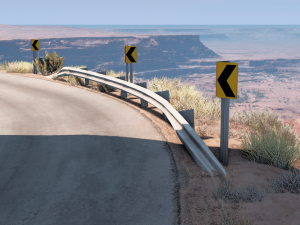
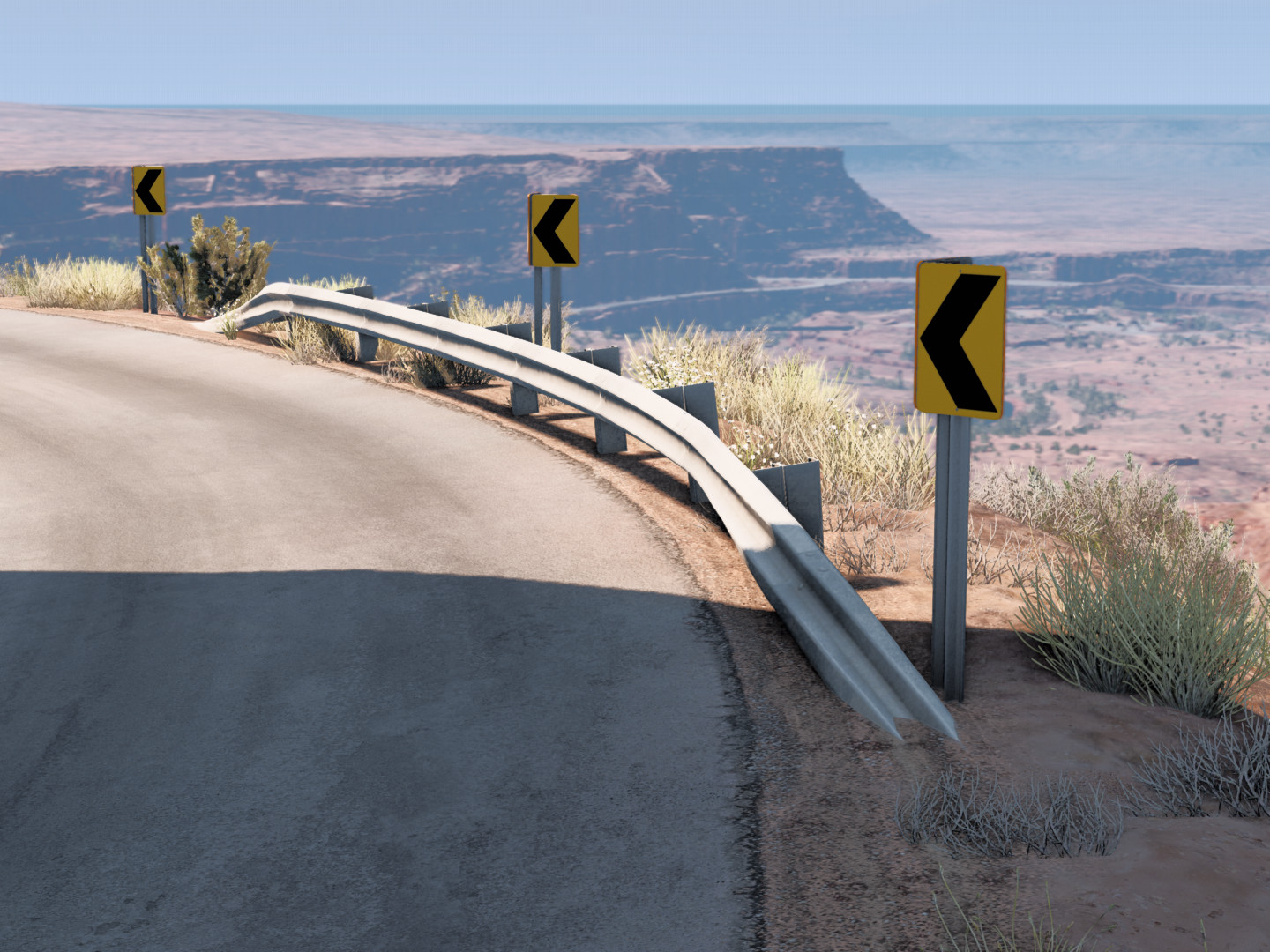
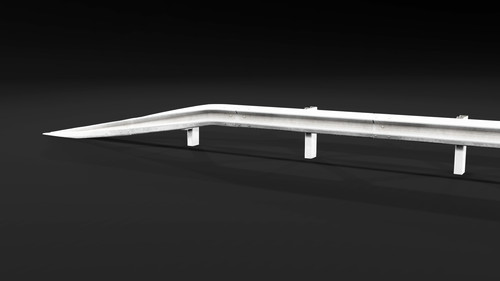
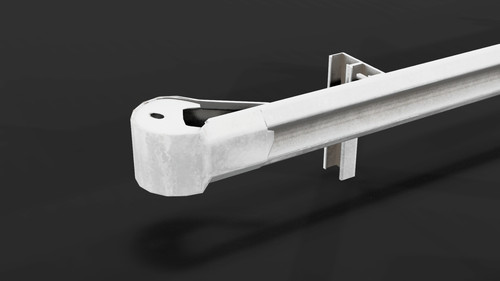
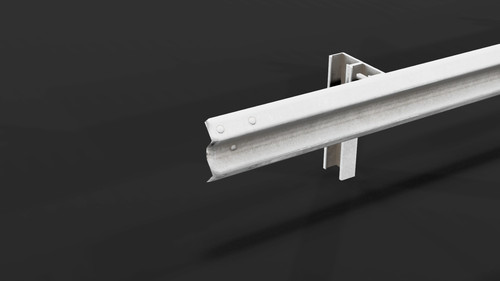
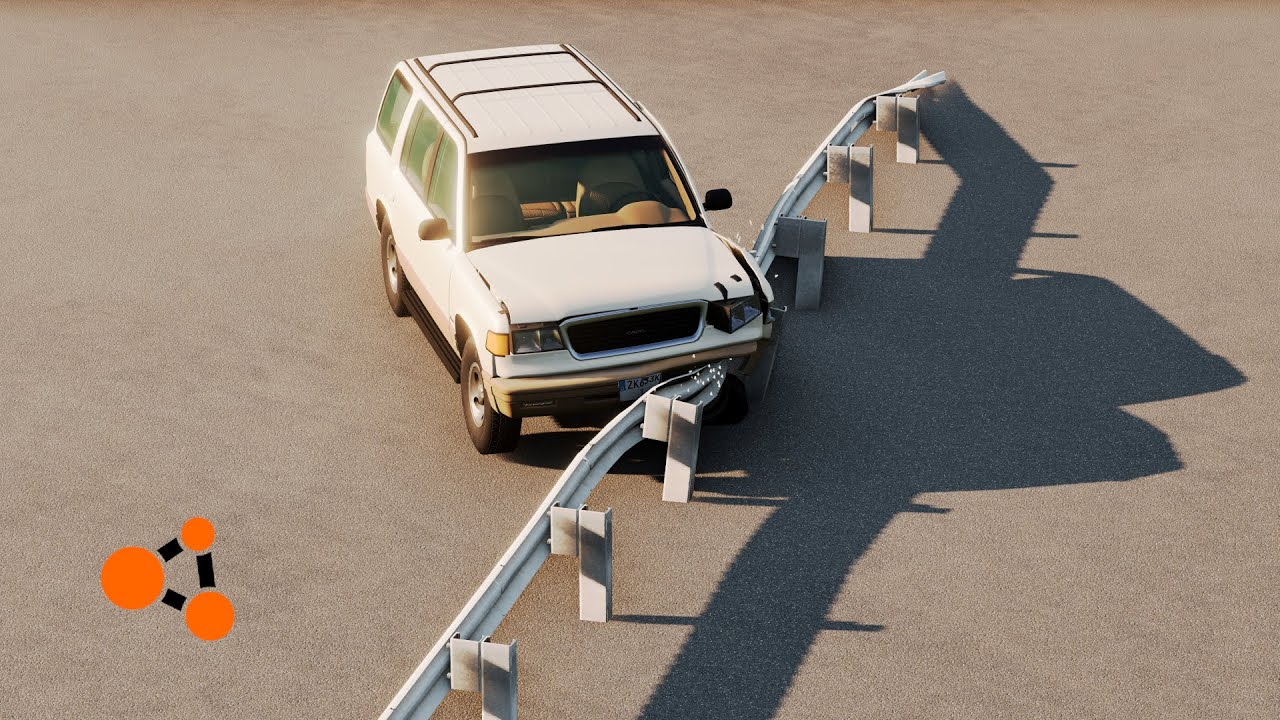
There are three optional rail lengths (10, 20 and 30 meters) and three optional end treatments: turned-down, cap or empty end treatment (each turned-down end treatment adds 4 meters to the length):
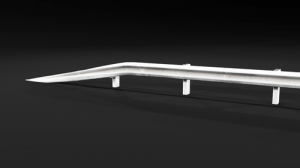
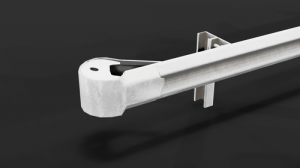
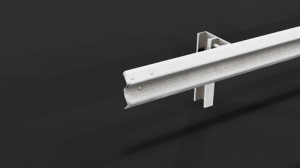
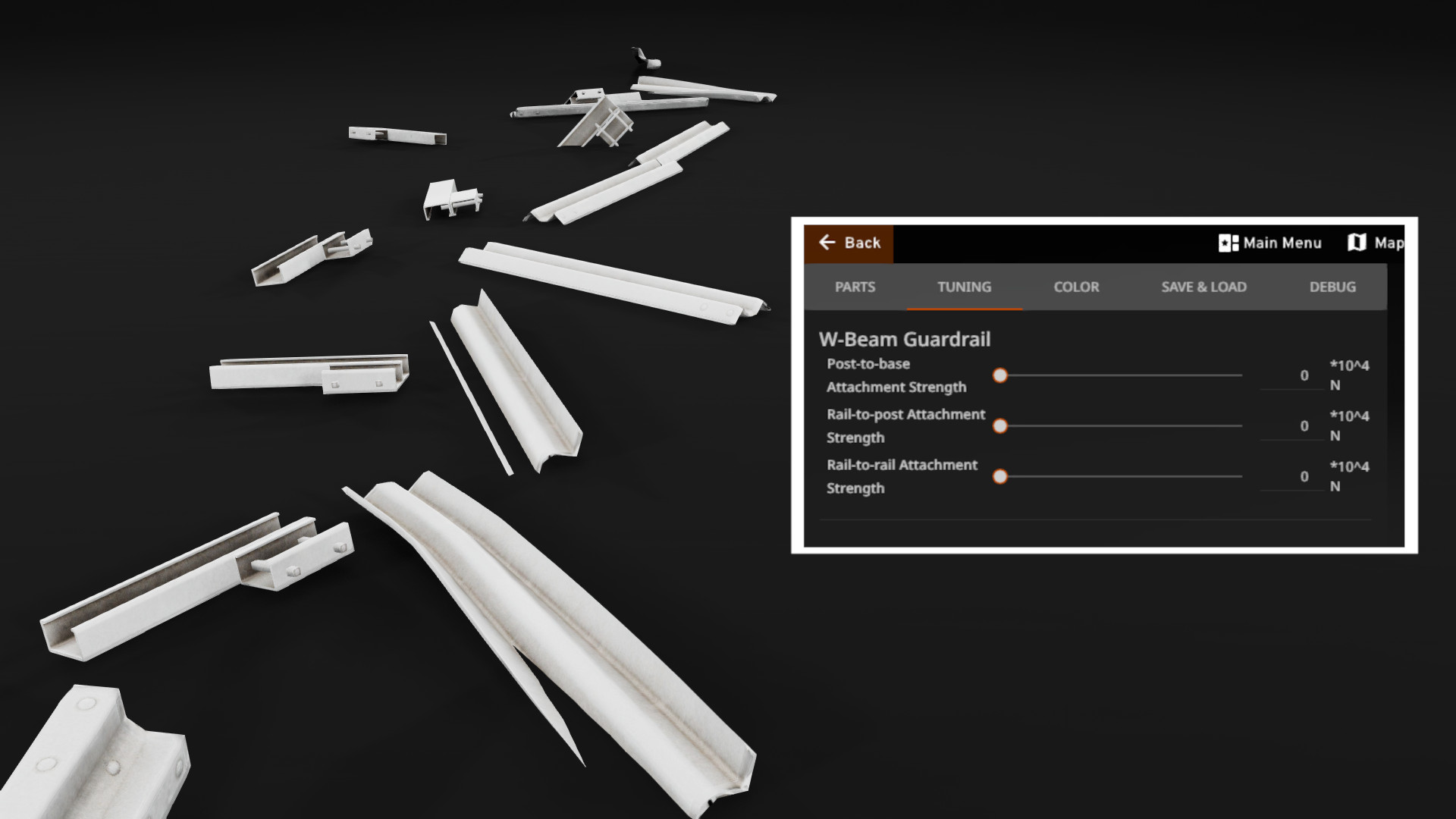
Every part-to-part connection strength value can be changed in the Tuning menu. This is very important if you want your guardrail to break realistically:

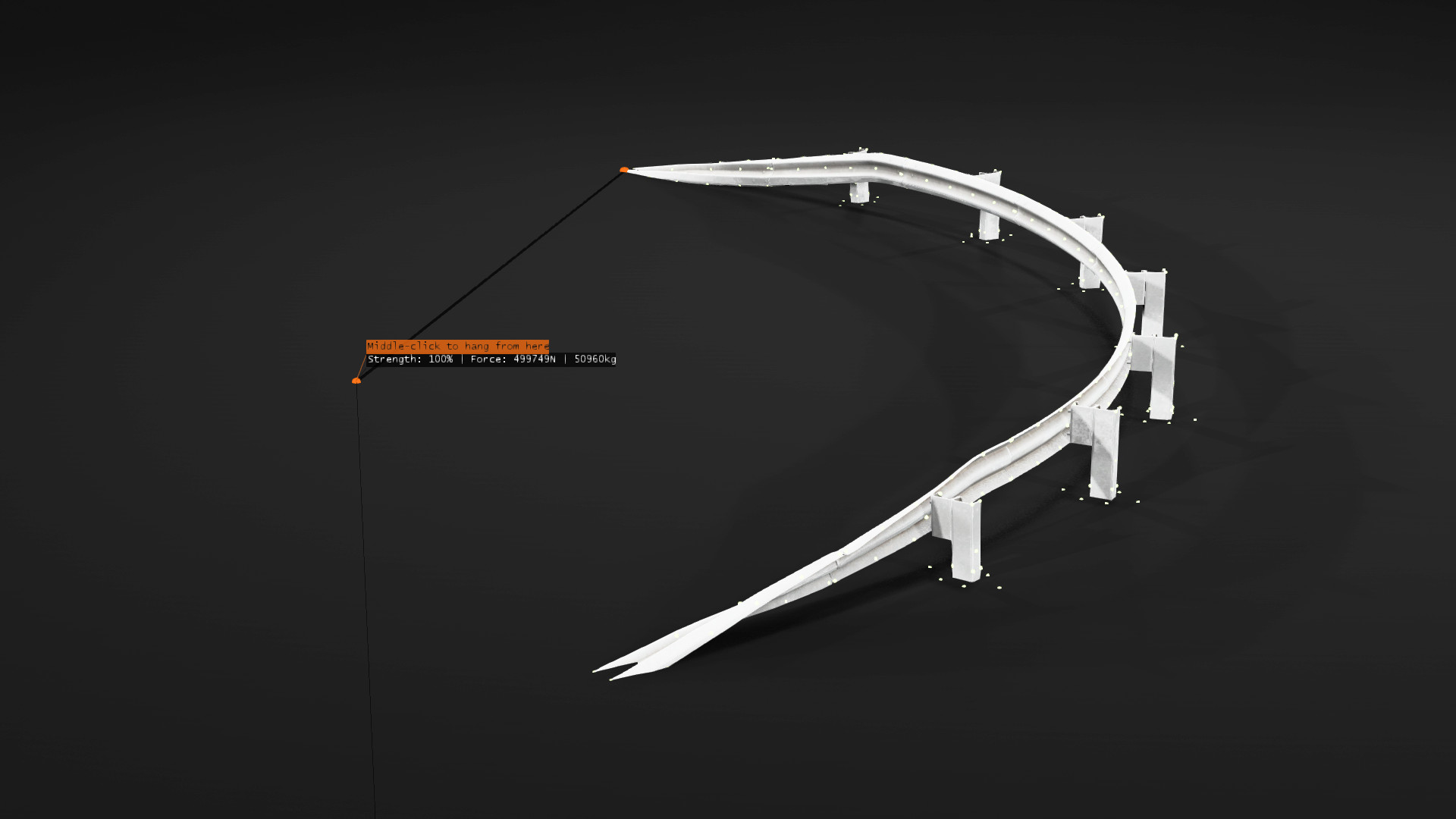
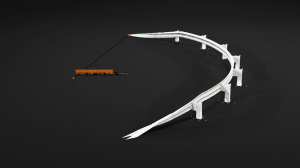
To customize the shape of the guardrail simply drag each post base with node grabber (by default its force is set to 30%, this is too low to budge a base). Please note that there is a curving limit.
Update 1.1: Save and load your guardrail
Guardrail curvature and exact position can be saved and loaded via the new Imgui manager. Default key binding is L key (it can be changed in the settings).

1. List button: lists all saved guardrail configurations compatible with the spawned guardrail only on this map. For example, configs from Utah are not compatible with a guardrail spawned on the Small Grid. Moreover, configs of guardrails with different lengths and end treatments are not interchangeable.
2. Settings button: no settings yet. Suggest yours!
3. File Explorer button: opens the folder with all config files in File Explorer.

To better understand how this works: 1) go to Small Grid map, 2) spawn the default guardrail (the one which is 18m long), 3) press L key, 4) press "List" button, 5) press "Apply" button next to the example config.
If you want to save a guardrail, just click the "Save" button (optionally change the file name next to it).
Note: if a guardrail is damaged and you'd like to respawn it, first press R and only after that the "Apply" button. "Apply" button only teleports nodes, it cannot repair broken beams.
The 1.1 update showcase video:
Known issues:
1. Sometimes clipping through happens. Vehicle parts may stuck inside the rail.
2. Bottom parts of the posts don't have any collision triangles (to avoid getting stuck and losing much speed). That means that a car wheel cannot snag, which may seem a bit unrealistic. Also because of this, the rail can clip through the posts, which looks very unrealistic too.
Any constructive criticism and suggestions are welcome!
Credits:
There are three optional rail lengths (10, 20 and 30 meters) and three optional end treatments: turned-down, cap or empty end treatment (each turned-down end treatment adds 4 meters to the length):
Every part-to-part connection strength value can be changed in the Tuning menu. This is very important if you want your guardrail to break realistically:
To customize the shape of the guardrail simply drag each post base with node grabber (by default its force is set to 30%, this is too low to budge a base). Please note that there is a curving limit.
Update 1.1: Save and load your guardrail
Guardrail curvature and exact position can be saved and loaded via the new Imgui manager. Default key binding is L key (it can be changed in the settings).
1. List button: lists all saved guardrail configurations compatible with the spawned guardrail only on this map. For example, configs from Utah are not compatible with a guardrail spawned on the Small Grid. Moreover, configs of guardrails with different lengths and end treatments are not interchangeable.
2. Settings button: no settings yet. Suggest yours!
3. File Explorer button: opens the folder with all config files in File Explorer.
To better understand how this works: 1) go to Small Grid map, 2) spawn the default guardrail (the one which is 18m long), 3) press L key, 4) press "List" button, 5) press "Apply" button next to the example config.
If you want to save a guardrail, just click the "Save" button (optionally change the file name next to it).
Note: if a guardrail is damaged and you'd like to respawn it, first press R and only after that the "Apply" button. "Apply" button only teleports nodes, it cannot repair broken beams.
The 1.1 update showcase video:
Known issues:
1. Sometimes clipping through happens. Vehicle parts may stuck inside the rail.
2. Bottom parts of the posts don't have any collision triangles (to avoid getting stuck and losing much speed). That means that a car wheel cannot snag, which may seem a bit unrealistic. Also because of this, the rail can clip through the posts, which looks very unrealistic too.
Any constructive criticism and suggestions are welcome!
Credits:
- BeamNG - Original models and textures
- Me - Original models modification, Jbeam-ing
External Download Links:
- Modsfire.com - W-Beam_Guardrail.zip [5.27 MB]
Videos

About Mod
| Latest Version | v1.1 |
| Game | BeamNG.drive |
| Category | Other |
| Game Version | 0.38.x |
| Tags | Props |
| Downloads | 302 |
| Forum Thread | Visit forum thread |
| Created | 4 months ago |
| Last Updated | 4 months ago |
Download Latest Version
Version: v1.1Updated: 4 months ago
Total Size: 5.27 MB W-Beam_Guardrail.zip external download · 5.27 MB · added 4 months ago
You Might Also Like »
![Mack Anthem / Pinnacle [PACK]](https://temp2.modland.net/i/6aa50a7184eaa/6ab9344368d3b/0_modland.jpg)


_modland.jpg)
0 Comments
There are no comments. Be first to comment!