Walker Inventory — Turn Walking Mode Into a Real Sandbox [Free version] 1.1a

![Mack Anthem / Pinnacle [PACK]](https://temp2.modland.net/i/6aa50a7184eaa/6ab9344368d3b/0_modland.webp)

![Walker Inventory — Turn Walking Mode Into a Real Sandbox [Free version]](https://temp2.modland.net/i/6a301cc7ce728/6a3bcf38d9f8b/1-lg_modland.jpg)
5/5,
1
votes
Updates
latest
Version
1.1a
· BeamNG.drive
0.38.x
2 months ago
- Now the mod is completely free, no more Free/Pro options.
Description
- Mobility: Ultraboost (sprint), Jetpack, Super Jump, Dash, Blink (teleport), Free Flight, and Low Gravity.
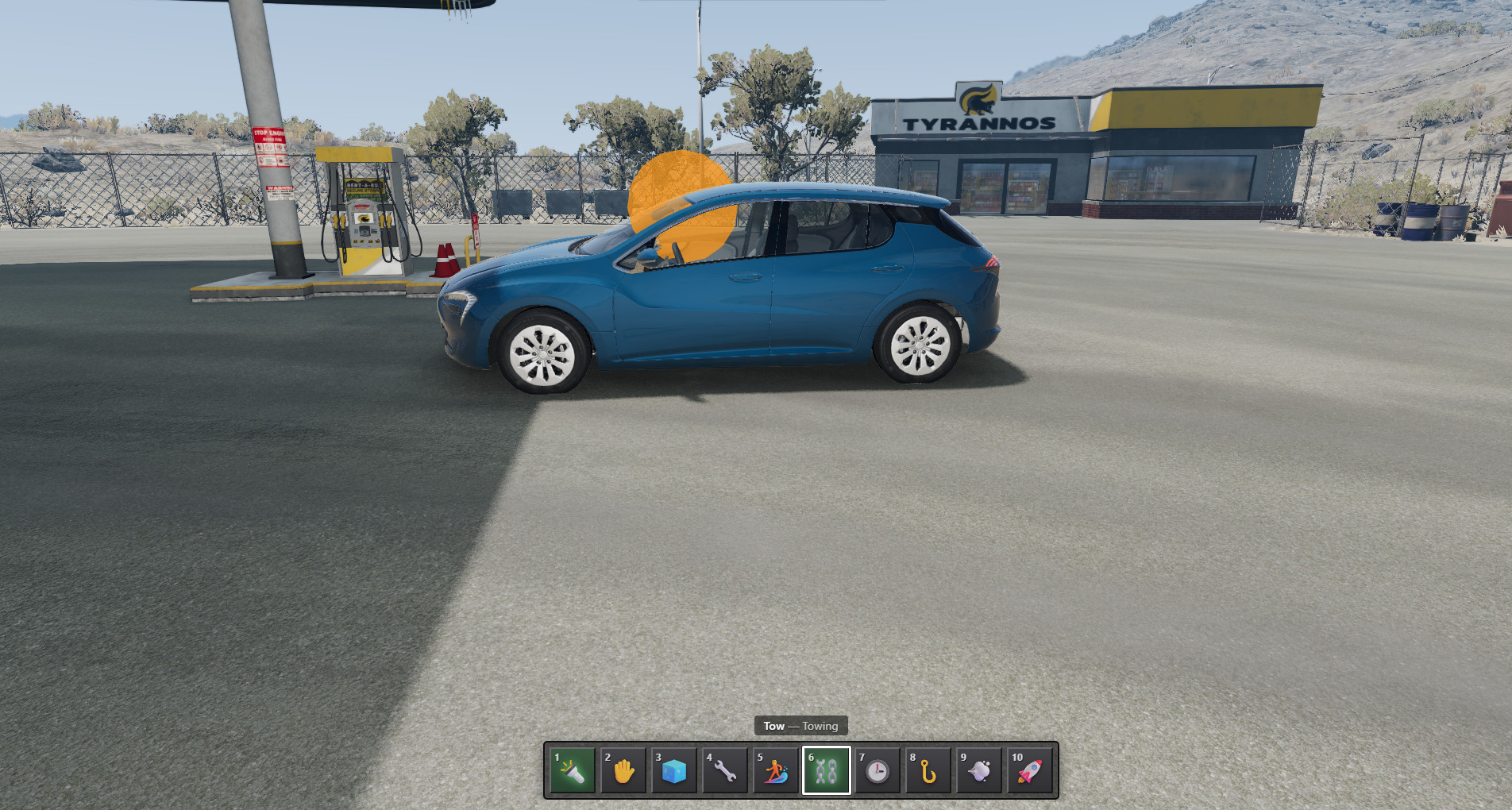
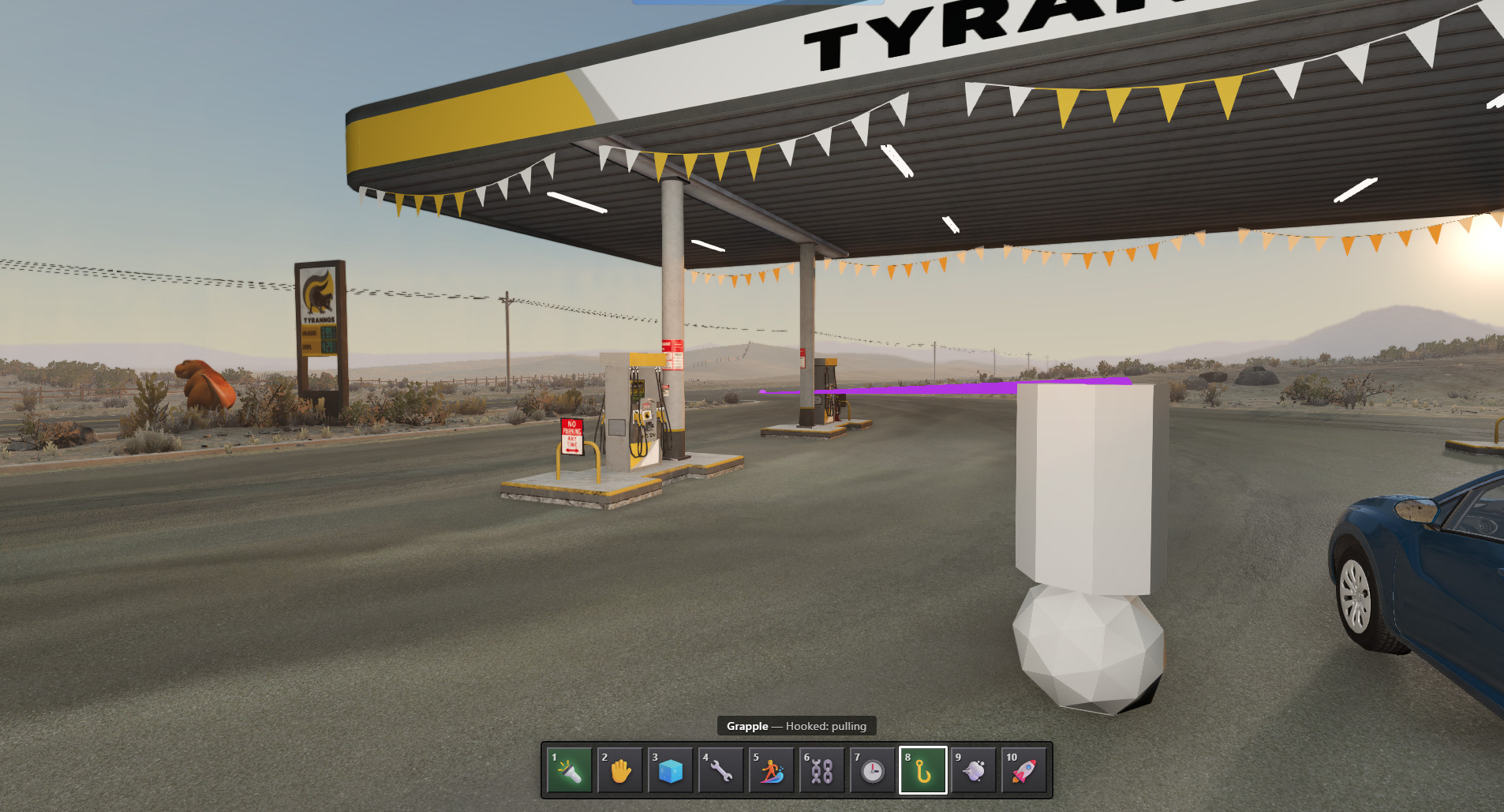
- Manipulation: Hands (grab/carry/rotate/throw vehicles), Freeze, Tow, and Grappling Hook.
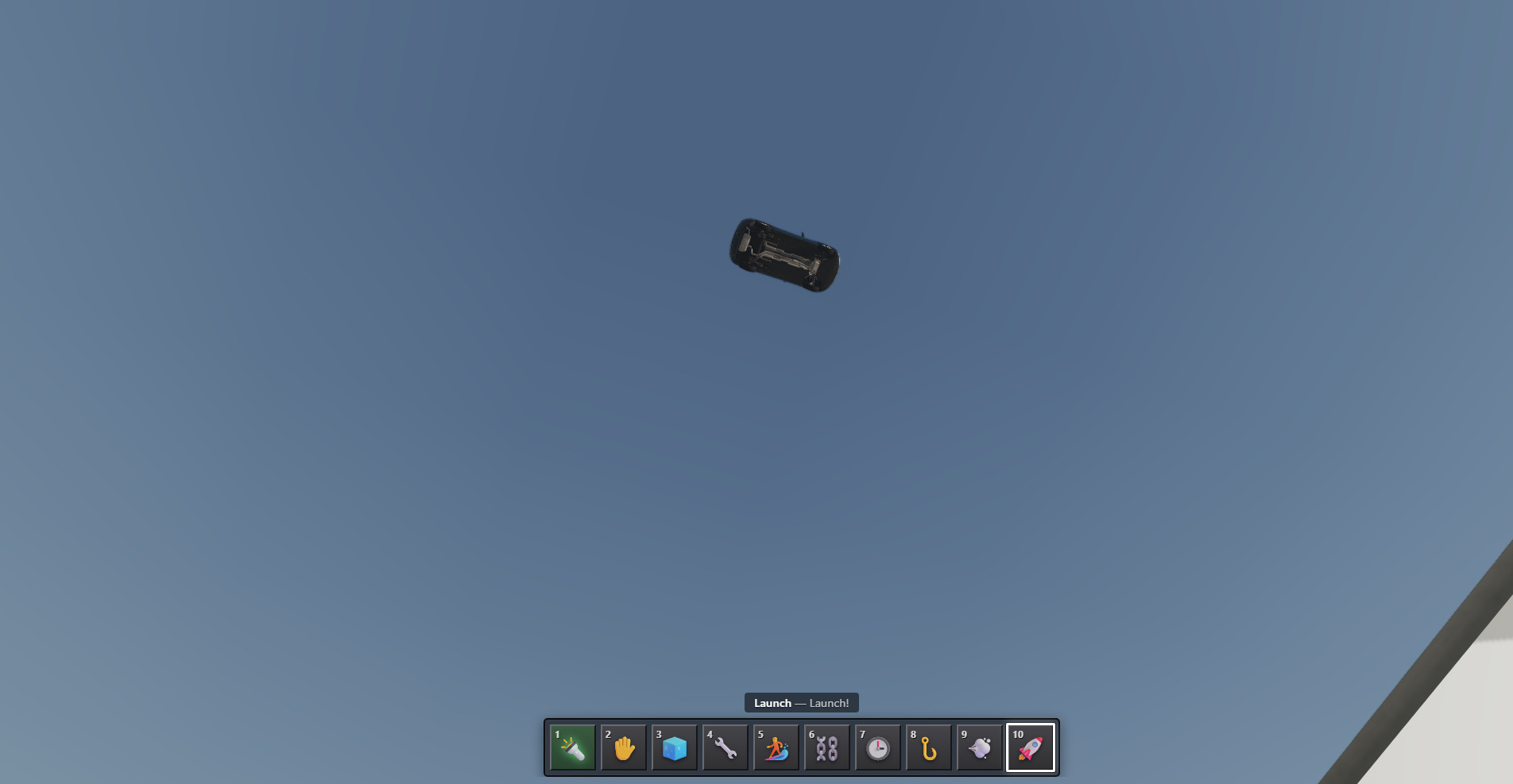
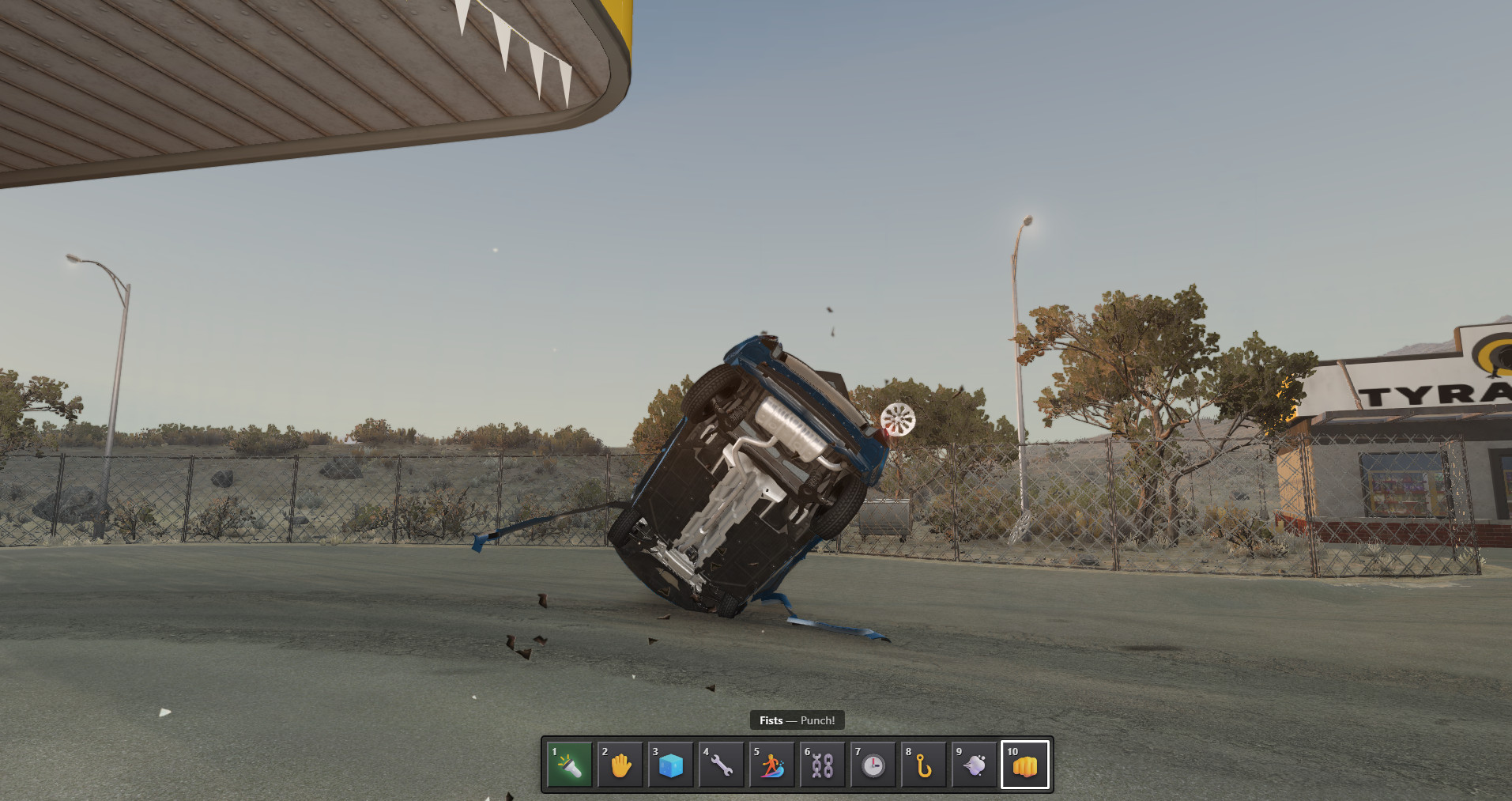
- Combat: Fists (dents + knockback), Shove, and Launch (fling cars skyward).
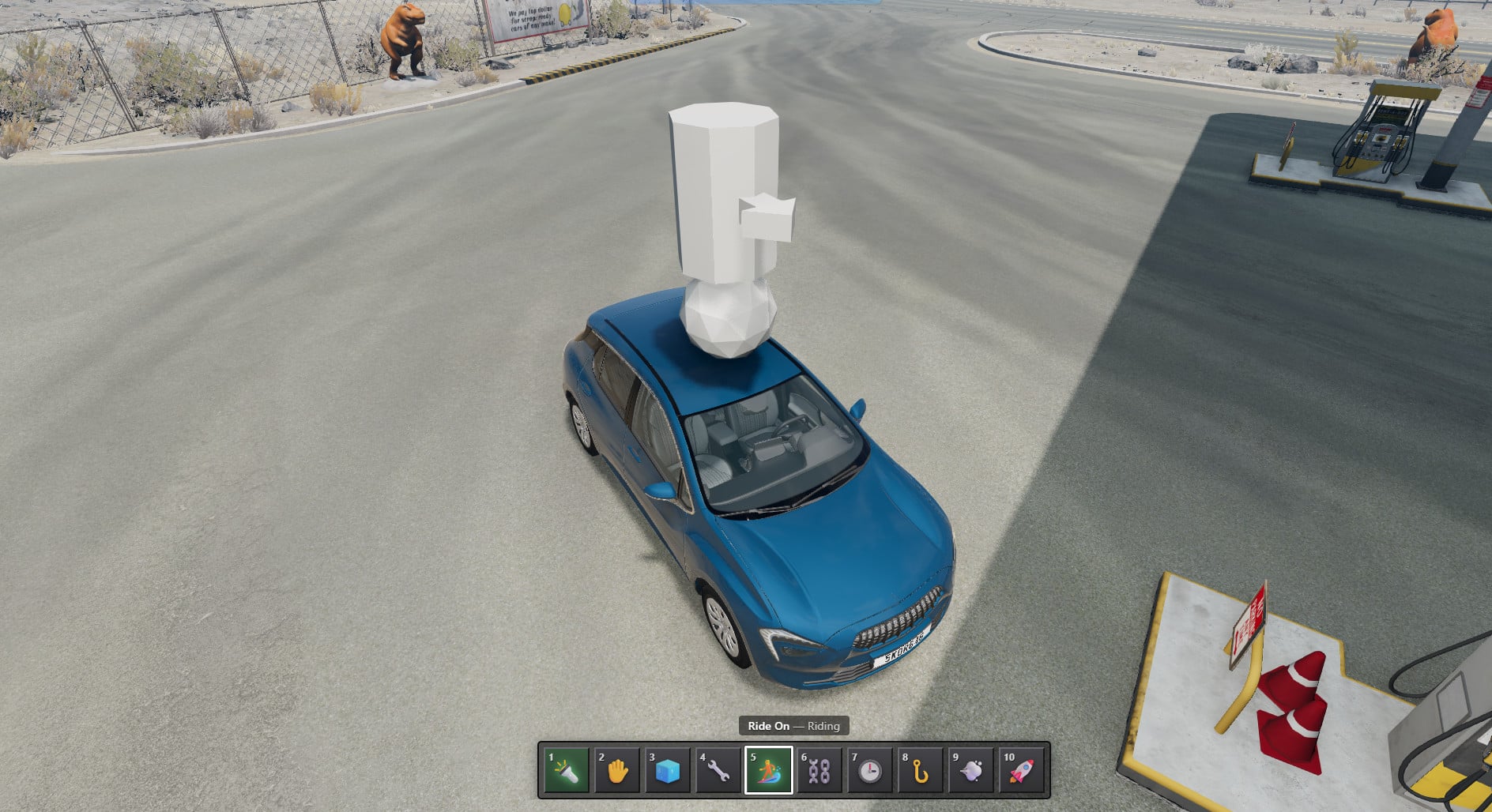
- Vehicle: Hop In (get in & drive) and Ride On (ride the roof).
- Traffic: Stop, Flee, Follow, Despawn, Spawn random car, Summon car, and Convoy.
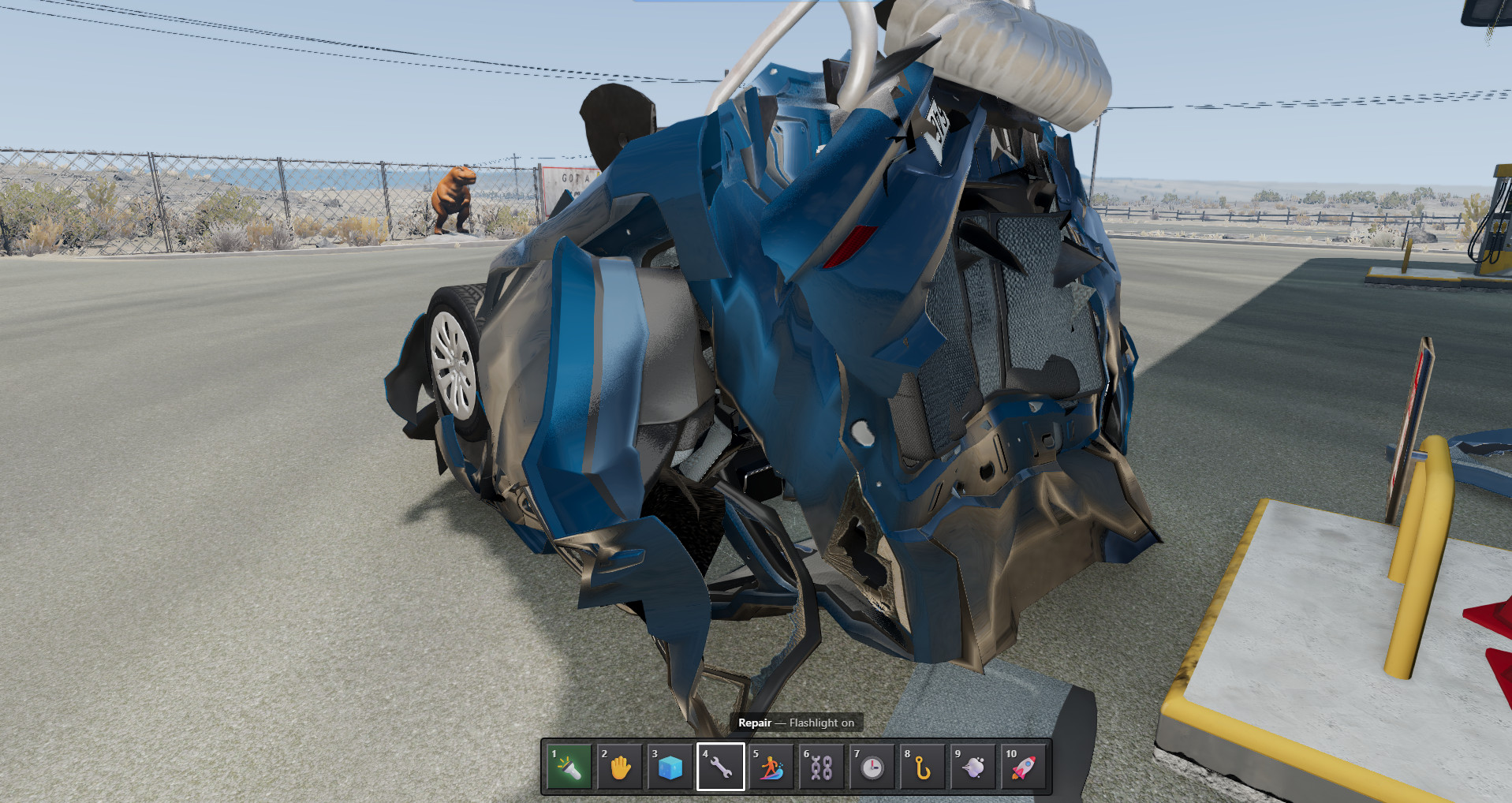
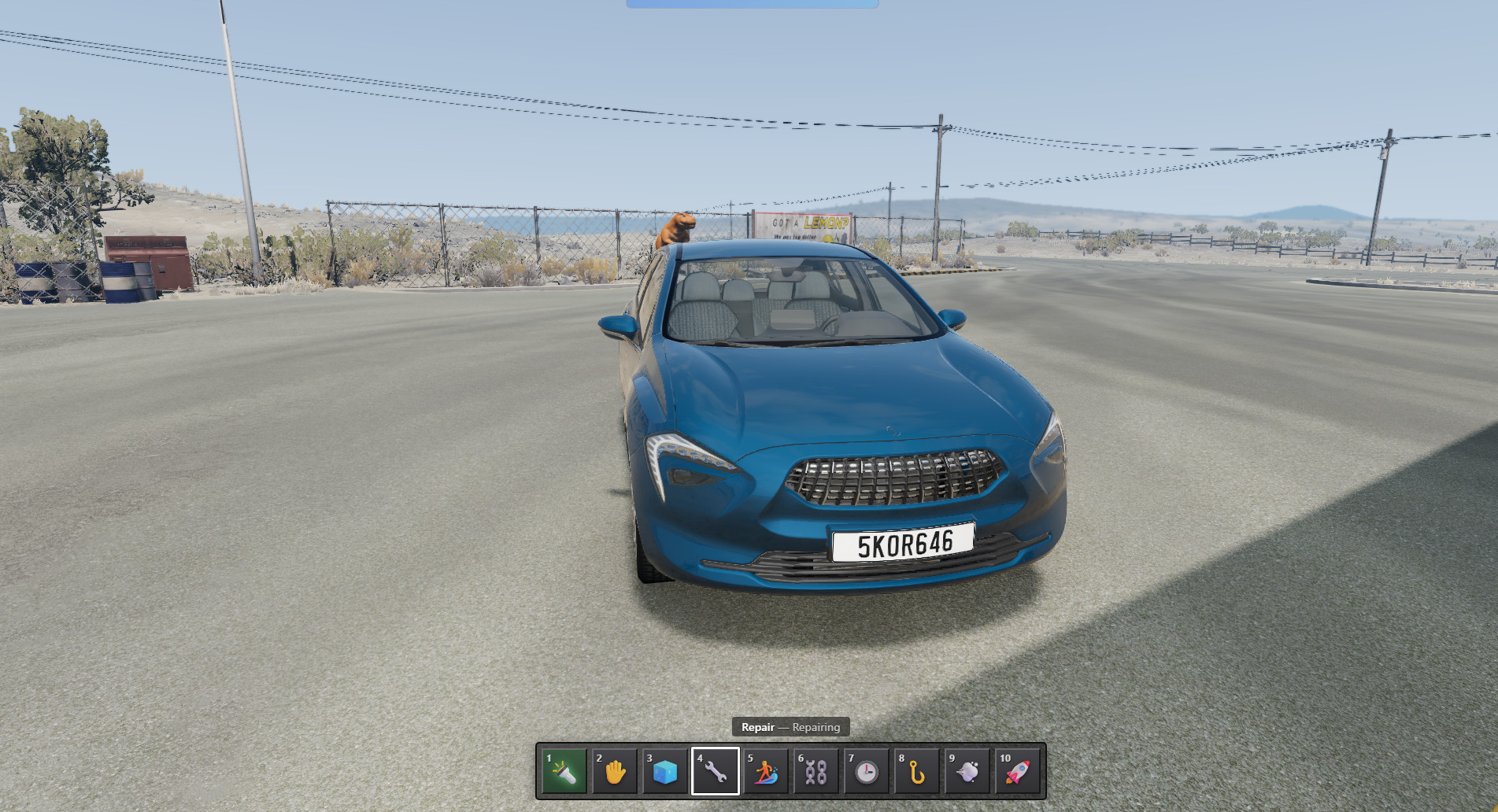
- Utility: Flashlight, Repair, Inspect (model/speed/damage/fuel), Refuel, and Engine on/off.
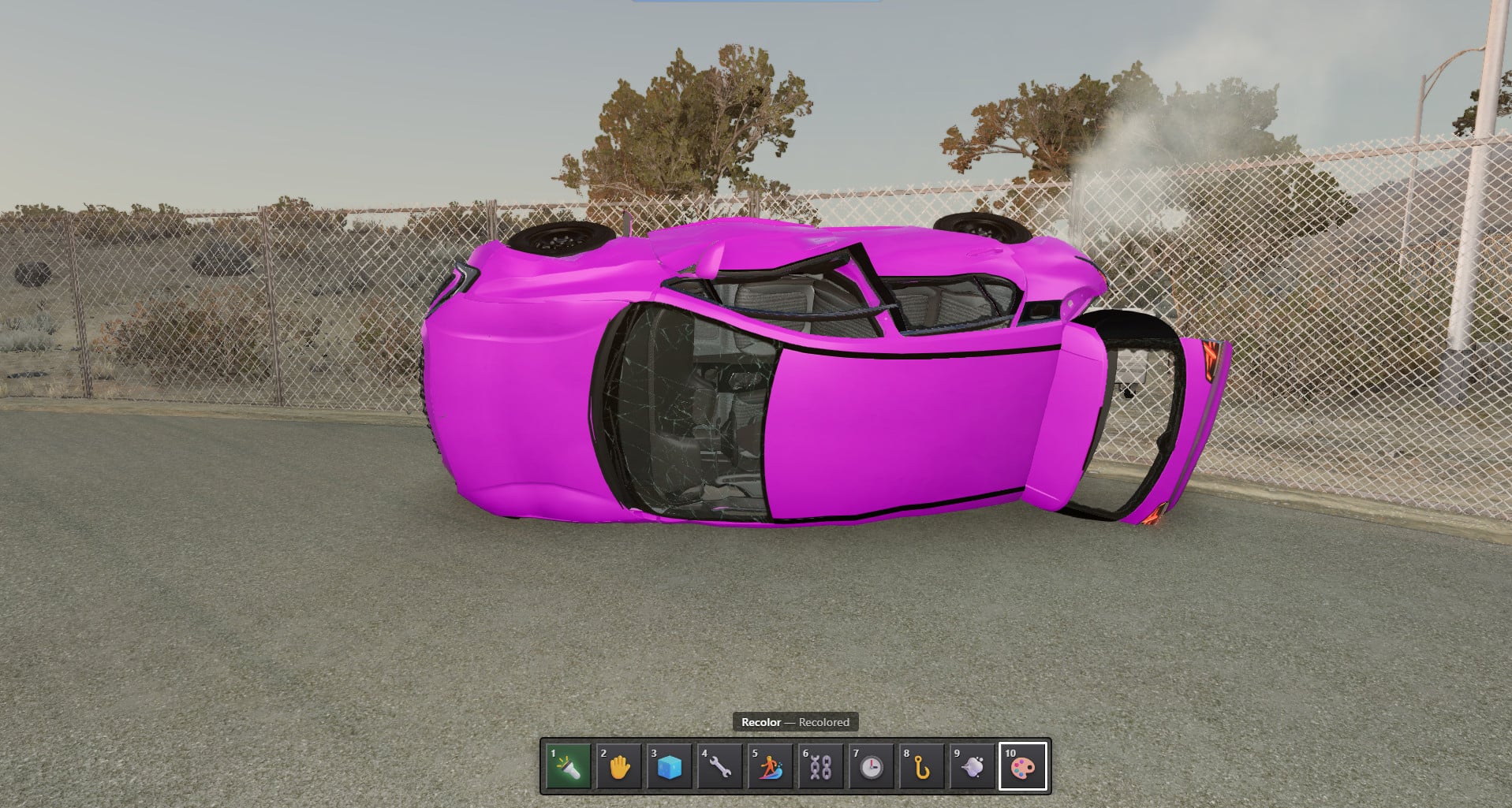
- Car Tricks: Lights, Pop Tires, Recolor, Extinguish, and Handbrake.
- Scene/Director: Slow-motion, Photo Mode, Time of Day, and Weather.
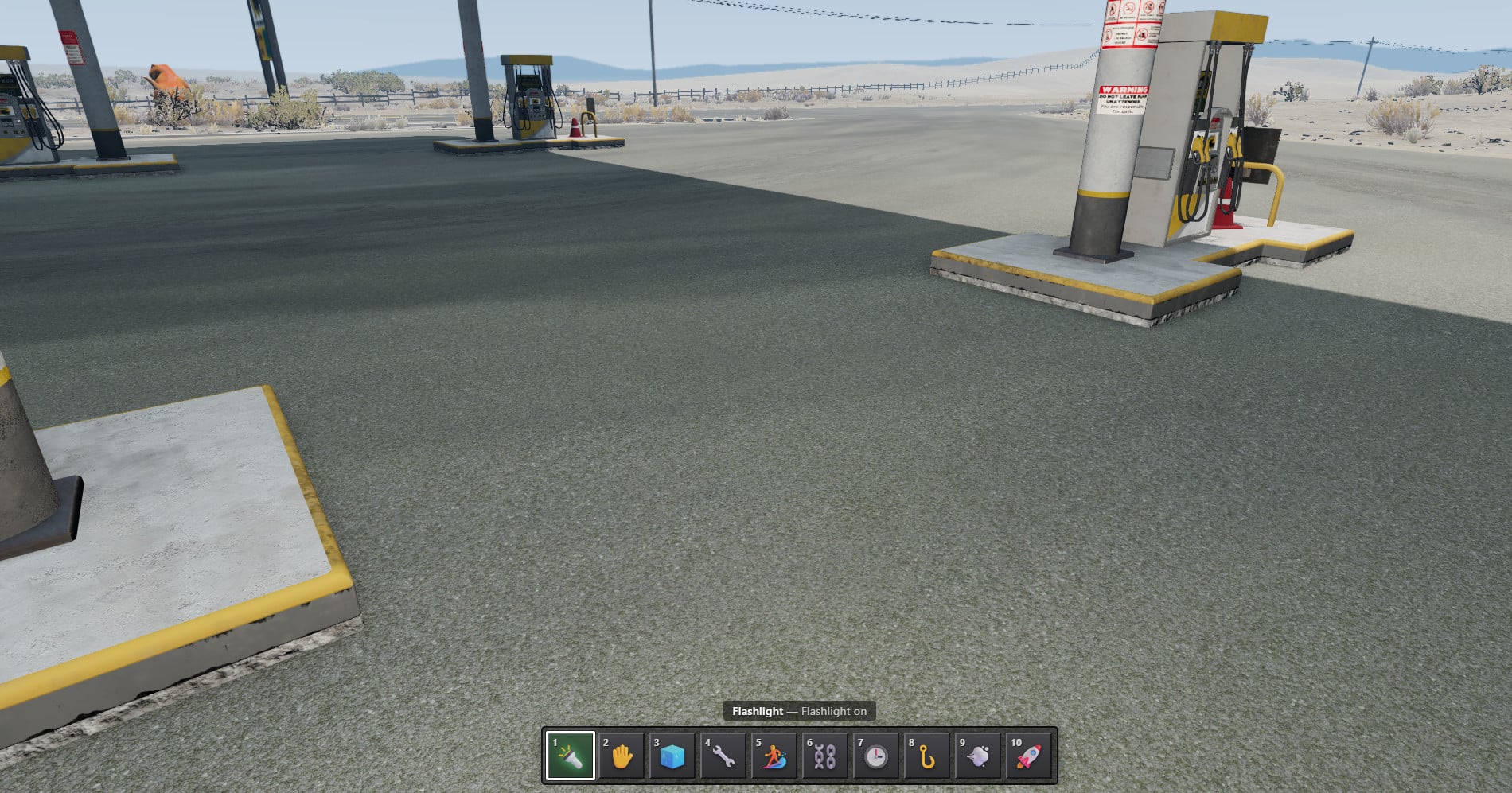
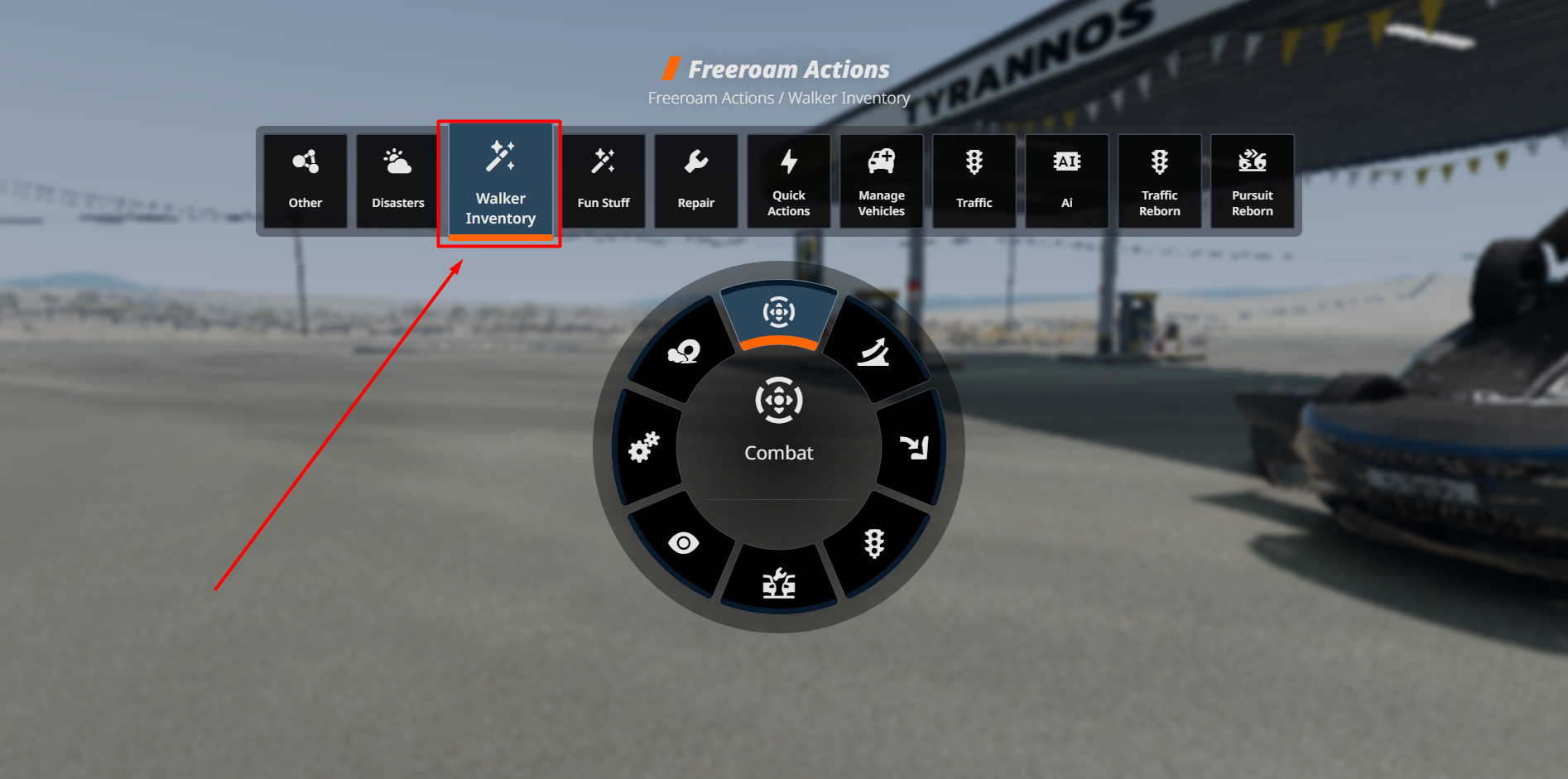
- Customization: Tool radial and fully customisable hotbar.
- Pro Edition Extras: Car Interaction category (open/close doors, hood, trunk), Horn, turn signals, hazards, siren, and all future Pro tools.
Controls:
- 1 – 0 — Select a hotbar slot
- LMB — Use the selected tool (hold for Grapple / Fists / Boost / Jetpack)
- RMB / G — Secondary action (throw a held car, kick, start engine...)
- Mouse wheel — Cycle slots, or push / pull a held car
- T / Y · U / I — Rotate / tumble a held car
- [ / ] — Move the selected slot left / right (saved automatically)
- K — Open the radial menu to assign any tool to the selected slot
Everything acts only while on foot — your driving experience stays completely untouched.
Installation Instructions
- Download the Free or Pro zip.
- Drop it into your BeamNG mods folder (or simply drag it onto the game window).
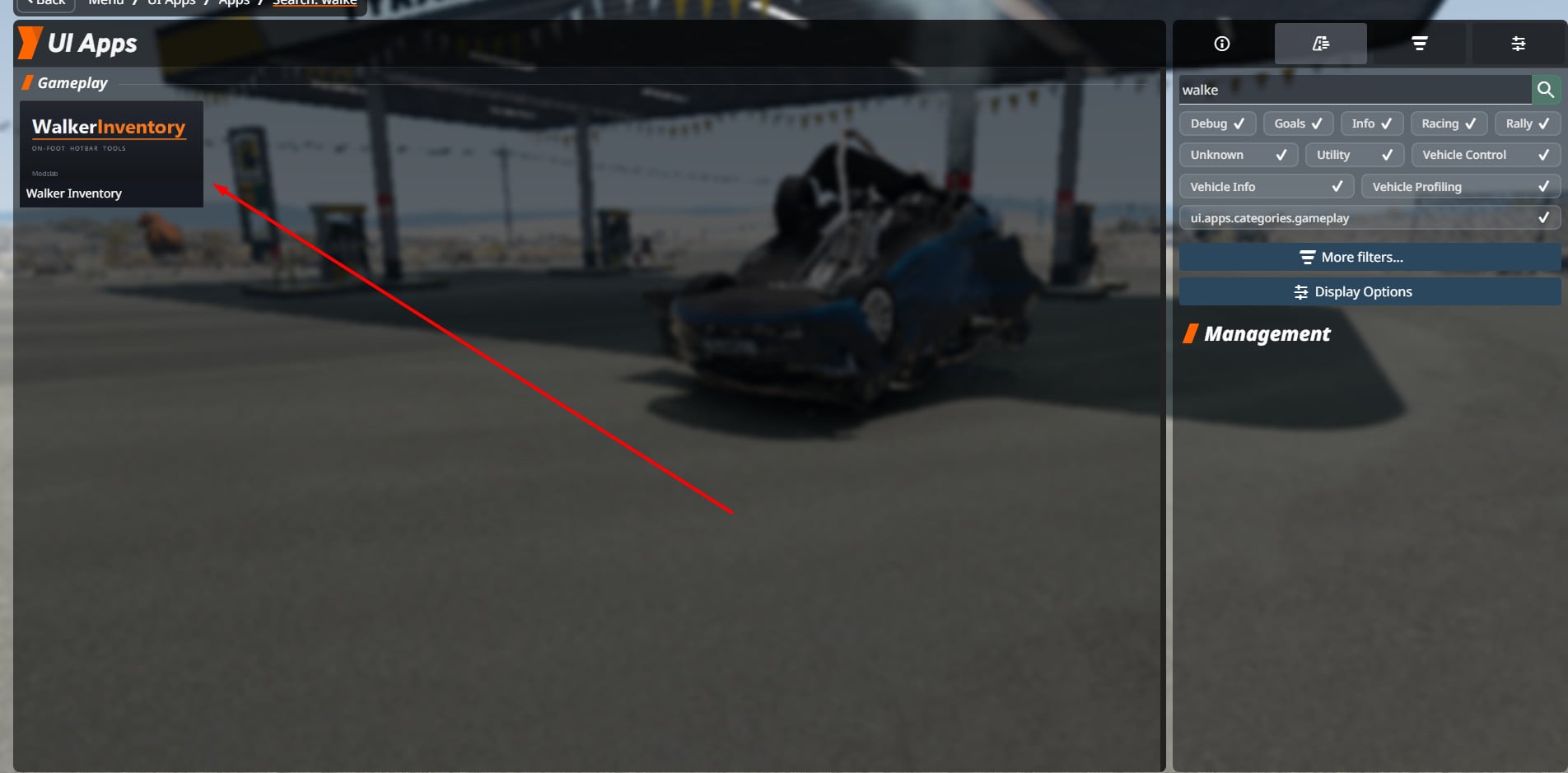
- In free-roam, open the UI Apps editor (Alt + Shift + U) once and drag Walker Inventory onto the screen.
💡 Run only one edition at a time. To upgrade from Free to Pro, remove the Free version first.
Walker Inventory turns going on foot in BeamNG.drive into a full-fledged part of the sandbox. It provides a complete hotbar inventory loaded with 37 tools that you can swap on the fly through a radial menu. Pin your favourites to a 10-slot hotbar, and reach everything else with a single key.
Features- Mobility: Ultraboost (sprint), Jetpack, Super Jump, Dash, Blink (teleport), Free Flight, and Low Gravity.
- Manipulation: Hands (grab/carry/rotate/throw vehicles), Freeze, Tow, and Grappling Hook.
- Combat: Fists (dents + knockback), Shove, and Launch (fling cars skyward).
- Vehicle: Hop In (get in & drive) and Ride On (ride the roof).
- Traffic: Stop, Flee, Follow, Despawn, Spawn random car, Summon car, and Convoy.
- Utility: Flashlight, Repair, Inspect (model/speed/damage/fuel), Refuel, and Engine on/off.
- Car Tricks: Lights, Pop Tires, Recolor, Extinguish, and Handbrake.
- Scene/Director: Slow-motion, Photo Mode, Time of Day, and Weather.
- Customization: Tool radial and fully customisable hotbar.
- Pro Edition Extras: Car Interaction category (open/close doors, hood, trunk), Horn, turn signals, hazards, siren, and all future Pro tools.
Controls:
- 1 – 0 — Select a hotbar slot
- LMB — Use the selected tool (hold for Grapple / Fists / Boost / Jetpack)
- RMB / G — Secondary action (throw a held car, kick, start engine...)
- Mouse wheel — Cycle slots, or push / pull a held car
- T / Y · U / I — Rotate / tumble a held car
- [ / ] — Move the selected slot left / right (saved automatically)
- K — Open the radial menu to assign any tool to the selected slot
Everything acts only while on foot — your driving experience stays completely untouched.
Installation Instructions
- Download the Free or Pro zip.
- Drop it into your BeamNG mods folder (or simply drag it onto the game window).
- In free-roam, open the UI Apps editor (Alt + Shift + U) once and drag Walker Inventory onto the screen.
💡 Run only one edition at a time. To upgrade from Free to Pro, remove the Free version first.
External Download Links:
About Mod
| Latest Version | 1.1a |
| Game | BeamNG.drive |
| Category | Other |
| Game Version | 0.38.x |
| Downloads | 441 |
| Created | 3 months ago |
| Last Updated | 2 months ago |
Download Latest Version
Version: 1.1aUpdated: 2 months ago
https://boostylink.com/tntD9fts external download · added 2 months ago
You Might Also Like »
0 Comments
There are no comments. Be first to comment!