Part Attacher - any part from any vehicle on any vehicle 1.3

0/5,
0
votes
Changelog
- Exhausts that work: an attached exhaust now smokes, pops (afterfire) and sounds from its own tips like your car's exhaust. Any number of them - two or three different exhausts at once work too.
- Size per axis (X / Y / Z): besides one size for the whole part, width, length and height can each get their own factor (model and physics).
- Type exact values: every position, rotation and size slider now has a number field next to it.
- Copy: one more of the same part as a new preview, at the very same place, turn and size. Works for previews and installed parts.
- Donor liveries: parts from another car and a front end swap can now wear one of their own car's liveries.
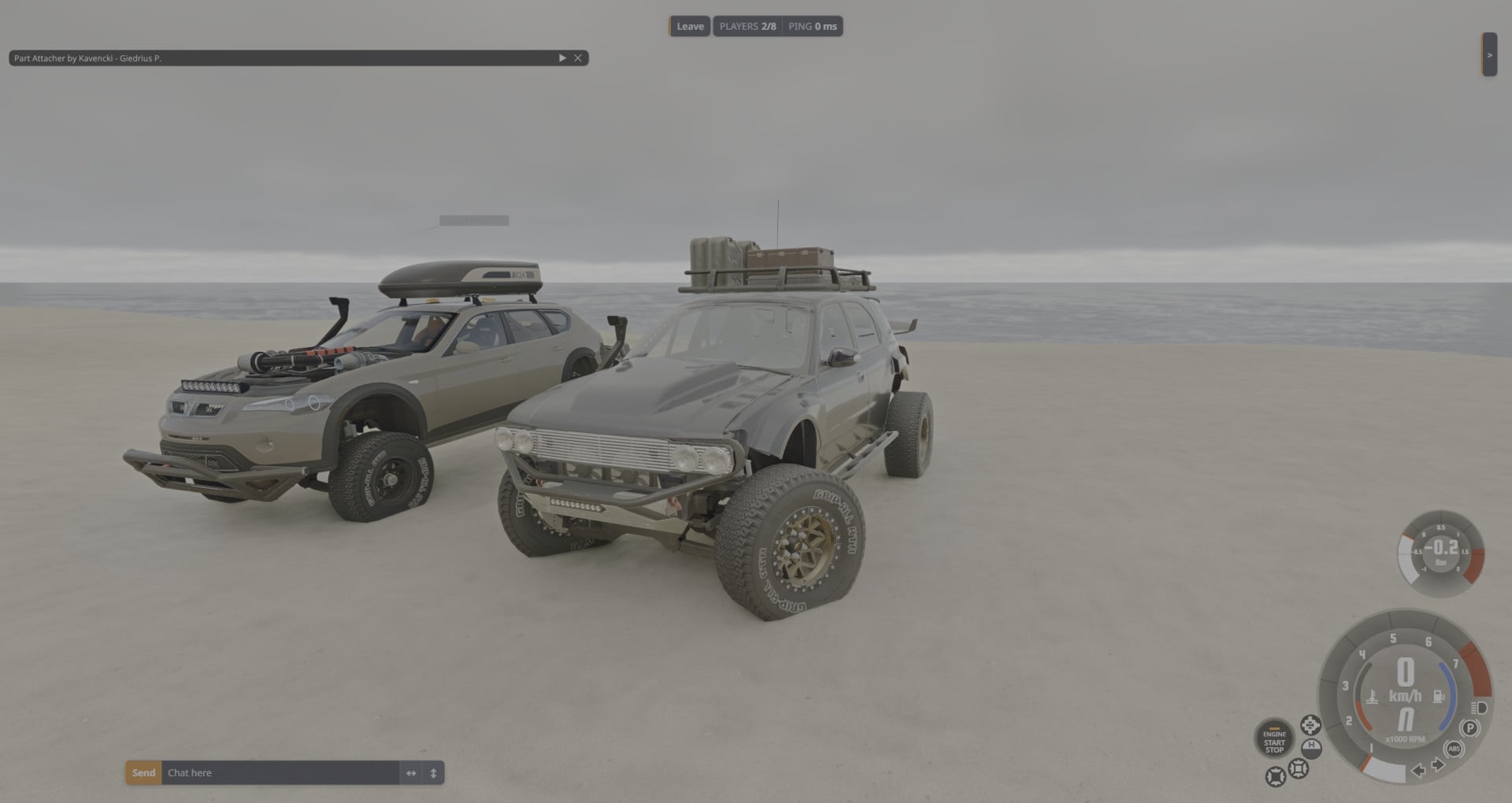
- Multiplayer (BeamMP): tested on BeamMP server. Put the zip in the server's Resources/Client folder and set MaxCars to 2 or more.
Description
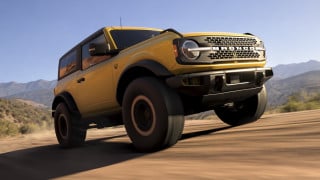
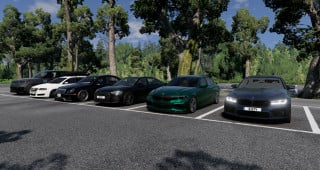
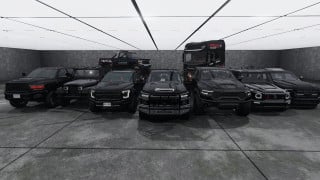
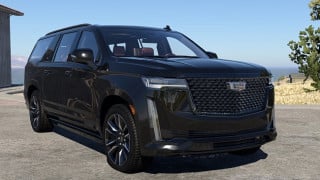
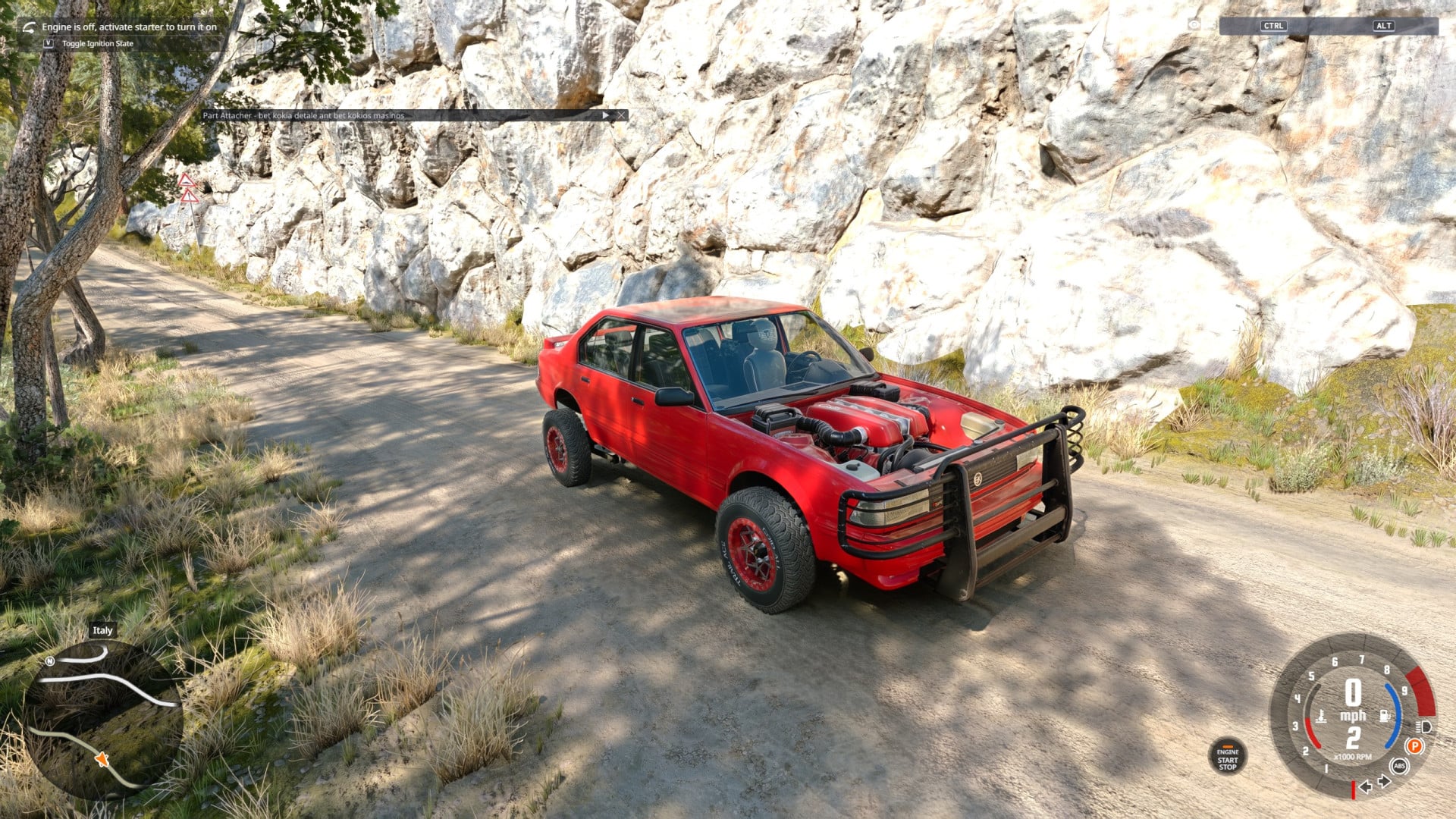
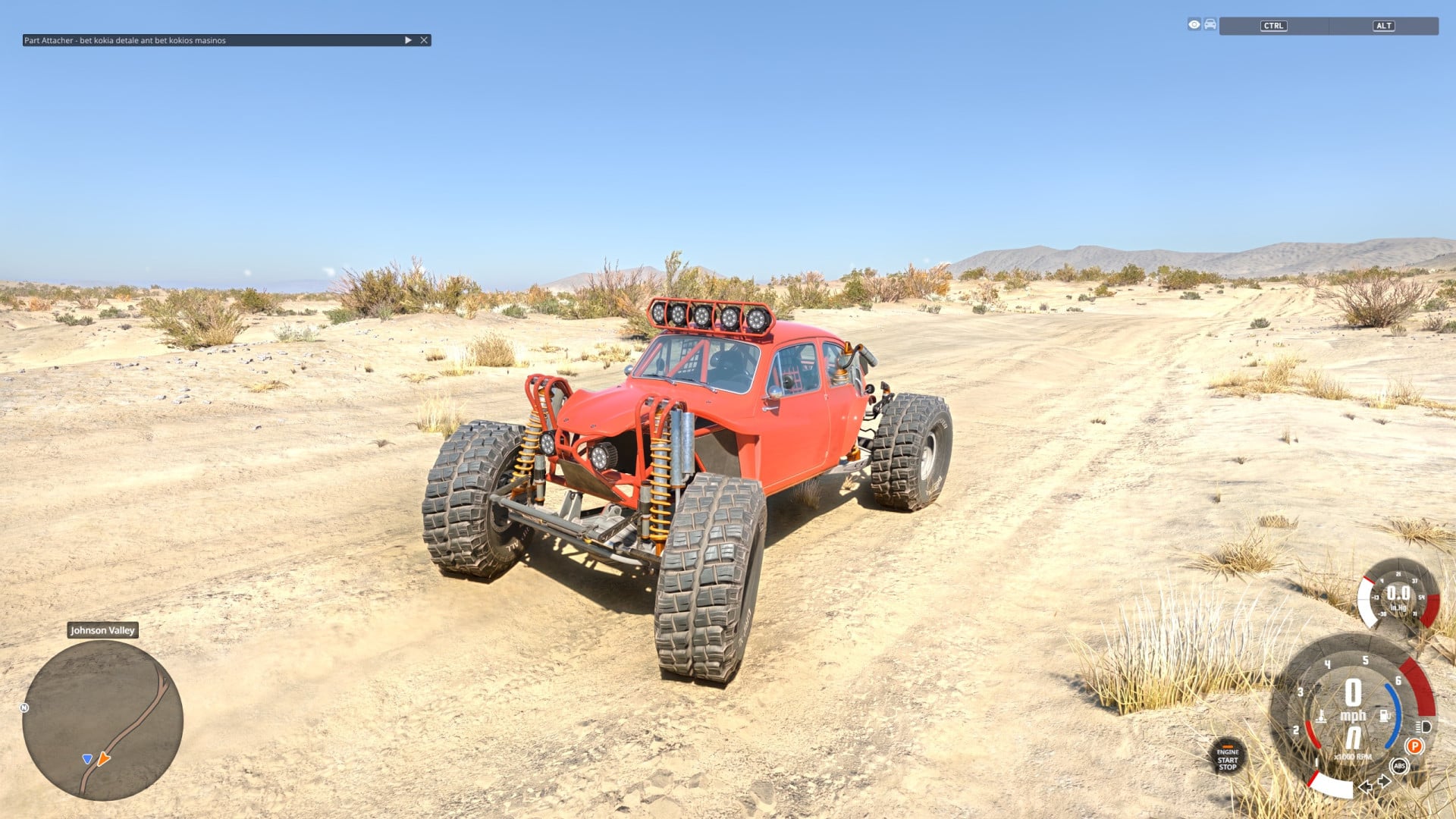
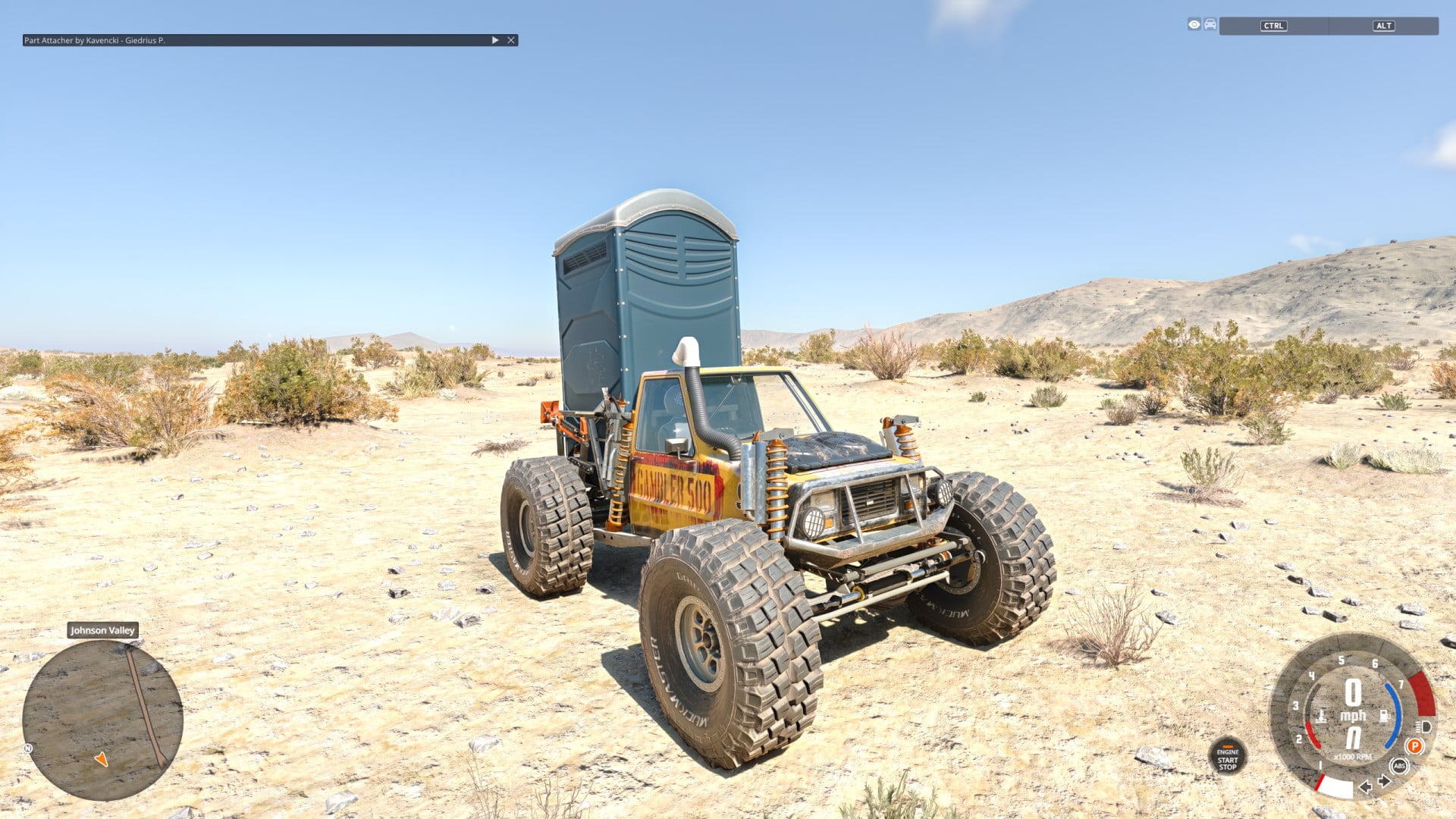
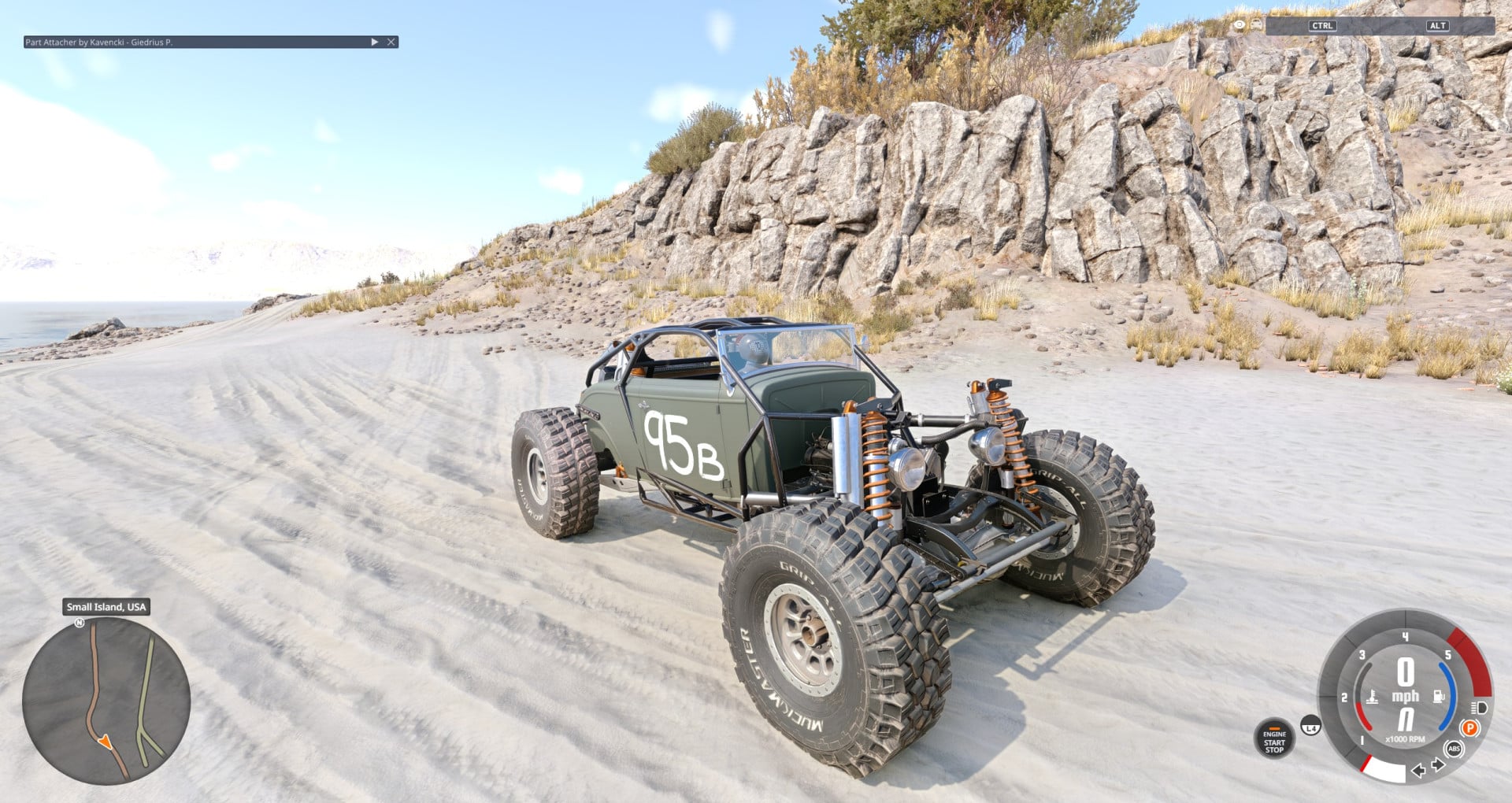
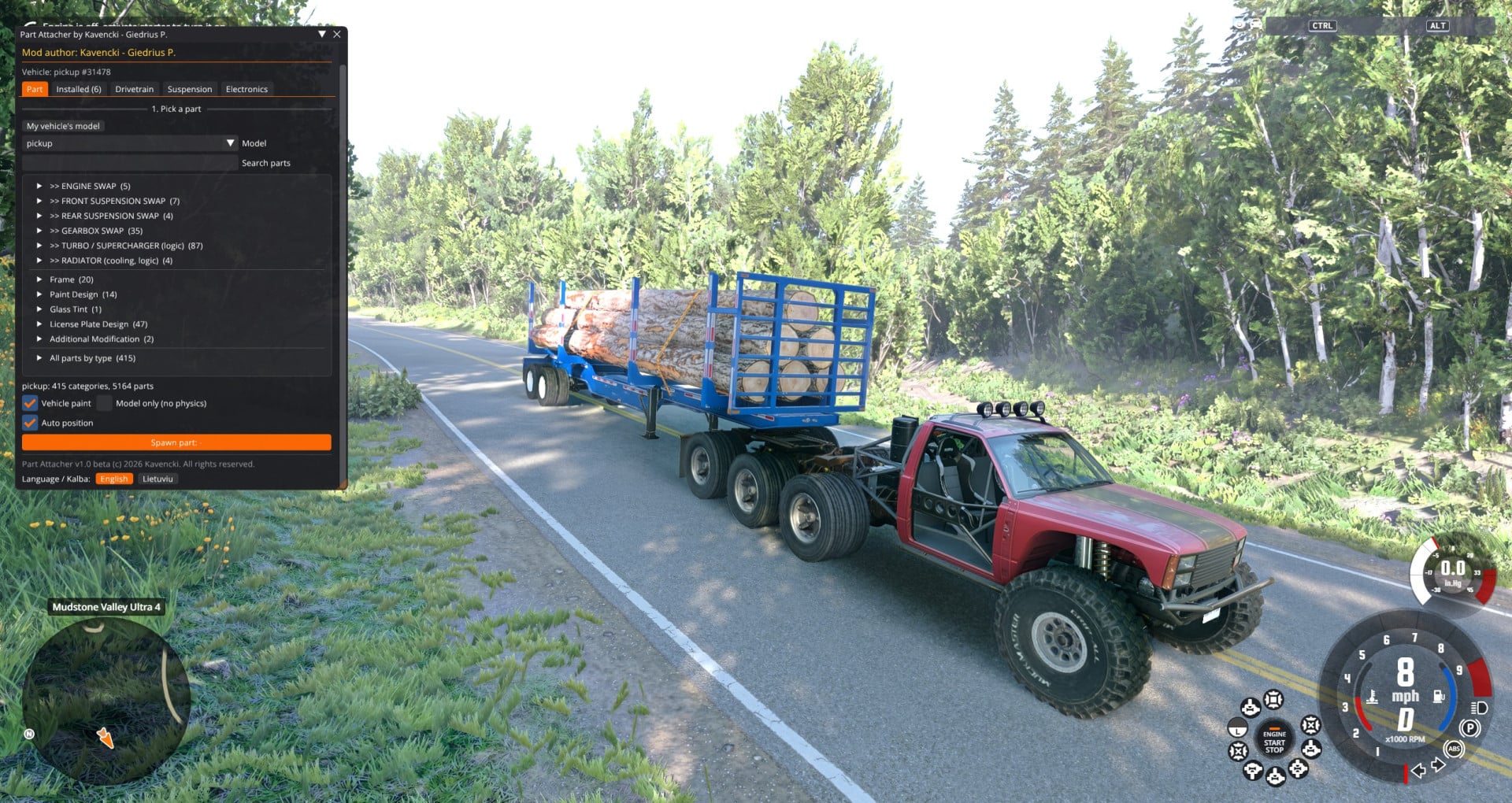
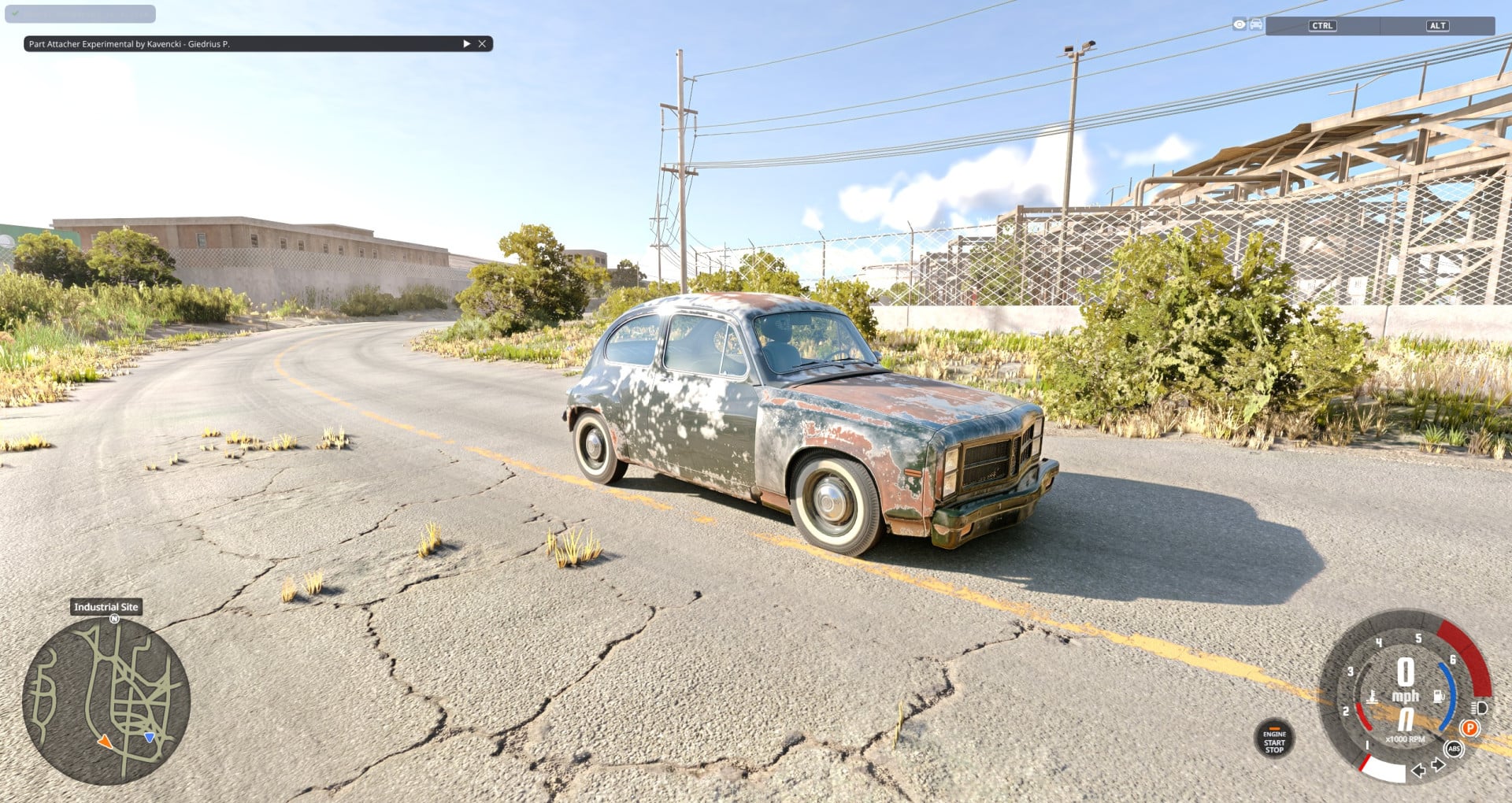
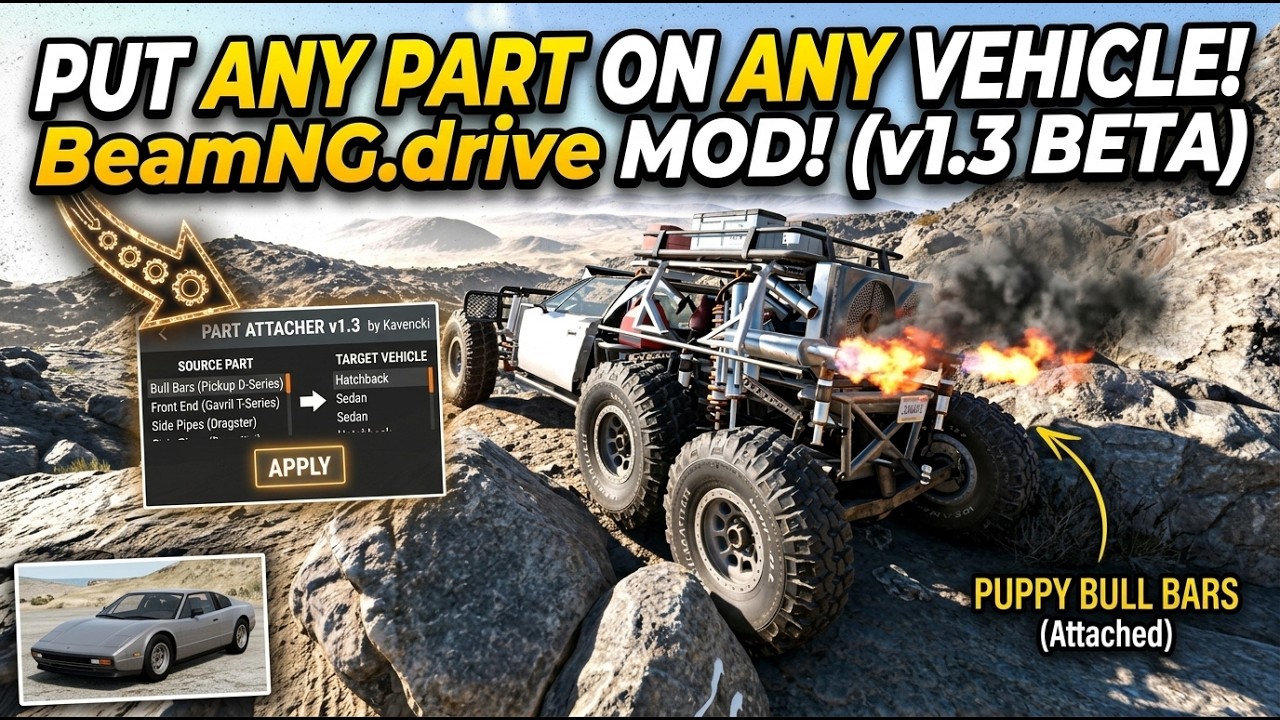
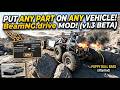
Put any part from any vehicle - official or modded - onto your car. The part becomes a real part of your vehicle's jbeam (not a separate vehicle): it has its own weight, physics and collisions, and it stays after a reset.
Features
- Any part on any vehicle: bumpers, bull bars, rock sliders, roof racks, lights, body kits... Pick the donor model, find the part in a slot tree, place it with sliders and attach.
- Virtual mount: a part with physics hangs on 8 frame points welded to your car's structure, so attaching it can't tear your car apart.
- Model only: switch any installed part between model only (no physics) and physics with one button.
- Auto position: a new part appears where your car's part of the same kind is. Mirror copy creates the same part on the other side.
- Size: make a part smaller or bigger, as a whole or per axis (X / Y / Z).
- Exact values: number fields next to every position, rotation and size slider for precise typing.
- Engine swap (logic): any engine's power, torque, revs and sound on your engine's physics; donor's tuning parts appear in the normal Parts menu.
- Gearbox swap: manual, automatic, DCT, CVT, sequential from any vehicle.
- Turbo / supercharger: add any vehicle's turbo/supercharger with sounds and Tuning menu settings.
- Radiator and Snorkel: any vehicle's cooling onto your engine. An attached snorkel really works.
- Working exhausts: attached exhausts smoke, pop and sound from their tips.
- Donor liveries: parts from another car and front end swaps can wear their original car's liveries.
- Suspension swap: logic mode (donor spring/damper/sway bar character) or a full geometry swap on its own virtual frame.
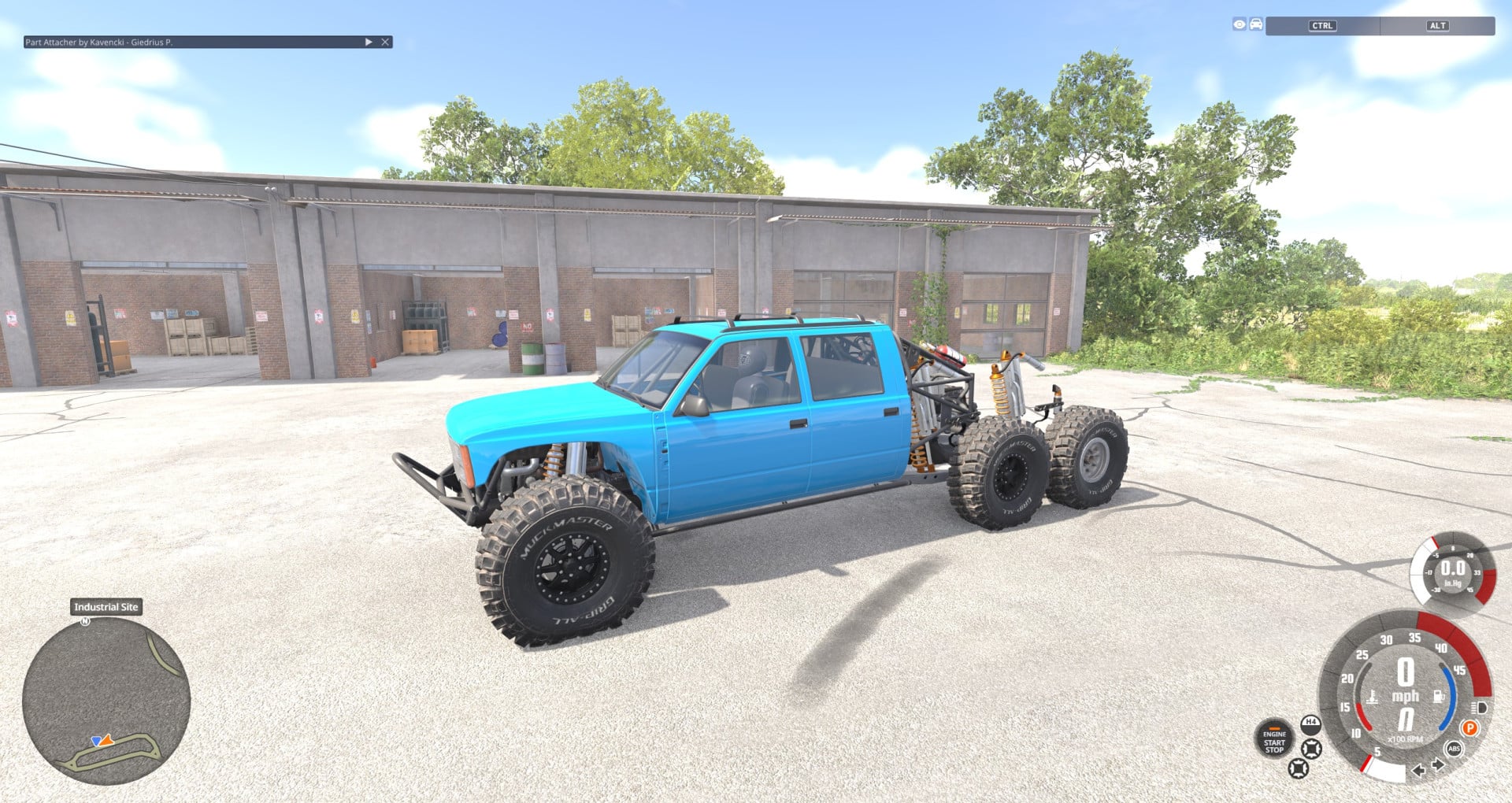
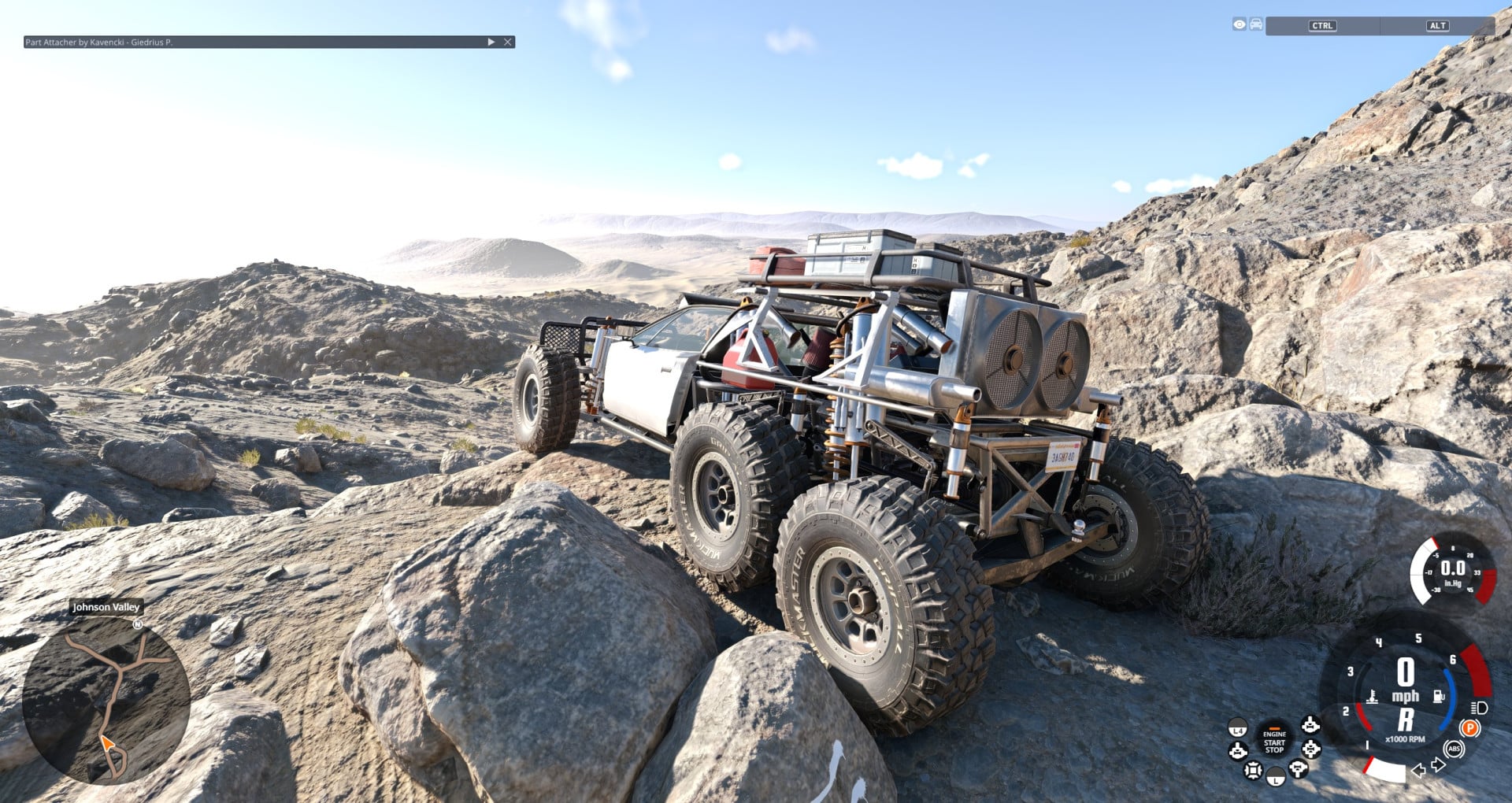
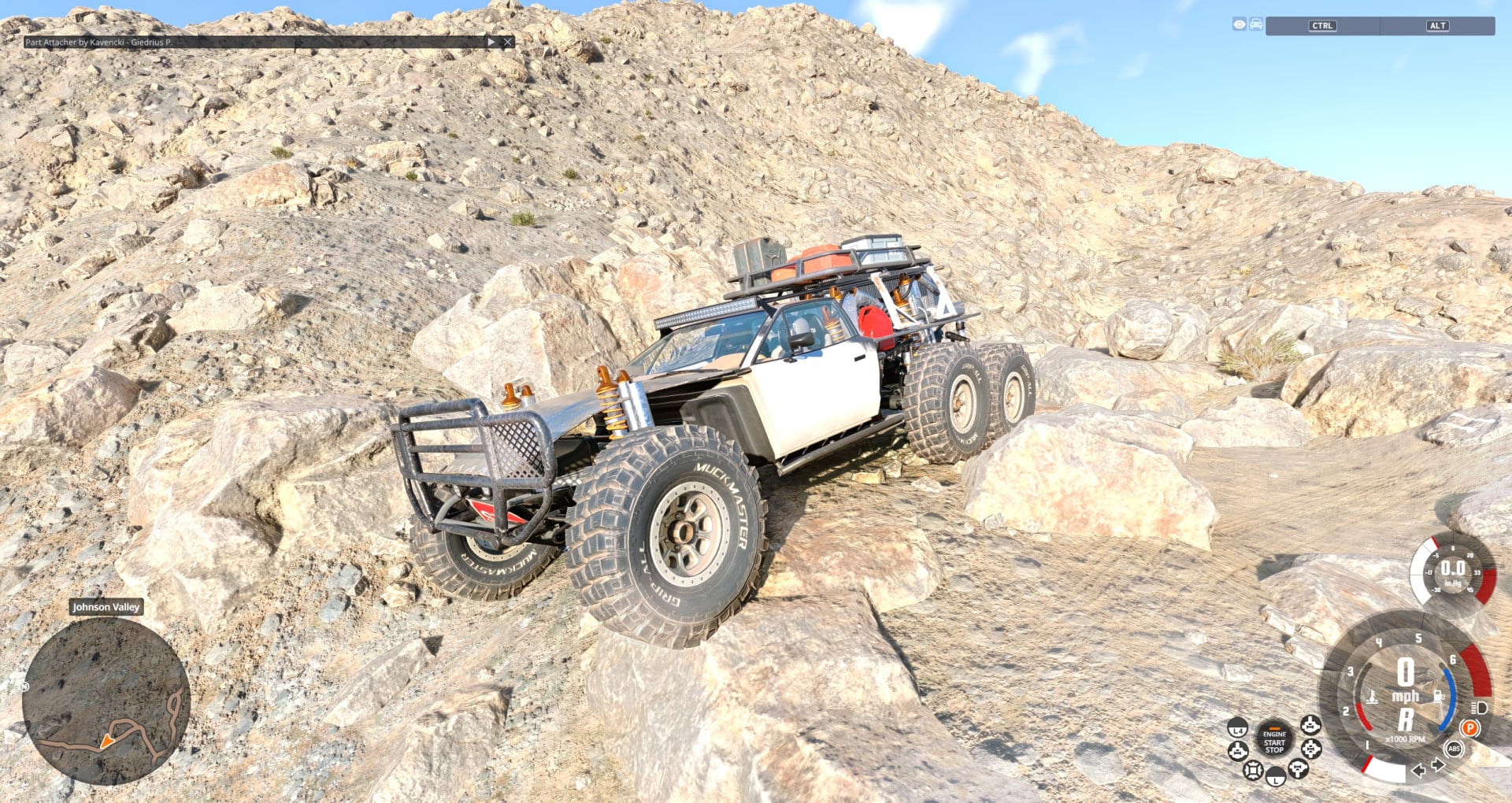
- Second rear axle: add a second rear axle behind your own (6 wheels, 6x4 truck style); both rear axles are driven.
- Universal drivetrain: RWD / FWD / AWD with various diffs and switchable 2WD / 4WD, low range - all switchable while driving.
- Safety electronics: ABS, traction control, stability control, 2-step launch control, line lock.
- Front end swap: another vehicle's whole front (bumper, fenders, hood, headlights, grille) as one preview, installed as one part that bends and breaks.
- Hitches that work: attached fifth wheel, pintle hitch or tow hitch couples trailers like on its own vehicle.
- Data-only parts: truck air compressors and similar parts connect directly to your engine.
- Multiplayer (BeamMP): Put the zip in the server's Resources/Client folder and set MaxCars to 2 or more; other players see your previews and finished car.
- Everything is saved with the game's own vehicle save and loads on any map.
How to use
Get into your vehicle and press Ctrl + Shift + Y (rebind in Options > Controls > Gameplay), or press ESC > Mods > Part Attacher > OPEN PART ATTACHER.
- Part tab: pick the donor model and a part, spawn the preview, move/rotate/resize and press ATTACH.
- Installed tab: move, remove, mirror, copy, or change the livery of added parts.
- Drivetrain, Suspension and Electronics tabs: universal drivetrain, logic suspension, safety electronics.
- Front end tab: pick a donor vehicle and press SPAWN FRONT END.
Full manual: README_EN.txt in the mod zip.
Installation Instructions
Remove the old Part Attacher zip from your mods folder, put the new one in (BeamNG.drive/current/mods), enable it in the Mod Manager and restart the game once. Your saved cars keep their parts.
Credits
Kavencki - Giedrius P.
- Exhausts that work: an attached exhaust now smokes, pops (afterfire) and sounds from its own tips like your car's exhaust. Any number of them - two or three different exhausts at once work too.
- Size per axis (X / Y / Z): besides one size for the whole part, width, length and height can each get their own factor (model and physics).
- Type exact values: every position, rotation and size slider now has a number field next to it.
- Copy: one more of the same part as a new preview, at the very same place, turn and size. Works for previews and installed parts.
- Donor liveries: parts from another car and a front end swap can now wear one of their own car's liveries.
- Multiplayer (BeamMP): tested on BeamMP server. Put the zip in the server's Resources/Client folder and set MaxCars to 2 or more.
Description
Put any part from any vehicle - official or modded - onto your car. The part becomes a real part of your vehicle's jbeam (not a separate vehicle): it has its own weight, physics and collisions, and it stays after a reset.
Features
- Any part on any vehicle: bumpers, bull bars, rock sliders, roof racks, lights, body kits... Pick the donor model, find the part in a slot tree, place it with sliders and attach.
- Virtual mount: a part with physics hangs on 8 frame points welded to your car's structure, so attaching it can't tear your car apart.
- Model only: switch any installed part between model only (no physics) and physics with one button.
- Auto position: a new part appears where your car's part of the same kind is. Mirror copy creates the same part on the other side.
- Size: make a part smaller or bigger, as a whole or per axis (X / Y / Z).
- Exact values: number fields next to every position, rotation and size slider for precise typing.
- Engine swap (logic): any engine's power, torque, revs and sound on your engine's physics; donor's tuning parts appear in the normal Parts menu.
- Gearbox swap: manual, automatic, DCT, CVT, sequential from any vehicle.
- Turbo / supercharger: add any vehicle's turbo/supercharger with sounds and Tuning menu settings.
- Radiator and Snorkel: any vehicle's cooling onto your engine. An attached snorkel really works.
- Working exhausts: attached exhausts smoke, pop and sound from their tips.
- Donor liveries: parts from another car and front end swaps can wear their original car's liveries.
- Suspension swap: logic mode (donor spring/damper/sway bar character) or a full geometry swap on its own virtual frame.
- Second rear axle: add a second rear axle behind your own (6 wheels, 6x4 truck style); both rear axles are driven.
- Universal drivetrain: RWD / FWD / AWD with various diffs and switchable 2WD / 4WD, low range - all switchable while driving.
- Safety electronics: ABS, traction control, stability control, 2-step launch control, line lock.
- Front end swap: another vehicle's whole front (bumper, fenders, hood, headlights, grille) as one preview, installed as one part that bends and breaks.
- Hitches that work: attached fifth wheel, pintle hitch or tow hitch couples trailers like on its own vehicle.
- Data-only parts: truck air compressors and similar parts connect directly to your engine.
- Multiplayer (BeamMP): Put the zip in the server's Resources/Client folder and set MaxCars to 2 or more; other players see your previews and finished car.
- Everything is saved with the game's own vehicle save and loads on any map.
How to use
Get into your vehicle and press Ctrl + Shift + Y (rebind in Options > Controls > Gameplay), or press ESC > Mods > Part Attacher > OPEN PART ATTACHER.
- Part tab: pick the donor model and a part, spawn the preview, move/rotate/resize and press ATTACH.
- Installed tab: move, remove, mirror, copy, or change the livery of added parts.
- Drivetrain, Suspension and Electronics tabs: universal drivetrain, logic suspension, safety electronics.
- Front end tab: pick a donor vehicle and press SPAWN FRONT END.
Full manual: README_EN.txt in the mod zip.
Installation Instructions
Remove the old Part Attacher zip from your mods folder, put the new one in (BeamNG.drive/current/mods), enable it in the Mod Manager and restart the game once. Your saved cars keep their parts.
Credits
Kavencki - Giedrius P.
Videos
Direct Download Links
About Mod
| Latest Version | 1.3 |
| Game | BeamNG.drive |
| Category | Other |
| Game Version | 0.40.x |
| Downloads | 353 |
| Created | 14 hours ago |
You Might Also Like »

0 Comments
There are no comments. Be first to comment!