Collecting bales in FS25 with CoursePlay
-lg_modland.jpg)
Introduction to Courseplay
Courseplay is a mod for Farming Simulator 25 that allows you to customize the automatic performance of almost any task. Courseplay can control tractors, combines and other machinery, planning routes and tasks with precision.
With its help you can automate harvesting, cargo transportation and, of course, bale collection. It is possible to customize the mod so that several pieces of equipment work simultaneously.
Features of the Courseplay mod
Courseplay provides a lot of unique features.
Some of the features that this automation script has:
- Creating routes to perform tasks.
- Support for working with various machinery, including autoloading trailers.
- Automation of transportation of bales to the warehouse.
- Intuitive interface for customizing tasks.
- Ability to set parameters such as speed, route and dump point.
Courseplay offers a special mode for bale collection, it automatically recognizes the field and the bales on it.
Preparing for bale handling
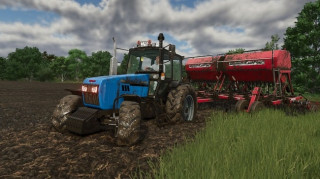
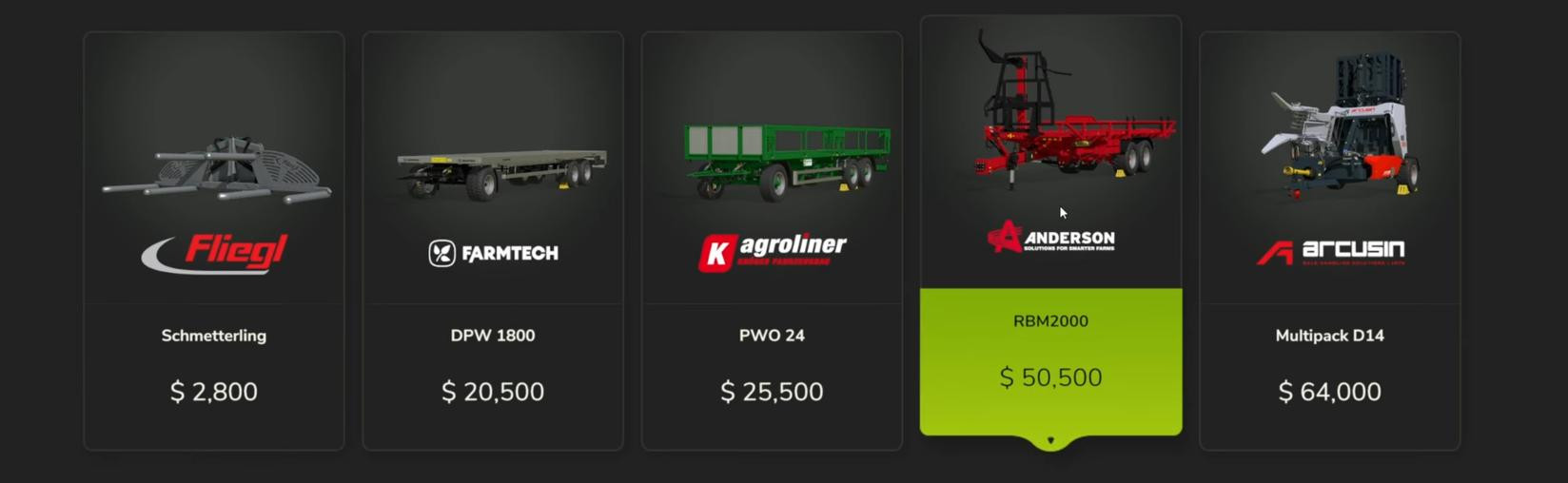
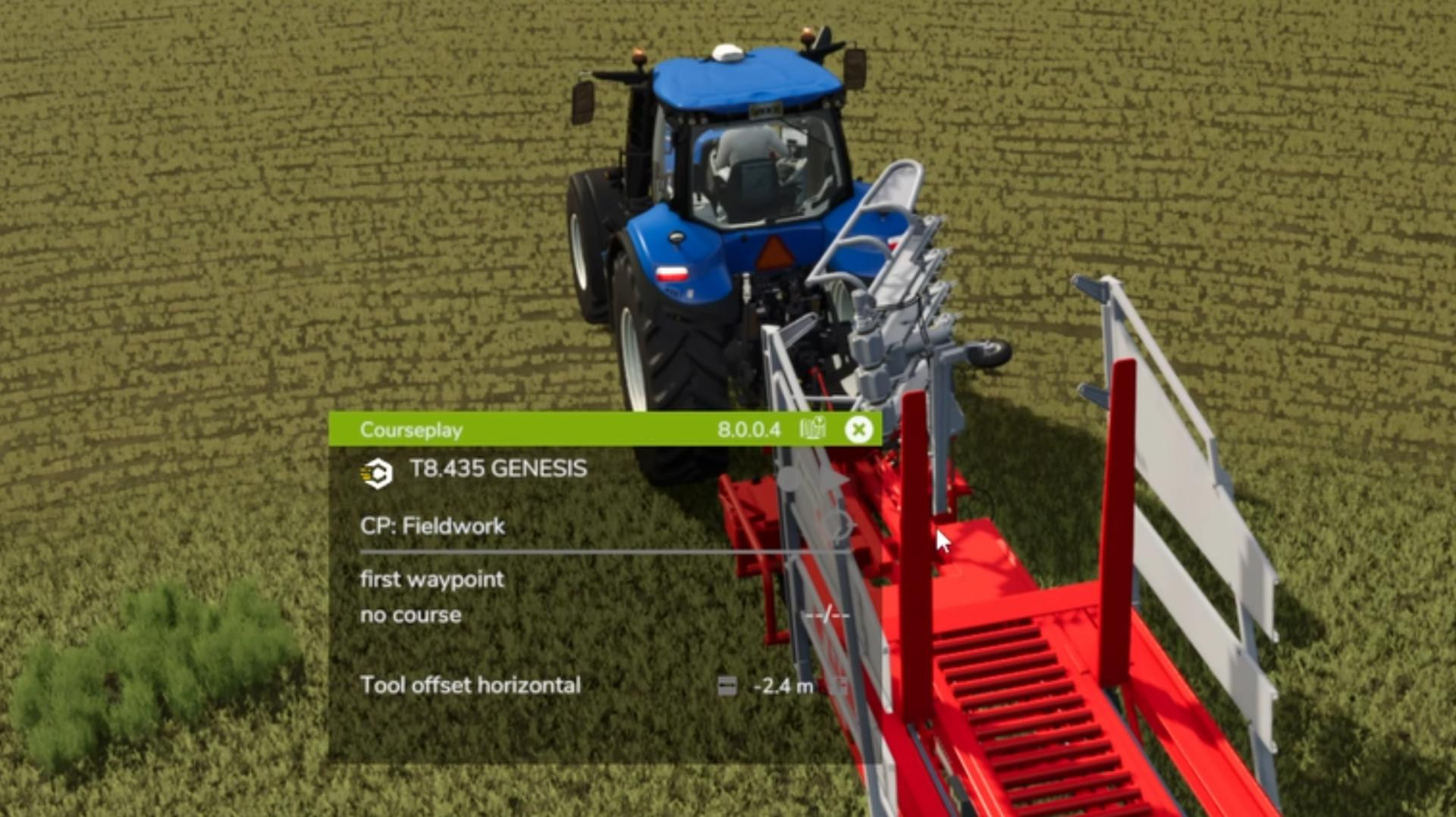
Before you start collecting bales, you need to prepare your equipment properly. For this you will need a tractor and a bale trailer. Standard trailers and modified autoloading models are available in the game.
For working with Courseplay, we recommend the standard autoloading trailers from the game, such as the Anderson RBM 2000 for round bales and the Anderson StackPro 7200 for square bales.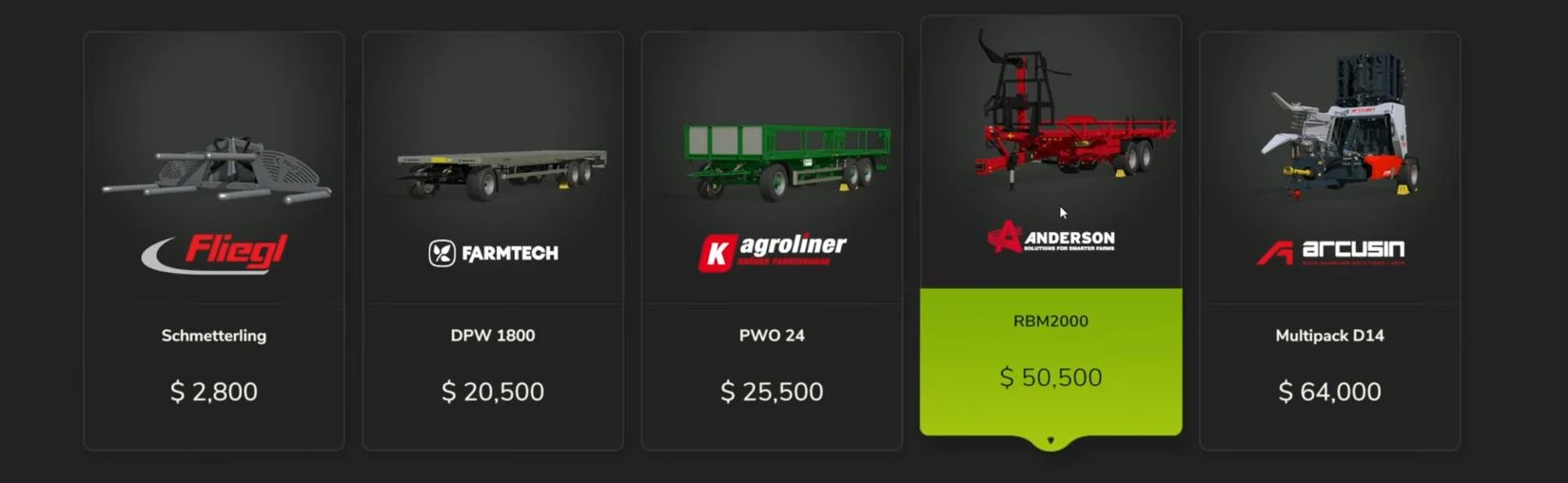
Check that you have the necessary tractor that will pull the trailer. Also make sure that the equipment is on the field with bales.
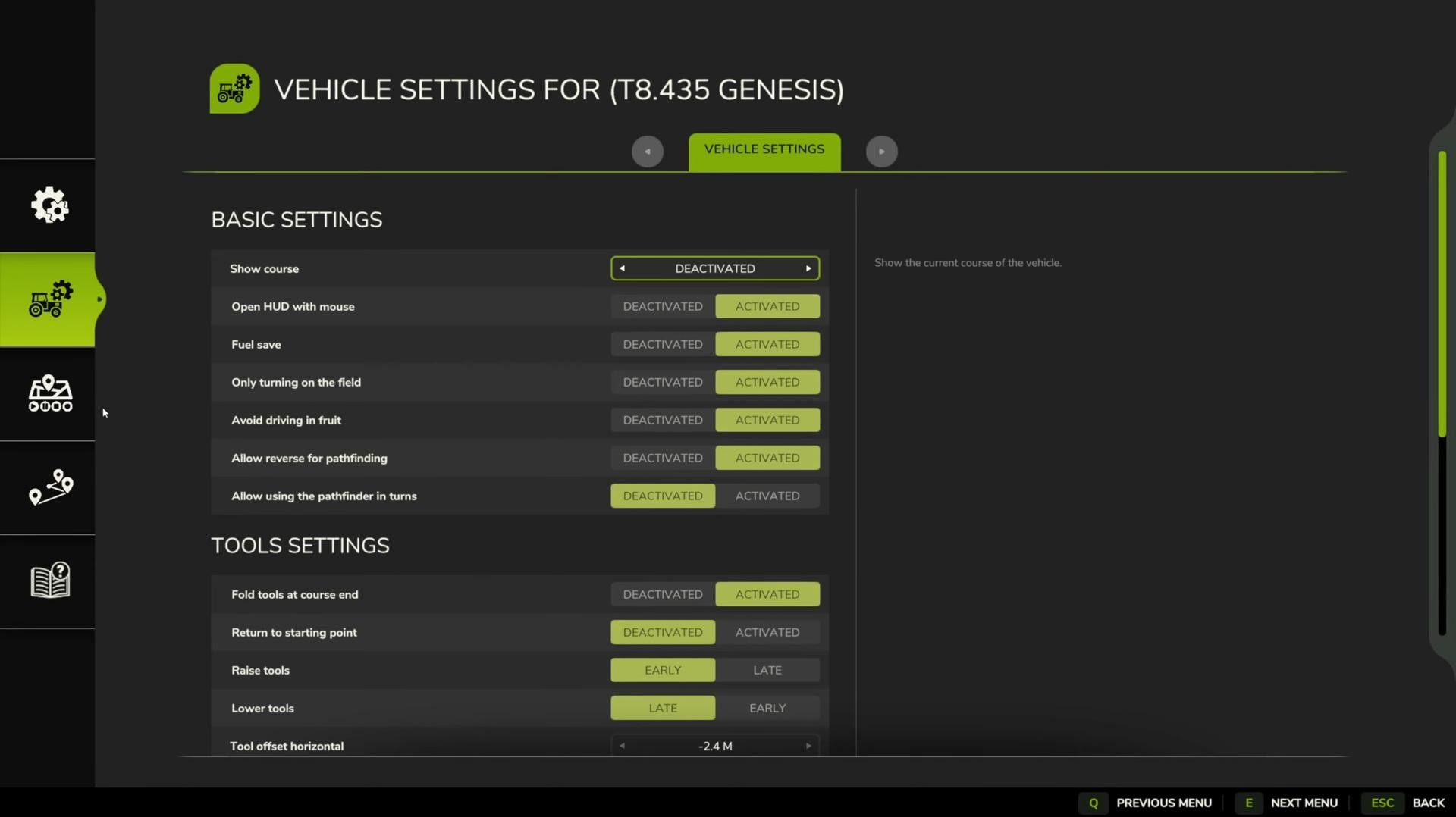
Setting up Courseplay for bale collection
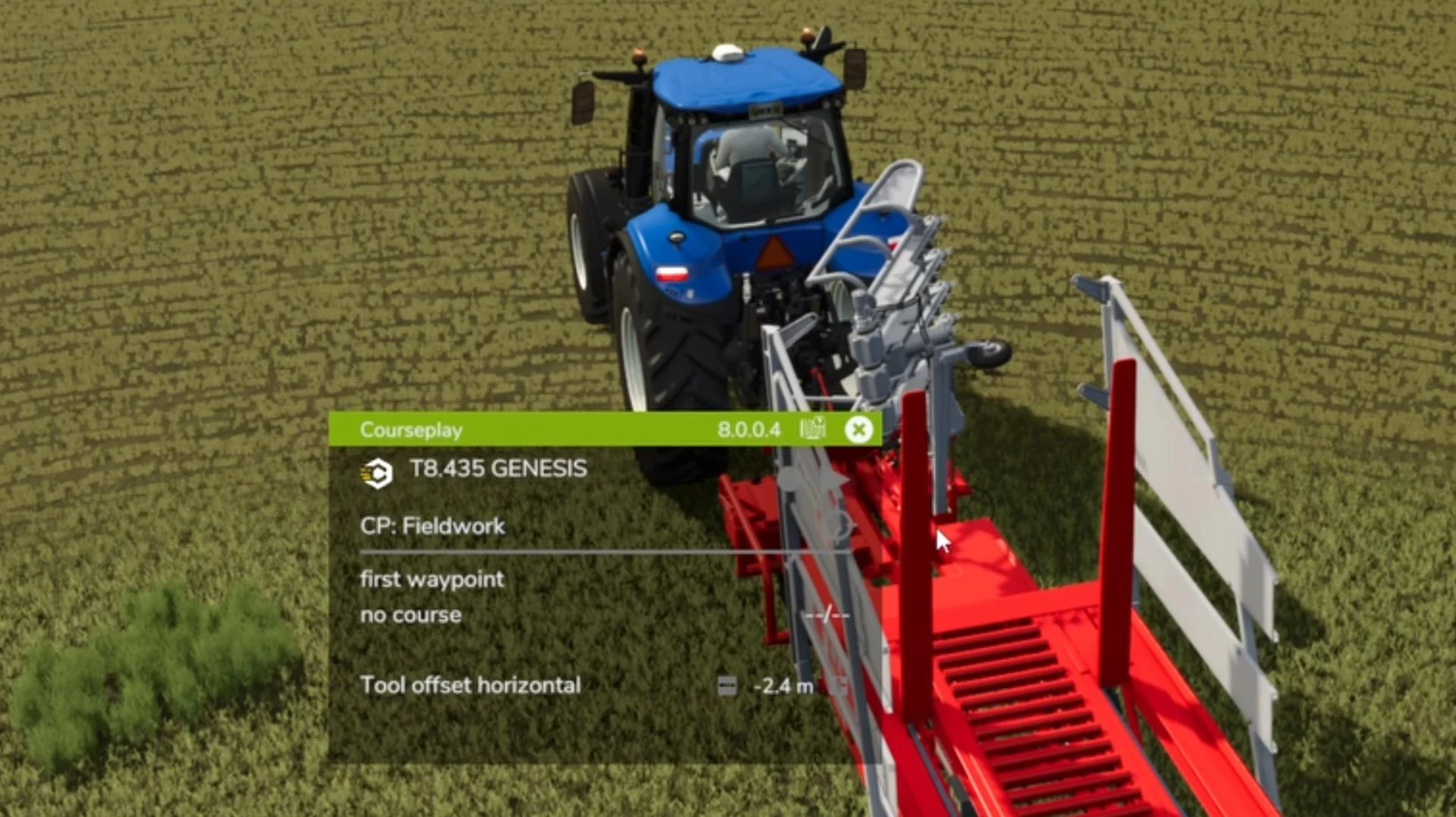
To start collecting bales, you need to set up Courseplay. To do this, follow the steps below:
Open the Courseplay menu. By default, this is the H key on the keyboard. Select the field where the bales are located. Courseplay will automatically recognize their location and prompt you to activate the collection mode.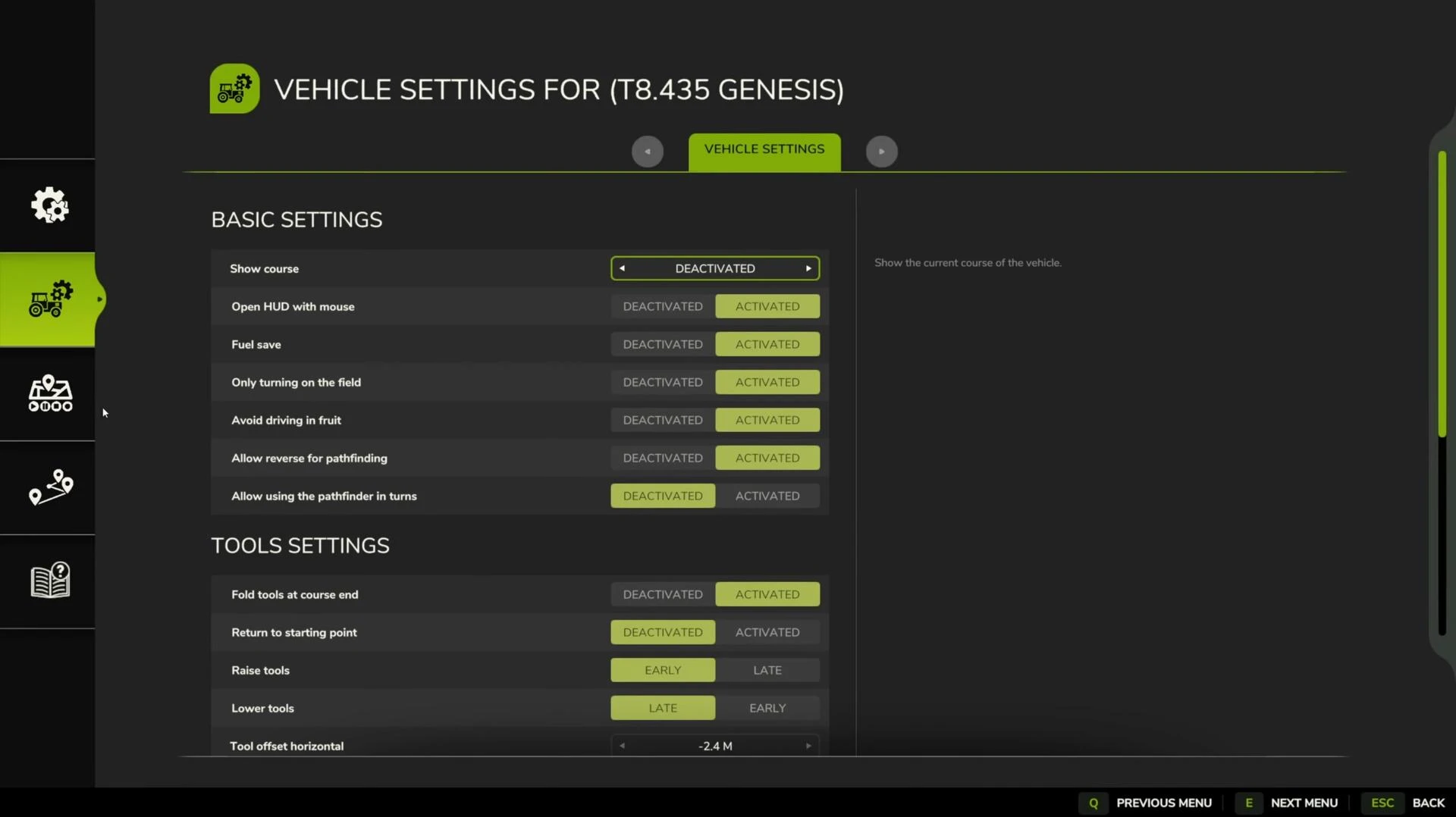
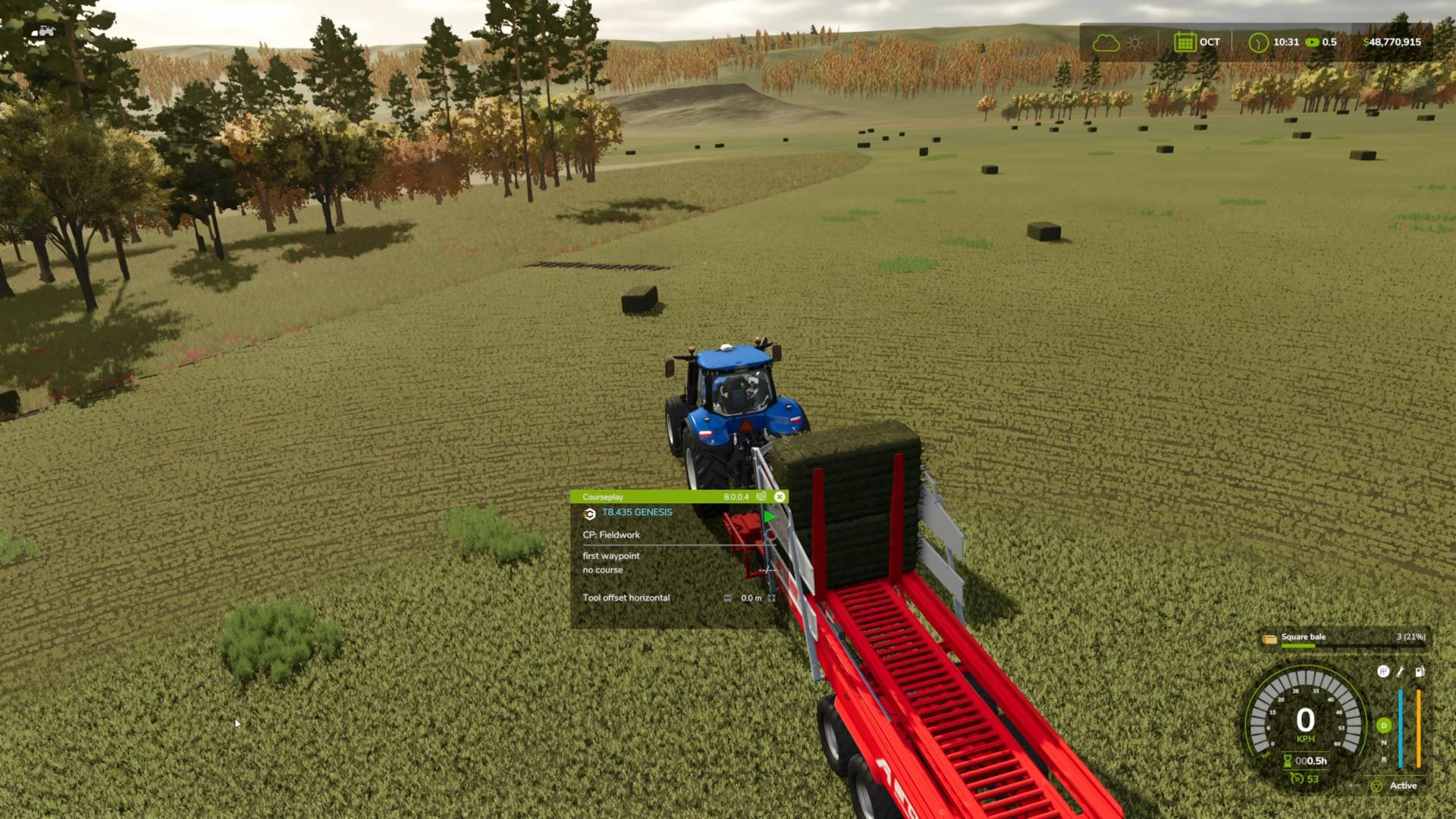
After activation, the tractor with the trailer will start moving around the field by itself and collecting bales. When the tractor is full, the script will automatically direct it to unload. Then you will need to either manually return the trailer to the field or set up Courseplay to continue working.
Using autoloading
Autoloading is one of the key features that simplify bale picking. It allows the trailer to automatically pick up bales on its way, saving the player from having to do it manually.
To activate autoloading, simply press the B key on your keyboard. After that the trailer will start automatically picking up bales that are within its reach.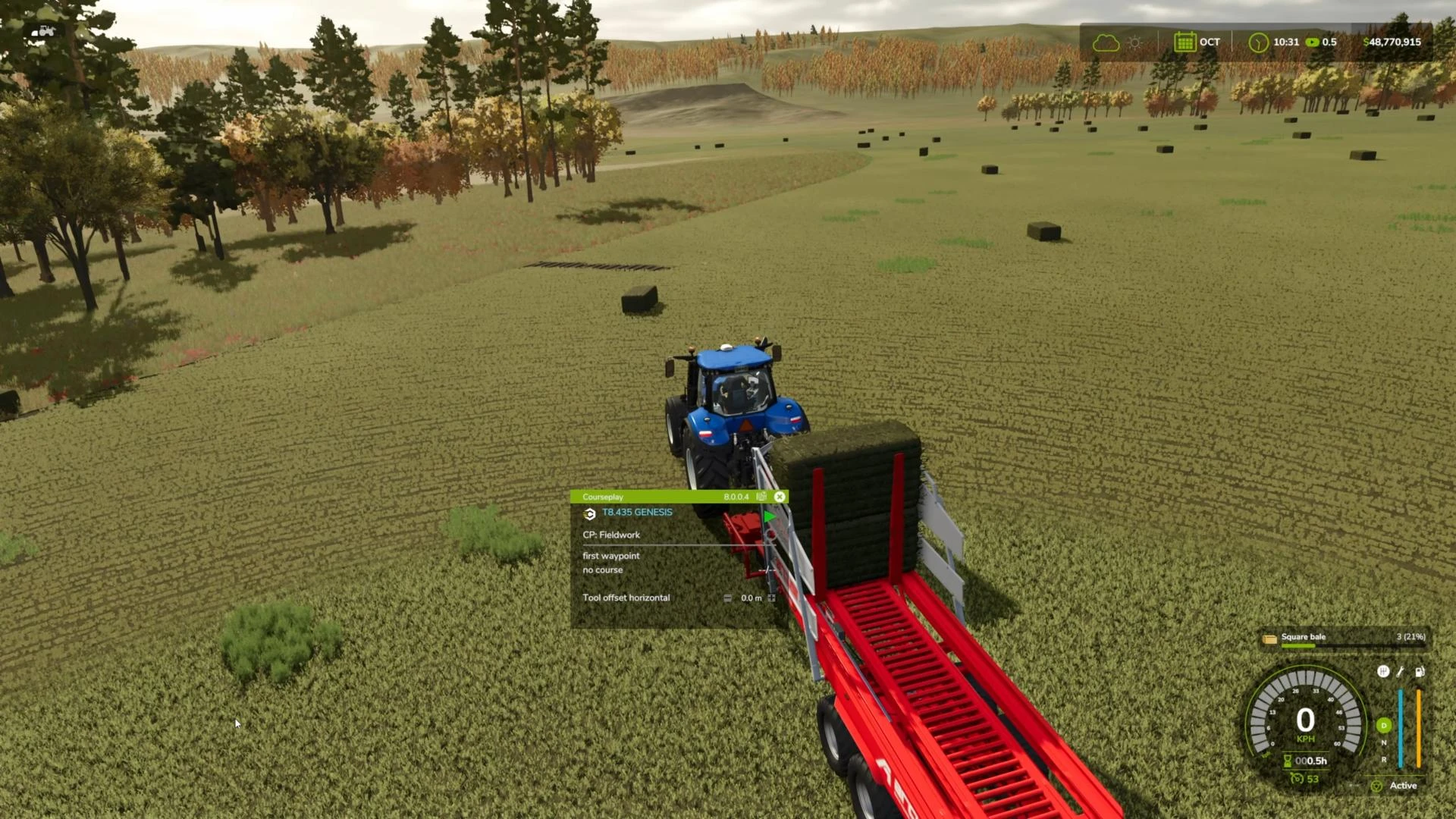
When the trailer is full, it should be taken to a storage or unloading point. It is important to remember that autoloading must be activated again before returning to the field.
Benefits of automation
There are many advantages to using Courseplay for bale collection:
- First, it saves time. While the machinery is working for you, you can do something more interesting.
- Secondly, it's convenient. Courseplay independently locates the bales and their quantity, eliminating the need for manual searches.
In addition, the mod supports working with multiple tractors at the same time. You can set up several routes and simultaneously collect bales from several fields.
Common errors and their solutions
Despite the intuitive interface, using Courseplay can cause some difficulties.
For example, if the tractor does not recognize bales in the field, make sure that the autoload mode is activated and that the trailer is in working condition.
There may also be problems with unloading the bales. In this case, check if the unloading point is set correctly and make sure that the trailer is in the correct position.
Tips for using CoursePlay
-
Use large capacity trailers so there is less driving to the unloading site.
-
Set up several tractors to work on the same field. This is especially useful if you have a large number of bales.
-
Make sure the field is clear of obstacles such as rocks or crop residue before you start work.
By following our guide, you'll be able to set your mod to work and do more interesting things.
Added by