Complete Guide to Cooper Factory in Farming Simulator 25
-lg_modland.jpg)
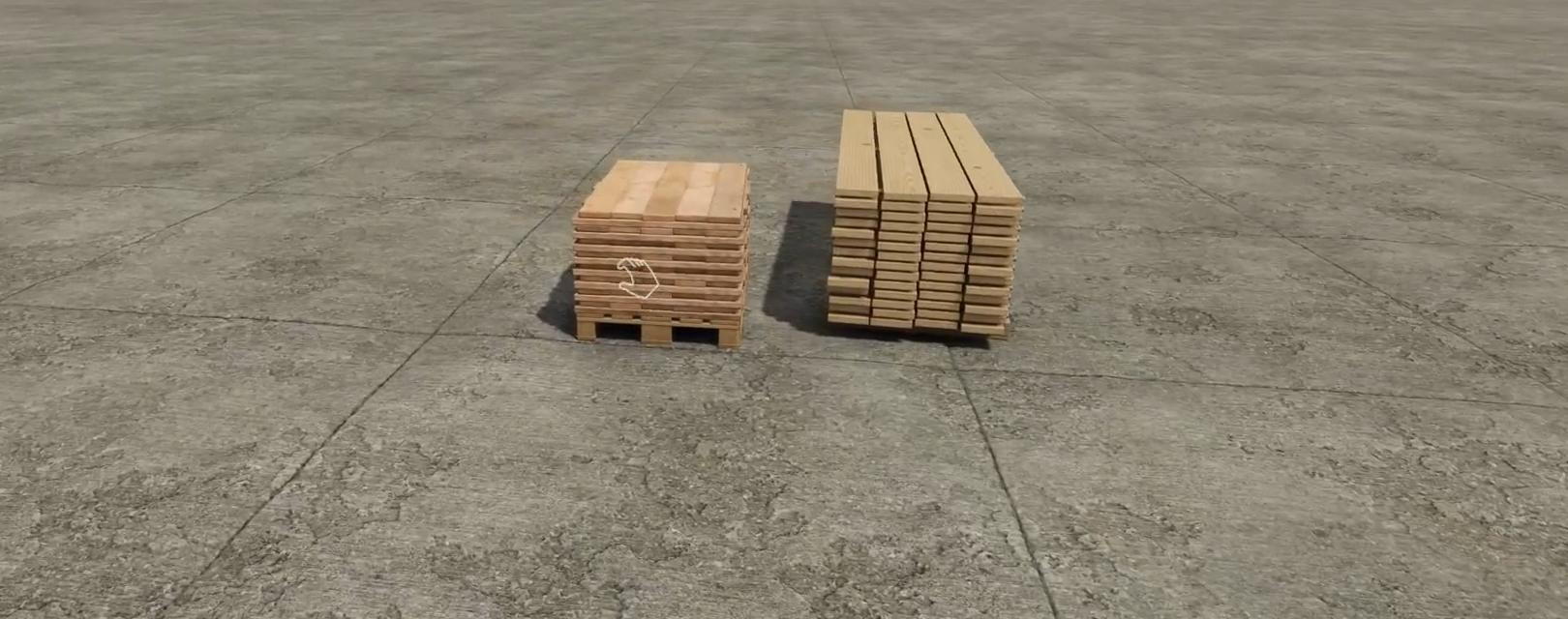
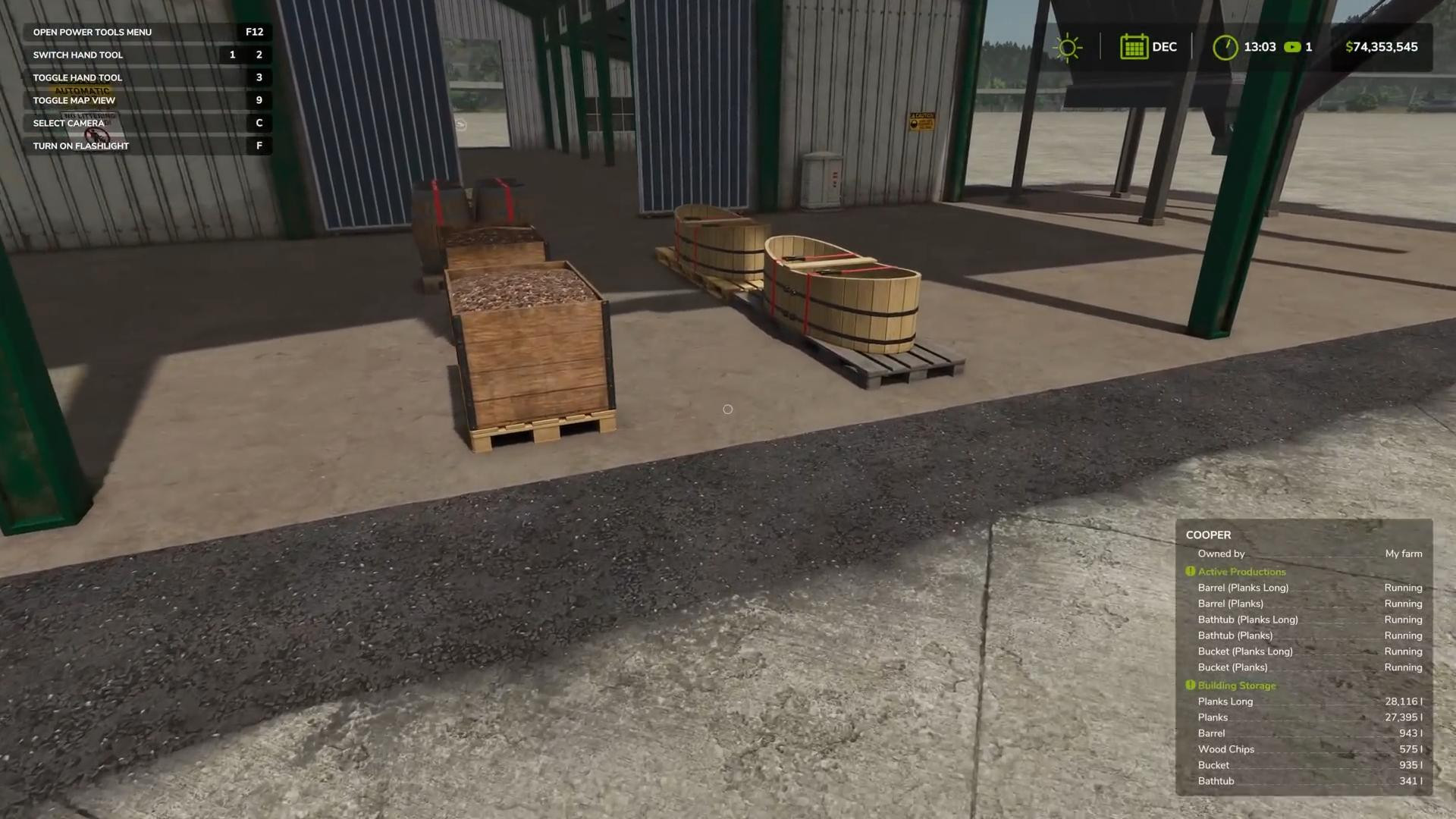
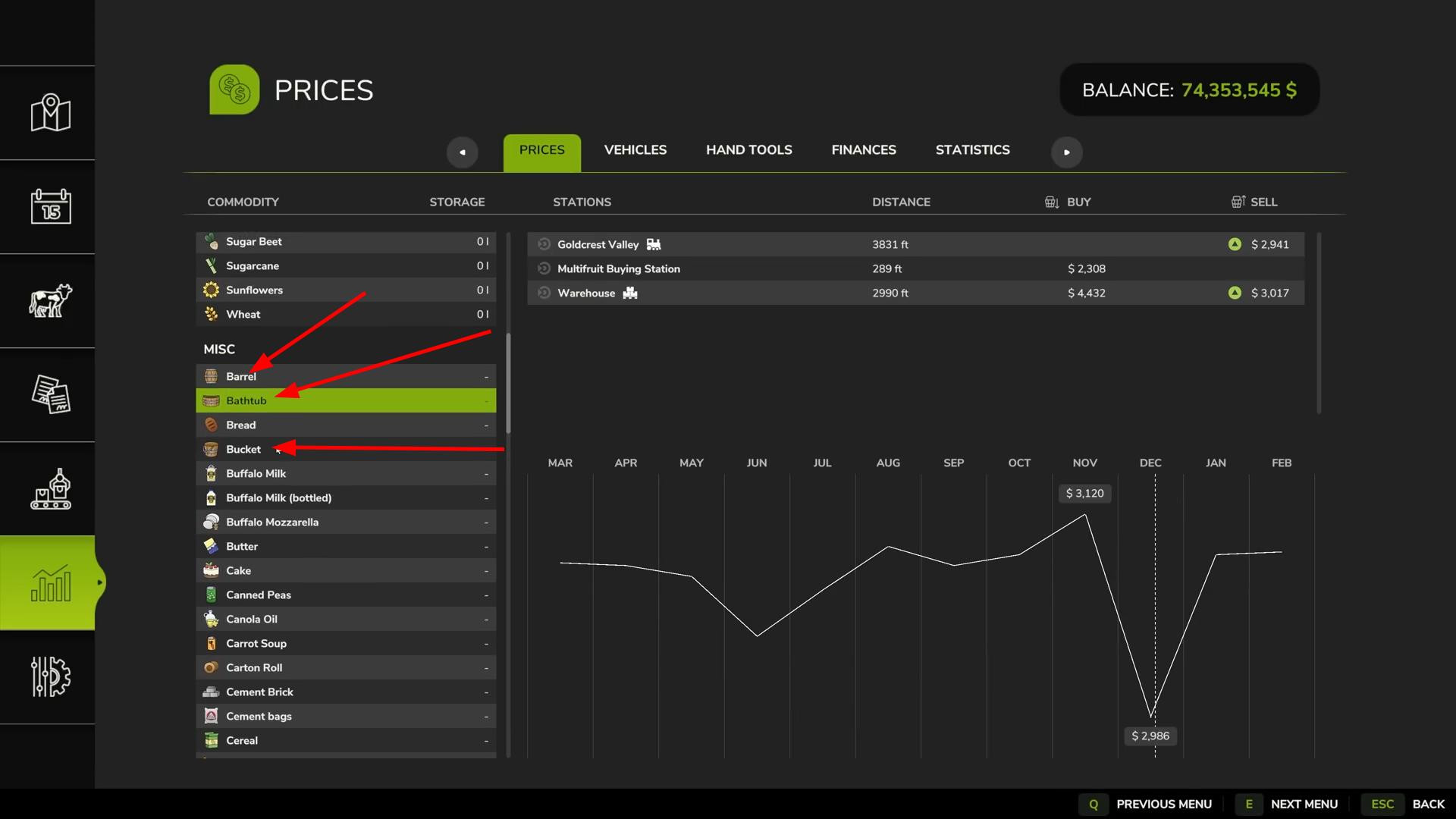
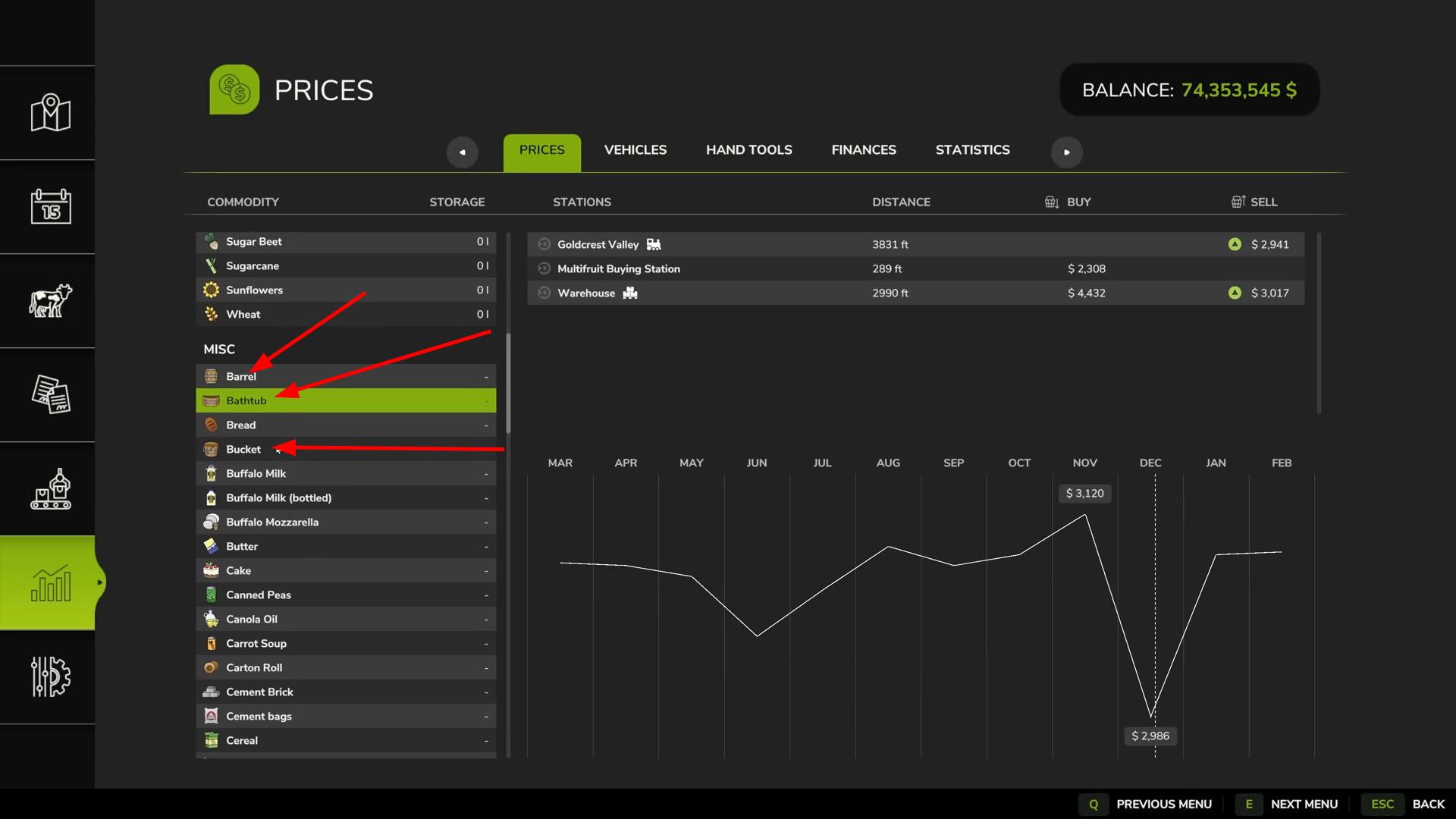
Cooper Factory is one of the basic productions in Farming Simulator 25, available on all platforms: PC, PlayStation, Xbox and macOS. In this guide, we'll take a closer look at how to place and buy a factory, what resources it uses, what products it produces, how to move pallets, and how profitable this production is in terms of profit.
Let's start with the easiest one - how to place and buy a Cooper Factory. On some maps it may already be placed. If you don't have it, just go to the “Factories” section and select Cooper Factory. The cost to place it is 300,000 game units.
If you bought it and then changed your mind, no problem. As long as you haven't exited the construction mode, you can return the factory and not lose any funds. But if you're already out of the menu and decide to sell the item later, you'll incur a loss when you return it. This is standard mechanics for all production buildings in the game.
What you need to start Cooper Factory
The factory runs on one of two types of raw materials: regular planks or long planks. To start production, all you need to do is load either of these resources. Which one to choose depends on your goals. We will talk about this later, when we get to the calculation of profit.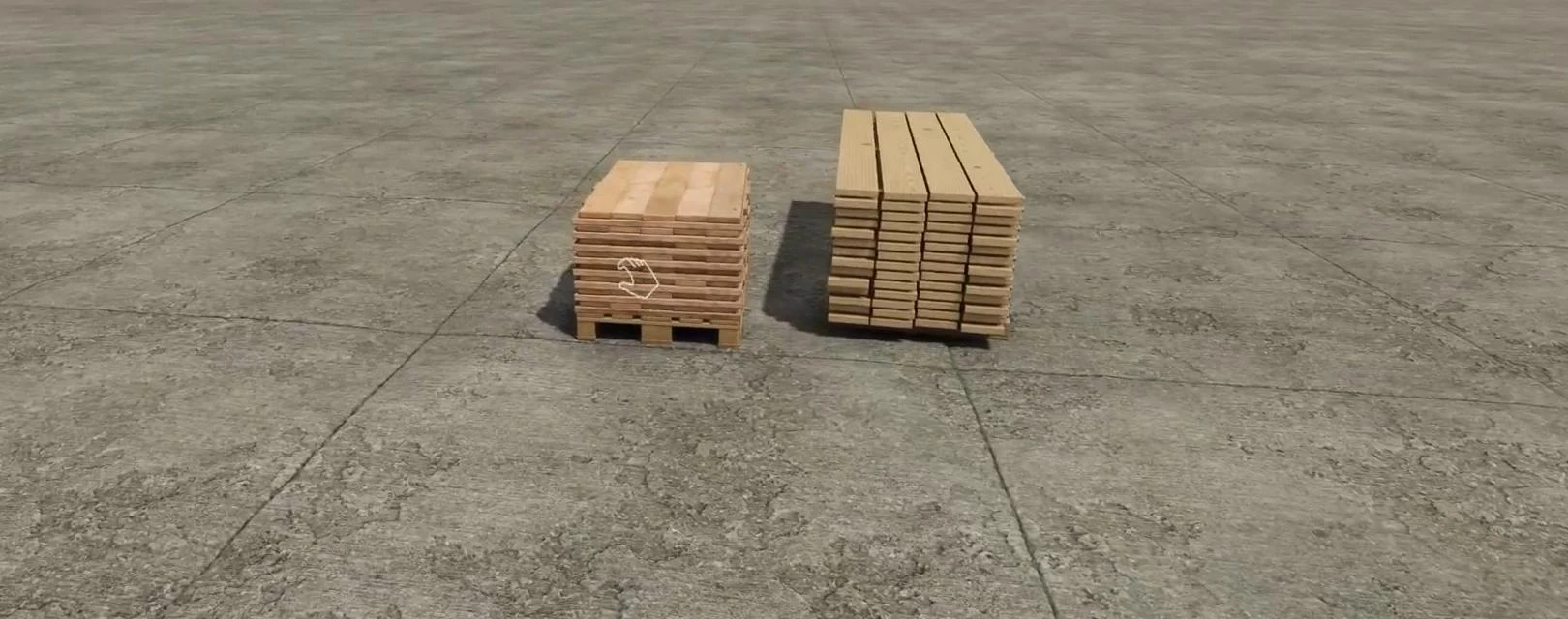
Loading of raw materials takes place through a special unloading zone, marked by an icon with an unloading icon. It is located at the back of the building.
You can open the gate for convenience, but it does not affect the process. Boards can be moved manually, using the mod for superpower or special equipment, or simply bring the transport with pallets and carefully place them over the unloading zone and the game will automatically count the resource.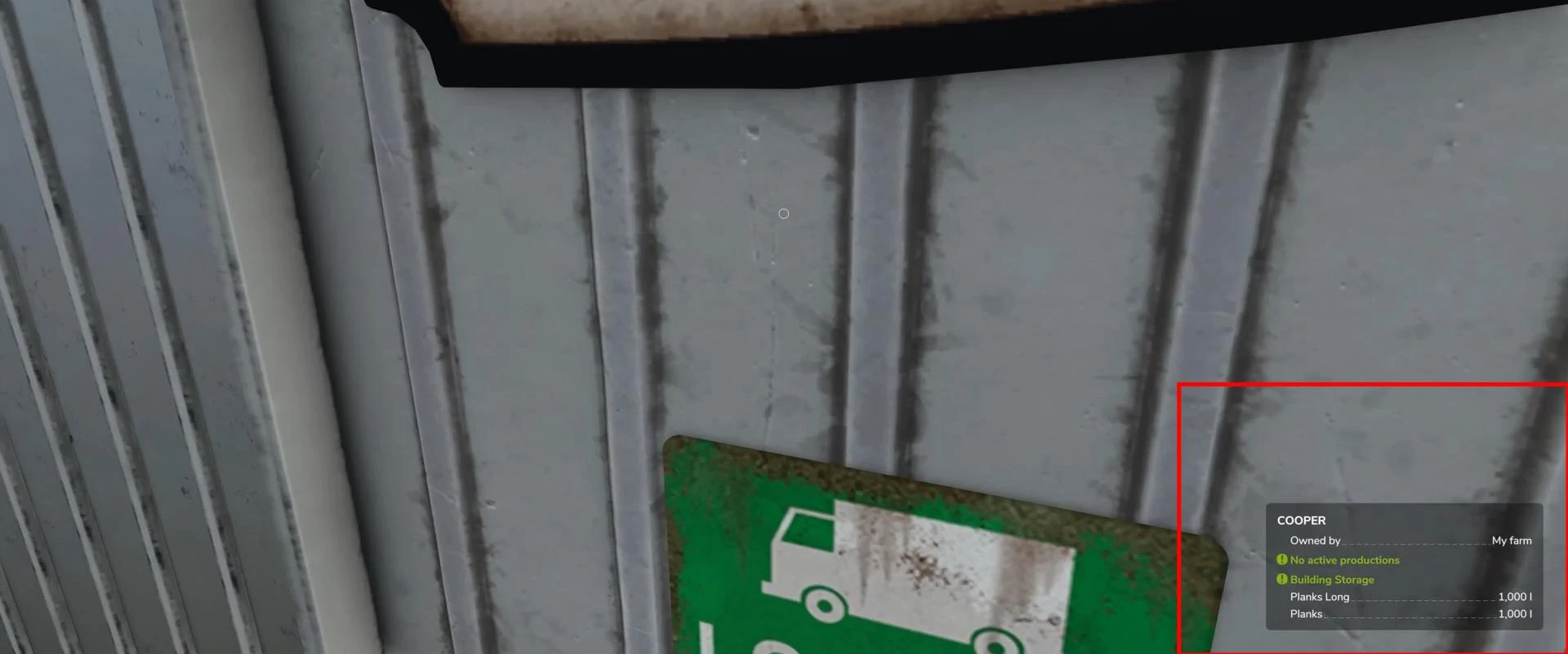
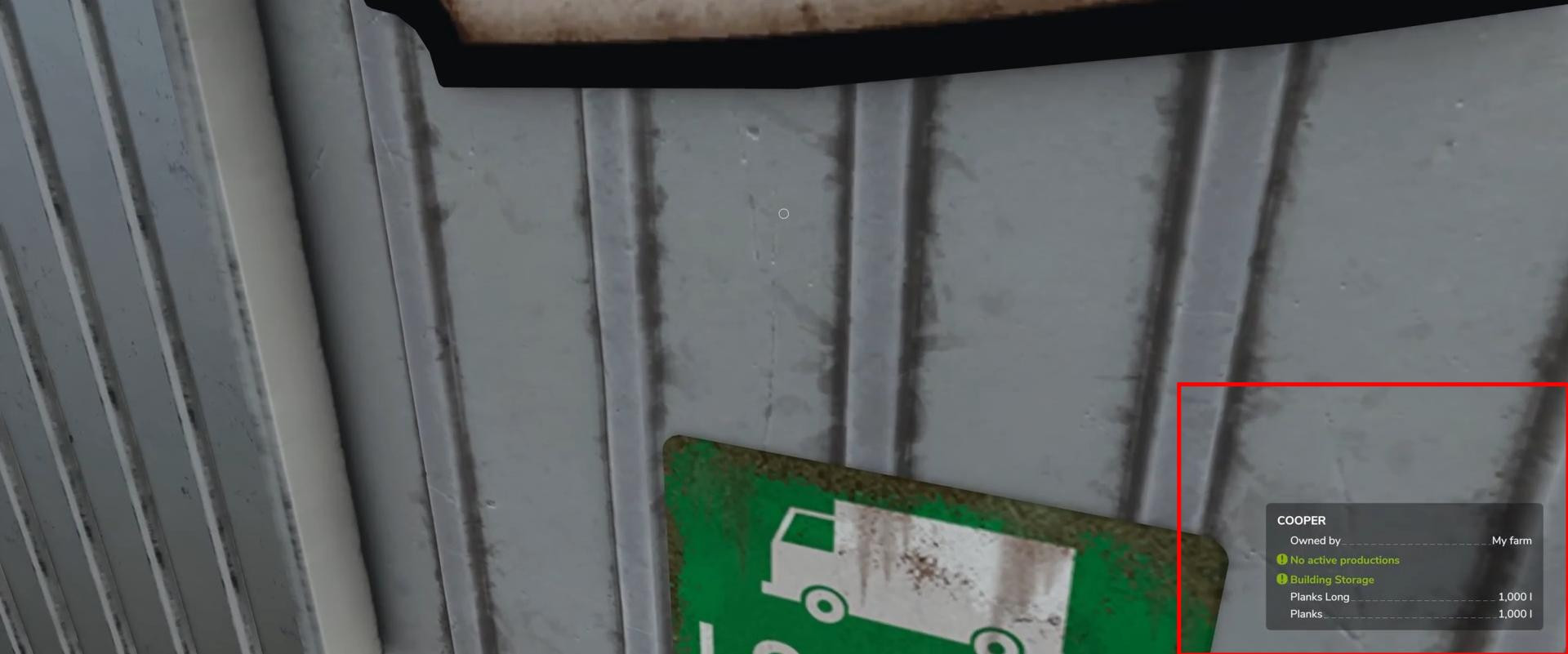
After loading the boards, the information panel in the bottom right corner will show the amount of available resources. The maximum capacity is 40,000 liters for long boards and 60,000 liters for regular boards. These limitations are worth considering if you are planning mass production.
Production management and product recipes
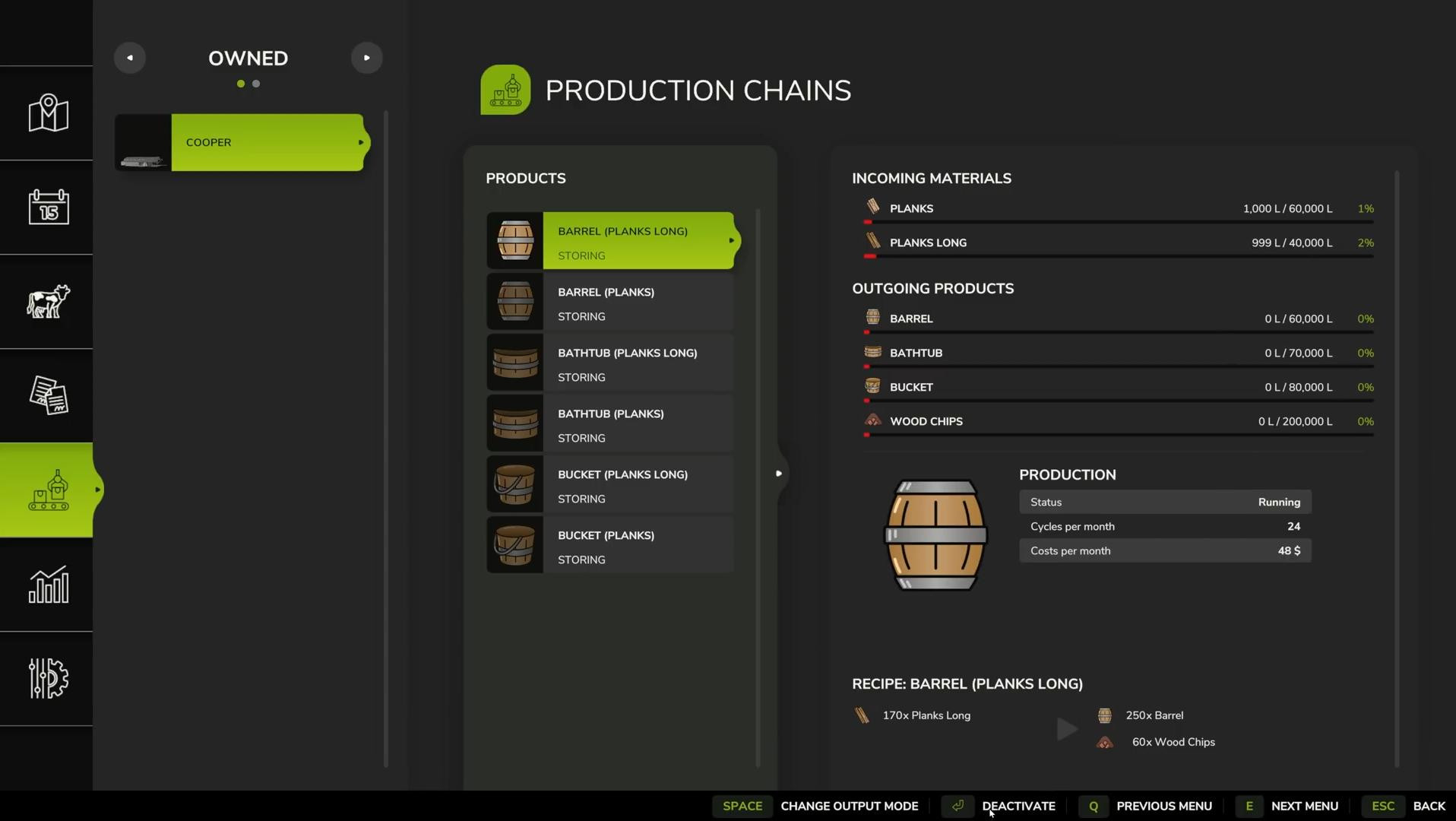
Once you have loaded the raw materials, you need to activate production. This can be done by walking up to a building and pressing the action key at the wrench icon, or through the main menu, under “Productions”. In the “Your Manufactures” list, find Cooper Factory and click “Manage”.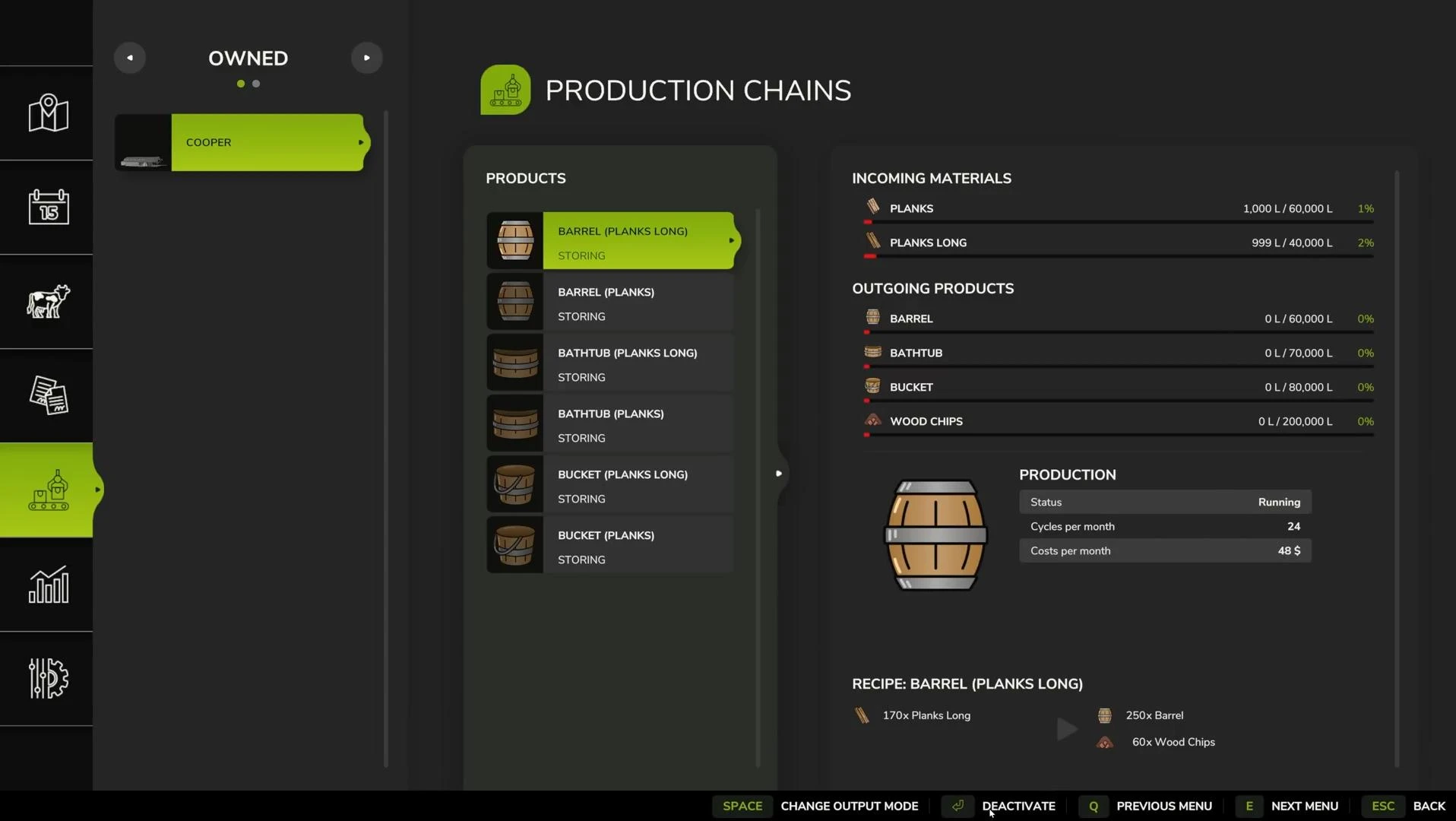
The factory can produce three types of goods: barrels (barrels), bathtubs (bathtubs) and buckets (buckets). Each of these products is available in two recipes - using regular boards or long boards. You can choose either one, depending on what resources you have. But activating multiple recipes at the same time reduces their efficiency, since the “split production” system divides the total number of production cycles between all active recipes.
For example, if a recipe can run 24 times a month and you activate two at the same time, each will run 12 times. If you activate three, 8 times each, and so on. It is better to activate only one or two of the most profitable recipes.
Each cycle has certain parameters.
For example:
- 170 liters of long boards → 250 liters of barrels + 60 liters of wood chips.
- 170 liters of regular boards → 250 liters of barrels + 60 liters of wood chips.
Output products can be configured for storage, sale or distribution. The default setting is “Storage”, which means - the products will be accumulated until a full pallet is available. If “Sell” is selected, the system will automatically sell the goods every hour, but with a loss of 20-40% of profit. The “Distribute” mode comes in handy if you are using other productions that require these resources.
What Cooper Factory produces and how it is realized
Some time after the launch (approximately game day) the factory will start producing finished goods. Among them: barrels, buckets, bathtubs. All of them will be packed in pallets of 1000 liters each. In addition to these, Cooper Factory also produces wood chips, also in pallets of 1000 liters. Wood chips are a by-product of wood processing, and they too can be sold.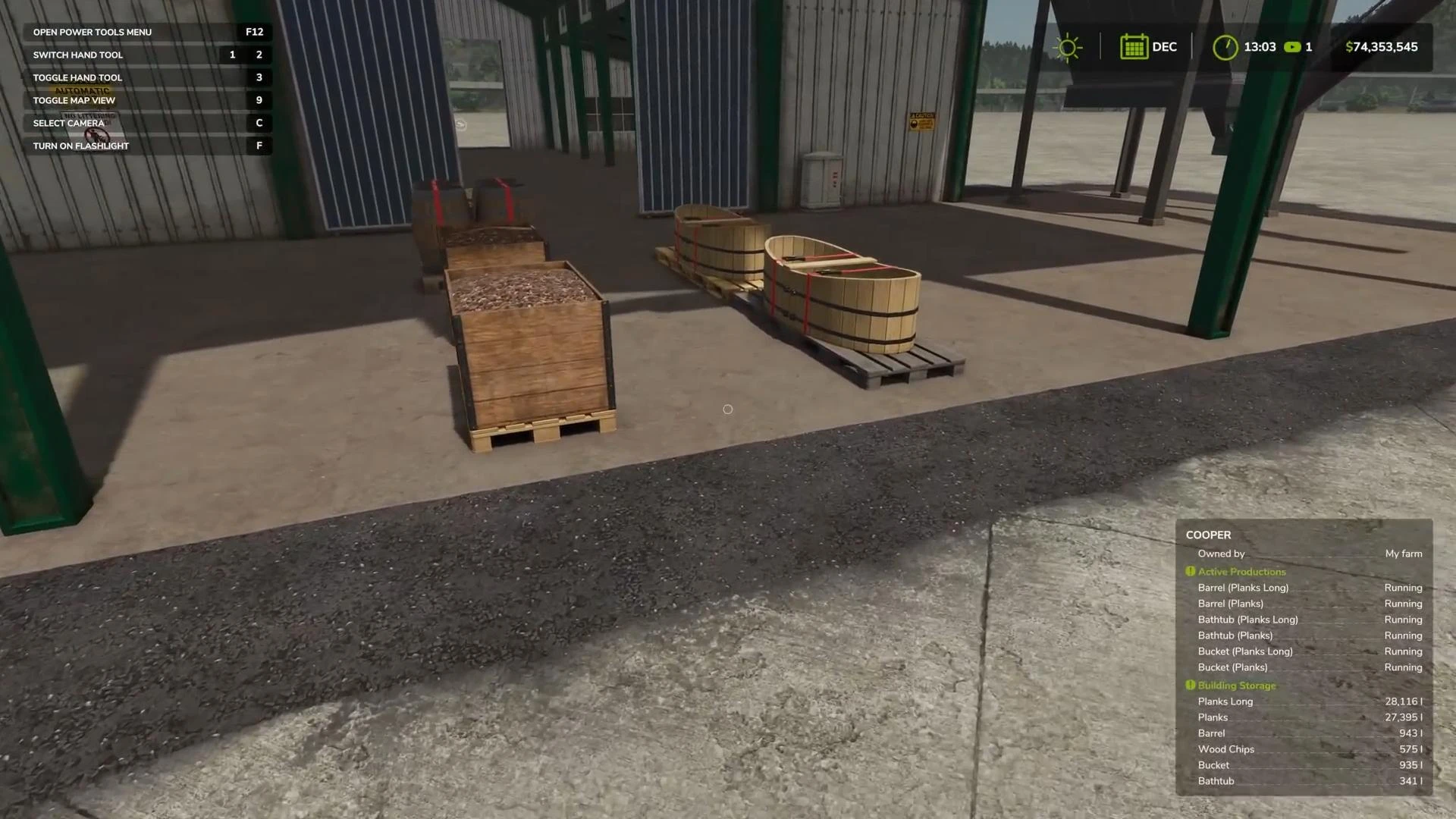
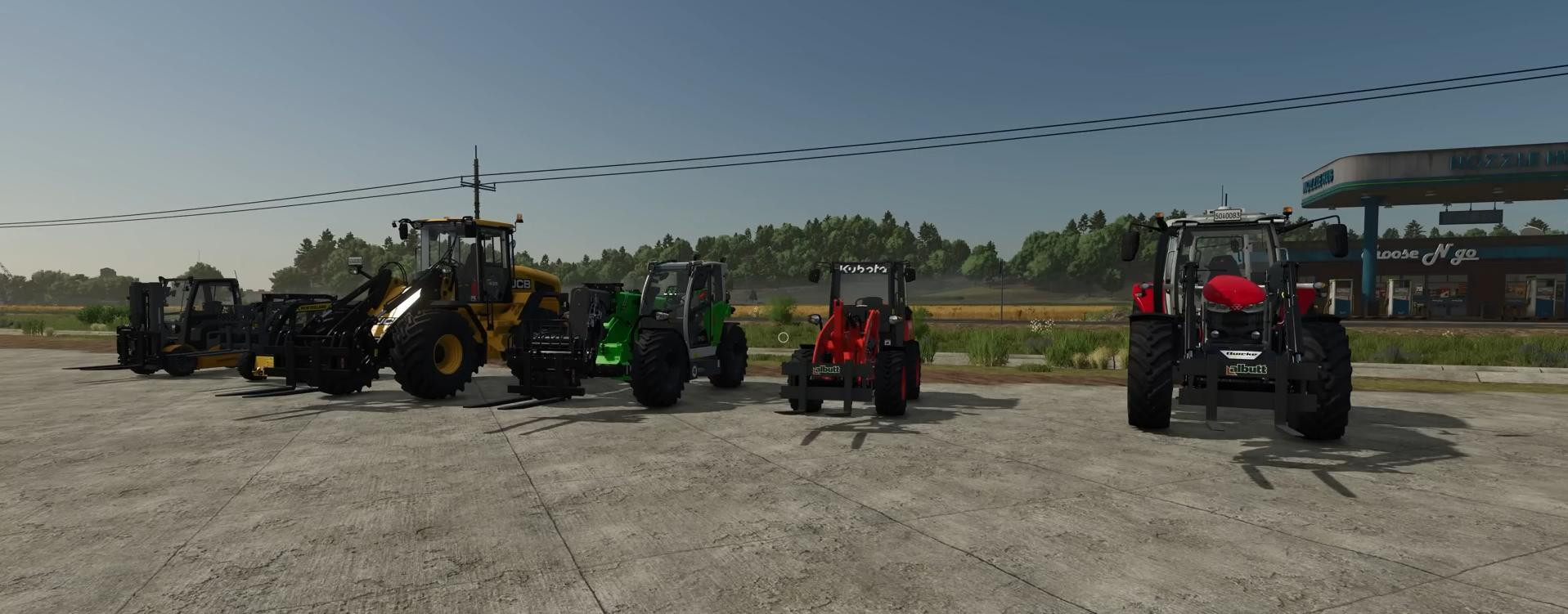
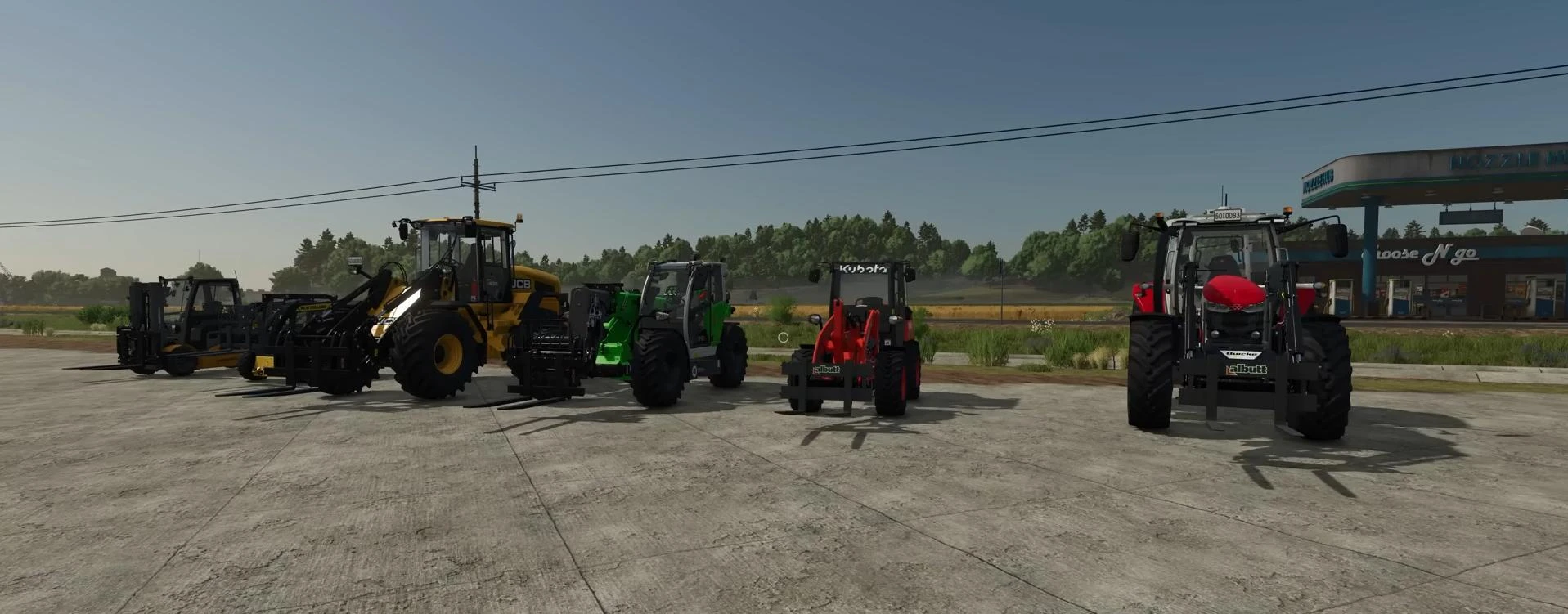
The finished product appears next to the factory and can be moved to the desired location. If you do not have a superpower enabled, you will need to use the appropriate equipment. This can include pallet forks, forklifts or fork elevators. There are different variations of machinery from telescopic handlers to conventional front loaders with forklifts. All of these can be purchased at the machinery store.
All kinds of products from Cooper Factory in the base version of the game are for sale only. Tubs, buckets and barrels do not participate in further production chains (unless you use modifications that change this). Therefore, if you enable the “Distribution” mode - the goods will just stay inside the factory without moving anywhere.
Selling and moving pallets
To sell products from the Cooper Factory, you need to open the price menu, find the appropriate category (barrels, pails, tubs) and see which merchants on the map are accepting those items. Then simply deliver the pallets to the point of sale. Profits will come in automatically when they are unloaded.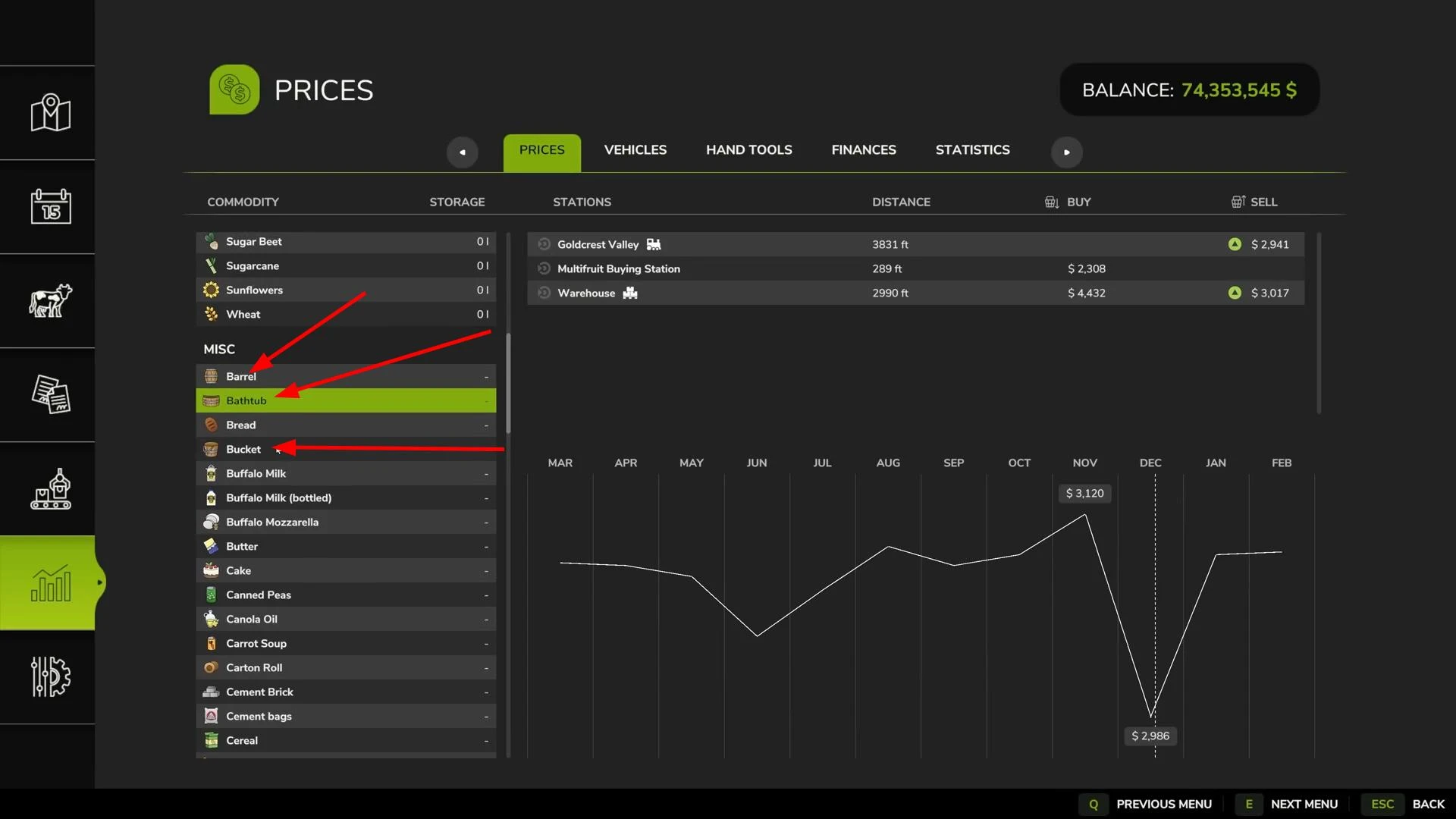
If you prefer to sell manually, you can keep 100% of the cost of the products, as opposed to automatic selling, which reduces revenue by 20-40%. This is especially helpful when dealing with high volumes.
As for moving pallets - there are plenty of options. The easiest one for PC players is the superpower mod, which allows you to lift any objects manually. For console players and those who play without mods, the following options are suitable:
Tractor with front loader and forks for pallets. Also suitable telescopic loaders, forklifts and mini-loaders. The key is to choose equipment that is compatible in power and size with your equipment.
All the tools you need can be found in the store in the “Loading Equipment” and “Forklifts” sections.
There are different forks for each type of equipment - forks for telescopic handlers will not fit a front loader, and vice versa. The right combination of machinery and equipment is key to transportation convenience.
Cooper Factory profitability: is it worth it?
Now we come to the most important thing - how profitable Cooper Factory is. Inside the production menu or in the profitability table (if you use the Excel version from Farmer Cop) you can see all the parameters for cycles, costs and output.
Using long boards, each cycle consumes 170 liters of raw materials and produces 250 liters of barrels + 60 liters of wood chips. This generates about 834 game units of income, from which the cost of the boards themselves is deducted. The net profit per cycle is about 230 units. At 24 cycles per month, that's about 5500 profit per month on one recipe.
The highest profit per cycle is achieved with regular boards. Regular boards are cheaper and the end product (barrels) sells for the same price. Yes, you'll get a little less product per month, but you'll use fewer resources and get a higher net marginal return on investment.
If you activate several recipes at once (e.g. barrels from regular boards and pails from long boards), the total number of cycles will be divided between them. As a result, each line will run slower and the total profit for the month will decrease. It's optimal to run only one or two recipes at a time so that you don't lose productivity.
Is Cooper Factory worth using?
With the right strategy and optimal utilization, it can generate a steady income. especially if you use regular boards as raw material and run one most profitable recipe.
But there are nuances. If you activate several recipes at once, the productivity is shared. Also, if you don't keep an eye on filling the warehouse, production can stop. And of course, you'll need equipment to move pallets, especially on consoles without access to mods.
Cooper Factory is a good addition to the production chain mid to late game. It requires no rare resources, is easy to manage, and scales well.
Videos

Added by