How to Buy and Sell Vehicles & Equipment in Farming Simulator 25
-lg_modland.jpg)
If you are just starting to play Farming Simulator 25 and don't know how to sell and buy equipment, this guide will be useful for you.
Here we will look at how to buy equipment and sell the equipment you no longer need.
How to buy equipment in FS25
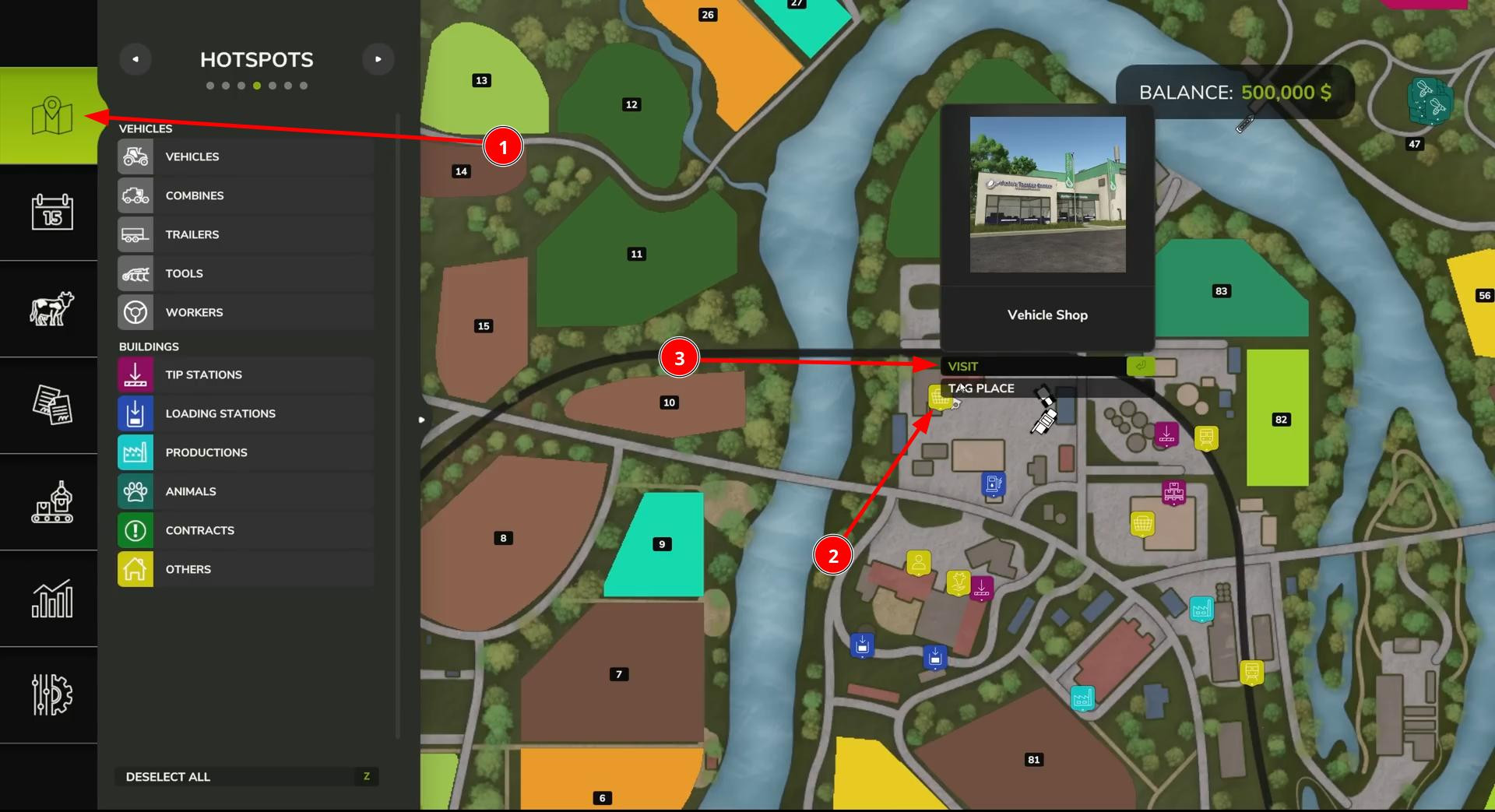
First, open the map. Find the icon that represents the equipment store. On most maps, it is labeled “Vehicle Shop” or displayed with a tractor symbol.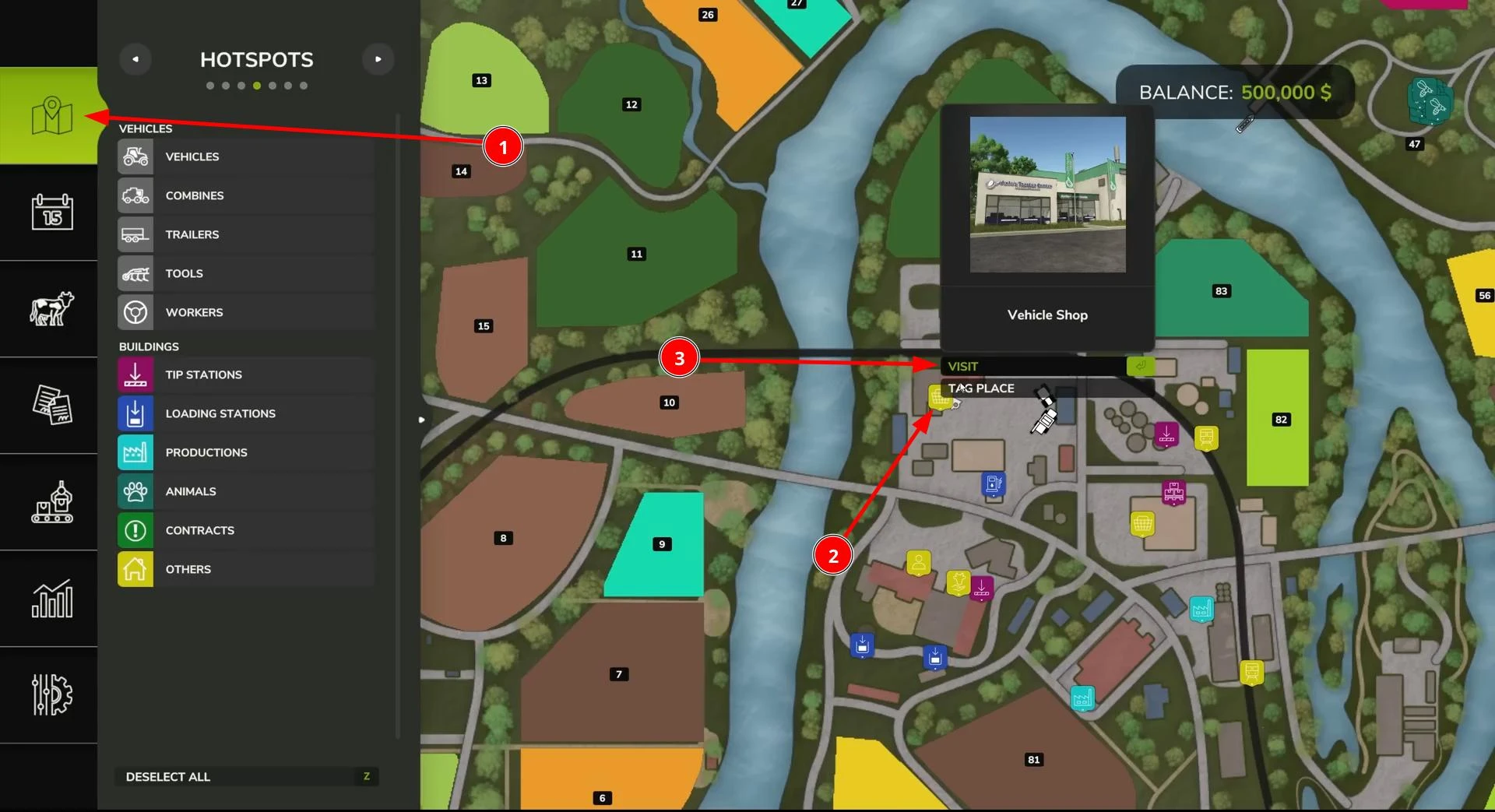
There are two ways to get there. The first is the simplest: just click on the icon and select “Visit” This will instantly take you to the store.
The second way is to drive to the shop yourself. Mark the shop building on the map, get in any vehicle that is convenient for you, and drive there using GPS navigation on the mini-map. Or simply walk there if you don't have a car.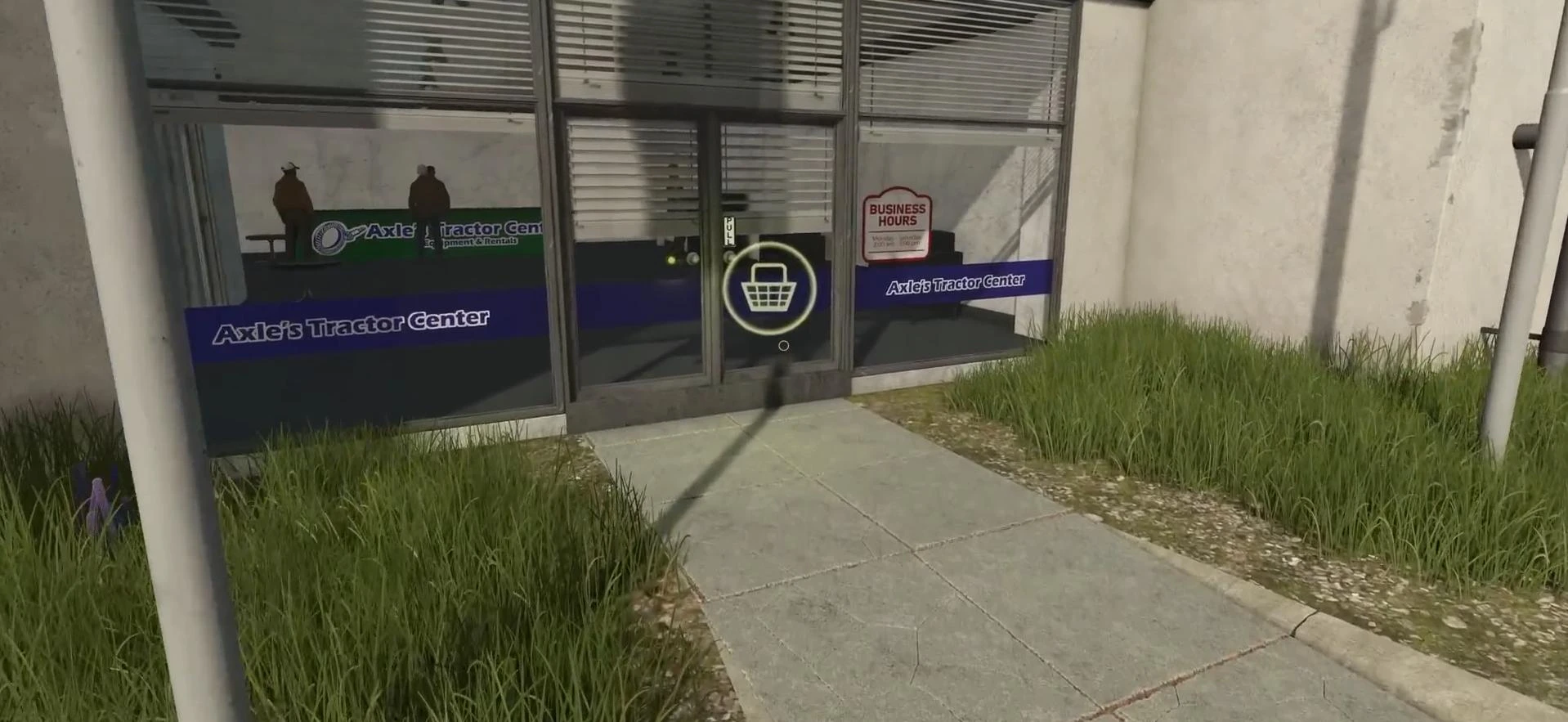
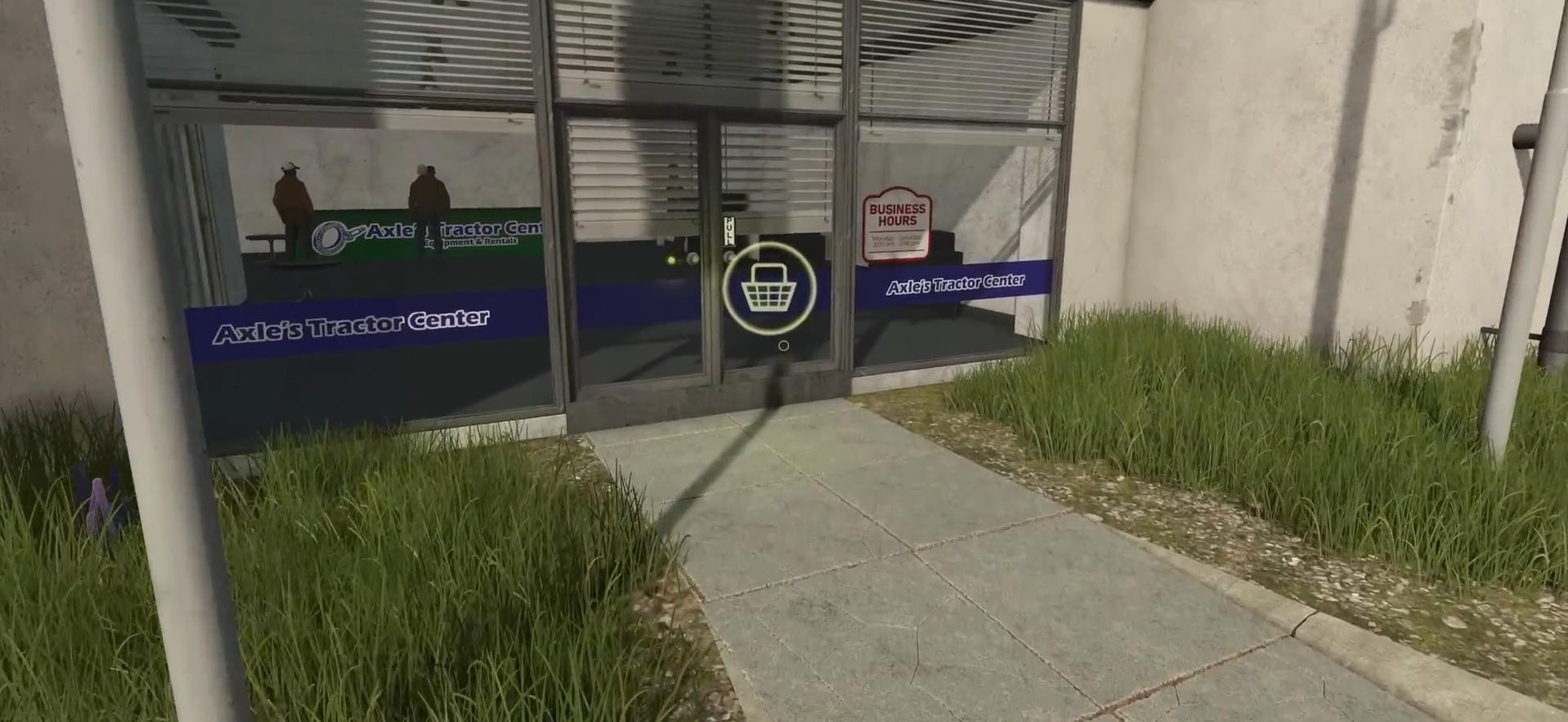
Once you arrive, go to the interaction icon. On a PC, this is the R key. If you are playing on a console, open the help menu, which lists all the necessary control buttons.
After pressing the appropriate key, the equipment store window will open.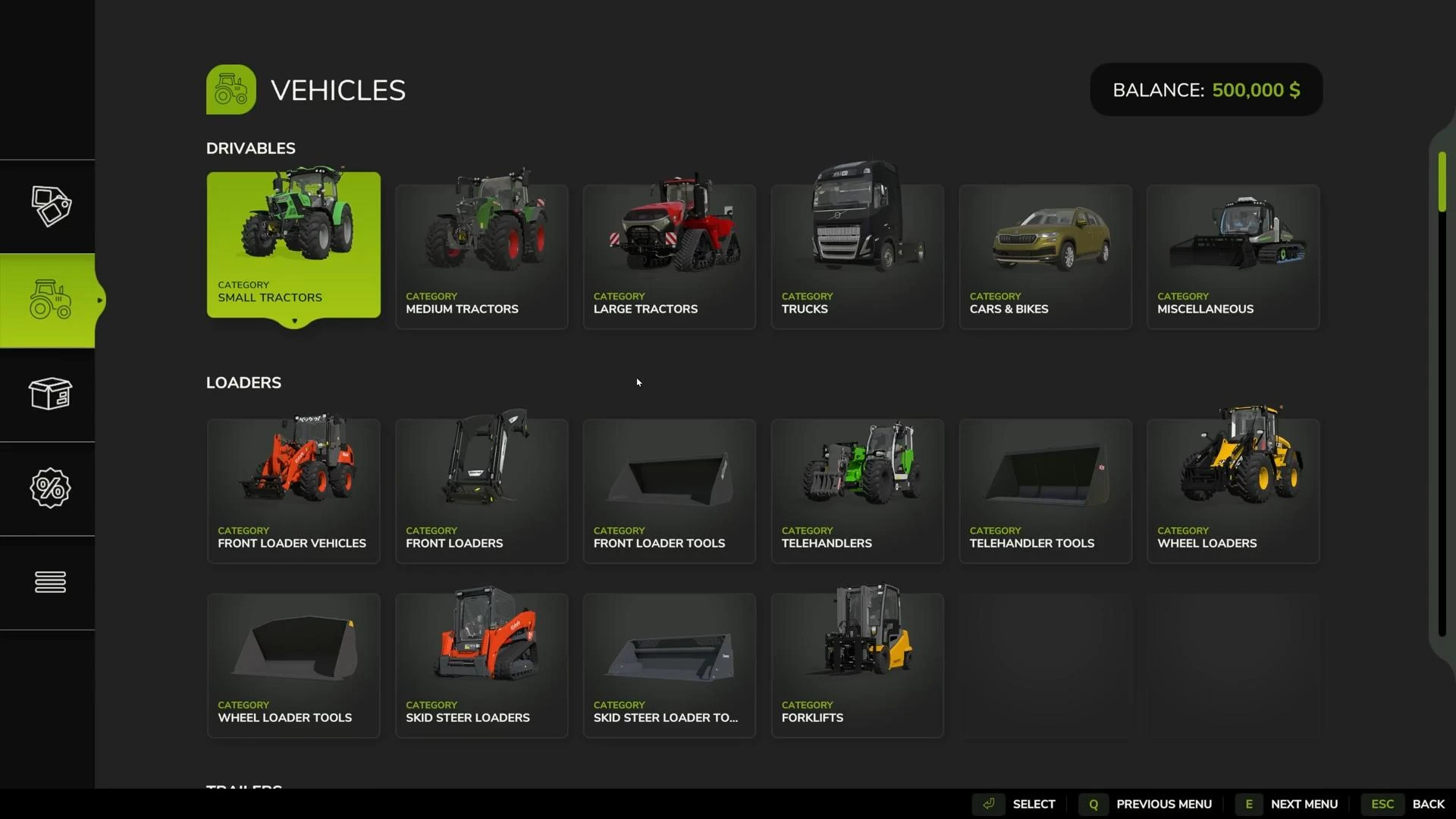
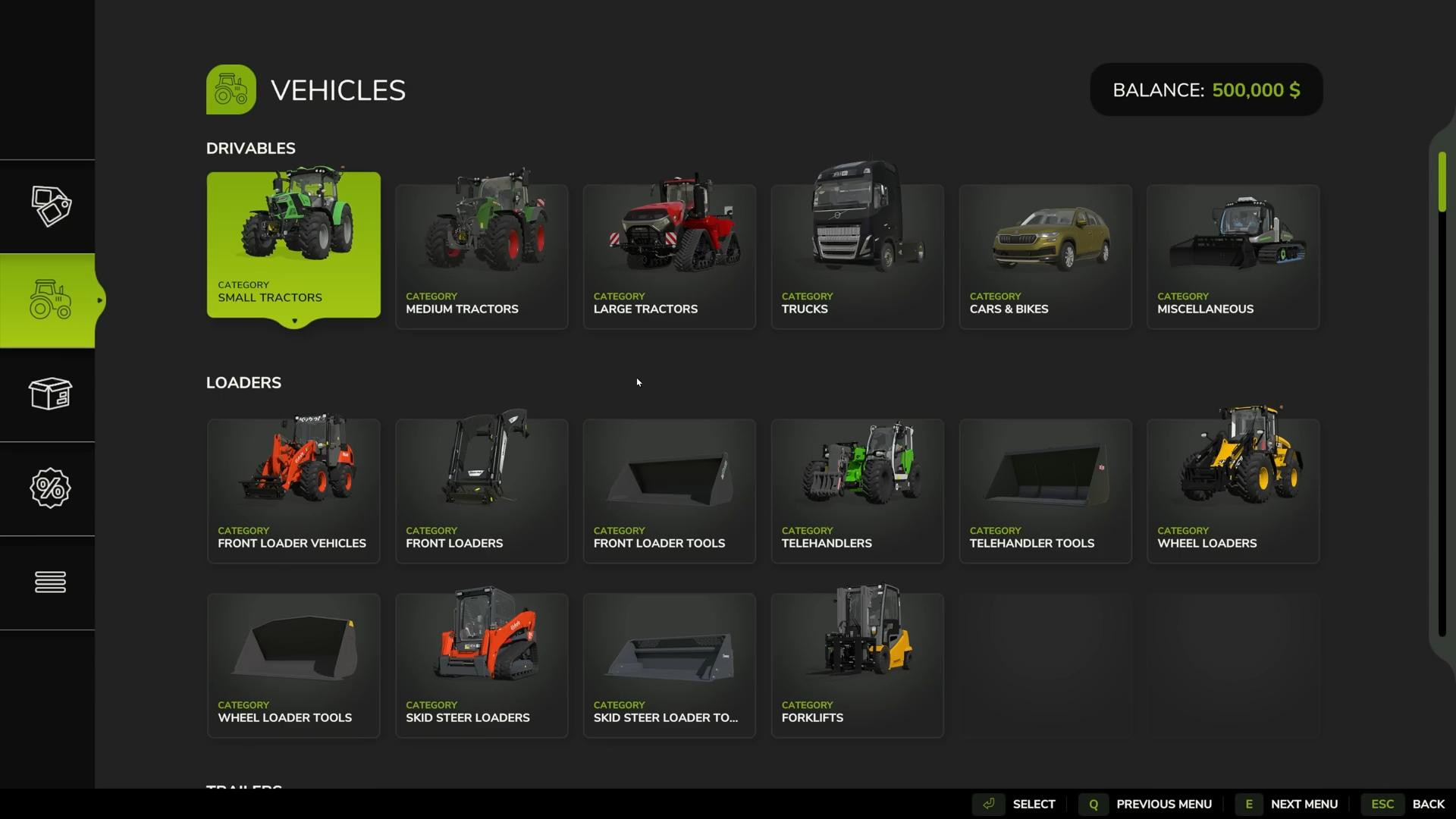
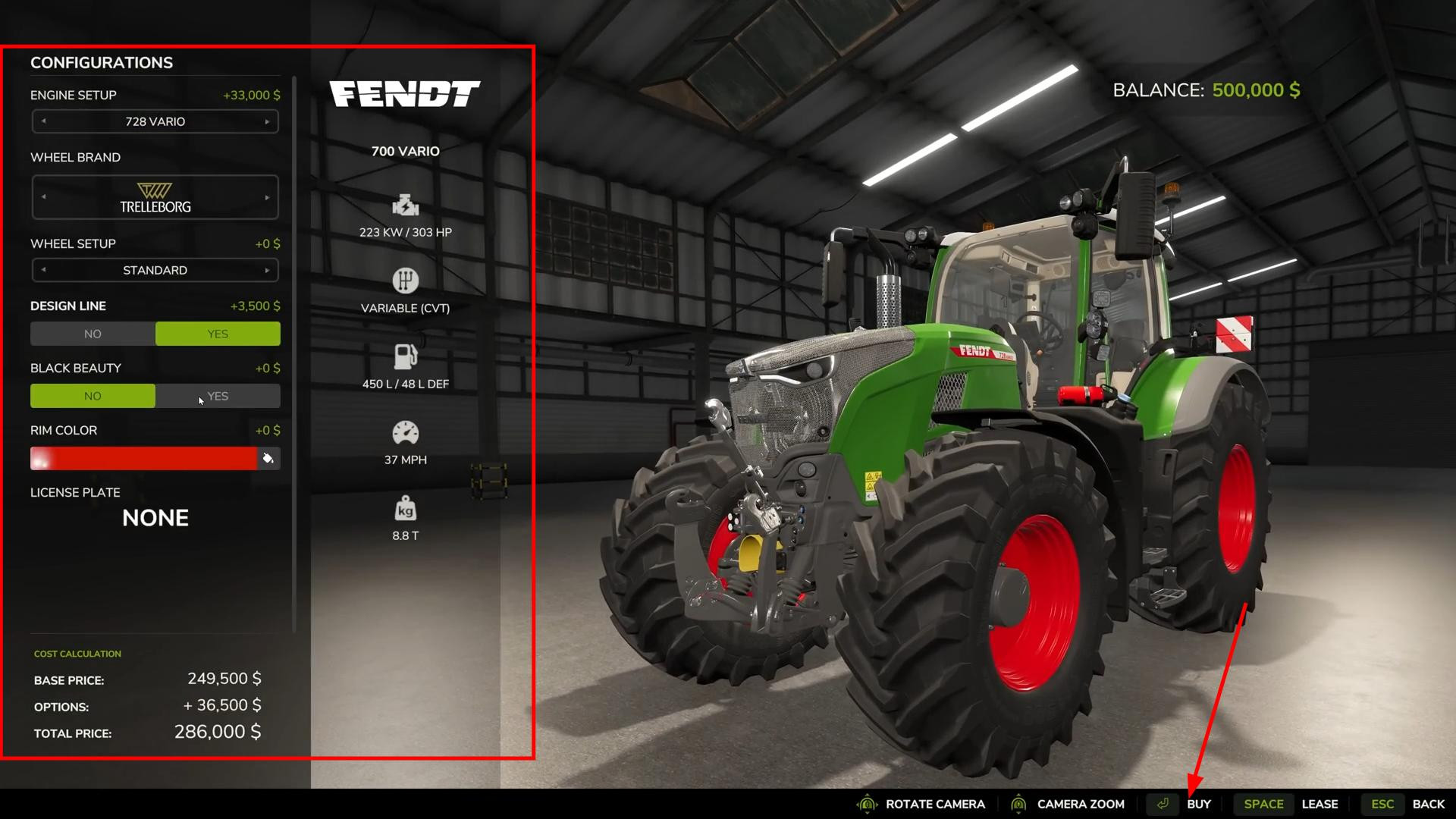
Inside the menu, you will see categories of equipment: tractors, combines, trailers, and more. Select the machine you want. Before purchasing, you can customize its parameters: engine power, wheel type, add or remove the front hitch, set the color of the body and wheels, and add a license plate. With these options, you can customize the equipment to your liking.
Once you have selected your configuration, click the “Buy” button at the bottom of the screen.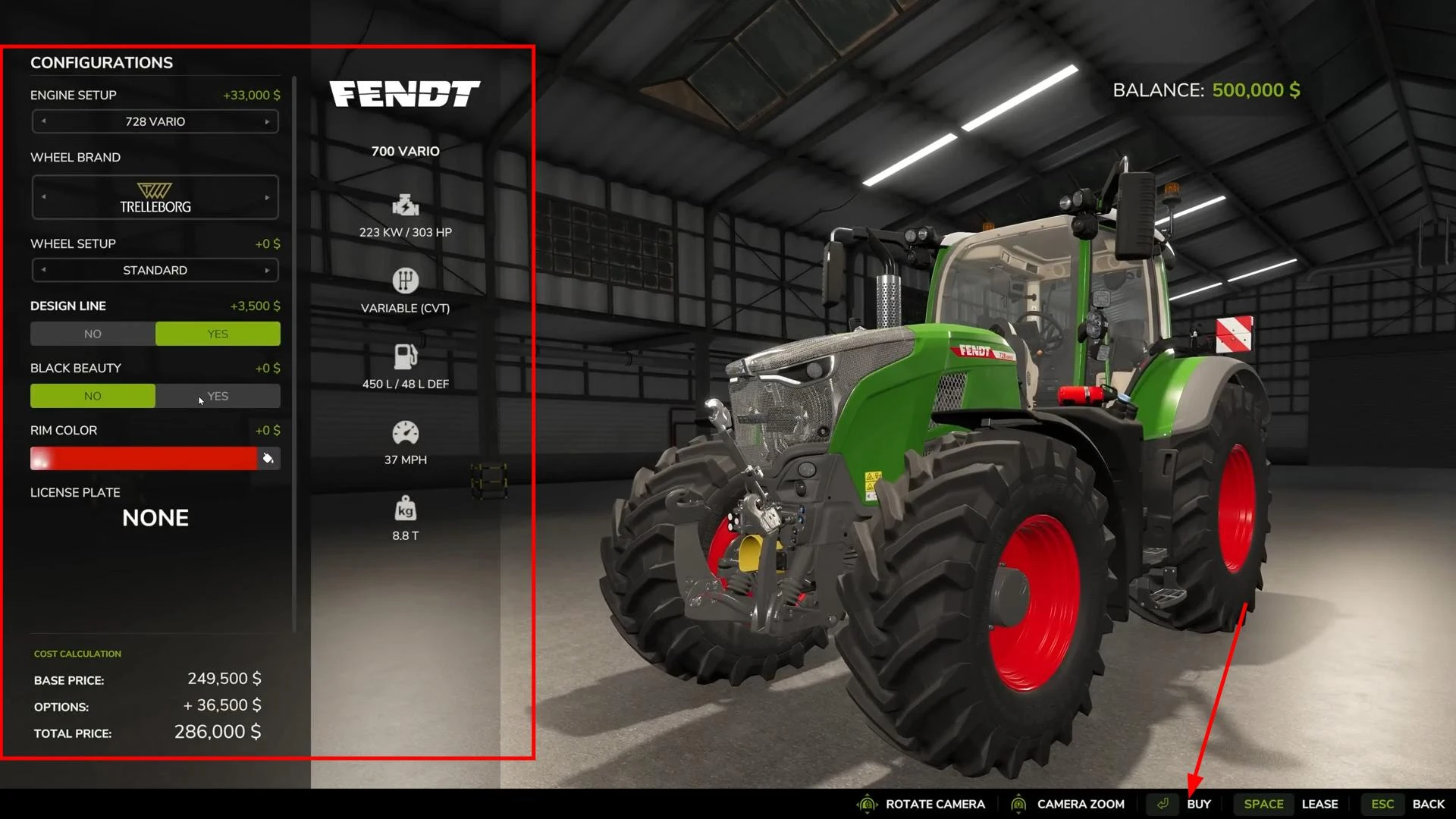
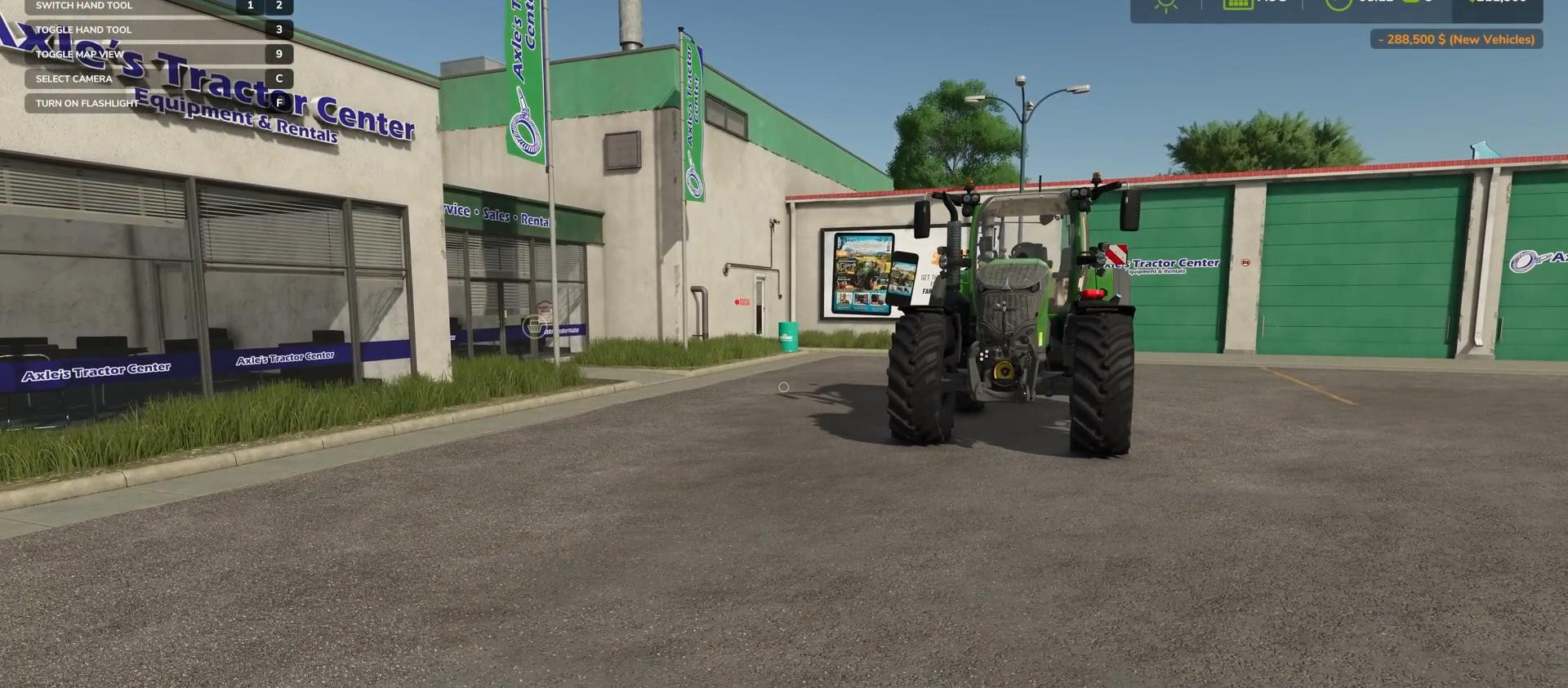
After purchase, the equipment will appear next to the store in a specially designated area.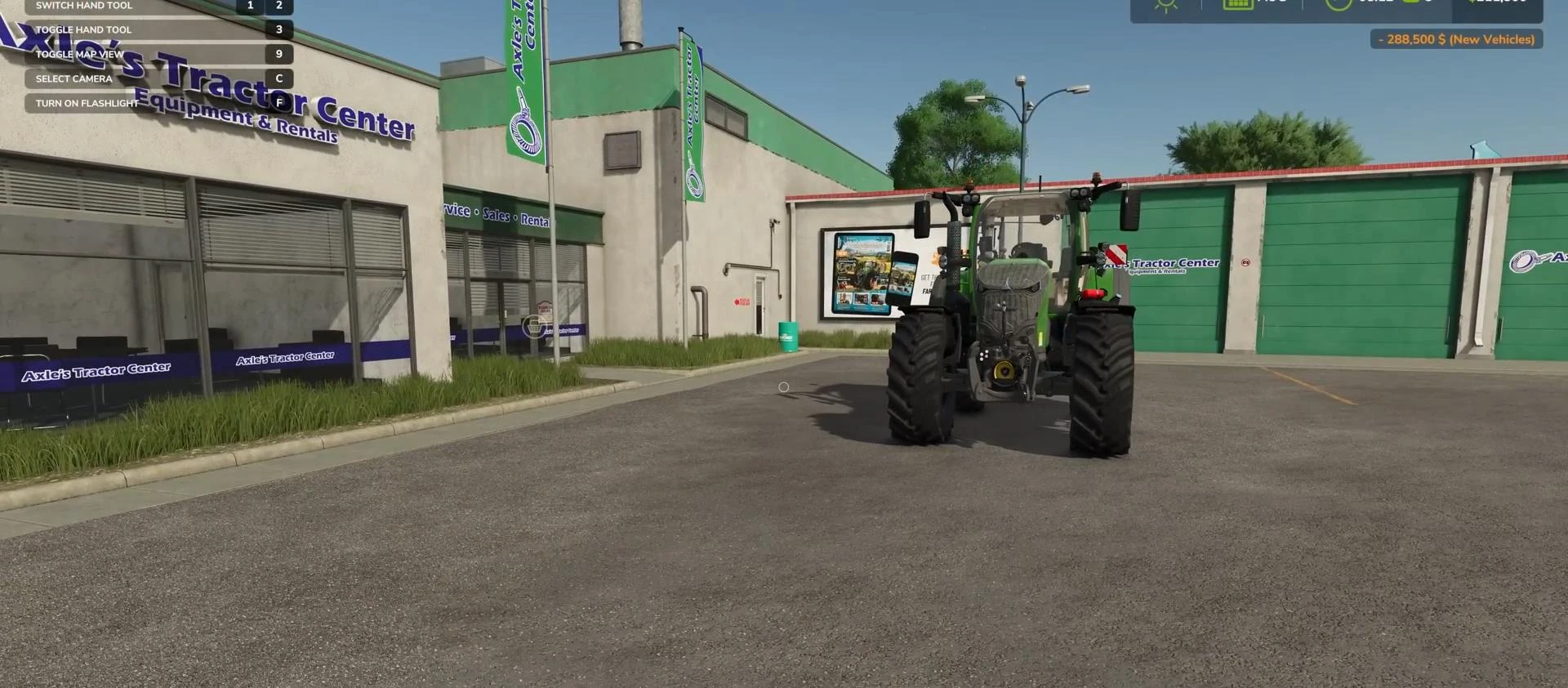
If the equipment does not appear, check your balance to make sure you have enough money for purchases. In single player mode, you can use the add money feature to complete the purchase if you are just testing the equipment or running a demo.
How to sell equipment in Farming Simulator 25
If you no longer need the equipment and want to buy newer equipment, you can sell the old equipment and get money for it.
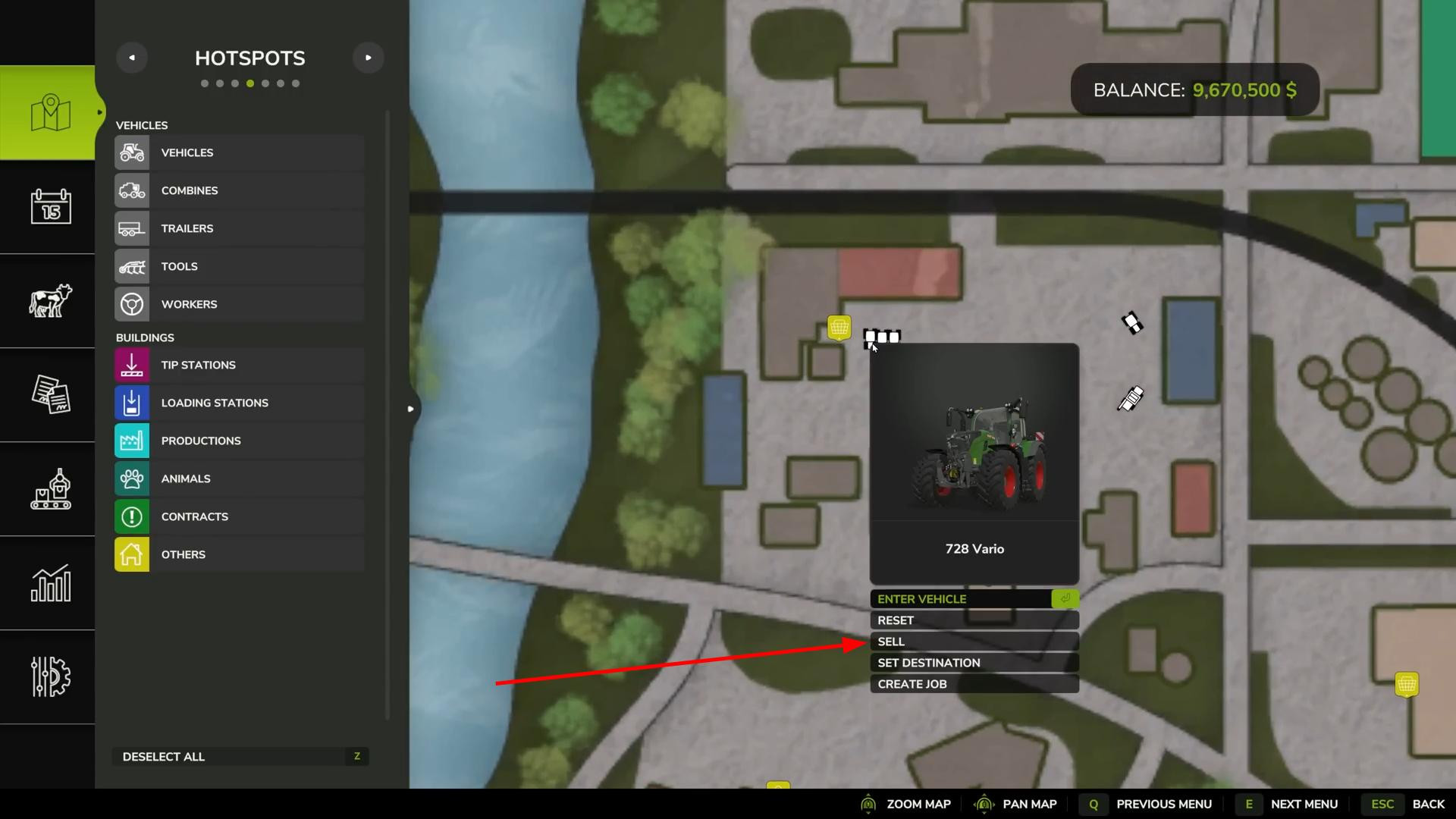
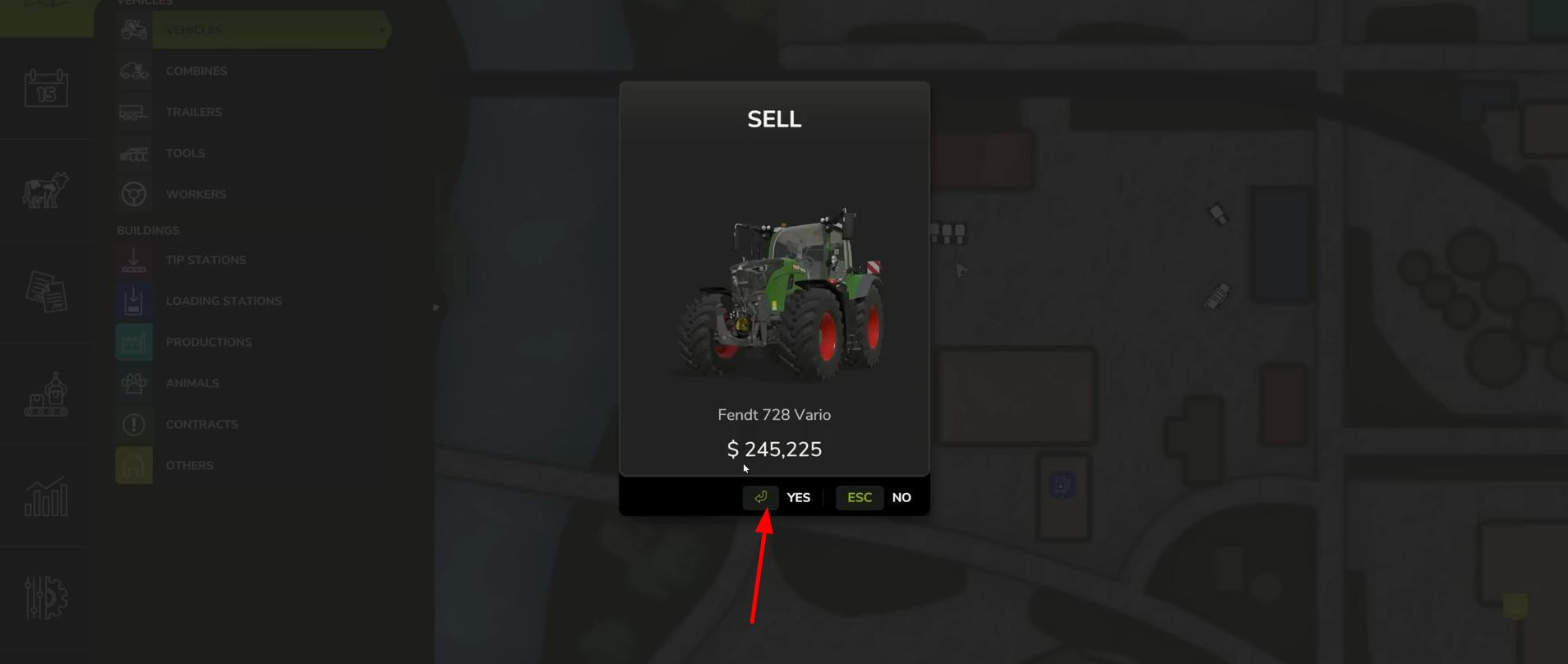
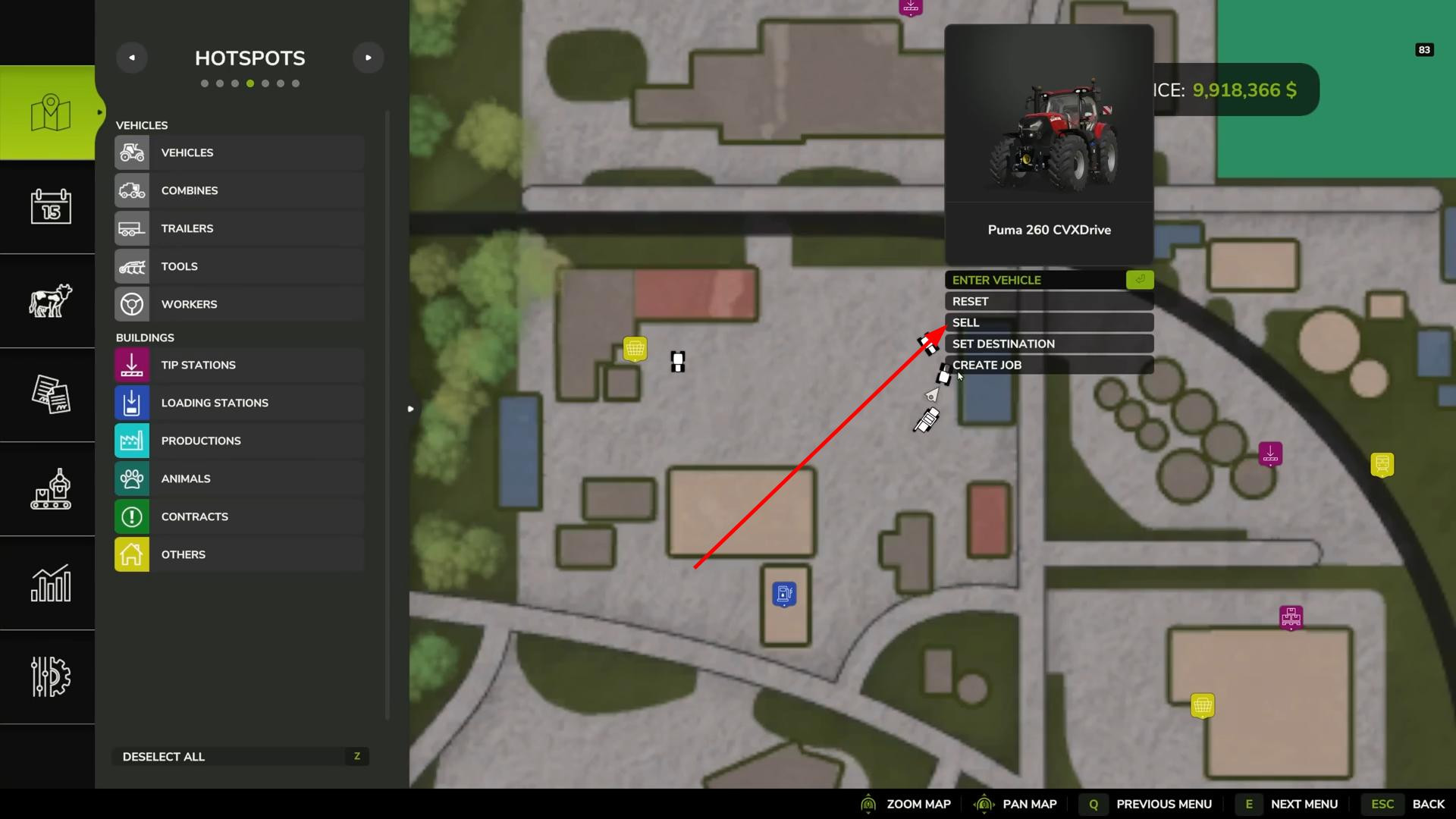
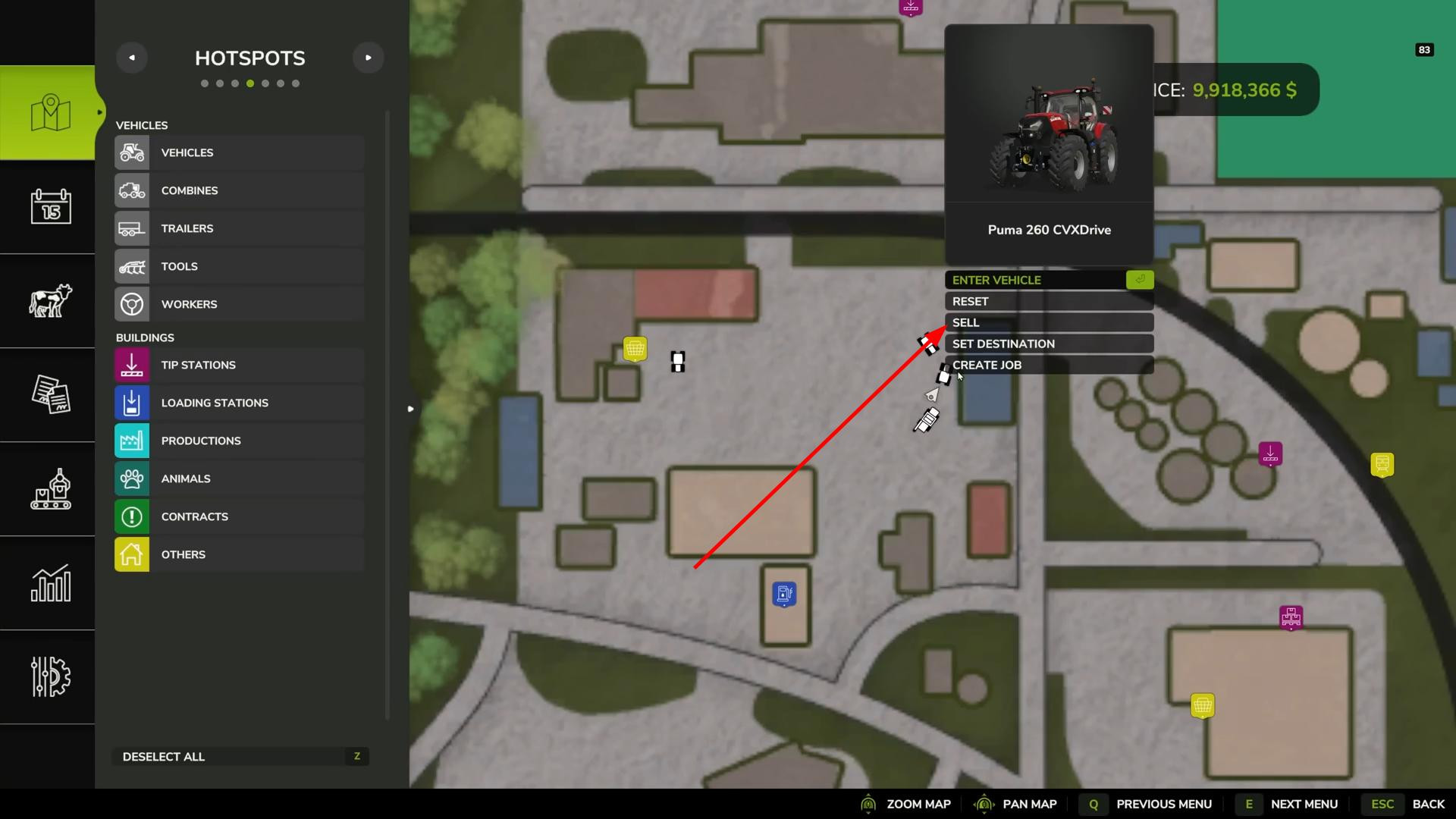
There are several ways to sell vehicles and agricultural tools. You can open the map, find the equipment you want (it will be marked with a corresponding icon on the map), select it, and click “Sell”.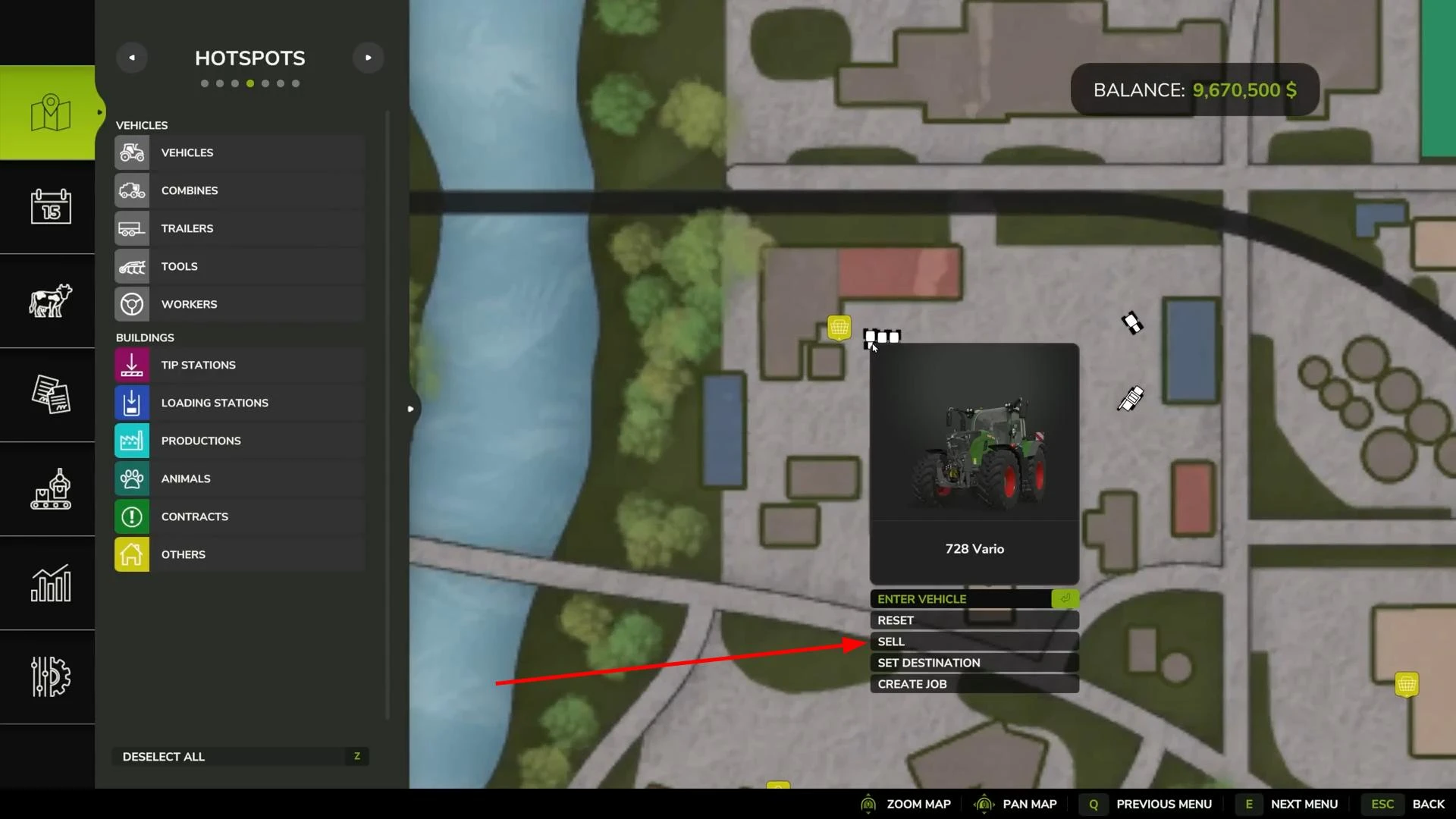
After confirming the sale, you will receive the money from the sale of your equipment.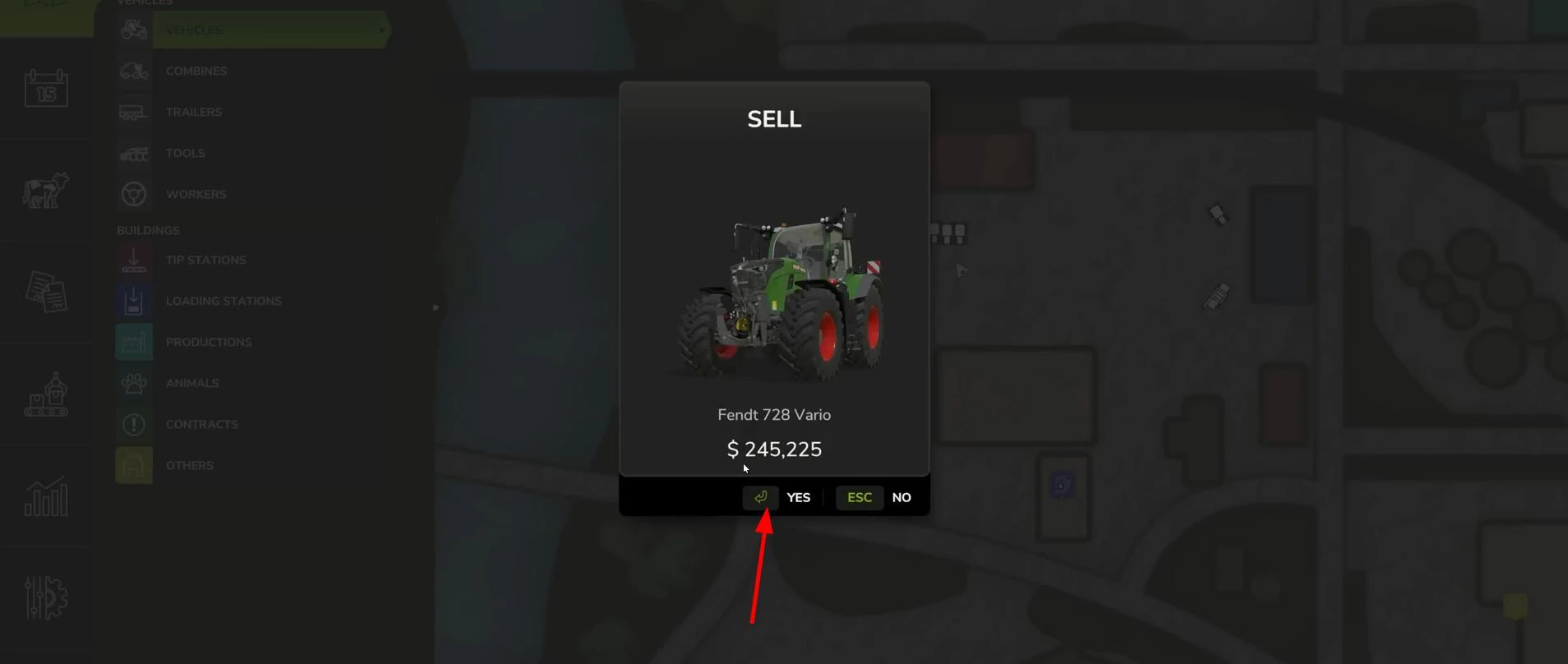
The cost of equipment using this method of sale will be lower than when purchasing. Keep this in mind!
The second option is through the store interface.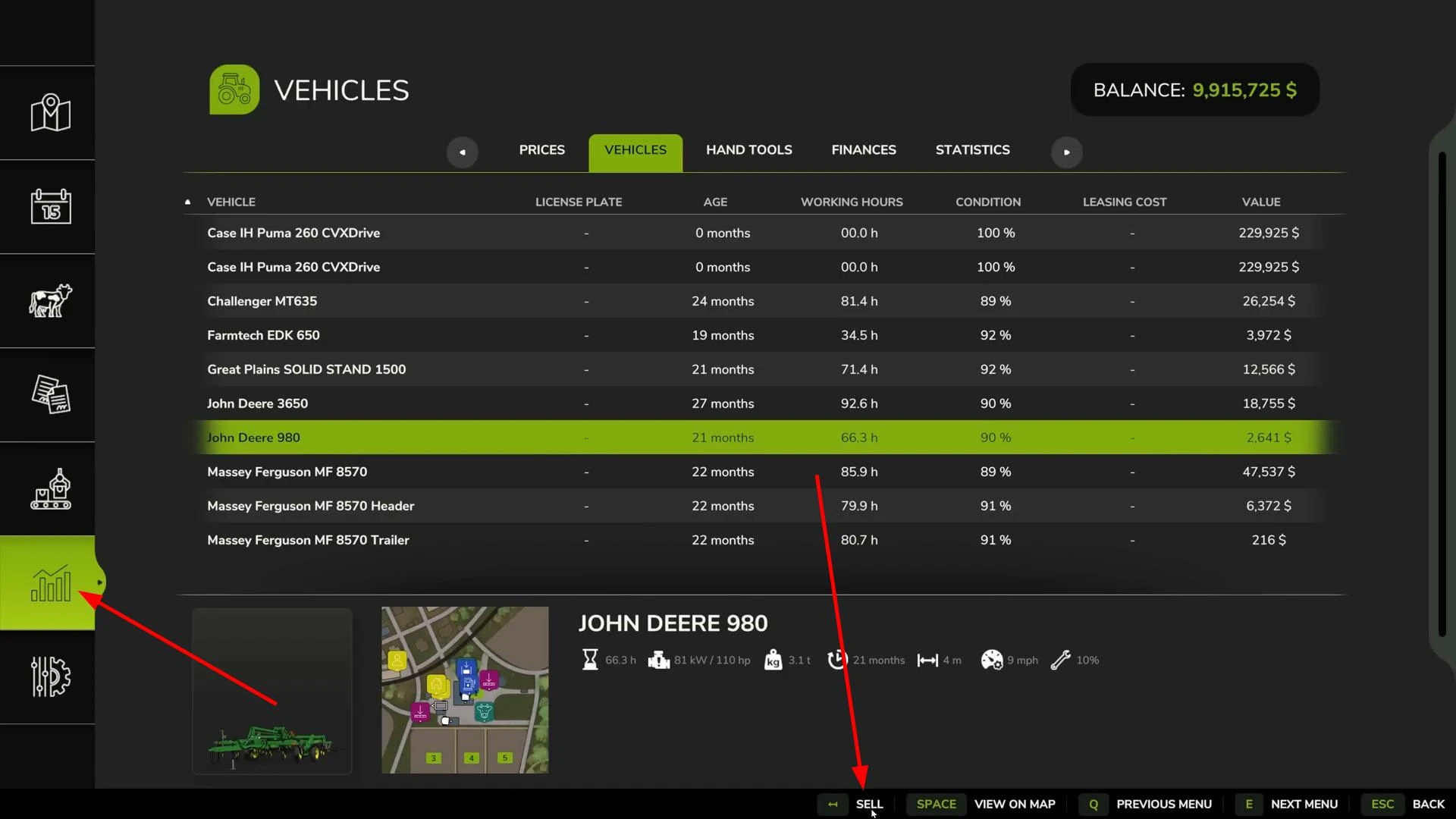
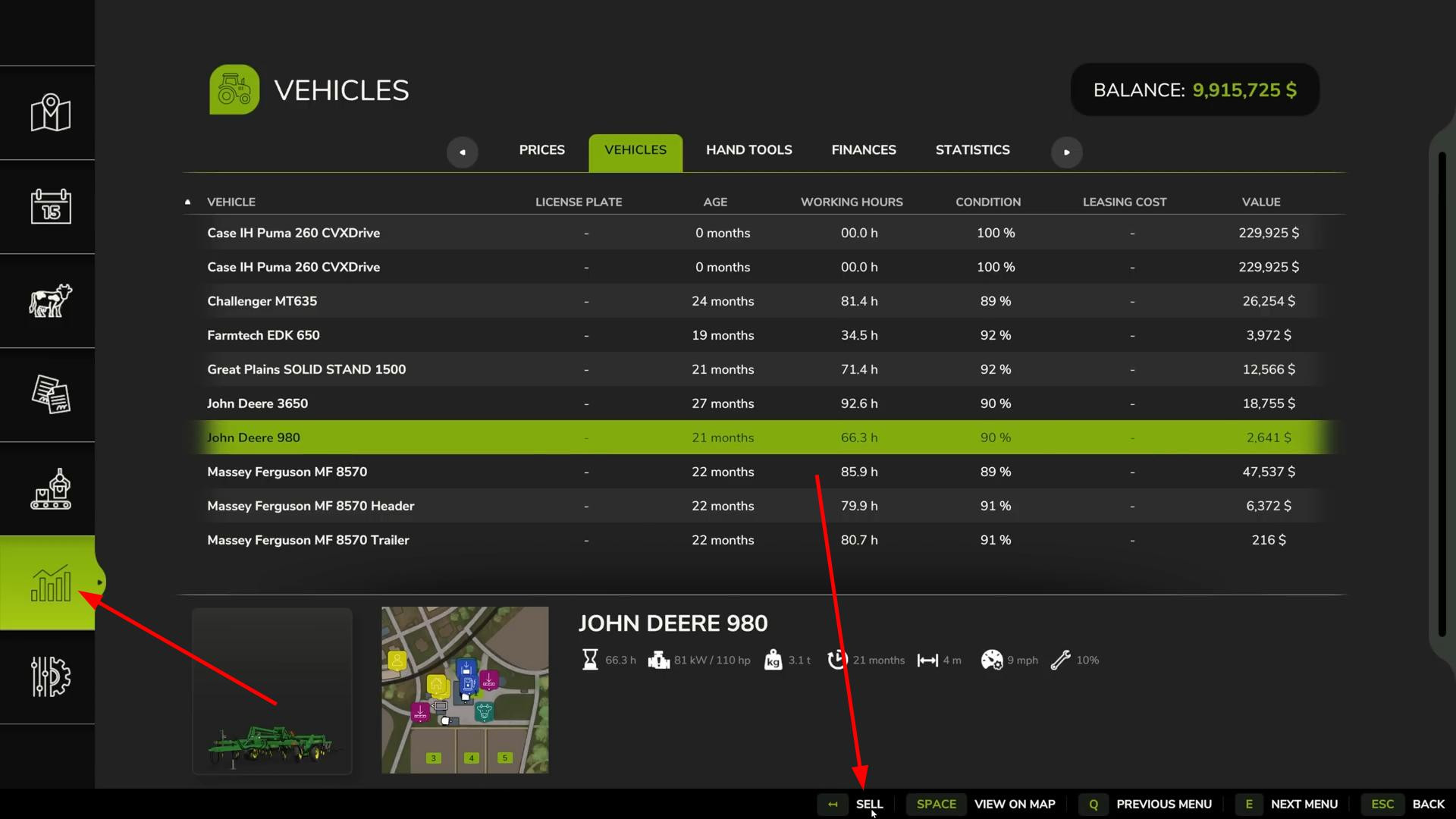
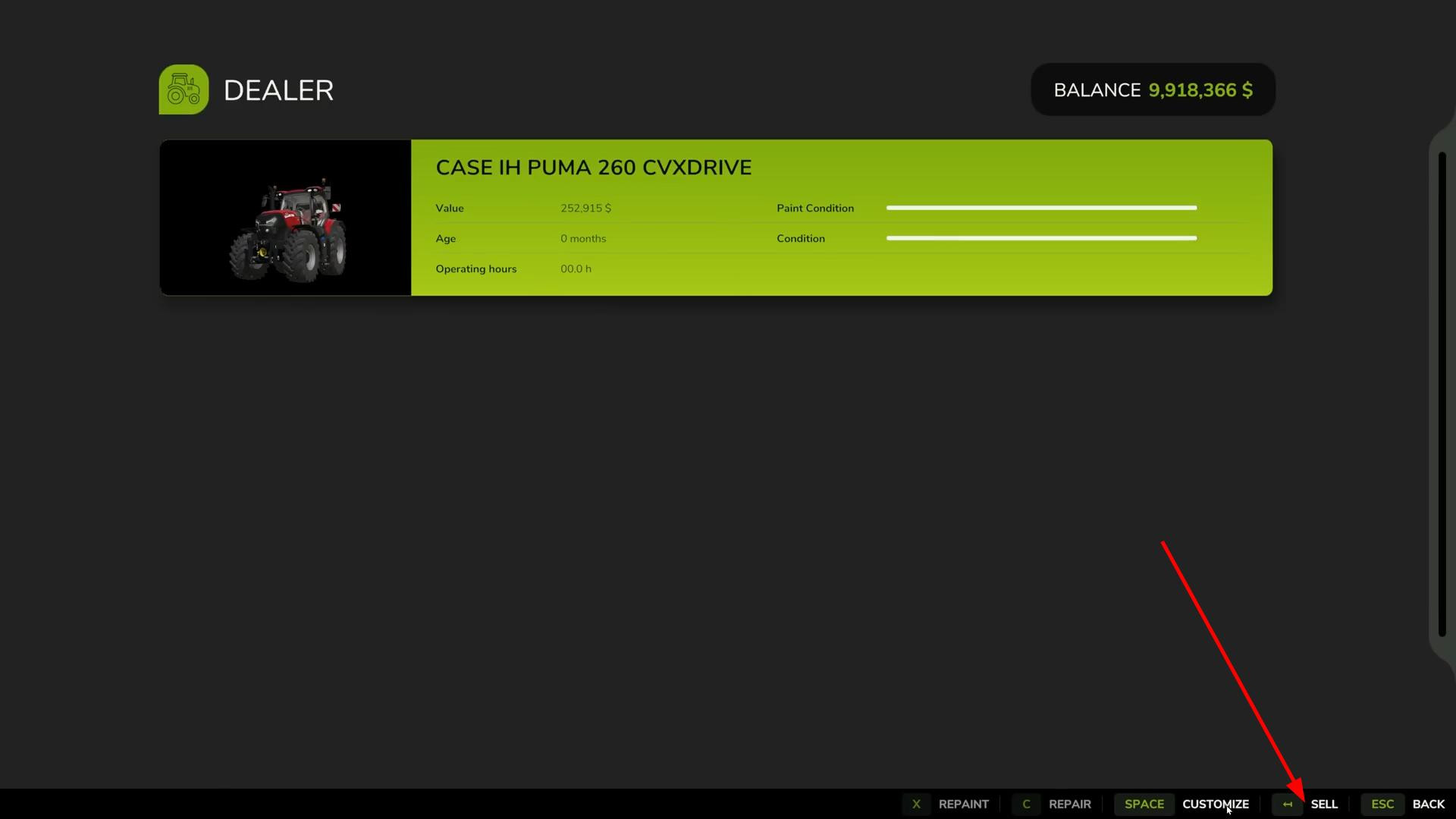
Go to the store menu (using the same icon as when purchasing), go to the equipment management section. There you will see a list of all your property. Select the desired unit, click “Sell” and confirm. The method is similar to the map, but the interface here is more structured.
Repair and repainting before sale
Over time, any equipment loses its value not only because of its age, but also because of wear and tear. Engine hours accumulate, external damage appears, and the overall condition deteriorates. All of this is displayed in the menu when you hover over the desired vehicle.
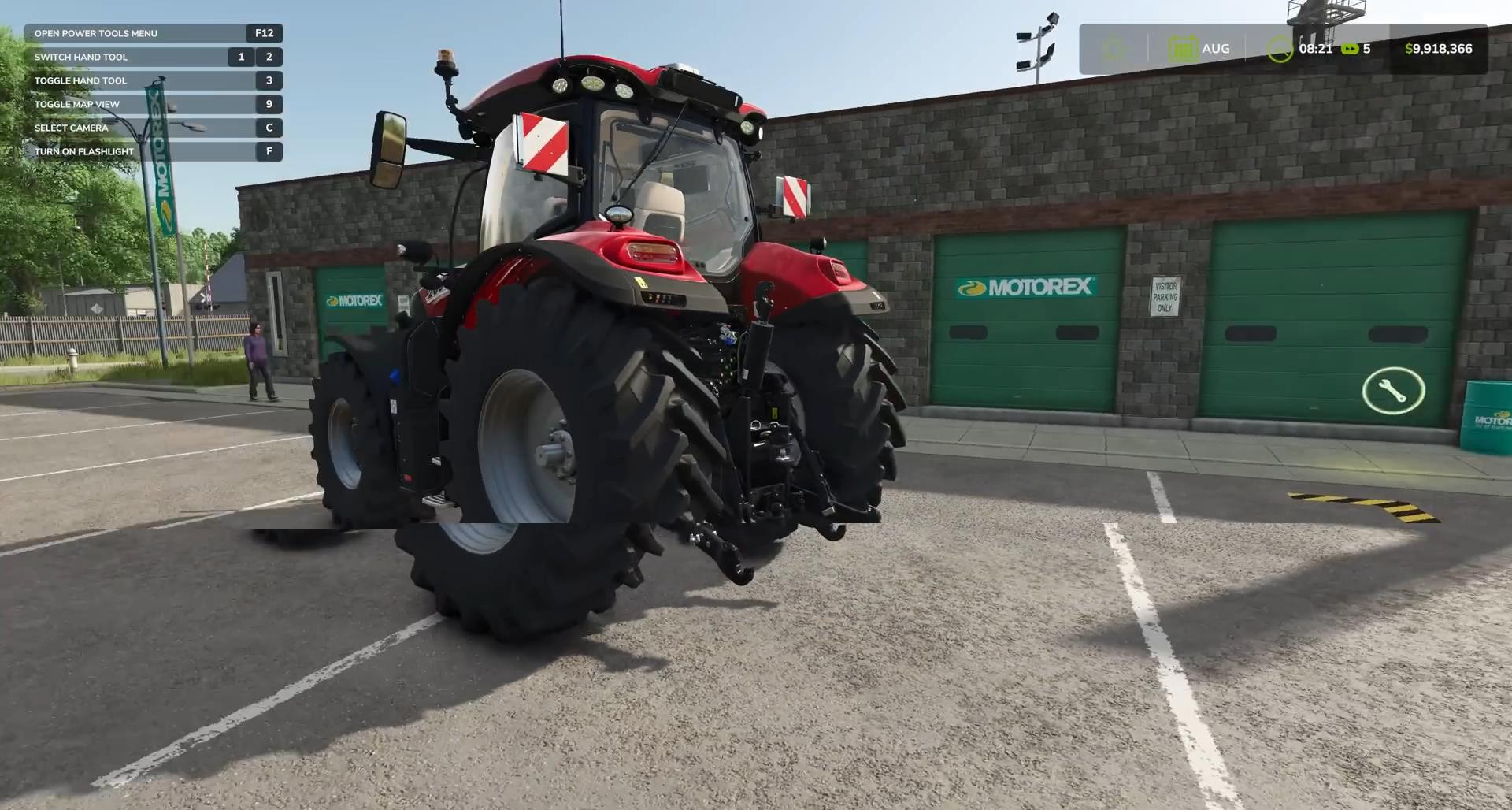
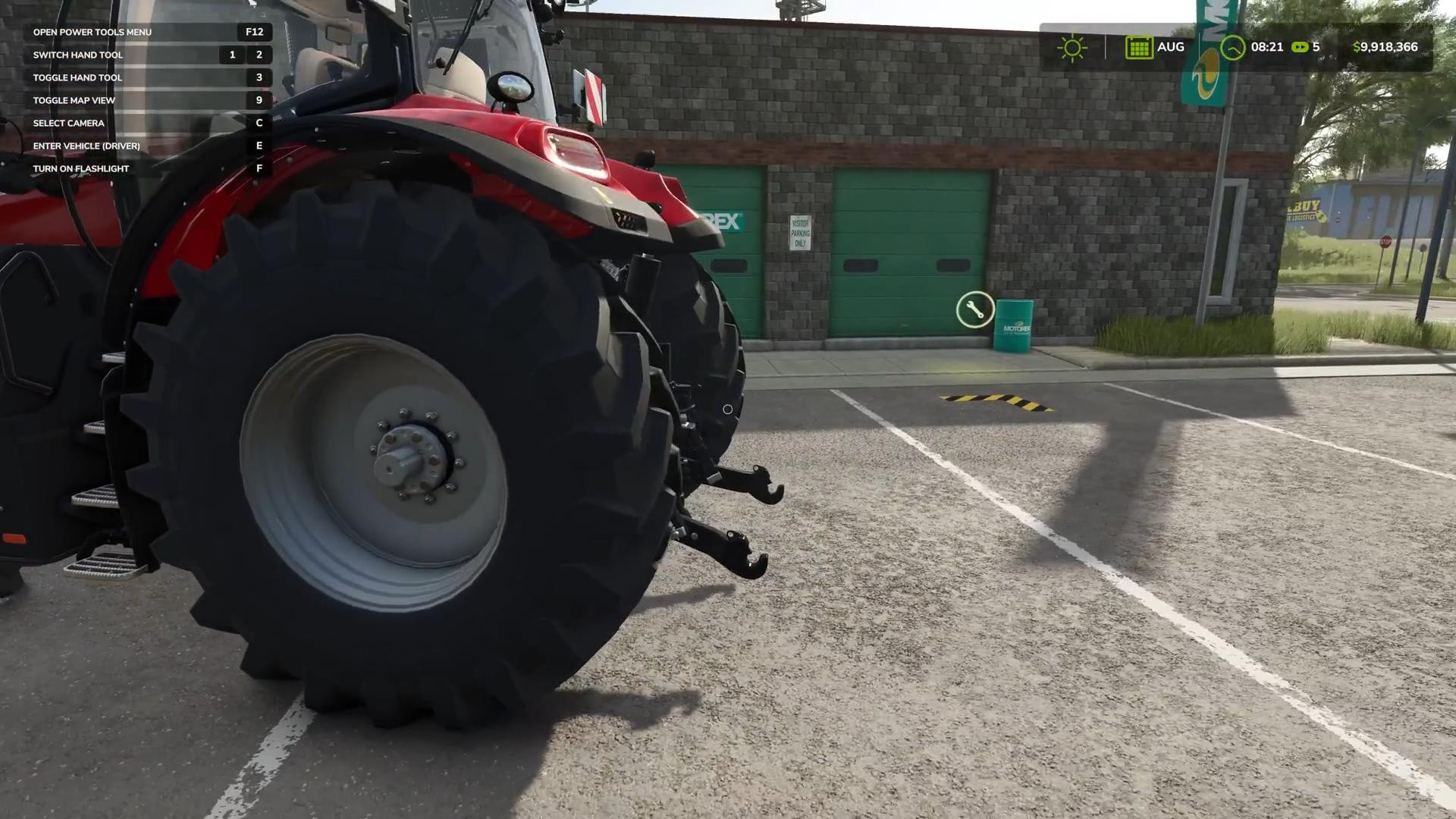
If you repaint and repair the vehicle before selling it, the sale price will be slightly higher. Both of these actions are available at the repair site next to the store. Drive the vehicle to the wrench icon, stop, and press the action button.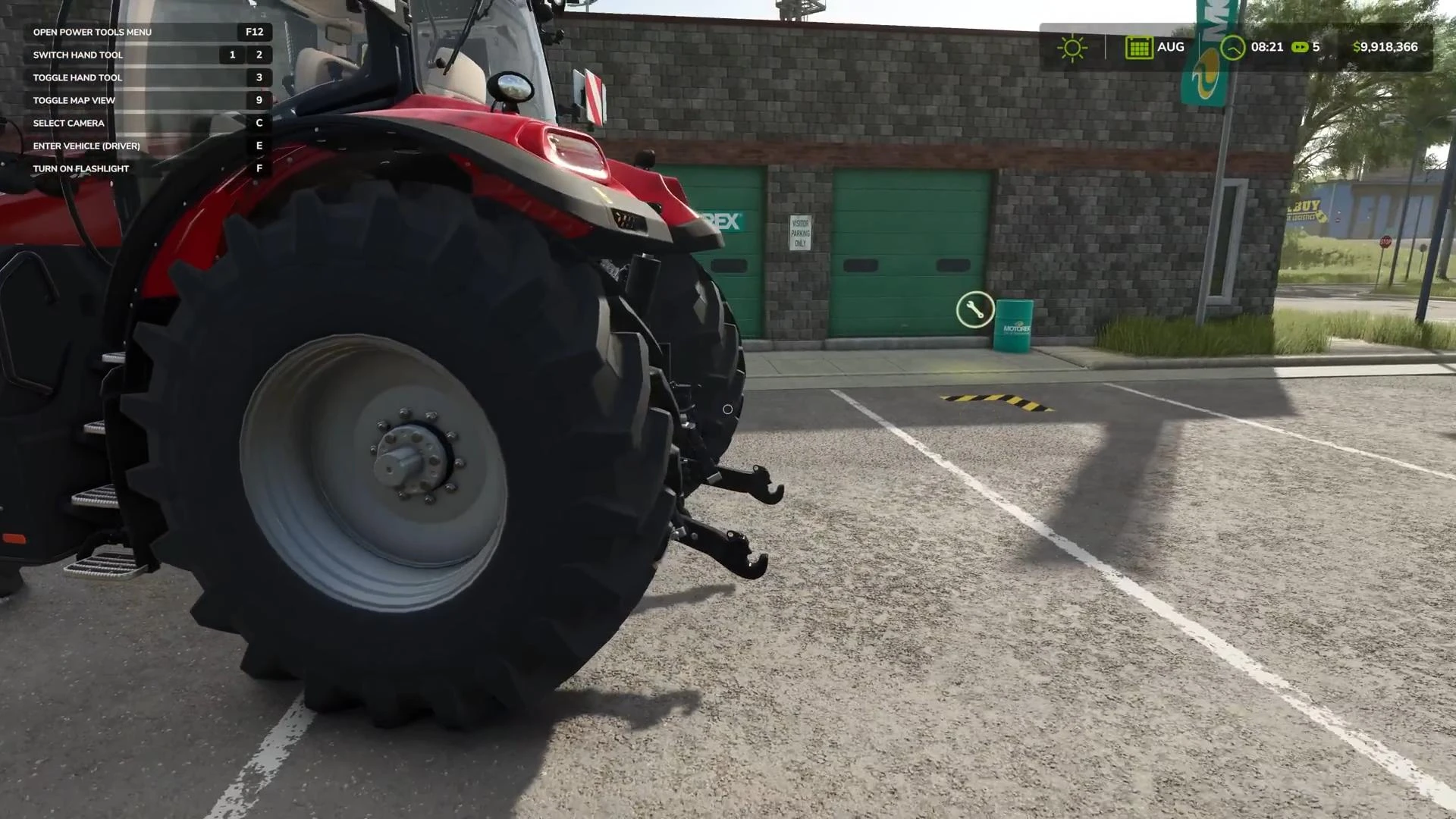
In the window that appears, you will see the current value of the machine, as well as the cost of repair and painting.
Sometimes painting can be more expensive. For example, if we are talking about large combines or complex special equipment. In such cases, it is necessary to assess the cost-effectiveness.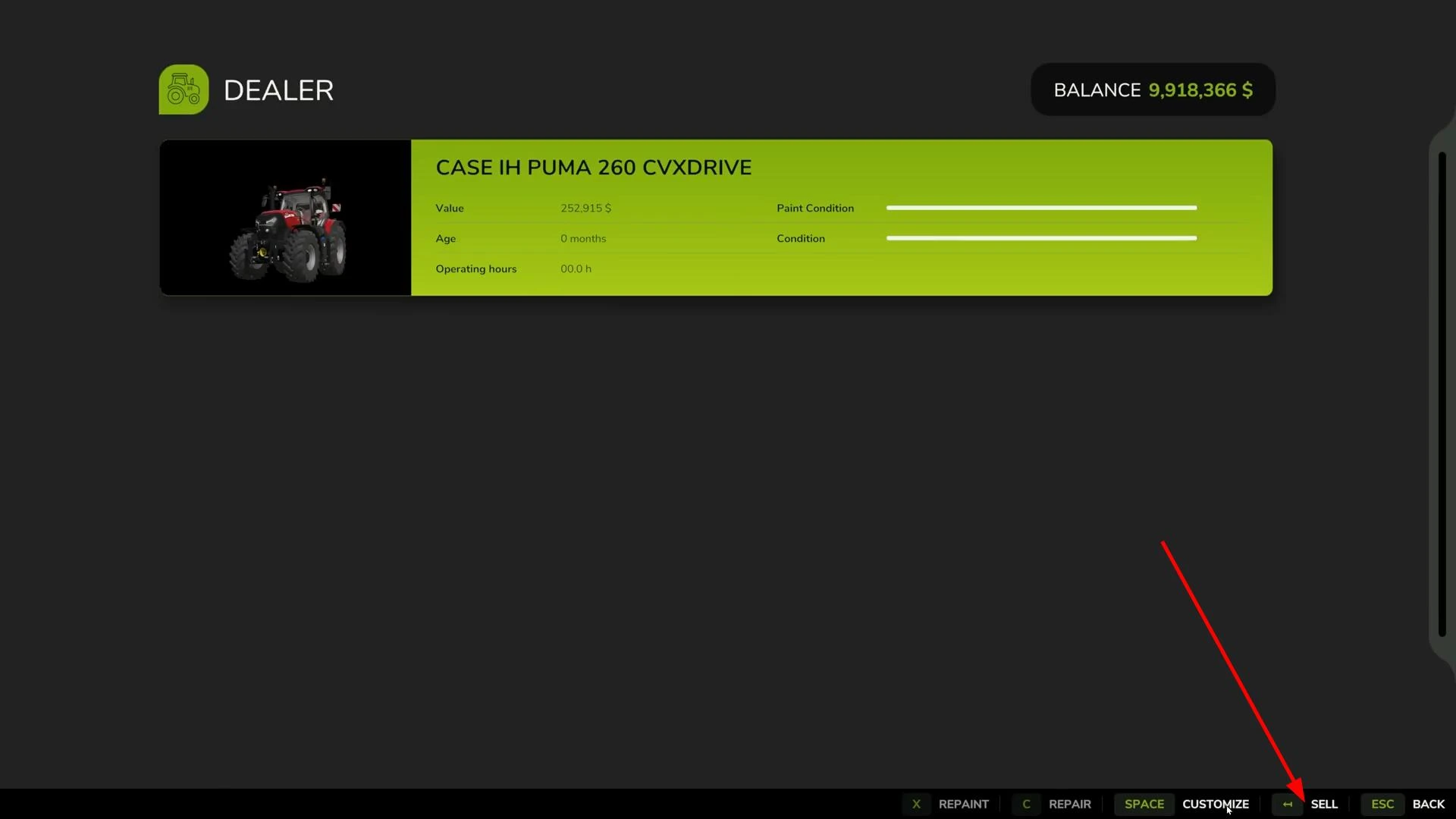
But in most situations, repairs and painting pay for themselves through an increase in the sale price.
Videos
Added by