How to Remove Tree Stumps in Farming Simulator 25
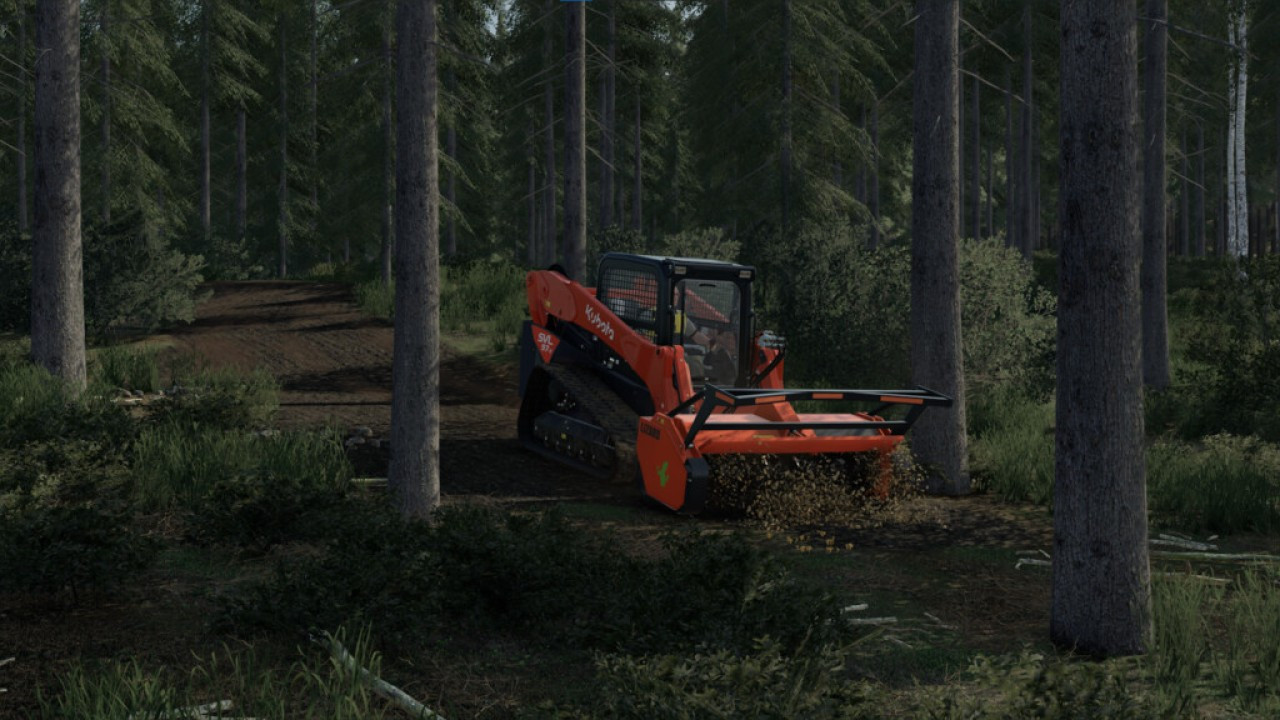
Hello everyone! Today, let's talk a bit about forestry in FS 25 and specifically learn how to remove tree stumps. Additionally, this guide will cover why you should do it, what equipment to use, where to buy it, and other details. This material will be helpful for those who are new to forestry and practically know nothing about it.
Since forestry is one of the most profitable businesses in the game, why not get involved, right? Besides, it's also quite engaging. Unlike field work, forestry doesn't require as much effort for harvesting and field maintenance. However, stump removal is a crucial step that cannot be skipped when managing forests.
Why do stumps need to be removed?
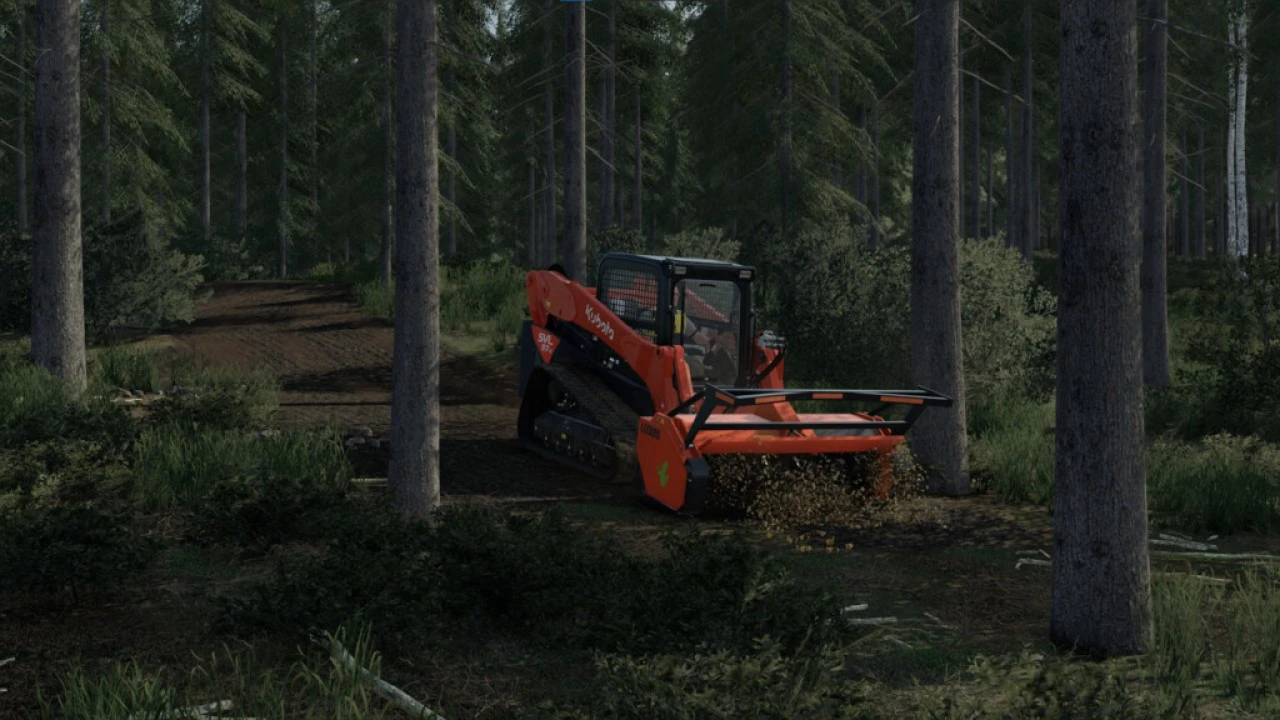
The main reason is that if stumps are not removed, you cannot plant new trees in their place. Why waste precious land areas, right? The more trees you plant, the greater the profit. Therefore, it's extremely important to pay enough attention to stump removal and not leave them behind.
This is especially important if you haven't yet become a millionaire in the game and every square meter of land matters to you. So let's move on to how the stump removal process works and what equipment is needed for it.
Removing Stumps in FS 25
Here we come to the main question that interests us in this guide—stump removal. Certainly, this requires some experience and skill because you'll need to use specific equipment. So, if you don't succeed the first time, don't despair and keep practicing. It'll work out after a few tries!
What You'll Need:
-
Tractor: Any tractor with a power of at least 150 horsepower (more is better, as stumps have roots deep in the ground and require considerable power to pull out). The brand and model don't matter, the power of the equipment is key.
-
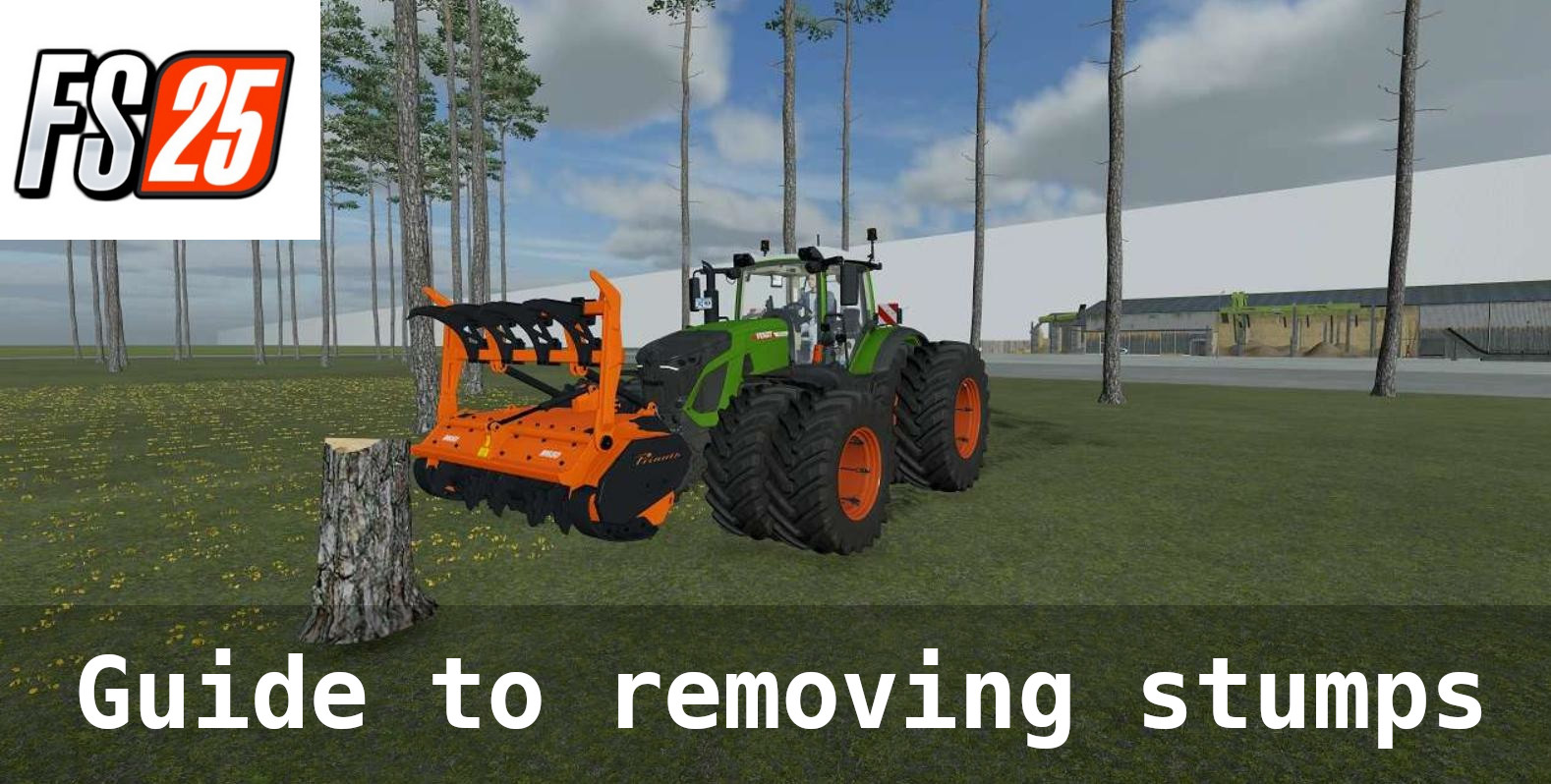
Stump Grinder: A specialized tool for uprooting stumps from the ground. Available at forestry equipment stores (press 'P' on the keyboard). Any model will do, such as TMC CANCELA TFK 200 or others. Purchase this tool first, then the tractor (if you don't already have one), to know the minimum power requirements for the equipment to work with it.
-
Counterweight: Not mandatory but useful if your tractor is small and weak, to prevent it from tipping over.
You can use both official in-game equipment and mods.
Instructions for Stump Removal:
-
Enter the tractor. Approach the cabin until the corresponding message appears, then press 'E' to enter the tractor. You may need to start the engine with the 'ENTER' key.
-
Approach the stump grinder. If your tractor is low-powered, attach a counterweight to prevent tipping over. Get as close to the grinder as possible and press the 'Q' key to attach the tool to the tractor.
-
Move to the area where the stumps are located.
-
Approach each stump so that the grinder is directly above it. Lower and raise the tool to activate it, and wait until it finishes its work. Upon completion, you'll see the corresponding animation and the stump will disappear. Adjust the control keys for tool activation in the settings.
-
Repeat these actions for each stump.
Tip: You can activate the grinder and simply drive, clearing all stumps, but this isn't always effective due to the risk of tipping the tractor, destroying grass, and incomplete stump removal. Lowering and raising the tool above the stump is the most effective method.
If a stump is too large, you can adjust the height of the grinder for each one.
That's it! As you can see, it's all quite simple. If this guide was helpful, please leave a like. Have more questions? Write them in the comments. The friendly Farming Simulator 25 community on ModLand will surely help you out!
Added by