How to Install Missiles on Deluxo in GTA 5 Online
-lg_modland.jpg)

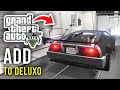
This is a short but useful guide from which you will learn how to add missiles to the Deluxo car in GTA Online. Deluxo is a flying and armed car in GTA Online, inspired by the car from the movie "Back to the Future". It's already cool on its own, but with missiles it becomes a true machine of destruction.
There's also a detailed video guide at the bottom of the page, if the text version is hard for you to understand what to do and how to do it.
What do I need to install rockets?
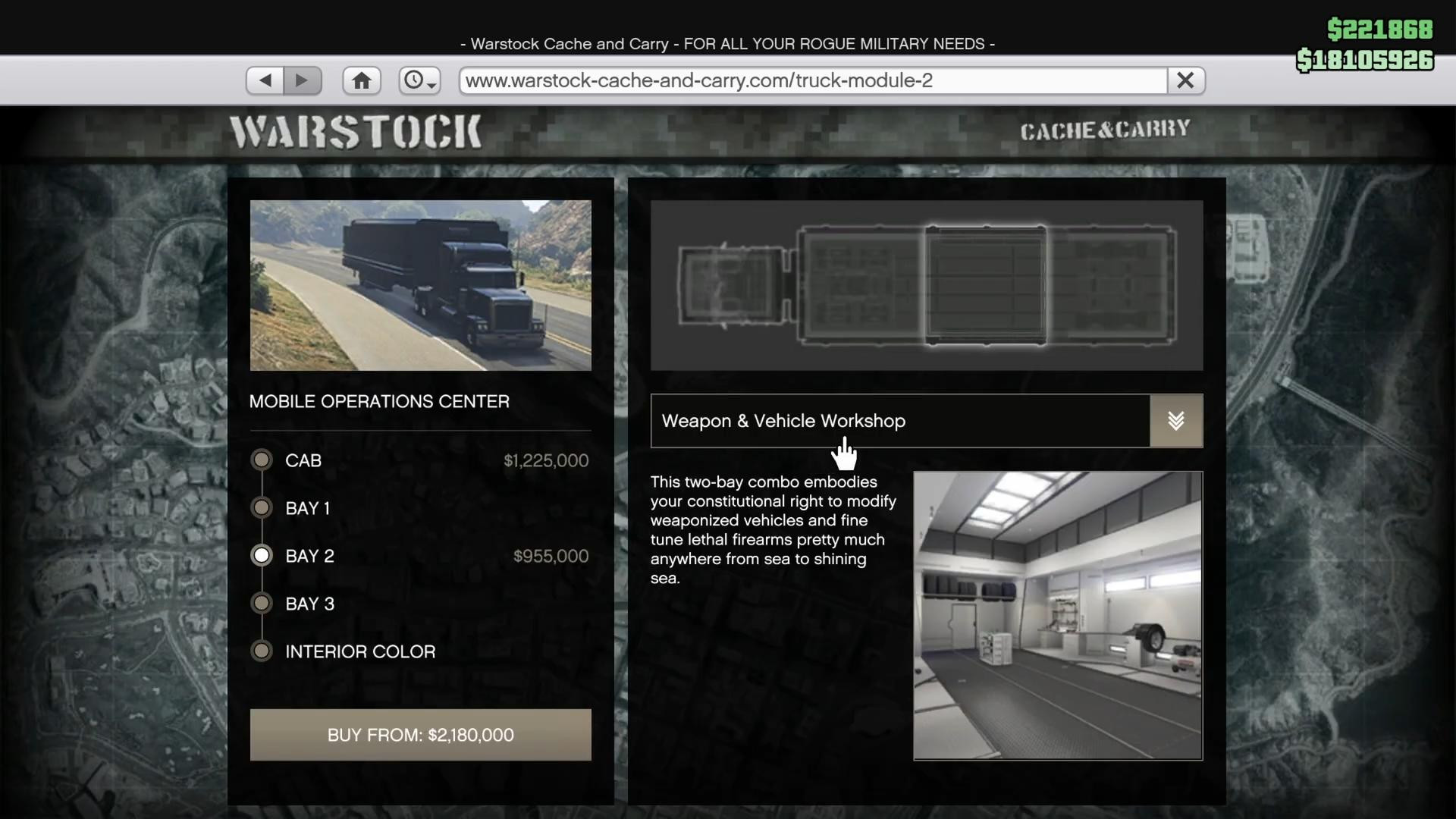
You will need the Mobile Operations Center. This is a special truck that allows you to upgrade some vehicles, including the Deluxo.
Buying it is very easy. Open your phone, go to Internet → Warstock Cache & Carry, and scroll down to Mobile Operations Center.
When purchasing, be sure to select Bay 2 - Weapon & Vehicle Workshop.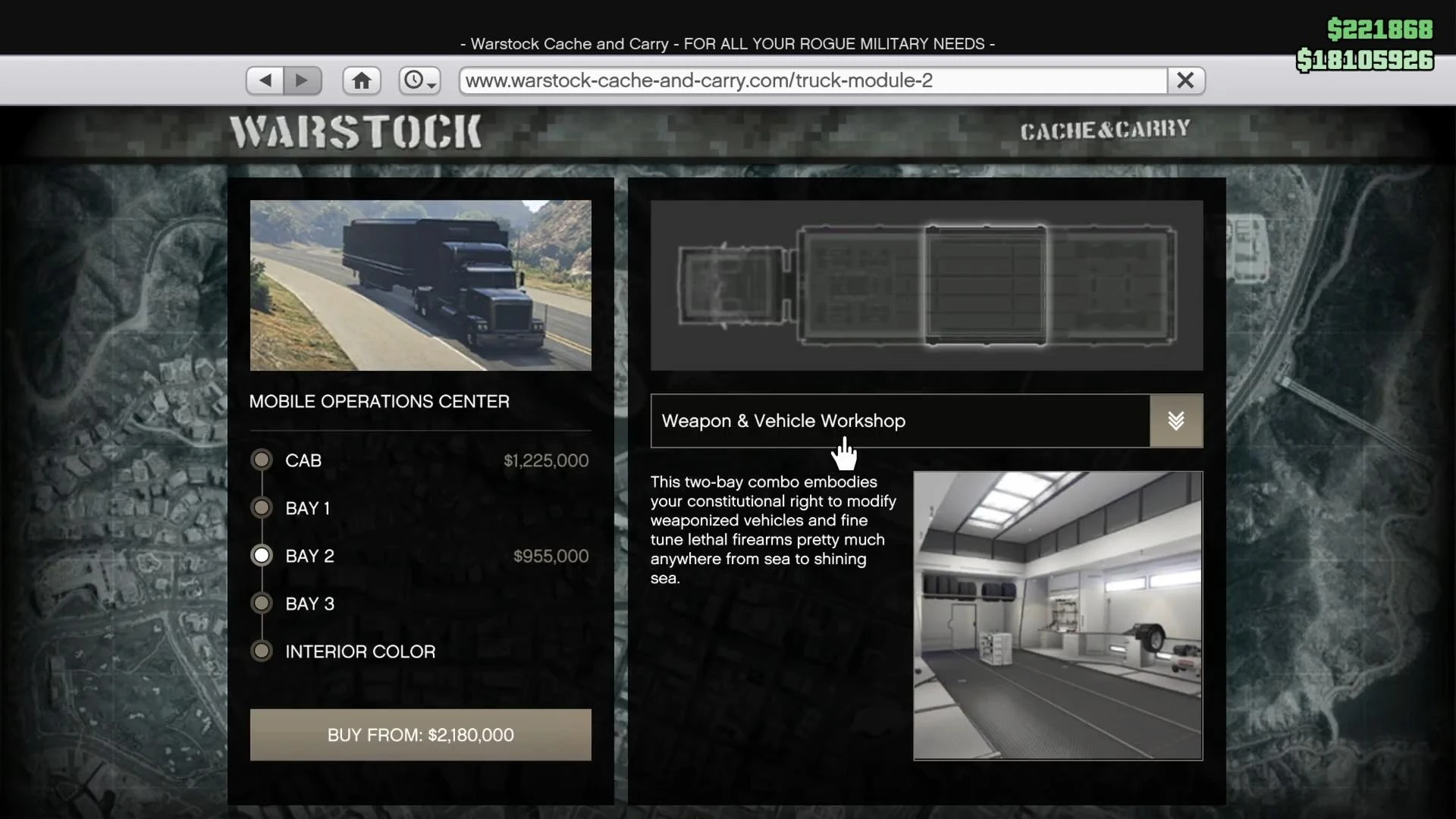
This will make it possible to upgrade vehicles. The whole setup will cost around GTA$2 million.
How to call MOC and upgrade Deluxo?
Have you bought and customized the MOC? Great, let's get on with it!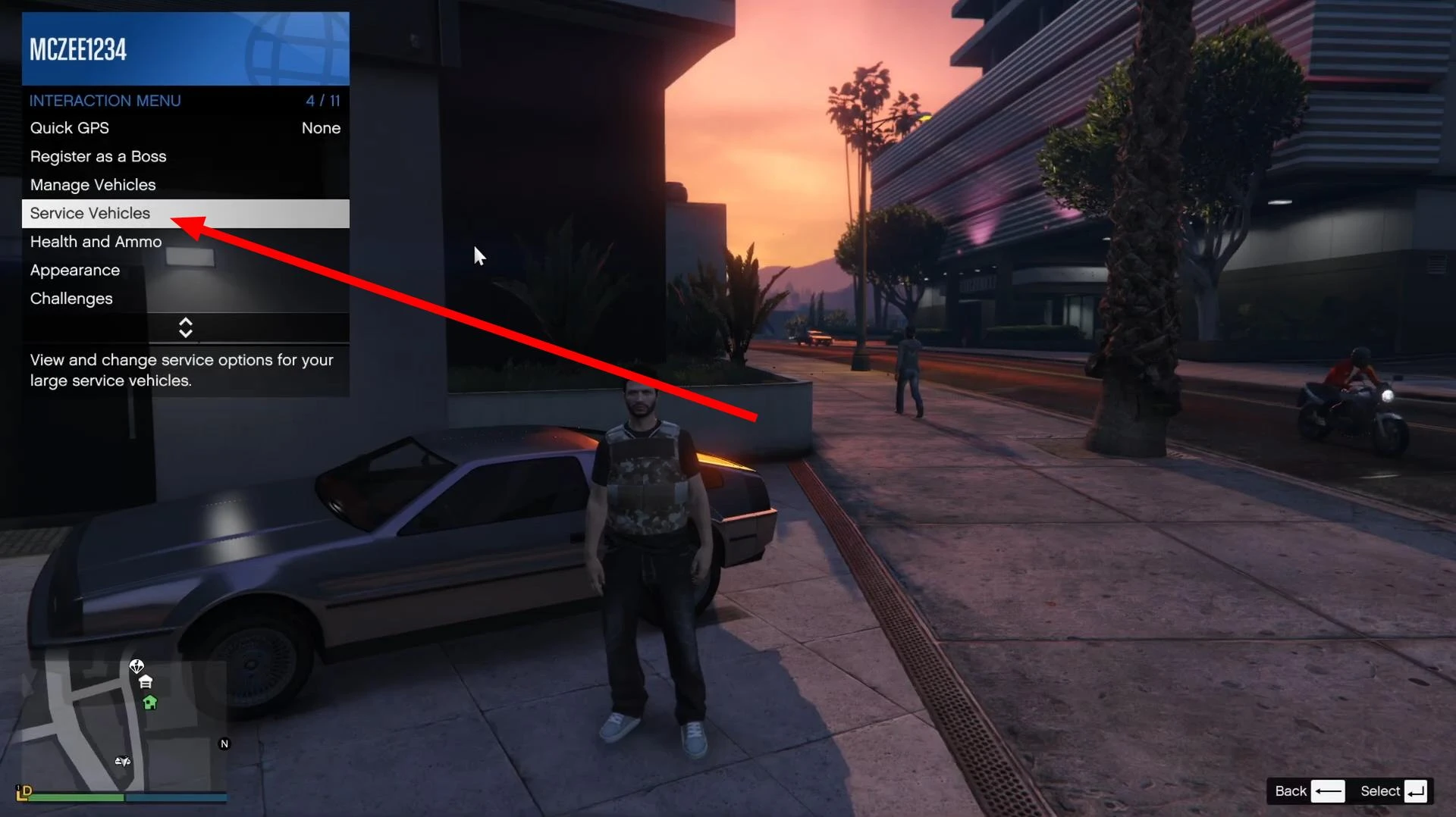
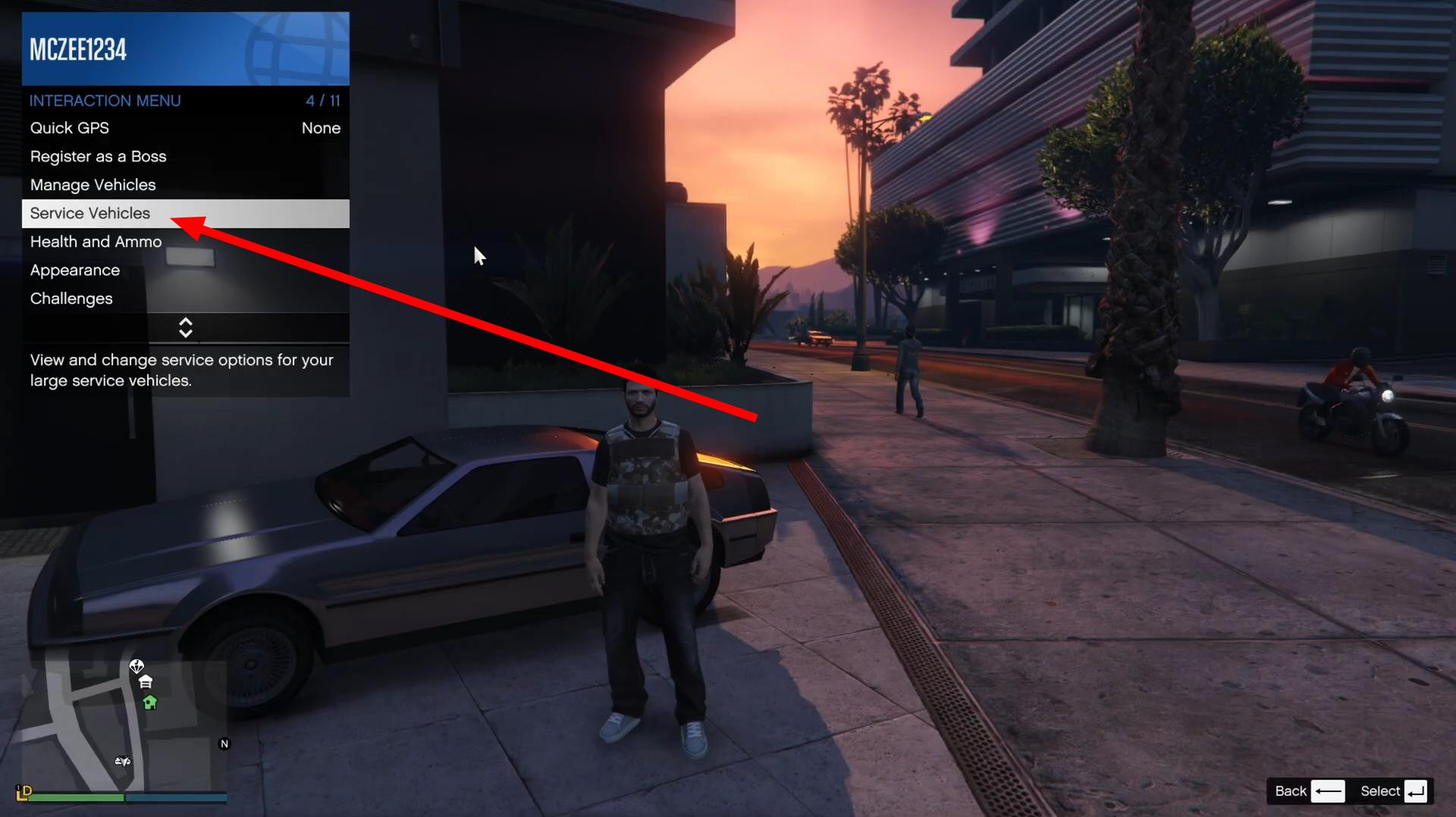
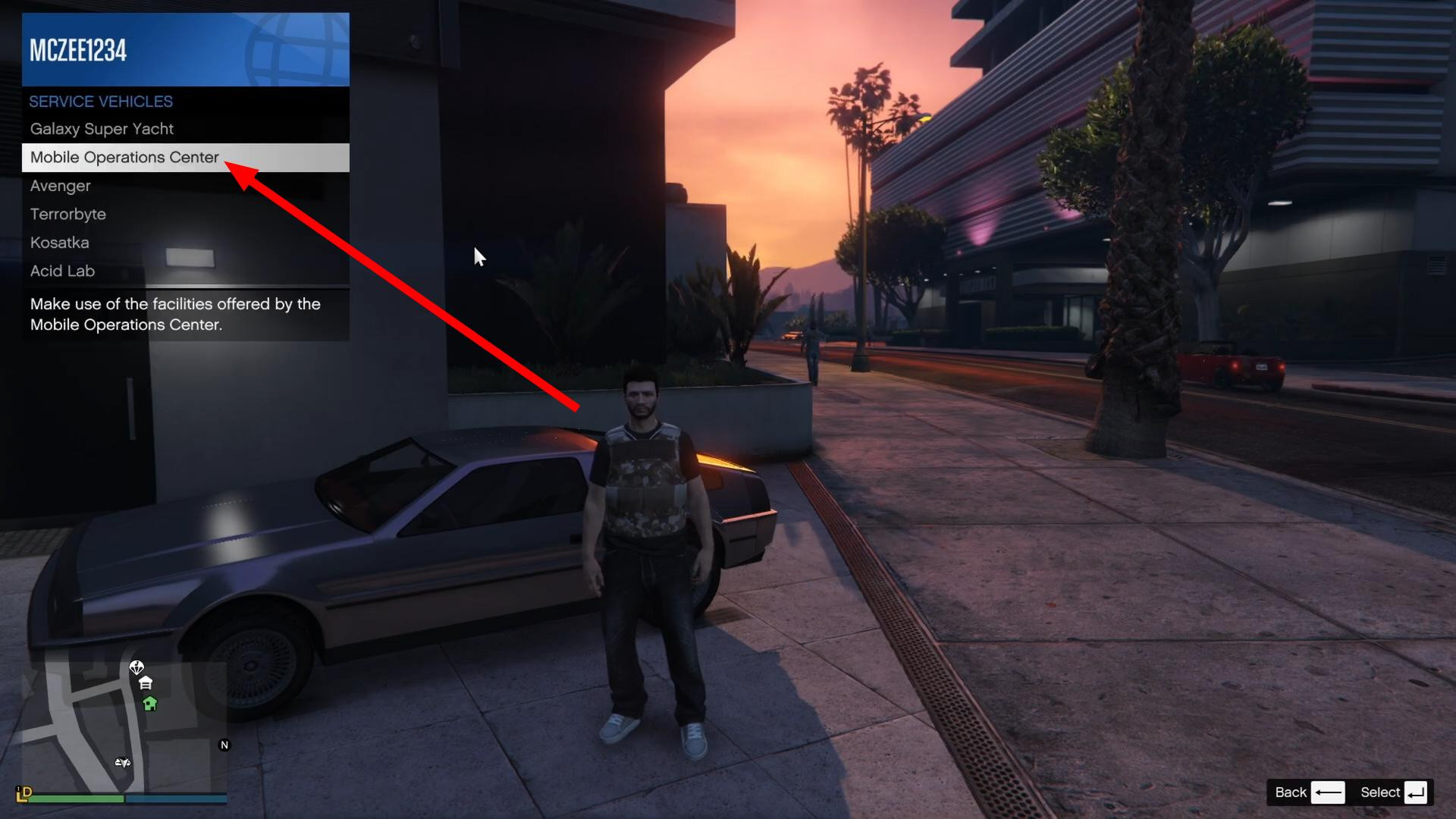
Now you need to call it up from the interaction menu → Services → Mobile Operations Center → Request Mobile Operations Center.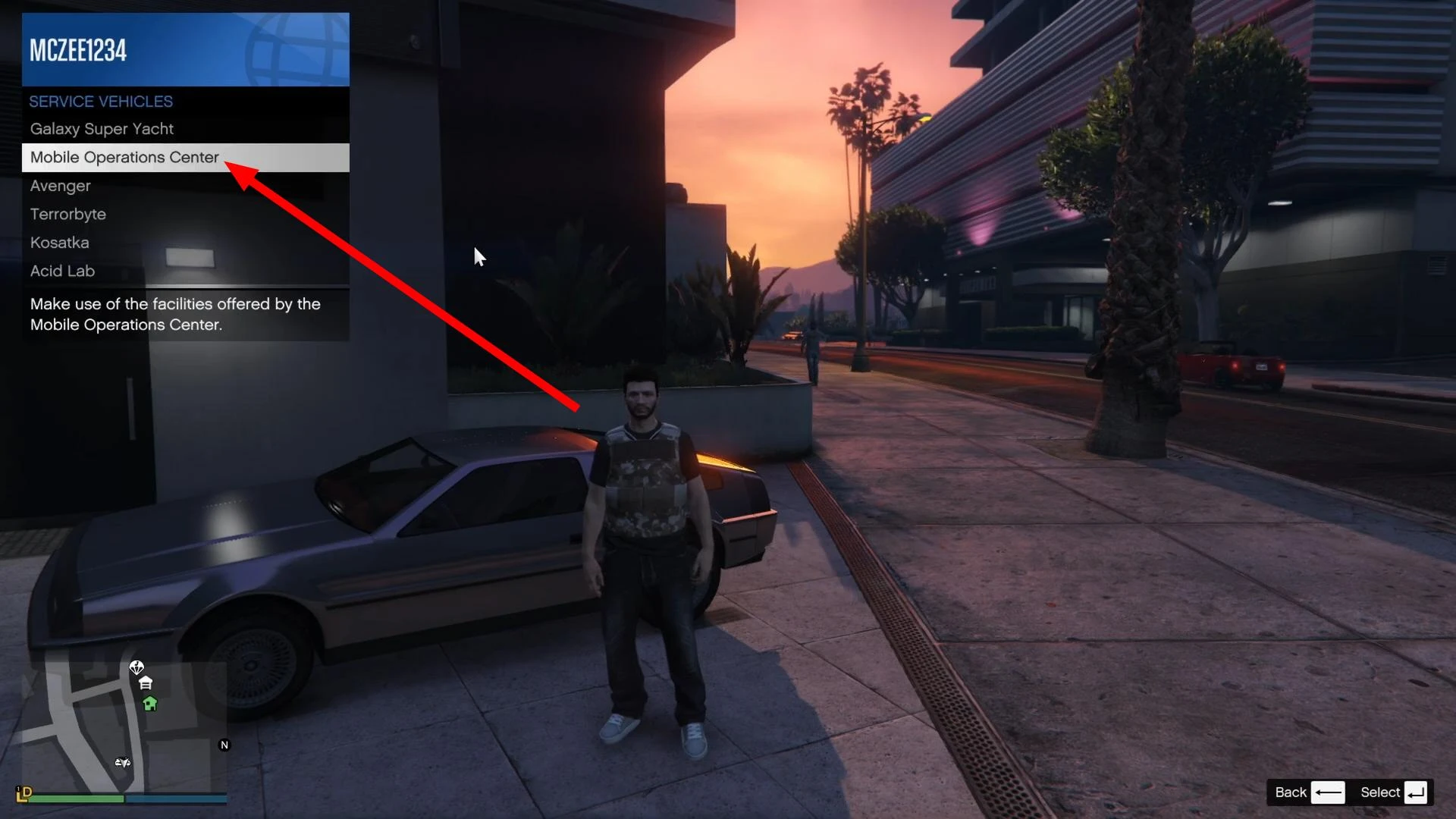
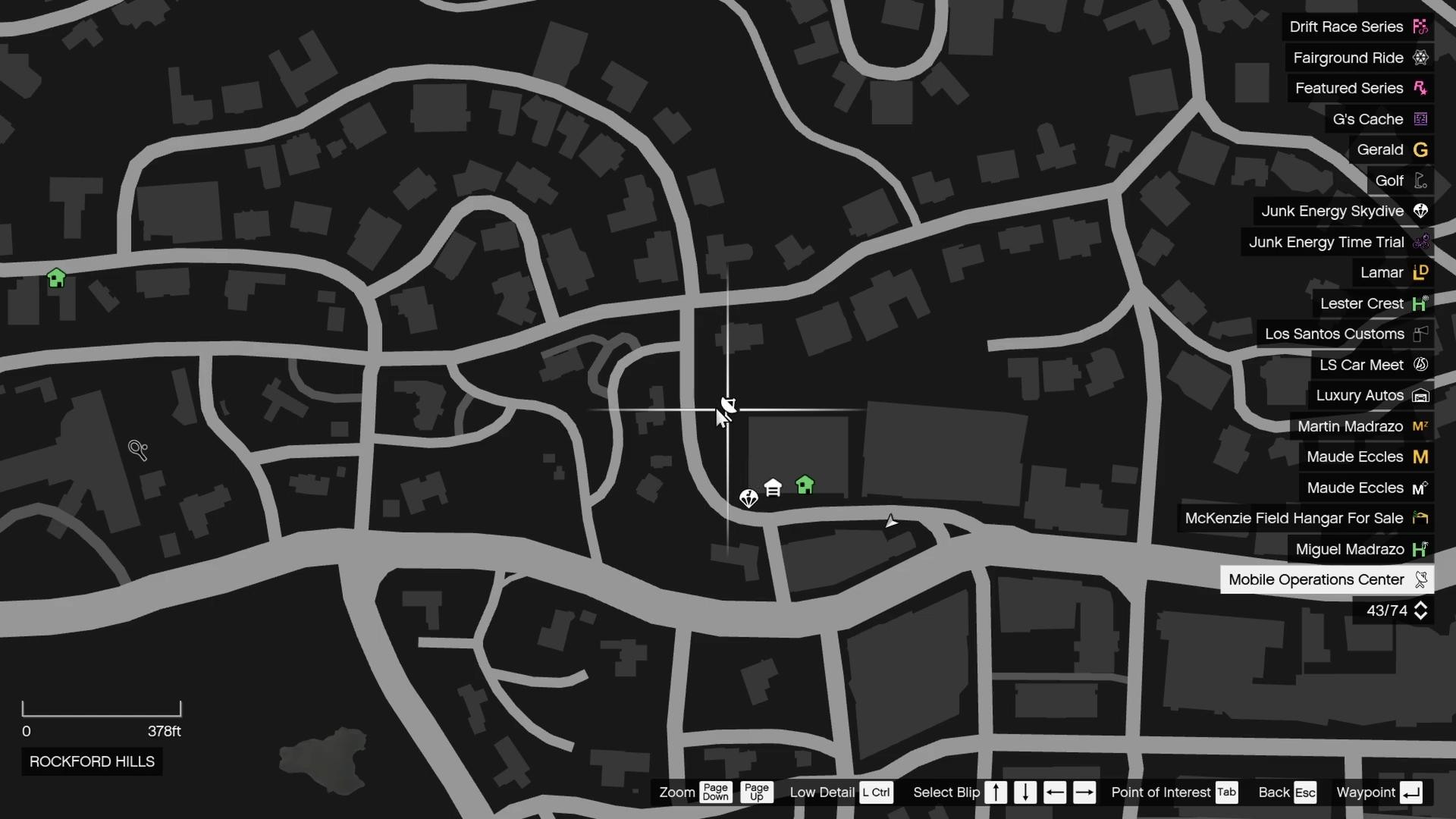
It will appear near you and you will see its icon on the map.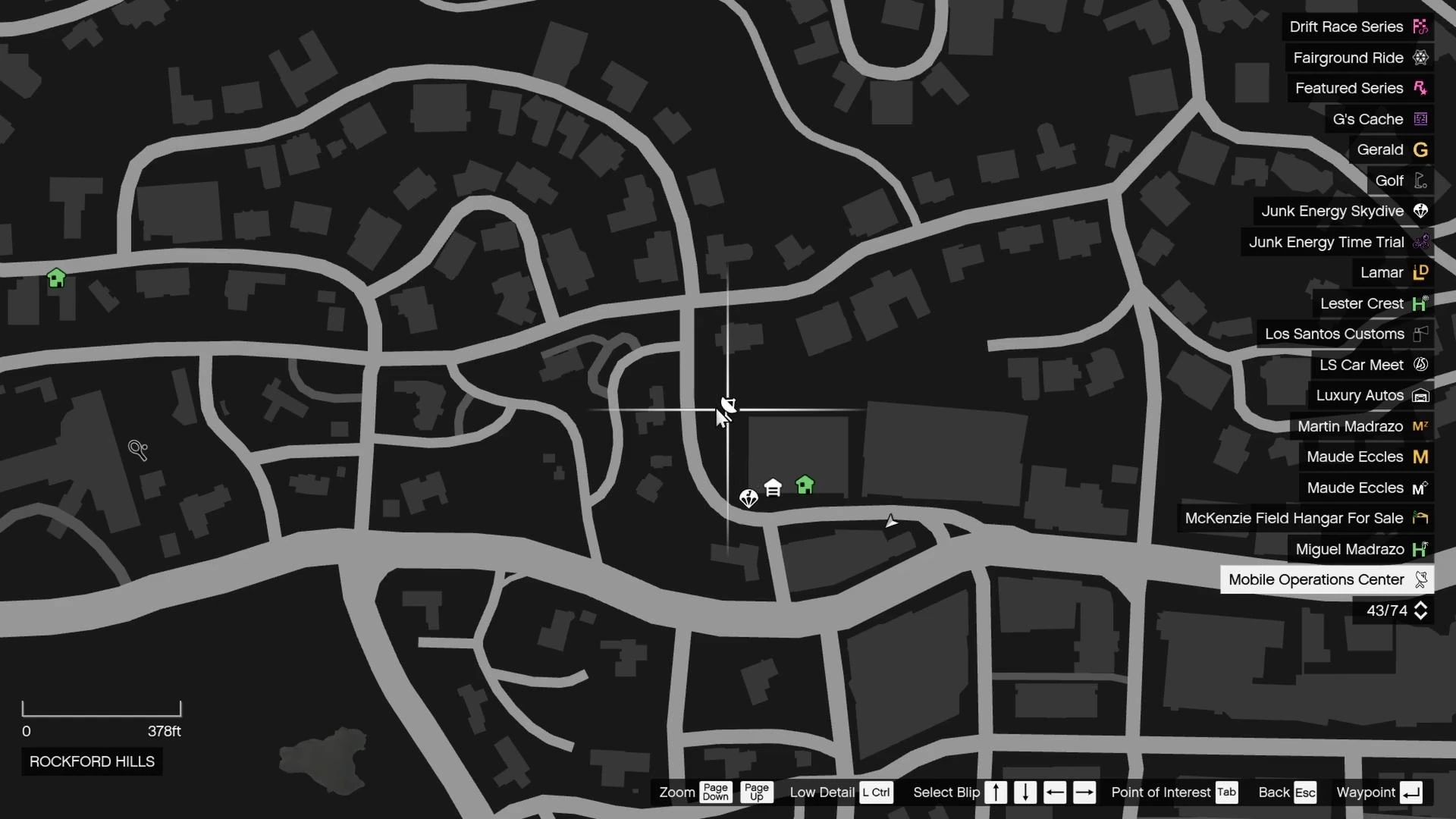
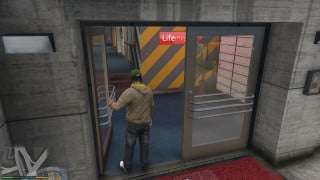
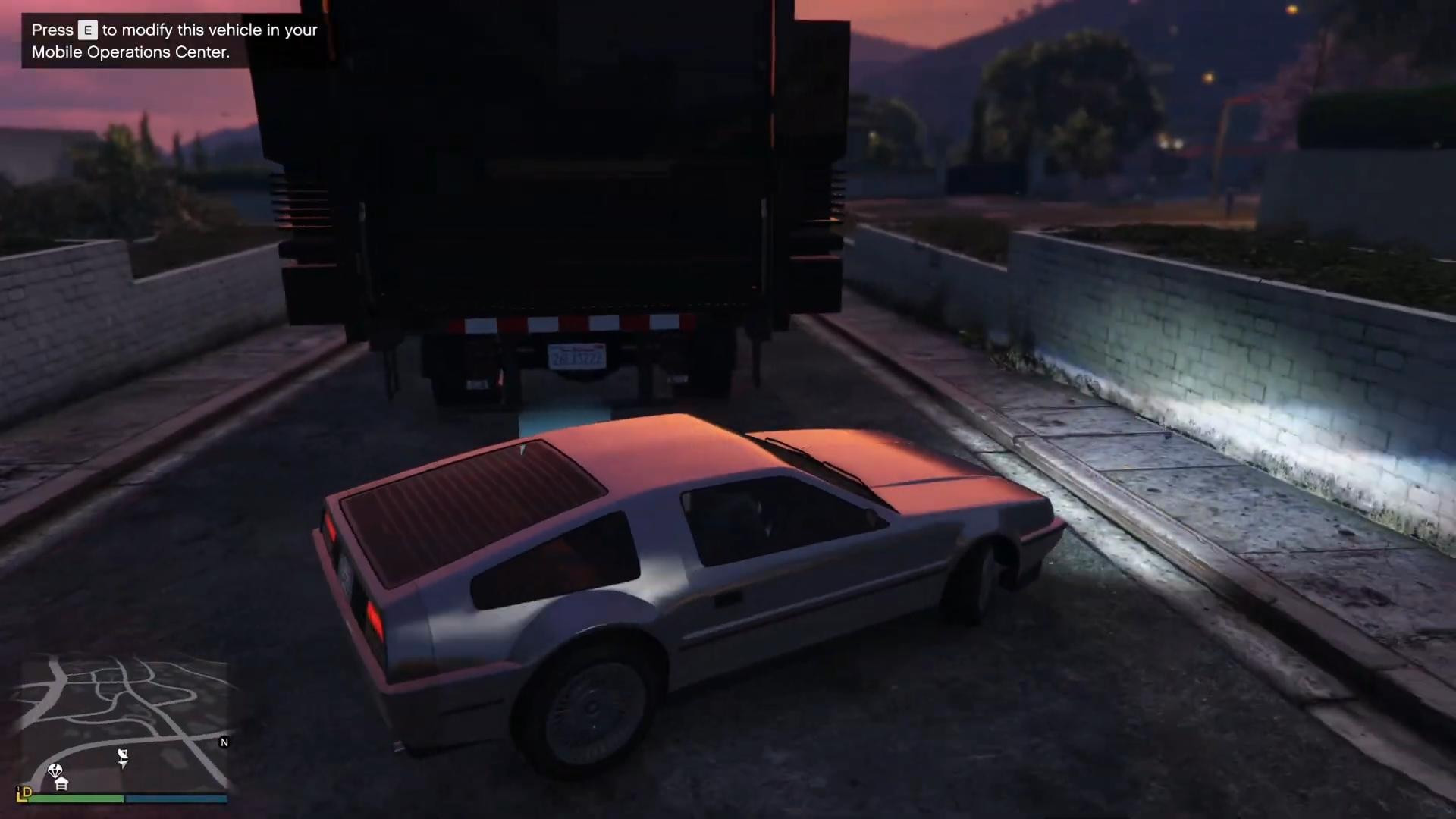
Get in your Deluxo and drive up to the MOC.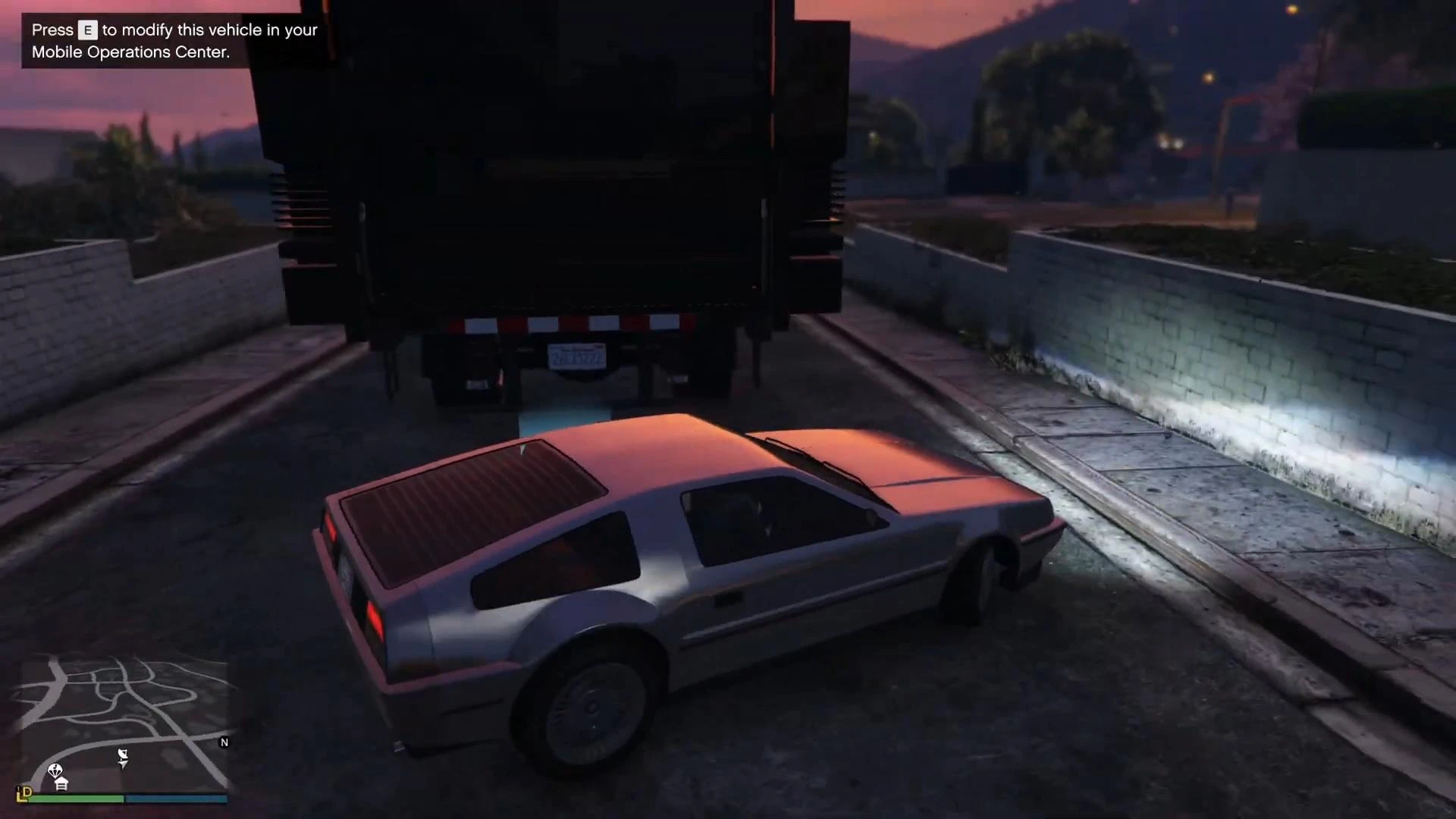
When you're close enough, press E on your keyboard or right on the crossbar if you're on a gamepad.
Installing missiles
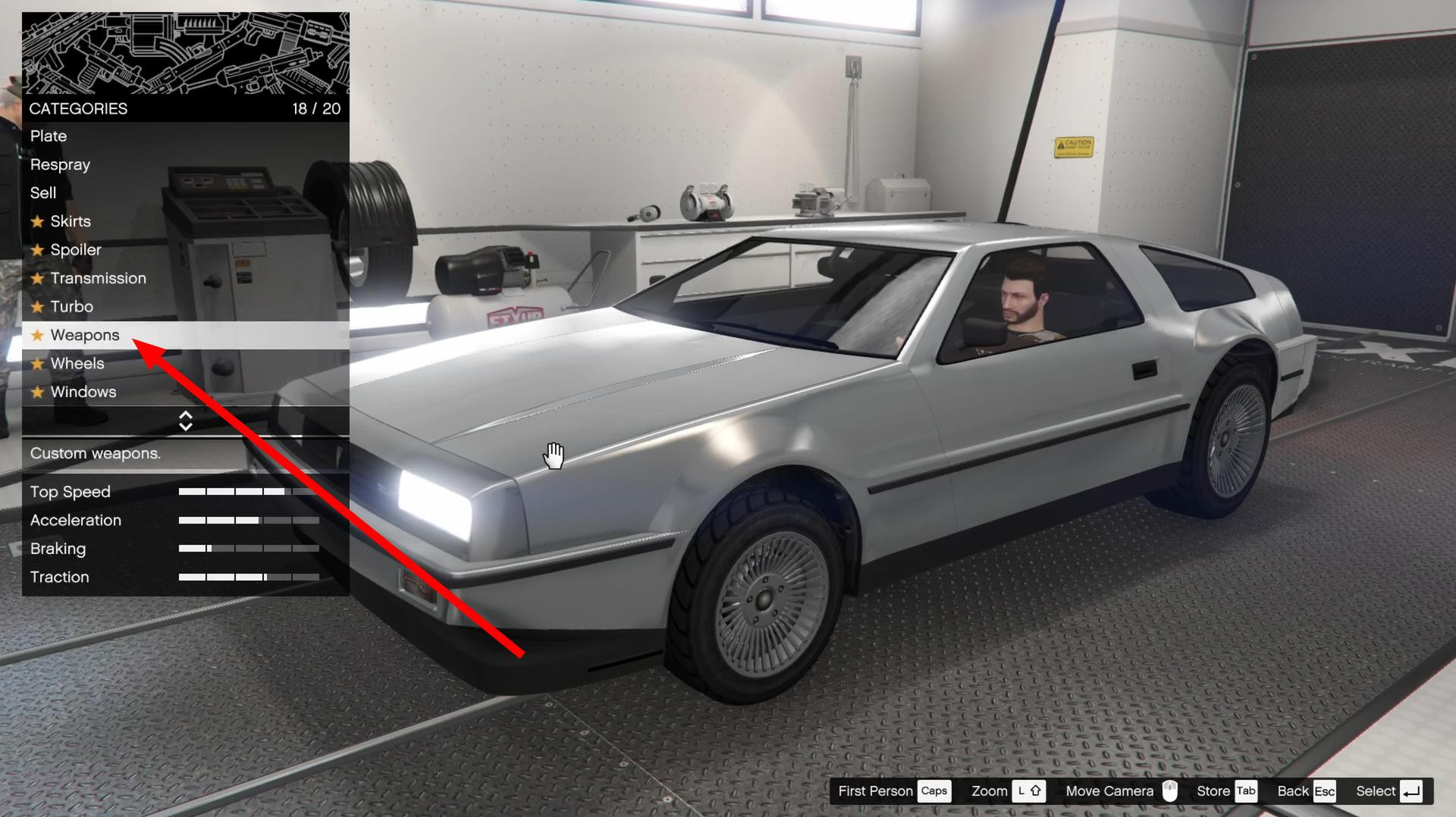
Now we go directly to the process of installing missiles. A menu will open where you can change the appearance, armor and armament.
Missiles are added through the Weapons tab.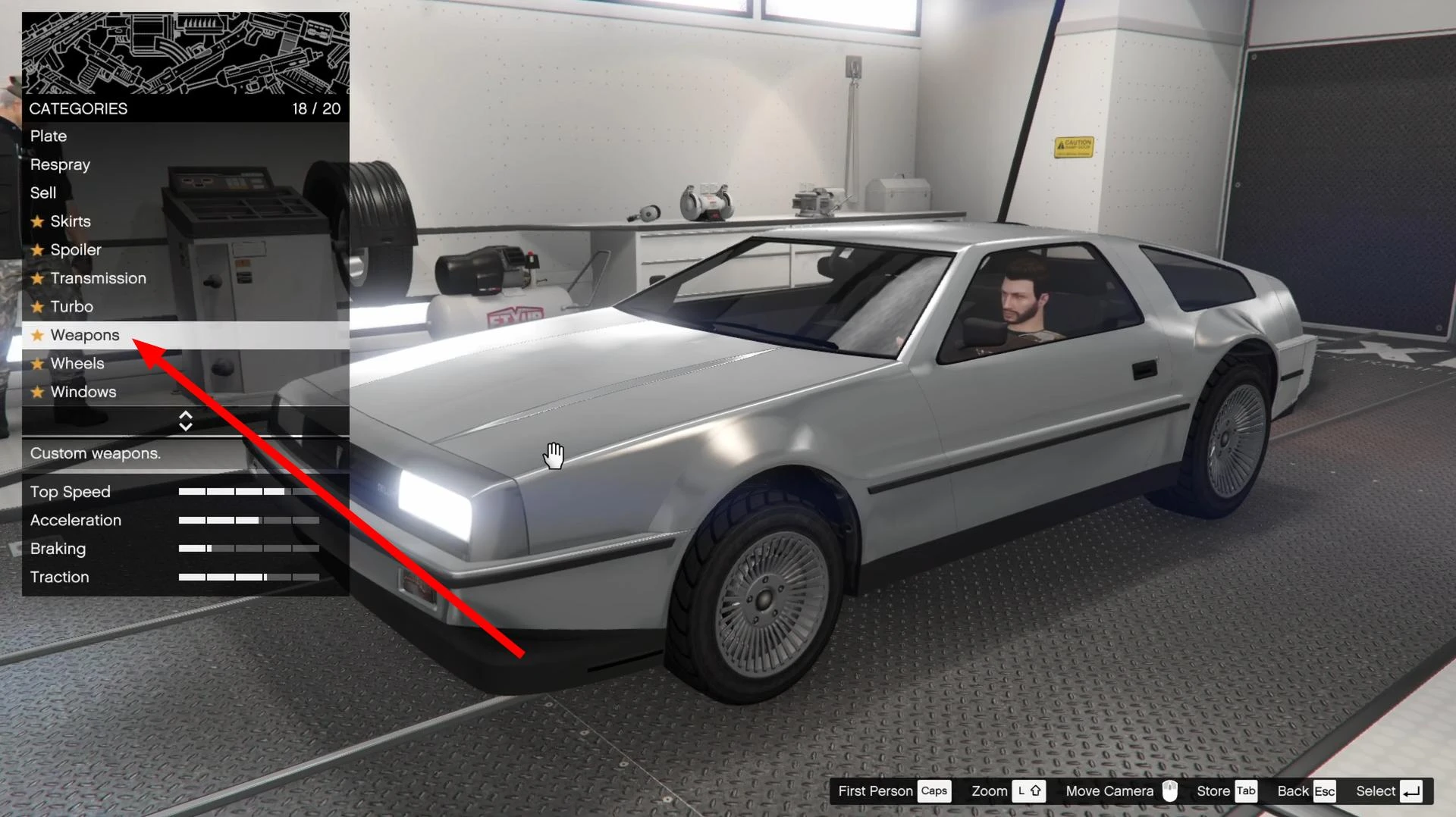
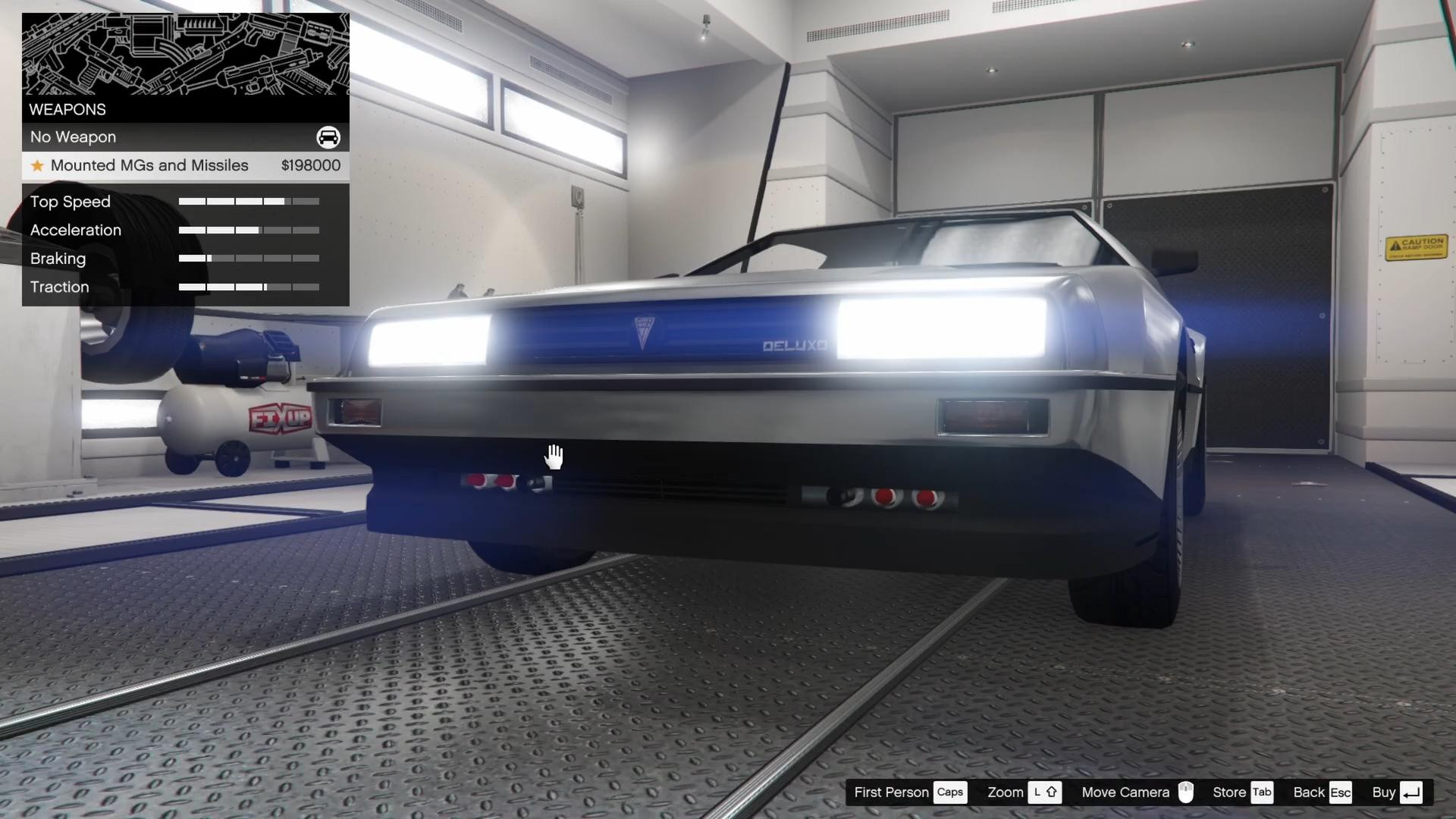
Open this tab and select the Mounted MGs and Missiles option.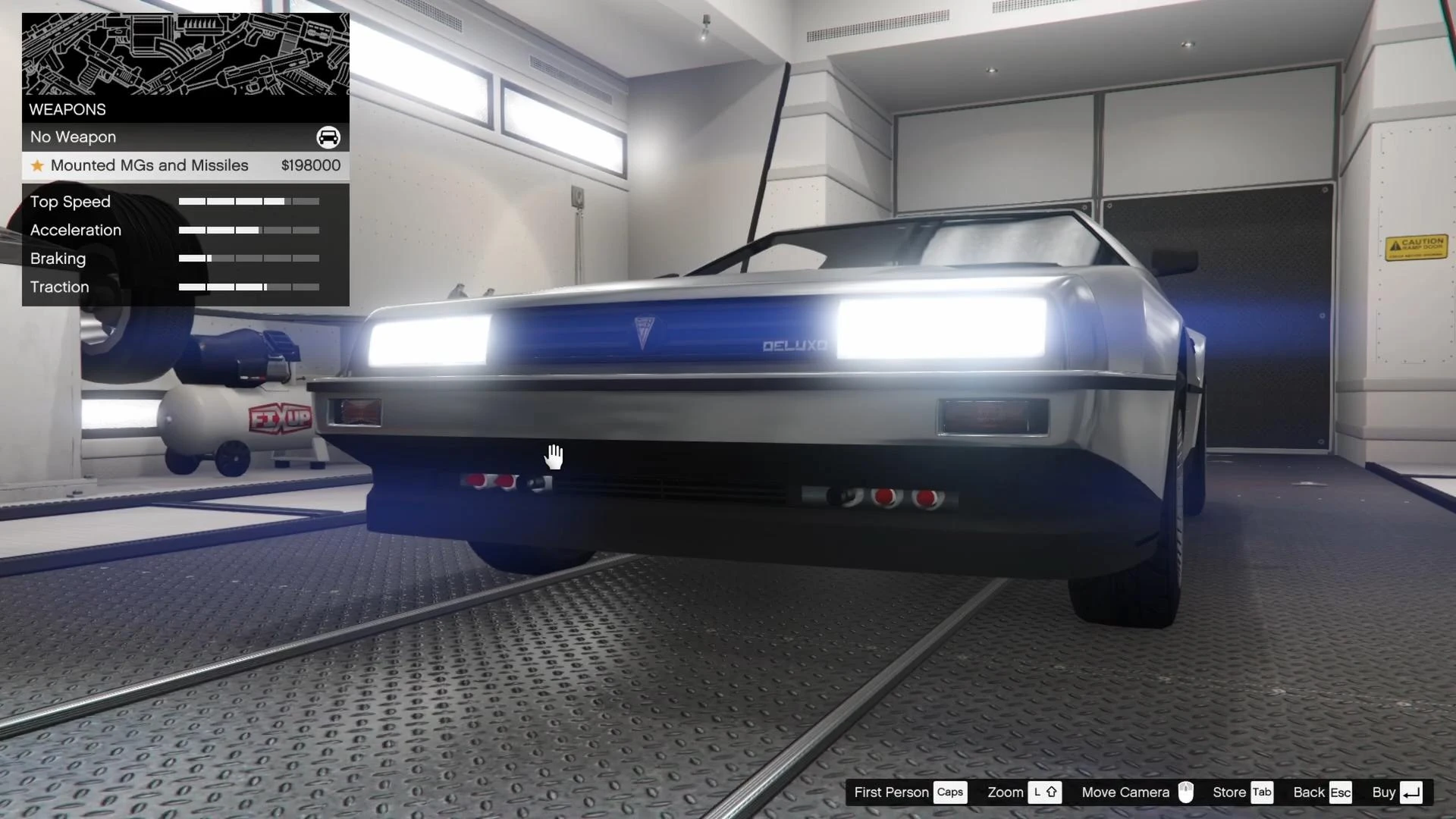
This installation will cost you around GTA$200,000.
Once installed, you'll be able to switch between machine guns and missiles - press the square on PlayStation or X on Xbox to toggle between modes.
Your Deluxo is now equipped with rockets and ready for any battle.
Videos
Added by