How to Open Phone and Dial Numbers in GTA 5
-lg_modland.jpg)
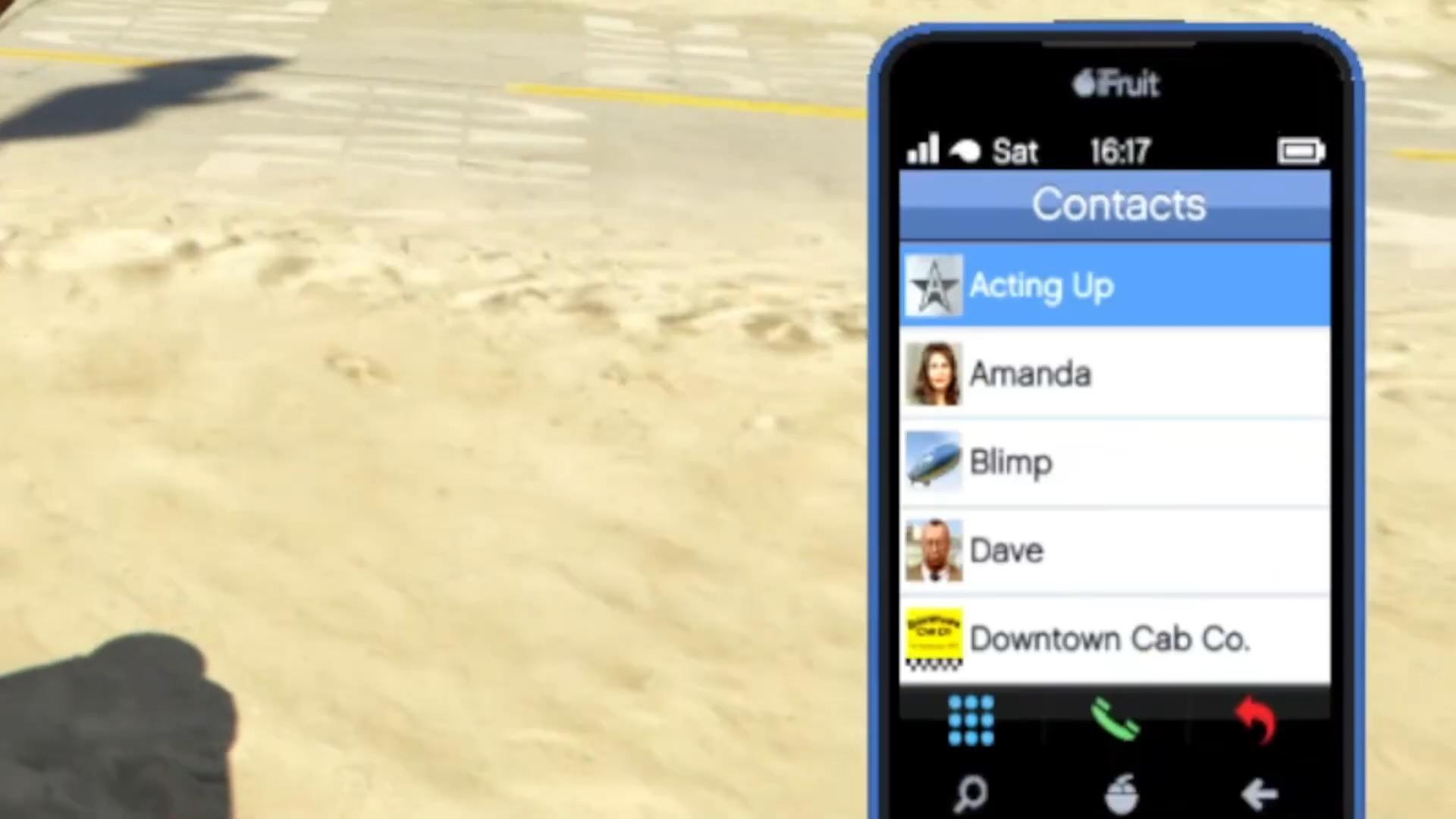
The phone in GTA 5 Online plays an incredibly important role. With its help you can call a cab, activate cheat codes, accept tasks, save numbers and use various services. But not all players know how to use it correctly, especially when it comes to manual number entry. Let's understand in order.
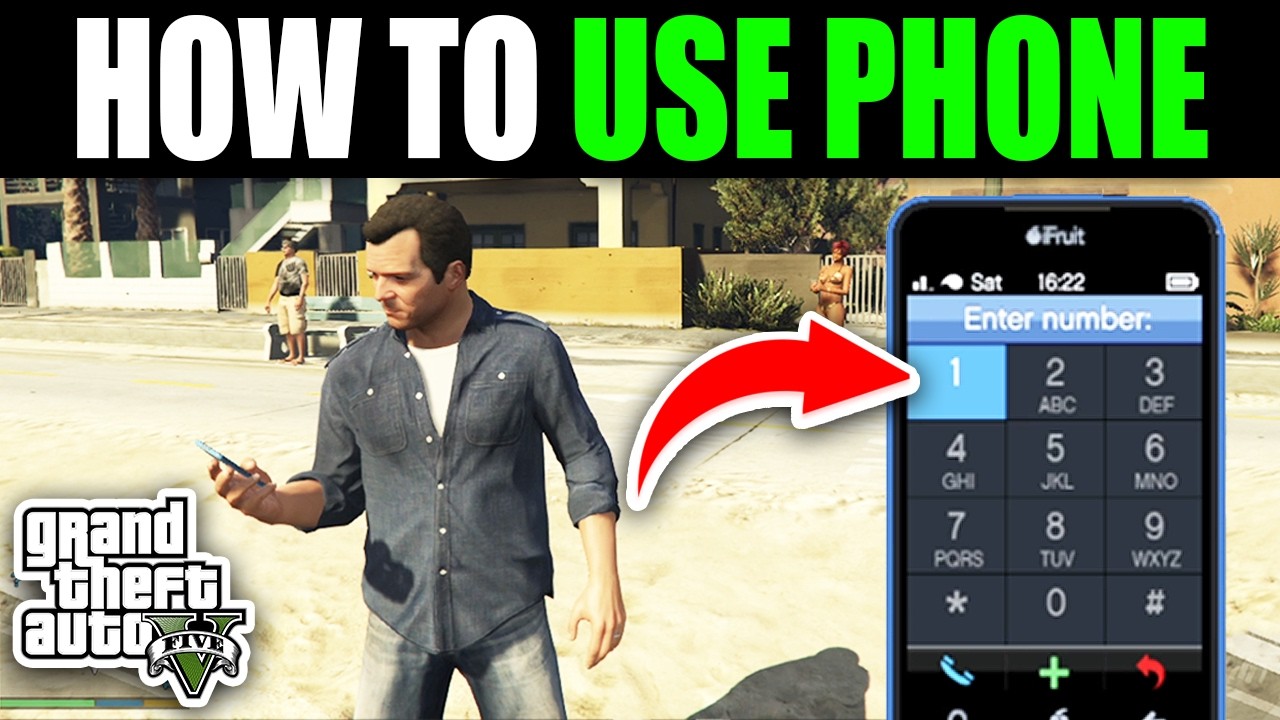
To open the phone, you need to press a certain key or button - it depends on your platform. If you are playing on PC, press the up arrow on the keyboard. If you're using an Xbox controller, press up on the cross-pad (D-pad). On PlayStation, also press up on the crossbar.
When your phone opens, you'll see the main panel with icons. Go to Contacts, which is a list of all the saved numbers available in the game.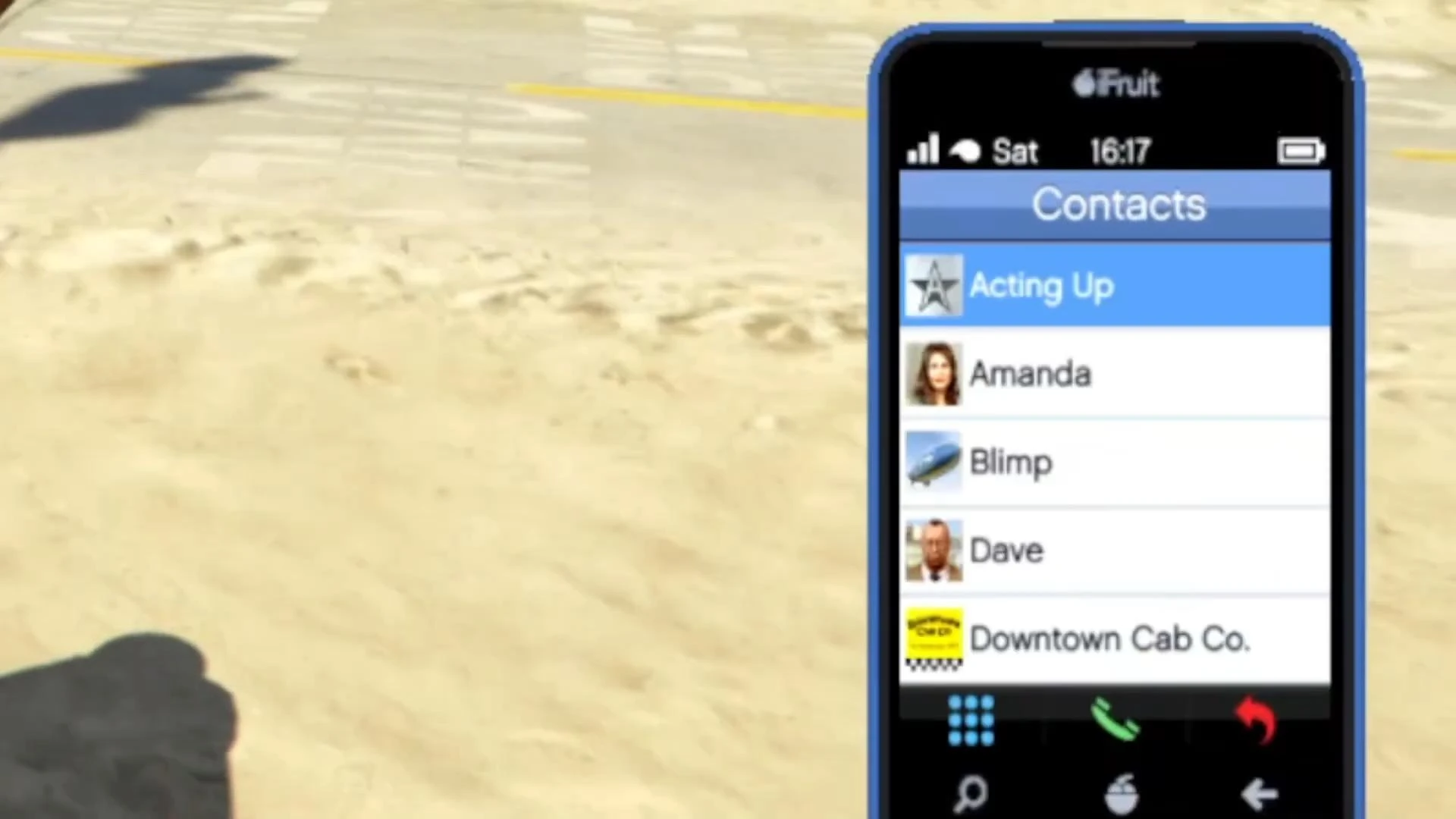
Some of them are story characters, others are service numbers (e.g. mechanic, cab, etc.).
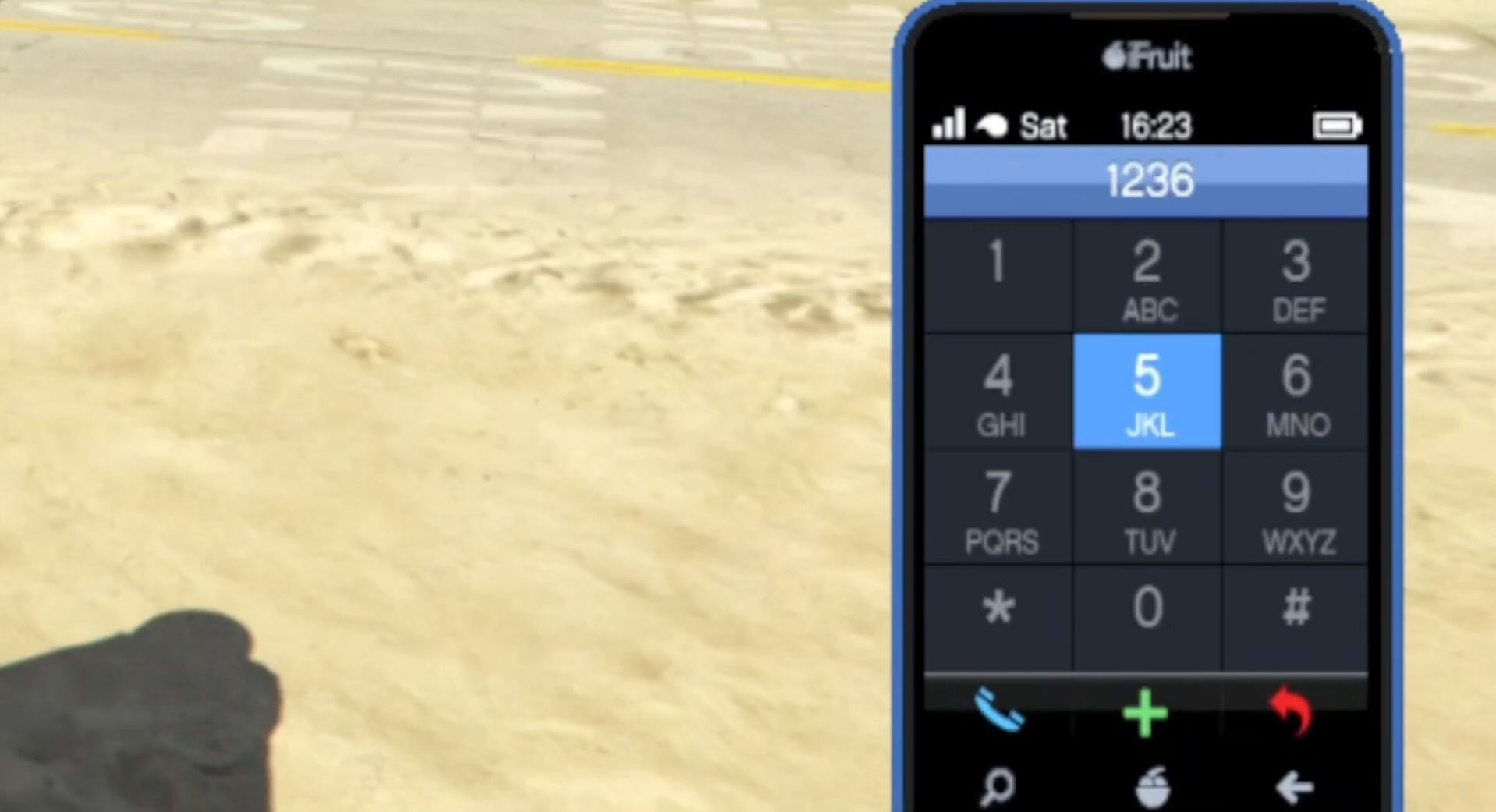
To switch to manual number entry, you need to open the numeric keypad.
- On a PC, press the Spacebar to do this.
- On Xbox, press the X button.
- On PlayStation, press the square.
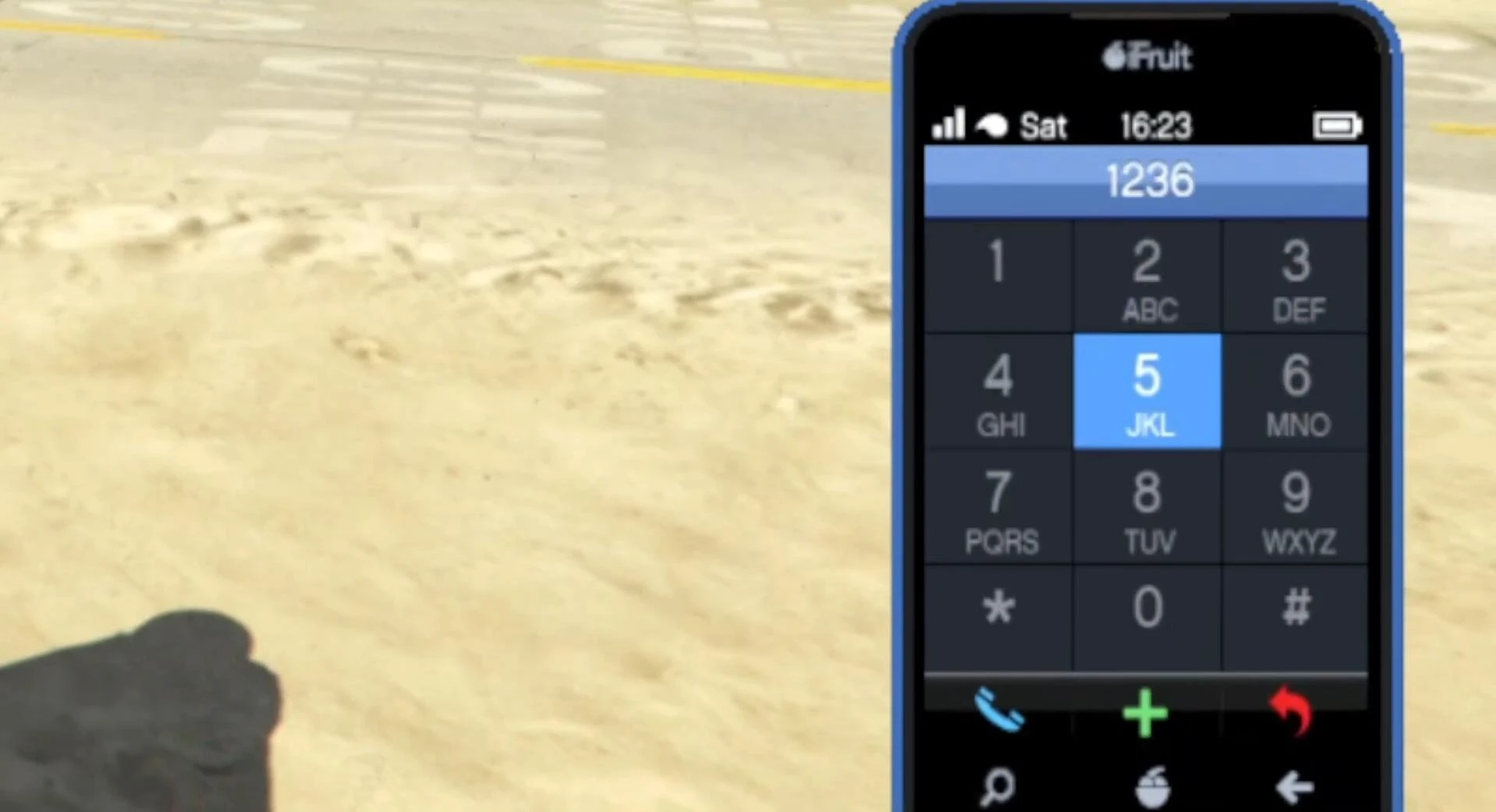
A window will open where you can enter the desired combination of numbers.
Next, simply enter the number. This can be an in-game service number or a known cheat code, such as for transportation, weapons or health regeneration. You should enter it using the keyboard or using the joystick and number pad.
Once you have entered the desired combination, press Spacebar, X or Square again depending on the platform. The number will be automatically dialed and the action will be activated.
After the call, you can close the phone. Just press the exit button (Backspace on the PC, B or Circle on the controller). That's it, you have successfully used the phone.
The above method is useful if you want to quickly activate a code for a car, weather change or weapon without opening third-party menus.
Videos
Added by