How to Buy a Car in GTA 5 (Step-by-Step Guide)
-lg_modland.jpg)
In this short guide, you will learn how to buy a car in GTA 5. It's quite simple, and in a couple of minutes, your brand new car will be waiting for you in the garage.
1. Open your phone
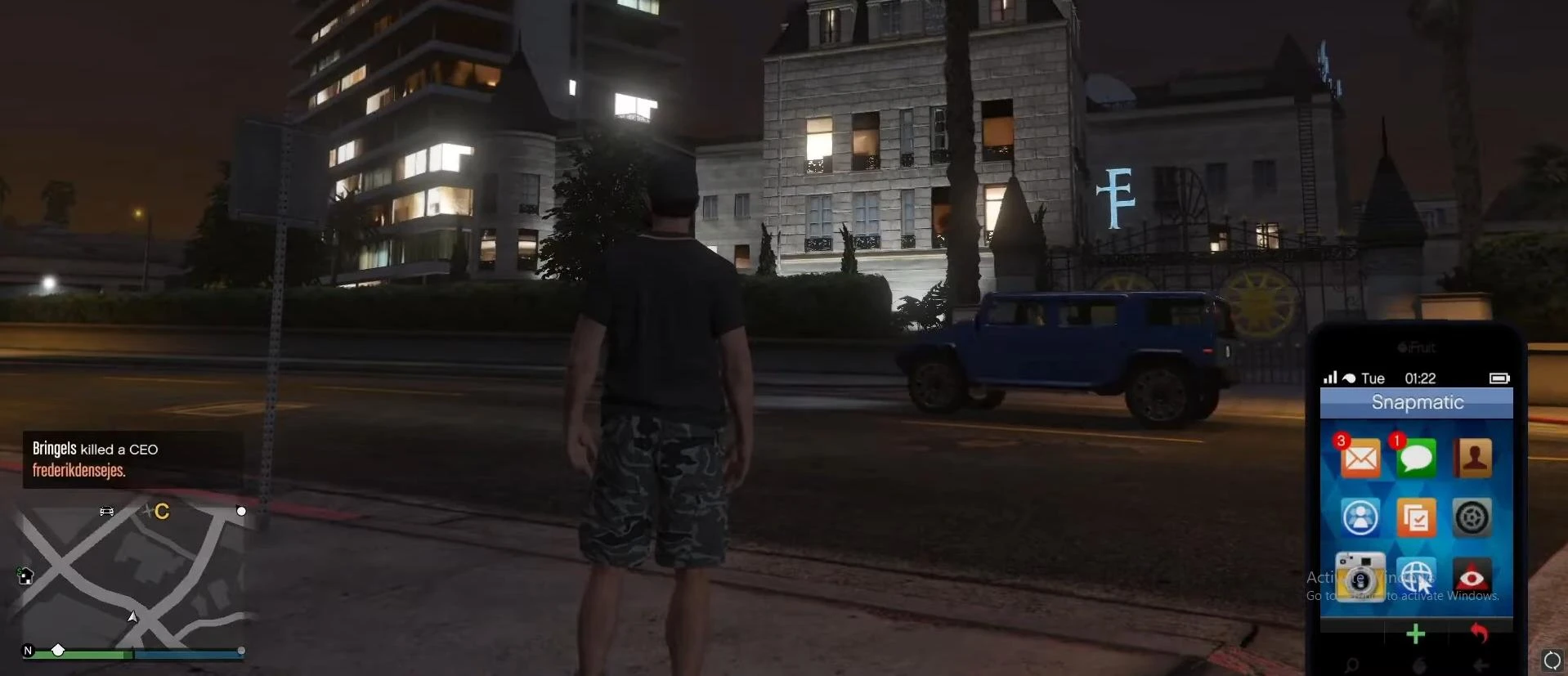
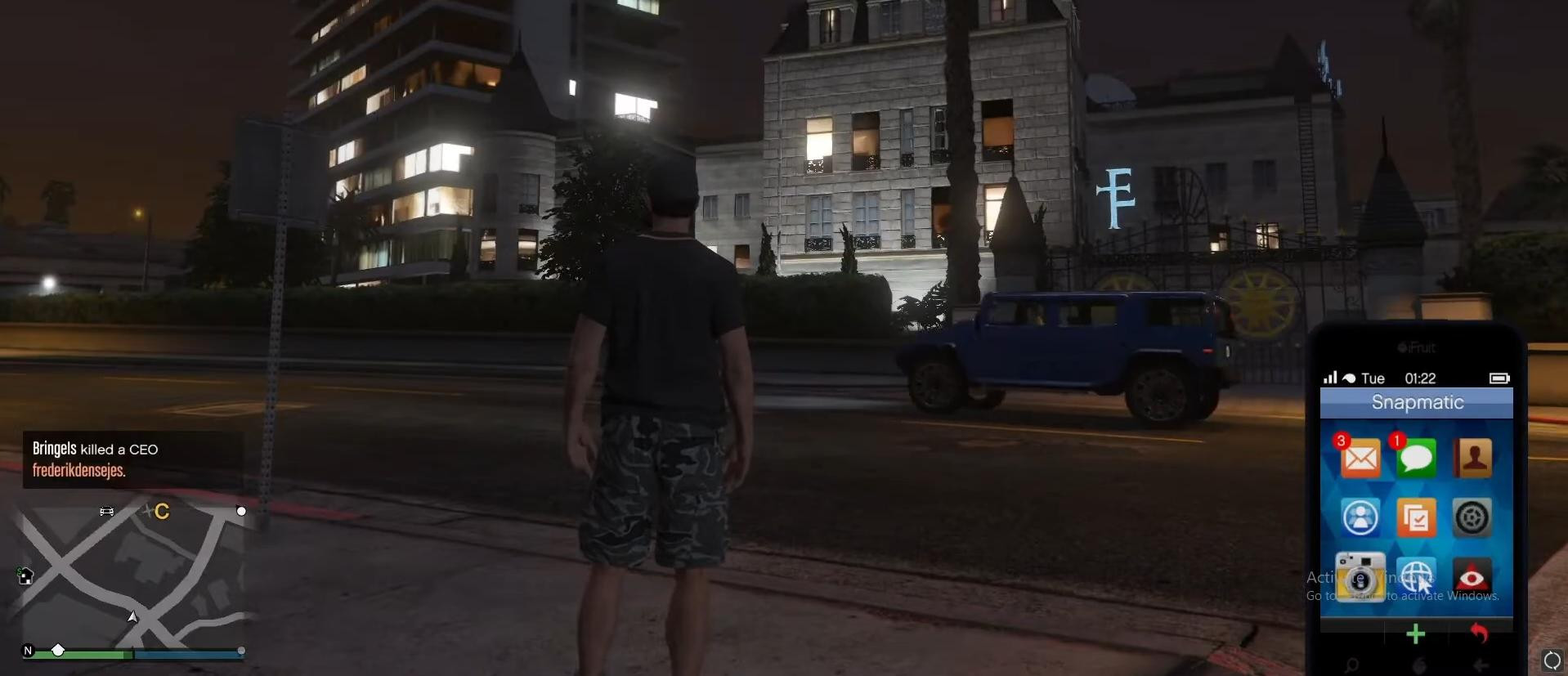
First, press the up arrow on the keyboard (or the corresponding button on your controller if you are playing on a console). Your character's phone will open.
2. Go to the Internet
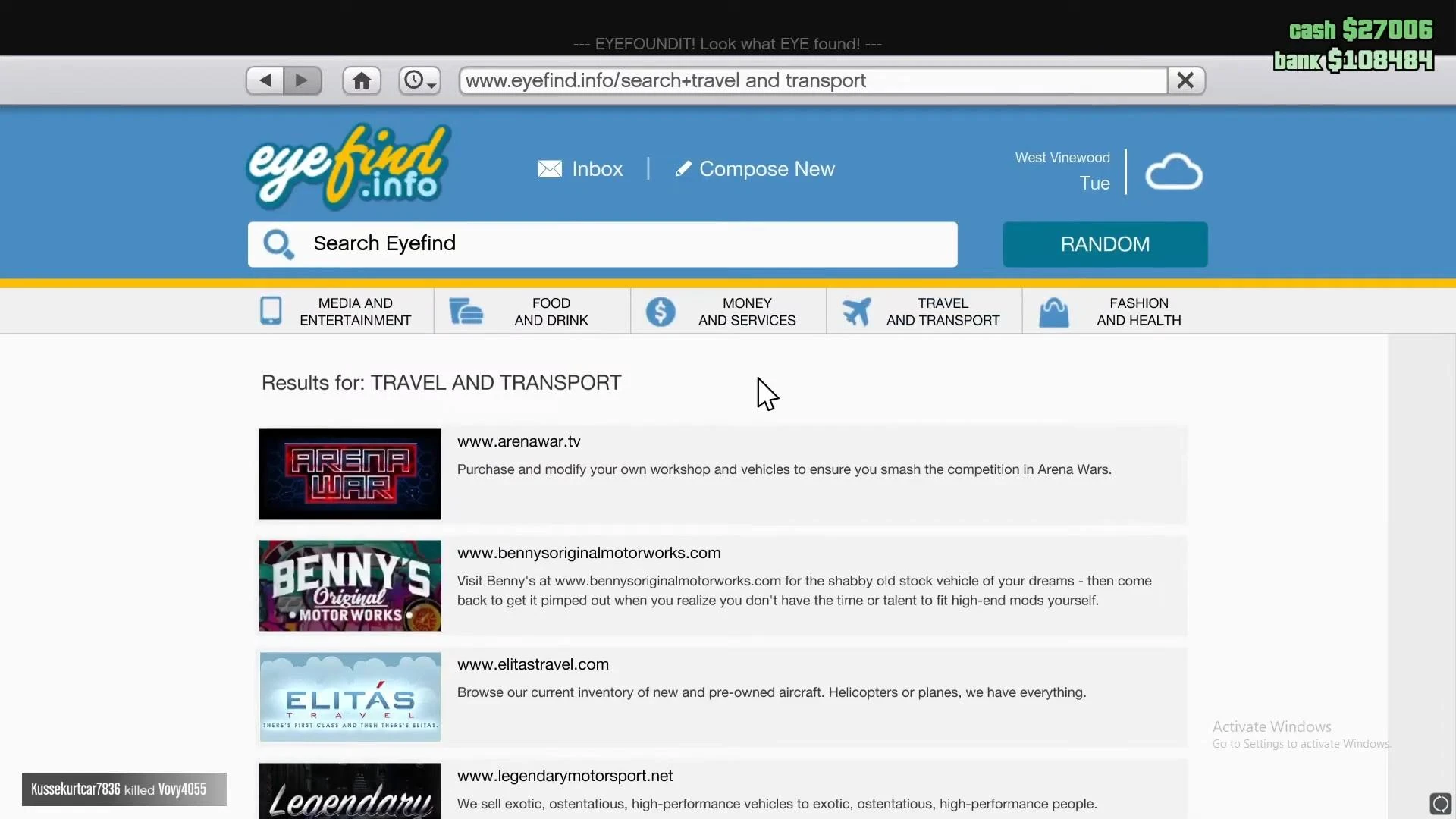
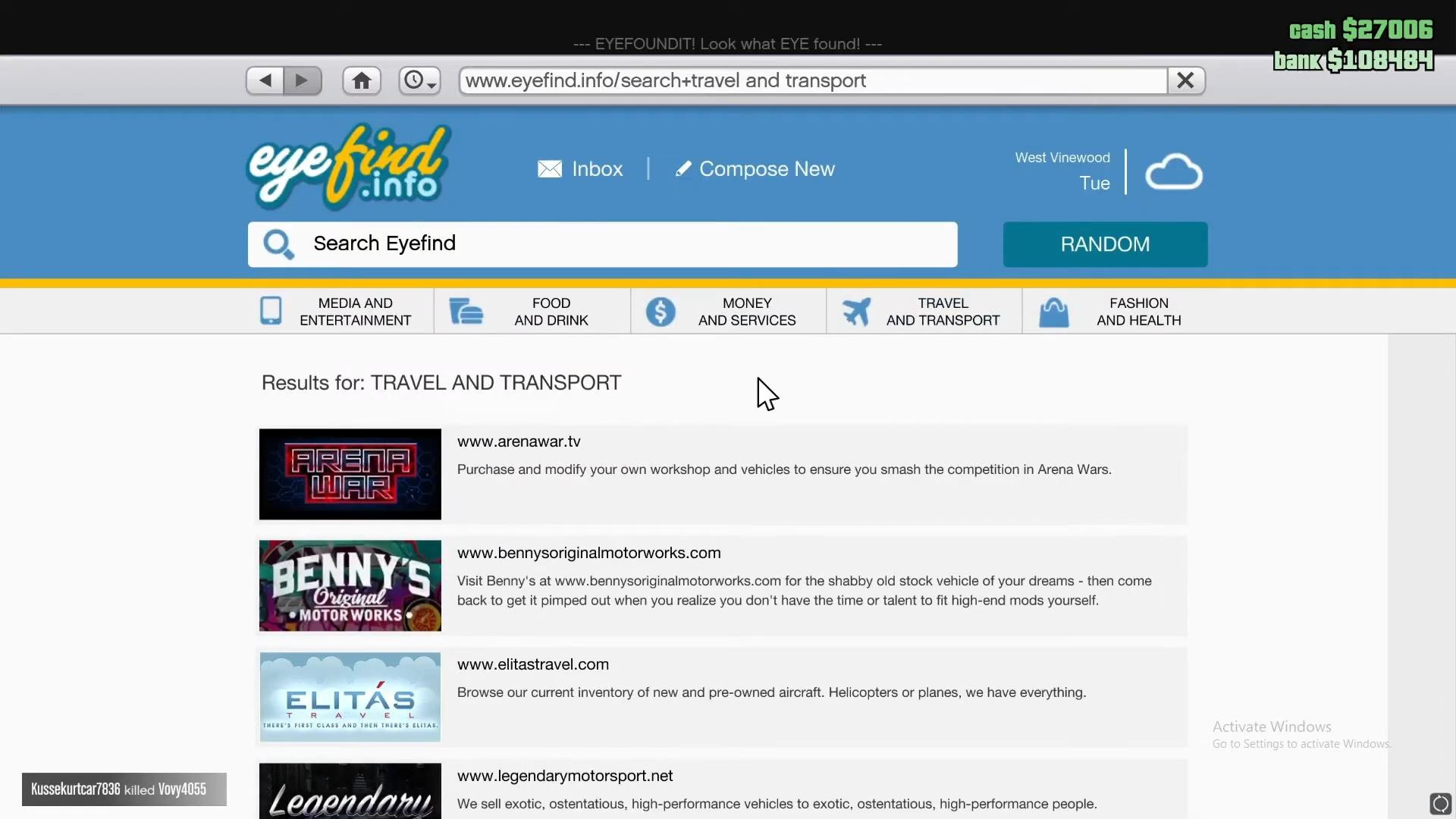
Next, click on the “Internet” icon. When the browser opens, go to the “Travel and Transport” section.
3. Select a car dealership
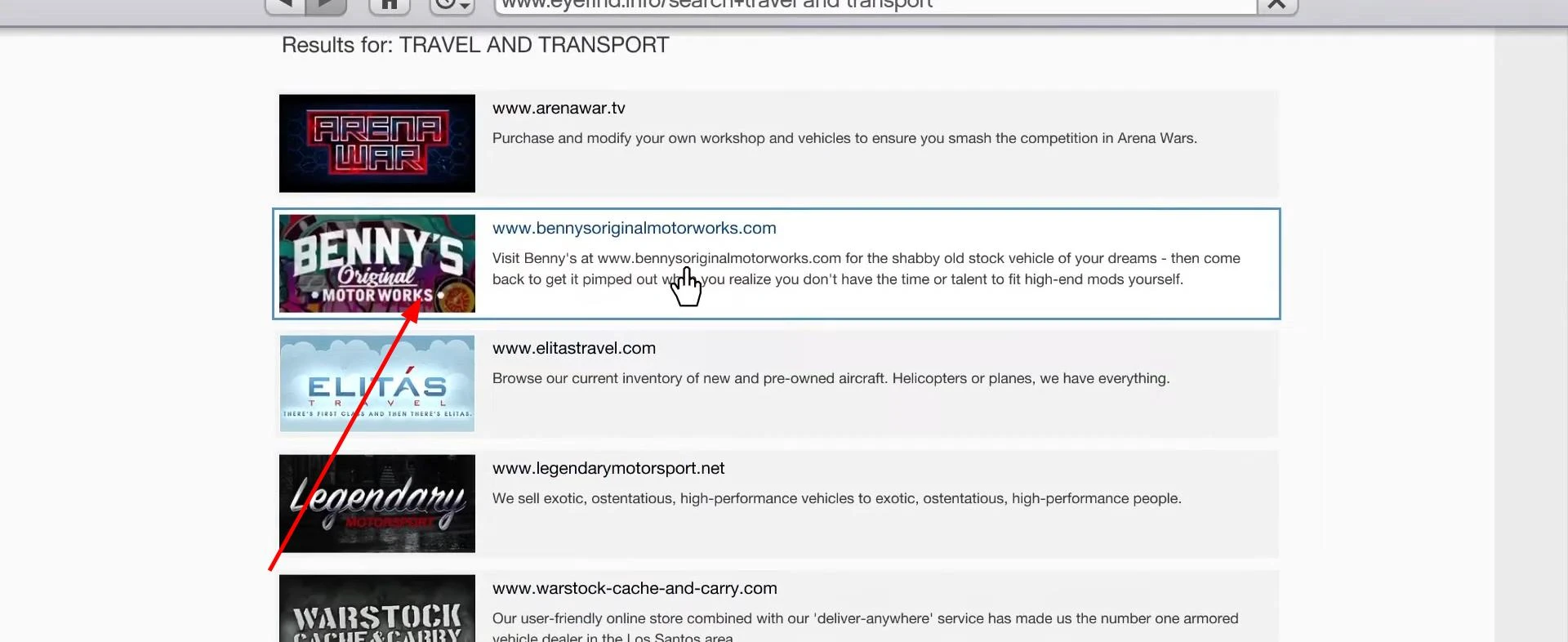
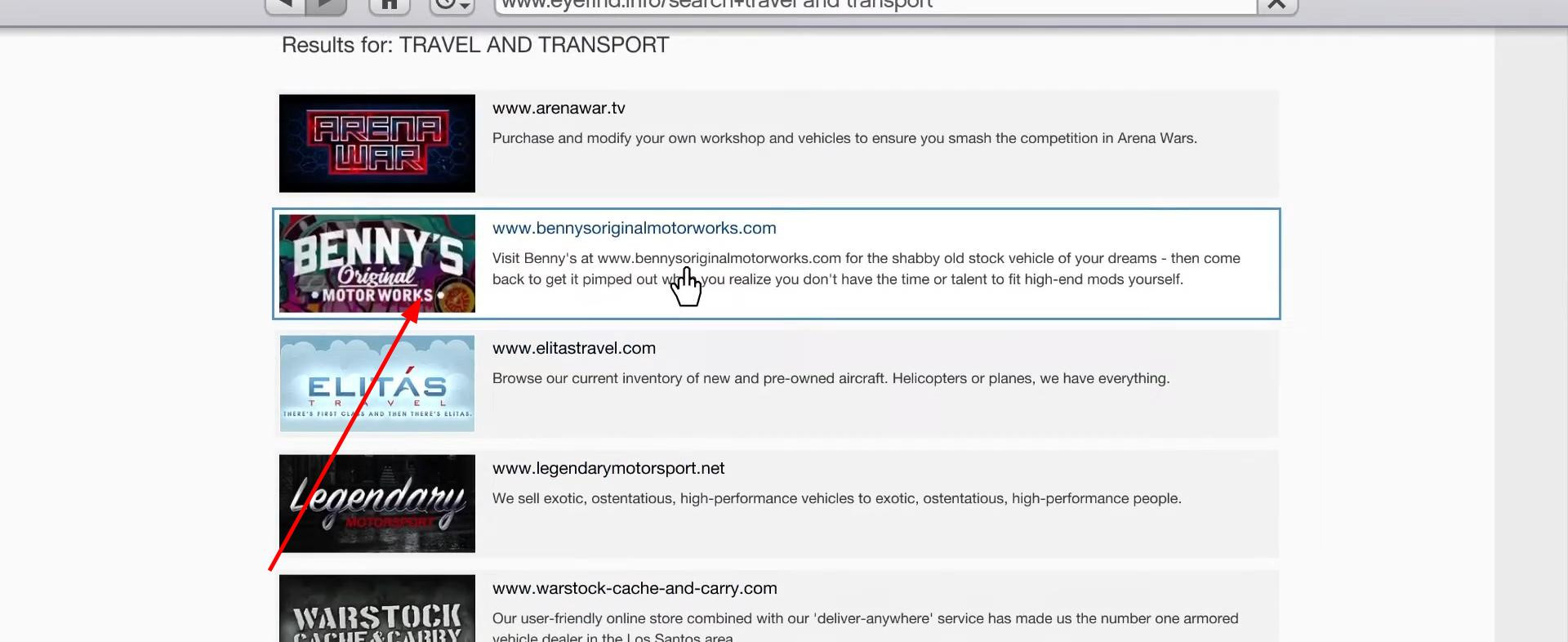
On this screen, you will see several online stores. Each one sells a specific type of vehicle:
- Legendary Motorsport — sports cars and supercars
- Southern San Andreas Super Autos — more affordable cars
- Benny's Original Motor Works — tuned cars
- Warstock — military equipment and special transport
4. Filter and select a car
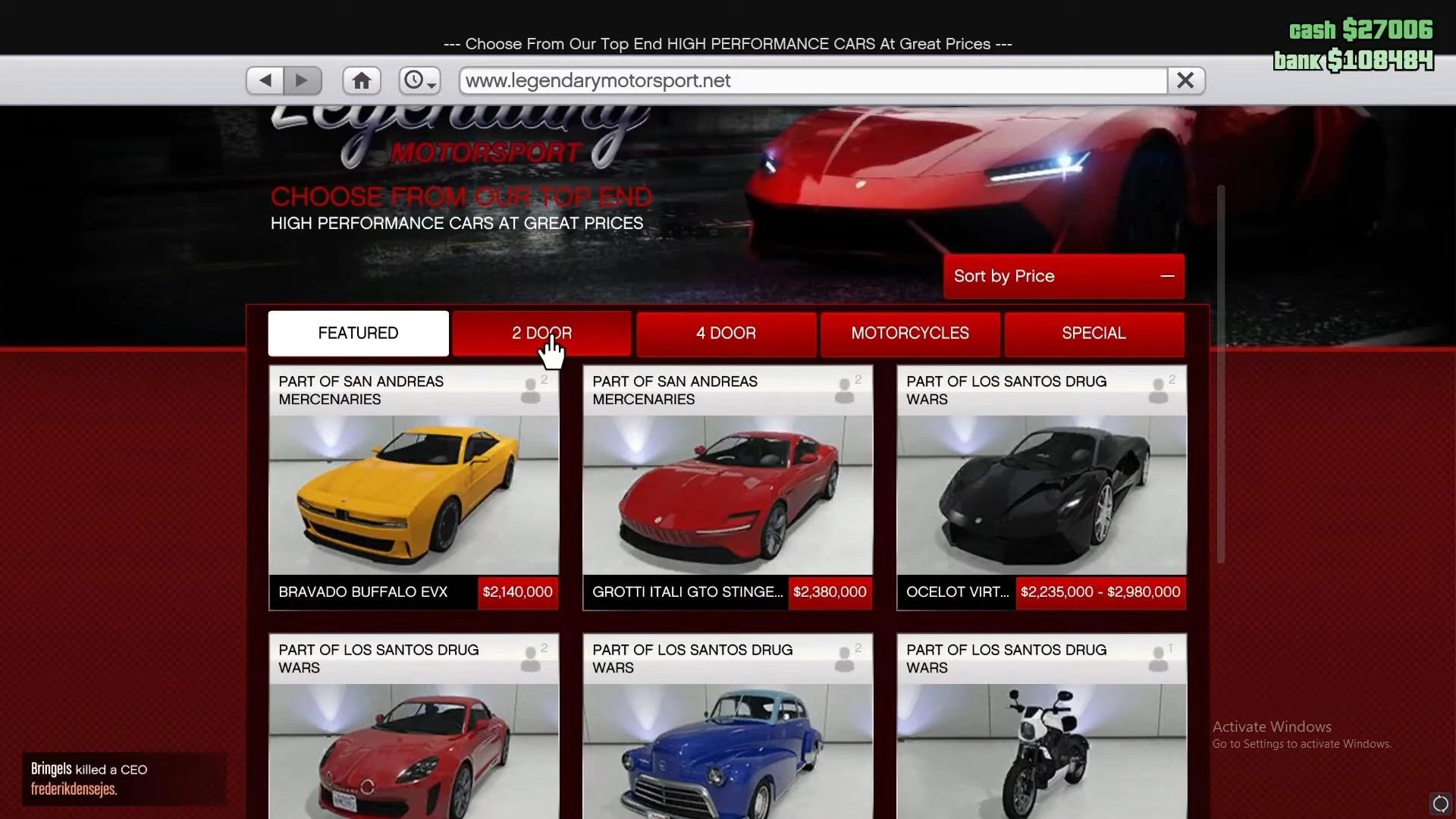
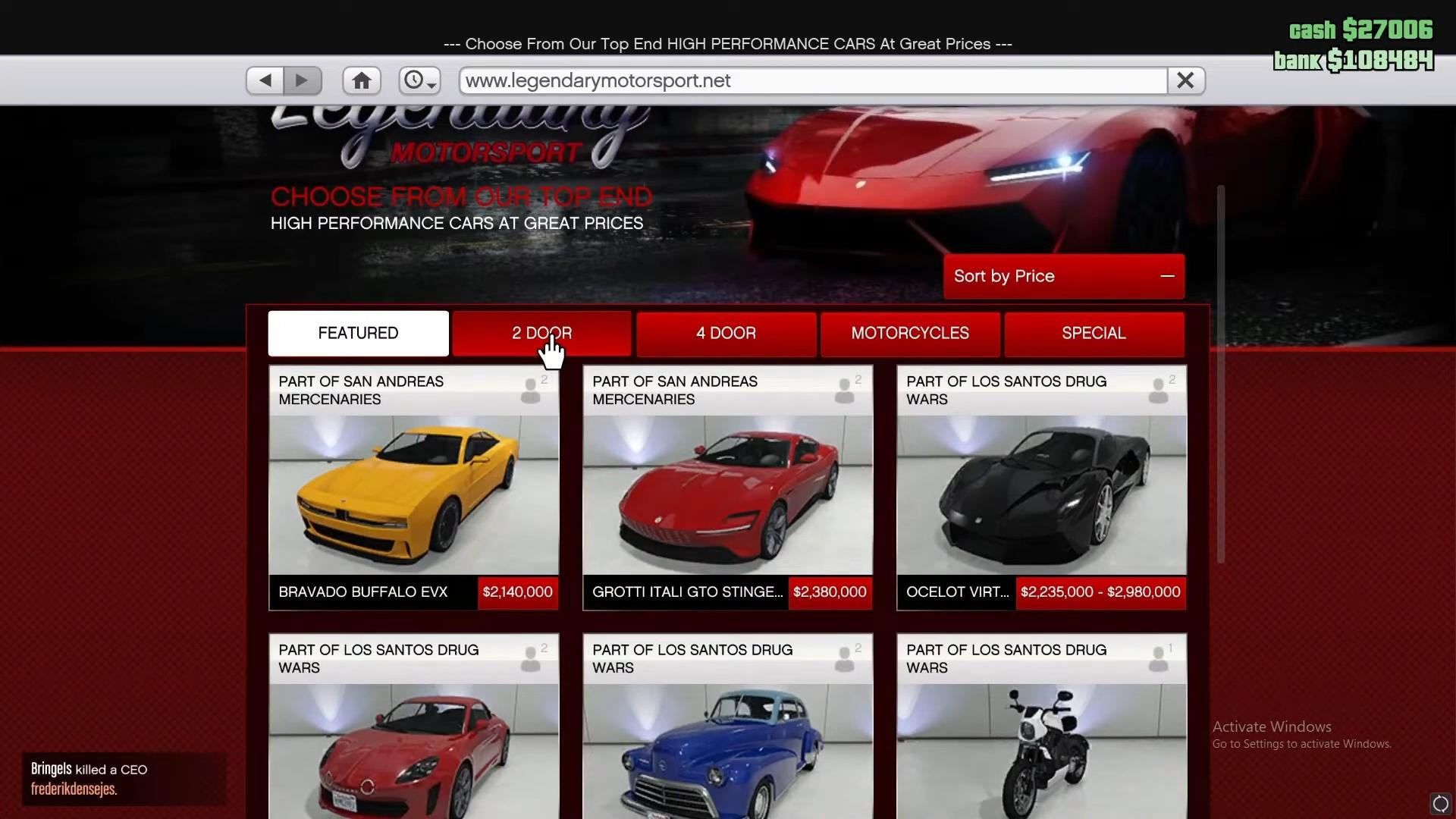
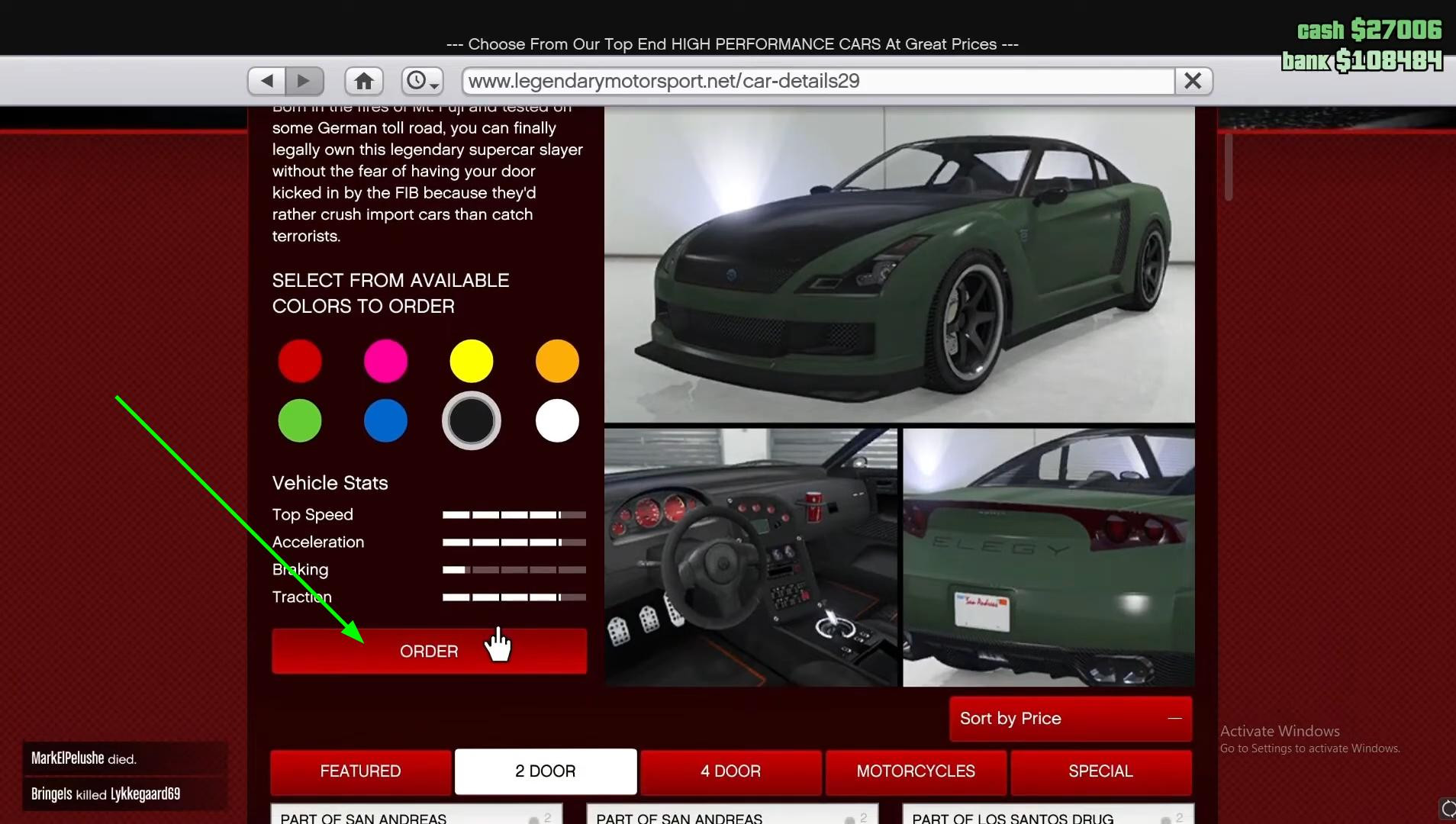
Inside the store, you can select the type of car — for example, two-door — and sort the list by price so that the cheapest options are displayed first.
Select the car you like. Click on it and select the color — and all that's left is to click the Order button.
5. Select a garage for delivery
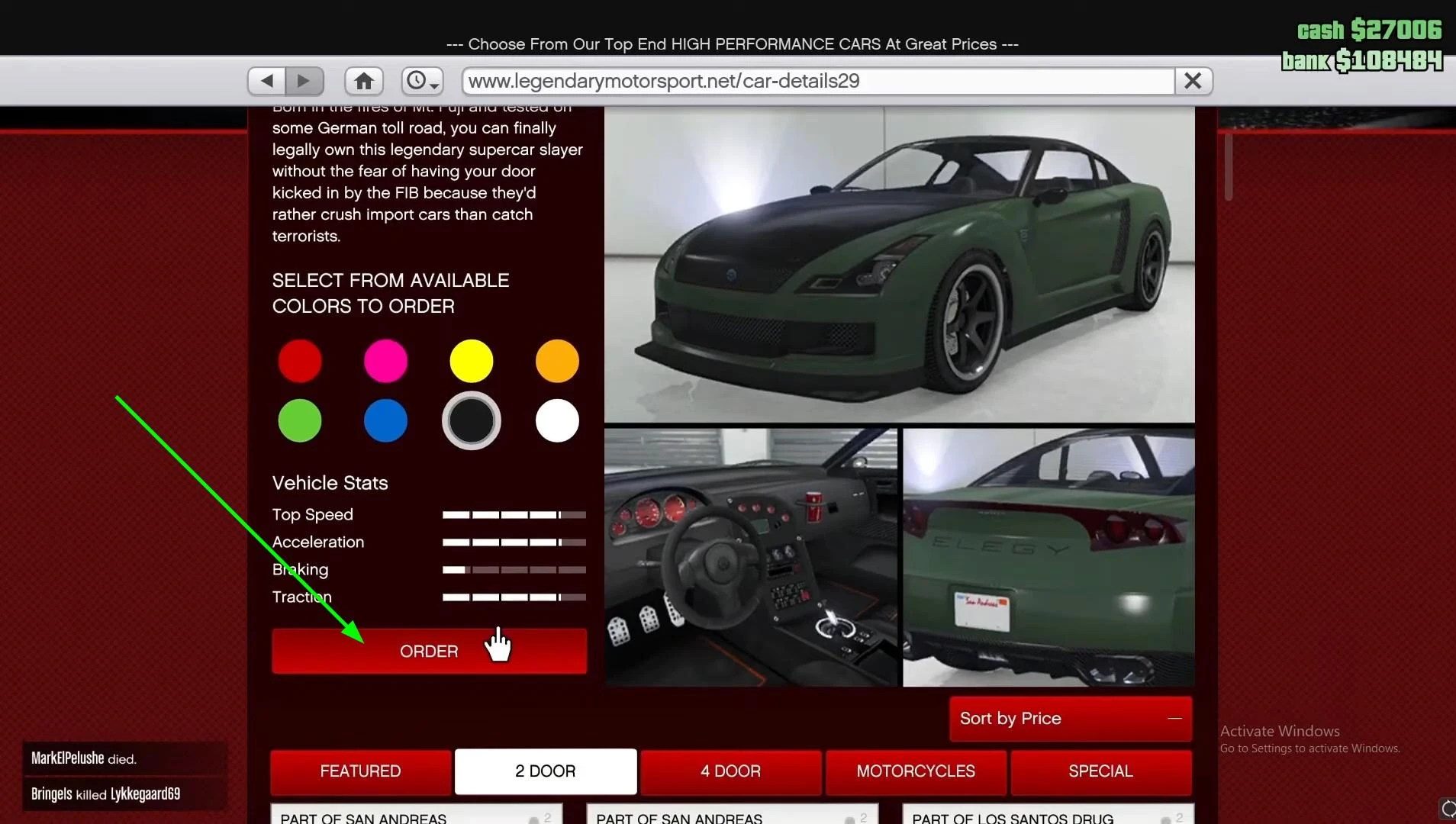
After confirming the purchase, the game will ask you to select which garage to deliver the car to. Select the appropriate one — and press Enter.
You will receive a purchase notification:
“Your car will be delivered to the garage” — this means that the order has been placed, and all you have to do is wait a little longer.
6. Check the garage
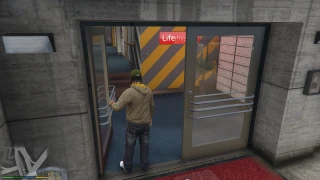
Now head to the selected garage. Stand in the blue circle at the entrance and go inside. Voila — your newly purchased car is already there!
That's it — you've just bought your first (or next) car in GTA 5. Now you can hit the streets of Los Santos and enjoy the ride.
Videos
Added by