Clear Simple ReShade Mod 1.0
MANUAL INSTALL ONLY (Obviously)
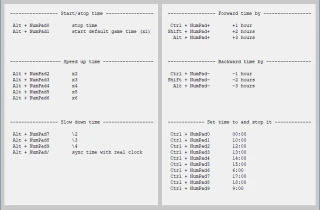
This is, in my opinion, just a nice and easy clear and simply ReShade preset for you. The effect should already be activated, just drag and drop the files into the "SnowRunner\en_us\Sources\Bin" folder. If not, press the "Home" key to upload the GUI. The keys and effects should be initialized. Then press the "Page Down" button on the main keyboard to then turn on/off the effect you should see right away. "Home" key on keyboard opens configuration GUI again should you want to fiddle.
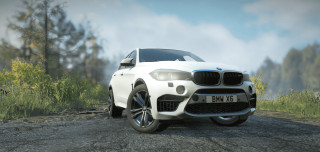
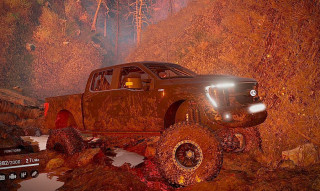
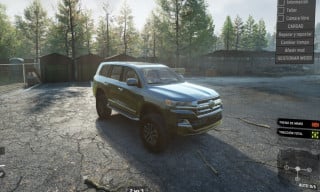
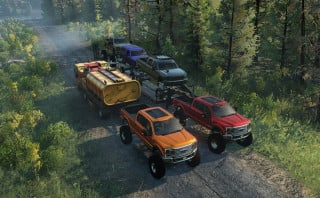
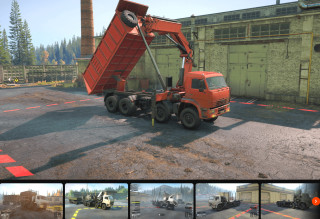
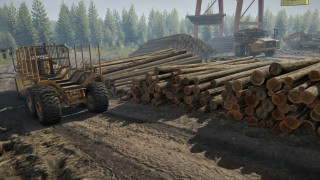
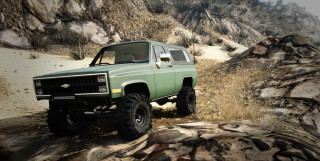
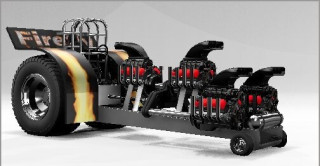
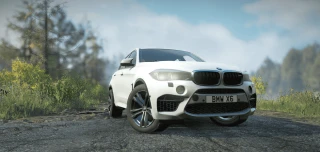
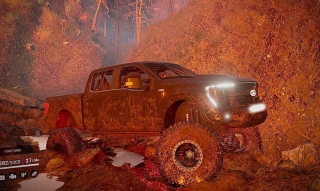
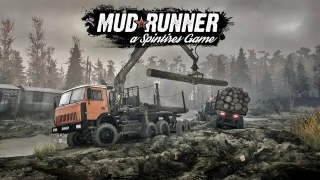
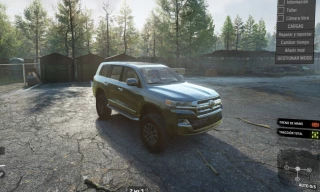
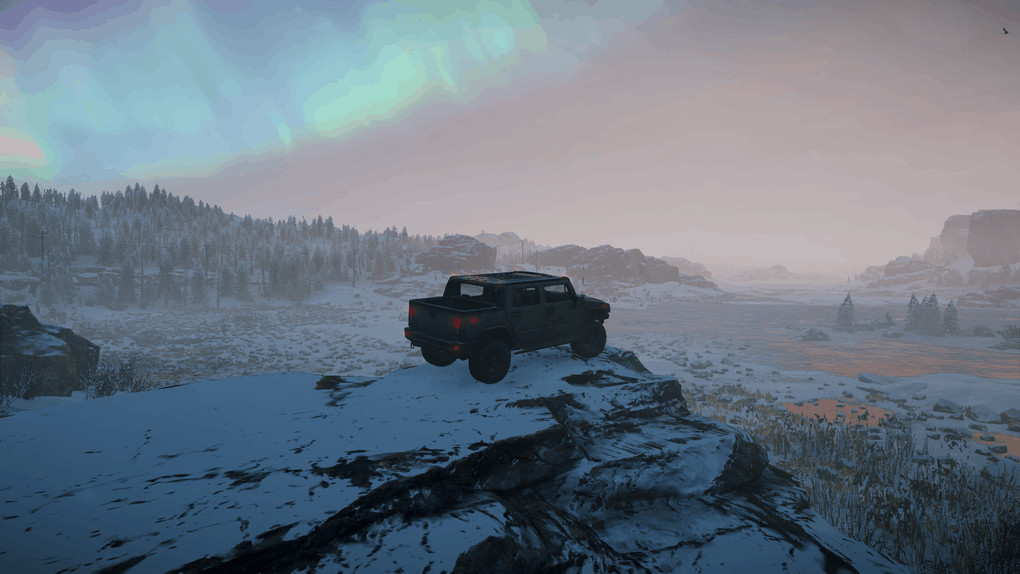
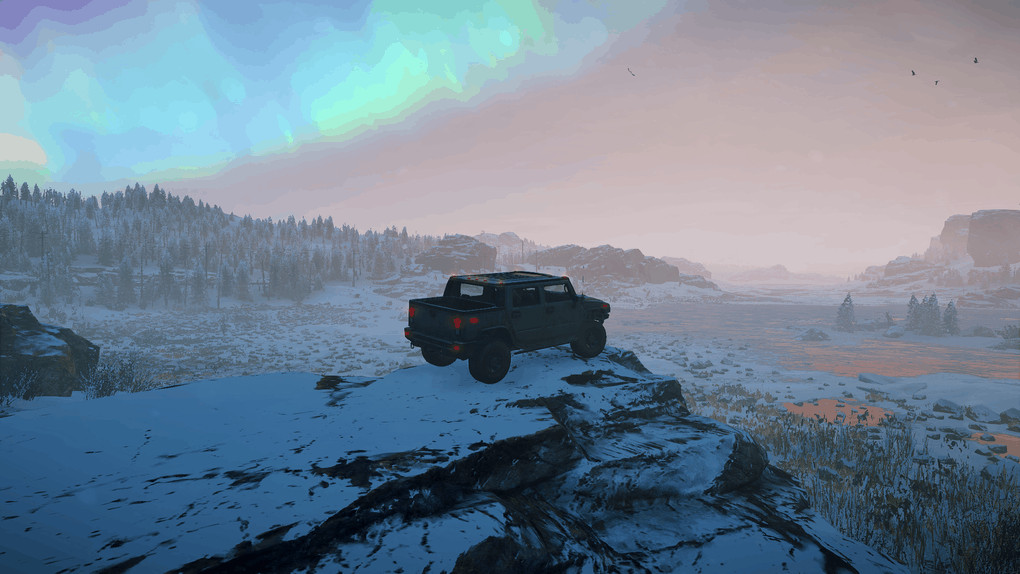
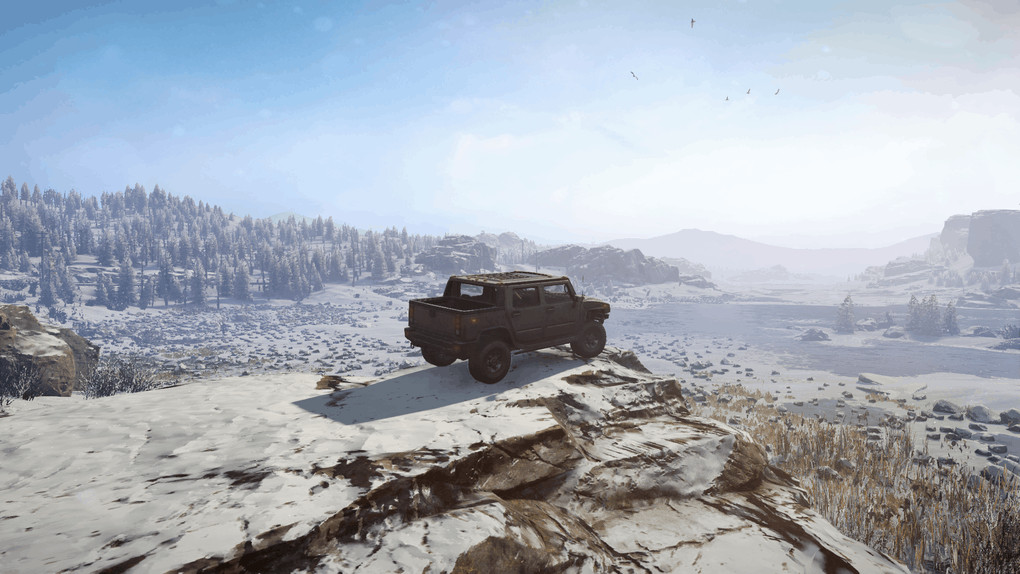
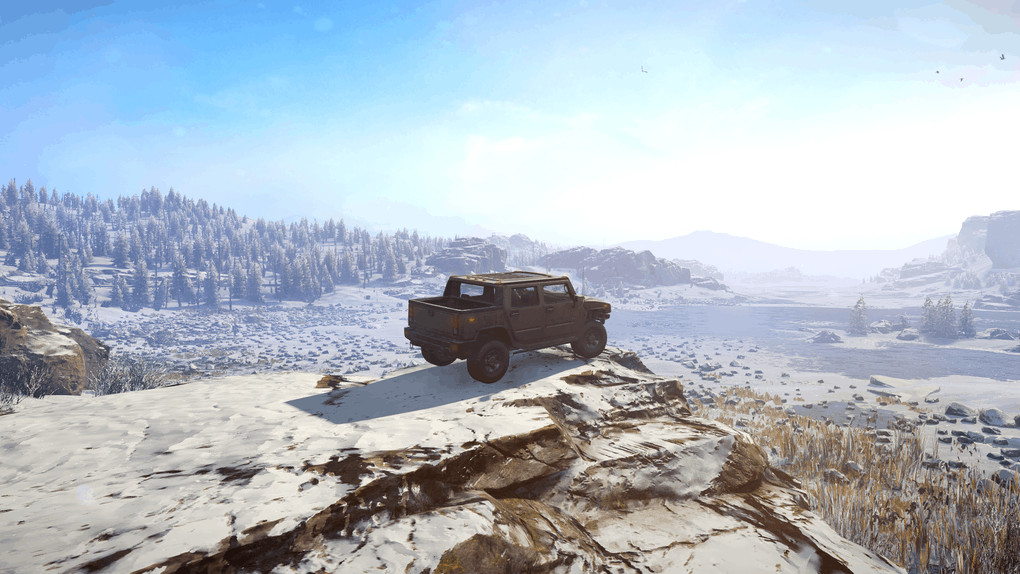
Screenshots should follow a "on>off>on>off" pattern as you scroll through them with the modded effect being first, then vanilla second. I tried to upload all different environments so you can clearly see the differences.
I recommend keeping Anti Aliasing at "2x" (and obviously, disable the games "fidelity" sharpening if that is on) and just enabling FXAA as well together (or you can have AA off and just FXAA, either or) as the "Luma Sharpen" effect helps clear up details really nicely and is very subtle. Up to you, I prefer to mix the luma effect with MSAA with FXAA for a nice clarity balance but depends on your milage and PC power, the effect was designed around no AA and just using standard FXAA so go with that if in doubt.
**Ignore the top bar when starting the game about updating ReShade, it's just for new effects and absolutely not needed as I've not used anything over the top or different.**
So what have I done, exactly? Well, as all of you can hopefully see, nothing big from the screenshots. Just a little curve edit to show the colors that look pretty in the snow, at sunset, in the morning or midday. Brings out the blues, reds, greens and yellows of the seasonal environment really nicely, especially effective in the new maps added from DLC.
Secondly, a very slight "Luma Sharpen" effect which IMO should be paired without AA as described above besides FXAA. All this effect does is remove the sort of blur across the screen the game has and really allows the games details to pop which you can hopefully see in the screenshots.
Feedback welcome but I won't be changing the effects as it's purely for personal use, I just shared exactly what I am using, if you want to edit it feel free for yourself.
Credits:Krakenous
External Download Links:
- Sharemods.com - clear_reshade.zip [2.5 MB]