Immersive Sprinklers and Scarecrows v0.4.1




Immersive Sprinklers and Scarecrows
This mod replaces the older Immersive Sprinklers and Immersive Scarecrows mods. Previous objects placed with those mods will not work.
Placement:
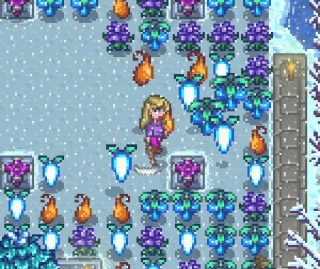
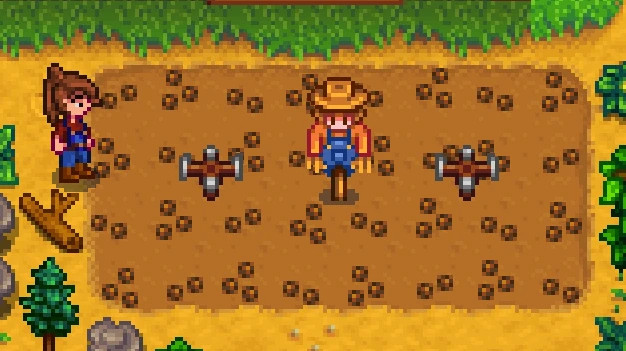
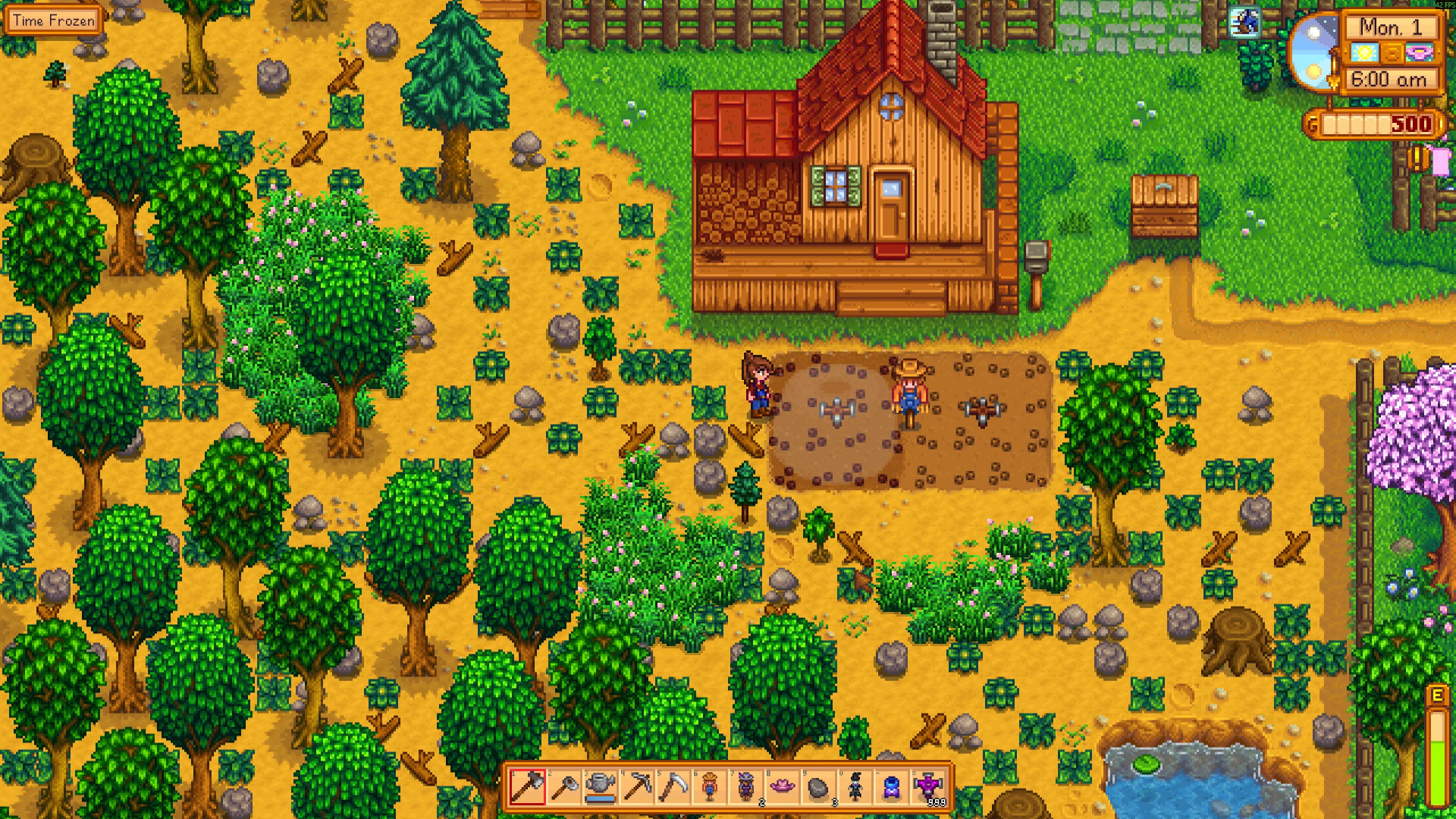
– Place sprinklers or scarecrows directly on tilled soil tiles.
– They align to the corner nearest the mouse cursor.
– They water or protect crops around them.
– You can pass through them freely.
Removal and Swapping:
– Hover over an object and press the pickup key (default E) to remove it.
– Optionally, enable automatic removal near the farmer in the config (default for Android).
– You can also use a pickaxe to remove objects.
– Swap objects by placing another at the same junction.
Range Display:
– Hover and hold show range key (default Left Ctrl for sprinklers, Right Ctrl for scarecrows) to see coverage.
– Show all ranges at once with the show all range key (default Right Alt).
Sprinkler Details:
– Ordinary: waters 4 surrounding tiles.
– Quality: waters 16 surrounding tiles.
– Iridium: waters 36 surrounding tiles.
– Radii can be customized in the config.
– Sprinklers can hold both an enricher and a pressure nozzle simultaneously.
– Activate manually with the activate key (default Enter).
– Optionally, activate all sprinklers near the farmer; range can be adjusted or set to 0 to activate all in the location.
Customization:
– Change object scale, opacity, and position in the config.
Notes:
– Radii may be affected by other mods that alter range or add custom objects.
– Objects with non-standard mechanics may not work with immersive scarecrows.
– Objects are stored in GameLocation mod data, so deleting hoe dirt will not remove them.
External Download Links:
Direct Download Links
About Mod
| Latest Version | v0.4.1 |
| Game | Stardew Valley |
| Category | Gameplay Mechanics |
| Downloads | 131 |
| Created | 4 months ago |