Mammothtank's Hull_Angle_Indicator 1.1

![Damage Stickers (Paintball mod) 1.1 [1.5.1.0]](https://li1.modland.net/world-of-tanks/other/thumbnail/damage-stickers-paintball-mod-1.1-[1.5.1.0]_ModLandNet.jpg)
0/5,
0
votes
Description
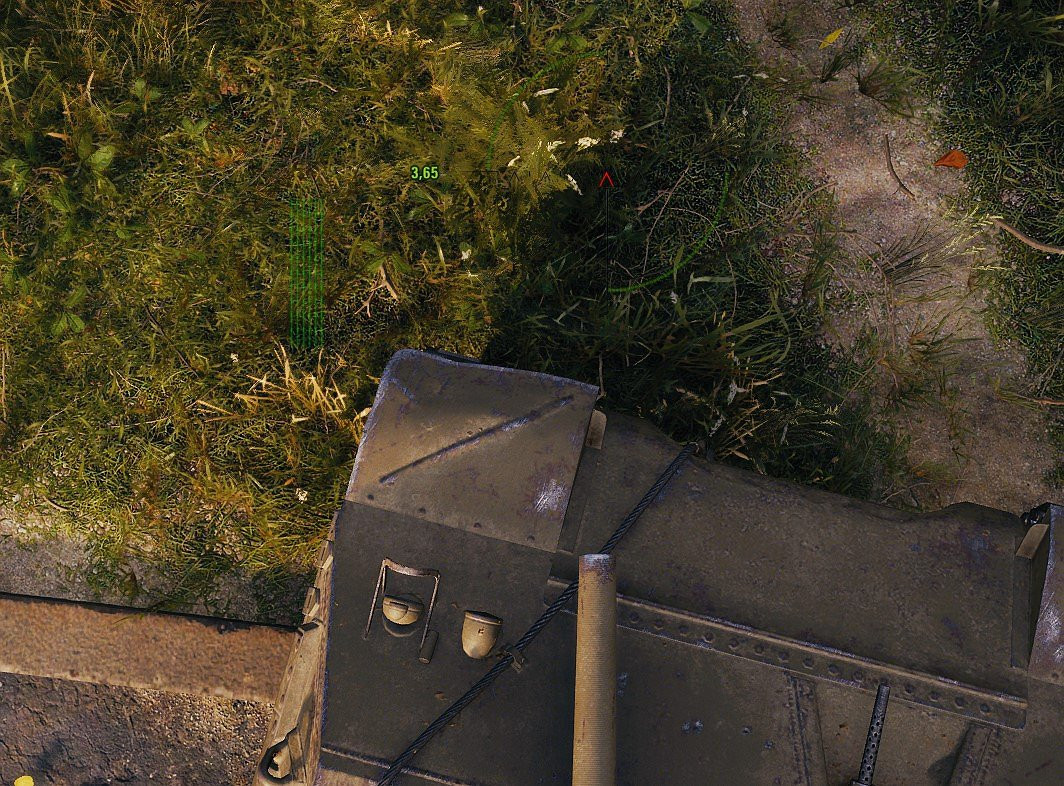
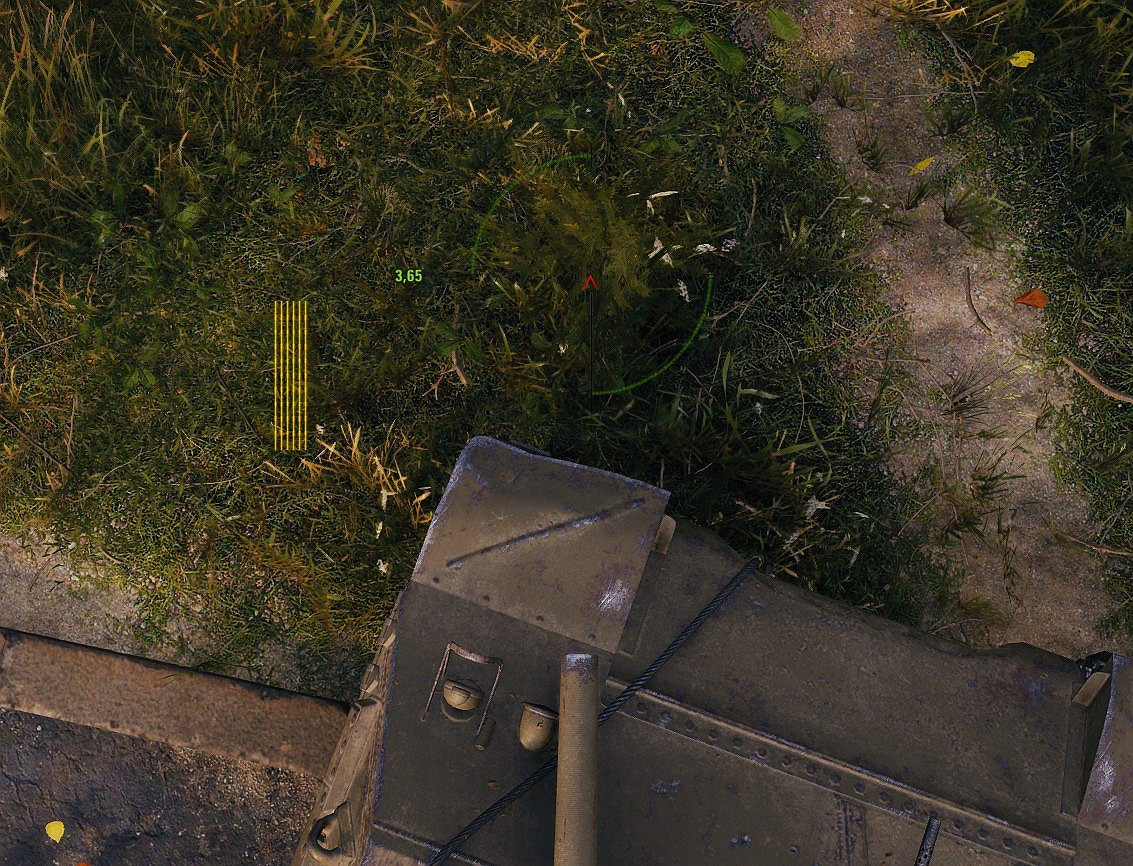
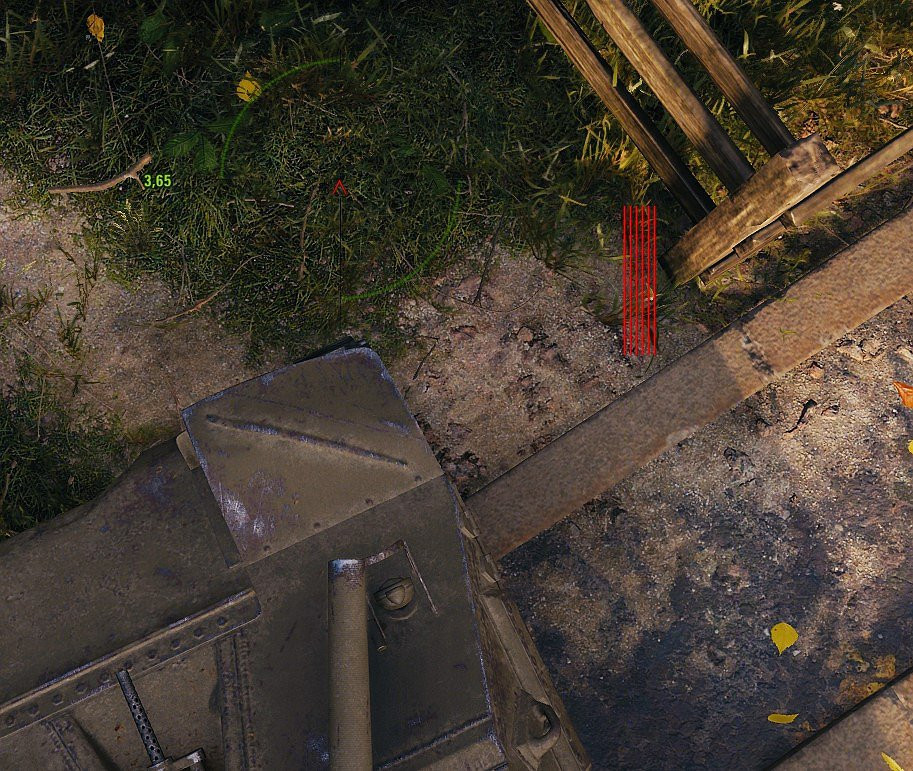
Hull Angle Indicator displays colored indicator bars left and right of the crosshair when the gun-hull angle exceeds a configurable threshold. This helps keep track of the hull angle to avoid exposing weak spots or getting caught at bad angles.
Features:
- Color-coded bars: green → orange → red based on angle
- Configurable warning, pre-threshold and threshold angles
- Maximum angle limit (bars disappear above a set angle)
- 5 presets: Default, Thin, Medium, Thick, Custom, Off
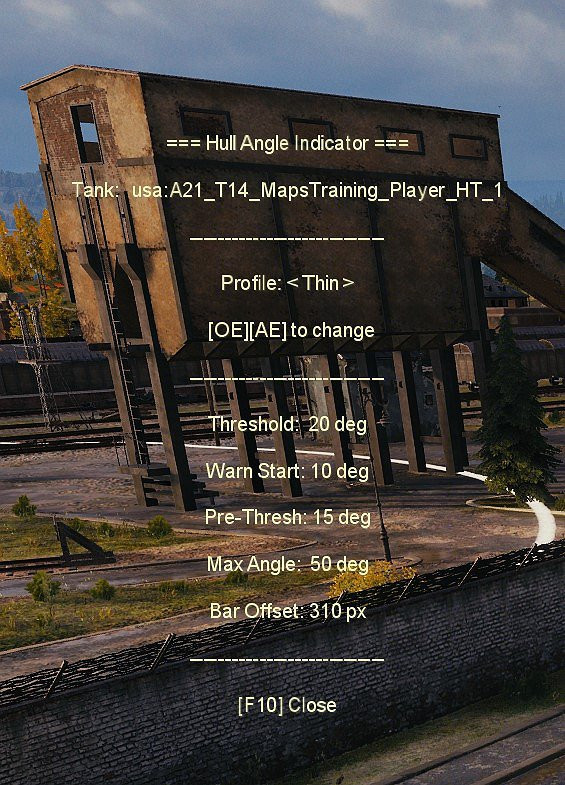
- Per-tank profile assignment via F10 panel in battle (Ö/Ä keys, semicolon and apostrophe on eng keyboards)
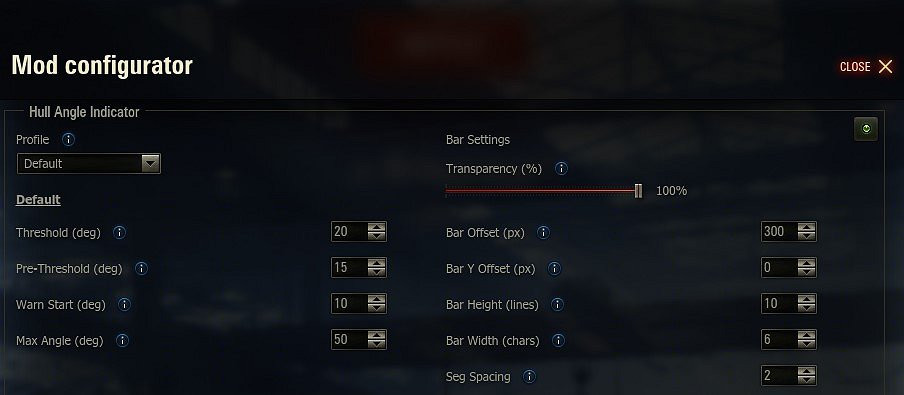
- Full settings menu via Mod Configurator
- Smooth fade-in/fade-out animation
Game Version: 2.2.1.3
Installation Instructions
1. Configure the default bar appearance and angle thresholds in the Mod Configurator (garage) or in the config file in your res_mods folder
2. The other profiles besides the default profile can only be edited via the config file. In battle, press F10 to open the info panel. Press Ö (previous) or Ä (next) (semicolon and apostrophe on eng keyboard) to cycle profiles for the current tank. The profile is saved automatically per tank in the config file.
Optional requirement for the garage config menu:
ModsSettingsApi by IzeBerg (v1.7+)
Credits
MammothTank
Hull Angle Indicator displays colored indicator bars left and right of the crosshair when the gun-hull angle exceeds a configurable threshold. This helps keep track of the hull angle to avoid exposing weak spots or getting caught at bad angles.
Features:
- Color-coded bars: green → orange → red based on angle
- Configurable warning, pre-threshold and threshold angles
- Maximum angle limit (bars disappear above a set angle)
- 5 presets: Default, Thin, Medium, Thick, Custom, Off
- Per-tank profile assignment via F10 panel in battle (Ö/Ä keys, semicolon and apostrophe on eng keyboards)
- Full settings menu via Mod Configurator
- Smooth fade-in/fade-out animation
Game Version: 2.2.1.3
Installation Instructions
1. Configure the default bar appearance and angle thresholds in the Mod Configurator (garage) or in the config file in your res_mods folder
2. The other profiles besides the default profile can only be edited via the config file. In battle, press F10 to open the info panel. Press Ö (previous) or Ä (next) (semicolon and apostrophe on eng keyboard) to cycle profiles for the current tank. The profile is saved automatically per tank in the config file.
Optional requirement for the garage config menu:
ModsSettingsApi by IzeBerg (v1.7+)
Credits
MammothTank
Direct Download Links
You Might Also Like »
0 Comments
There are no comments. Be first to comment!