MoE Gauge – Marks of Excellence tracker 0.13.0


0/5,
0
votes
Updates
latest
Version
0.13.0
4 days ago
- After your tank is destroyed, the battle gauge hides while the camera follows another tank, and comes back if the camera returns to yours (it only ever shows your own results)
- Full clean-up when the game closes or the mod is reloaded: hooks removed, every game subscription released, pending threshold download cancelled (late answers ignored), hangar and battle pages stop their timers and remove their listeners
- Full clean-up when the game closes or the mod is reloaded: hooks removed, every game subscription released, pending threshold download cancelled (late answers ignored), hangar and battle pages stop their timers and remove their listeners
Description
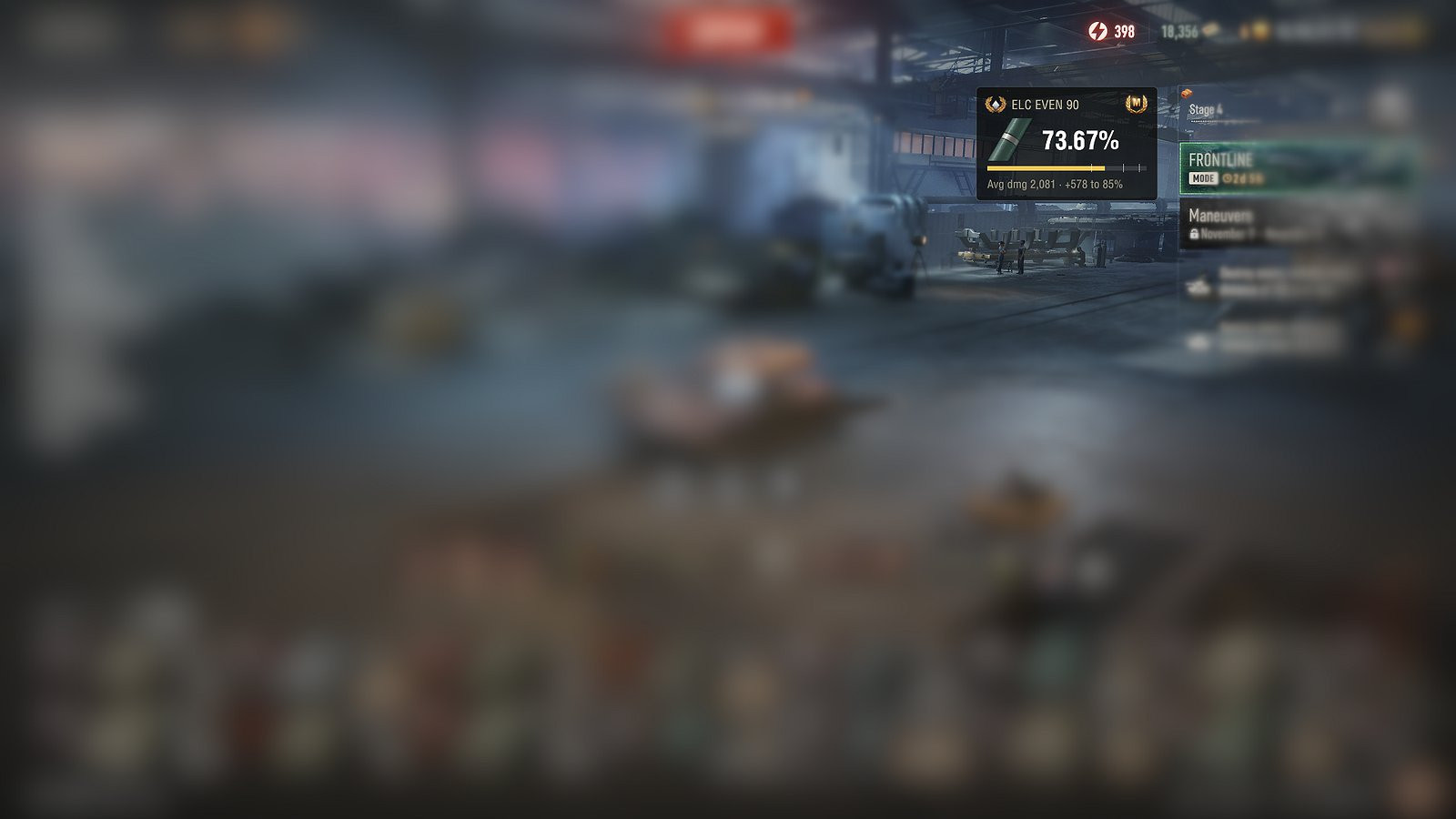
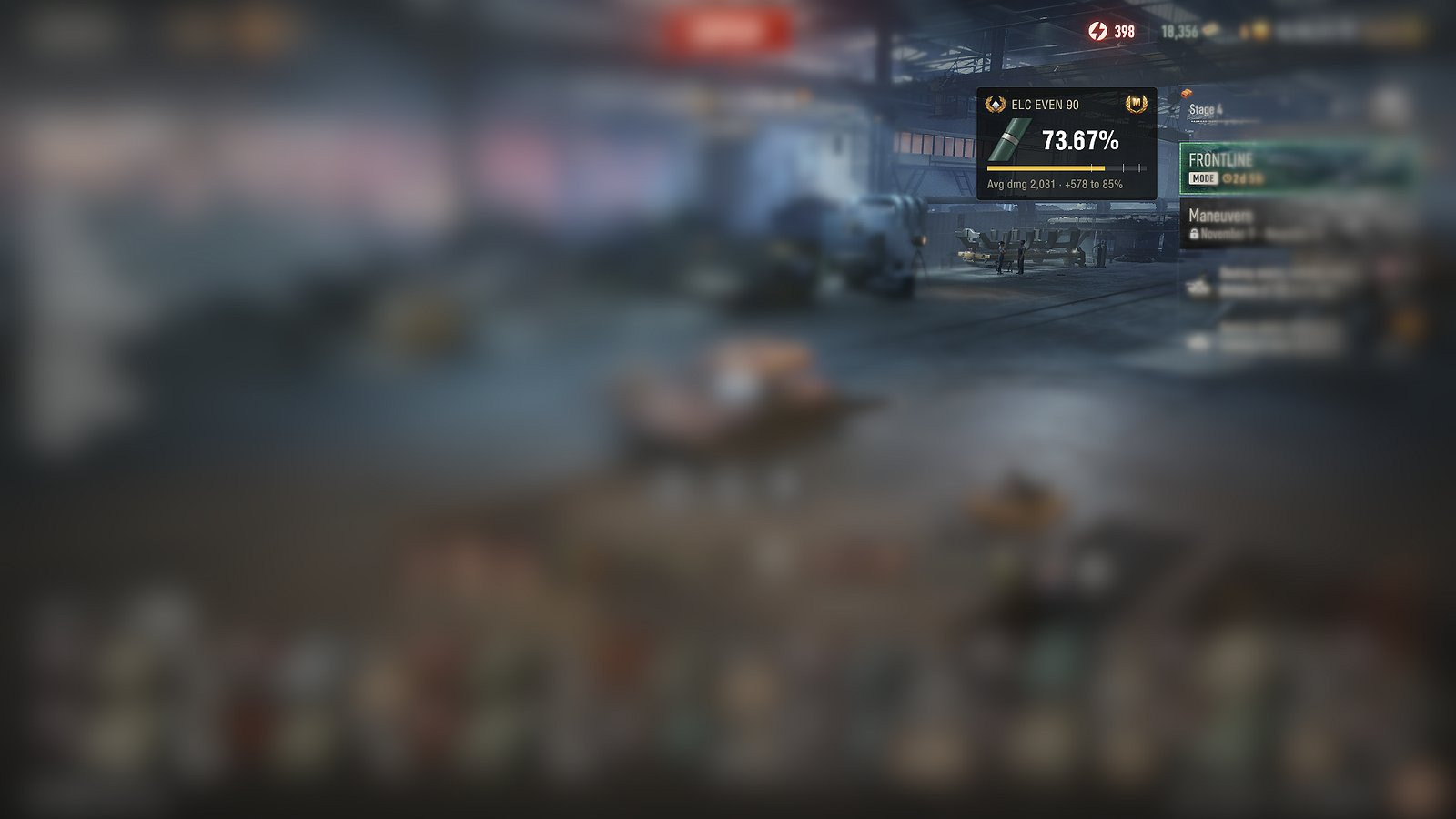
MoE Gauge shows your Marks of Excellence where you need them: a small panel in the hangar and a live gauge in battle, both light and out of the way.
Features
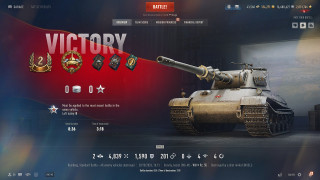
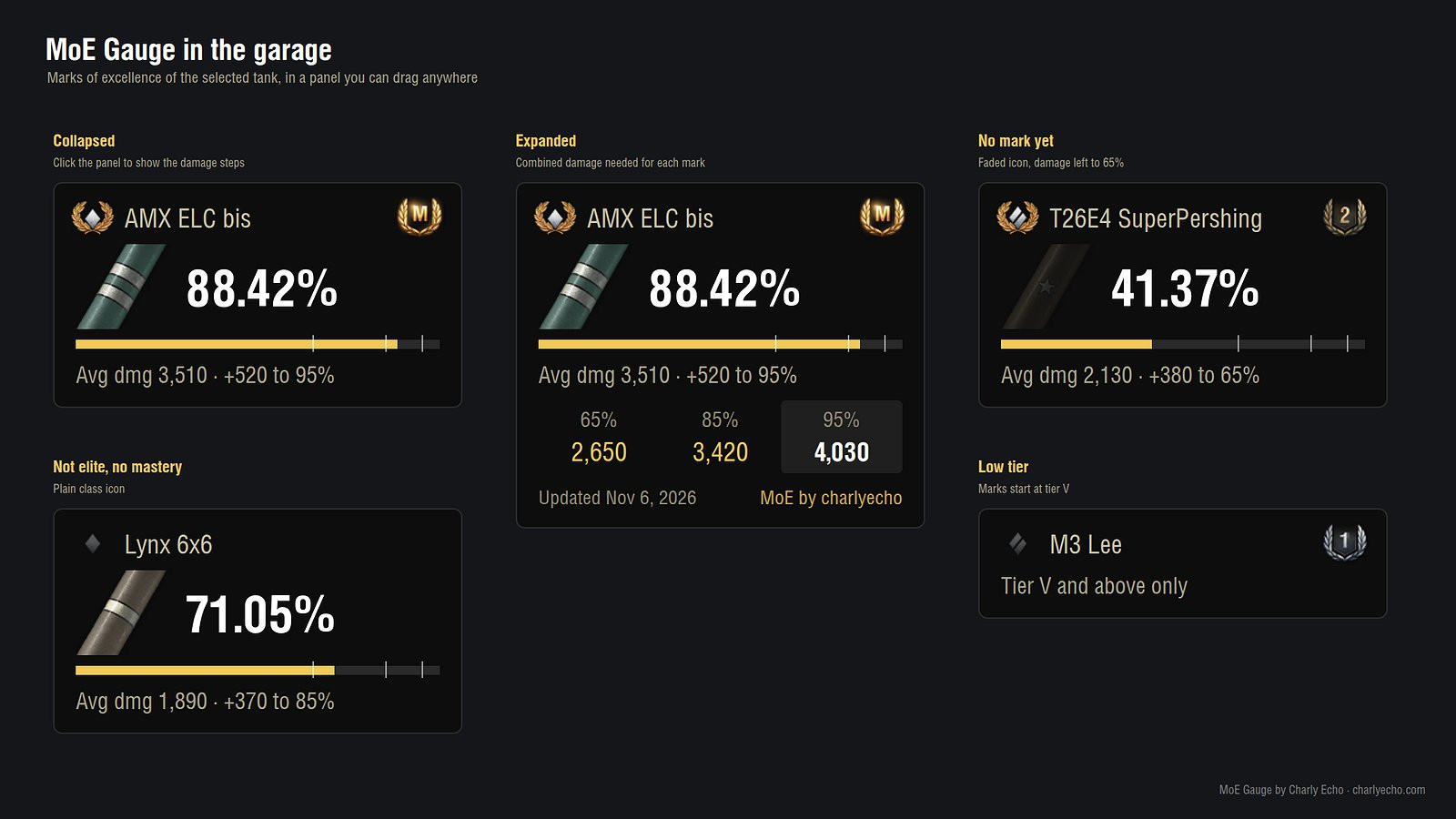
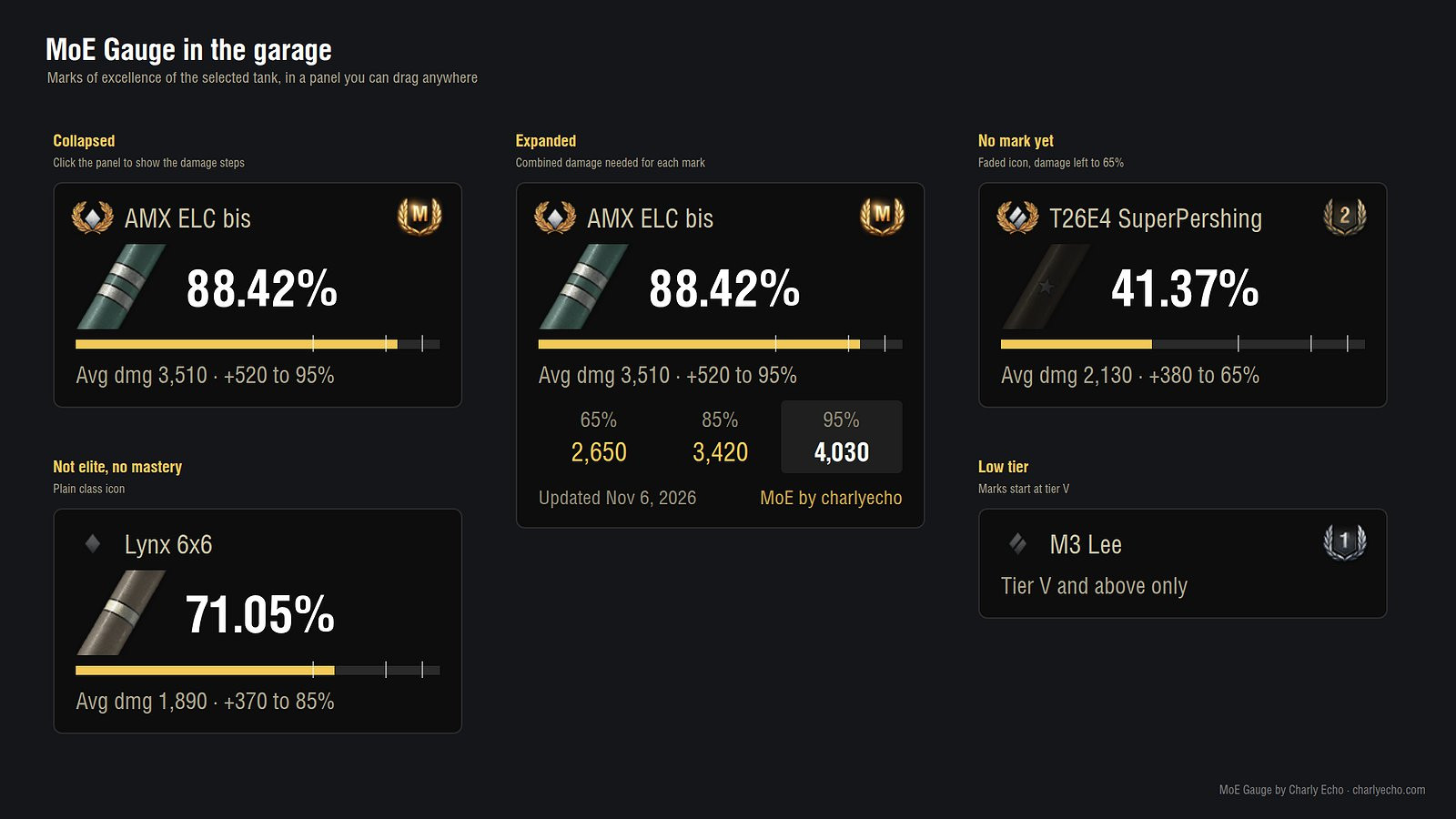
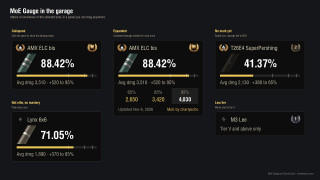
- Hangar Panel: Exact mark percentage of the selected tank with the game's own marks icon for its nation.
- Progress tracking: Progress bar with 65 / 85 / 95 % steps and combined damage left to the next mark.
- Detailed info: Mark damage (moving average), class icon (laurels for elite tanks), and your highest Mastery badge.
- Damage thresholds: Click the panel to show thresholds for 65 / 85 / 95 % with their update date.
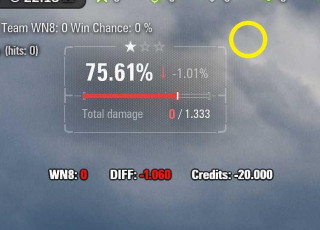
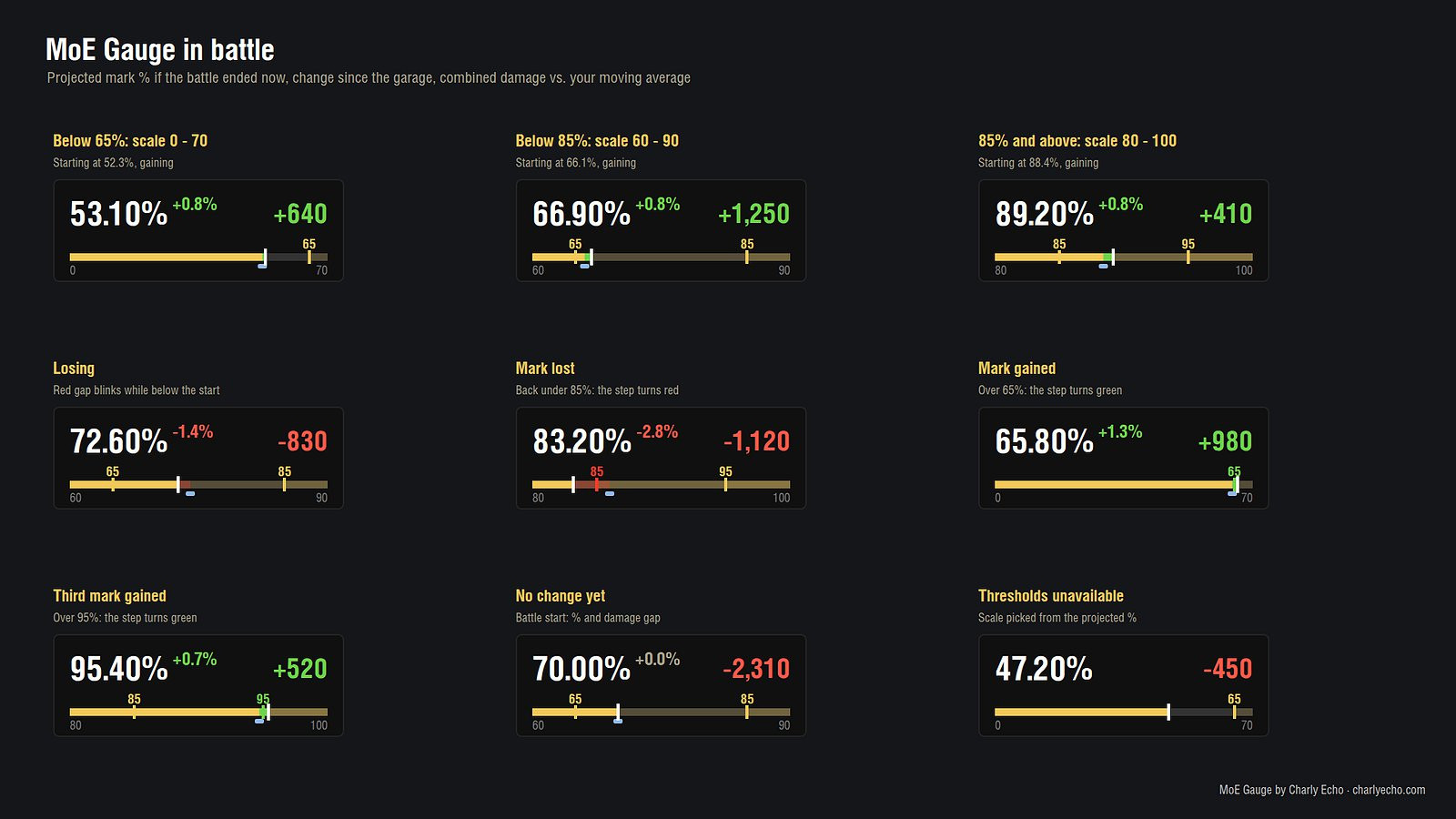
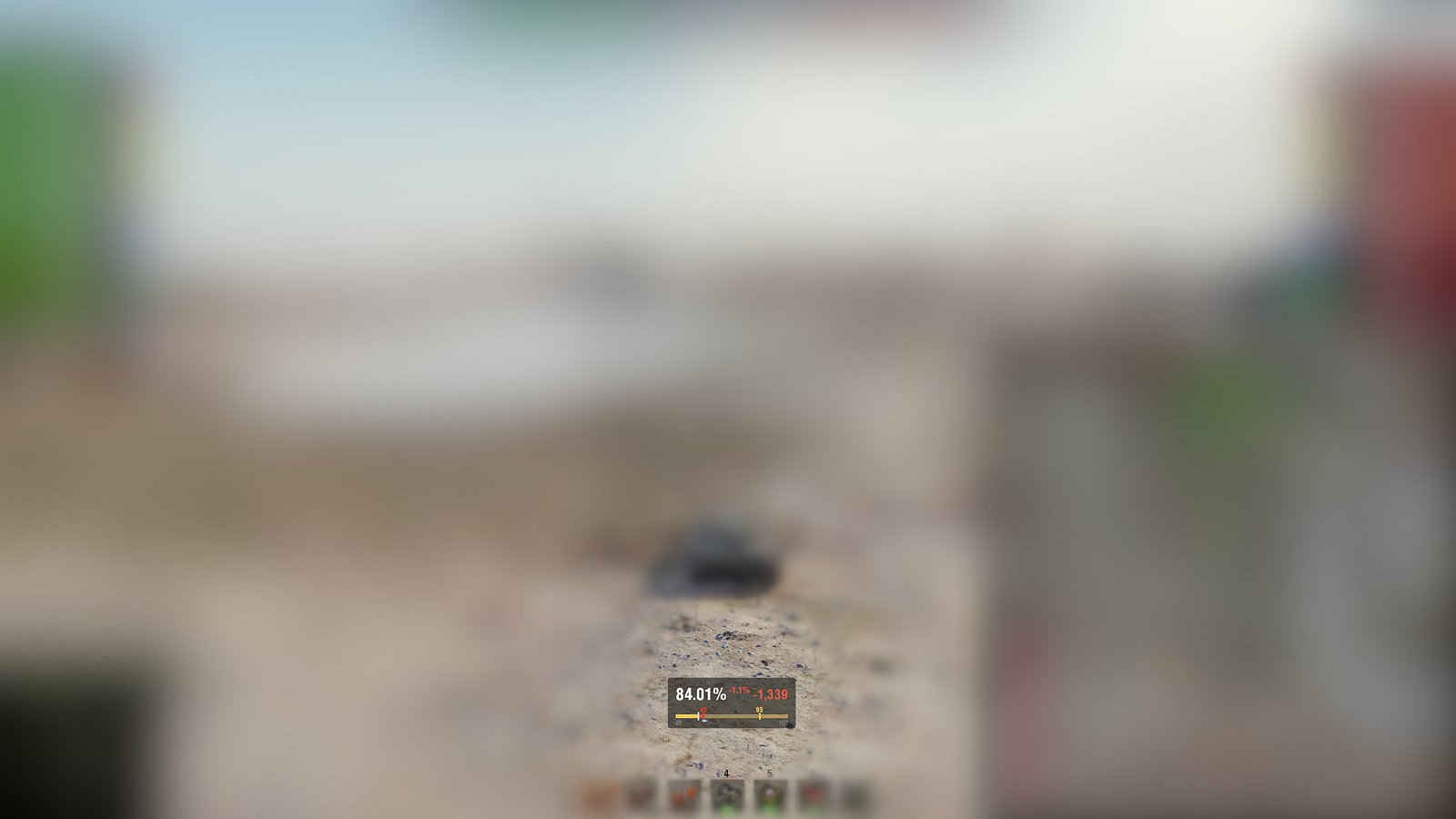
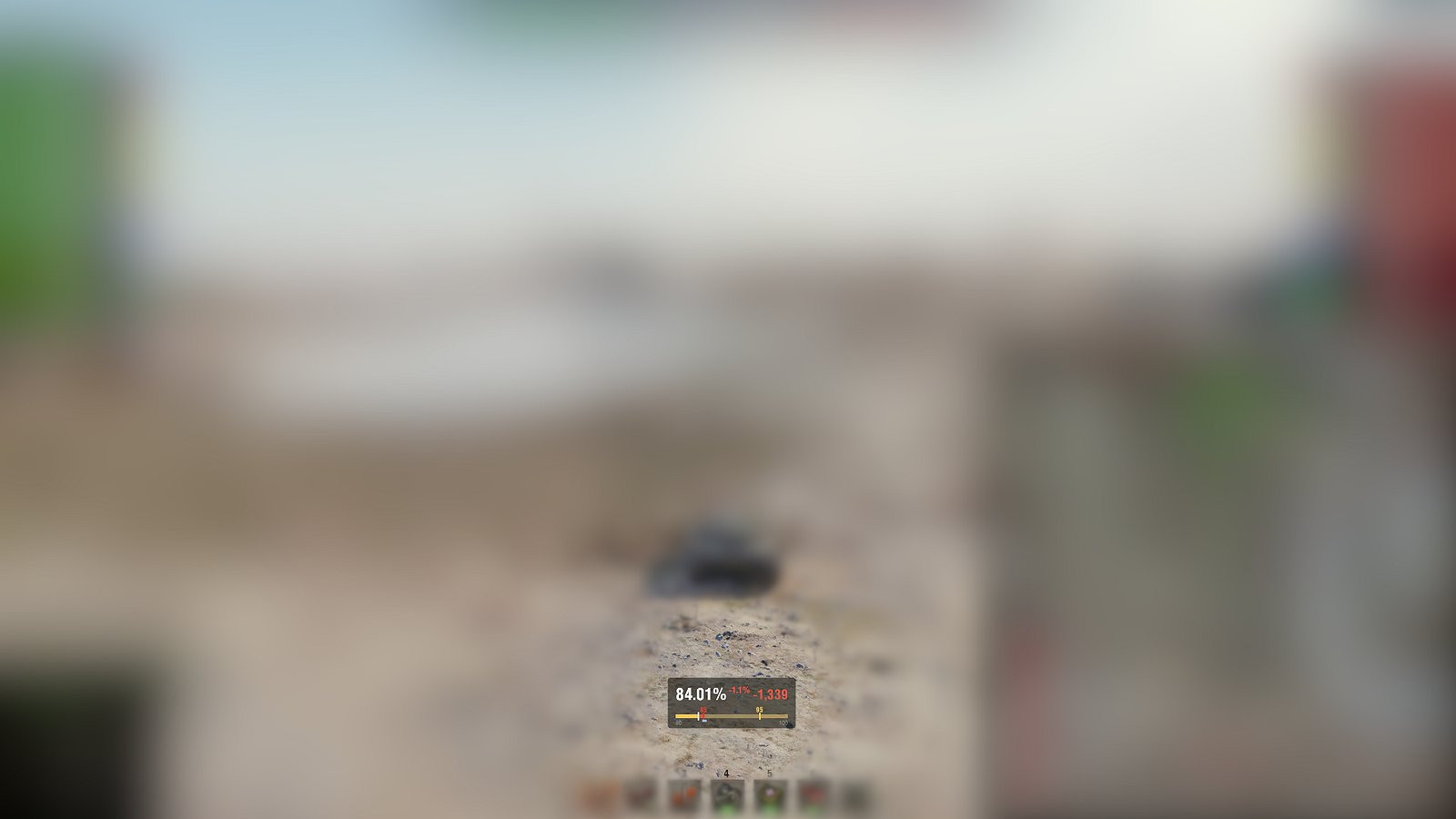
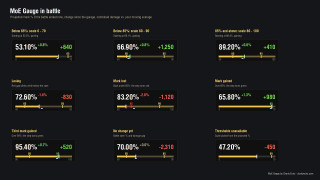
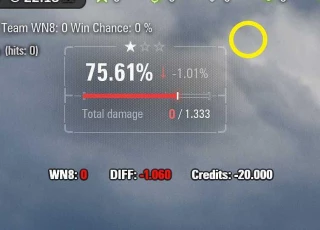
- In-Battle Gauge: Live forecast of your percentage if the battle ended now, updated with every hit and assist.
- Visual indicators: Change since the start of the battle (green when gaining, red when losing) and a white marker that slides to the forecast.
- Damage Comparison: Your combined damage (damage + best assist) against your mark damage.
- Dynamic Scaling: A bar whose scale follows your starting mark, keeping small changes visible.
How it works
The mark is a moving average of your combined damage (each battle weighs 2/101). The mod reads your percentage and mark damage from your service record and adds the current battle to them. Damage thresholds per tank are estimates for your own server (EU, NA or ASIA, picked automatically from the game client). These are refreshed online every 6 hours, and the last download is kept so the mod also works offline.
Controls & Settings
- Hangar panel: drag it anywhere with the mouse.
- Battle gauge: hold Ctrl to show the cursor, then drag it.
- Storage: Positions and settings are saved on your PC (mods/configs/com.charlyecho.moe_gauge).
- Privacy: Reads only your own tank and battle results; no change to gameplay.
Installation Instructions
Included in the archive: net.openwg.gameface (required).
Credits
charly_foxtrot
MoE Gauge shows your Marks of Excellence where you need them: a small panel in the hangar and a live gauge in battle, both light and out of the way.
Features
- Hangar Panel: Exact mark percentage of the selected tank with the game's own marks icon for its nation.
- Progress tracking: Progress bar with 65 / 85 / 95 % steps and combined damage left to the next mark.
- Detailed info: Mark damage (moving average), class icon (laurels for elite tanks), and your highest Mastery badge.
- Damage thresholds: Click the panel to show thresholds for 65 / 85 / 95 % with their update date.
- In-Battle Gauge: Live forecast of your percentage if the battle ended now, updated with every hit and assist.
- Visual indicators: Change since the start of the battle (green when gaining, red when losing) and a white marker that slides to the forecast.
- Damage Comparison: Your combined damage (damage + best assist) against your mark damage.
- Dynamic Scaling: A bar whose scale follows your starting mark, keeping small changes visible.
How it works
The mark is a moving average of your combined damage (each battle weighs 2/101). The mod reads your percentage and mark damage from your service record and adds the current battle to them. Damage thresholds per tank are estimates for your own server (EU, NA or ASIA, picked automatically from the game client). These are refreshed online every 6 hours, and the last download is kept so the mod also works offline.
Controls & Settings
- Hangar panel: drag it anywhere with the mouse.
- Battle gauge: hold Ctrl to show the cursor, then drag it.
- Storage: Positions and settings are saved on your PC (mods/configs/com.charlyecho.moe_gauge).
- Privacy: Reads only your own tank and battle results; no change to gameplay.
Installation Instructions
Included in the archive: net.openwg.gameface (required).
Credits
charly_foxtrot
Direct Download Links
Download Latest Version
Version: 0.13.0Updated: 4 days ago
Total Size: 69.35 KB MoE_Gauge_0130_modland.zip direct download · 69.35 KB · added 4 days ago
You Might Also Like »

0 Comments
There are no comments. Be first to comment!