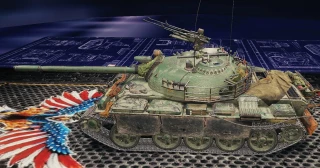
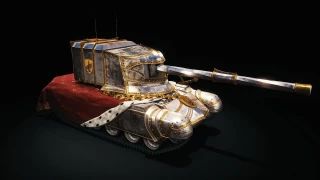
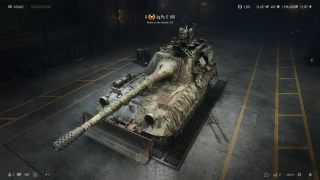
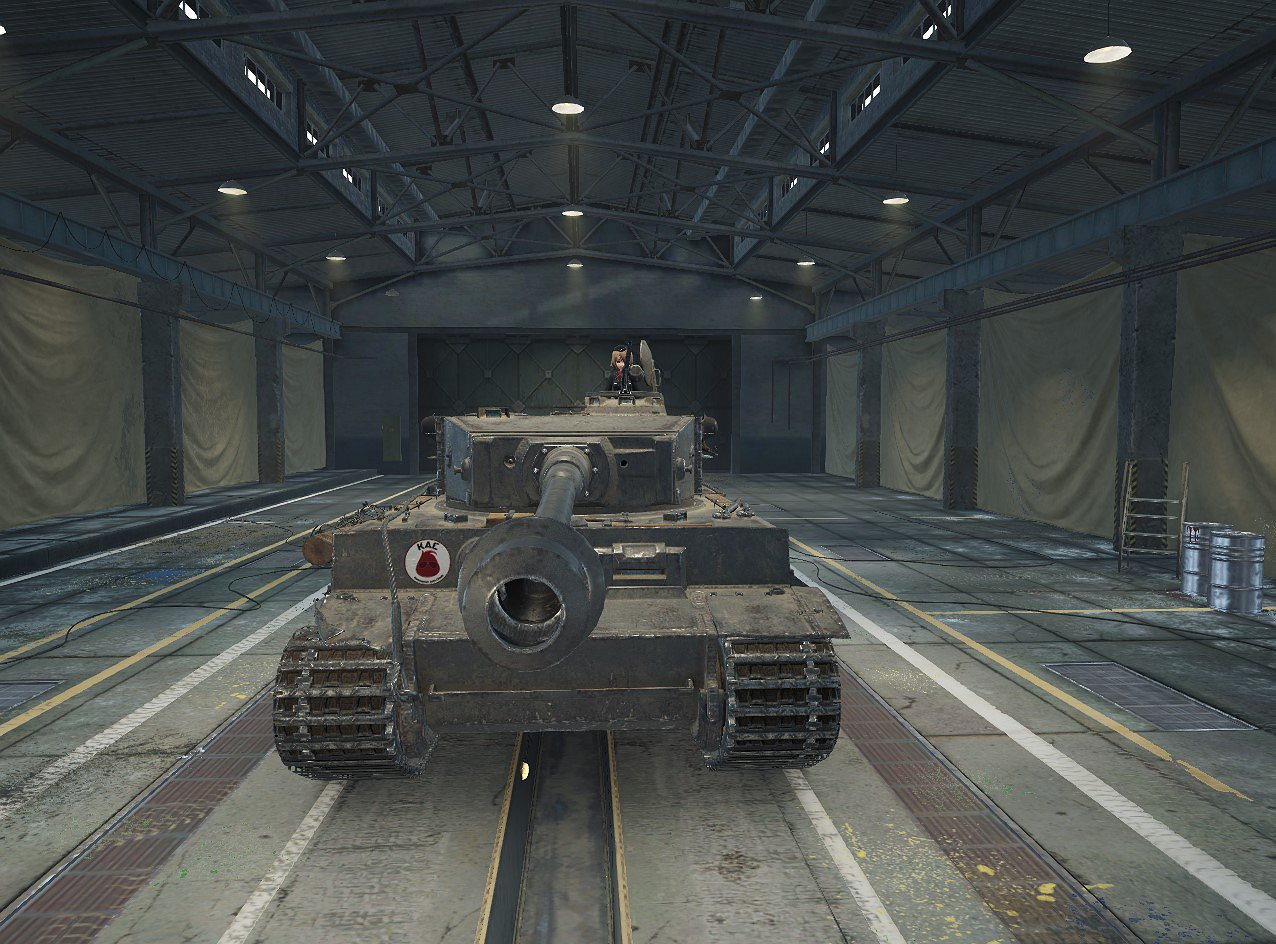
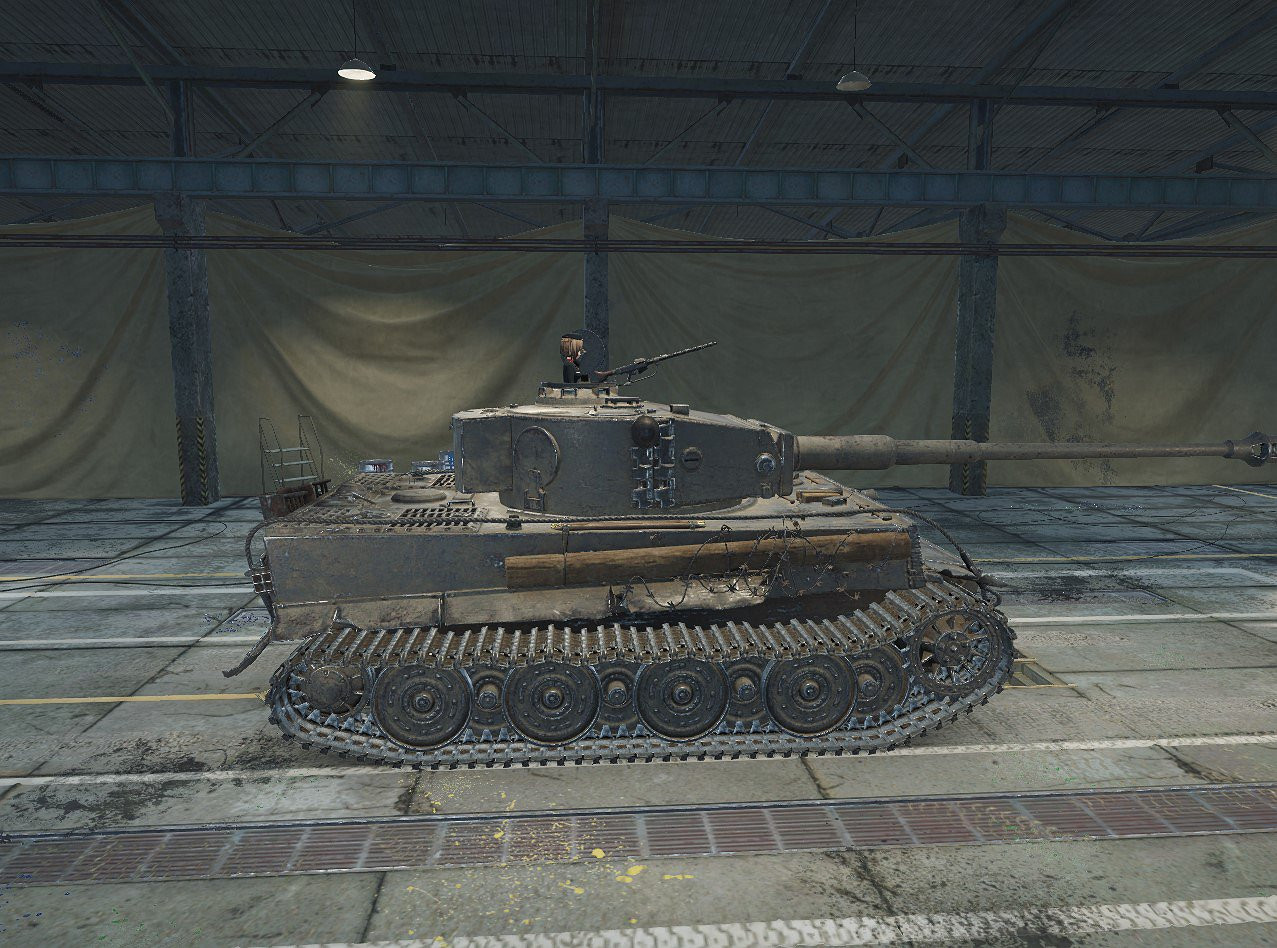
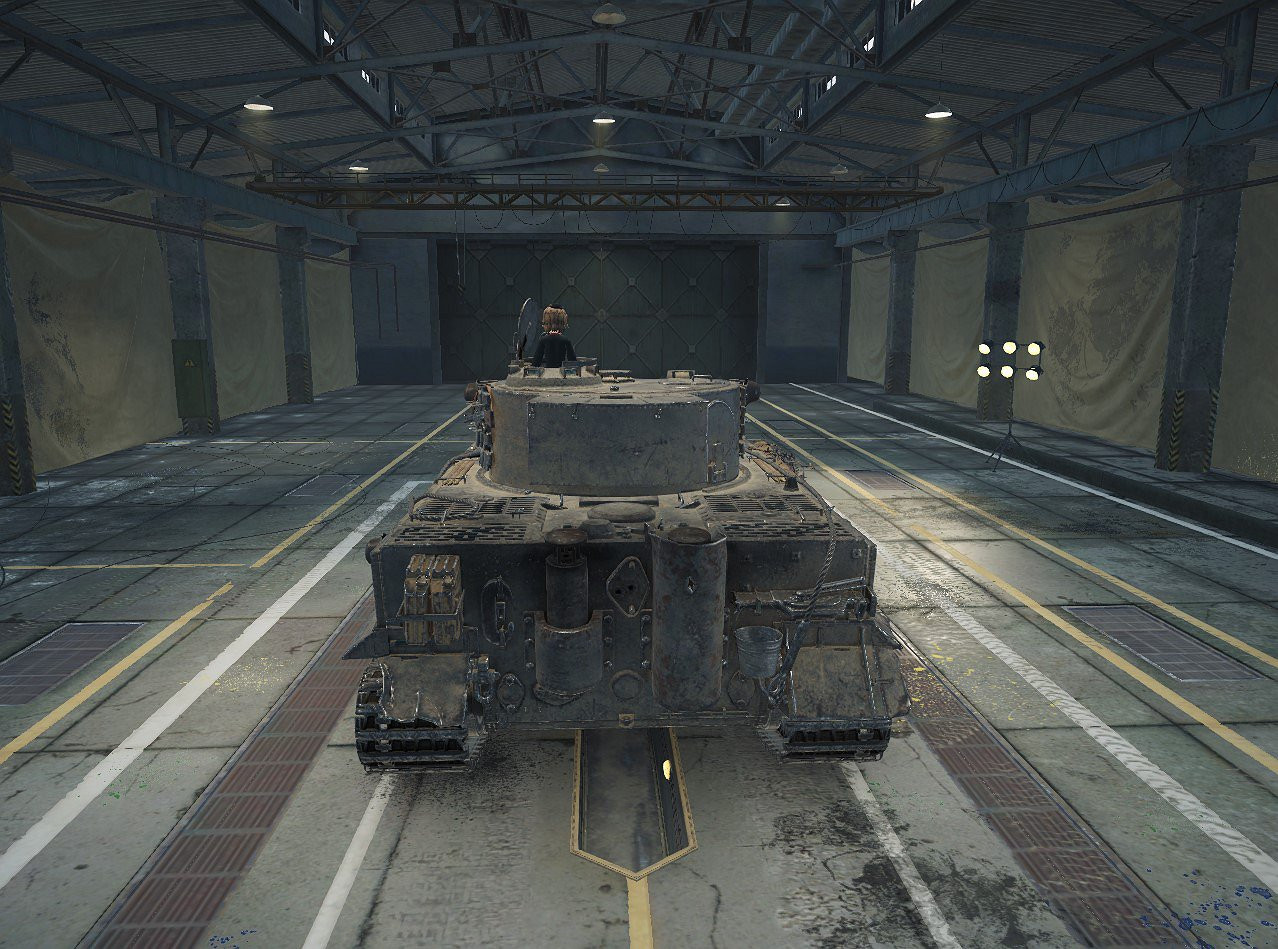
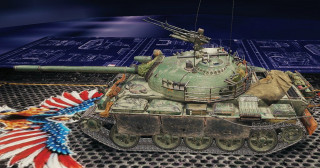
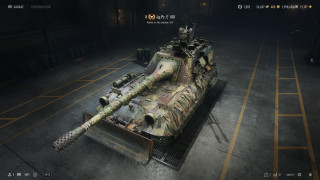
Tiger I "Maho commander" 1.0

0/5,
0
votes
Maho commander
Game Version:
1.12.0.0
Credits:
Pepetruelo
Game Version:
1.12.0.0
Credits:
Pepetruelo
![Damage Stickers (Paintball mod) 1.1 [1.5.1.0]](https://li1.modland.net/world-of-tanks/other/thumbnail/damage-stickers-paintball-mod-1.1-[1.5.1.0]_ModLandNet.jpg)
update the mod to 2.1 please i love this mod
@adnan_chaoticworldtraveller
Hey bro, here is how you install the mod:
1)Open the main archive using WinRAR.
2)Inside, you will see a file with the .wotmod extension. Open this file too using WinRAR (Right-click -> Open with WinRAR).
3)Inside that file, find the folder named "vehicles".
4)Extract/Move the entire "vehicles" folder into your game directory at:
World_of_Tanks/res_mods/2.2.0/ (or whatever the current version is).
Basically, the 'vehicles' folder must be placed inside the 'res_mods/[current_version]' folder. That's it! and it works with all other mods (even older ones) for such 3D styles for tanks.
And sorry for my possibly clumsy English-it's not my native language