How to Access the Beta Test Assetto Corsa EVO 0.3

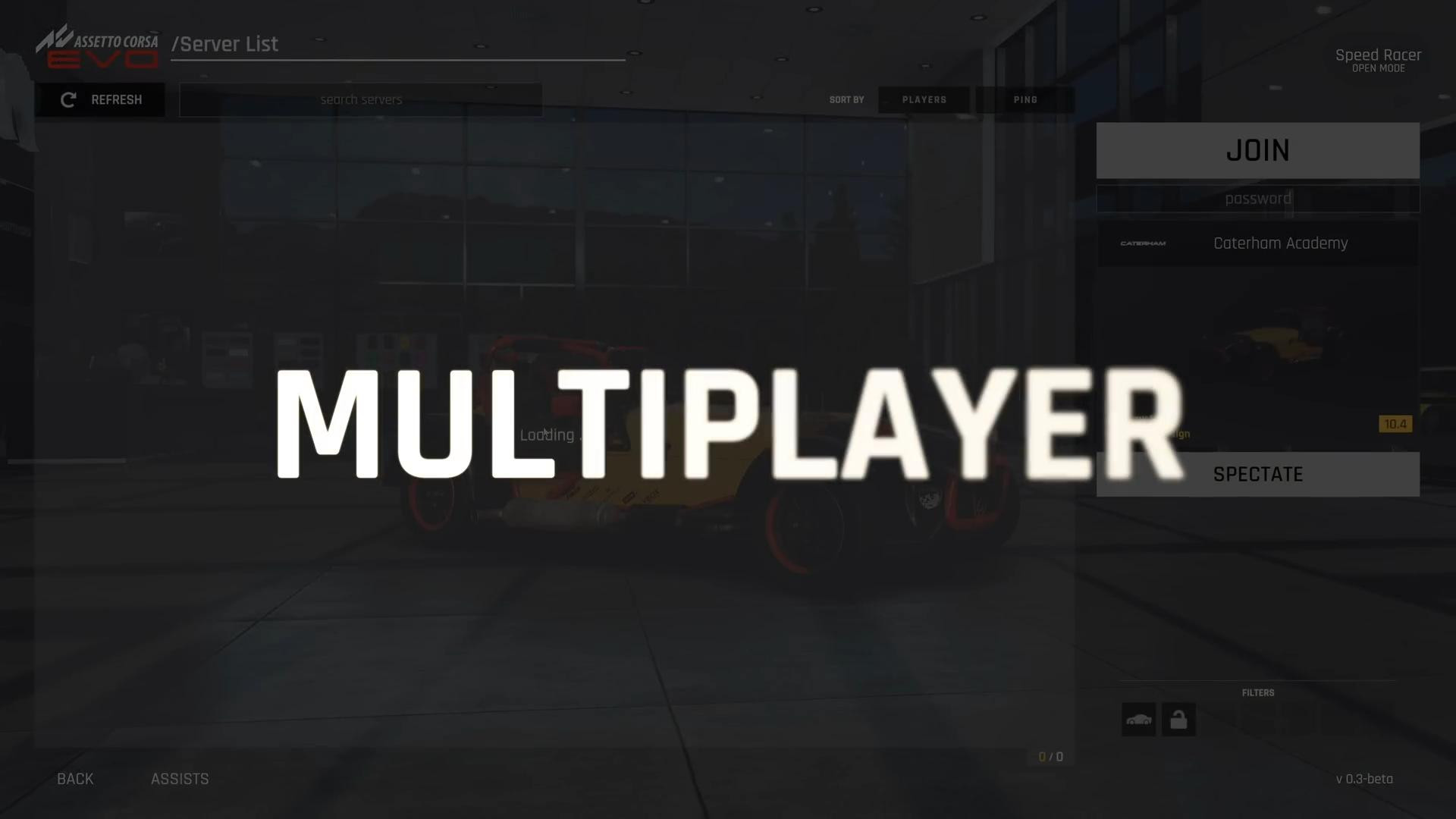
Early access AC EVO players are looking forward to the release of the 0.3 update, in which a multiplayer online game mode should be launched. Prior to that, the developers decided to run an open beta test online mode, which started on August 26. The multiplayer racing system will be improved, so far this is only an initial launch.
At the first stage of discovery, playing with real opponents will only be possible on official servers from Kunos. The servers don’t need to be paid for and they will work around the clock as long as the developers are in charge of the game.
All cars, tracks, race duration and other parameters will be set by the developers themselves, as it was in Assetto Corsa and AC Competizione.
Paid servers
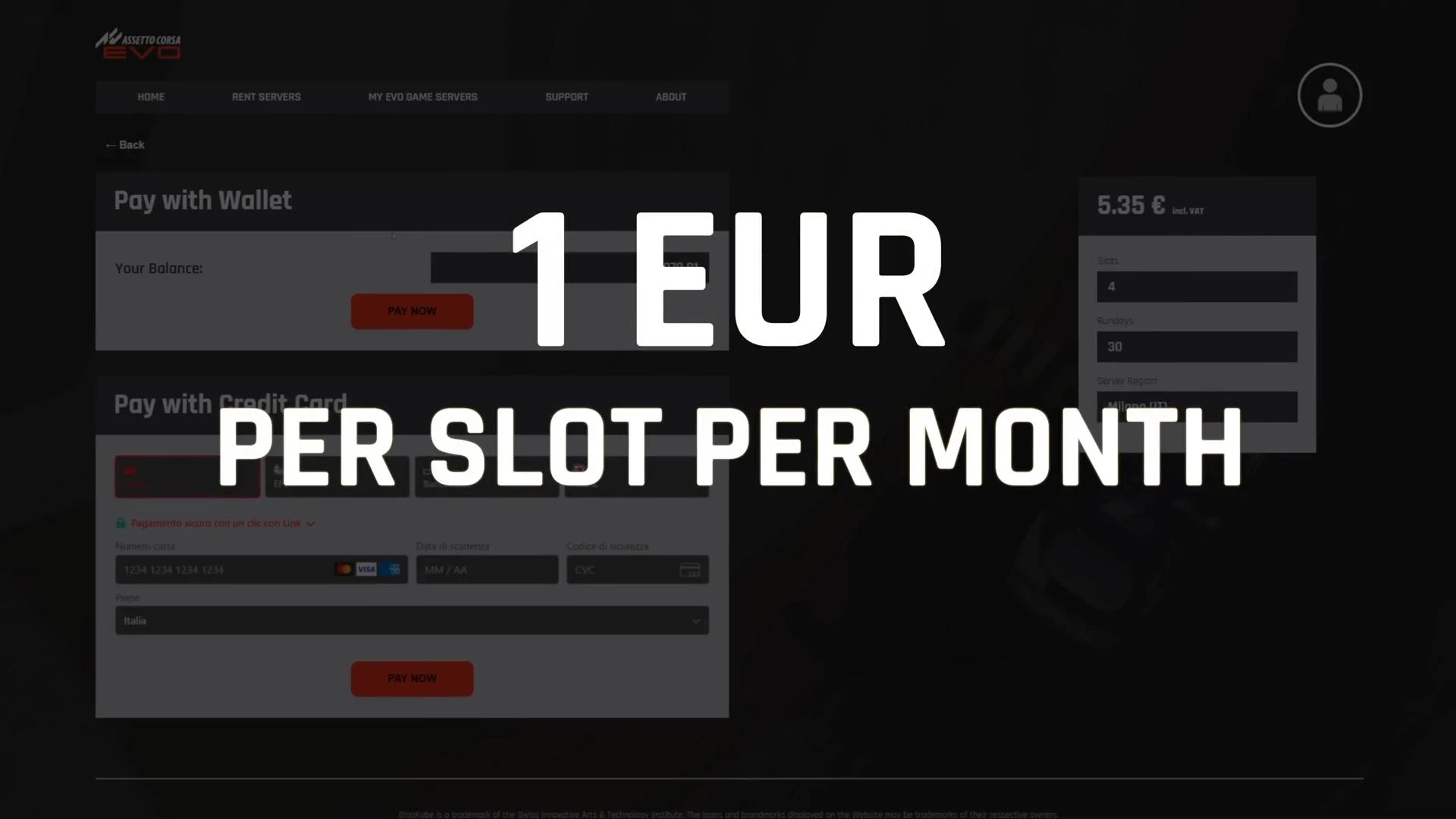
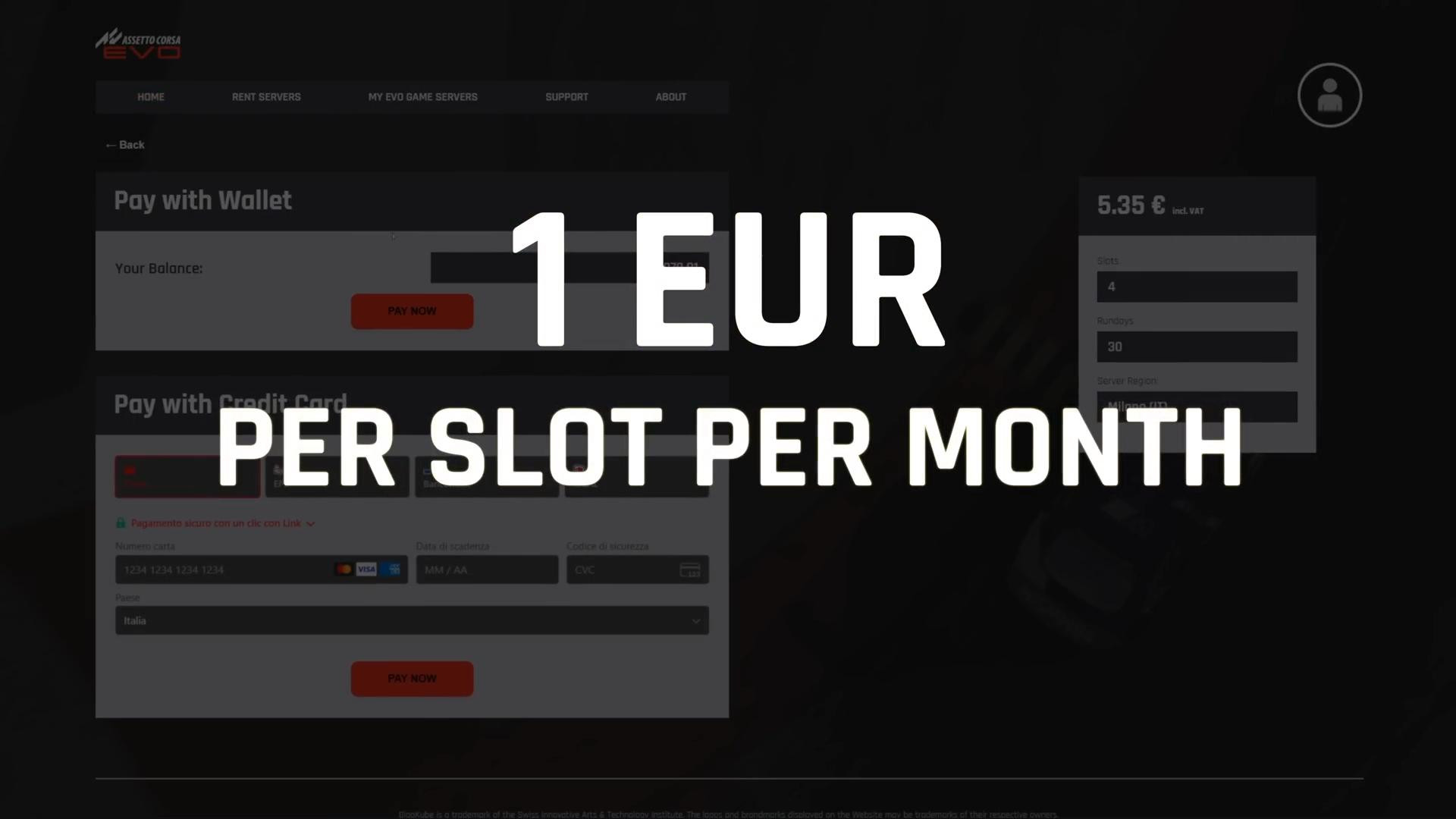
In the previous parts of the series, it was possible to rent a server from third-party providers. In AC EVO the approach in this direction has changed - the possibility of renting will only be through the official portal Kunos.
Along with free servers, the ability to use a paid server will provide much more opportunities for holding your own events.
How much will the rent be? Apparently, initially for 1 slot you will have to pay 1 euro per month. For this amount you can buy a table for 1 month. There will also be a limit of 16 people per server. The limit will be temporary and in subsequent updates of the multiplayer developers promise to expand the number of slots.
How do I access the beta test of AC EVO 0.3?
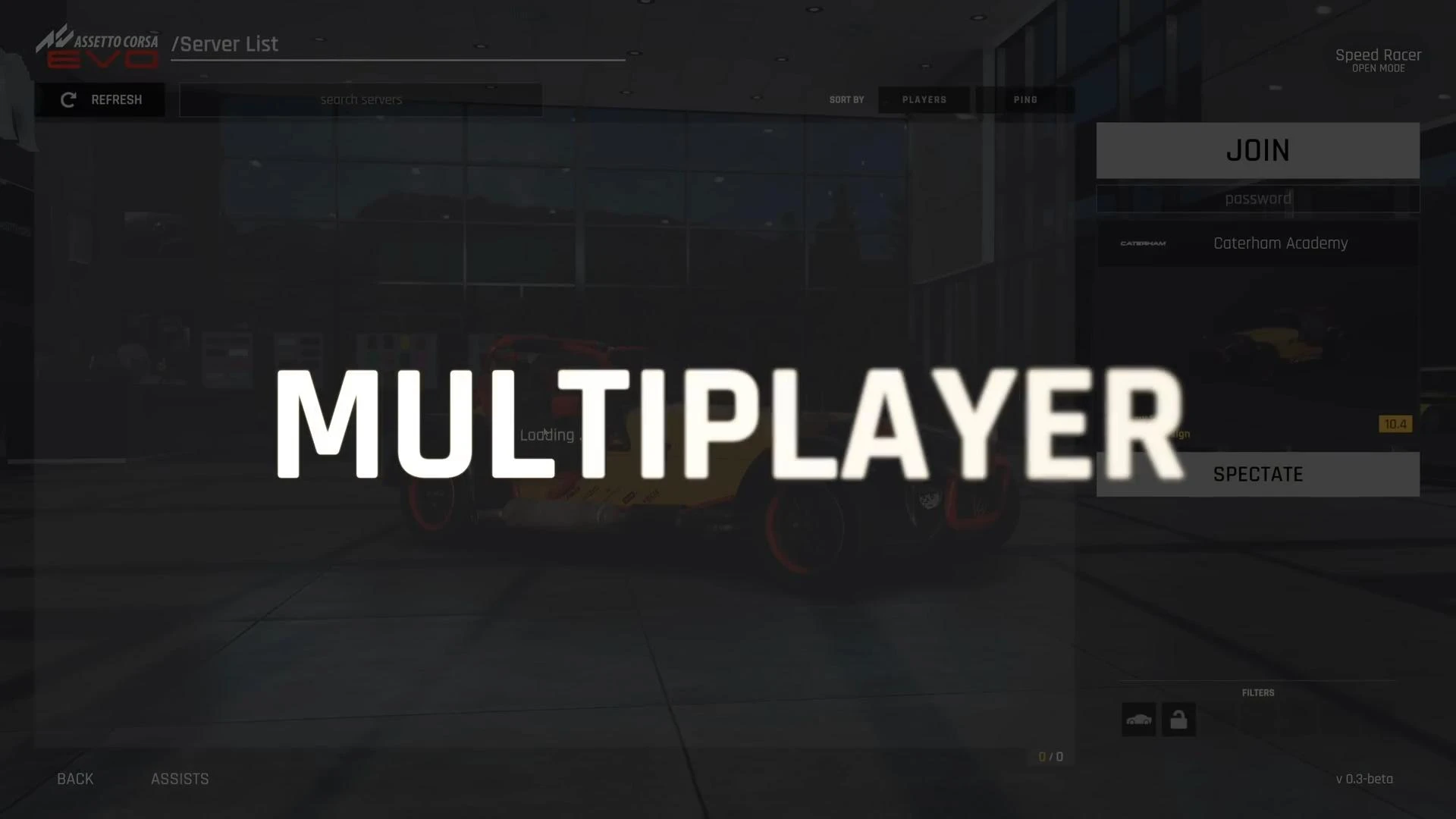
The beta version will open you not only the multiplayer, but also 9 new cars, 2 tracks and improvements that should be in release 0.3. Anyone can do this. You only need to subscribe to the news feed on the game’s official website.
After subscribing, Kunos will send the access code to your Email. It is not clear how long the beta test will last, so it is assumed that you will be able to try out the new update until the developers announce the termination of the event.
Mailing subscription is not the only way to check what will be new in the 0.3 update. You can try the following:
- Go to Steam and right click on AC EVO
- Open the properties and select a beta from the list.
- Now enter the following code: h5gUeGopJOlM5yoJlgFu
- Switch to the «multiplayer beta» branch and wait for the game update installation to be completed.
After that, the beta of the multiplayer should start loading.
Be sure to back up the gameplay so you don’t lose your data. If you want to roll back to version 0.2, errors may occur and the data will be deleted, so do not ignore this.
Added by