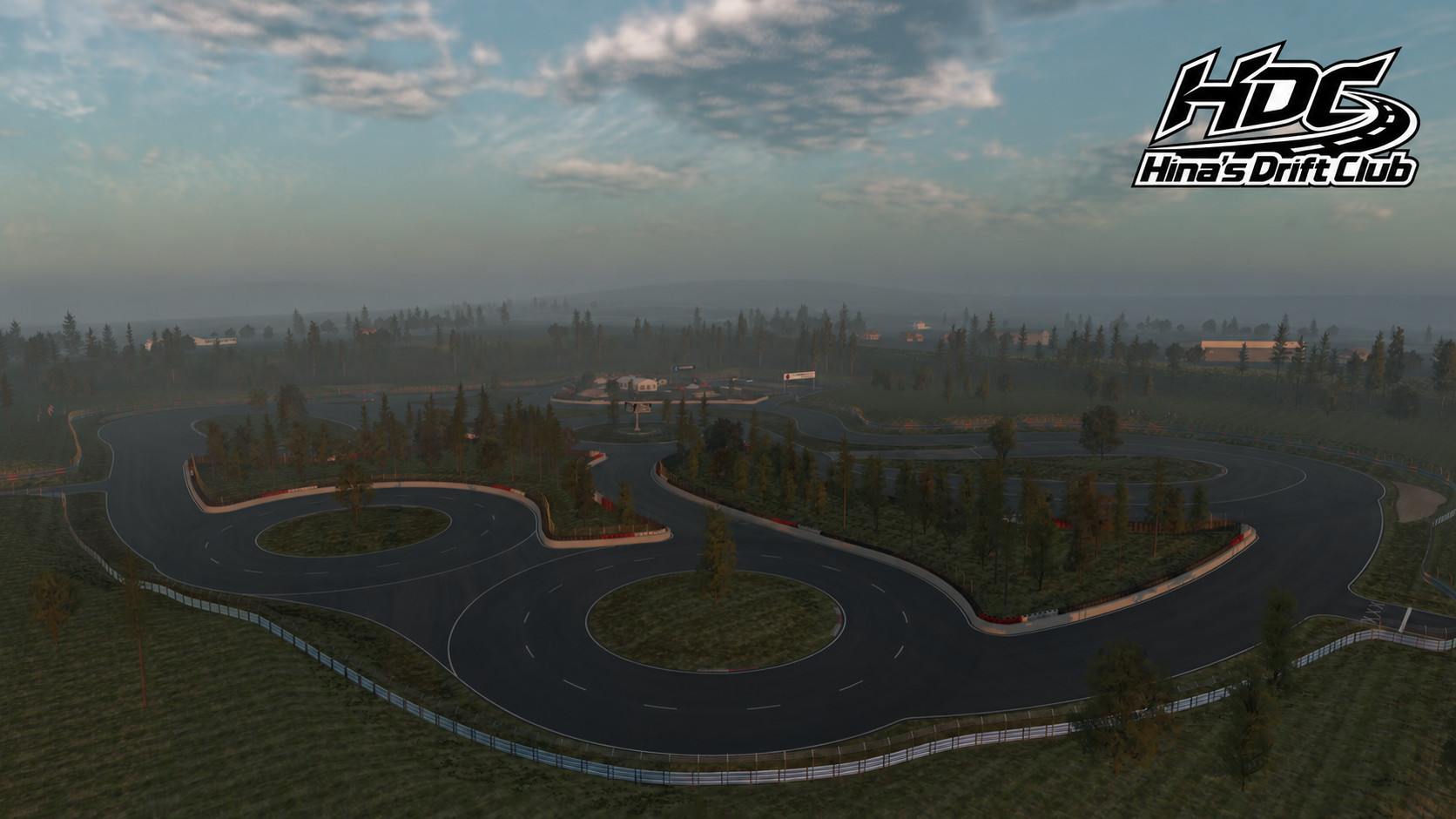
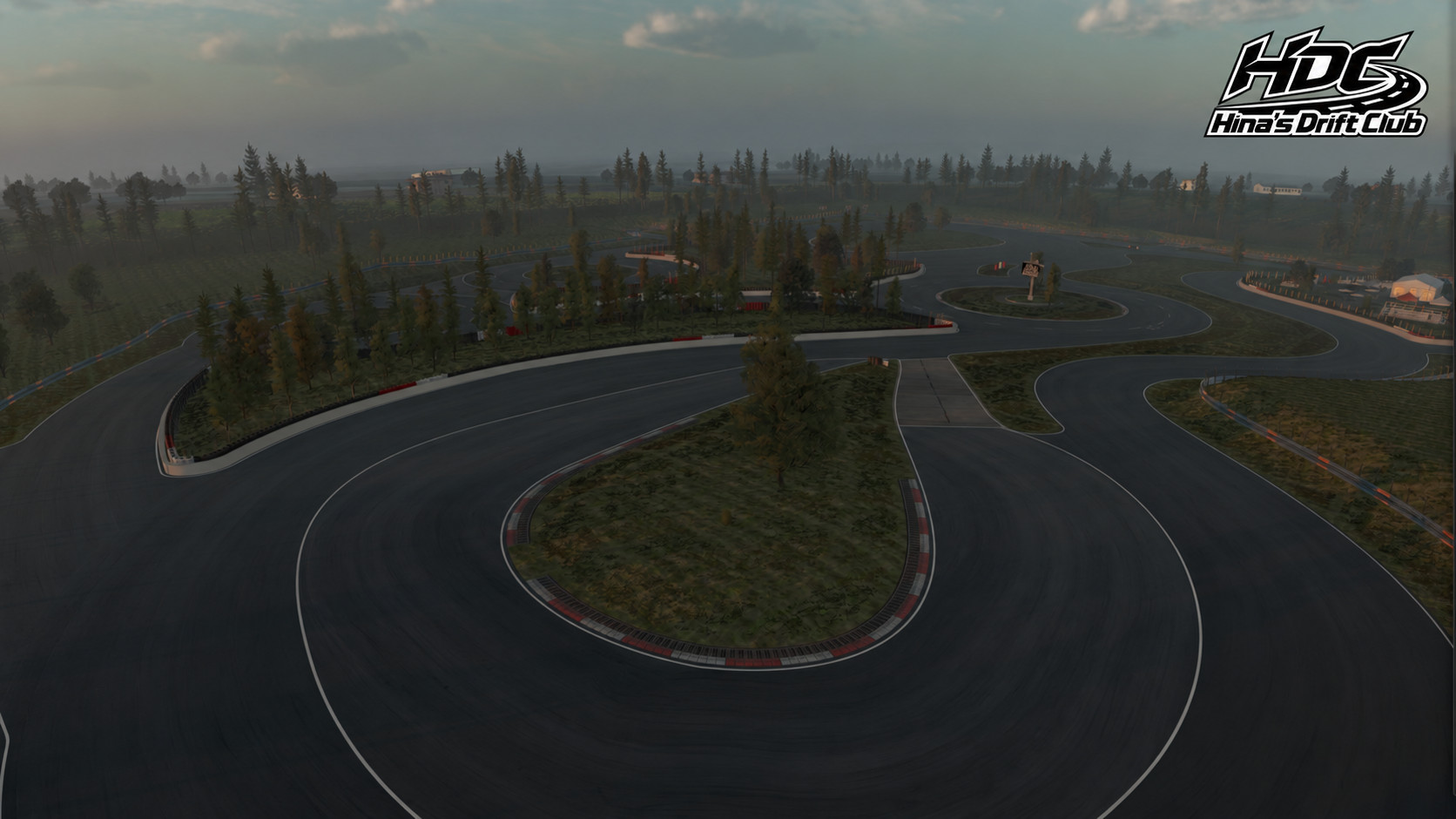
Hina’s Drift Club — HDC 'The Yard' drift park beta for Assetto Corsa EVO 1.4
Changelog
- Added two easter eggs to both the HDC and HTC Truenos
Hope you've been drifting well! I'm happy to bring with me the 1.3 HDC Update.
Again, this one brings changes requested by the community, and some additional stuff that I wanted.
Yeah, it's closer to what I wanted. Now it's not perfect still, still in beta, still some minor issues to fix, but we're getting there:
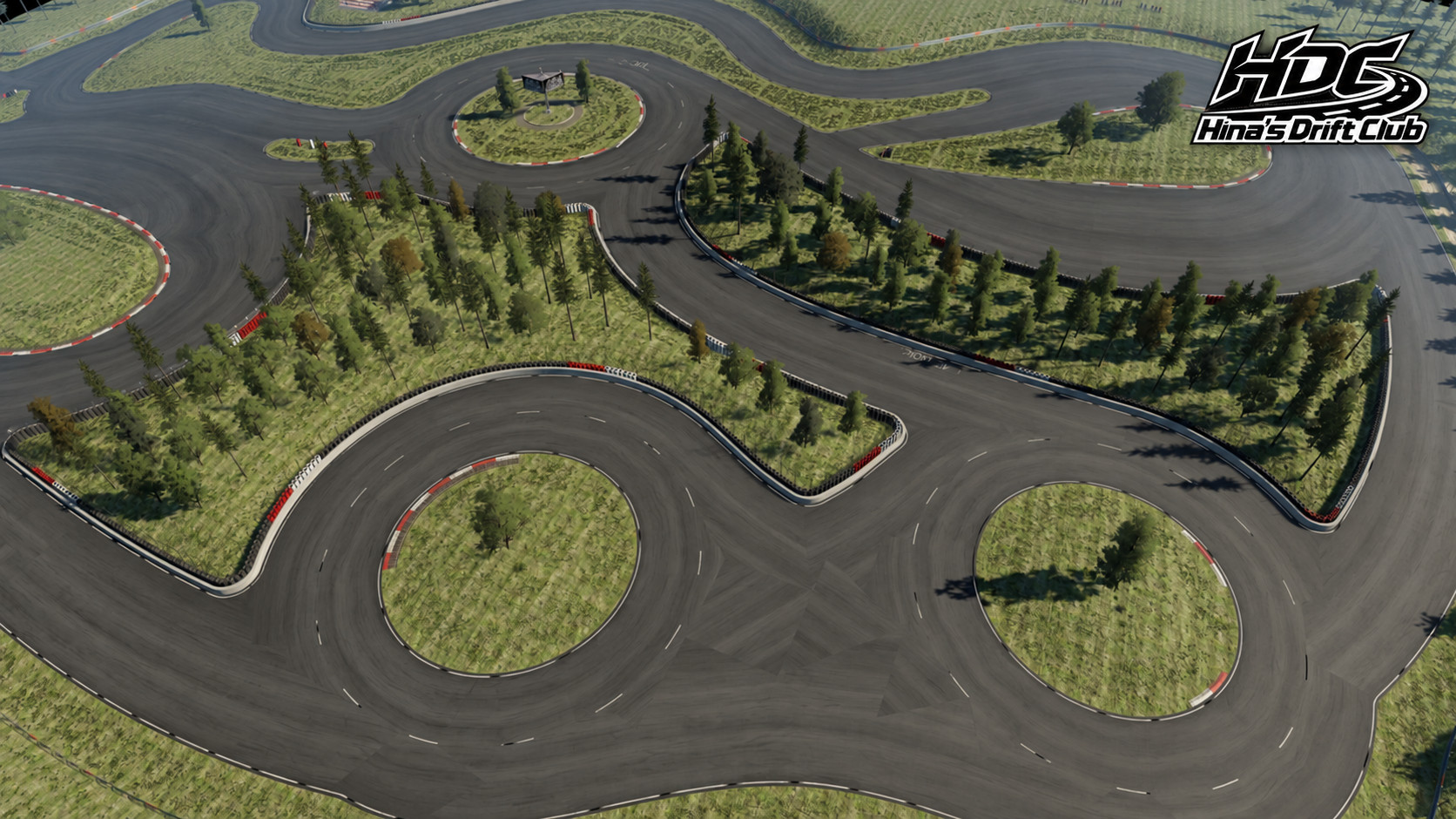
-Updated asphalt
-Fixed surface glitches
-Smoothed out transitions between materials and textures
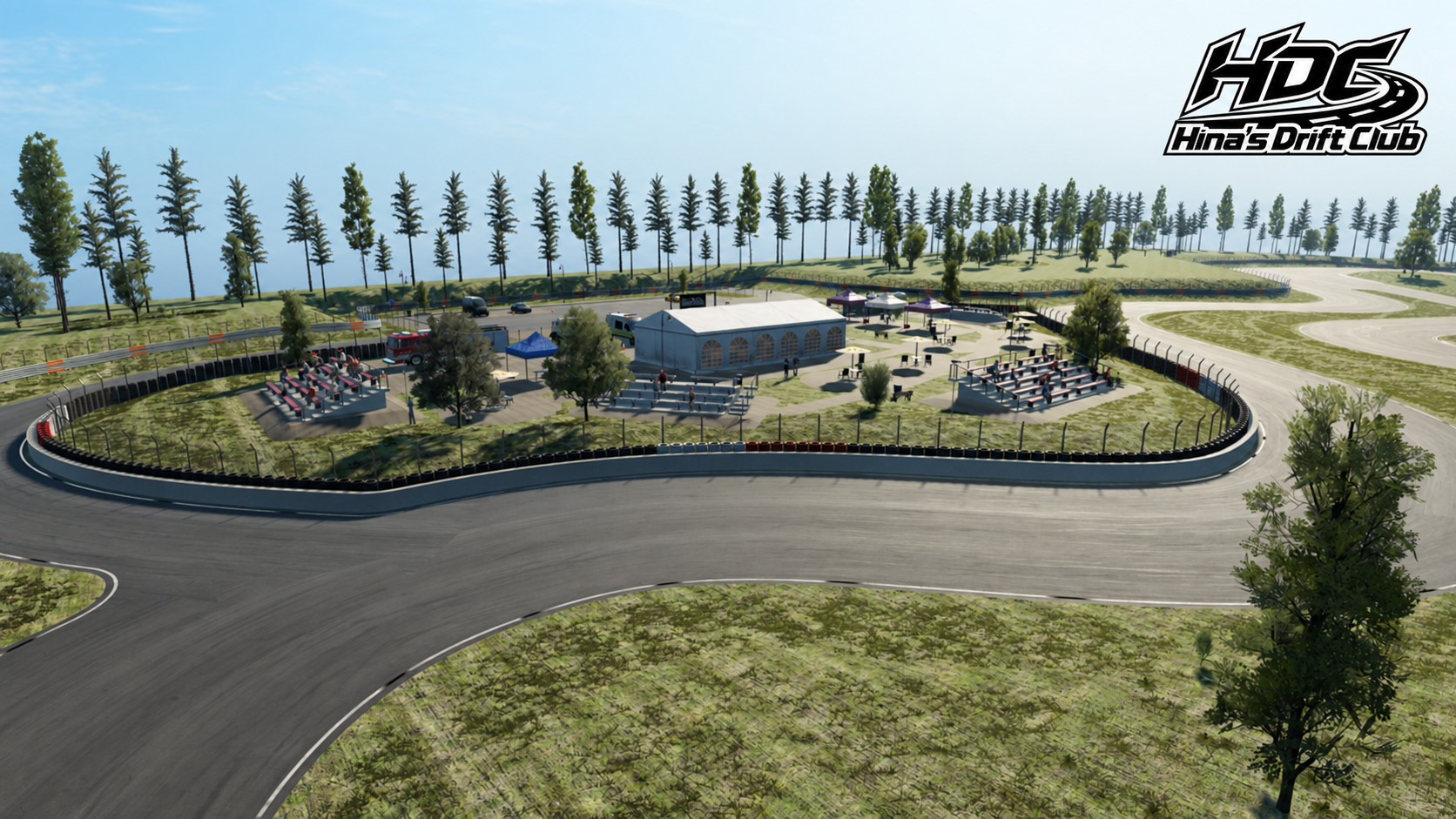
-Added a terrain around the park (non-drivable)
-Added props, and foliage
I hope you'll like it.
Track installation:
The Yard comes with its own Installer now (Windows-only, let me know if you need Linux support), you don't need Evoforge anymore.
INSTALL WITH THE YARD INSTALLER
1. Close Assetto Corsa EVO, then extract and open HDC_TheYard_Installer_b0.2.exe
2. Select your mods folder path then proceed with the installation (if there's none, create one in %USERPROFILE%\Saved Games\ACE\ so you end up with %USERPROFILE%\Saved Games\ACE\mods)
3. After installation completes, open EVO and select HDC Drift Park.
You may encounter a Windows or Anti-virus warning as I currently don't have the funds to pay for a certificate (plus I trust that Kunos will soon give us an easier way to install track mods so this is temporary). I'm very sorry about that, it is up to you to trust me on this!
Tested locally with Assetto Corsa EVO 0.9.1. The track uses resources from your installed copy of EVO.
The Yard also comes with a separate installer for Dedicated Servers owners. You also don't need EvoForge or ACEManager to install it.
Dedicated Server Track and Cars installation:
INSTALL WITH THE YARD SERVER INSTALLER
1. Close Assetto Corsa EVO Dedicated Server Launcher, then extract and open HDC_Dedicated_Server_Installer_1.2.exe
2. Select your ACE Evo Dedicated Server Launcher path and proceed with the installation
3. After installation completes, open EVO Dedicated Server Launcher and select HDC Drift Park, and the cars you want to add. The installer only supports the HDC cars being added to the Launcher's car list, not additional car. For these, refer to their creators' instructions
You don't need to do the above part if you do not plan on running a dedicated server.
Hey y'all,
Update 1.2? What the f. is she talking about, where's 1.1? Well, I was about to release 1.1 with just parts of what has been added to 1.2, but then decided "eh whatever, I'll just push everything.".
This update brings new features to HDC, some requests by you lovely people, and some that I thought would be cool to have. So let's get to it.
The Yard
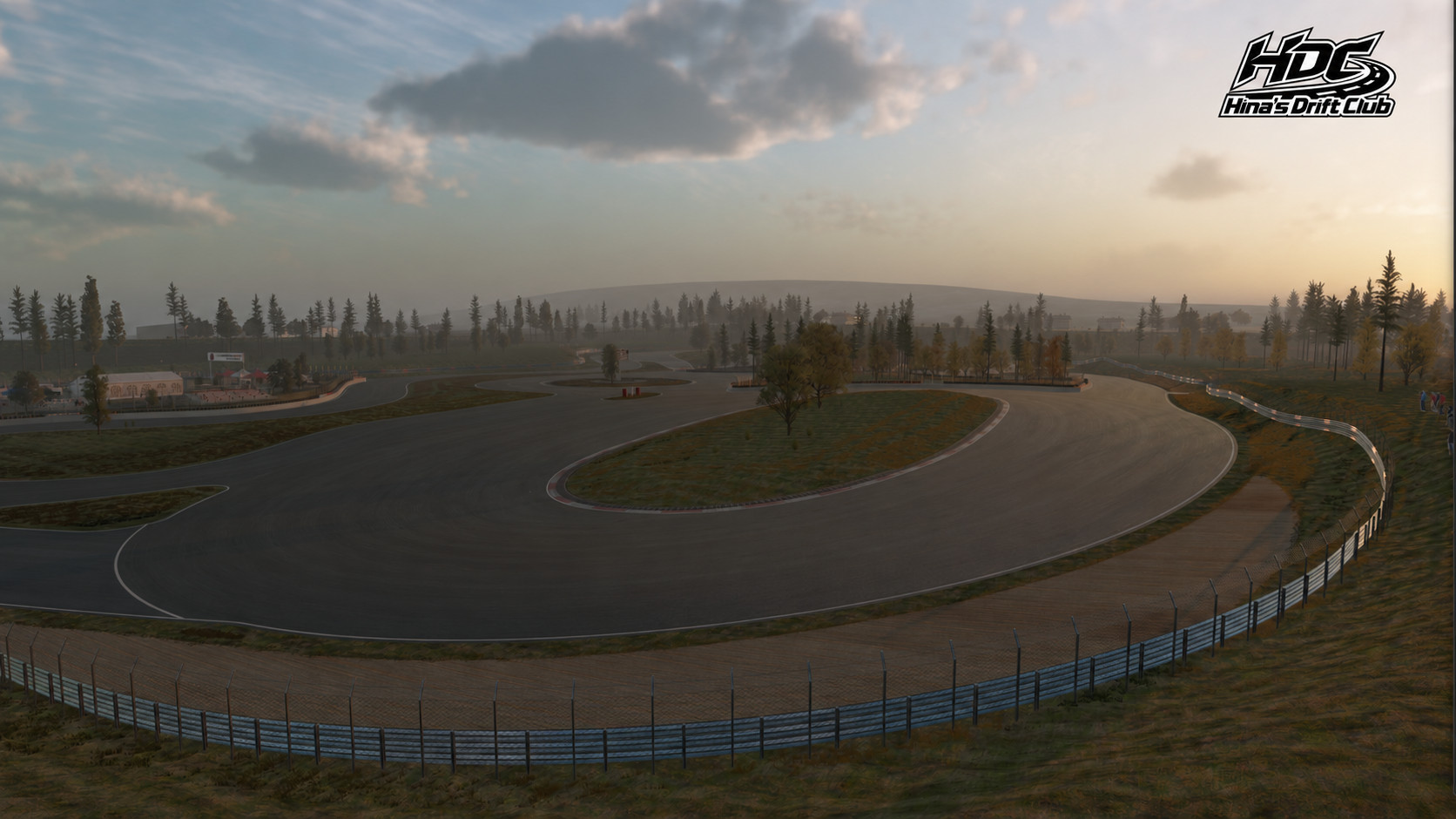
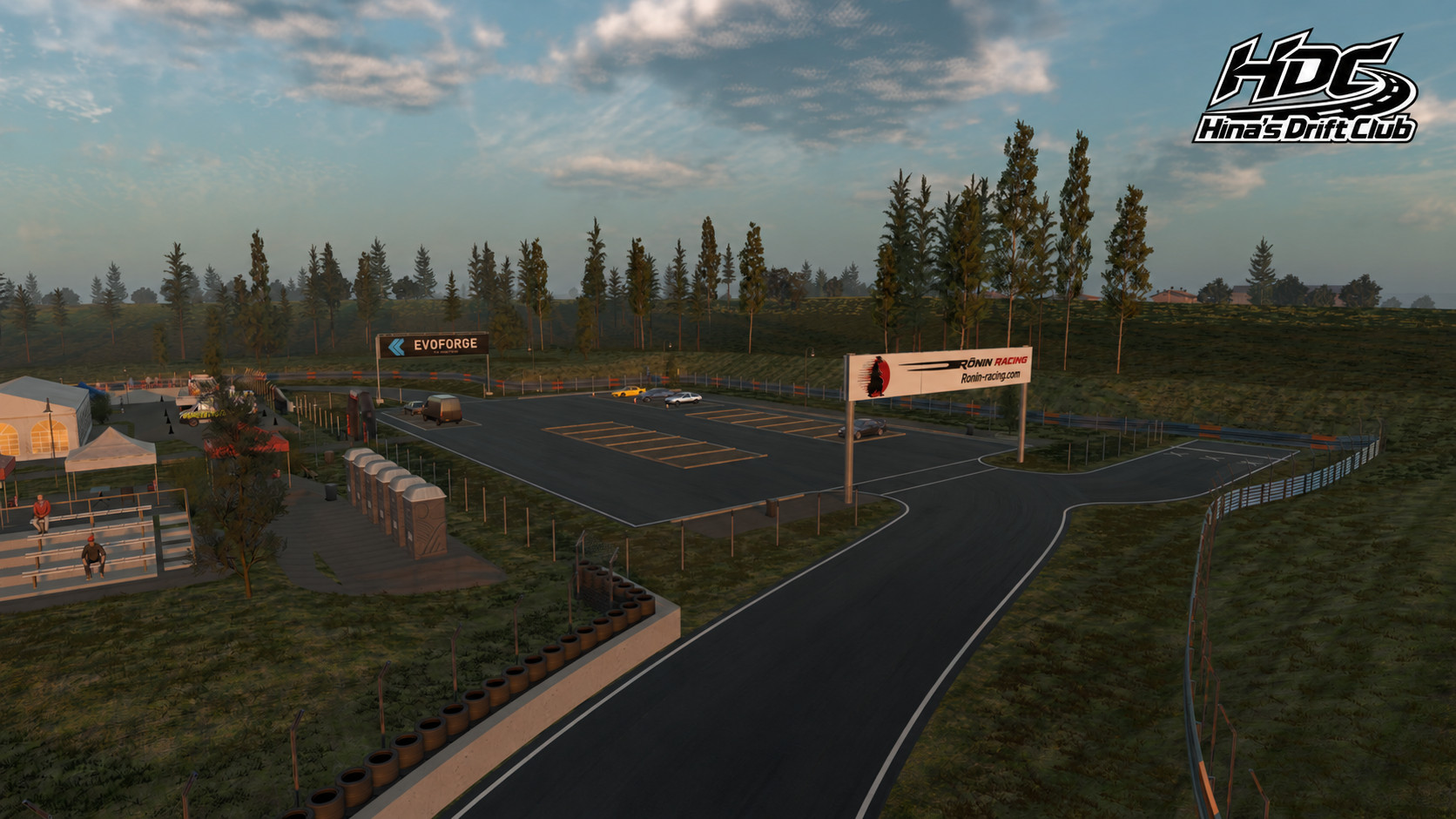
Our little drift park has seen new stuff added to it:
-The "Drifters Fan Zone", a little area that serves no purpose besides making the park feel a bit more friendly, and have people watch you put that thing sideways.
-The "Anvil and Dagger" islands have been enclosed with walls, careful when drifting around here, you'll scrape your bumpers pretty hard. (thanks DAEZ3D on Steam for the suggestion)
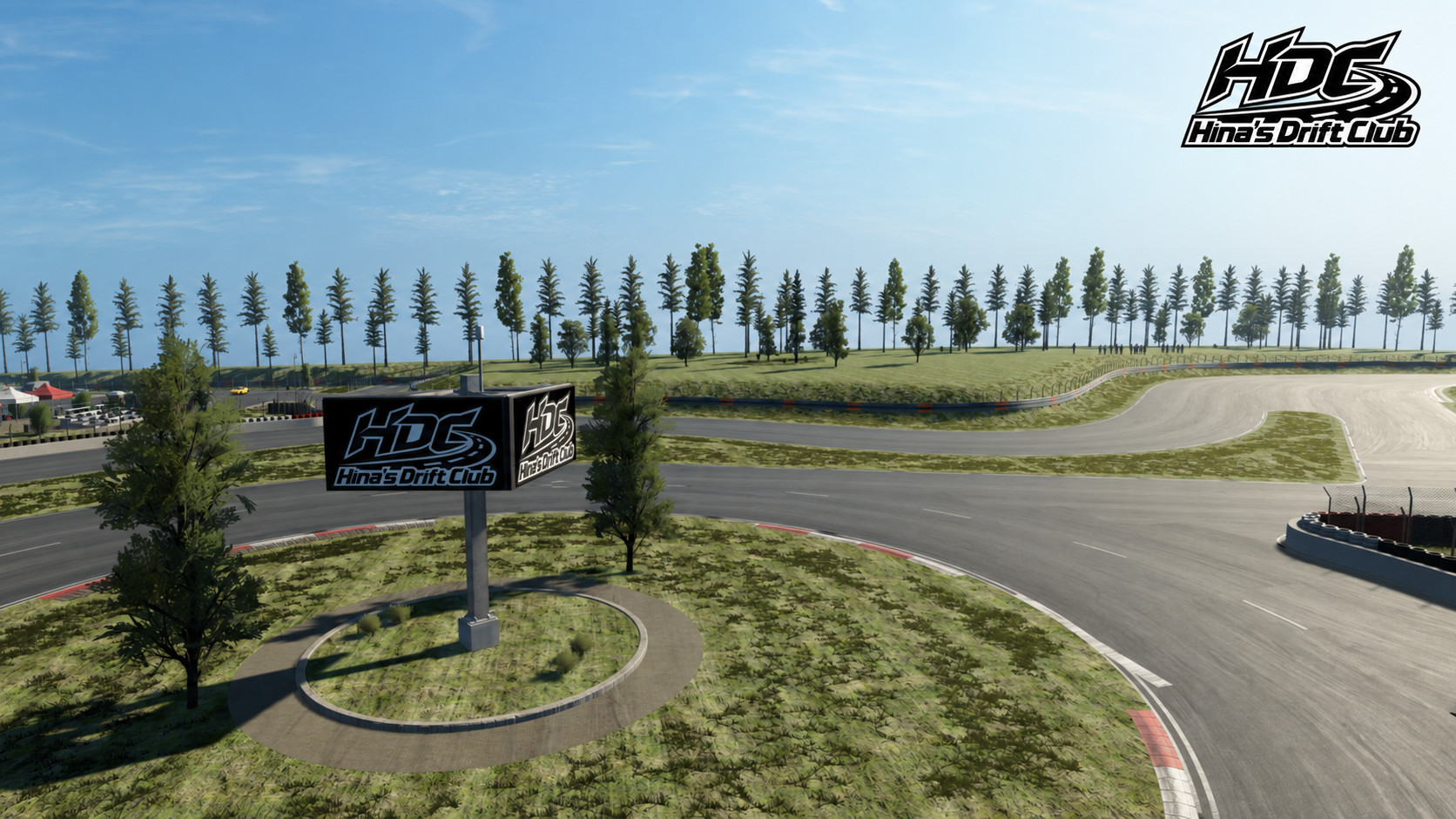
-Minor changes to the rails around the track to smooth them out and add a bit of color, and a new HDC sign on the Roundabout. Also smoothed out the Oval. And fixed spectators not looking at the track as well.
-Replay Cameras, you have 6 replay cameras around the track to watch your drifts. (thanks to DAEZ3D on Steam for the feedback)
-A minimap has been added, you'll now know where you are, and where other drivers are on the track. (thanks to the Ronin drifting community for that feedback when we played together on the server)
-The track now has dedicated installers (see below for instructions), you don't need Evoforge anymore.
Please bear in mind that the Yard is still in beta with this update, there are still visual glitches.
However I'm pleased to announce that it is fully Multiplayer compatible now, with 12 spots, all working as expected. You can find one available server in ACE searching for 'Ronin Hina Drift Club' (thanks to DerKiffer420).
The Cars
I've added a few quality of life improvements to the three cars:
-In game drift cameras (front left and right wheels, and GoPro tailgate type), these are meant to be usable whilst drifting so they purposefully render a good portion of the road in front of you.
-Setup settings have been exposed. Anything you need to tweak the HDC cars to your liking is now available. The base setup is still a drift setup with the HDC philosophy of making them accessible but still challenging.
Feedback on both the Yard and the Cars is still very much welcomed. Special mention to Beautiful_Sky_1281 here on Reddit for his feedback and videos, and Connor from Overtake.gg for his article about HDC.
Track installation:
The Yard comes with its own Installer now (Windows-only, let me know if you need Linux support), you don't need Evoforge anymore.
INSTALL WITH THE YARD INSTALLER
1. Close Assetto Corsa EVO, then extract and open HDC_TheYard_Installer_b0.2.exe
2. Select your mods folder path then proceed with the installation (if there's none, create one in %USERPROFILE%\Saved Games\ACE\ so you end up with %USERPROFILE%\Saved Games\ACE\mods)
3. After installation completes, open EVO and select HDC Drift Park.
You may encounter a Windows or Anti-virus warning as I currently don't have the funds to pay for a certificate (plus I trust that Kunos will soon give us an easier way to install track mods so this is temporary). I'm very sorry about that, it is up to you to trust me on this!
Tested locally with Assetto Corsa EVO 0.9.1. The track uses resources from your installed copy of EVO.
The Yard also comes with a separate installer for Dedicated Servers owners. You also don't need EvoForge or ACEManager to install it.
Dedicated Server Track and Cars installation:
INSTALL WITH THE YARD SERVER INSTALLER
1. Close Assetto Corsa EVO Dedicated Server Launcher, then extract and open HDC_Dedicated_Server_Installer_1.2.exe
2. Select your ACE Evo Dedicated Server Launcher path and proceed with the installation
3. After installation completes, open EVO Dedicated Server Launcher and select HDC Drift Park, and the cars you want to add. The installer only supports the HDC cars being added to the Launcher's car list, not additional car. For these, refer to their creators' instructions
You don't need to do the above part if you do not plan on running a dedicated server.