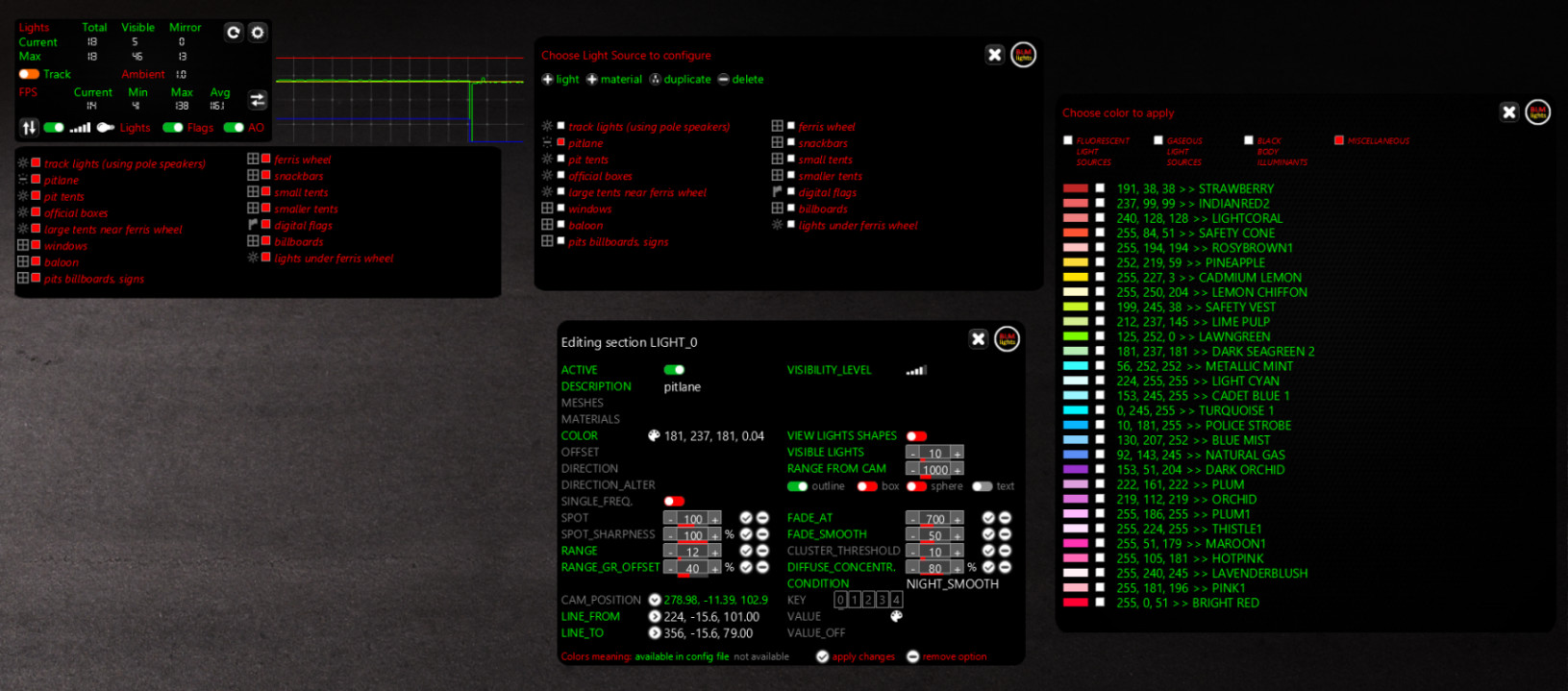
BLM Lights 1.16

0/5,
0
votes
In order to use the app you MUST have the Custom Shaders Patch installed!

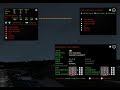
Settings (content manager > settings > apps > BLM Lights):
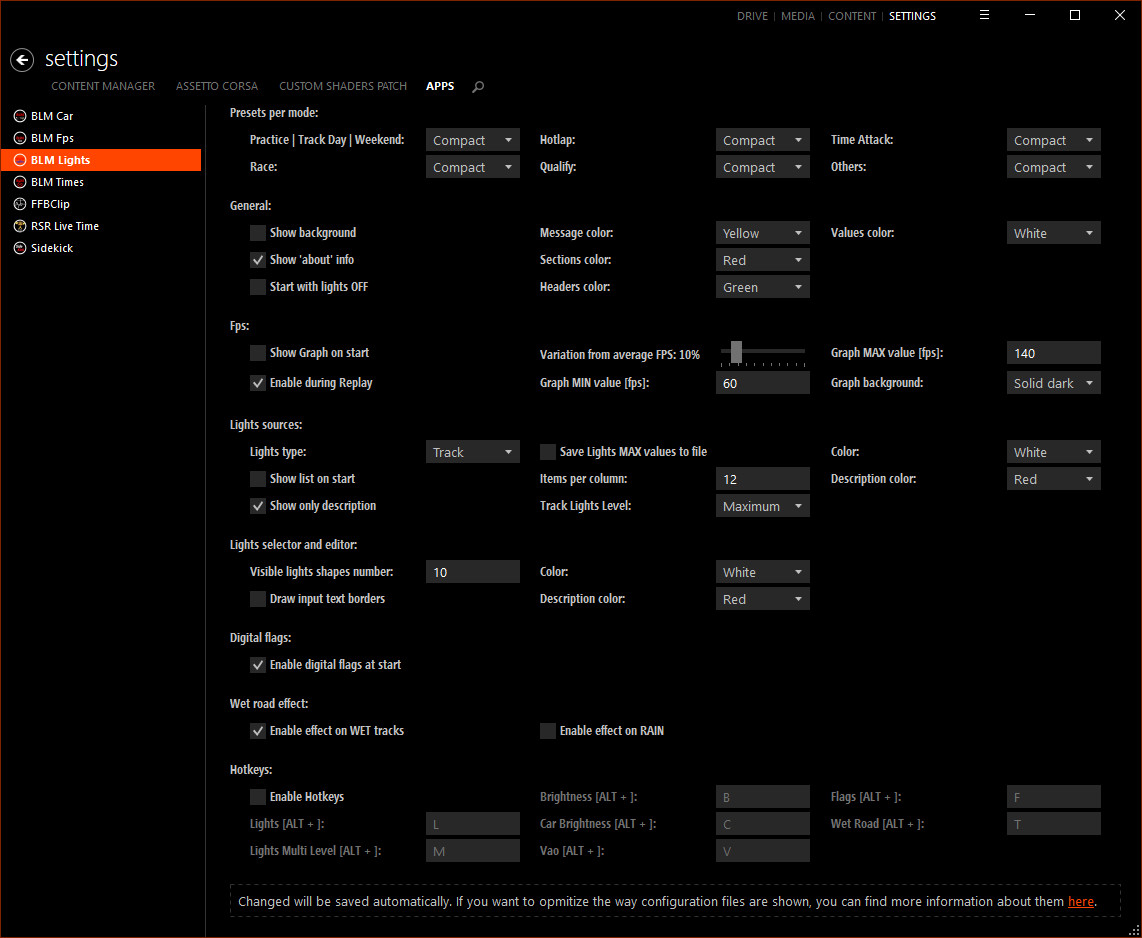
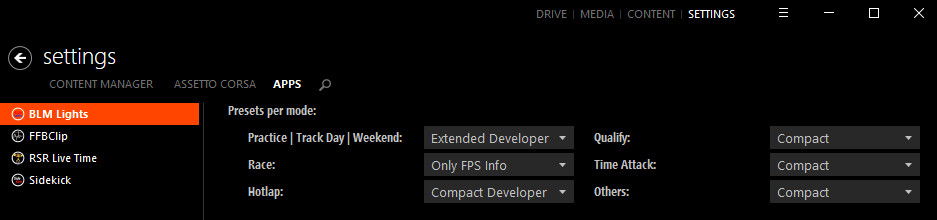
If you want to build lights for tracks or make changes, choose one of the DEVELOPER styles
With Presets Per Mode you can choose, for each game mode, the user interface to be used:
You can use hotkeys (can be edited in the settings) to:
Blamer
Settings (content manager > settings > apps > BLM Lights):
If you want to build lights for tracks or make changes, choose one of the DEVELOPER styles
With Presets Per Mode you can choose, for each game mode, the user interface to be used:
You can use hotkeys (can be edited in the settings) to:
- Enable/Disable lights (ALT + L)
- Change lights level (ALT + M)
- Change brightness level (ALT + B)
- Change car brightness level (ALT + C)
- Enable/Disable vertex a.o. (ALT + V)
- Enable/Disable digital flags (ALT + F)
- Enable/Disable wet road effects (ALT + T)
Blamer
Videos
Direct Download Links
Version: 1.16Updated: 1 year ago
Total Size: 733.38 KB
BLM_Lights_ver116_modland.zip
direct download
· 733.38 KB
· added 1 year ago
This File is Scanned by Antivirus and is Safe.
More Details
About Mod
| Latest Version | 1.16 |
| Game | Assetto Corsa |
| Category | Apps |
| Downloads | 654 |
| Created | 1 year ago |
| Last Virus Scan |
0/93
More Details |
You Might Also Like »
_modland.jpg)
0 Comments
There are no comments. Be first to comment!