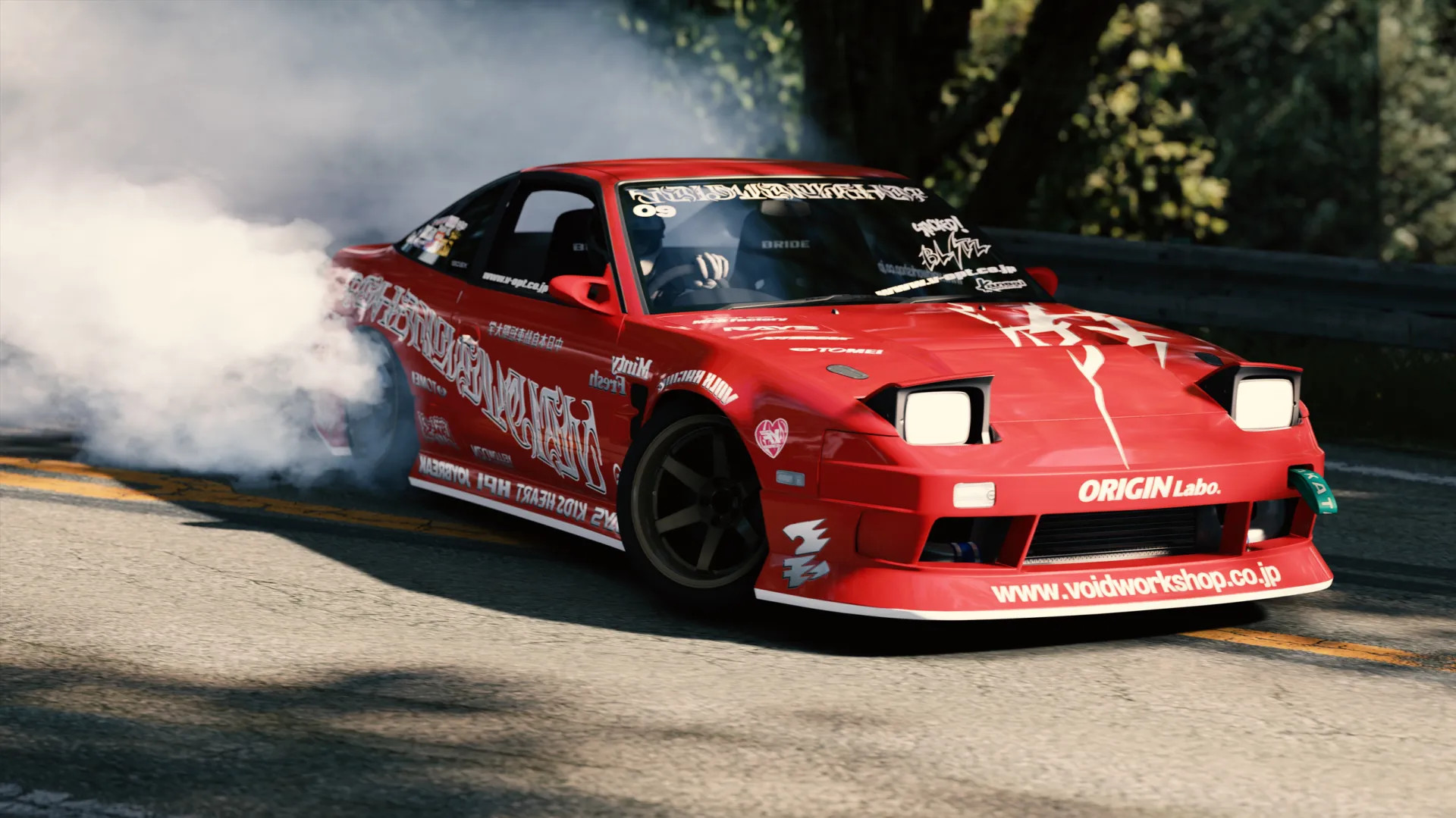
WDTS 180SX VOIDWORKSHOP v1.0

WDTS 180SX VOIDWORKSHOP Description
How to Install Liveries (Skins)
There are two simple installation methods. Choose the one you prefer.
Option 1: Content Manager (Recommended)
– Download the livery ZIP file
– Open Content Manager
– Drag and drop the ZIP file into the Content Manager window
– When the install bar appears at the top, click it
– Click Install and wait until the process is complete
– The livery will be available in-game
Option 2: Manual Installation
– Download and extract the livery file
– Open the extracted folder and find the skin folder
– Copy the skin folder to:
assettocorsa/content/cars/[CAR_FOLDER_NAME]/skins/
– Launch the game or refresh Content Manager and select the livery
Notes
– Place the skin folder inside the correct car’s skins directory
– If the livery does not show up, restart Content Manager or the game




_modland.webp)