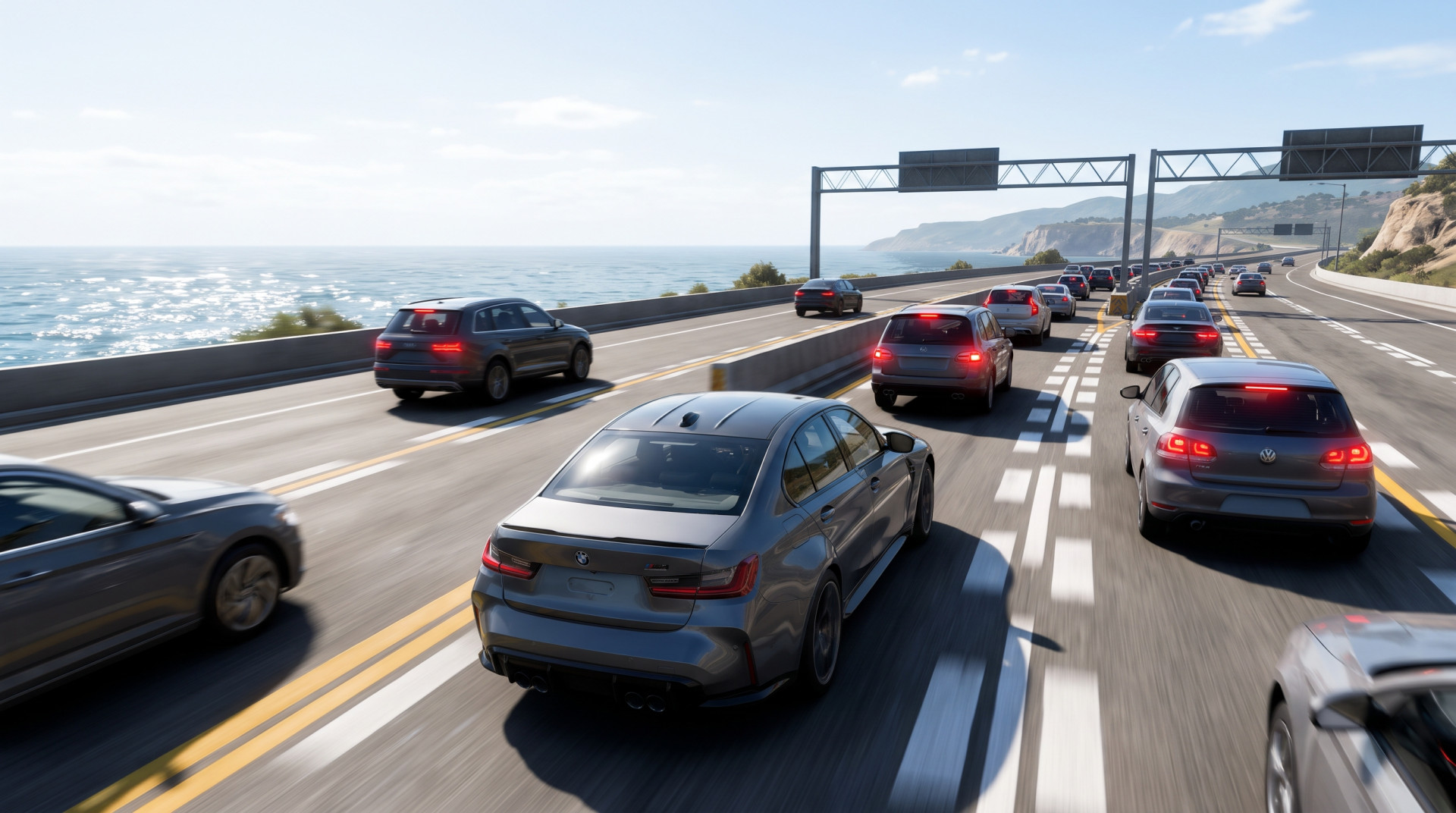
No Hesi MaxFPS Boost PP Filter Pack (Low-End PC & VR) 1.0
0/5,
0
votes
Description
No Hesi MaxFPS Boost PP Filter Pack v1.0 for Assetto Corsa (Low-End PC, Laptop & VR Optimized — works with CSP, Pure, Sol & Stock AC). This ultra-lightweight 2-in-1 Post-Processing Filter pack strips out GPU-heavy post-processing passes while preserving crisp, clean, high-visibility colors.
Features
- NoHesi_MaxFPS_Clean: Maximum possible FPS with zero post-processing blur or glare overhead. Crisp, clean image for weak GPUs, laptops, and high-refresh VR headsets.
- NoHesi_MaxFPS_NightGlow: Ultra-low-cost night highway preset so brake lights and headlights pop cleanly on Shutoko at night without tanking frame rates.
- Instant FPS Boost: Cuts heavy YEBIS post-processing GPU time on crowded online servers.
- Razor-Sharp Visibility: Zero artificial lens blur or blinding bloom when weaving through traffic at 280+ km/h.
- Universal Compatibility: Works with Pure, Sol, Custom Shaders Patch (CSP), and vanilla Assetto Corsa.
Installation Instructions
1. Drag and drop NoHesi_MaxFPS_Boost_PPFilter_v1.0.zip directly into Content Manager and click Install.
2. Select NoHesi_MaxFPS_Clean or NoHesi_MaxFPS_NightGlow under Settings -> Assetto Corsa -> Video -> Post-Processing Filter.
External Download Links:
You Might Also Like »
_modland.jpg)

0 Comments
There are no comments. Be first to comment!