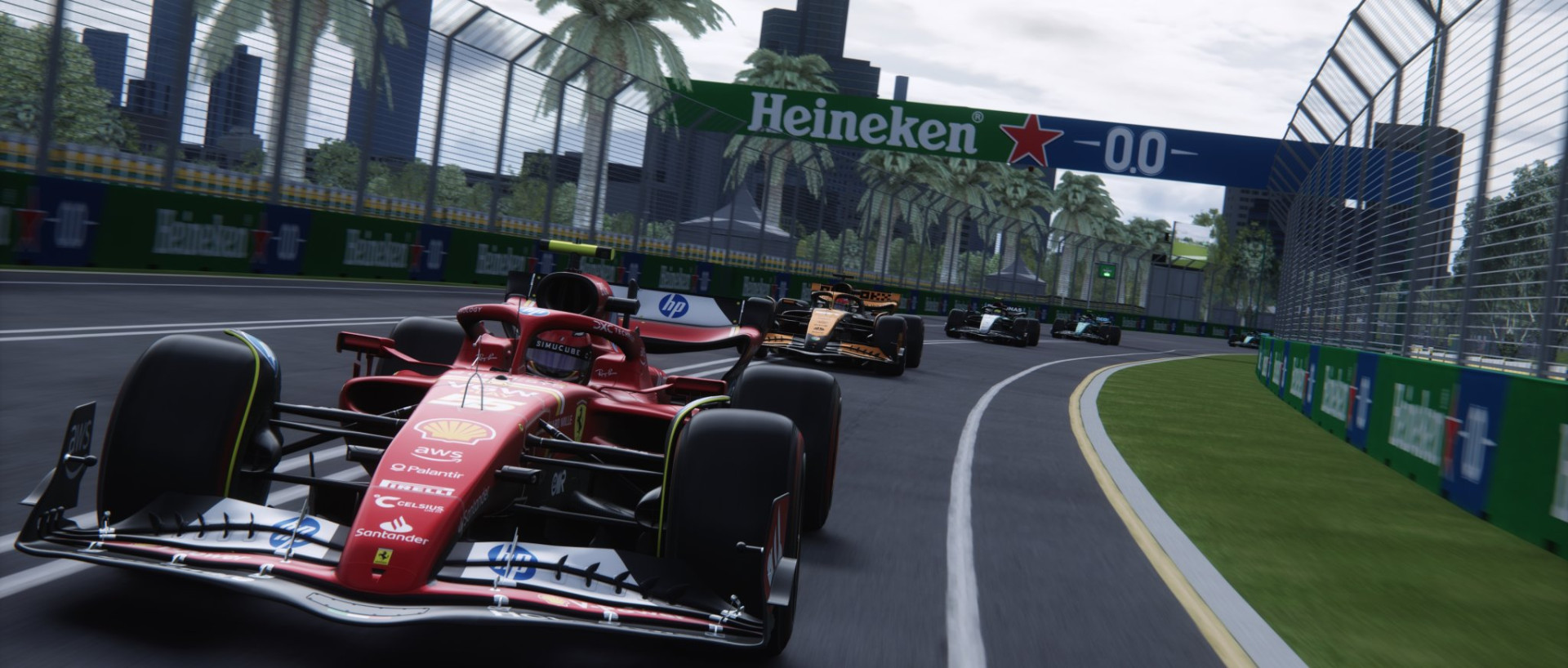
Albert Park Circuit (Melbourne GP) and Pyyer Ext AI 1.7

0/5,
0
votes
Changelog
1.7 - Pre-2022 Layouts Enhancements | 2022 Layouts Minor Adjustment
- Pre-2022 layouts (layout_f1_2004, melbourne_2019): Transferred lessons learnt from 2022 layouts, resulting in increased pace overall; harder attack and more speed mainly at T1, T5, T6-T7, T13.
- 2022 layouts (layout_f1_2022, layout_f1_2023, layout_f1_2024, layout_f1_2025, melbourne22): Pulled in sideline at T6 to discourage grass / gravel-cutting; increased danger hint for T9-T10 to prevent the inner car from understeering into the outer car.
Description
AI racing lines and hints for the Melbourne GP Circuit, covering both new and old layouts. These are designed to reduce AI divebombing at Turn 1 and 5 through tightened sidelines and adjusted hints.
Features
- Adjusted racing lines and hints for multiple layouts.
- Shortened pit_lane.ai to better catch cars and maintain speed.
- Tightened sidelines to improve AI behavior in corners.
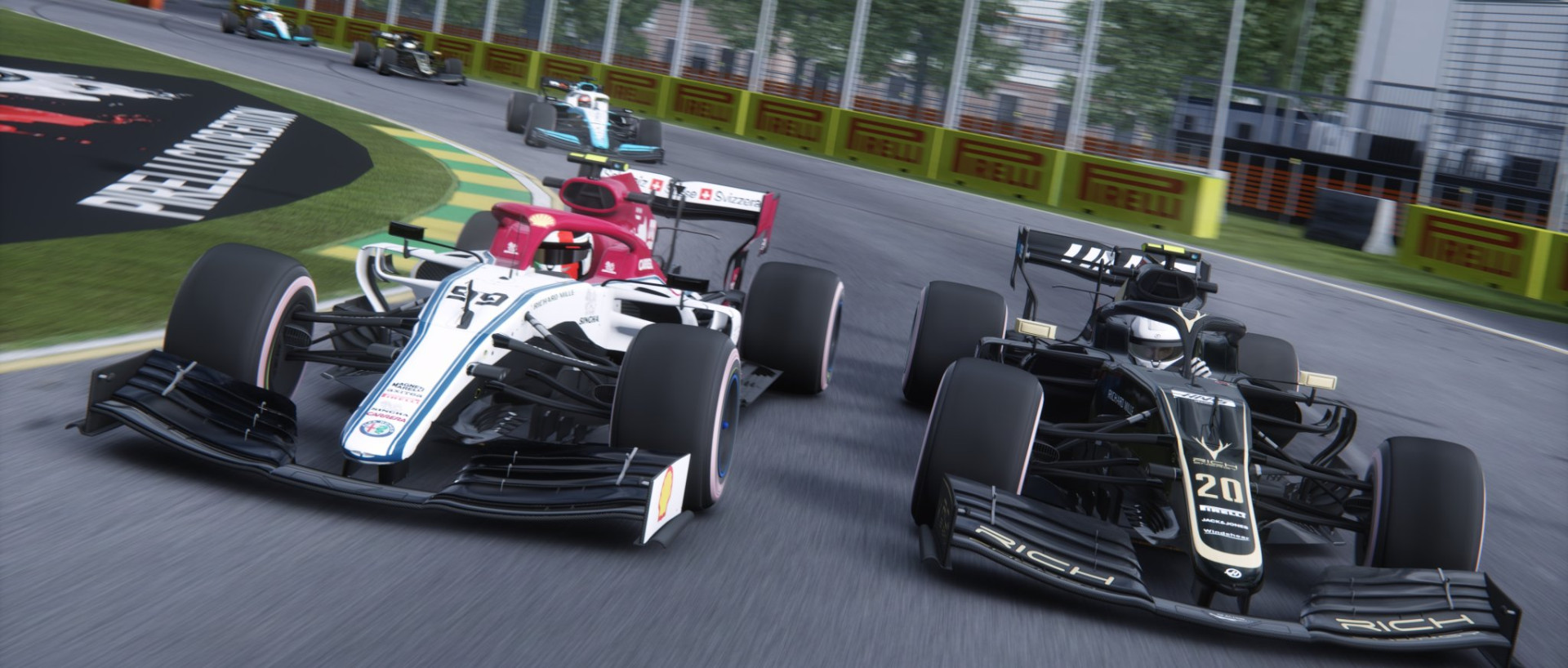
Track: melbourne v0.0.4 (updated by Pyyer, mix of melbourne22 by Polska Liga Simracingowa and melbourne_2019 by acu, patrikPat, Sliderman)
Extensions / Layouts:
- original (2019, 2022)
- Pyyer's F1 2025 Extension v4.1
- Pyyer's F1 2024 Extension v3.0
- Pyyer's F1 Classics 2004, 2022-2023 Pack v3.0
Note: AI for 2019 and 2004 layouts are intended for high downforce cars. In certain mods, AI may go wide.
Tested on:
- CSP Version: 0.2.8-preview1
- CSP > New AI Behaviour: Active
- CSP > New AI Behaviour > Straighten AIs trajectory when starting: Disabled
- AI Strength: 94 - 100
- AI Aggression: 10 - 15%
- Cars: RSS Formula 2000, RSS Formula Hybrid (2019, 2022, 2023, 2024), RSS Formula RSS 2 V6 (2020, 2022), RSS Formula RSS 3 V6, Team V8SCorsa V8 Supercars 2020, GT3s
Installation Instructions
1. (Optional) Backup existing AI files by renaming them with a .bak extension.
2. Delete any pre-existing payloads.bin files in the "ai" folder.
3. Go to the "data" folder of the specific layout.
4. Rename existing side_l.csv and side_r.csv with a .bak extension to prevent overwriting.
5. Extract the contents of the .7zip file.
6. Copy the "content" folder and paste it into your AC installation folder.
7. Replace files when requested.
Credits
mk-sg
1.7 - Pre-2022 Layouts Enhancements | 2022 Layouts Minor Adjustment
- Pre-2022 layouts (layout_f1_2004, melbourne_2019): Transferred lessons learnt from 2022 layouts, resulting in increased pace overall; harder attack and more speed mainly at T1, T5, T6-T7, T13.
- 2022 layouts (layout_f1_2022, layout_f1_2023, layout_f1_2024, layout_f1_2025, melbourne22): Pulled in sideline at T6 to discourage grass / gravel-cutting; increased danger hint for T9-T10 to prevent the inner car from understeering into the outer car.
Description
AI racing lines and hints for the Melbourne GP Circuit, covering both new and old layouts. These are designed to reduce AI divebombing at Turn 1 and 5 through tightened sidelines and adjusted hints.
Features
- Adjusted racing lines and hints for multiple layouts.
- Shortened pit_lane.ai to better catch cars and maintain speed.
- Tightened sidelines to improve AI behavior in corners.
Track: melbourne v0.0.4 (updated by Pyyer, mix of melbourne22 by Polska Liga Simracingowa and melbourne_2019 by acu, patrikPat, Sliderman)
Extensions / Layouts:
- original (2019, 2022)
- Pyyer's F1 2025 Extension v4.1
- Pyyer's F1 2024 Extension v3.0
- Pyyer's F1 Classics 2004, 2022-2023 Pack v3.0
Note: AI for 2019 and 2004 layouts are intended for high downforce cars. In certain mods, AI may go wide.
Tested on:
- CSP Version: 0.2.8-preview1
- CSP > New AI Behaviour: Active
- CSP > New AI Behaviour > Straighten AIs trajectory when starting: Disabled
- AI Strength: 94 - 100
- AI Aggression: 10 - 15%
- Cars: RSS Formula 2000, RSS Formula Hybrid (2019, 2022, 2023, 2024), RSS Formula RSS 2 V6 (2020, 2022), RSS Formula RSS 3 V6, Team V8SCorsa V8 Supercars 2020, GT3s
Installation Instructions
1. (Optional) Backup existing AI files by renaming them with a .bak extension.
2. Delete any pre-existing payloads.bin files in the "ai" folder.
3. Go to the "data" folder of the specific layout.
4. Rename existing side_l.csv and side_r.csv with a .bak extension to prevent overwriting.
5. Extract the contents of the .7zip file.
6. Copy the "content" folder and paste it into your AC installation folder.
7. Replace files when requested.
Credits
mk-sg
Direct Download Links
Version: 1.7Updated: 2 days ago
Total Size: 388.1 KB Melbourne_(and_pyyer_ext_2004-2025)_AI_by_mksg_(v17)_modland.7z direct download · 388.1 KB · added 2 days ago
You Might Also Like »





_modland.jpg)

0 Comments
There are no comments. Be first to comment!