COTA Formula 1 2021 United States Grand Prix Add-ons Extension 3.0

5/5,
1
votes
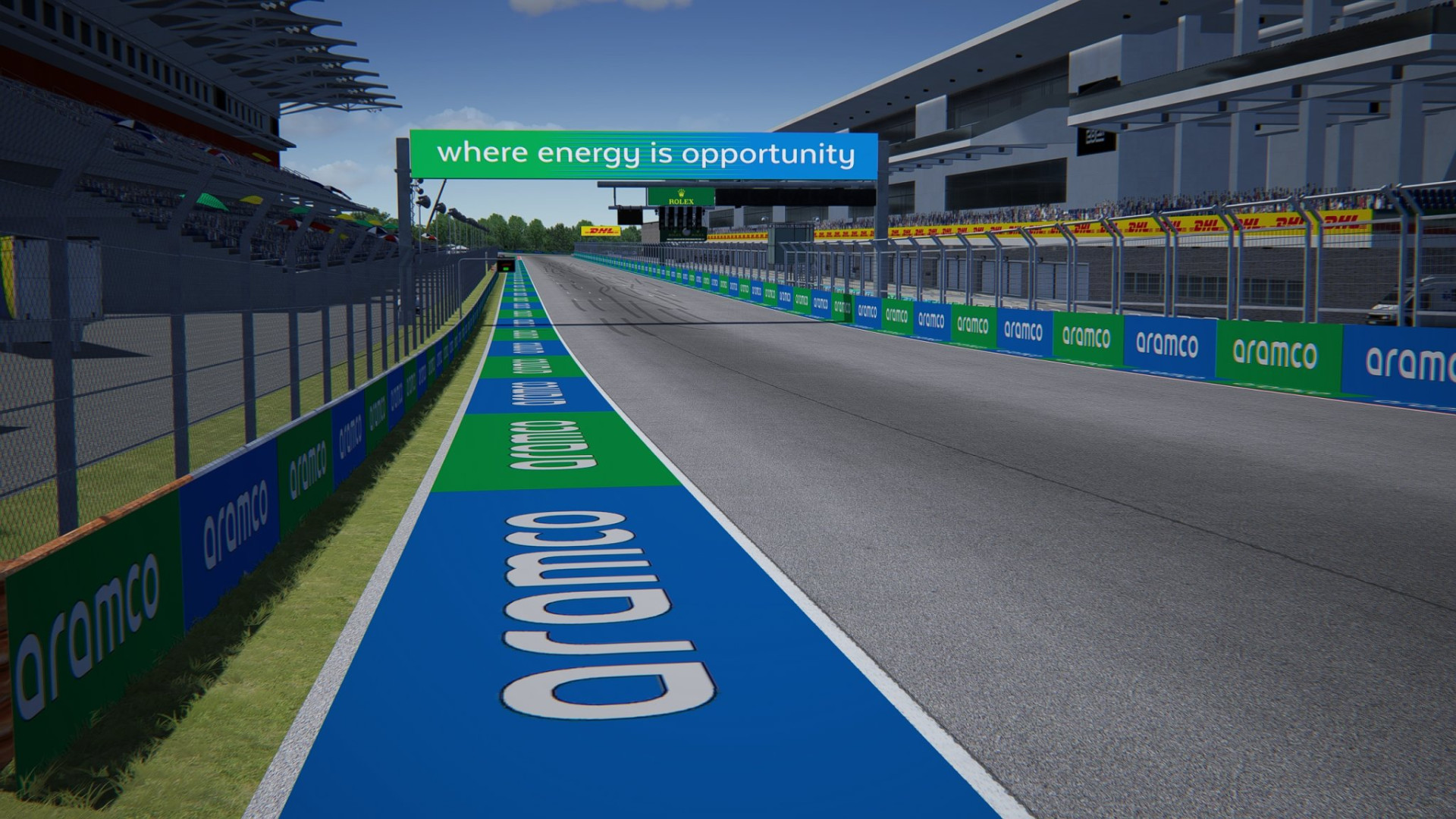
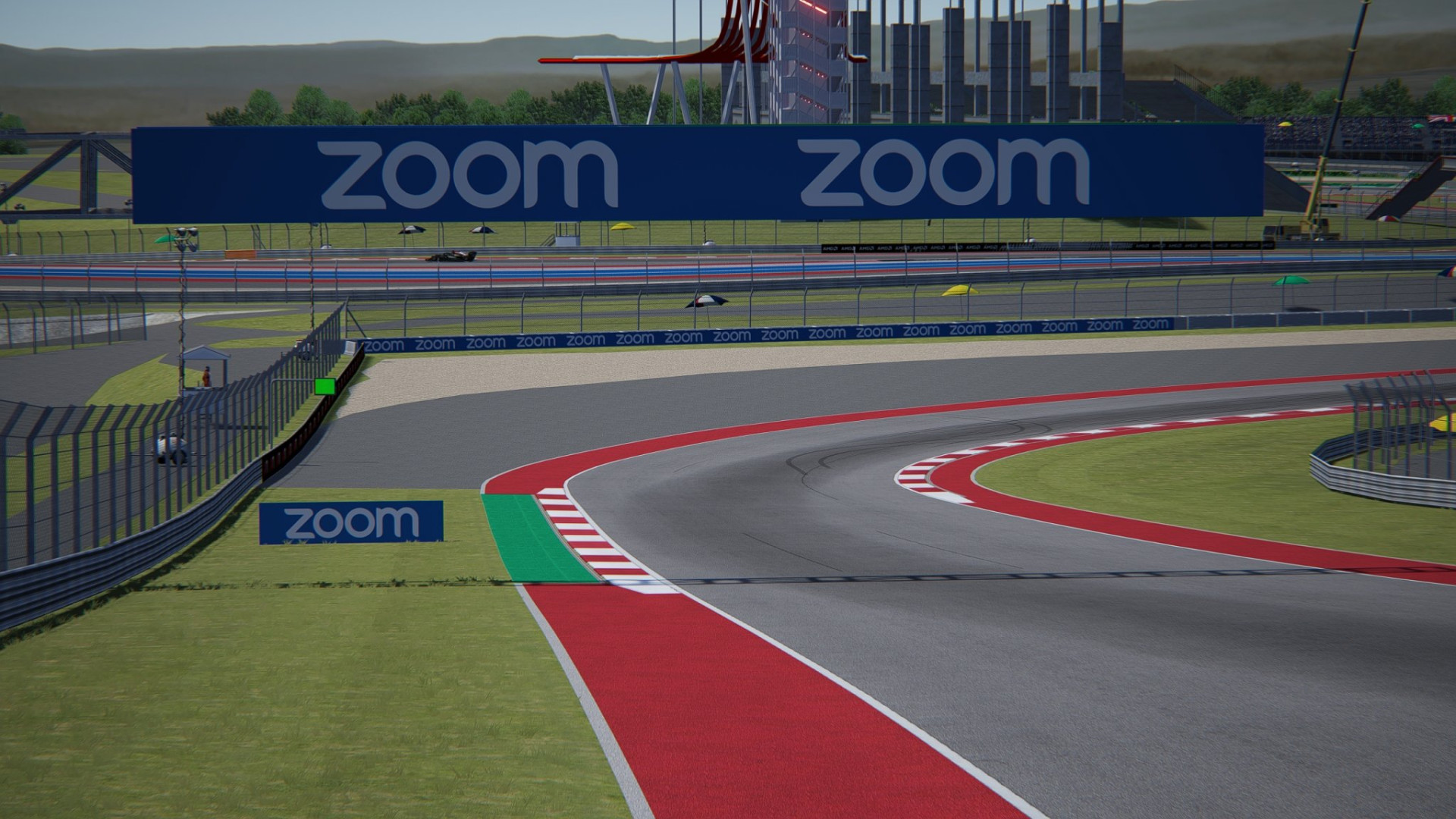
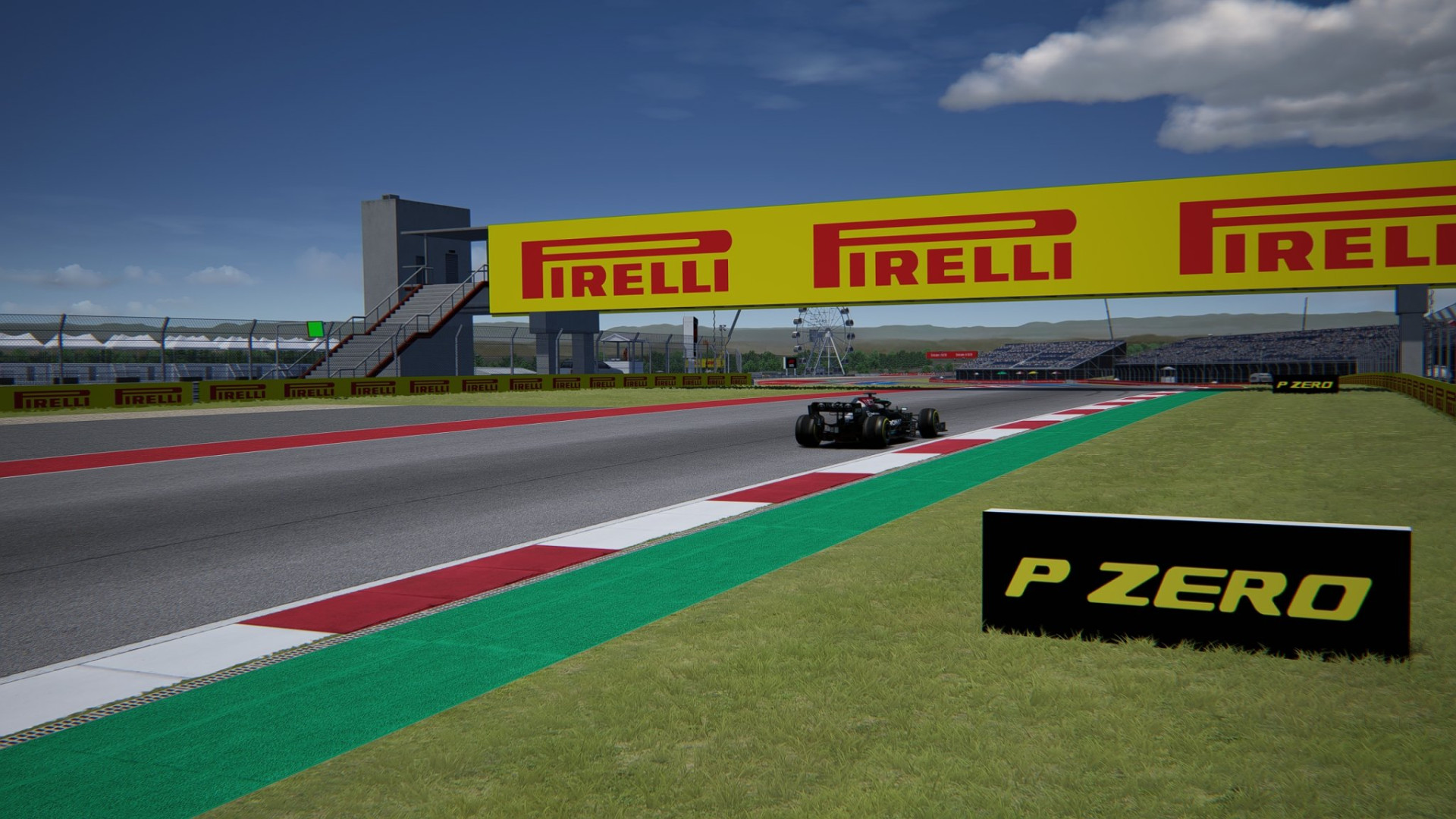
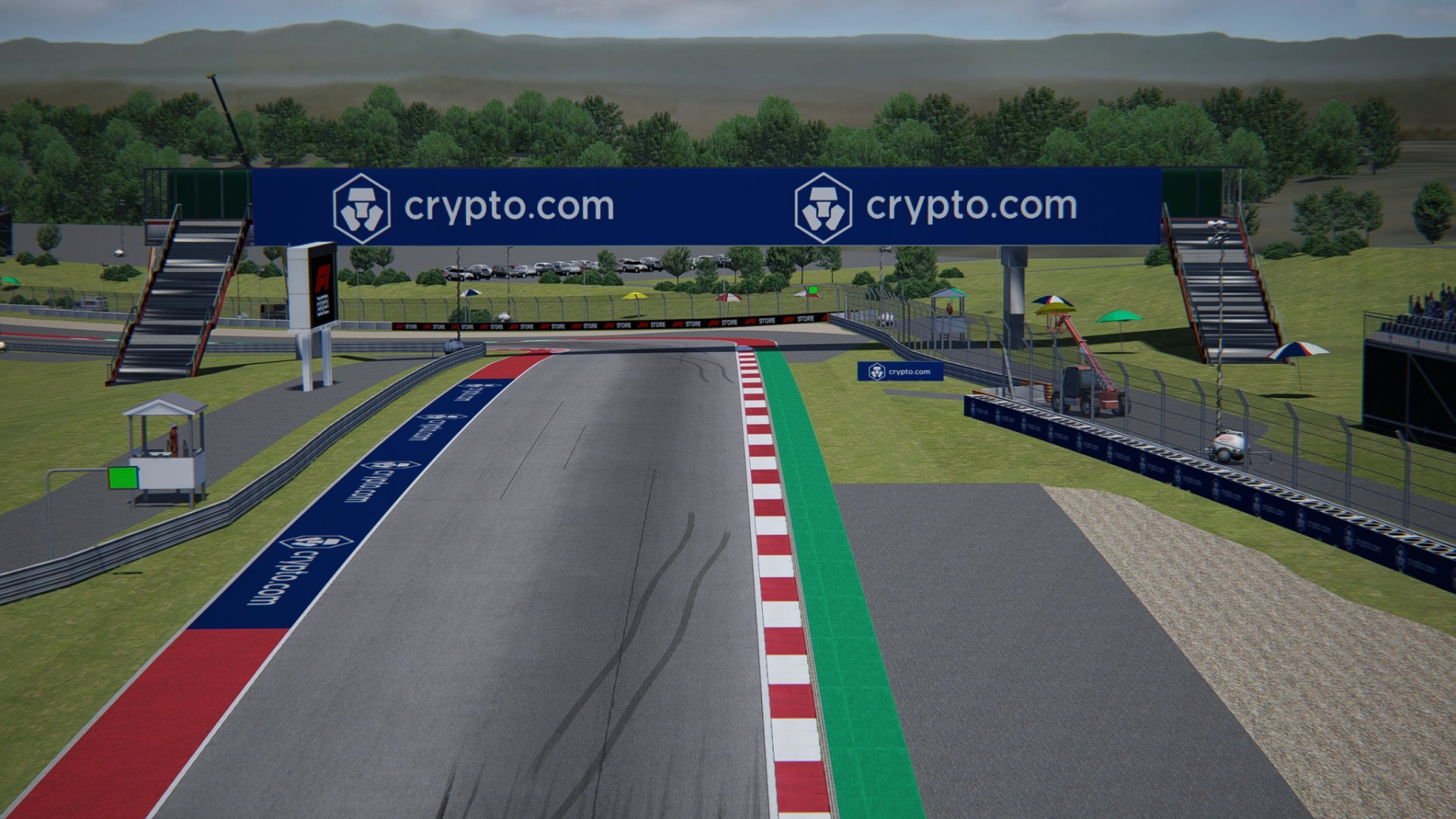
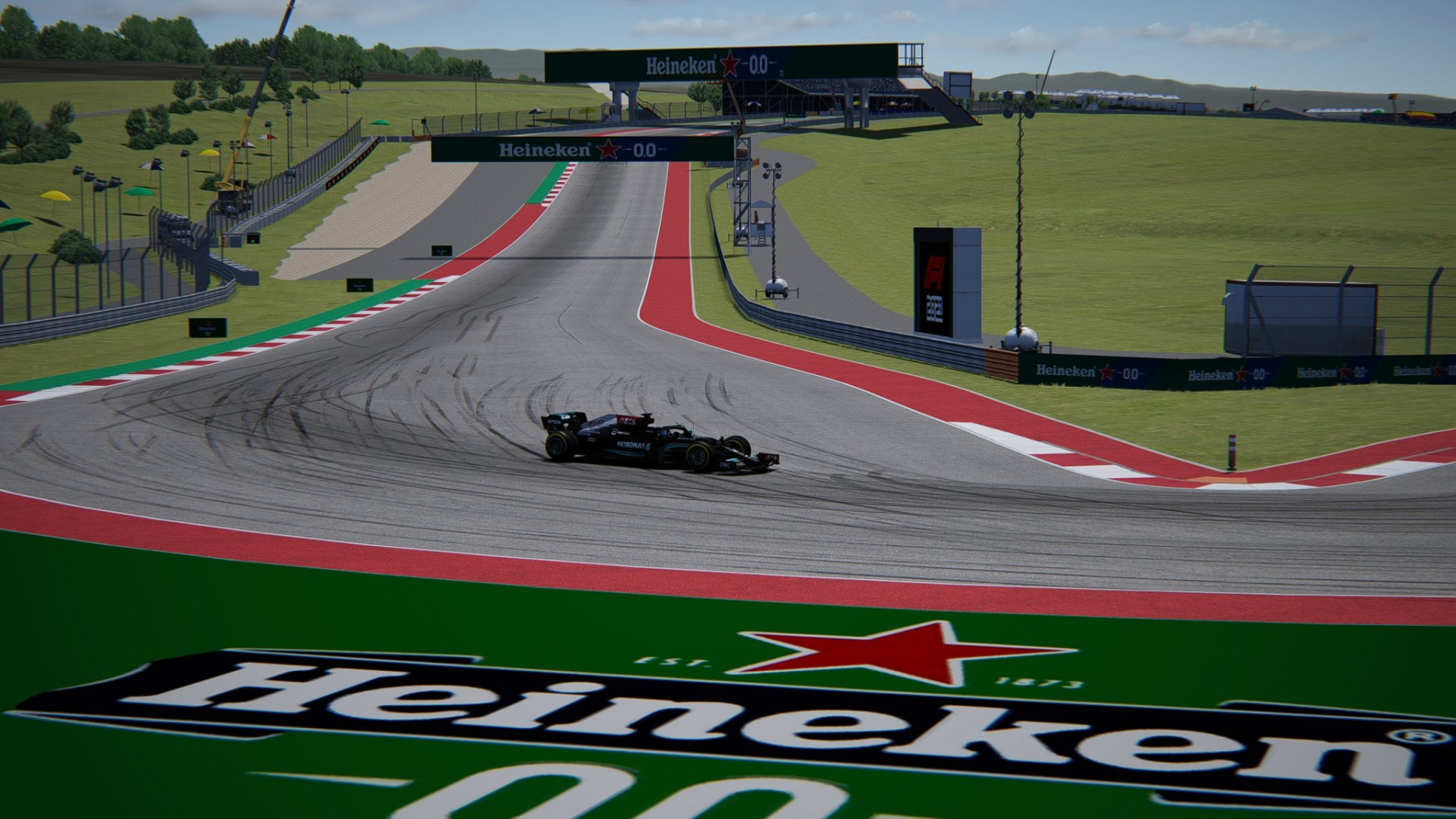
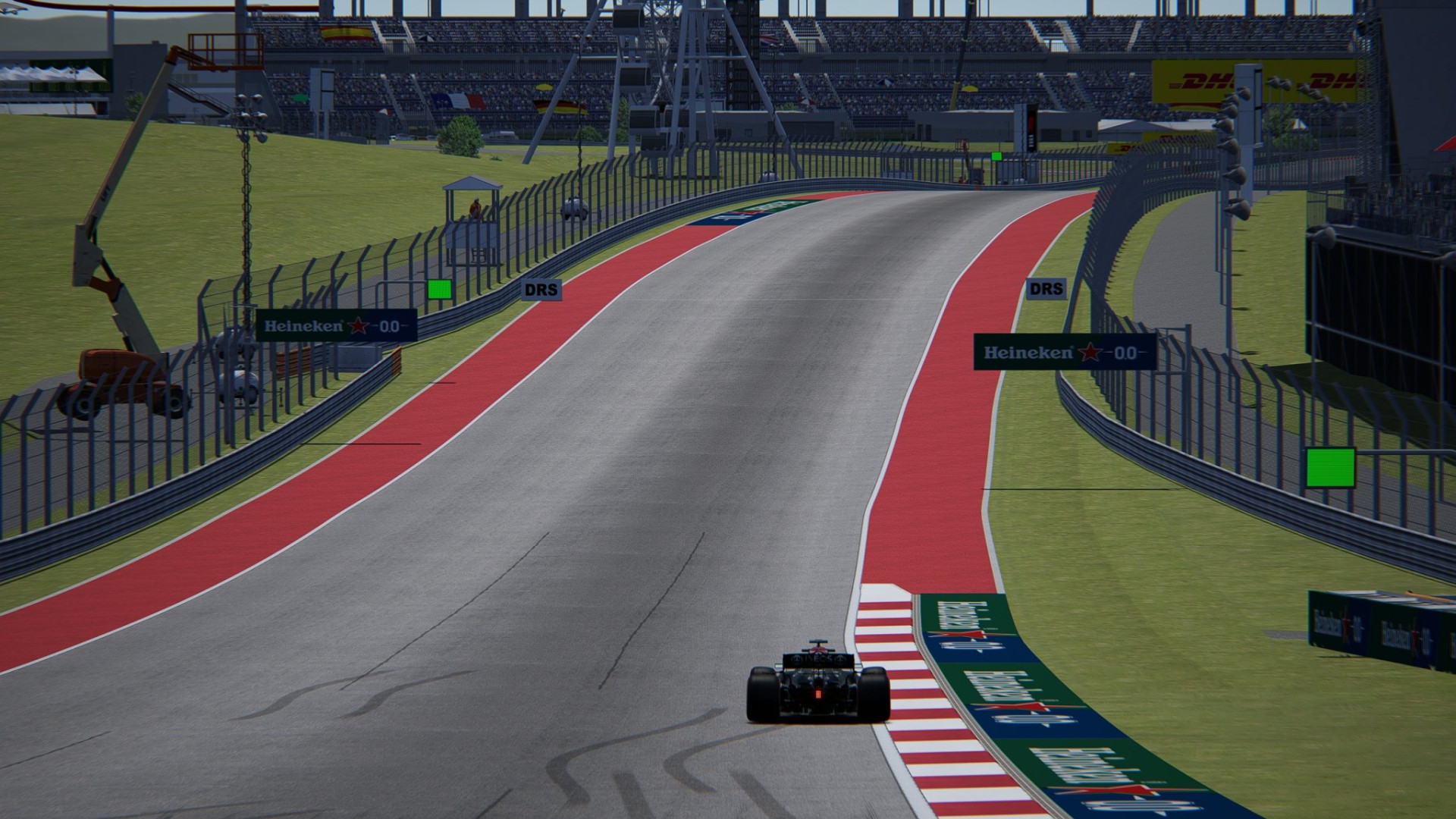
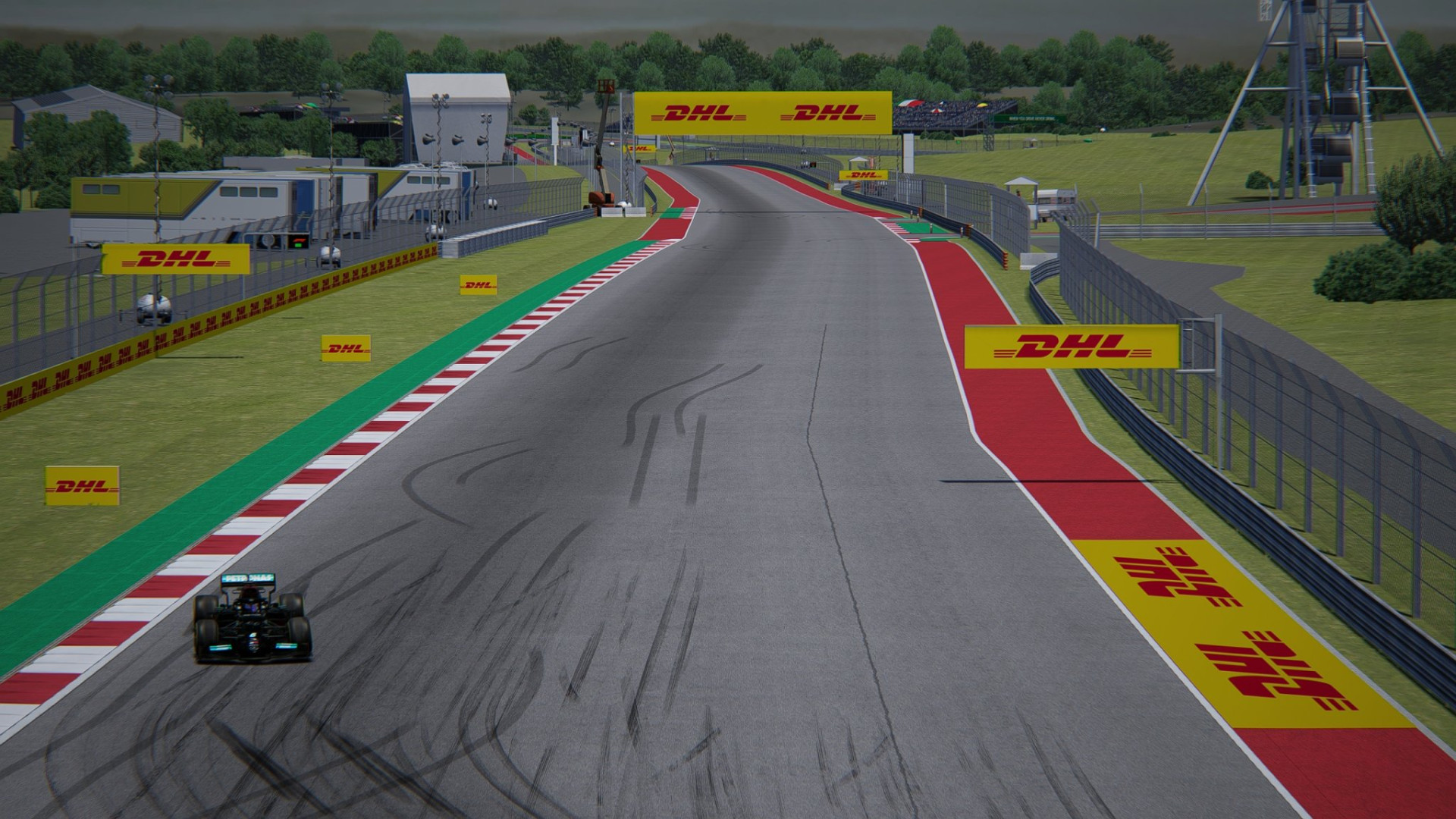
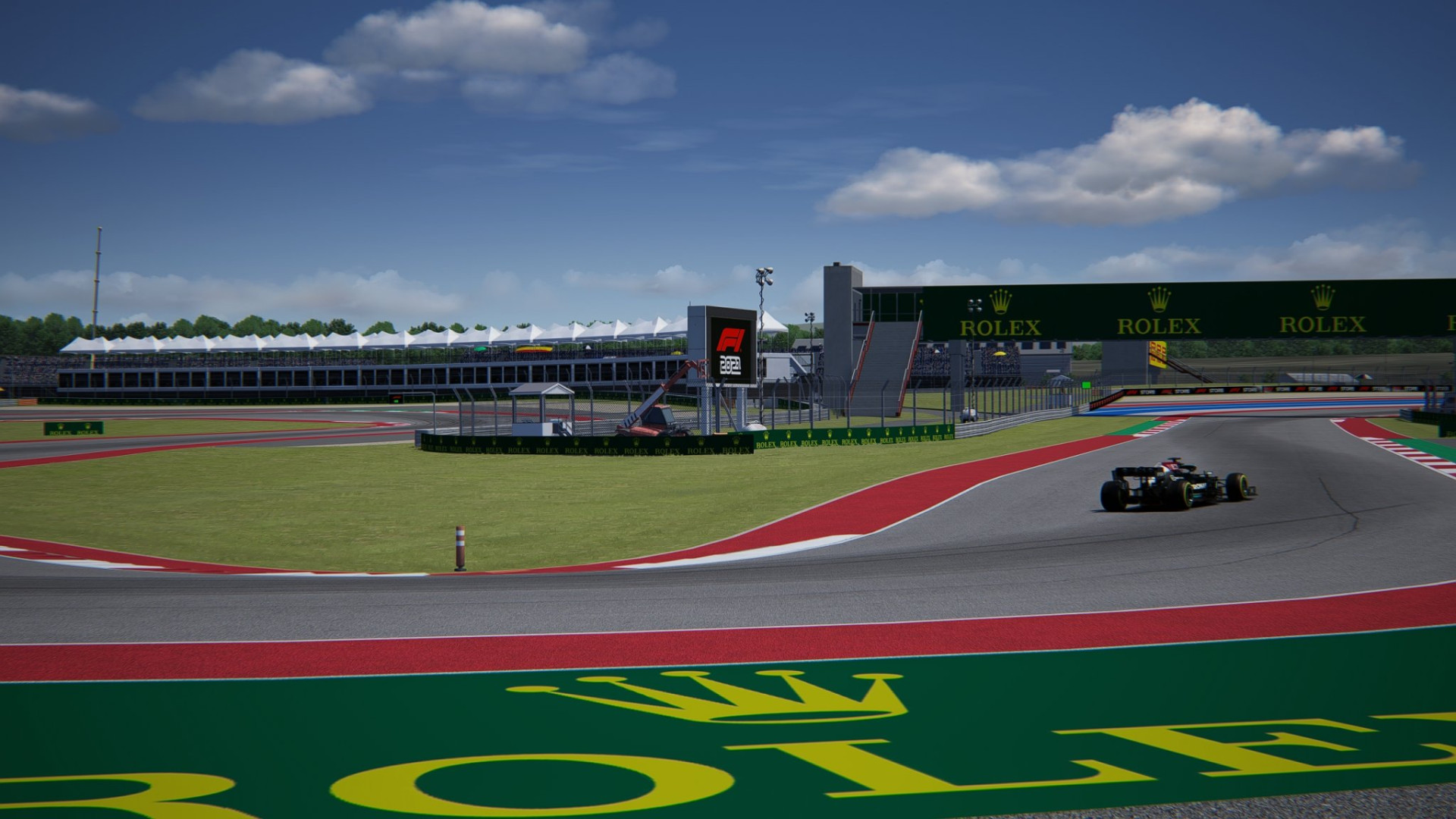
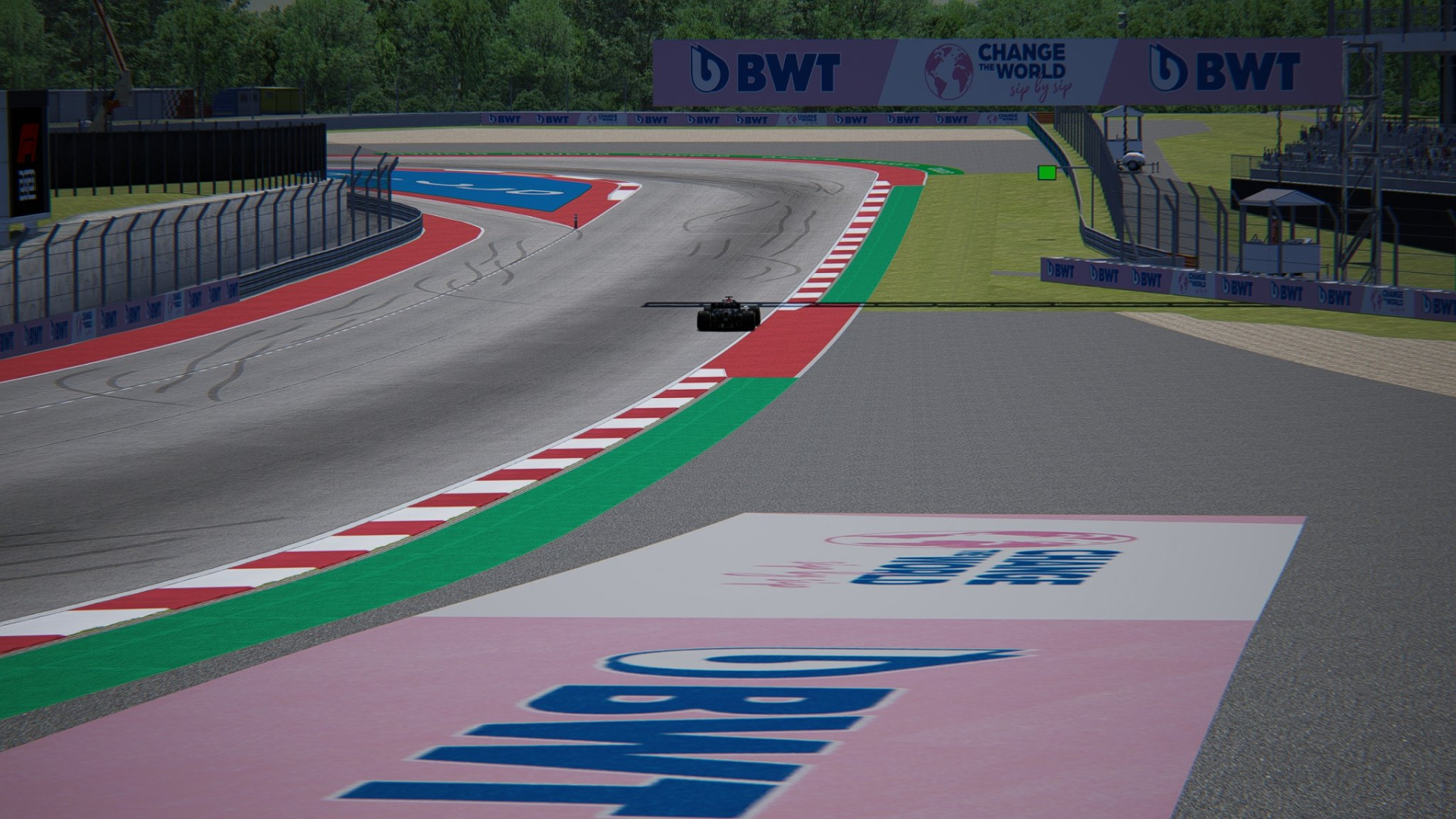
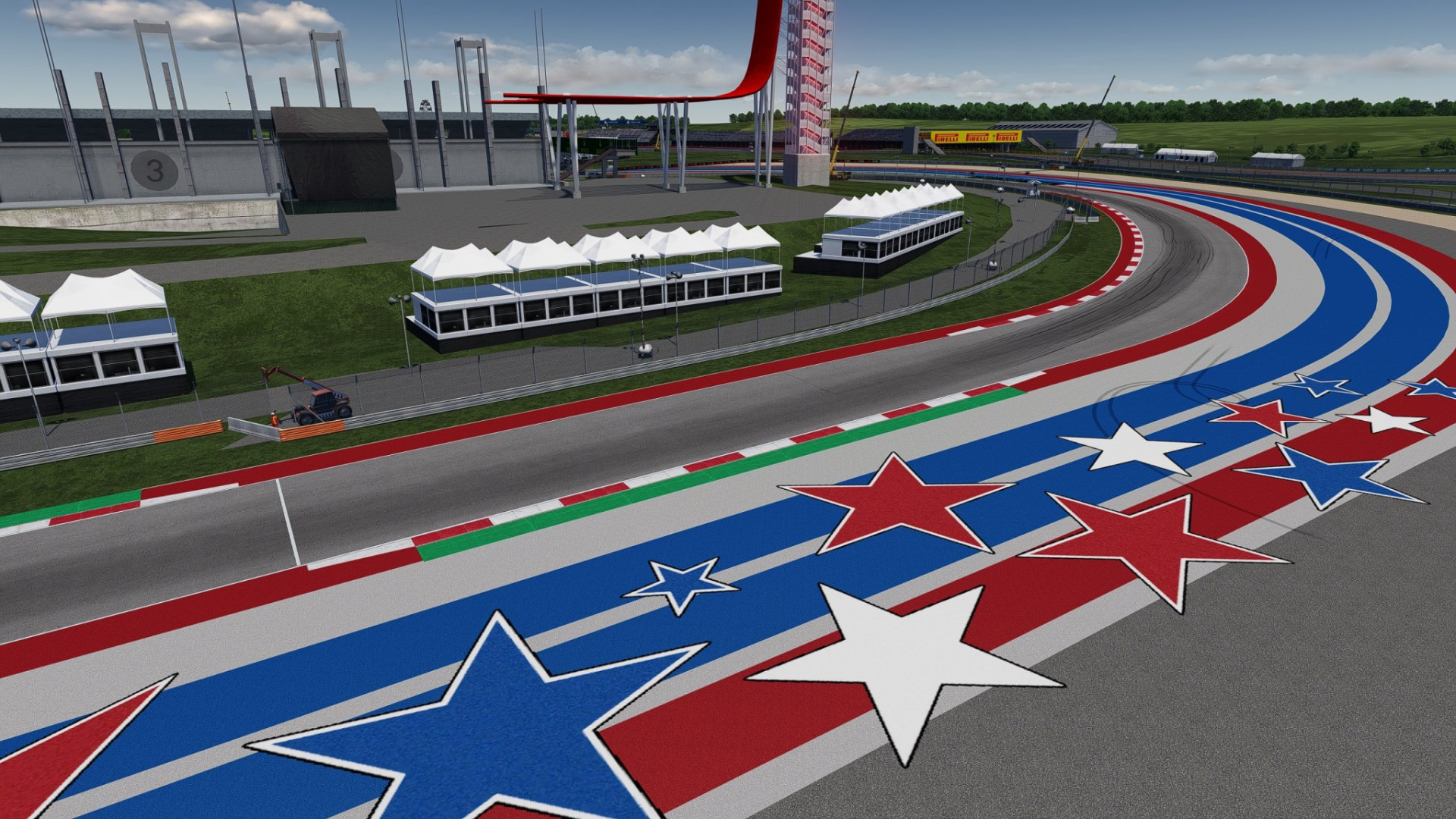
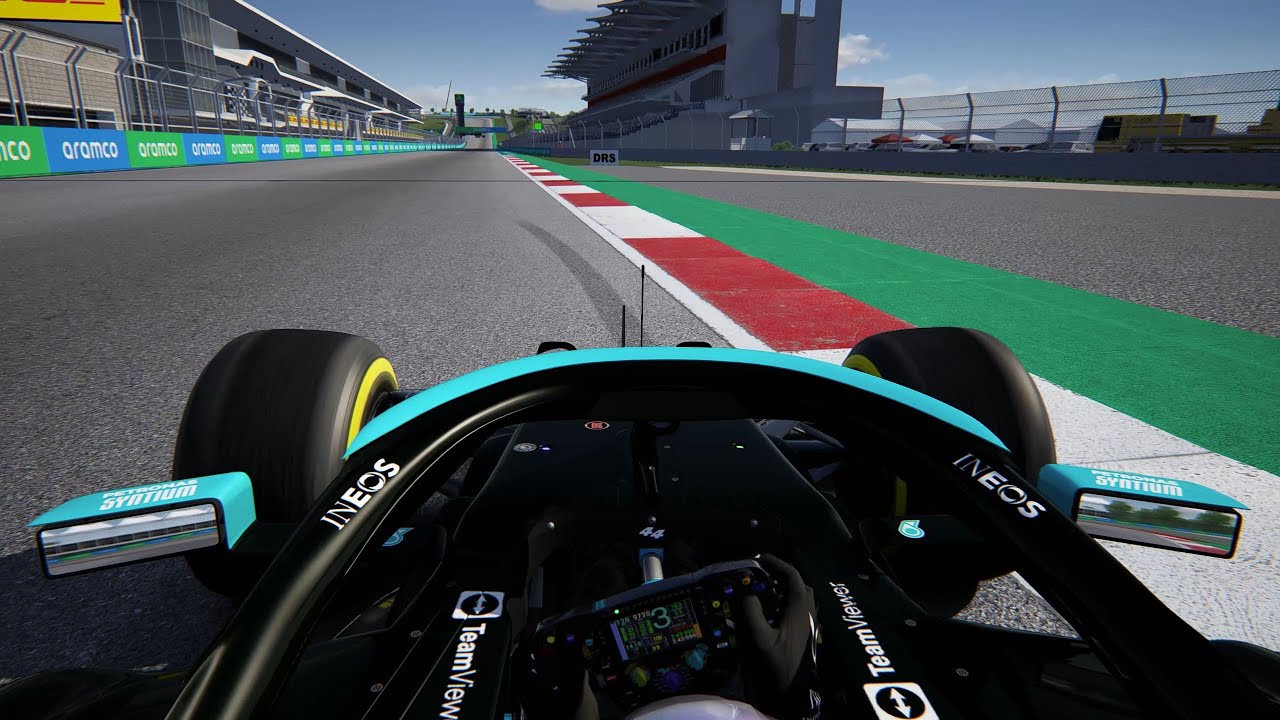
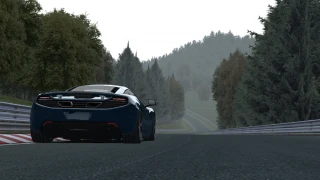
This Assetto Corsa mod is an expansion of the Circuit of The Americas, which so happens to be the real-world motorsport circuit in Austin, Texas, United States. It has a layout specifically developed in accordance to the 2021 Formula 1 United States Grand Prix. The mod does its best at offering the very best possible simulation of how exactly the race event proceeded during that very unique instance.The Circuit of The Americas so happens to be the very first American Formula 1 circuit to be conceptualized and planned on the soil, and the COTA mod has quite a demanding set of features comprising elevation change, tricky curves and high-speed straights. The circuit itself is a 5.513 kilometers long and has 20 turns, a very steep incline at the race start and then a right, sharp left hander.This mod enhances already inherent features, making it quite similar to the real-world 2021 United States Grand Prix layout and offers Assetto Corsa users a means to enjoy this dynamic and demanding circuit, just as the real-world Formula 1 professionals had during the 2021 season.
Install procedure:
Always back up your track extension folder someplace. Unzip the contents of the file in your assetto corsa folder (overwrite files as required).If it doesn't work, you're either using the incorrect version of the track or the extension folder isn't where it should be.If you need to install extension to another suitable version (based on acu version), just transfer the extension folder into your track folder. To enable front animation, edit the file ext_config-pyyer-cota-animations.ini and set the values ANIM_FIA = 0 and ANIM_FRONT = 1.If you have issues with animations, you must open the file ext_config-pyyer-cota-animations.ini and alter the settings. USE_DDS equals 1.
Custom Shaders Patch is needed.
stFlow is required for animated display.
To enable / disable this extension you just have to open the ext_config.ini file and change line(s) from ACTIVE=1 to ACTIVE=0
Credits:
Pyyer
Install procedure:
Always back up your track extension folder someplace. Unzip the contents of the file in your assetto corsa folder (overwrite files as required).If it doesn't work, you're either using the incorrect version of the track or the extension folder isn't where it should be.If you need to install extension to another suitable version (based on acu version), just transfer the extension folder into your track folder. To enable front animation, edit the file ext_config-pyyer-cota-animations.ini and set the values ANIM_FIA = 0 and ANIM_FRONT = 1.If you have issues with animations, you must open the file ext_config-pyyer-cota-animations.ini and alter the settings. USE_DDS equals 1.
Custom Shaders Patch is needed.
stFlow is required for animated display.
To enable / disable this extension you just have to open the ext_config.ini file and change line(s) from ACTIVE=1 to ACTIVE=0
Credits:
Pyyer
Videos
Direct Download Links
Version: 3.0Updated: 1 year ago
Total Size: 30.95 MB
COTA_2021_F1_Extension_30_modland.zip
direct download
· 30.95 MB
· added 1 year ago
This File is Scanned by Antivirus and is Safe.
More Details
About Mod
| Latest Version | 3.0 |
| Game | Assetto Corsa |
| Category | Tracks |
| Tags | United States |
| Downloads | 739 |
| Created | 1 year ago |
| Last Virus Scan |
0/93
More Details |
You Might Also Like »


_modland.webp)


0 Comments
There are no comments. Be first to comment!