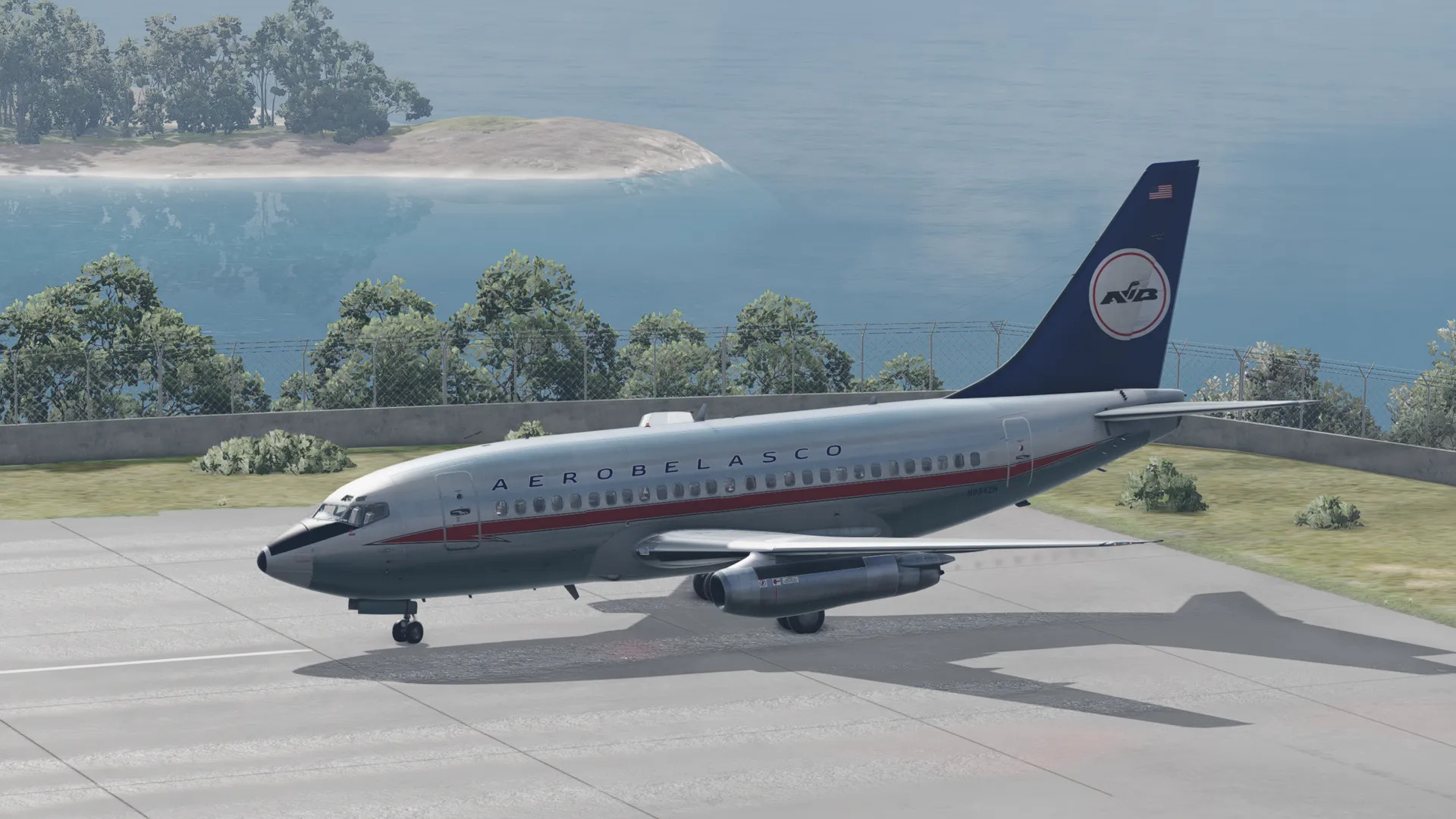
Boeing 737 100 v1

![Mack Anthem / Pinnacle [PACK]](https://temp2.modland.net/i/6aa50a7184eaa/6ab9344368d3b/0_modland.webp)



5/5,
9
votes
Description
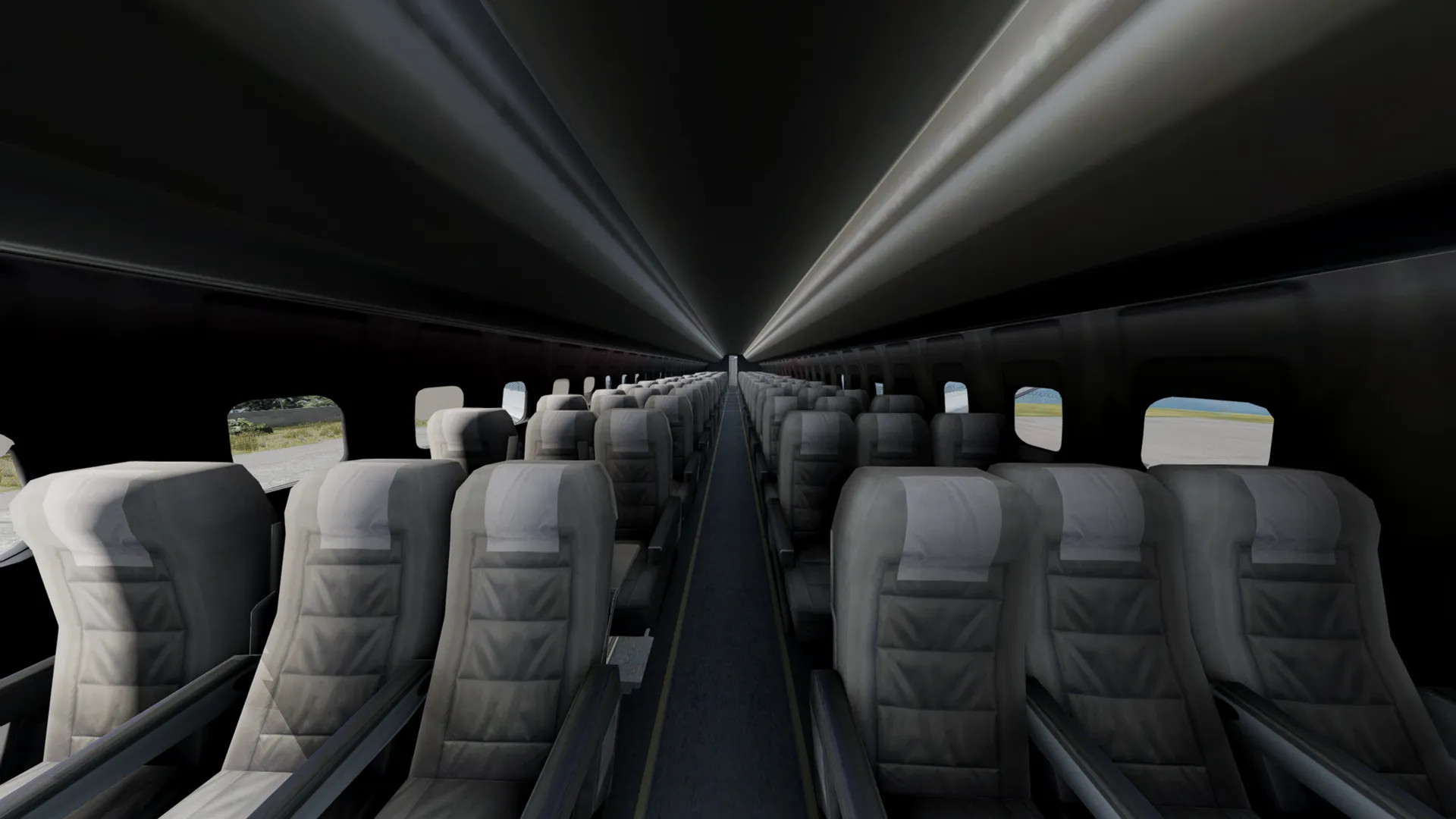
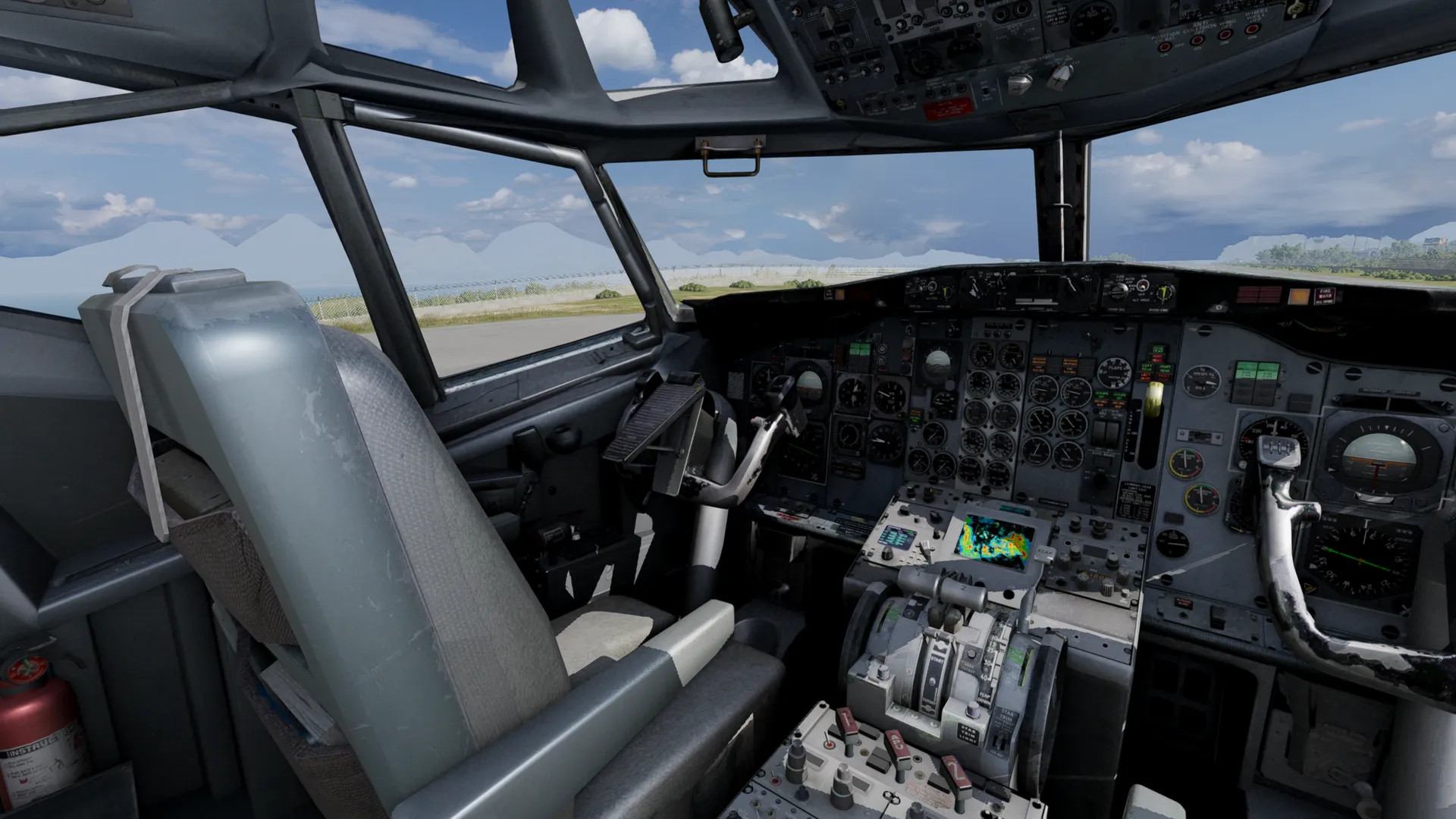
Probably the most detailed plane mod in BeamNG. Flies well, great take-offs and landings, detailed cockpit and interior, and many moving parts.
Features
- Detailed cockpit and interior
- Many moving parts
- Stable take-offs and landings
Bugs
- It is a lot slower than IRL to prevent exploding due to BeamNG's physics
- Causes BeamNG instability when it crashes into water
- May bug and cause flashing images
- Control surfaces may become unresponsive or unstable at times
- Some parts of meshes have holes
- Textures don't perfectly align on skins
Probably the most detailed plane mod in BeamNG. Flies well, great take-offs and landings, detailed cockpit and interior, and many moving parts.
Features
- Detailed cockpit and interior
- Many moving parts
- Stable take-offs and landings
Bugs
- It is a lot slower than IRL to prevent exploding due to BeamNG's physics
- Causes BeamNG instability when it crashes into water
- May bug and cause flashing images
- Control surfaces may become unresponsive or unstable at times
- Some parts of meshes have holes
- Textures don't perfectly align on skins
External Download Links:
- Modsfire.com - 1776448411497-boeing-737-1.0.zip [182.33 MB]
Direct Download Links
latest
initial
Version
v1
· BeamNG.drive
0.38.x
3 months ago
Game Versions:
0.38.x
1776448411497-boeing-737-10_modland.zip
direct download
· 182.33 MB
· added 3 months ago
This File is Scanned by Antivirus and is Safe.
More Details
About Mod
| Latest Version | v1 |
| Game | BeamNG.drive |
| Category | Planes |
| Game Version | 0.38.x |
| Downloads | 8139 |
| Created | 3 months ago |
| Last Virus Scan |
0/92
More Details |
![Mack Anthem / Pinnacle [PACK]](https://temp2.modland.net/i/6aa50a7184eaa/6ab9344368d3b/0_modland.jpg)





how can I fly it
Ok for everyone what you need to to is click options and then controls after that search UP then it should display pitch up i recommend using mouse because it allows to go up and down and then type in left YAW LEFT switch to mouse going to the side. any more tips let me know also have to switch these controls when you have the plane spawned in.
The mod is really good; the last time the game lagged, I was going at 1,000 km/h.
How can I pull my plane up?
How do i pull my plane up?
Please someone could add [trim up] and [trim down] because this plane are going down
is this a reupload or is there something new with this version?
@jaxisbestcharacterinTADC pretty sure it's a reupload from the official beam forums