

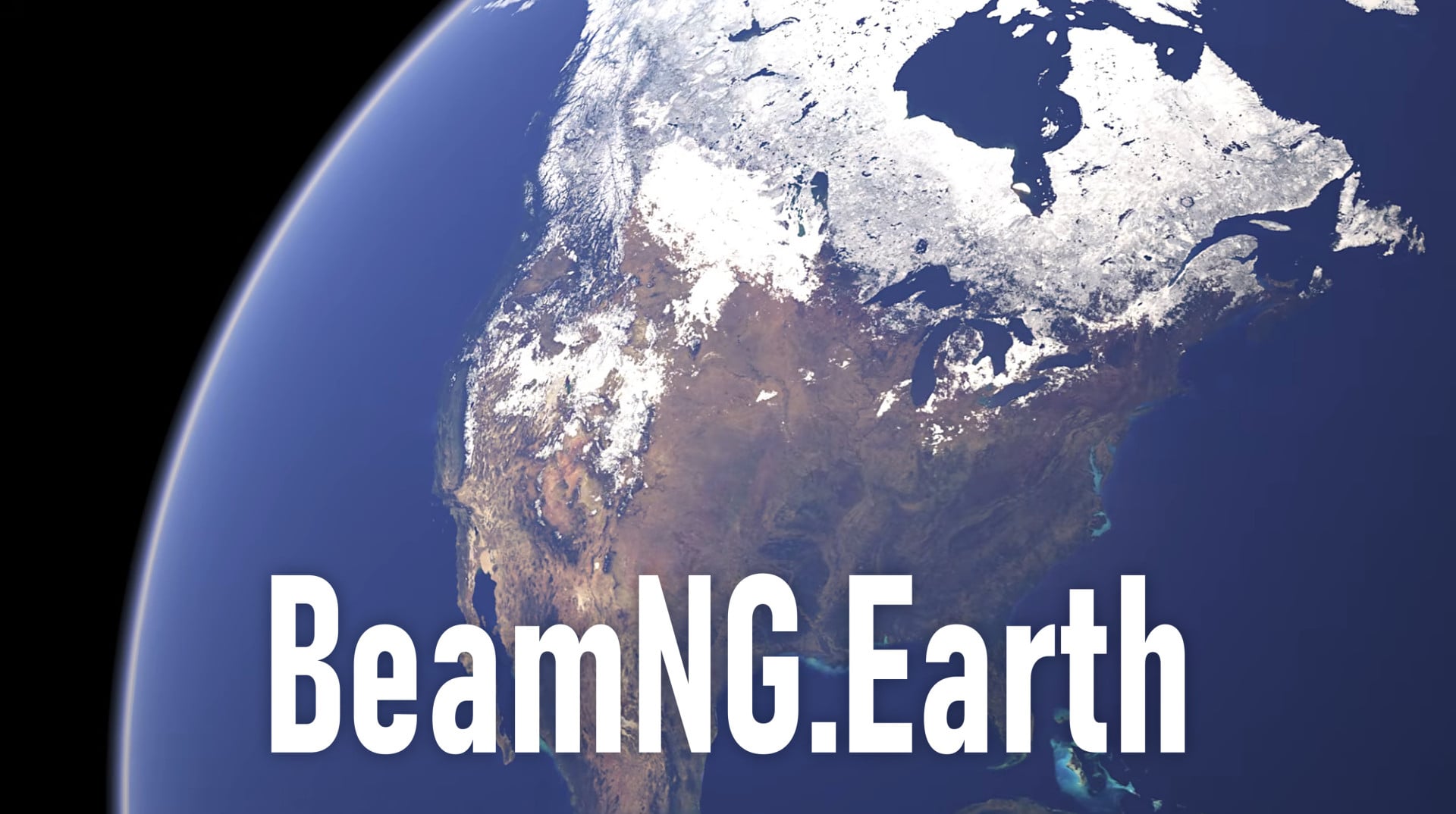
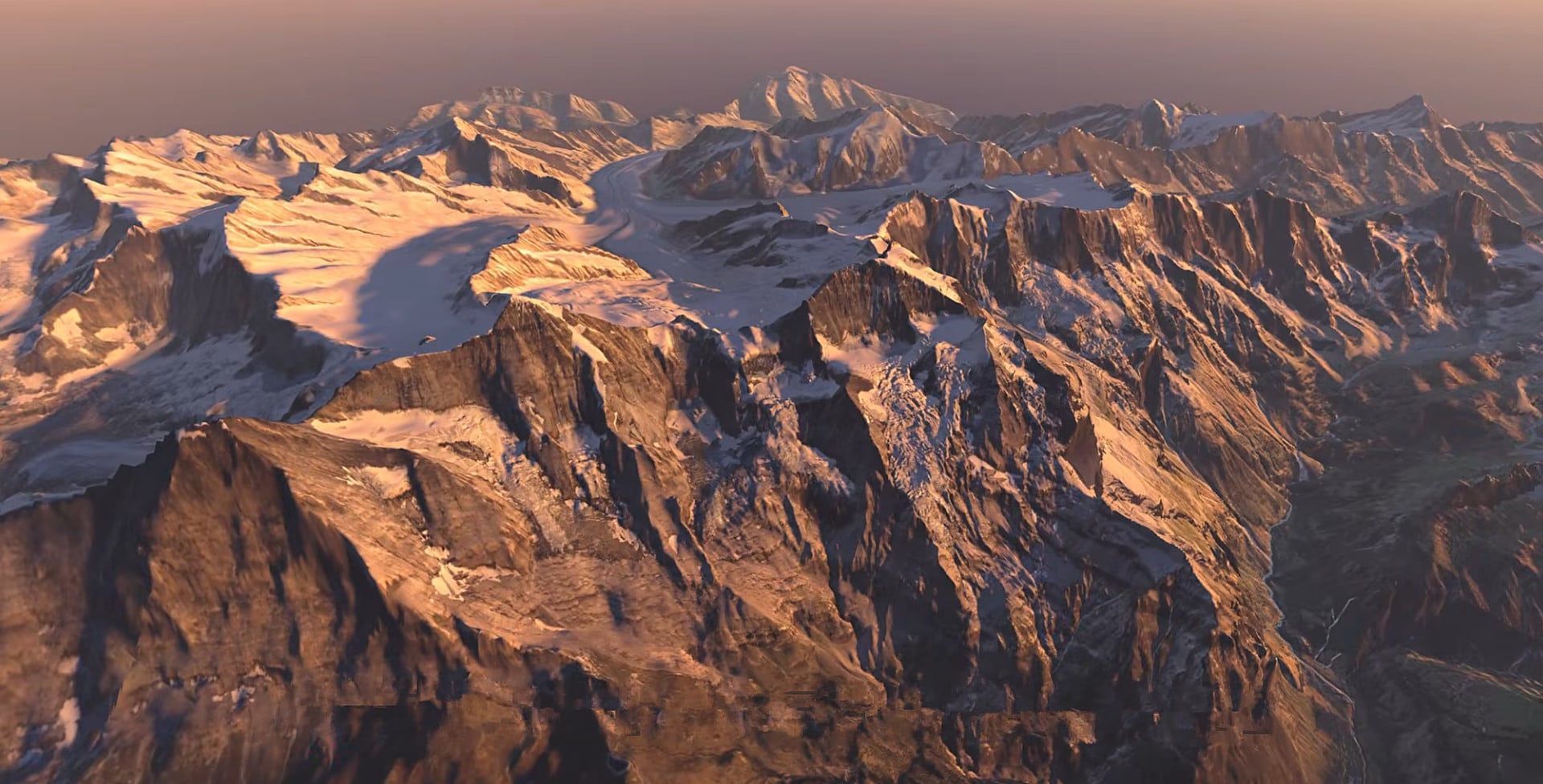
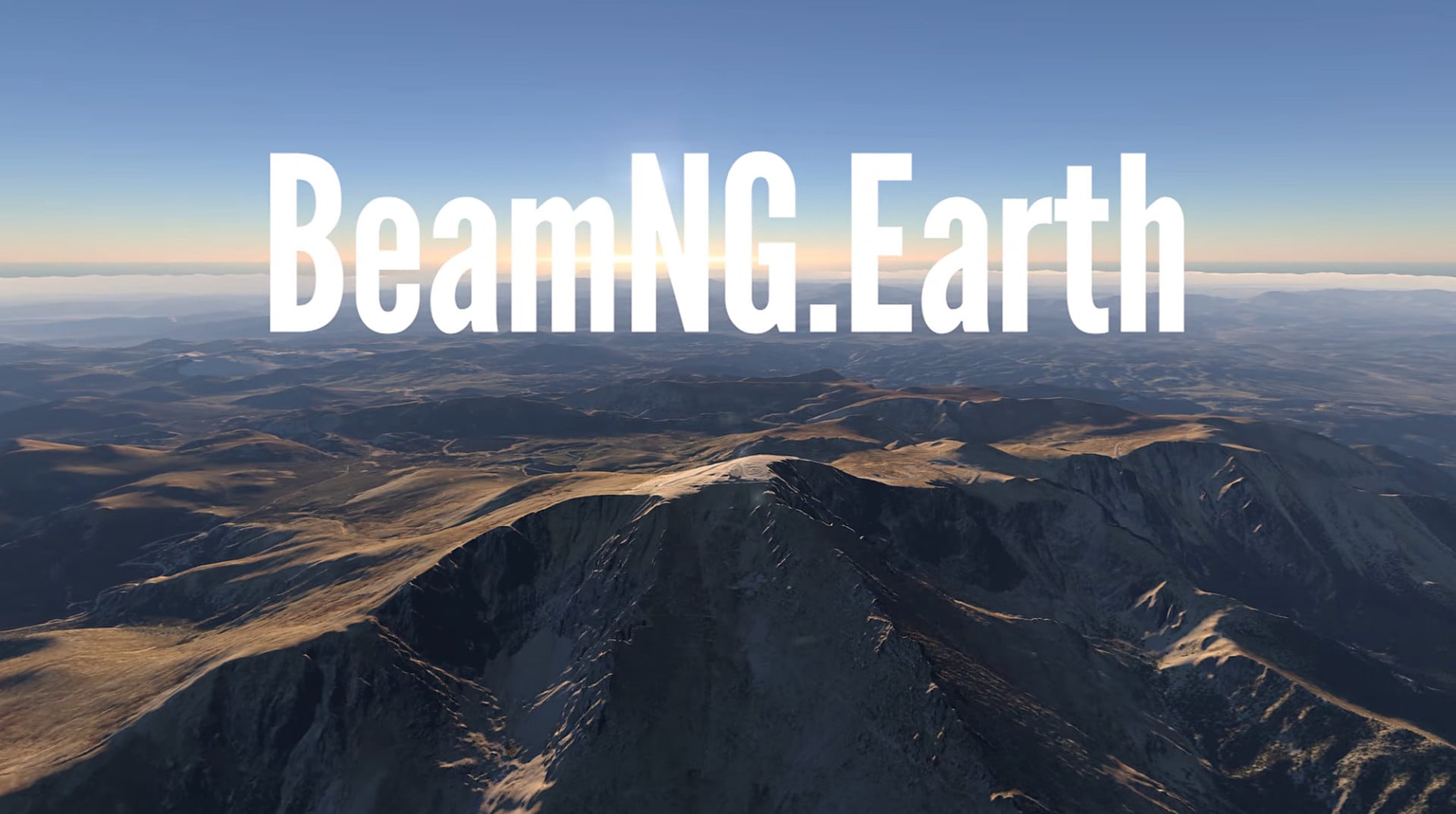
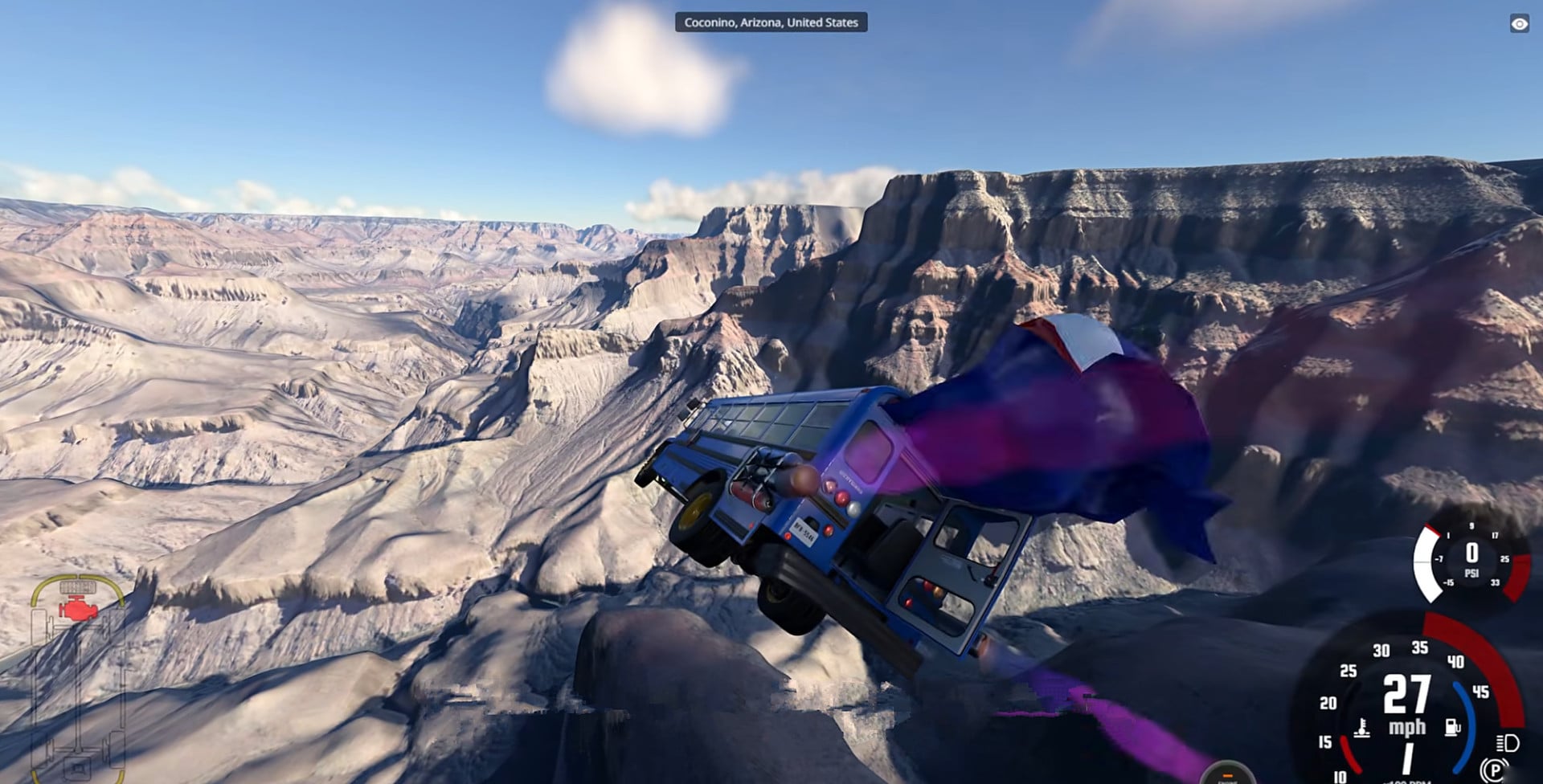
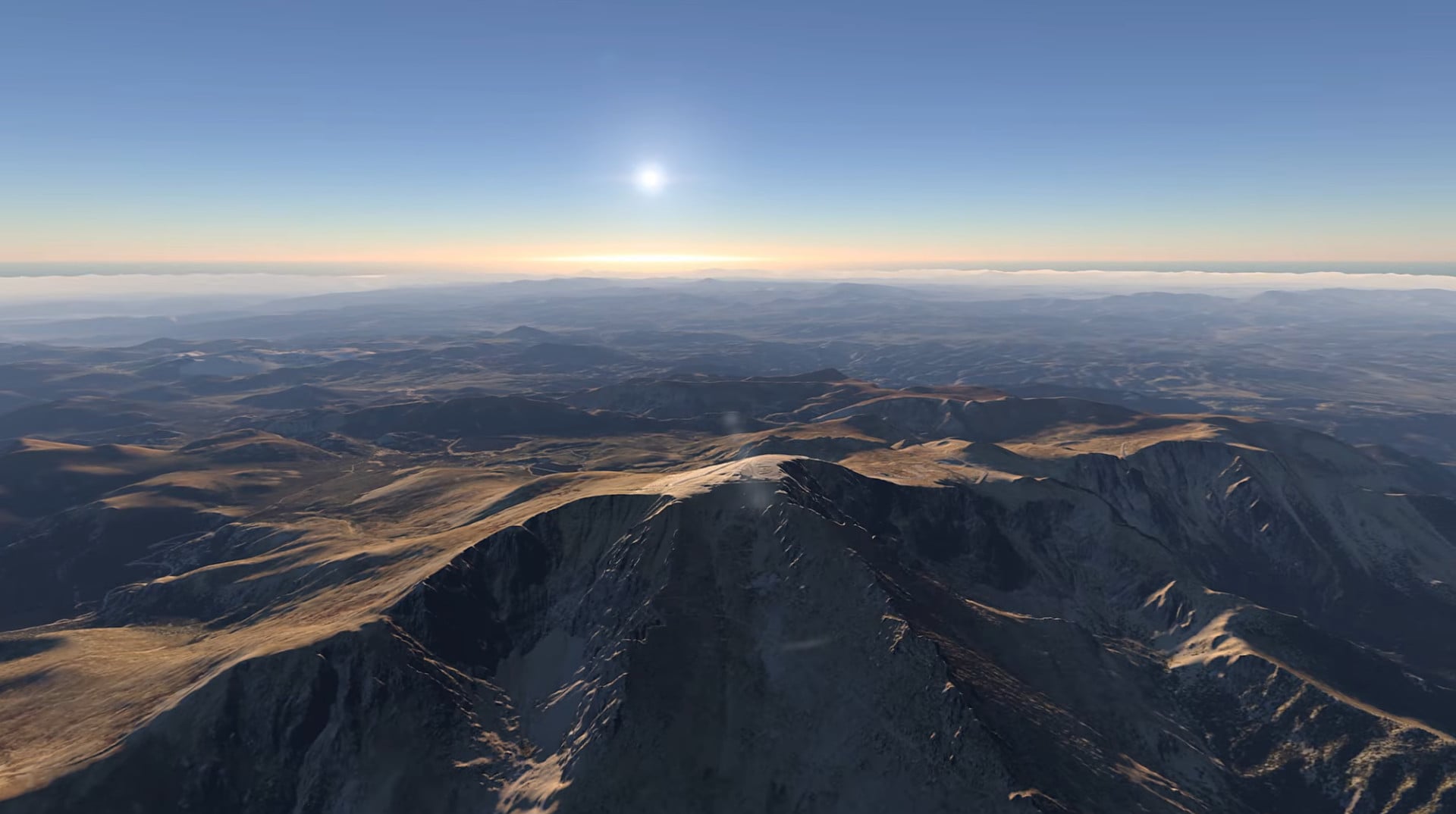
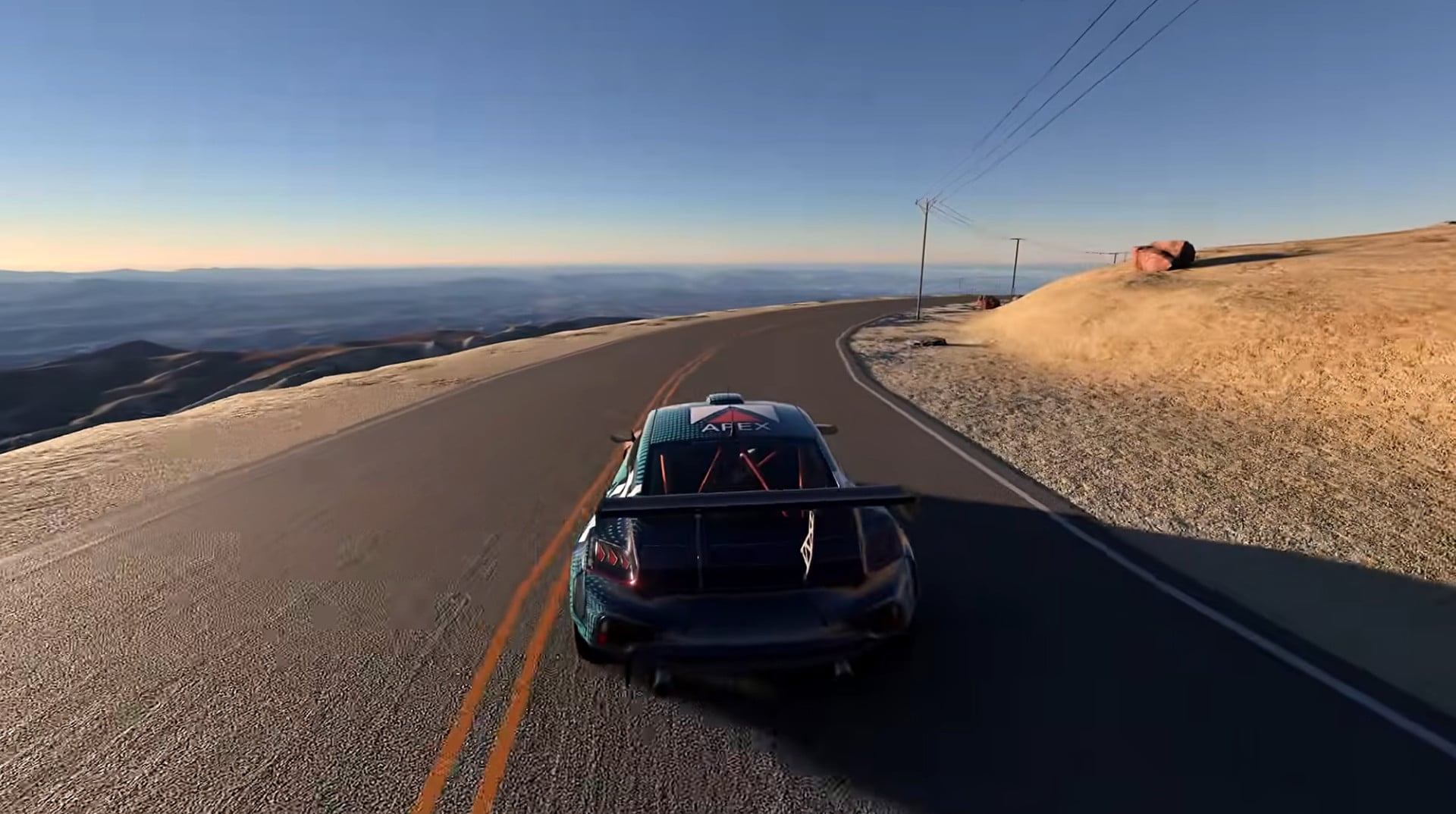
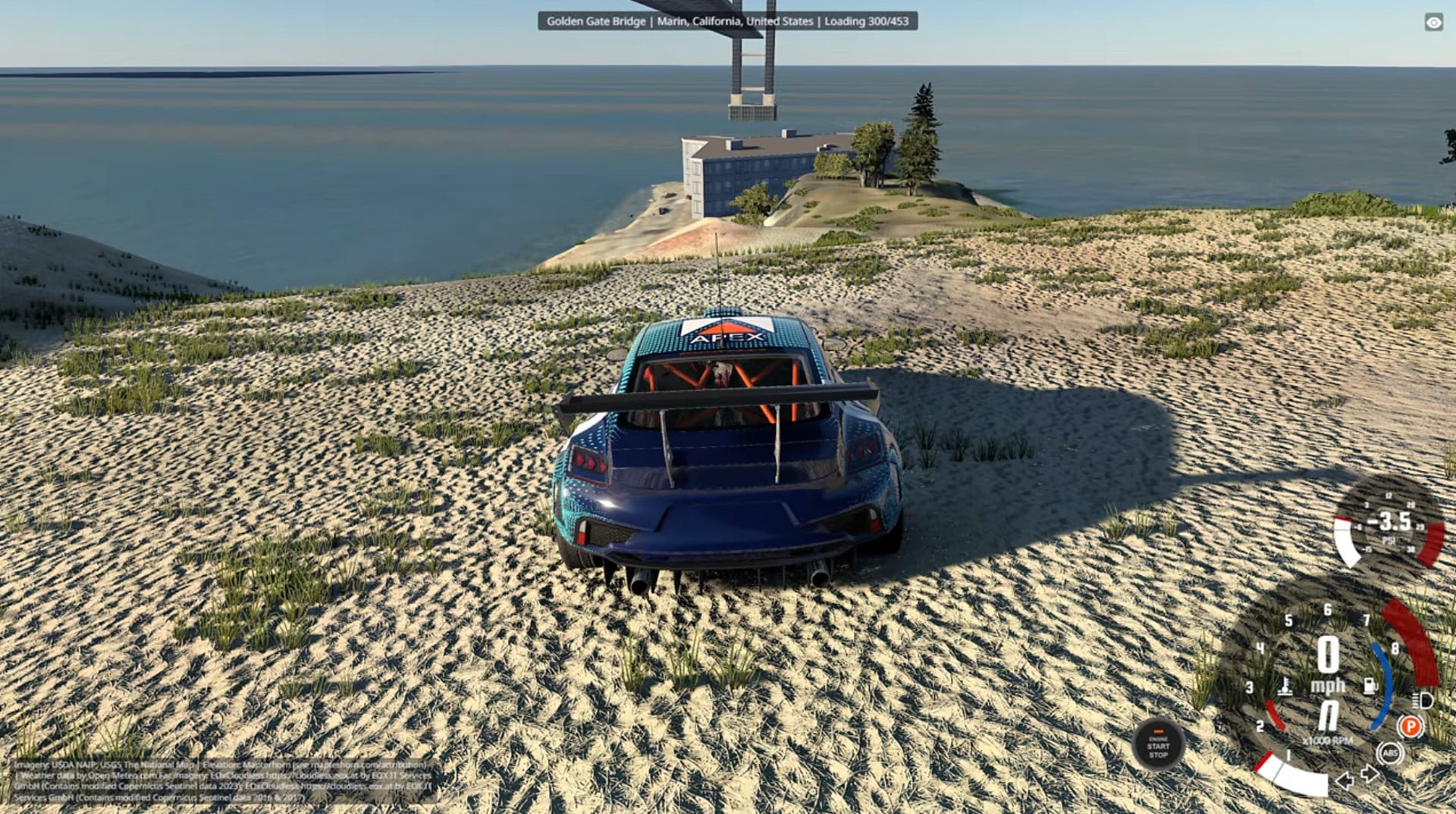
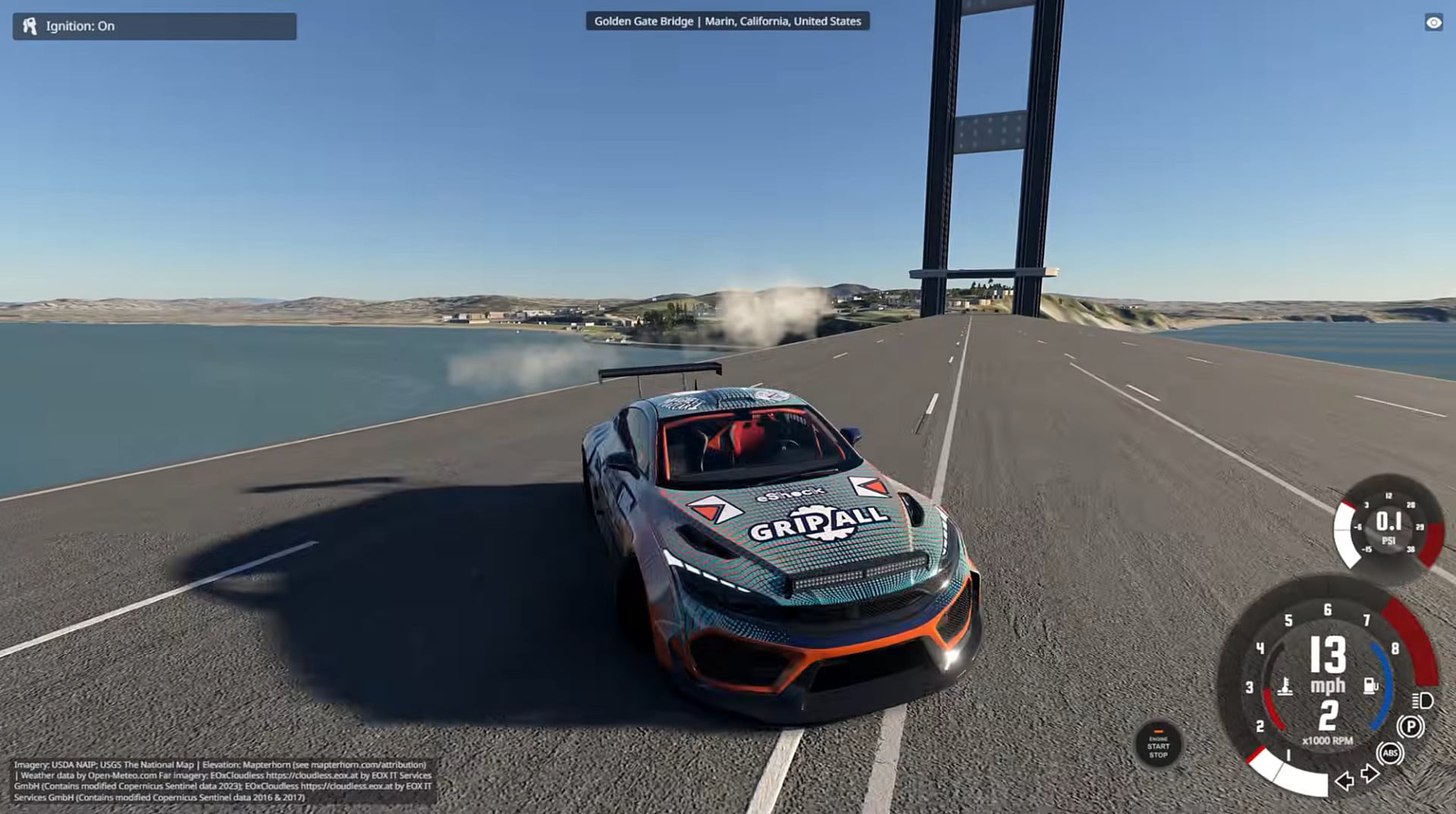
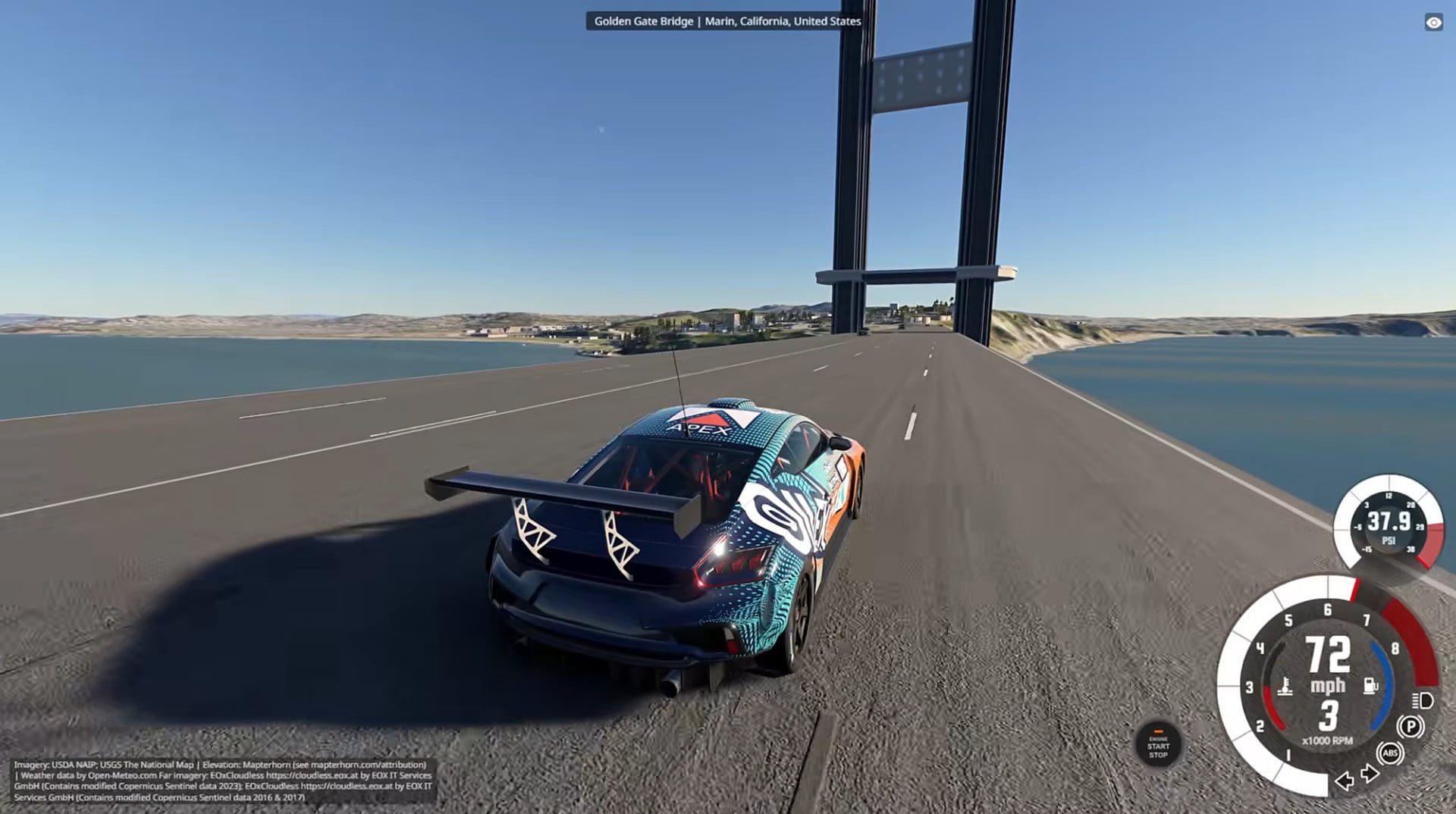
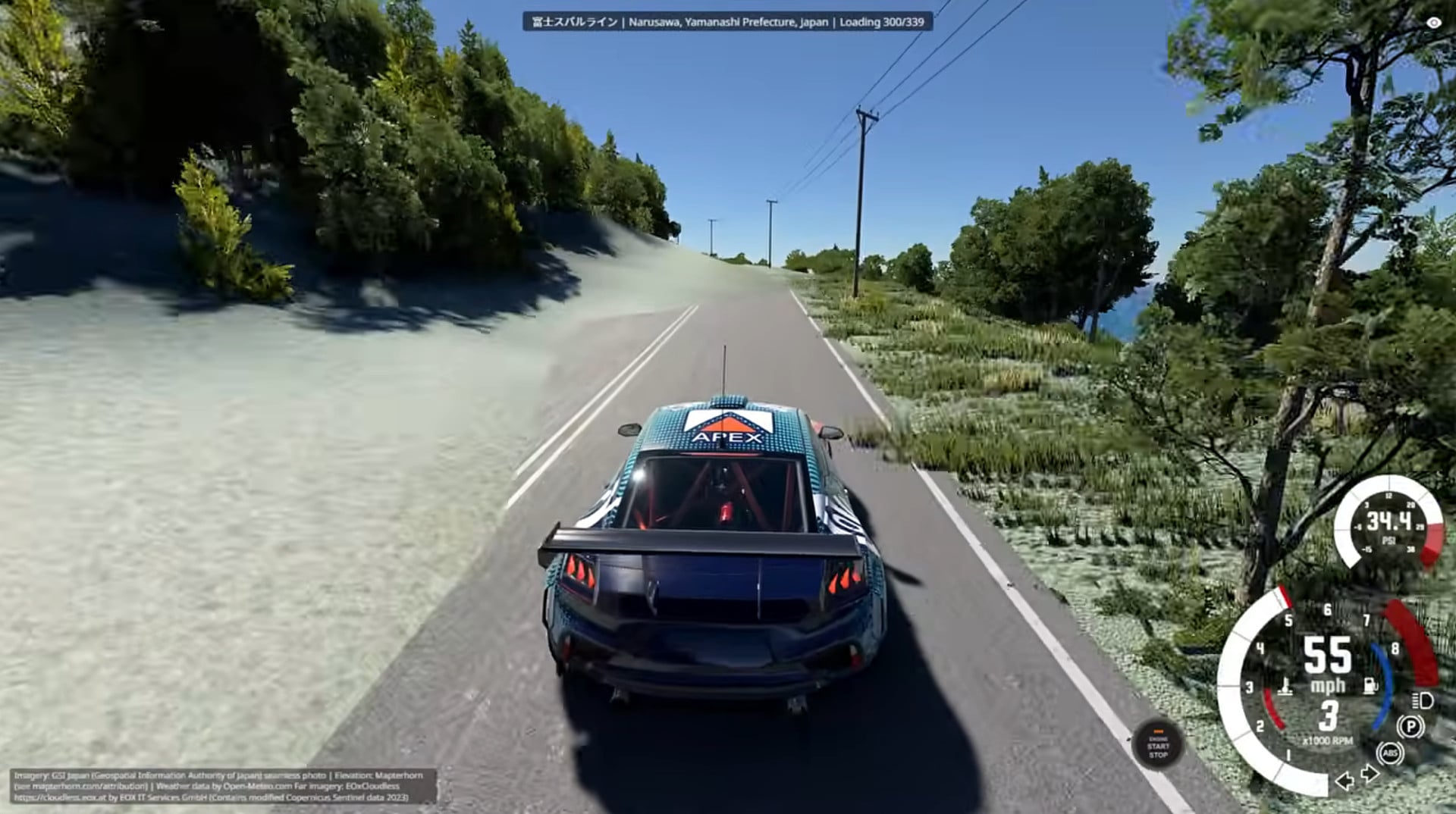
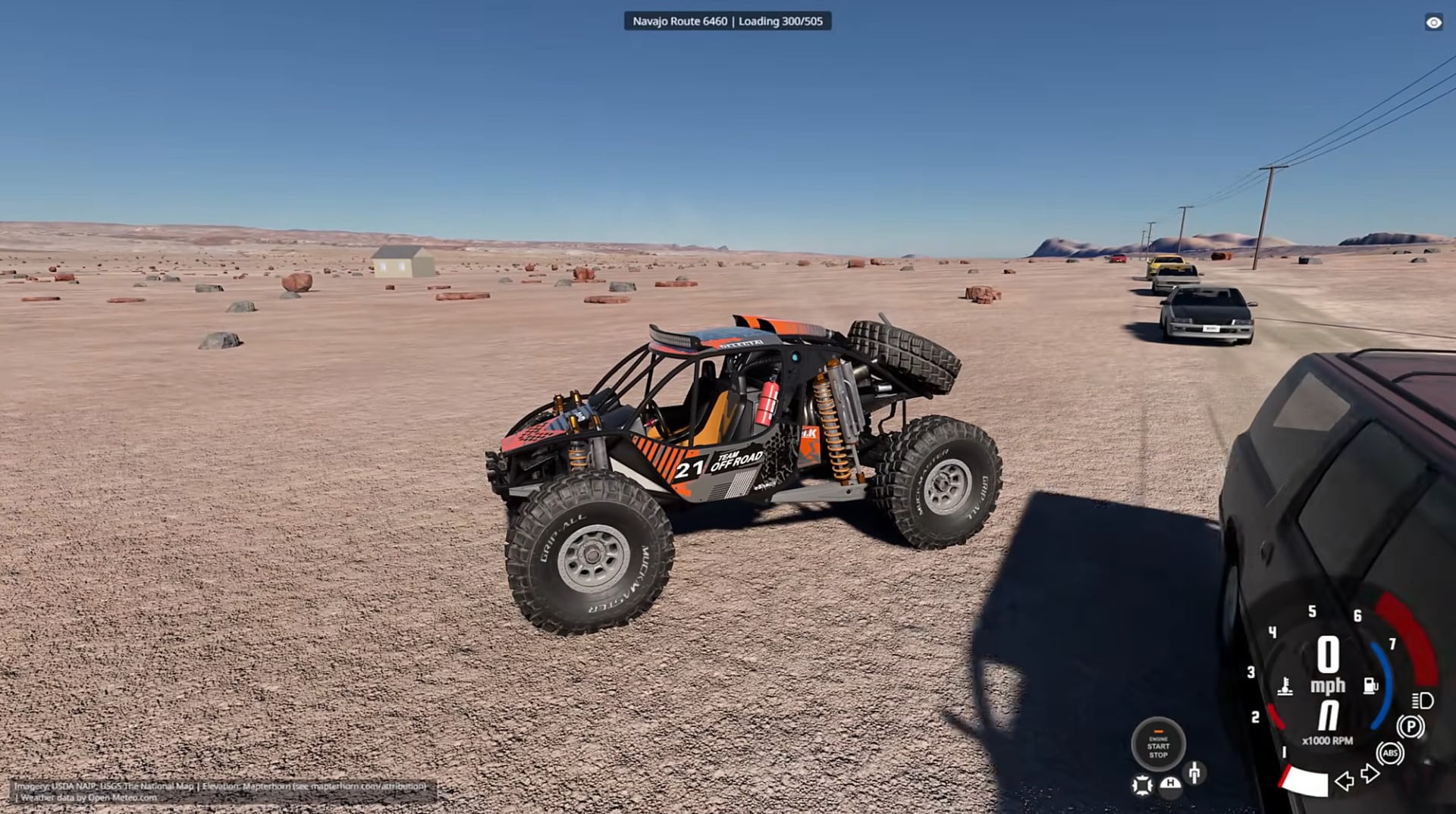
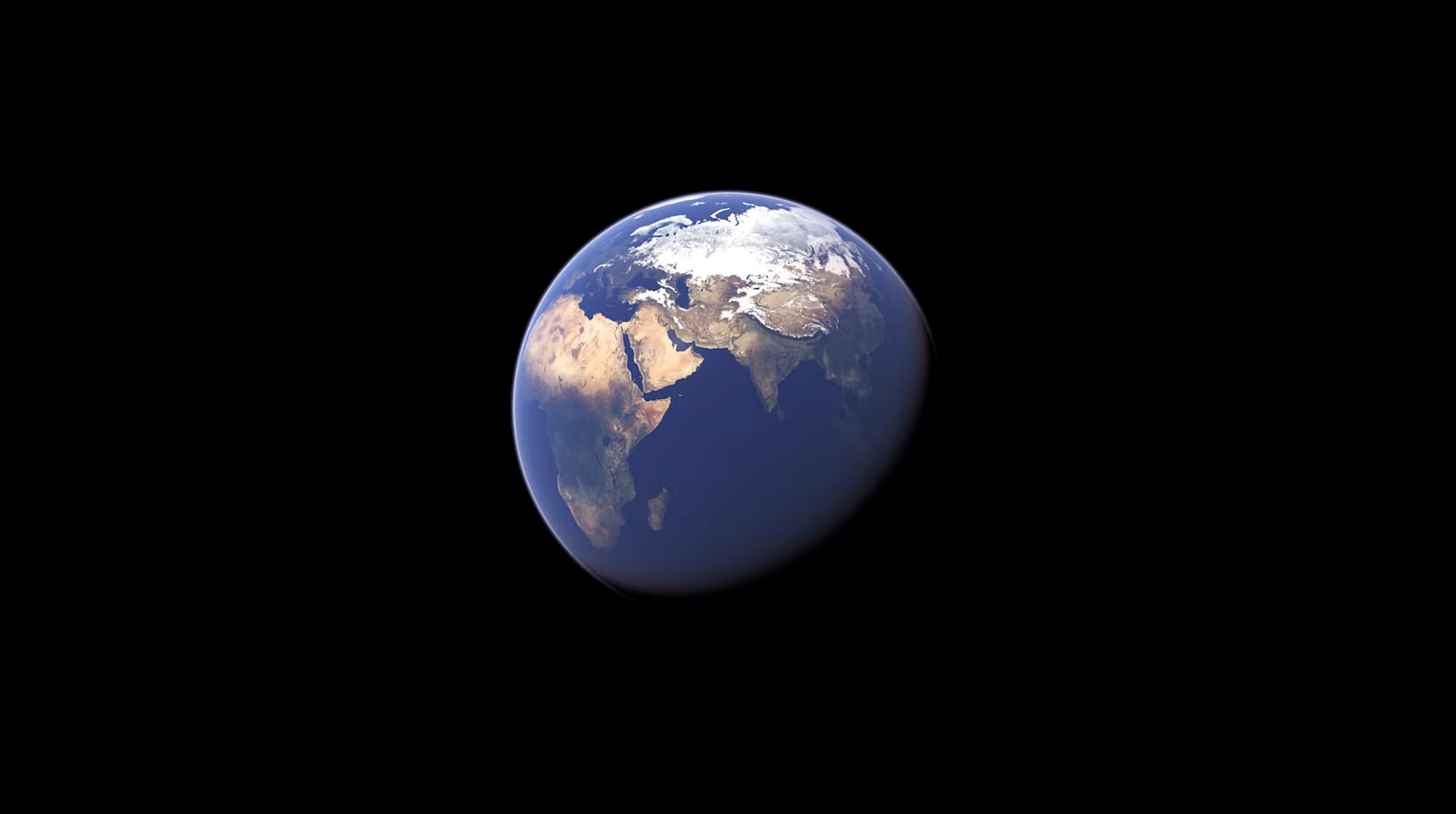
A 1:1 scale, streamed Earth for Beamng.drive : drive anywhere on the planet on real elevation data and satellite imagery, with distance-based level of detail and the real curvature of the Earth.
Status: beta Tested on BeamNG.drive 0.40 on Windows. (high-speed streaming, real view distance, roads, water, navigation, traffic, cities).
note: ONLY WORK ON WINDOWS SYSTEM
Features
The world
-
The whole planet at 1:1 scale on real elevation: national lidar where it exists (Mapterhorn: much of Europe, the US and more), Copernicus 30 m elsewhere with buildings and small tree stands filtered out of it.
-
Aerial and satellite imagery on the ground: open state and national orthophotos (Maryland's 15 cm photos, a dozen more US states, NAIP across the US, Switzerland, France, Spain, the Netherlands, Germany's states, Austria, Japan, parts of Australia and Canada, and more), Sentinel-2 cloudless everywhere else; shadows and colour seams taken out of the photos, the season's colours graded in, cliffs drawn as rock.
-
A real view distance out to the horizon, with the Earth's curvature.
-
Ground materials from land cover (grass, dirt, rock, sand, snow, mud, lawns, paved squares and parking lots) with 3D grass and bushes.
-
Trees and forests from a canopy height model, regional species (conifers, broadleaf, palms, desert shrubs), autumn colours in season.
-
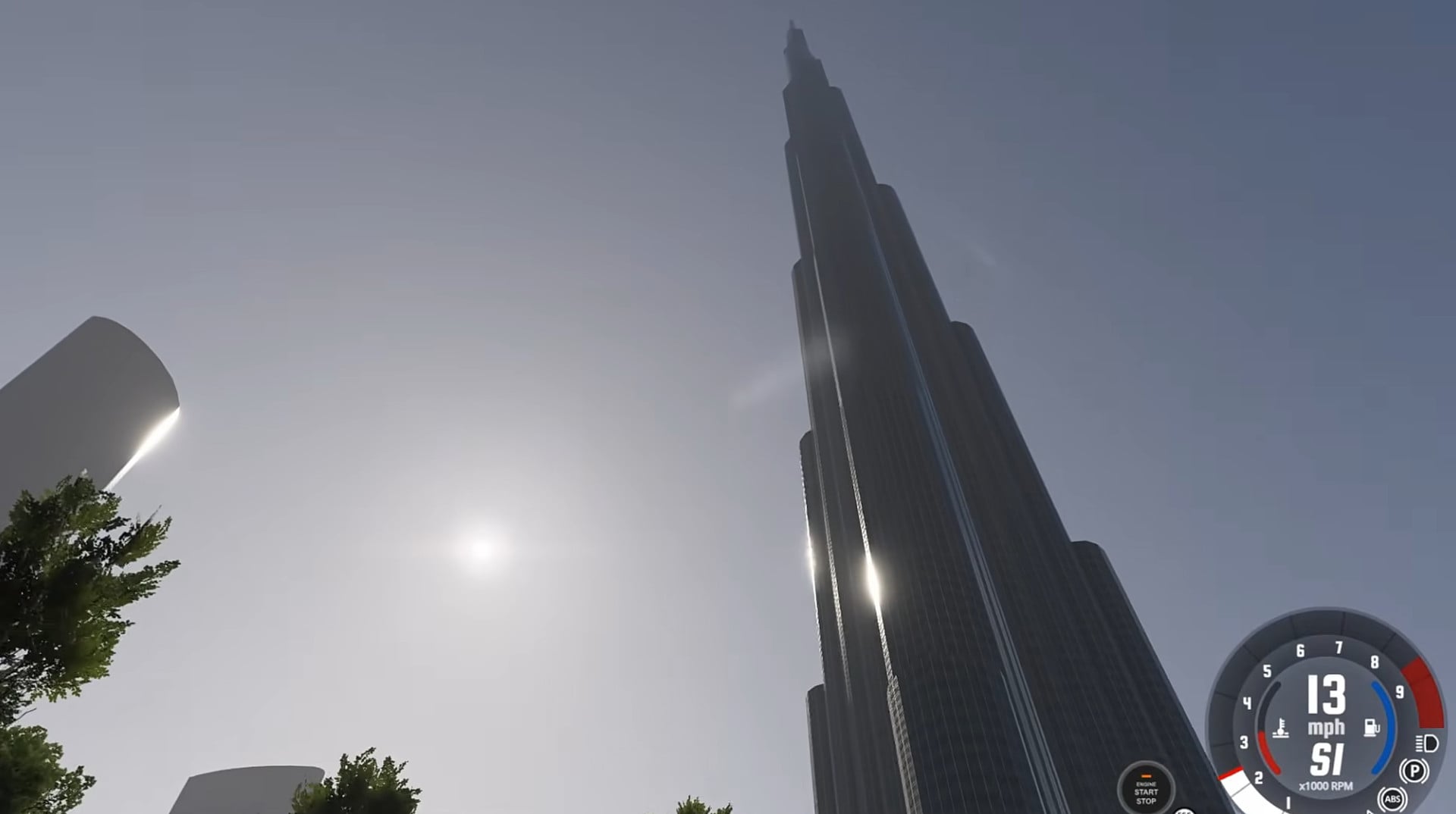
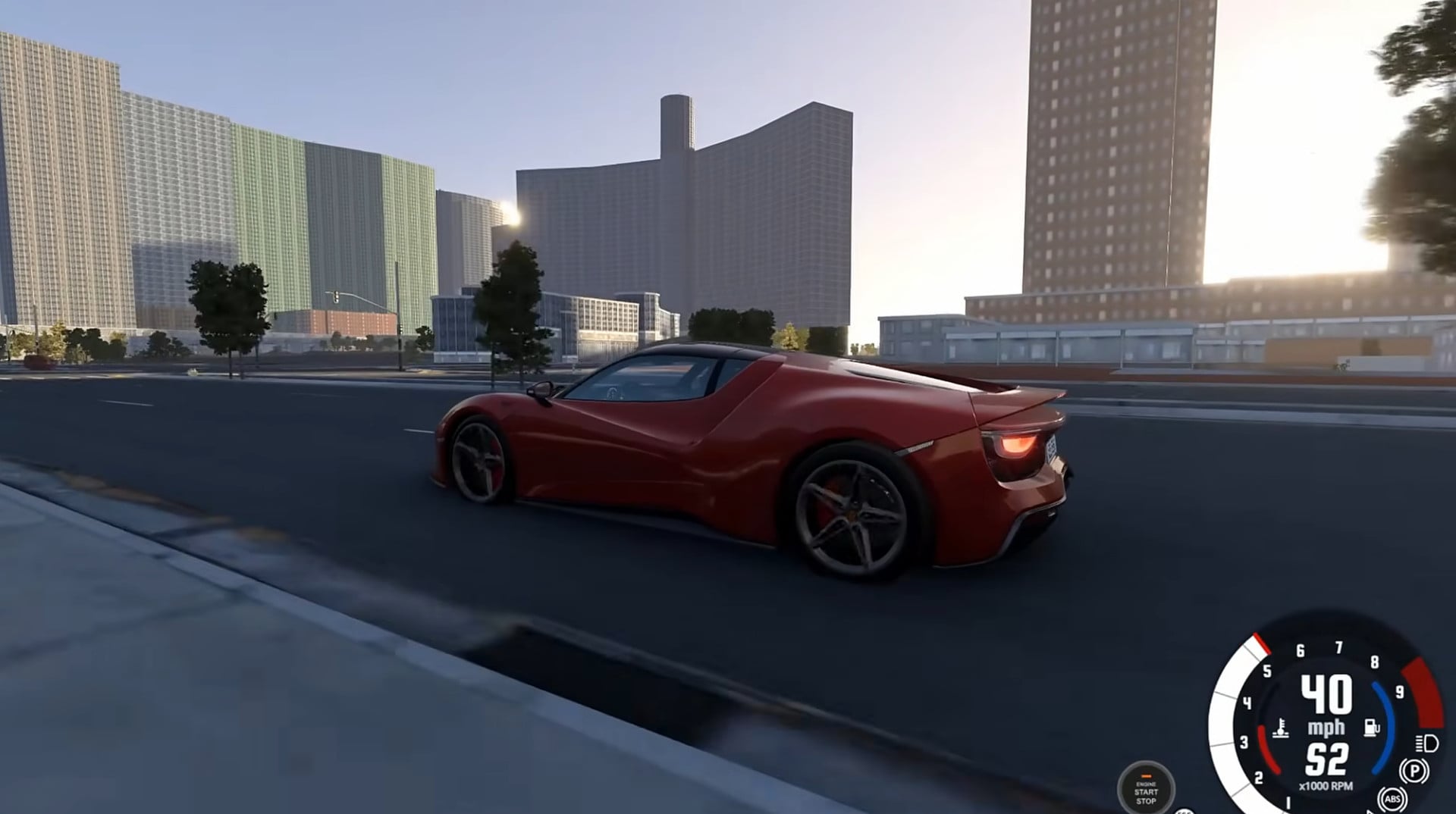
Buildings from Overture / OpenStreetMap with regional styles (US siding and brick, Alpine chalets, Nordic wood, Mediterranean stucco, East Asian and Latin American looks), real heights, roofs, windows, shopfronts, porches, churches with steeples, glass towers, far-away buildings drawn as a skyline.
-
Roads as meshes with lane markings, sidewalks and curbs, curb ramps, storm drains, cobblestone streets, bridges with decks, traffic islands; the ground graded under them; street lights, utility poles with wires, traffic signals, stop signs and speed-limit signs (mph or km/h by country).
-
Water: the sea with real depth (cars sink), lakes, and rivers kept beside the roads.
-
Airports with graded, marked runways.
Time, weather and physics
-
Real time: the sun, moon and stars are where they really are for the place, the date and the clock (the real time zone); the clock runs in real time. Change the time in the pause menu and the mod hands it over to you (switch back to Real any time).
-
Real weather at the player from Open-Meteo, updated as you travel: cloud cover and high cirrus, clouds drifting with the wind aloft, fog from the real visibility, ground wind with gusts that pushes the cars, rain and snow, the air temperature, and the sun dimming under overcast. It goes through the game's own weather system, so the Time & Weather menu shows the real values; a manual mode leaves it to you.
-
Seasons: the photos' colours and the trees' leaves follow the time of year (autumn colours, bare trees in winter where the photos were taken leaf-off).
-
Real gravity: the WGS84 gravity for your latitude and altitude plus the EGM2008 local anomalies, so gravity really is weaker on a mountain or at the equator.
Driving and traffic
-
Drive anywhere: the physics ground follows the car at 100+ mph, the world origin moves with you (floating origin), and the world streams ahead of you; you never fall out of the world.
-
Buildings, sidewalks, curbs and bridge decks are solid (lean collision meshes near the car keep the physics' collision rebuilds cheap).
-
Fast teleports: right after a teleport, while you wait, the world server may borrow some of the game's CPU cores (at idle priority) to build the world faster (Linux; --load-boost off turns it off).
-
AI support: the mod builds BeamNG's road graph (the AI's map) from the real roads around you, with lanes, one-way streets, speed limits (mapped, or the country's defaults), the country's driving side and road rules, and traffic signals at real junctions. The stock AI, traffic, police and the AI modes in the vehicle menu work on it.
-
Traffic: stock BeamNG traffic and police can be switched on, and parked cars line the streets and fill parking lots (stock BeamNG parking).
Map and navigation
-
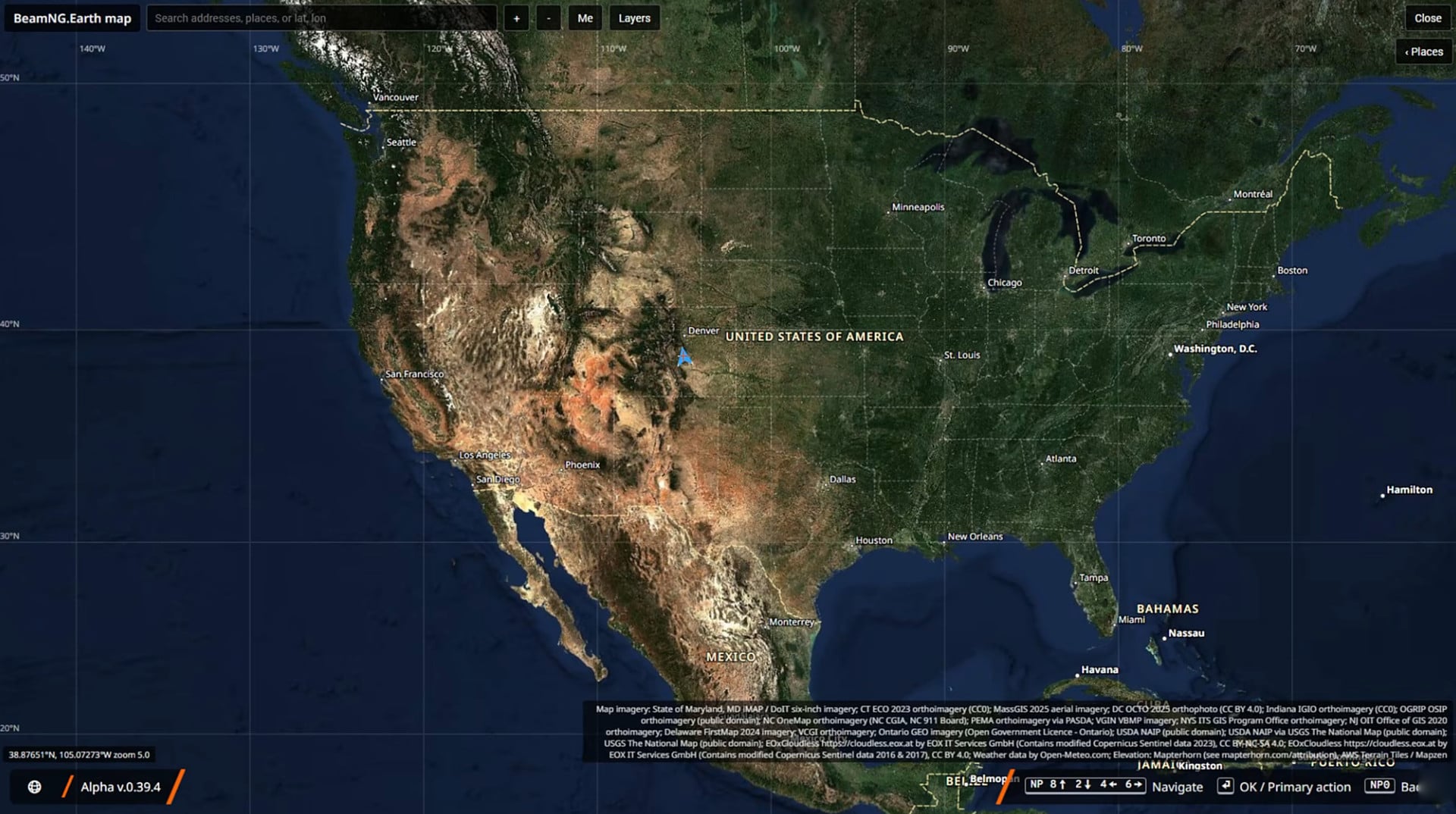
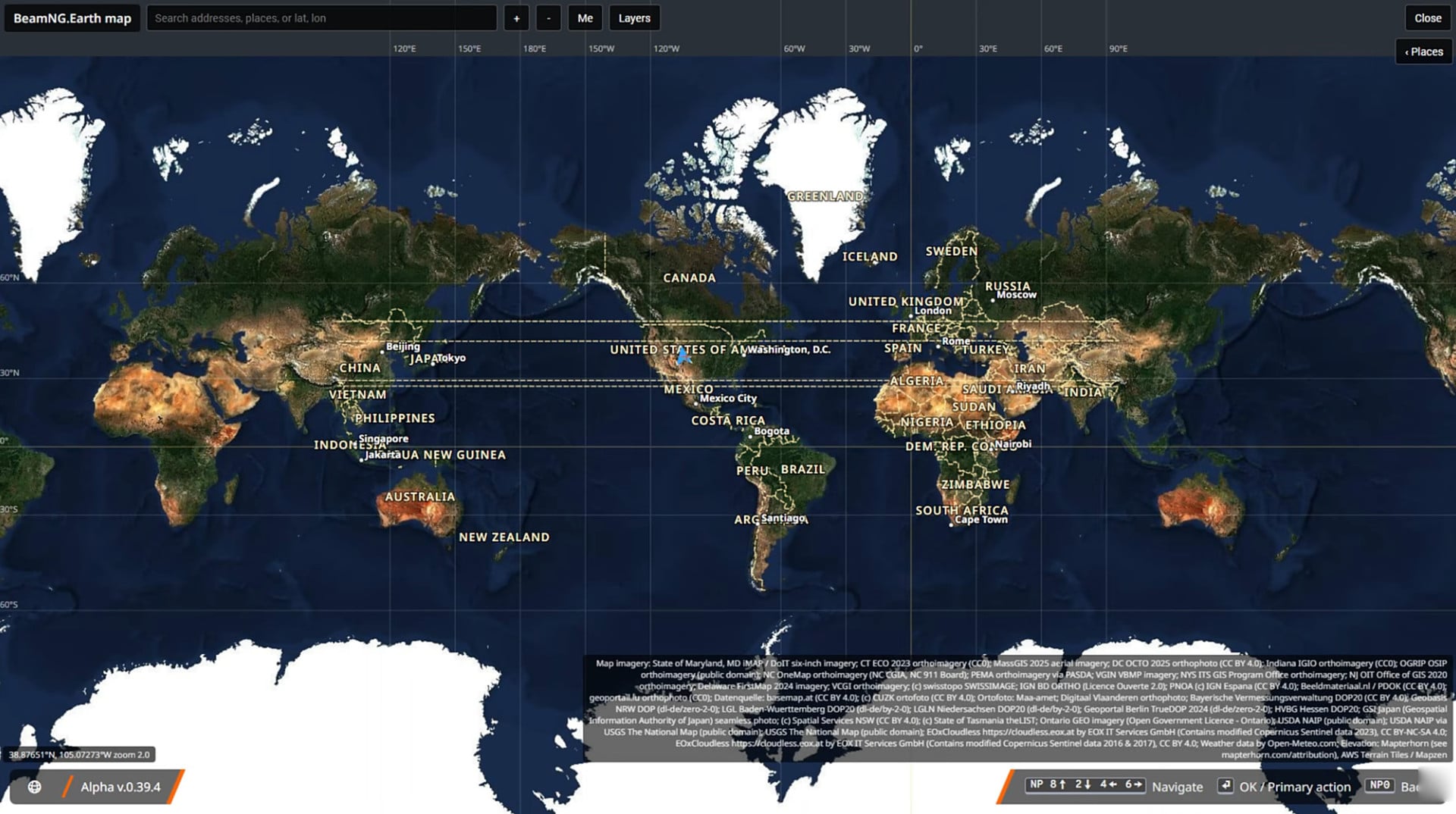
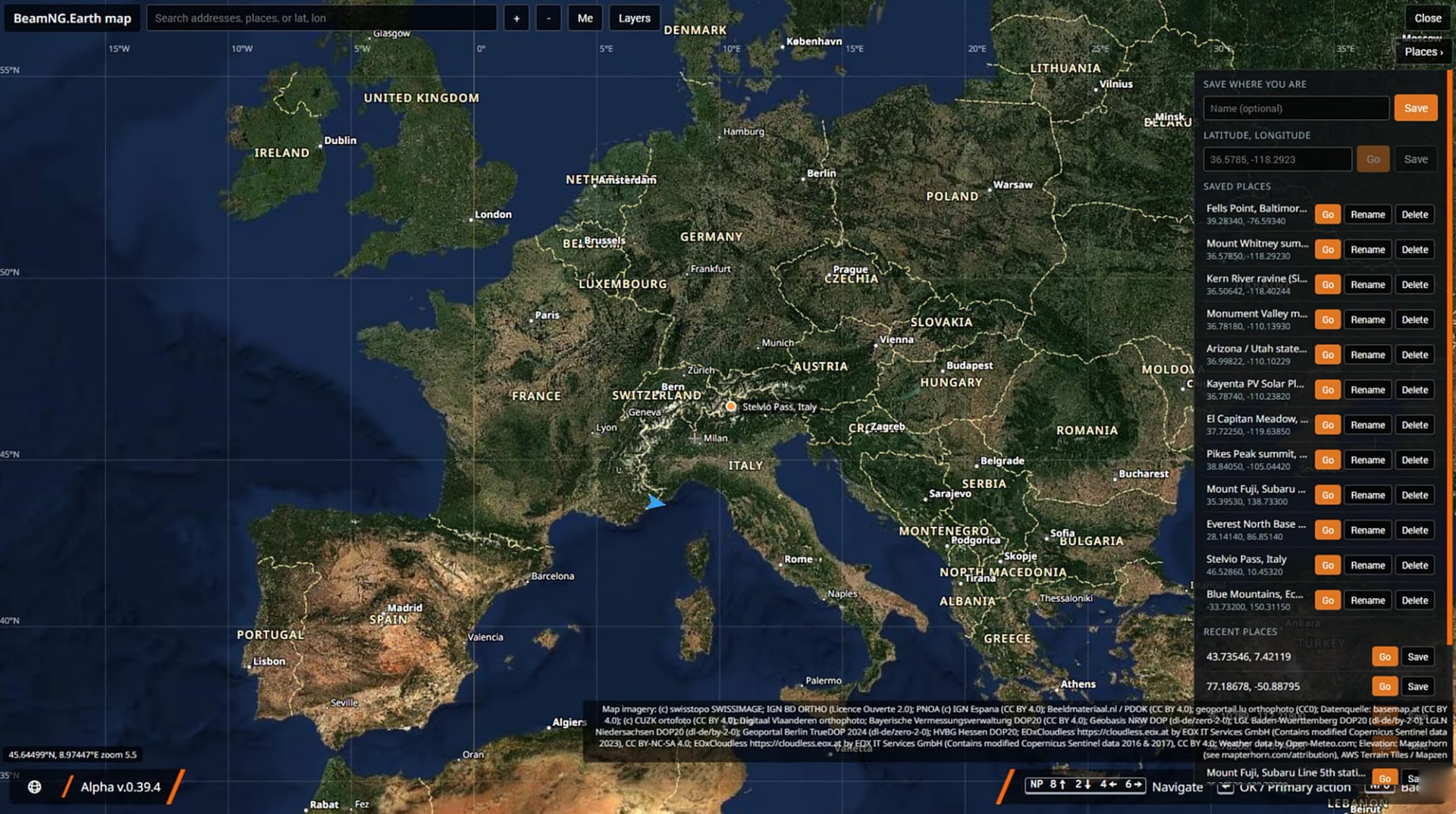
World map (M): pan and zoom the globe, satellite or street map (EOX) with a roads & labels overlay, borders and place names (the Layers button), search for addresses and places as you type, teleport anywhere.
-
GPS routes to any destination (OSRM on OpenStreetMap), with the stock route arrows on the road.
-
Autodrive: the car drives itself along the GPS route (in lane, legal speed, minding traffic).
-
Saved places and recent places.
Interface and tools
-
A slim status bar (street, town, country, world loading), a connection banner when something is wrong and the data credits on screen, as BeamNG UI apps in a ".Earth" app layout (based on Freeroam's; move or resize them in the UI apps editor), and a one-time welcome page about the project.
-
Settings in the pause menu, keybinds, in-game reports (notes and performance recordings to share).
-
Easy setup: install.py installs everything, start.py keeps the mod in sync and starts the server.
-
Offline play from the download cache (with a size cap and "clear cache")
How it works
-
A small companion server (server/, Python) downloads elevation and imagery, builds terrain tiles in a local flat frame around a moving origin, and streams them to the game over a local socket. The game's Lua cannot reach the internet, so the server is required.
-
The mod (mod/beamng_earth/) loads the tiles as meshes, keeps an invisible physics terrain under the car, moves the world origin as you drive (floating origin), and blends level-of-detail changes so nothing pops.
Install and play
You need: BeamNG.drive (tested with 0.40.x) on Steam, free disk space for the map download cache (it grows as you visit places, up to 20 GB by default; settings page > "Download cache size" sets 5-50 GB), and an internet connection (the map is downloaded while you play).
-
Download the file for your system
-
Windows: BeamNG.Earth-<version>.exe. Windows may warn about an unknown app: More info > Run anyway.
-
-
Run it (with Steam running). A console window opens (like BeamMP's launcher); it copies the mod into the game, starts the world server and starts BeamNG.drive. Closing the game stops the server.
-
The Windows build shows BeamNG's launch options dialog (renderer, safe mode) as usual; --gfx dx11 / --gfx vk / --gfx dx12 skip it with that renderer.
-
-
Play: in the game, go to Freeroam and pick the BeamNG.Earth level. A welcome page explains the basics the first time. Press M for the world map: search a place or an address, right-click to teleport, left-click to set a GPS route, and Autodrive to let the car drive it.
Uninstalling: delete the beamng_earth folder in <BeamNG user folder>/current/mods/unpacked/ and the downloaded file (or this folder); the map cache is .cache/beamng-earth in your home folder , C:\Users\<you>\.cache\beamng-earth on Windows).
External Download Links:
About Mod
| Latest Version | 1.0 |
| Game | BeamNG.drive |
| Category | Maps |
| Game Version | 0.40.x |
| Downloads | 978 |
| Created | 1 day ago |


Free mod from the forums/github btw, don't pay for this bs.
Already on github for free. Shame on you trying to profit off other people's work
IT´s ****ING FREE ON GITHUB !!!!!!!!!!!!!
its free on github
guys the real beamng earth is from github, dont buy this ****
You are a genius, this map is already on this site.
i can imagine how laggy it will be.
@mariukax1 it does does not render other countrys
@mariukax1 No, it doesn’t actually lag, it works by procedurally generating the satellite landscape.