[FREE BETA RELEASE] River Highway PowerHaus Rework Project 0.7.7.2

![Mack Anthem / Pinnacle [PACK]](https://temp2.modland.net/i/6aa50a7184eaa/6ab9344368d3b/0_modland.webp)

![[FREE BETA RELEASE] River Highway PowerHaus Rework Project](https://temp2.modland.net/i/6971d96fcf98f/screenshot-2025-11-20-002452-lg_modland.jpg)
Updates
River Highway v0.7.7.2
Updated NavMesh for AI Pathing
Updated Miami to allow for area to appear in map view
Reduced VRAM Usage by 2.5GB
Other fixes and updates included
Hello all,
I am presenting my River Highway Rework Project officially. It's not fully finished but the beta release will be soon.
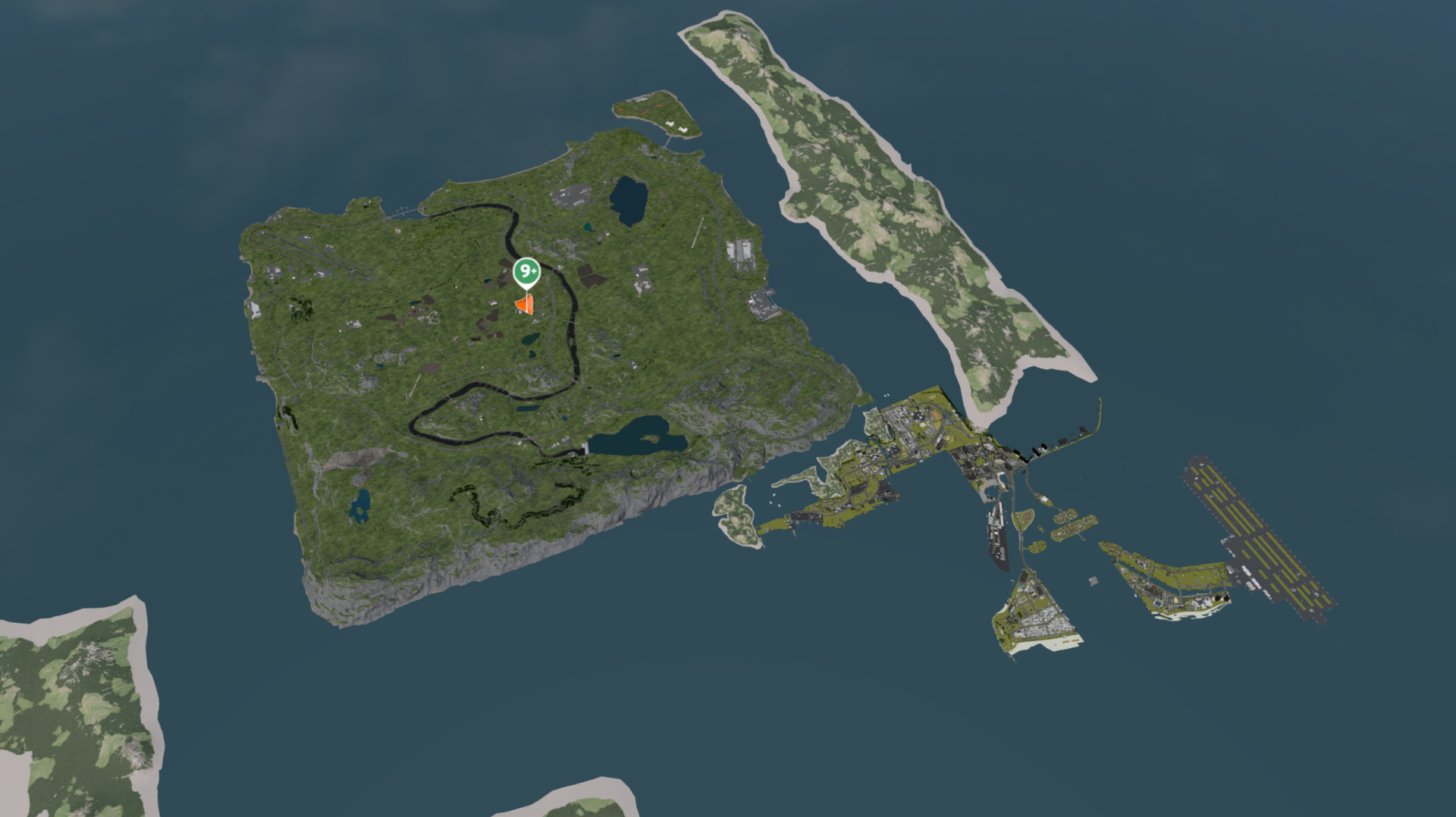
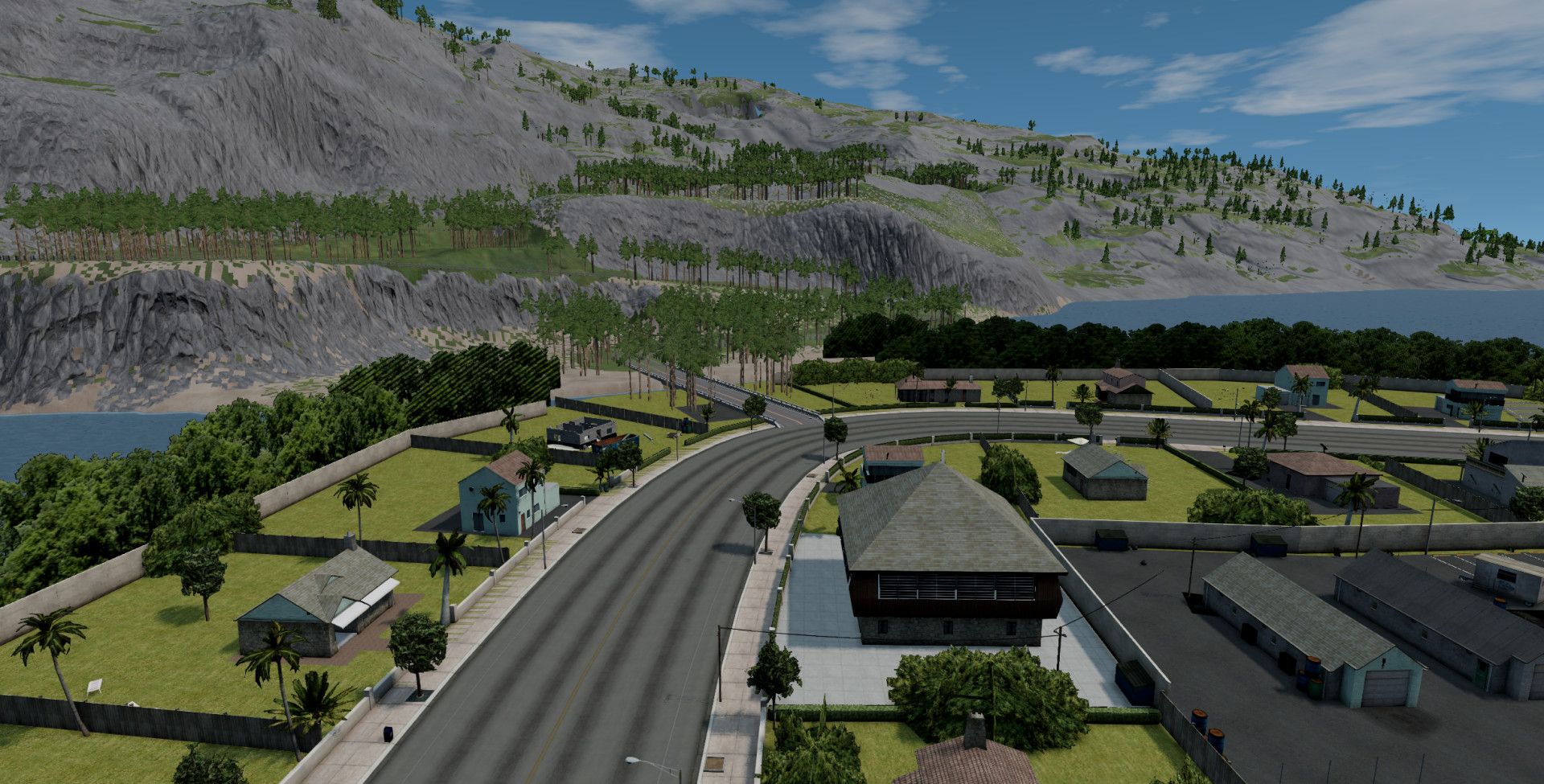
Over a year ago I started to modify the map (originally made by Unyxium) and add detail, as I moved to more advanced map work I started to develop more skills and more of the map.
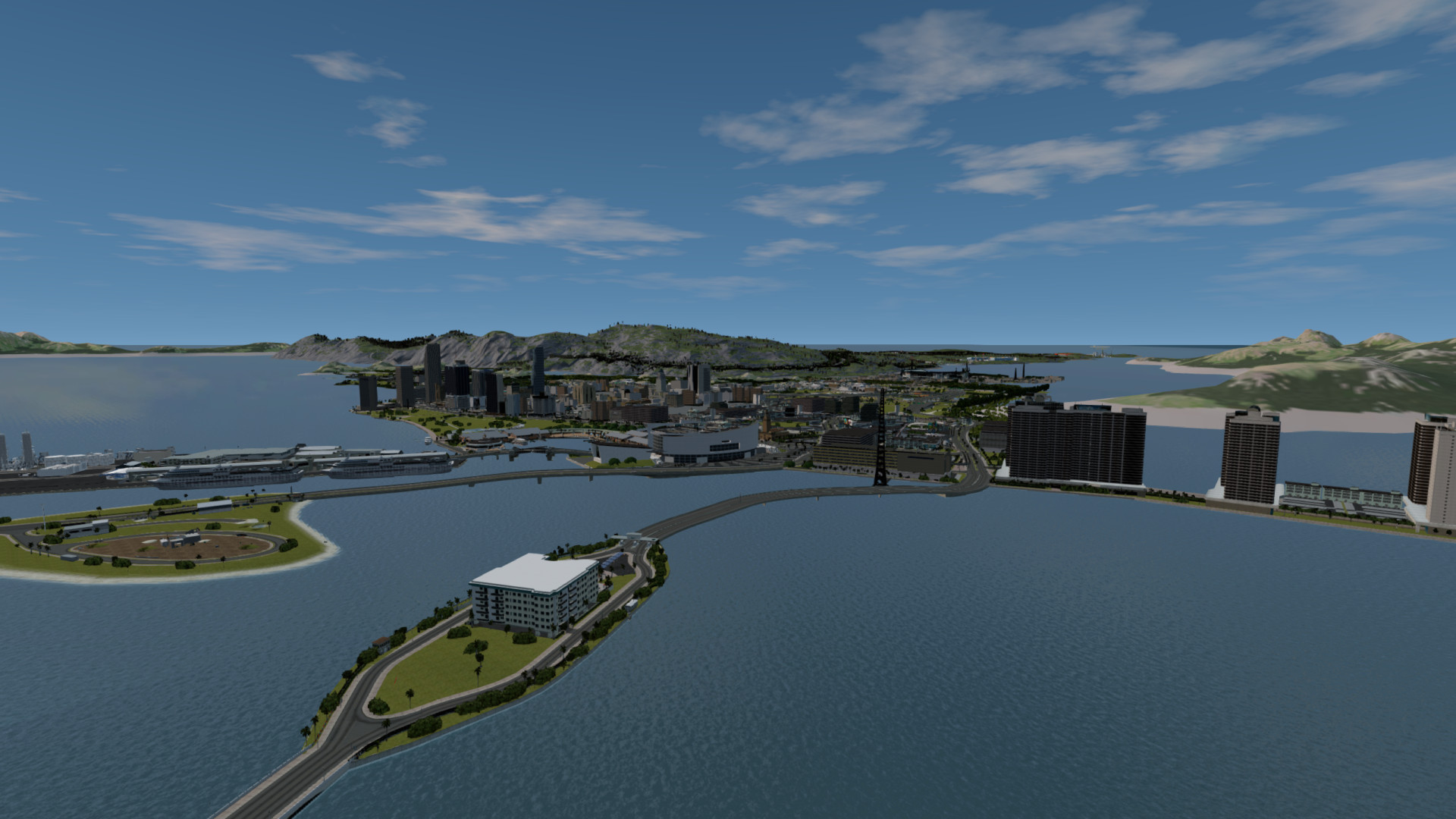
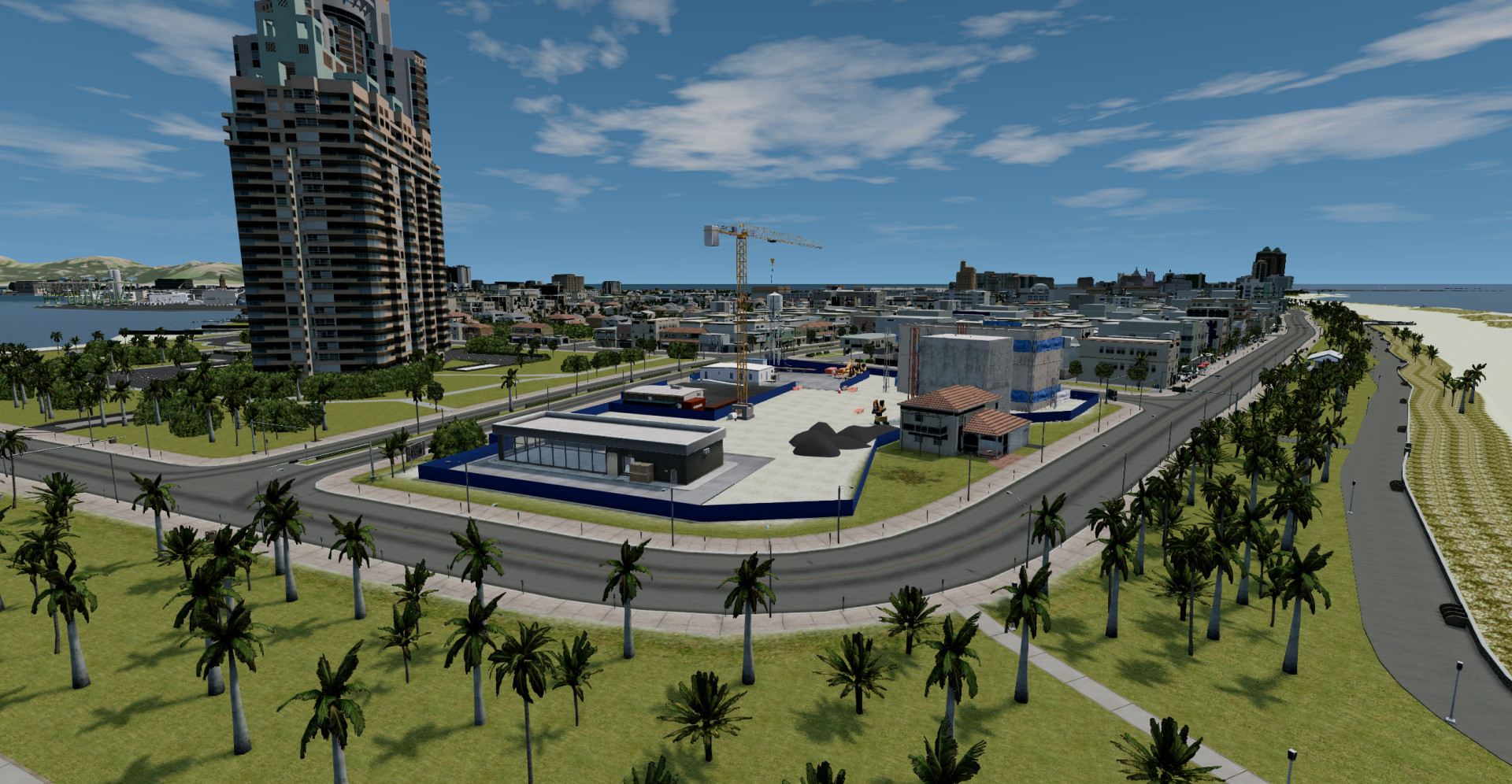
Later on I added the Miami section ported from Driv3r by Kolas and his team.
General Overview
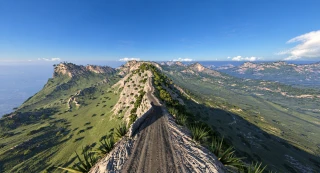
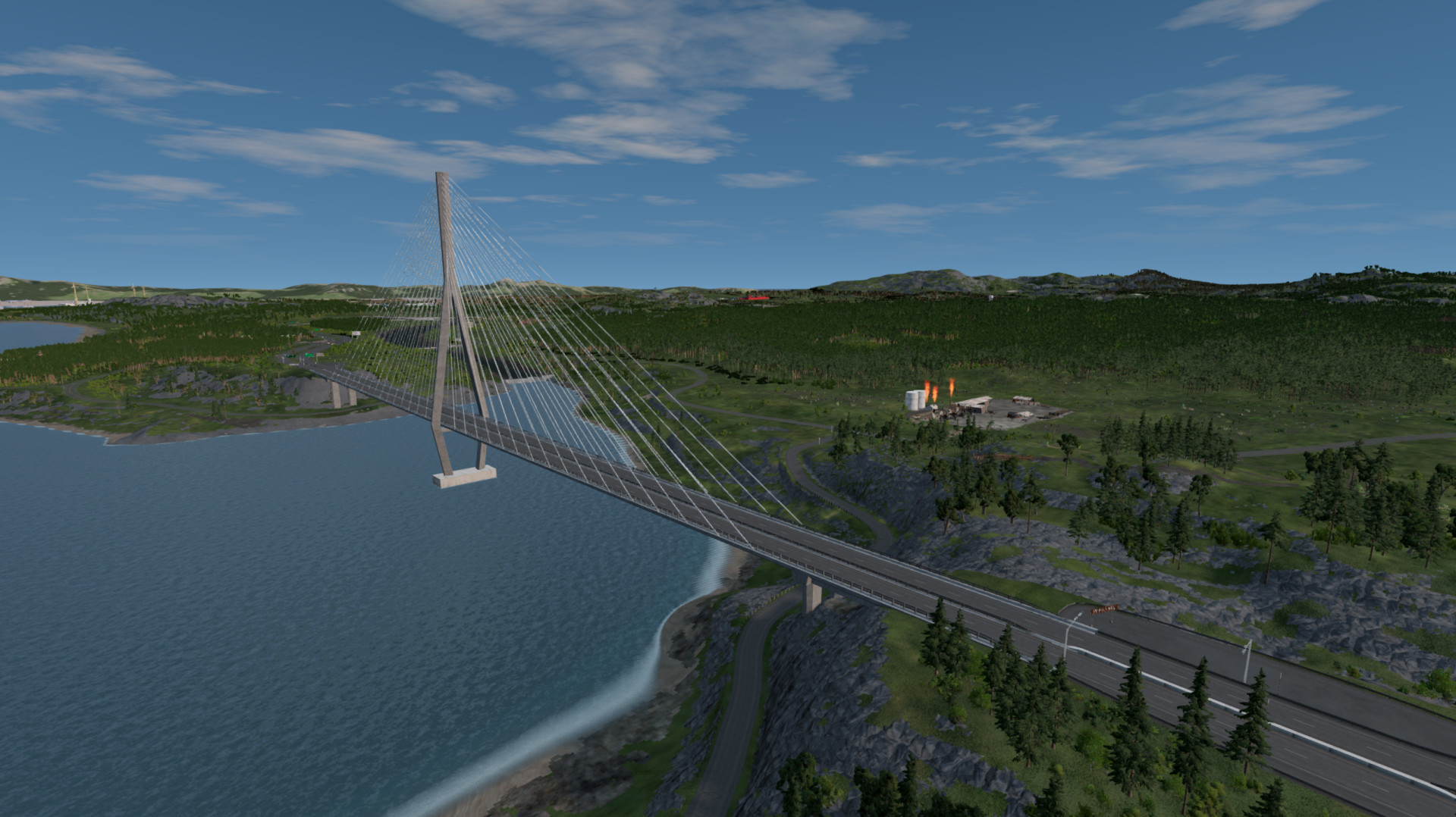
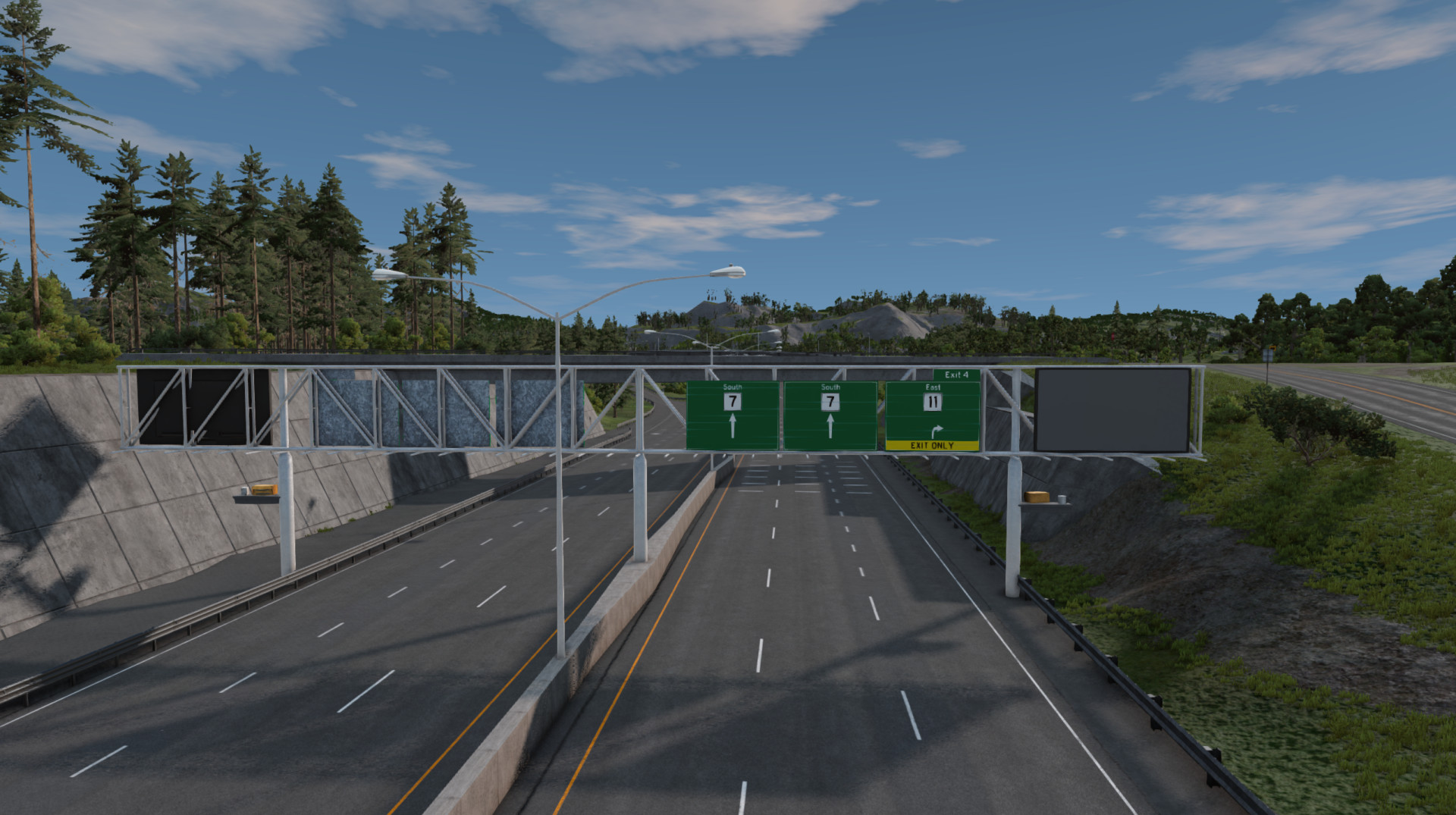
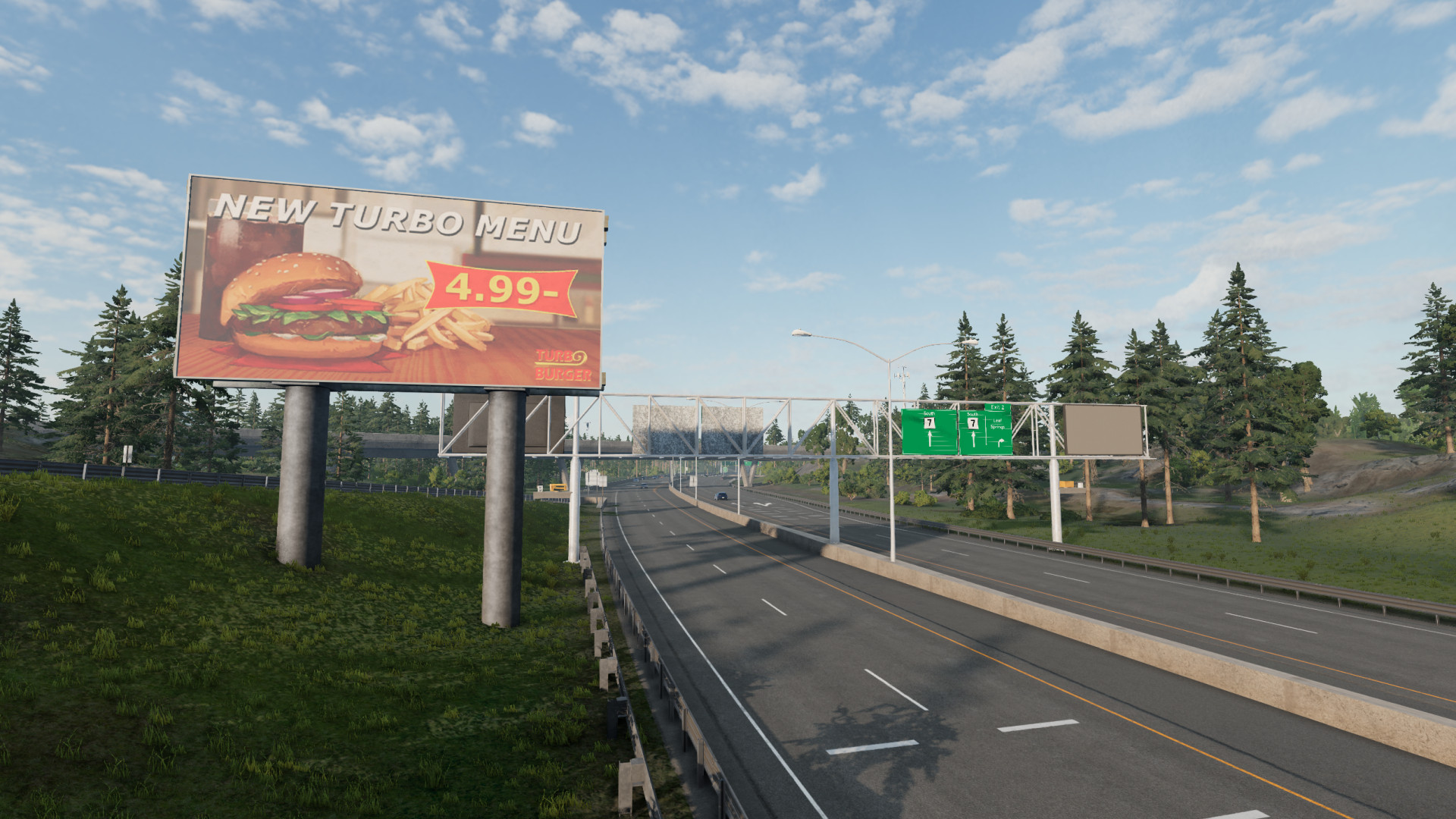
There is a full rework of the highway network including guardrails, highway gantries complete with signs and exit numbers, edge texture correction and terrain smoothing where possible.
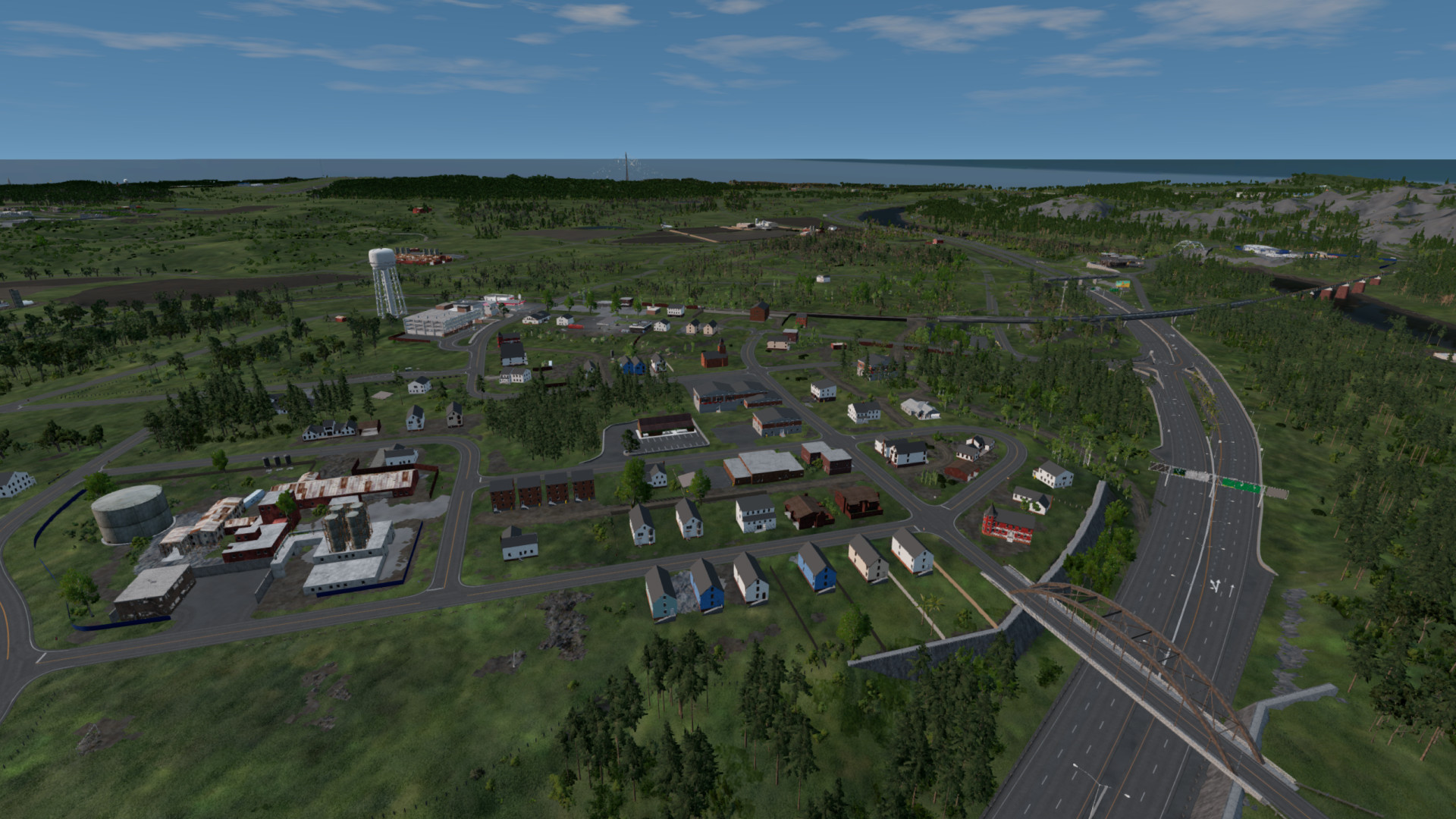
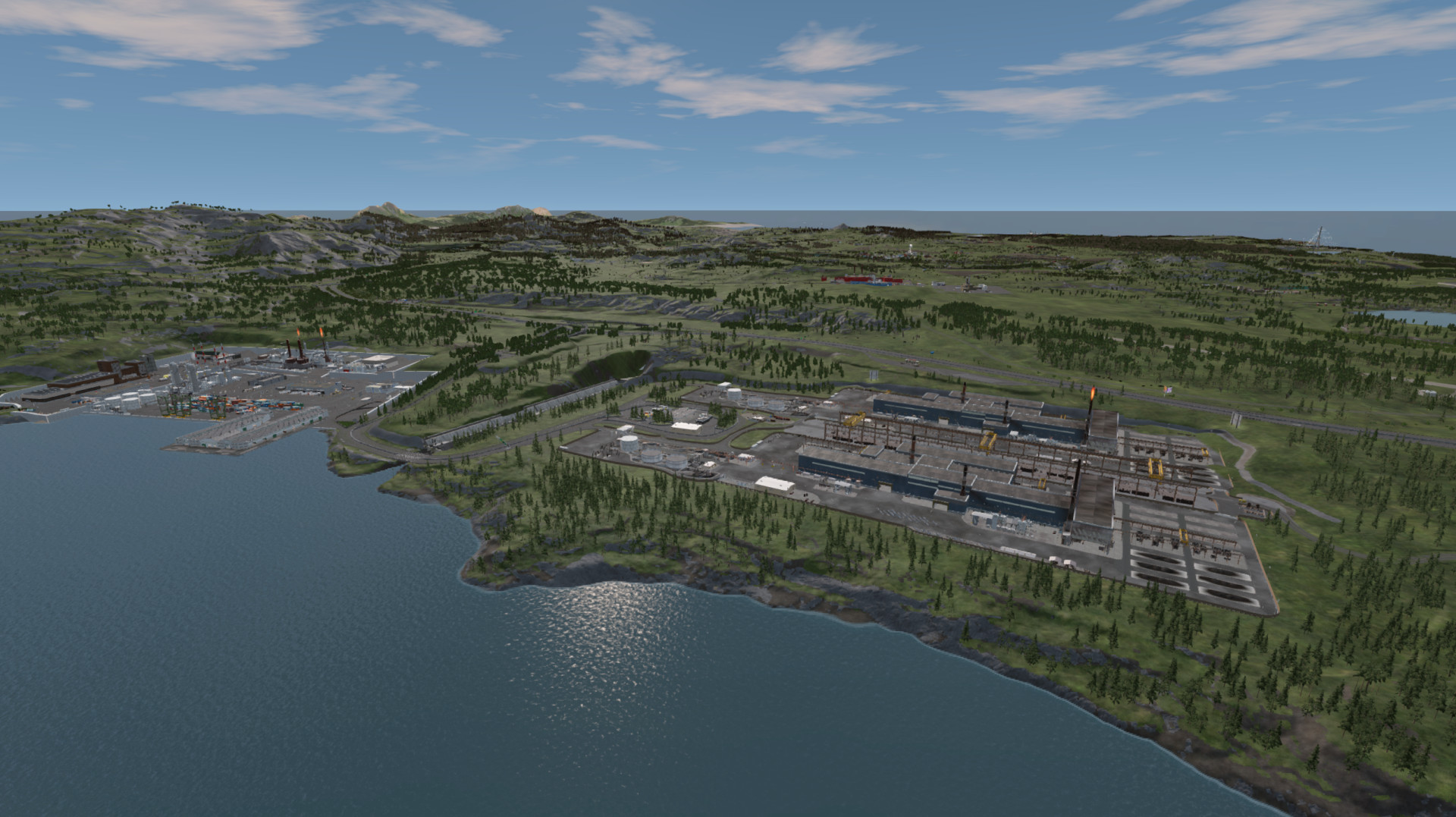
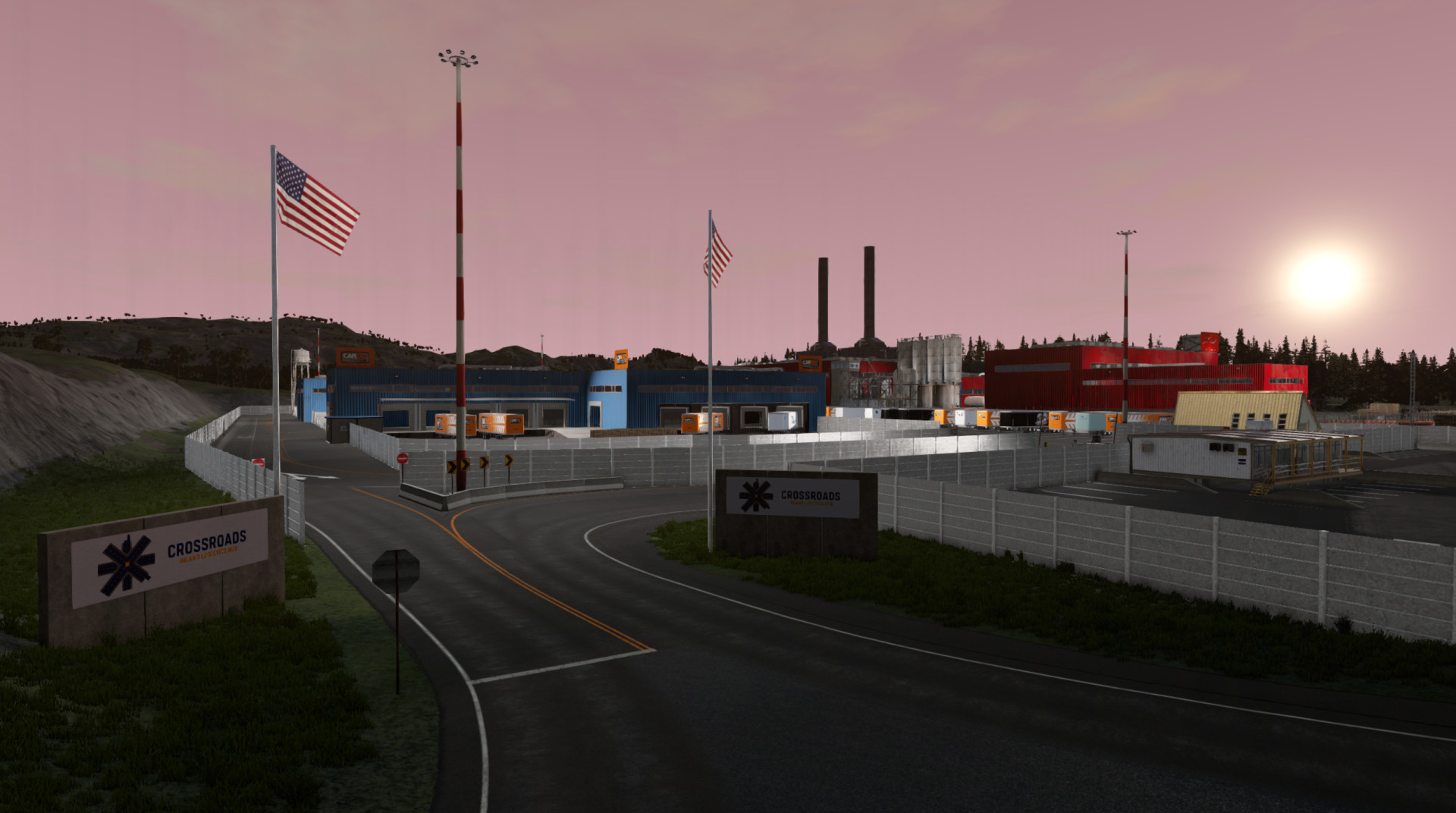
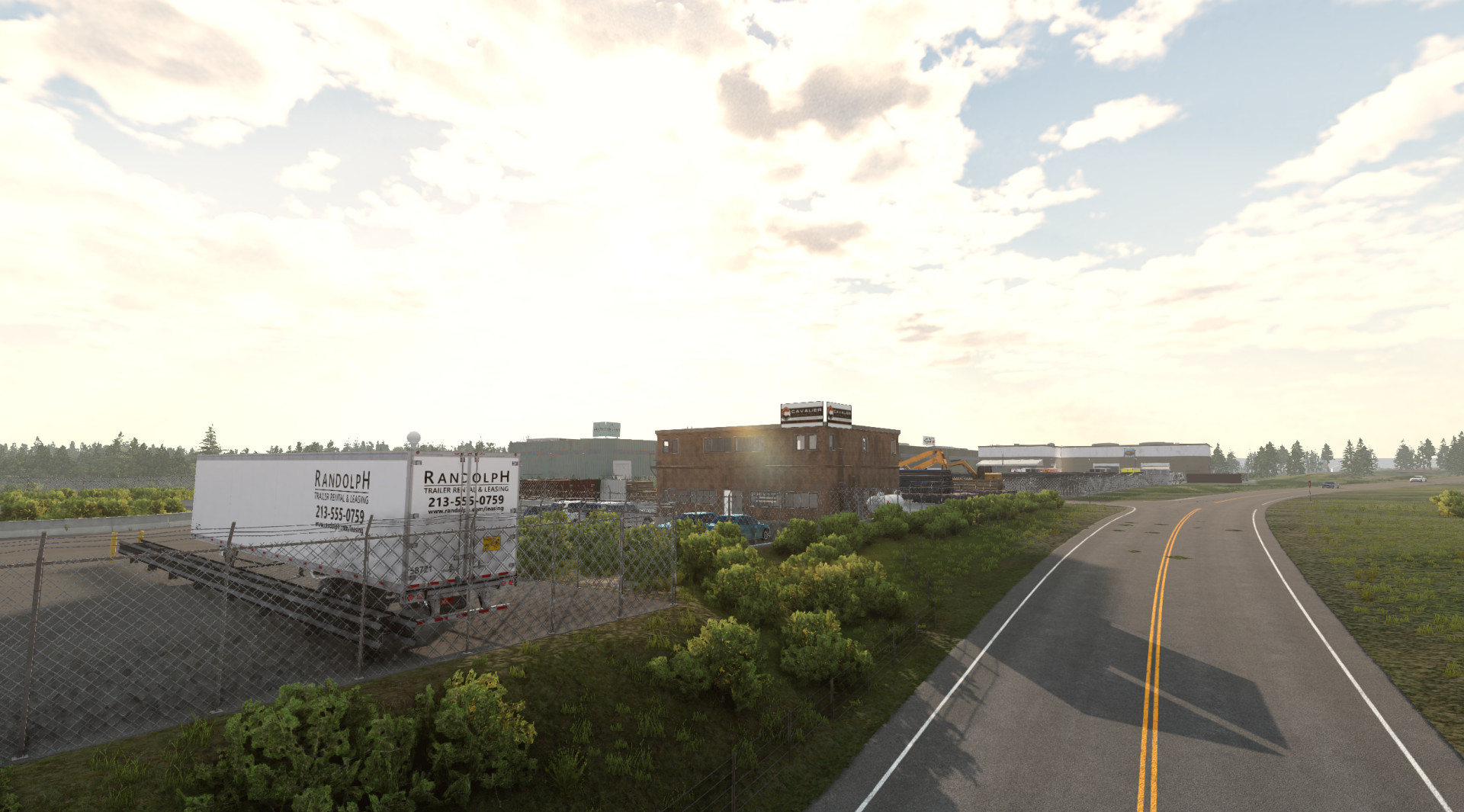
There have been many new industrial and commercial zones added for those of you who like longer trucking jobs. Many of these locations have working warehouse and transport office interiors for added detail.
There has been many new buildings added, complete with updated interiors for use ad garages, workshops, stores and even a police station.
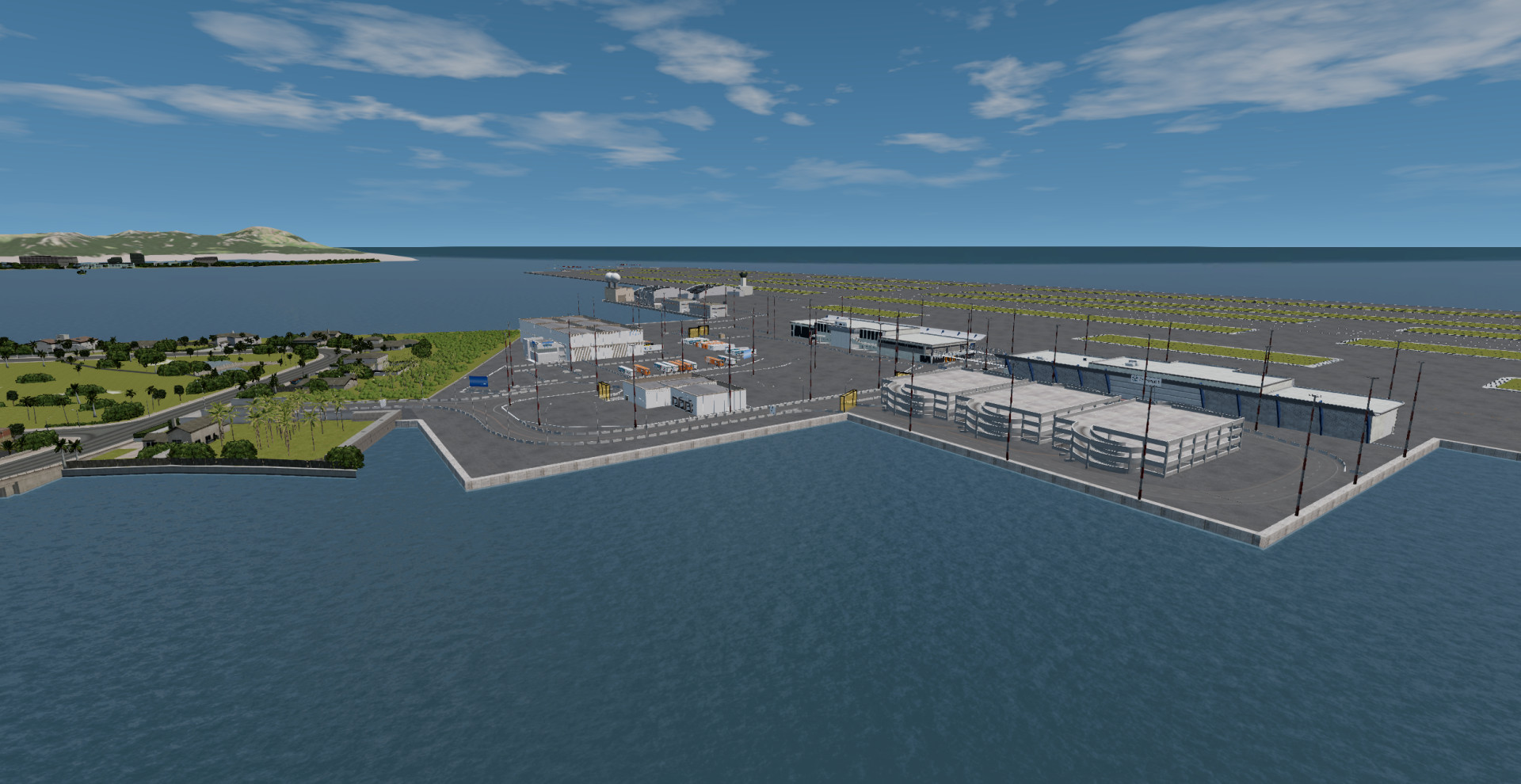
For those of you who like flying, a new airport has been added in the Miami section of the map, complete with a cargo area and two passenger terminals (you may want to increase the visibleDistance variable in the world editor).
Speed Cameras, and how they work:
There are new speed cameras added to the map, fixed ones have been installed in certain locations along the highway network, there is an average speed camera along the large bridge between Palm Springs and Costal Town.
There are also various speed camera vans hidden around the smaller roads and new location cameras for secure areas and tolls.
The fixed speed cameras and the camera vans will take a photo of your car and store it in the following location (it is recommended to turn Bloom off in the graphics menu to be able to see license plates):
"Appdata/Local/BeamNG/BeamNG.Drive/current/evidence/levels/river_highway"
Speed limits for activation are as follows SpeedLimit + 10% of the SpeedLimit + 2mph = Activation Speed
AI and Traffic Support:
I have removed all of the original AI pathing and replaced it completely, including adding support for the new areas, reworking speed limits on all roads and correcting conflicting speed limits.
The new pathing is a W.I.P and newly spawned vehicles on off-ramps seem to get stuck occasionally.
Lighting and Audio System:
Not much has changed here, more lights have been added and rolled into the dynamic lighting system (a basic disable-at-day srcipt), airports are mow visible from further away.
An audio rework has also been made as new areas have been added.
Known issues:
Collision in building interiors needs finalising
High load times and the need to re-log when generating mesh data or forest for the first time.
All spawn locations are set to Leaf Springs
Higher then usual levels of forest errors and unused assets (will be cleaned on map completion)
First Party Developers:
Mr_Rogue (@r.o.g.u.e.)
Tixx (WiserTixx)
cold.fusion (LOWREZ)
Third Party Contributions:
unyxium - Original map
.n0thatguy - Additional map tools
Kolas & Team - Driv3r Miami port
TopTierStudios - Static vehicle model textures for businesses
TrackpadUser - Forklift models and textures
Trebor8820 - Gantry sign textures
J0K3R - Construction Zones
roboman377 - Blender work
TLDR:
Added Features:
Smoothed certain sections of highway
Added dividing and safety barriers around highways
Added fixed speed cameras to highways
Added average speed camera to the large bridge
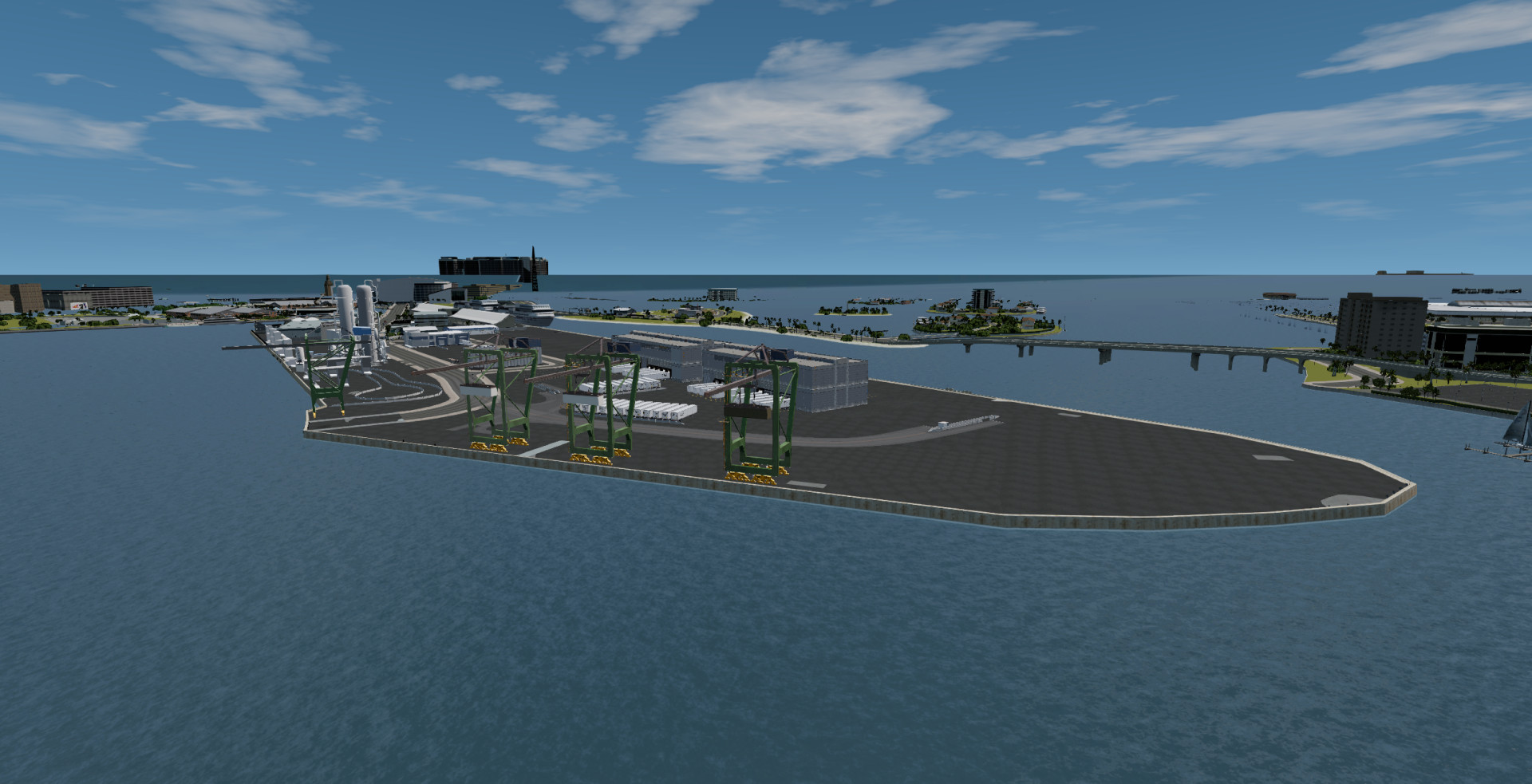
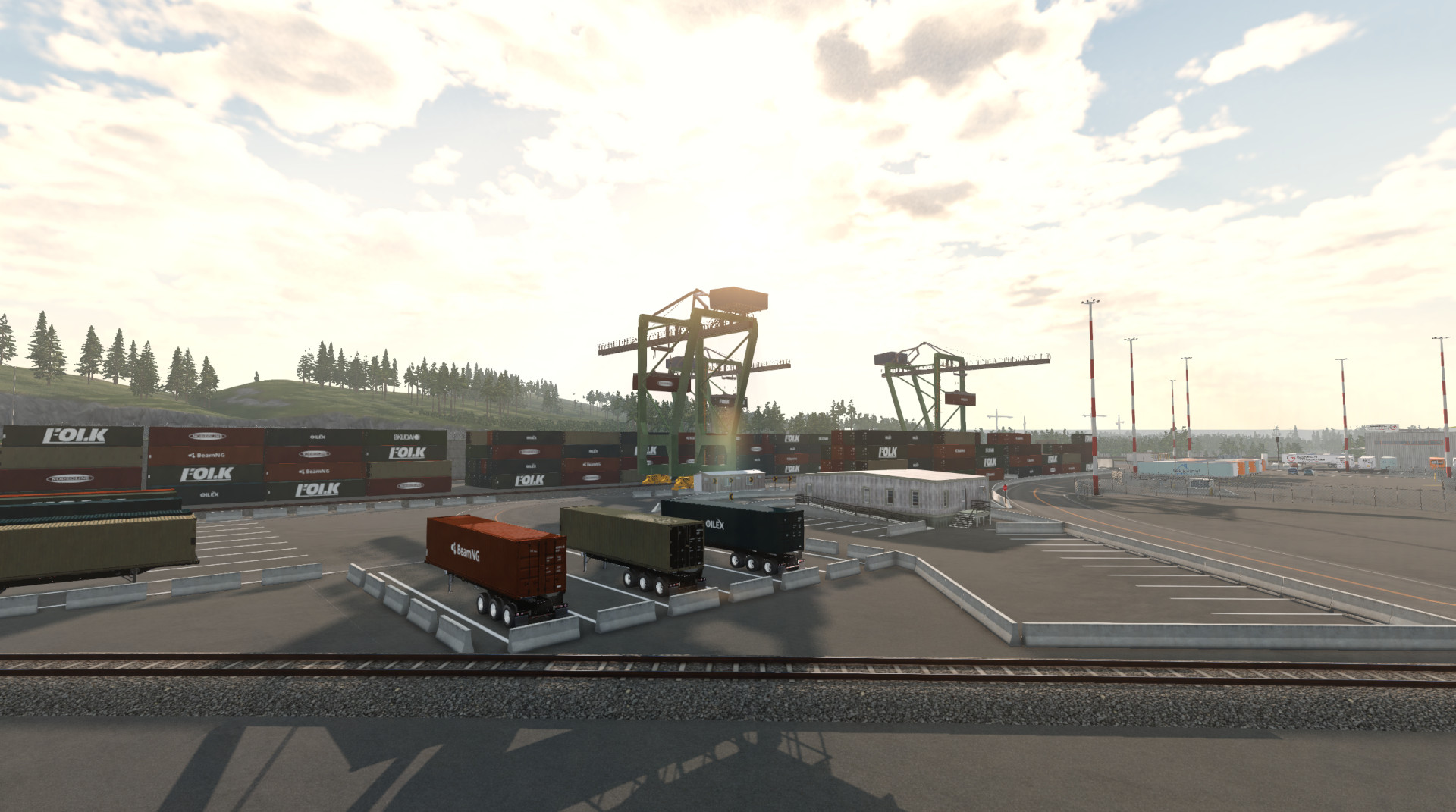
Added industrial area featuring a port, distribution warehouses and a steel mill
Added a Drift Arena
Added a Rallycross Park
Added multiple drift togue roads
Added multiple areas for logistics
Added multiple garages with interiors
Added highway gantries
Reworked multiple highway junctions
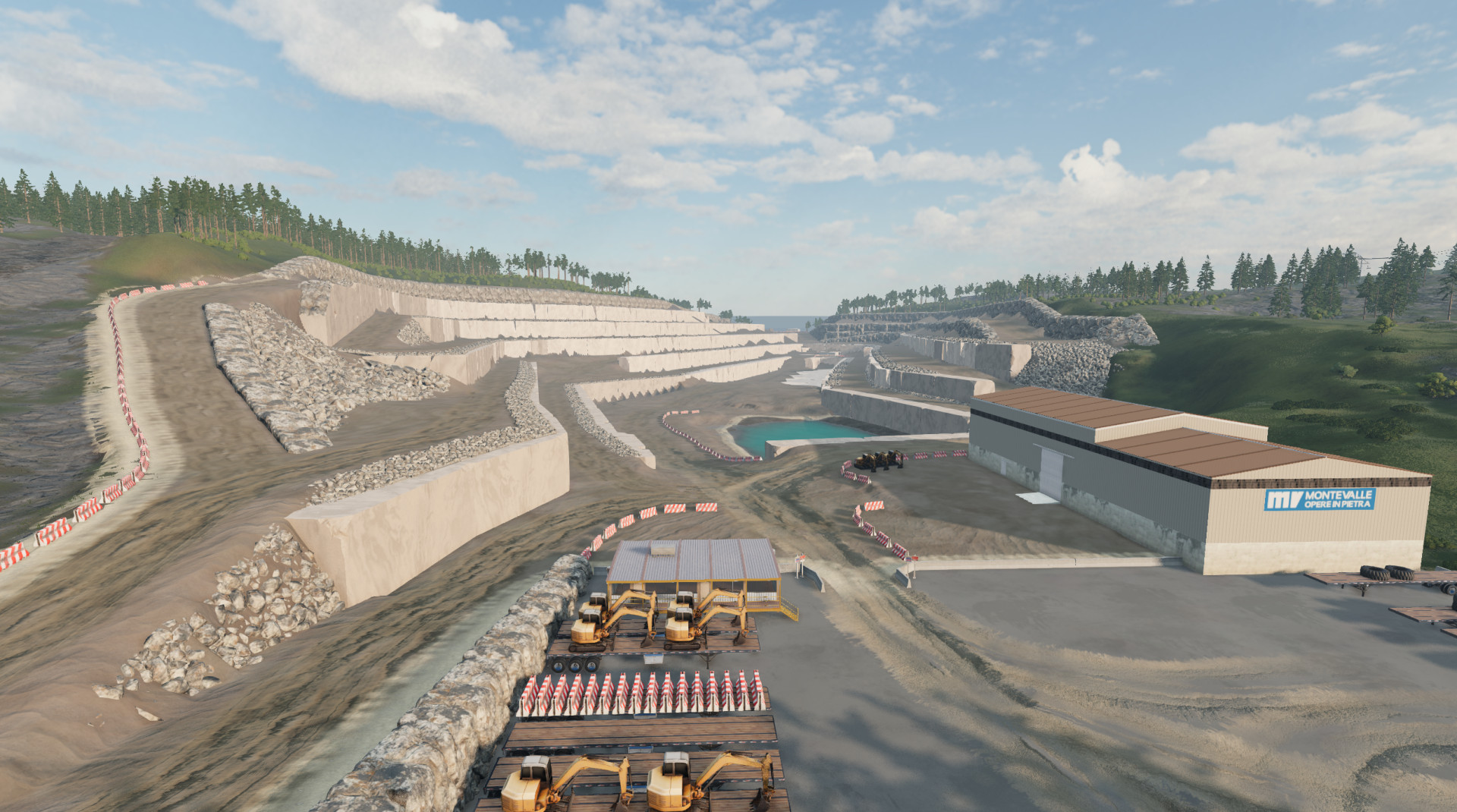
Added civil construction yard
Added construction areas (watch out for the average speed zone at the start/end of highway 11)
Added speed camera vans
Added Miami from Driv3r
Added an airport in Miami
Began rework of multiple locations across Miami
Known Issues:
Multiple signs across the highway network are not textured due to areas not created or named yet
Collision in building interiors needs finalising
High load times and the need to re-log when generating mesh data or forest for the first time.
All spawn locations are set to Leaf Springs
Higher then usual levels of forest errors and unused assets (will be cleaned on map completion)
External Download Links:
About Mod
| Latest Version | 0.7.7.2 |
| Game | BeamNG.drive |
| Category | Maps |
| Game Version | 0.38.x |
| Downloads | 4497 |
| Created | 9 months ago |
| Last Updated | 8 months ago |
Download Latest Version
Version: 0.7.7.2Updated: 8 months ago
https://ko-fi.com/s/626bc1e7ee external download · added 8 months ago


pointless mod. first things first I cannot even get into the map itself, when importing stuff it gets stuck and indefinetly alternates with importing 3 different files very quickly and this can go on for hours on end. at this point, i have to end beamng through the task manager. i have cleared cache, you name it, i've done it. next, upon kofi forcing me to enter my email, i get spammed emails from kofi every 2-3 minutes. please add a direct download for a mod that doesn't work. Specs: GPU: NVidia GeForce RTX 4060 12GB. CPU: Intel Core i7 14700F. RAM: 32GB DDR5. BeamNG Version: BeamNG 0.38.3.0.19003
@speedystuffff update, i got it to work. however a few minor complaints about the map. 1. The addition of the lore-friendly gas stations is very nice, but i feel like they need to work for being such a large map that you could drive for so long on, but not have to recover the car at a gas station in a roleplay trucking session. 2. As i under stand that it's in development, i'm not going to ask too much, but if you and @haleson could collab and you could - with permission - use his awesome houses, would make this map so good. Thanks for the help, and i hope you all have a nice day :)
@PowerHaus Industries sorry about the rudeness, il try to see if this works. dont worry about the late response i really wasnt even expecting one at all :/
@speedystuffff Hey, sorry for the late response, you'll need to rename the "current" folder to "current_old" launch the game again, install the mod and load in to the map. There are some mods that write data into the settings files that cannot be detected during cache cleaning or deleting/reinstalling the game. I am reasearching what mods cause this and a possible fix. As for the Ko-Fi email thing, just use a fake one, it doesn't check it.
its super immersive even as it sits now but with its potential….. you’re really on the cusp of greatness
I have a I7 13700k, RTX 4080 16Gb and 32Gb of DDR5 ram and run this map perfectly 240+ fps with mods and my friends also in the server with multiple cars. However, when the cameras flash your car, the game does freeze for like 3-5 seconds which is pretty annoying.
@Doofenshmirtz Ah, you seem to have found the speed cameras, if you want to see why the lag appears when activating a speed camera check the following path "\AppData\Local\BeamNG\BeamNG.Drive\current\evidence\levels\river_highway"
@langkous in deze tijd, ouwe, jij bent niet wijs XD
@Doofenshmirtz
Koop dan een nieuwe pc.....
this mod still lags and only gives me like 10fps. i deleted all other mods and used this by itself and it still does this. please fix. this mod only uses 1.5g of file space and some other maps have more and they do not lag at all
@JTMods What's your specs, @PowerHaus Industries specifically notes you need a beefy pc to run the map
Yo this is peak, keep the big expansions going!
Will railroads be expanded? I noticed at some of the industrial plants the track intersections make it so trains can't ride the rails without derailing. Having the ability to use trains on this map would be awesome and it would make it even better than it already is! Miami was an awesome touch too, looking forward to seeing more updates!
why does it not pop up when i download it into levels folder
@yaboyjjb the mods folder, not the levels folder
This map is absolutely insane.... Incredible work PHI!!
I absolutely love this map and it could be one of the best so far we have in the game. But it's crazy that my laptop with an I7 13700h, RTX 4060 8Gb and 16Gb of DDR5 Ram cannot run this map over 25-30 fps at 1080p. I was able to run it at 60 fps locked with no mods, but when activating the mods i have in my game (280) it dosen't matter if it's on ultra settings or on the lowest, i was not able get decent fps. Love the map, but i think it needs some optimization.
@tom_6584 please have another look now, VRAM use has been reduced by 3GB-3.5GB
@JTMods I have a solution for you, you'll need to rename the "current" folder to "current_old" and move the mod into the new mods folder generated once you start the game. Try loading in with just the map enabled on it's own and you should have normal performace again.
@PowerHaus Industries i just ran it again just now with three other car mods so 4 total mods and it lags horrible like 15-20 fps. this isnt normal and needs fixed. this map has sooo much potential.
@PowerHaus Industries yea I normally run maps no problem with all the mods I have but this map I cannot run over 25-30 fps. All other maps run just fine. Will this be fixed for better optimization?
@tom_6584 that's probably because of the RAM, 280 mods is a lot to run on 8gb of VRAM (16gb total including 8gb of virtual)
its then old map dont down LOAD
It's not, it's the beta release for a fully reworked River Highway, everything here is either created by me, or used with full permission
Heat 🔥
Finally best rework to best map ever thank u <3