2ES10 Russian Train 1.0

![Ford Bronco [PACK]](https://temp2.modland.net/i/6abb8bc6ce51c/0_modland.webp)
4/5,
4
votes
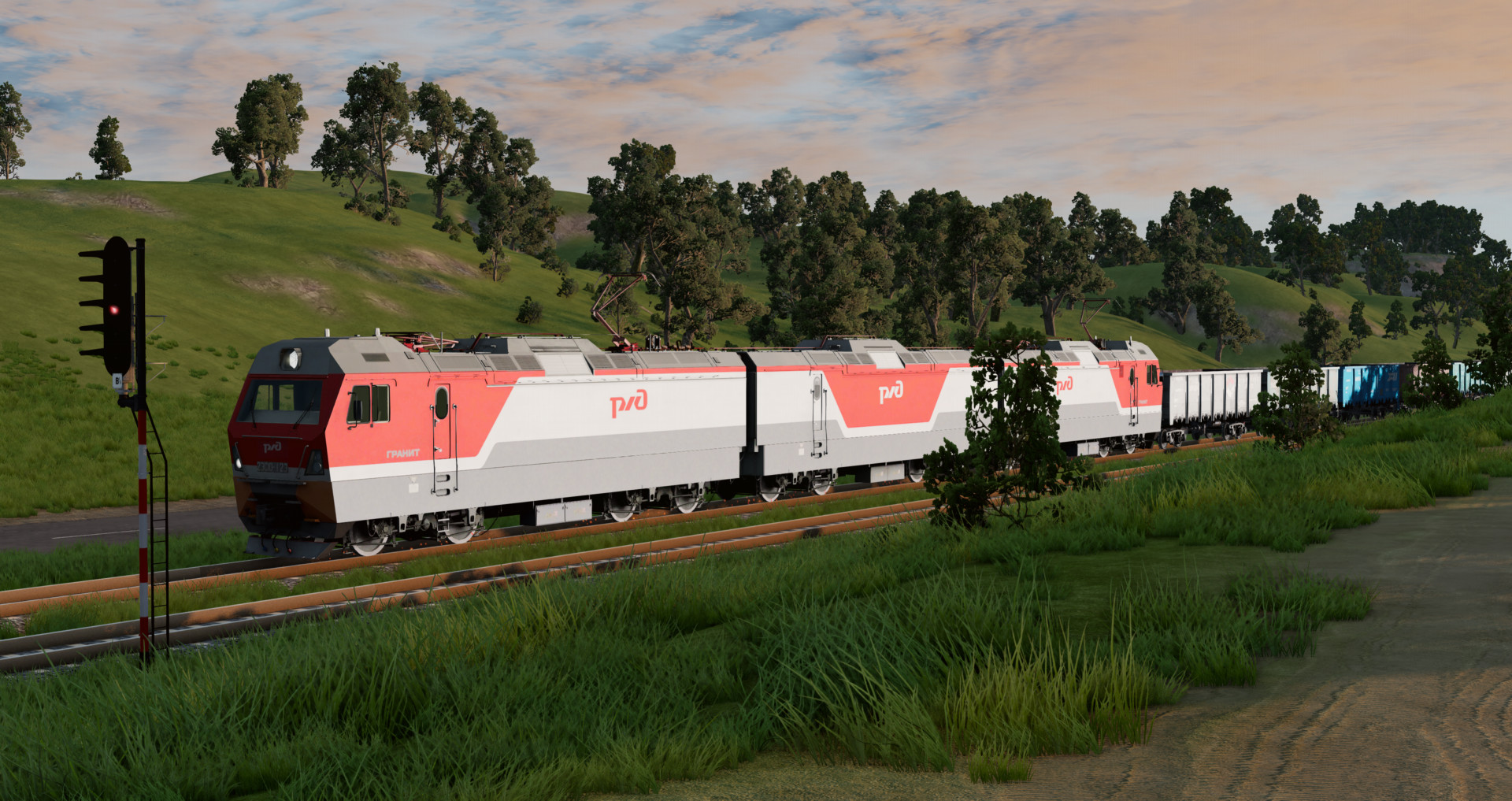
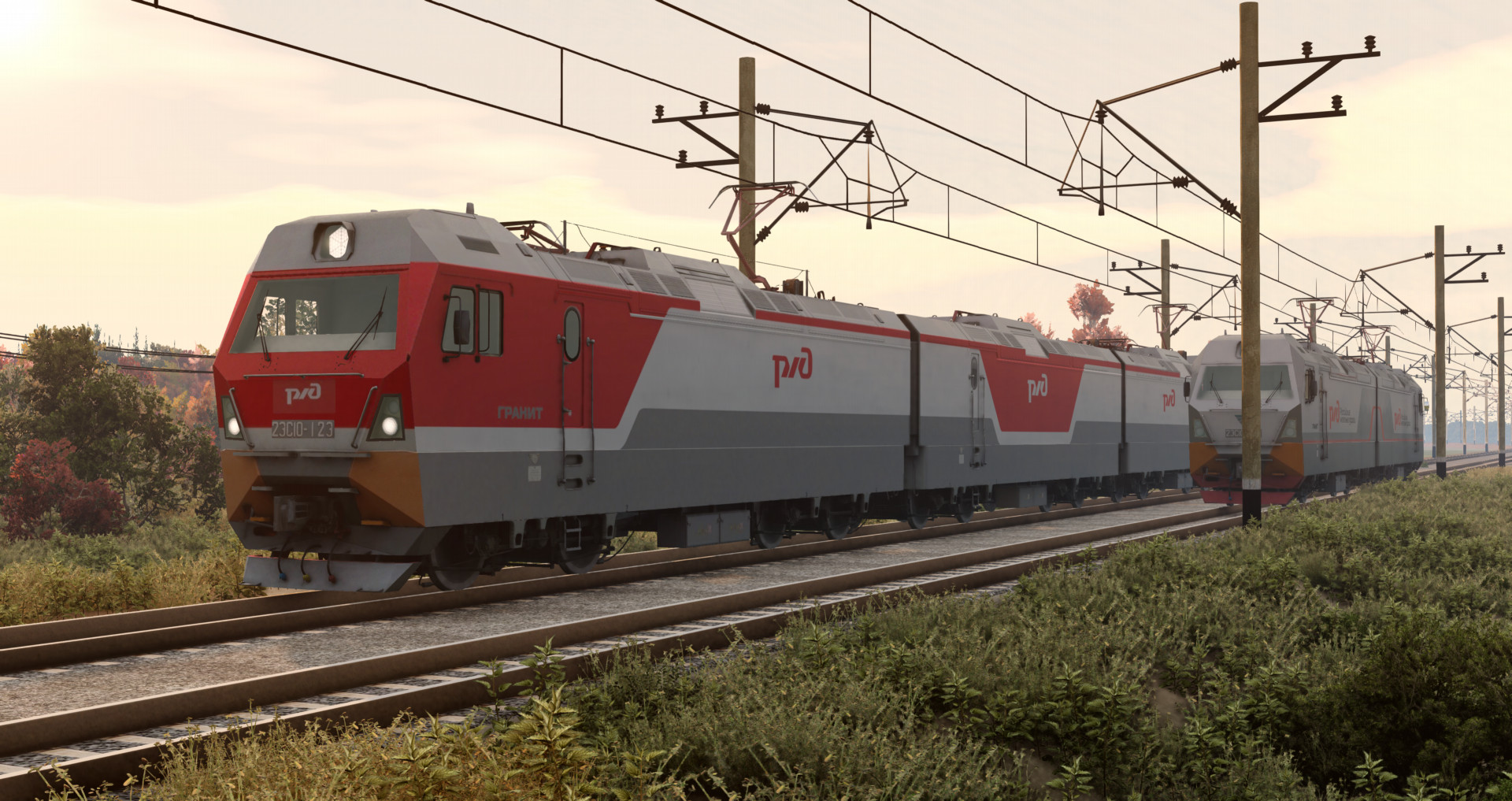
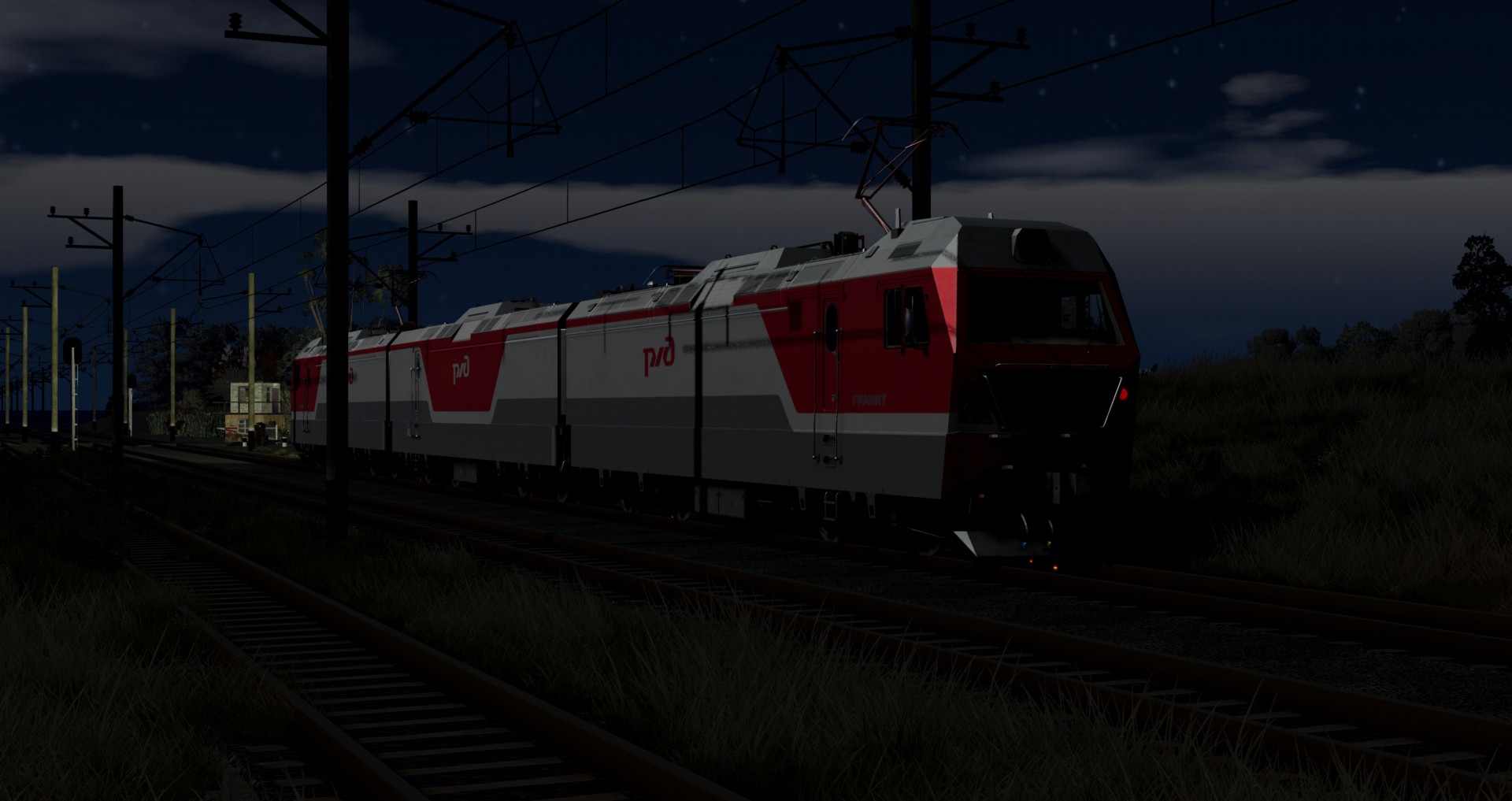
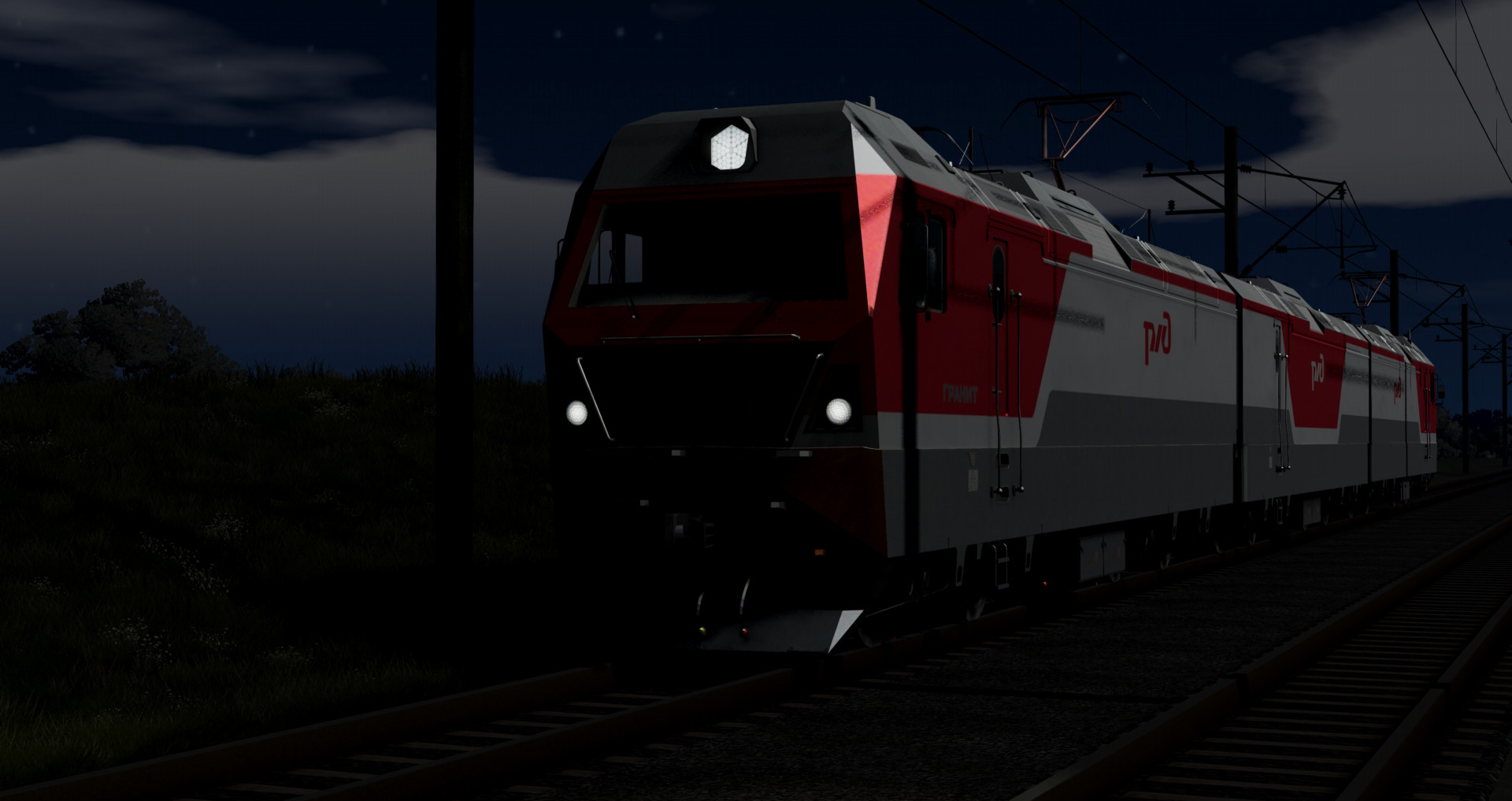
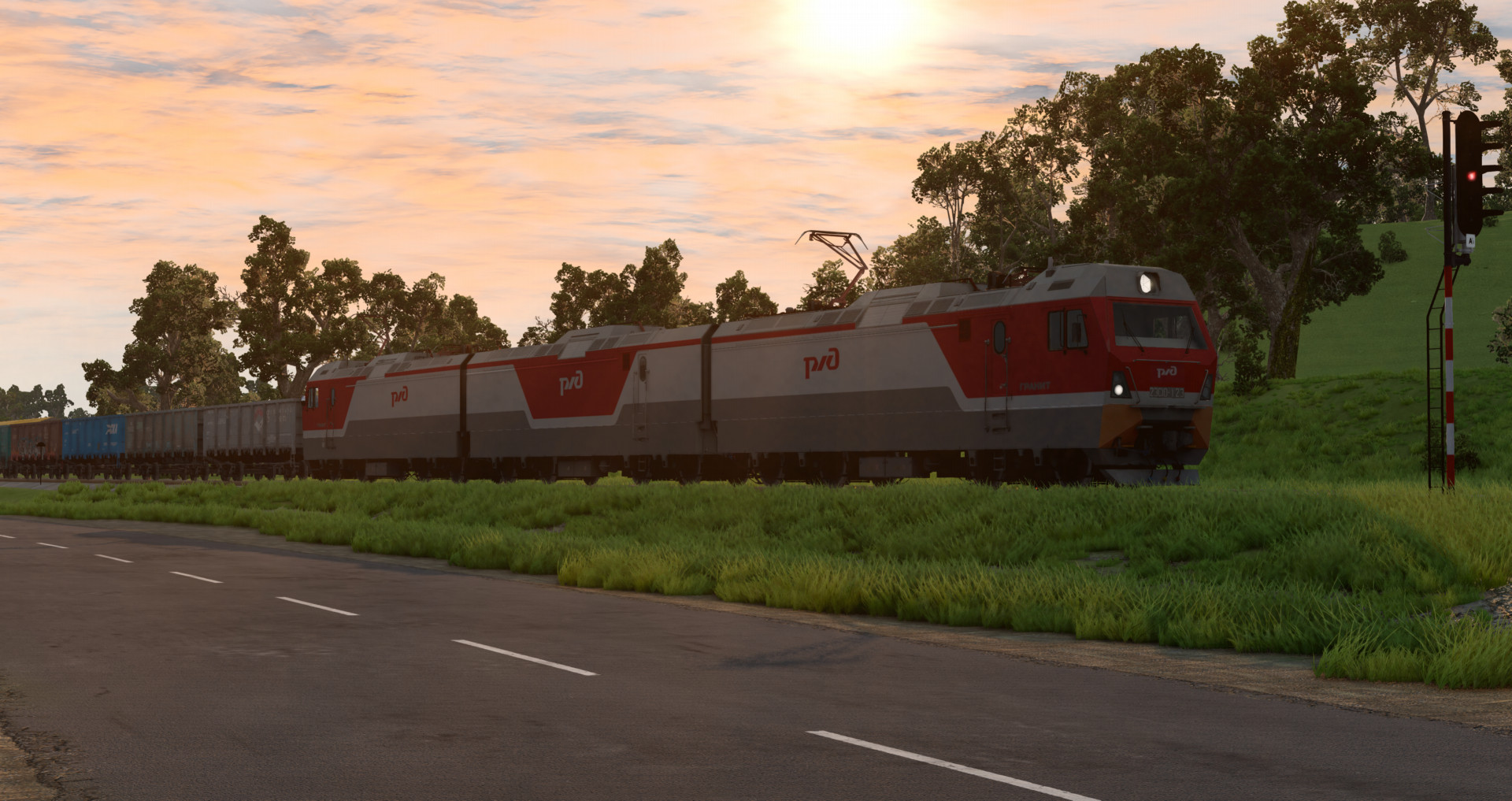
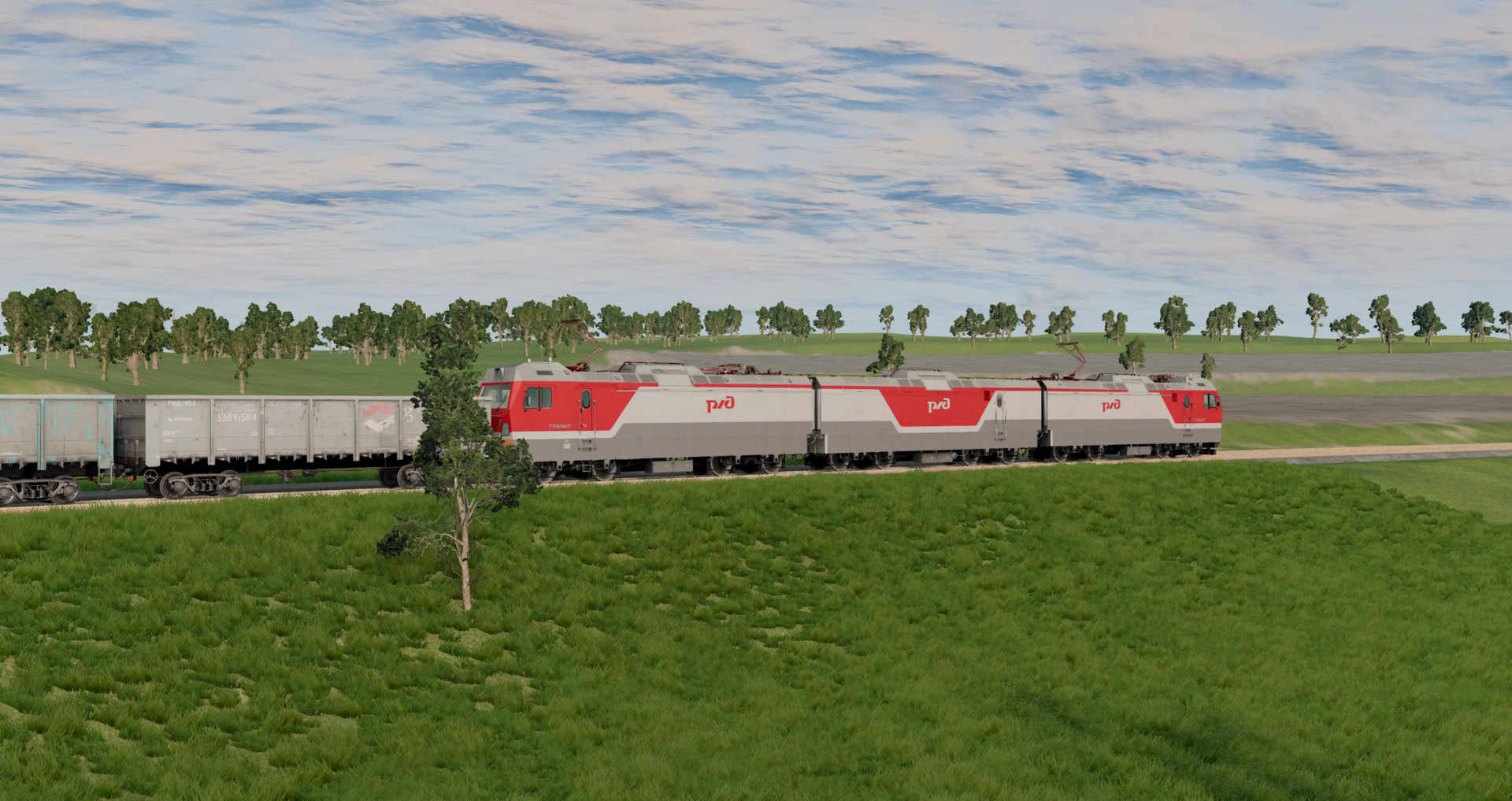
2ES10/3ES10 Sinara Two-section Electric locomotive.
- Booster section available;
- 10 Configs with 5 paintjobs;
- Lowered and raised pantograph;
- Working lights;
- Moving wheels;
- Drives well.
Configurations marked "Front" is the front locomotive, those marked "Rear" is the rear locomotive. To couple them, switch to the rear locomotive, release the brakes (Space bar), and change direction (Alt + A).
How to couple a booster section:
1. Place the section between the two locomotives;
2. Switch to the front locomotive and press L; the booster section should couple;
3. Switch to the rear locomotive, release the brakes, and change direction;
4. Switch to the booster section and press Shift + L;
5. Switch to the rear locomotive, press L, and reverse toward the booster section.
To couple different train cars, switch to the rear locomotive and press Shift + L. Switch to each last coupled car one at a time by pressing Shift + L. If train car don't couple, move it by the frame using the Node Grabber, or rotate the carriage.
H - Whistle.
T - Accelerate and press W
G - Slow down and press S
Alt + A - Change direction
K - Main projector;
I - Left Headlight;
O - Right Headlight;
[ - Left Taillight;
] - Right Taillight;
U - Cab Light;
B - Engine Bay Light.
If the train doesnt move make sure it didnt get stuck in rails press f11 and lift it upwards slightly, if the train still doesnt move release air brakes (arrow down) and independent brakes (P / space bar) and shift into m1.
- Booster section available;
- 10 Configs with 5 paintjobs;
- Lowered and raised pantograph;
- Working lights;
- Moving wheels;
- Drives well.
Configurations marked "Front" is the front locomotive, those marked "Rear" is the rear locomotive. To couple them, switch to the rear locomotive, release the brakes (Space bar), and change direction (Alt + A).
How to couple a booster section:
1. Place the section between the two locomotives;
2. Switch to the front locomotive and press L; the booster section should couple;
3. Switch to the rear locomotive, release the brakes, and change direction;
4. Switch to the booster section and press Shift + L;
5. Switch to the rear locomotive, press L, and reverse toward the booster section.
To couple different train cars, switch to the rear locomotive and press Shift + L. Switch to each last coupled car one at a time by pressing Shift + L. If train car don't couple, move it by the frame using the Node Grabber, or rotate the carriage.
H - Whistle.
T - Accelerate and press W
G - Slow down and press S
Alt + A - Change direction
K - Main projector;
I - Left Headlight;
O - Right Headlight;
[ - Left Taillight;
] - Right Taillight;
U - Cab Light;
B - Engine Bay Light.
If the train doesnt move make sure it didnt get stuck in rails press f11 and lift it upwards slightly, if the train still doesnt move release air brakes (arrow down) and independent brakes (P / space bar) and shift into m1.
External Download Links:
- Modsfire.com - 2es10_zlodikan.zip [17.32 MB]
- Sharemods.com - 2es10_zlodikan.zip [17.3 MB]
Direct Download Links
latest
initial
Version
1.0
· BeamNG.drive
0.37.x
10 months ago
Game Versions:
0.37.x
2es10_zlodikan_modland.zip
direct download
· 17.32 MB
· added 10 months ago
This File is Scanned by Antivirus and is Safe.
More Details
About Mod
| Latest Version | 1.0 |
| Game | BeamNG.drive |
| Category | Other |
| Game Version | 0.37.x |
| Downloads | 3446 |
| Created | 10 months ago |
| Last Virus Scan |
0/91
More Details |
![Ford Bronco [PACK]](https://temp2.modland.net/i/6abb8bc6ce51c/0_modland.jpg)
![Mack Anthem / Pinnacle [PACK]](https://temp2.modland.net/i/6aa50a7184eaa/6ab9344368d3b/0_modland.jpg)
Hey man greate mods! Can you pls make эр1 or эр2?
where you did get with wagons
love your mods but j-beam is wonky pls fix
КАК НЕСКОЛЬКО ВАГОНОВ ПРИЦЕПИТЬ!?
@четвёрка из бзом на вагонах нажимай shift + L