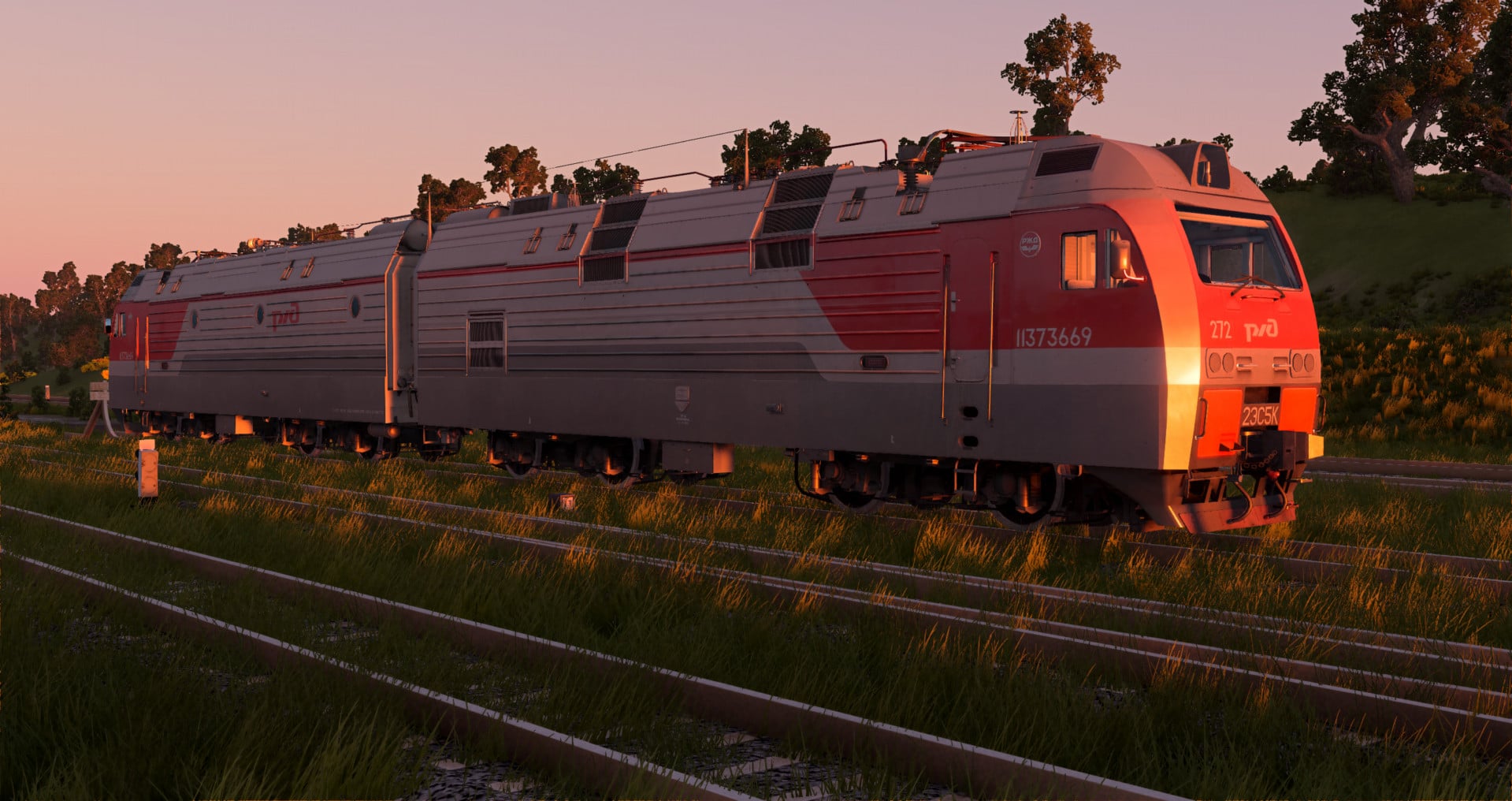
2ES5K Russian AC Electric Locomotive 1.0


![Ford Bronco [PACK]](https://temp2.modland.net/i/6abb8bc6ce51c/0_modland.webp)
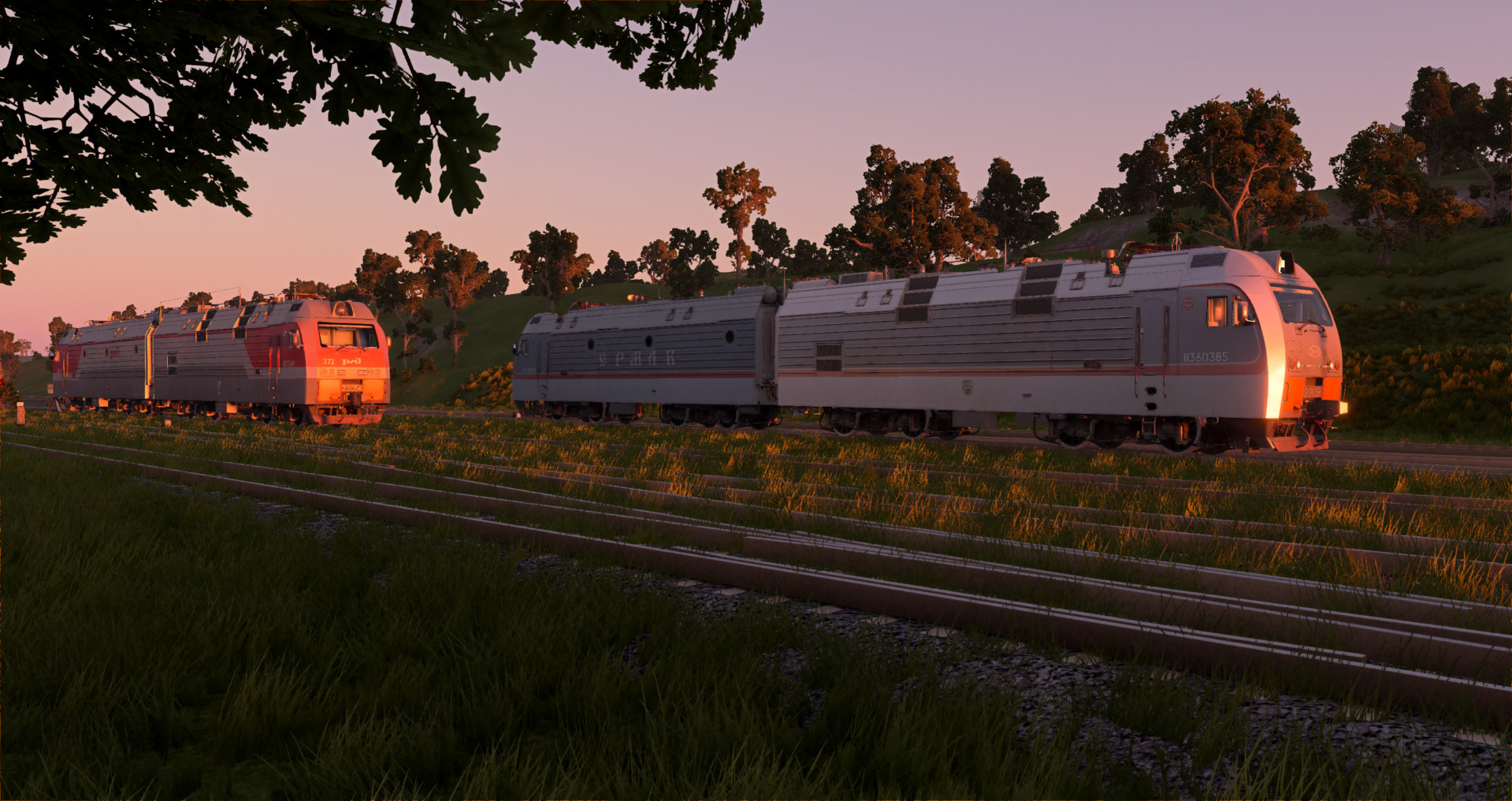
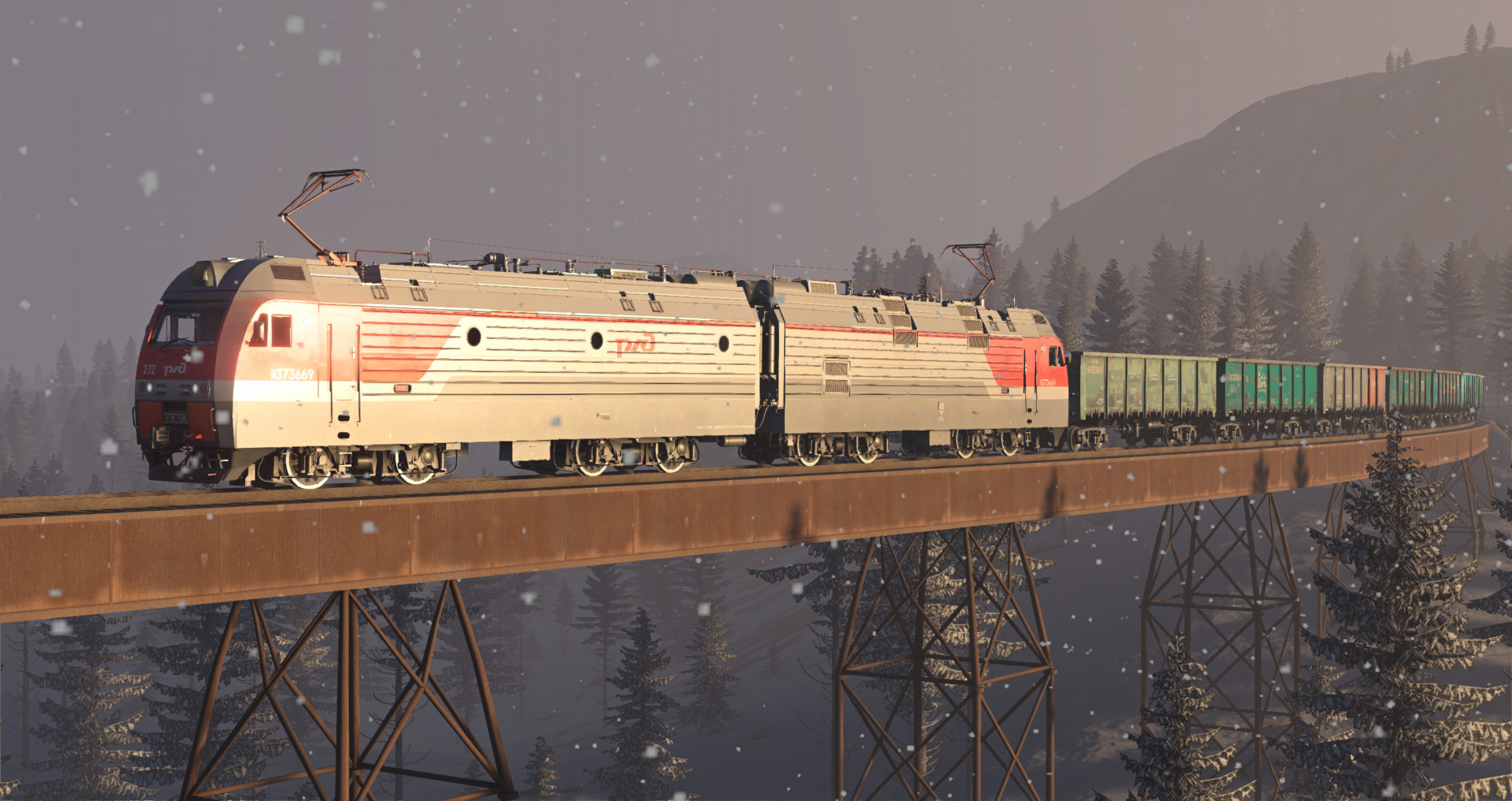
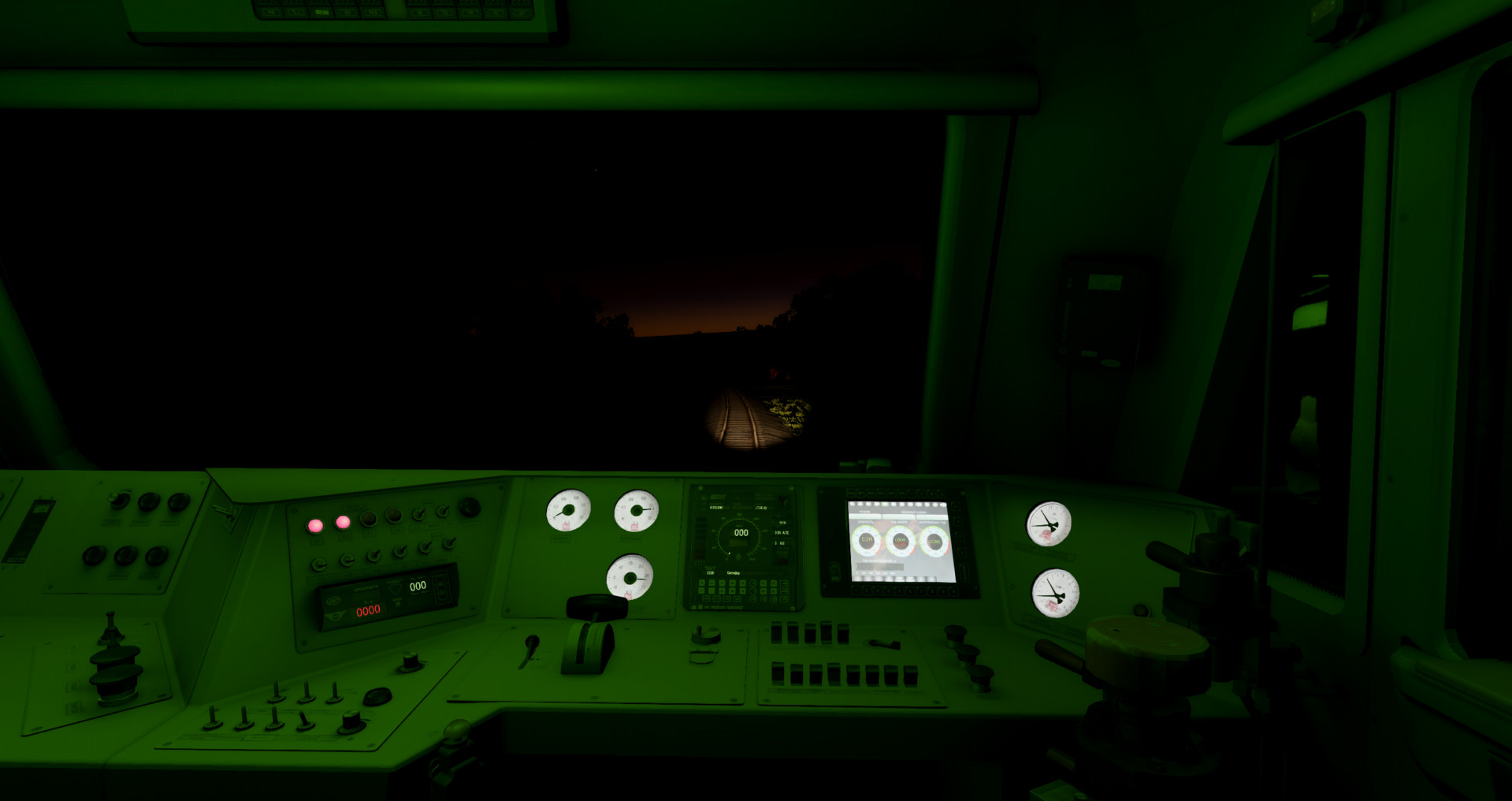
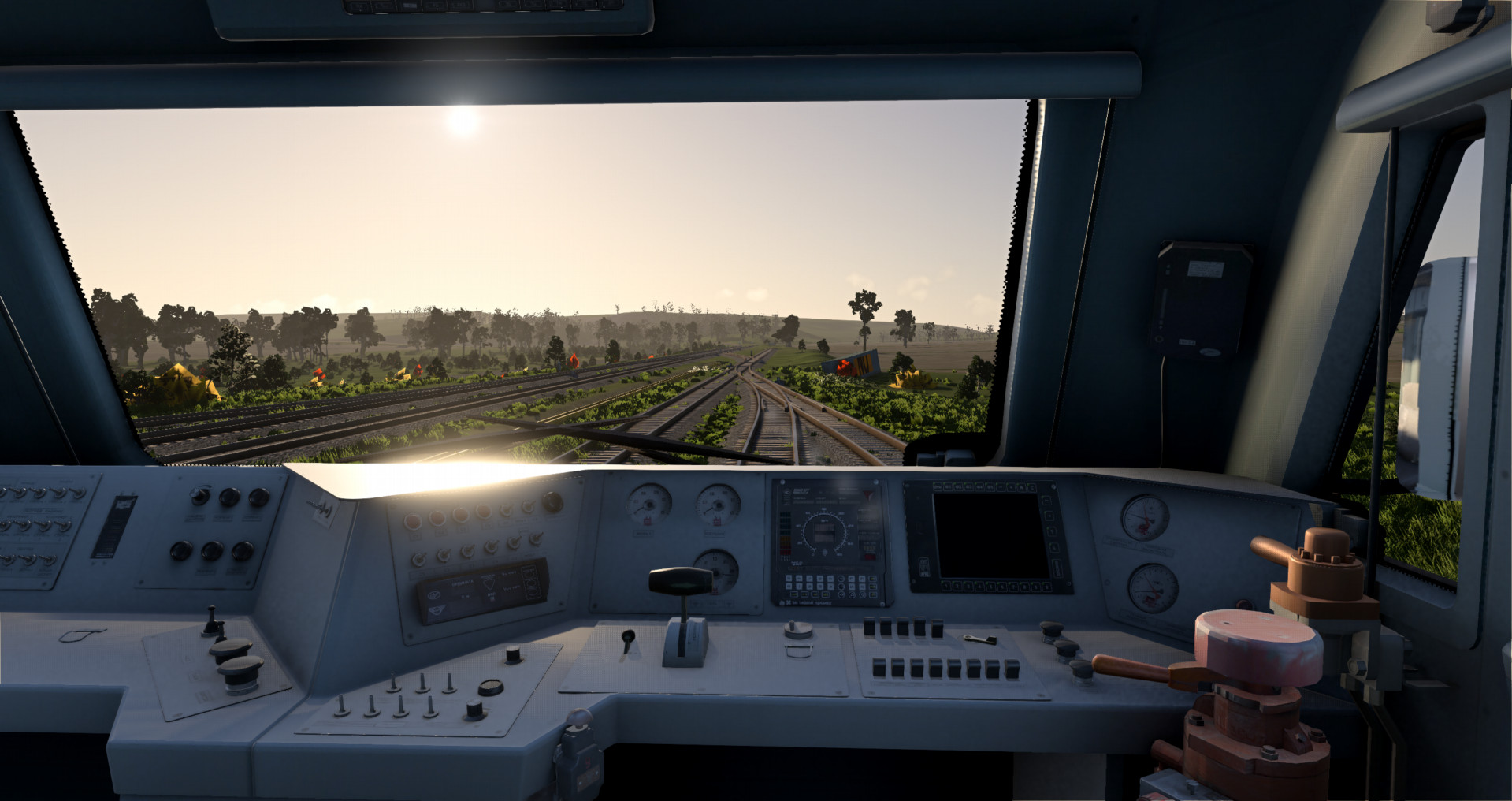
5/5,
1
votes
Description
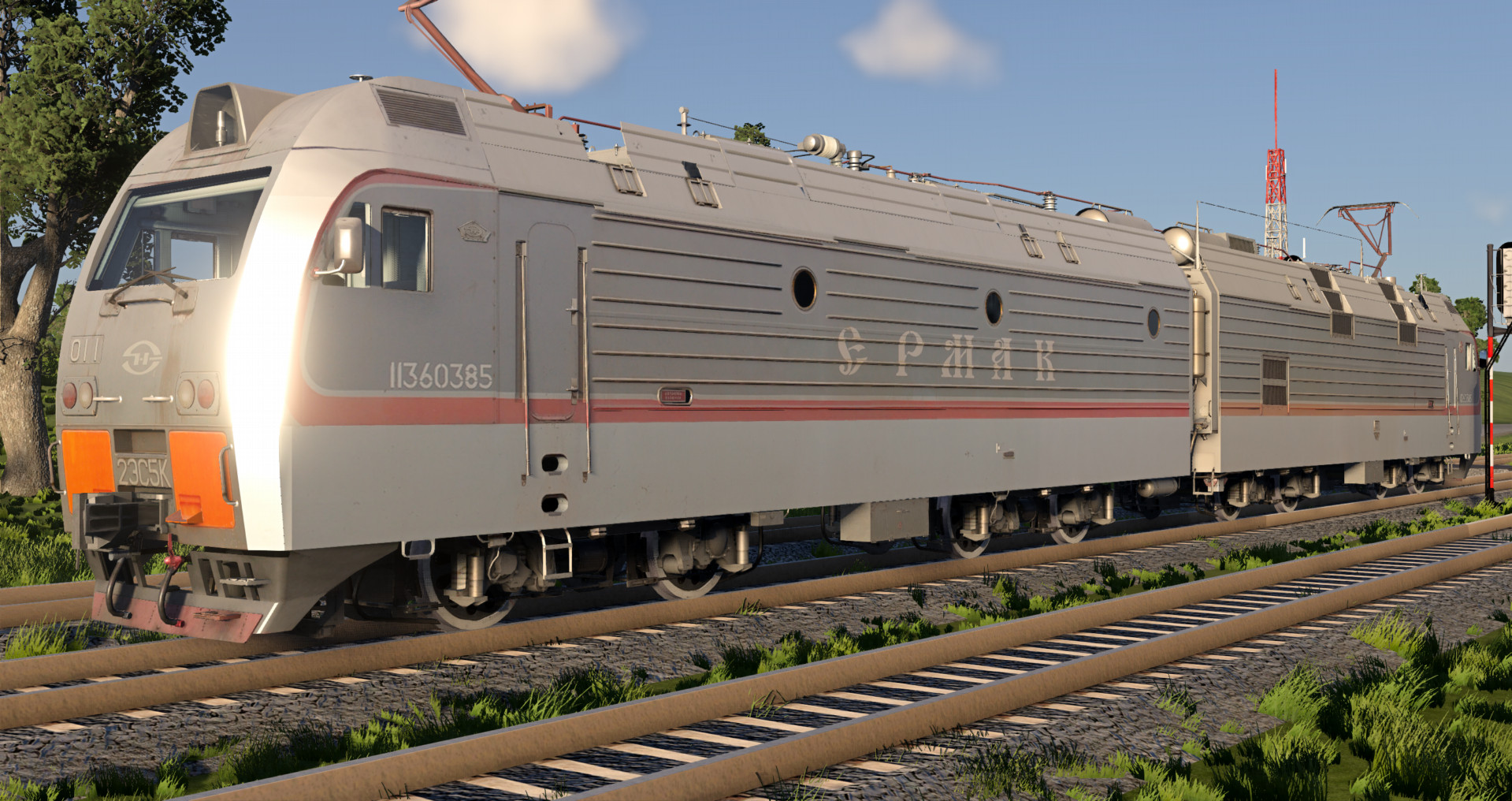
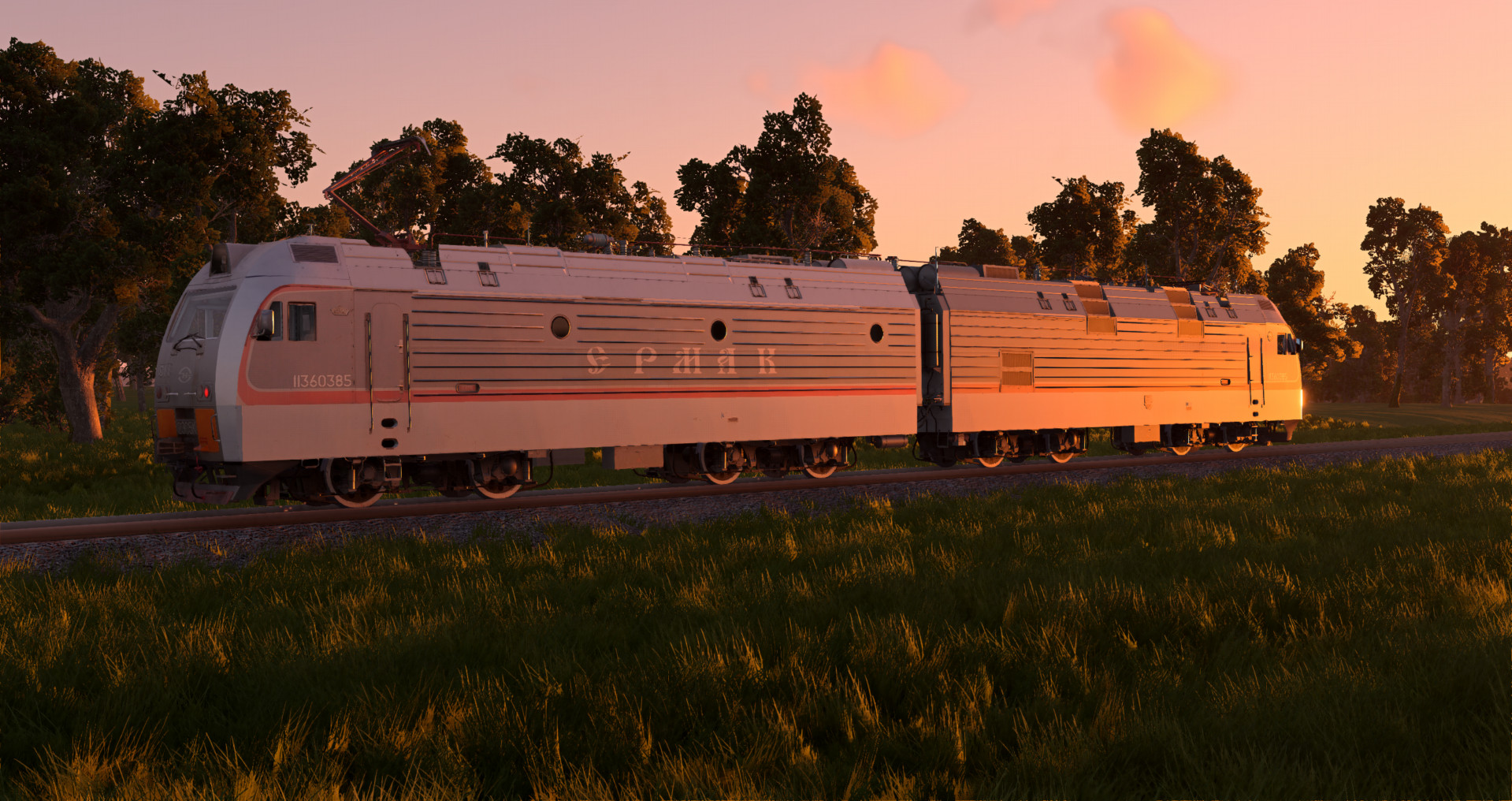
2ES5K/3ES5K Two-Section AC electric locomotive.
Features:
- 18 Configs, 9 liveries (9 "Front", 9 "Rear" configs)
- Working lights
- Moving wheels
- Realistic sounds
- Couples with sound
- Seats with jbeam
- Separate switches for different light intensity: Frontlight Bright/Dim, Cab Light Bright/Dim/Green
- Halogen, LED Lights, Smooth lighting for Frontlights, Taillights, and Interior lights
- Smooth animations to switches, buttons, valves in the cab
- Animated buttons, brake indicators, switches
- Triggers for reverser lever, window opening, and lighting controls
- Working brake hoses at the front end
- Working pantograph
- Realistic weight
- Drives well
Configurations marked "Front" is the front locomotive, those marked "Rear" is the rear locomotive. To couple them, switch to the rear locomotive, release the brakes (Space bar), and change direction (Alt + A).
To couple different train cars, switch to the rear locomotive and press Shift + L. Switch to each last coupled car one at a time by pressing Shift + L. If train cars don't couple, move it by the frame using the Node Grabber, or rotate the carriage.
Controls:
Alt + N - Raise/Lower front pantograph;
Shift + N - Raise/Lower rear pantograph.
H - Whistle
T - Accelerate and press W
G - Slow down and press S
Alt + A - Change direction
K - Main projector
I - Left Headlight
O - Right Headlight
[ - Left Taillight
] - Right Taillight
U - Cab Light
B - Engine Bay Light
N - Gauge Lighting
Y - Wipers
If the train doesn't move, make sure it didn't get stuck in rails; press F11 and lift it upwards slightly. If the train still doesn't move, release air brakes (arrow down) and independent brakes (P / space bar) and shift into M1.
2ES5K/3ES5K Two-Section AC electric locomotive.
Features:
- 18 Configs, 9 liveries (9 "Front", 9 "Rear" configs)
- Working lights
- Moving wheels
- Realistic sounds
- Couples with sound
- Seats with jbeam
- Separate switches for different light intensity: Frontlight Bright/Dim, Cab Light Bright/Dim/Green
- Halogen, LED Lights, Smooth lighting for Frontlights, Taillights, and Interior lights
- Smooth animations to switches, buttons, valves in the cab
- Animated buttons, brake indicators, switches
- Triggers for reverser lever, window opening, and lighting controls
- Working brake hoses at the front end
- Working pantograph
- Realistic weight
- Drives well
Configurations marked "Front" is the front locomotive, those marked "Rear" is the rear locomotive. To couple them, switch to the rear locomotive, release the brakes (Space bar), and change direction (Alt + A).
To couple different train cars, switch to the rear locomotive and press Shift + L. Switch to each last coupled car one at a time by pressing Shift + L. If train cars don't couple, move it by the frame using the Node Grabber, or rotate the carriage.
Controls:
Alt + N - Raise/Lower front pantograph;
Shift + N - Raise/Lower rear pantograph.
H - Whistle
T - Accelerate and press W
G - Slow down and press S
Alt + A - Change direction
K - Main projector
I - Left Headlight
O - Right Headlight
[ - Left Taillight
] - Right Taillight
U - Cab Light
B - Engine Bay Light
N - Gauge Lighting
Y - Wipers
If the train doesn't move, make sure it didn't get stuck in rails; press F11 and lift it upwards slightly. If the train still doesn't move, release air brakes (arrow down) and independent brakes (P / space bar) and shift into M1.
External Download Links:
- Modsfire.com - 2es5k_zlodikan.zip [54.1 MB]
- Sharemods.com - 2es5k_zlodikan.zip [54.1 MB]
Direct Download Links
About Mod
| Latest Version | 1.0 |
| Game | BeamNG.drive |
| Category | Other |
| Game Version | 0.39.x |
| Downloads | 504 |
| Created | 1 month ago |

![Ford Bronco [PACK]](https://temp2.modland.net/i/6abb8bc6ce51c/0_modland.jpg)


![Mack Anthem / Pinnacle [PACK]](https://temp2.modland.net/i/6aa50a7184eaa/6ab9344368d3b/0_modland.jpg)
What maps are you using? love the mods, you should make more British trains like the 395 and 390s
@Phaeton Yes
GREATEST beamng Train mod maker THANK YOU SO MUCH
am i dumb or something but i cant get it on the train tracks
idk man I'm stupid.
@user Not really, tbh I don't know the model of the train I'm thinking about. I just know it has two stories and the coach can carry a maximum of 12 cars at 80kph. so if it has to be a Russian double decker, it shall be a Russian double decker.
Would you ever make a double decker train like any of the GO trains? It would be really cool even if it isn't walkable or not very good quality, as long as it GOs!
@238 Are you refering to the TVZ double decker?
What's your favorite foreign train that you would like to work on?
@Zlodikan Nice, glad you're giving the ICE a much needed make over.
@User i think in the future i will remake my ice 3 mod and add german and russian versions