BeamShotMods Flip Plate 0.1


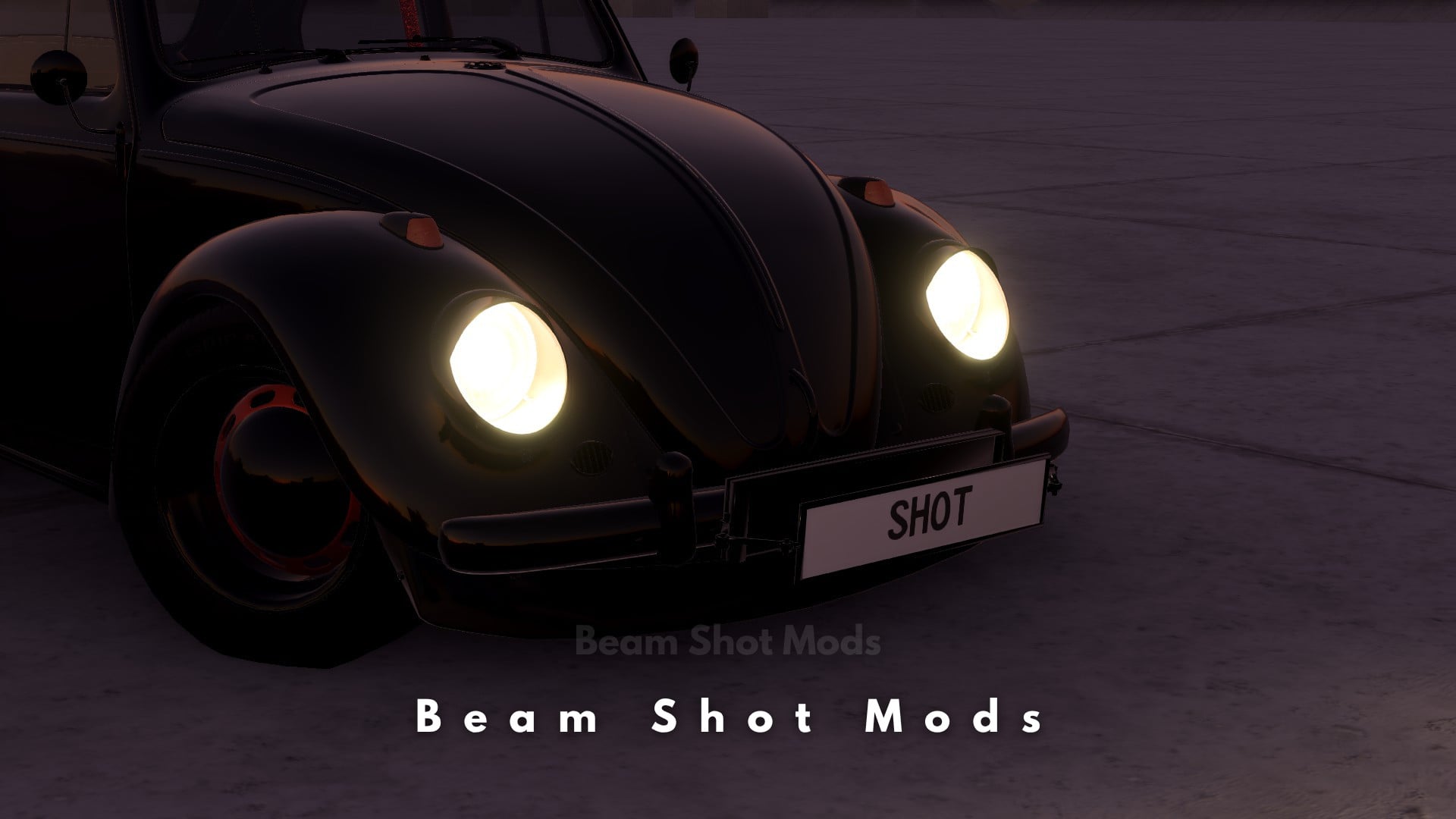
![Ford Bronco [PACK]](https://temp2.modland.net/i/6abb8bc6ce51c/0_modland.webp)
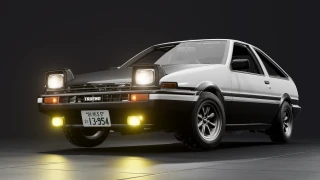

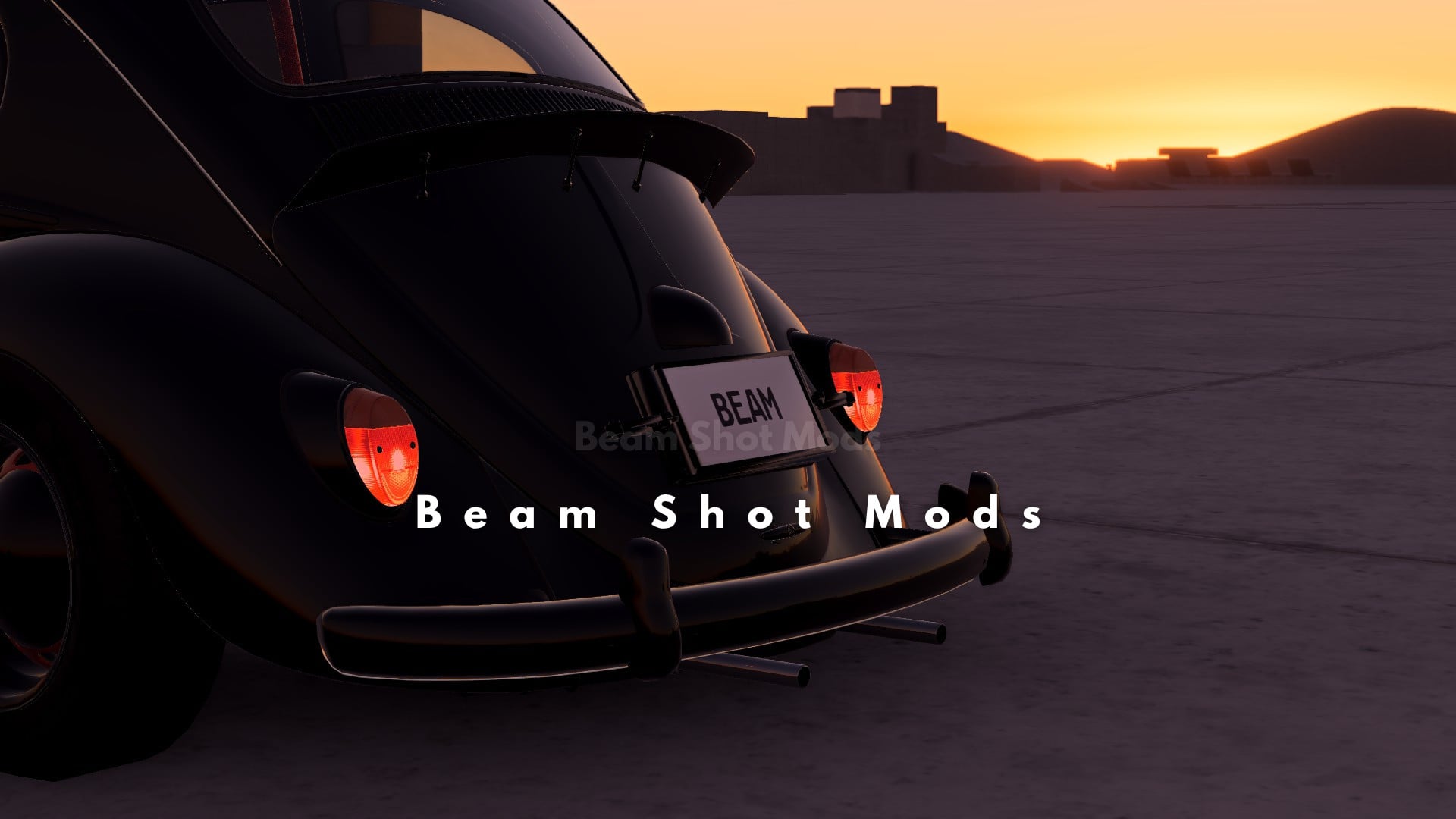
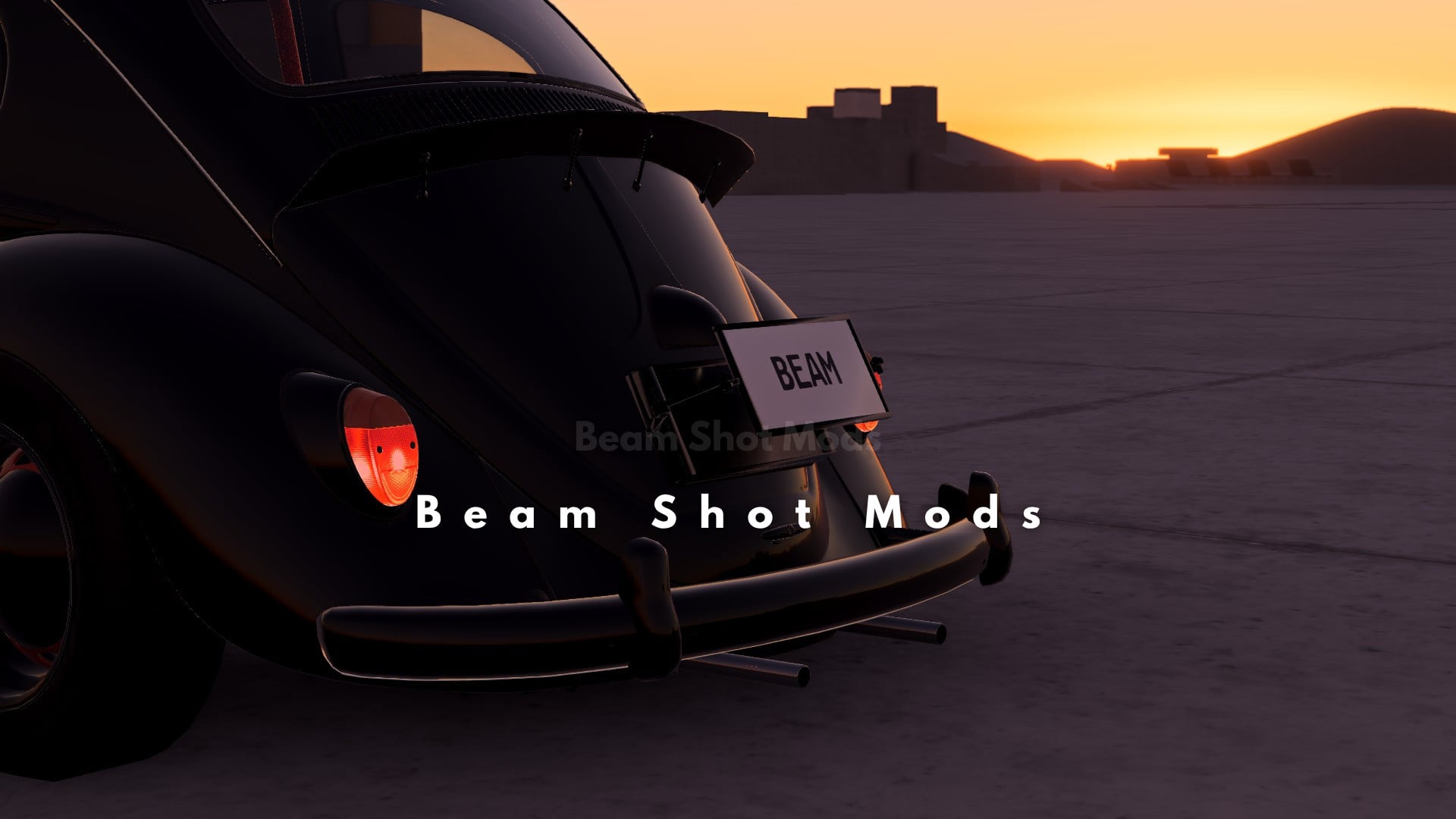
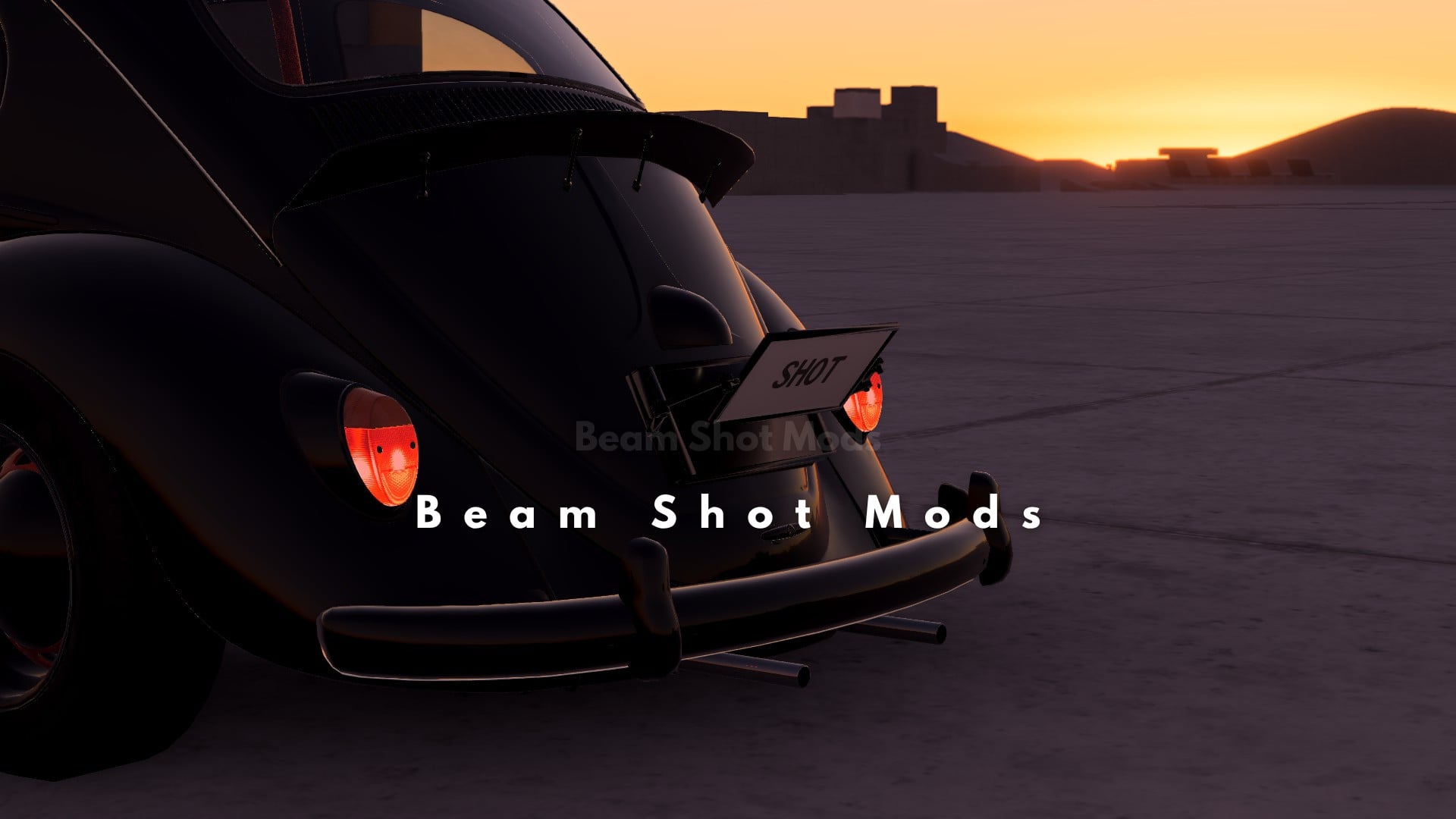
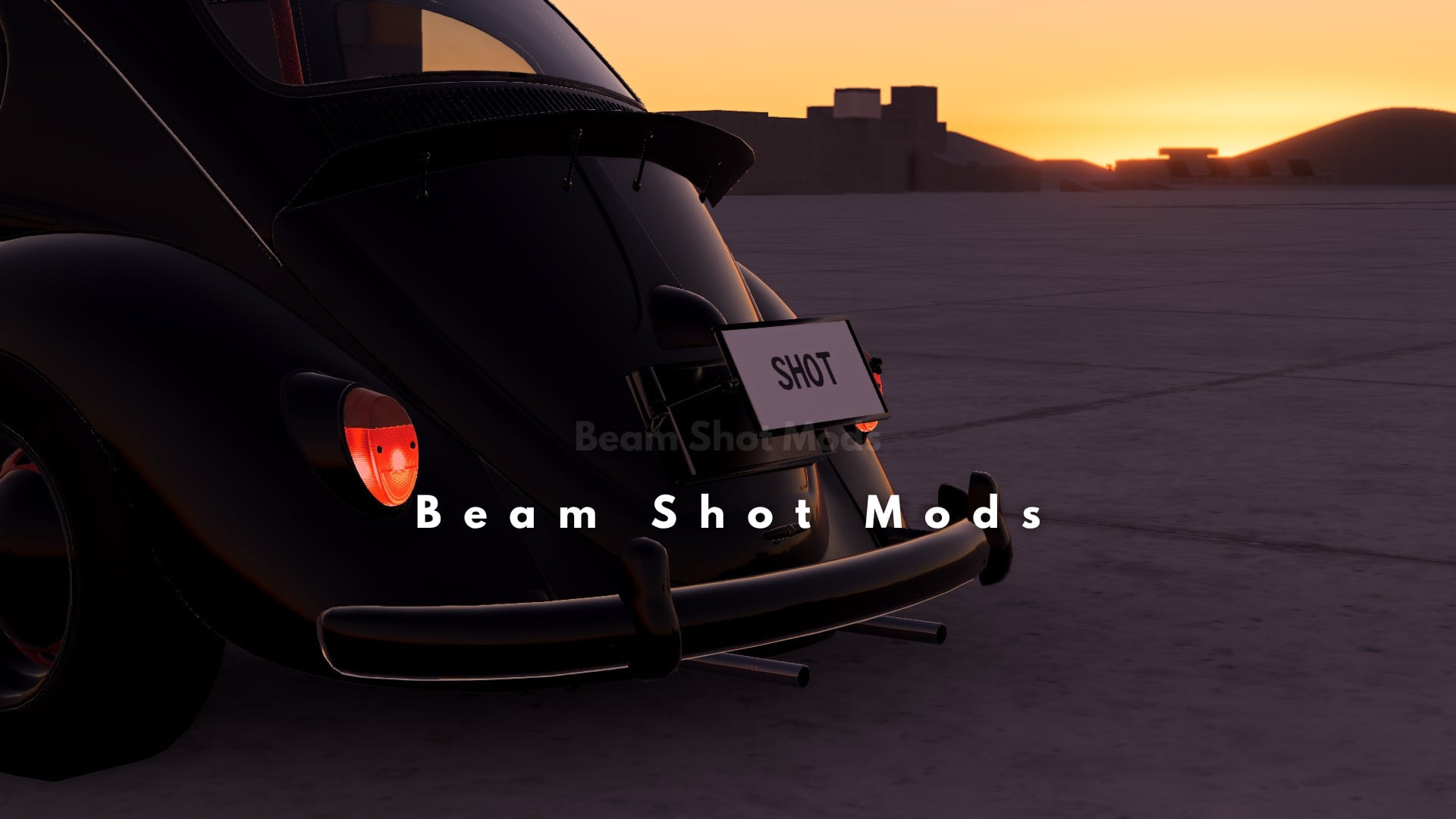
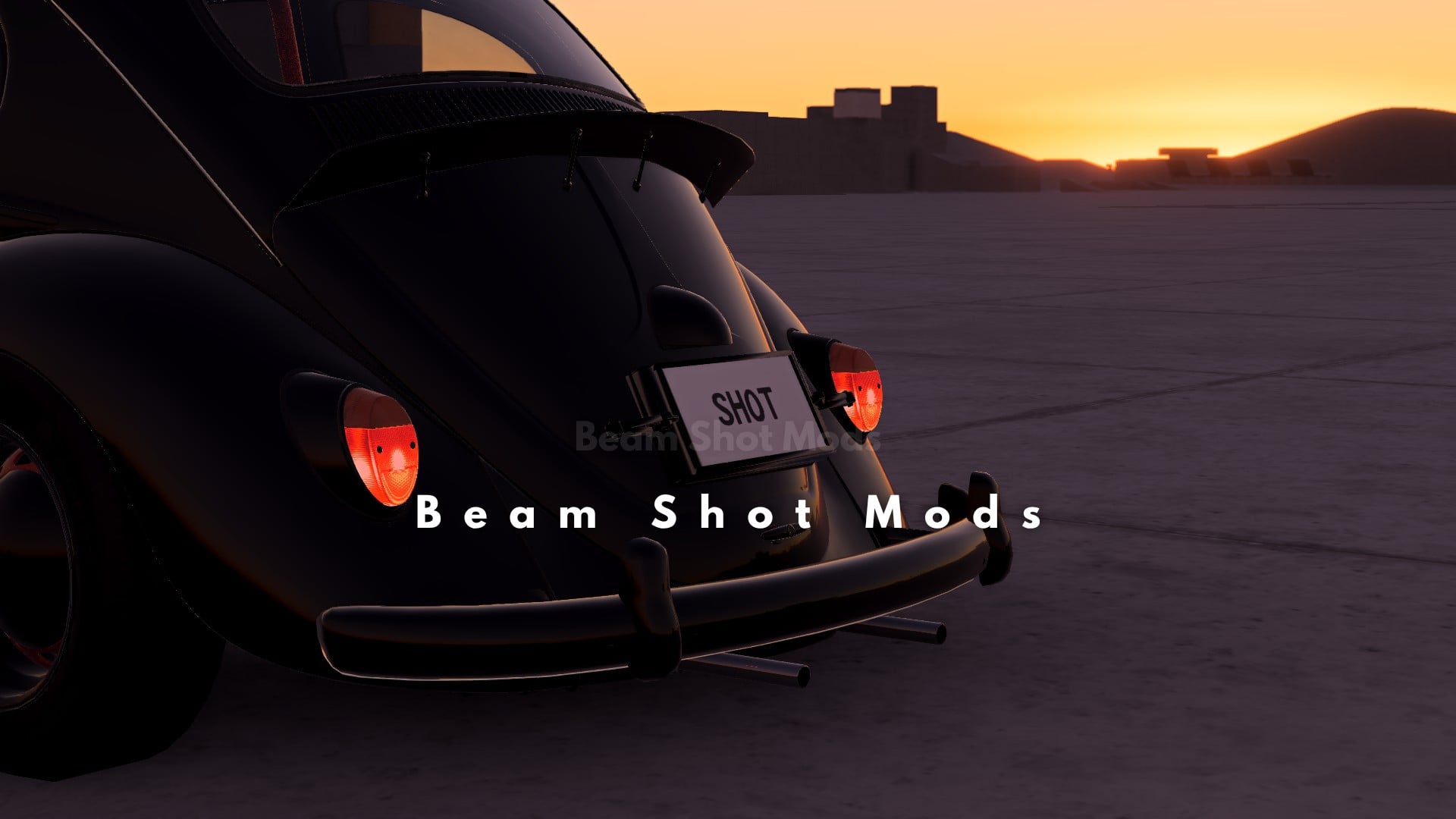
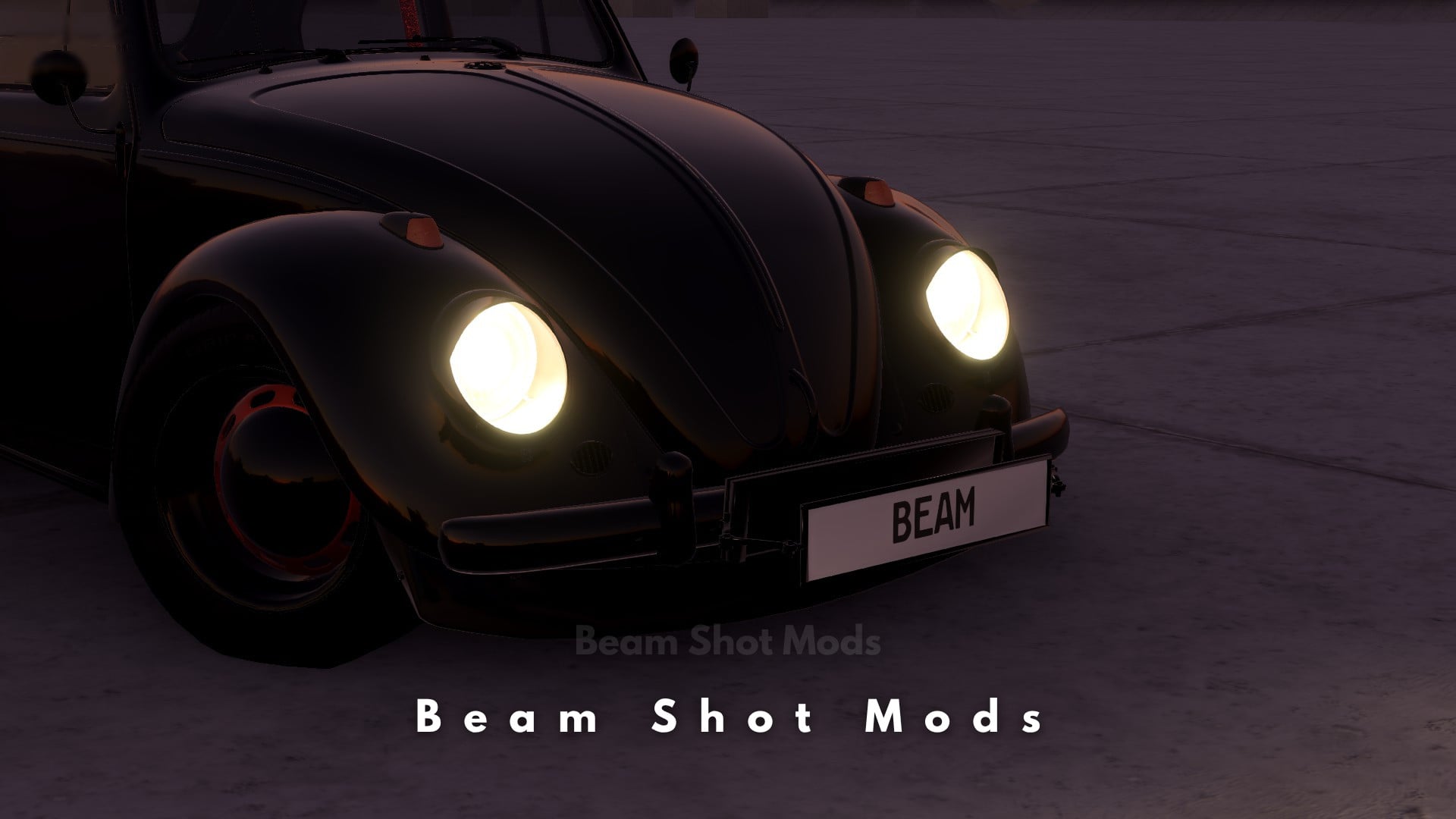
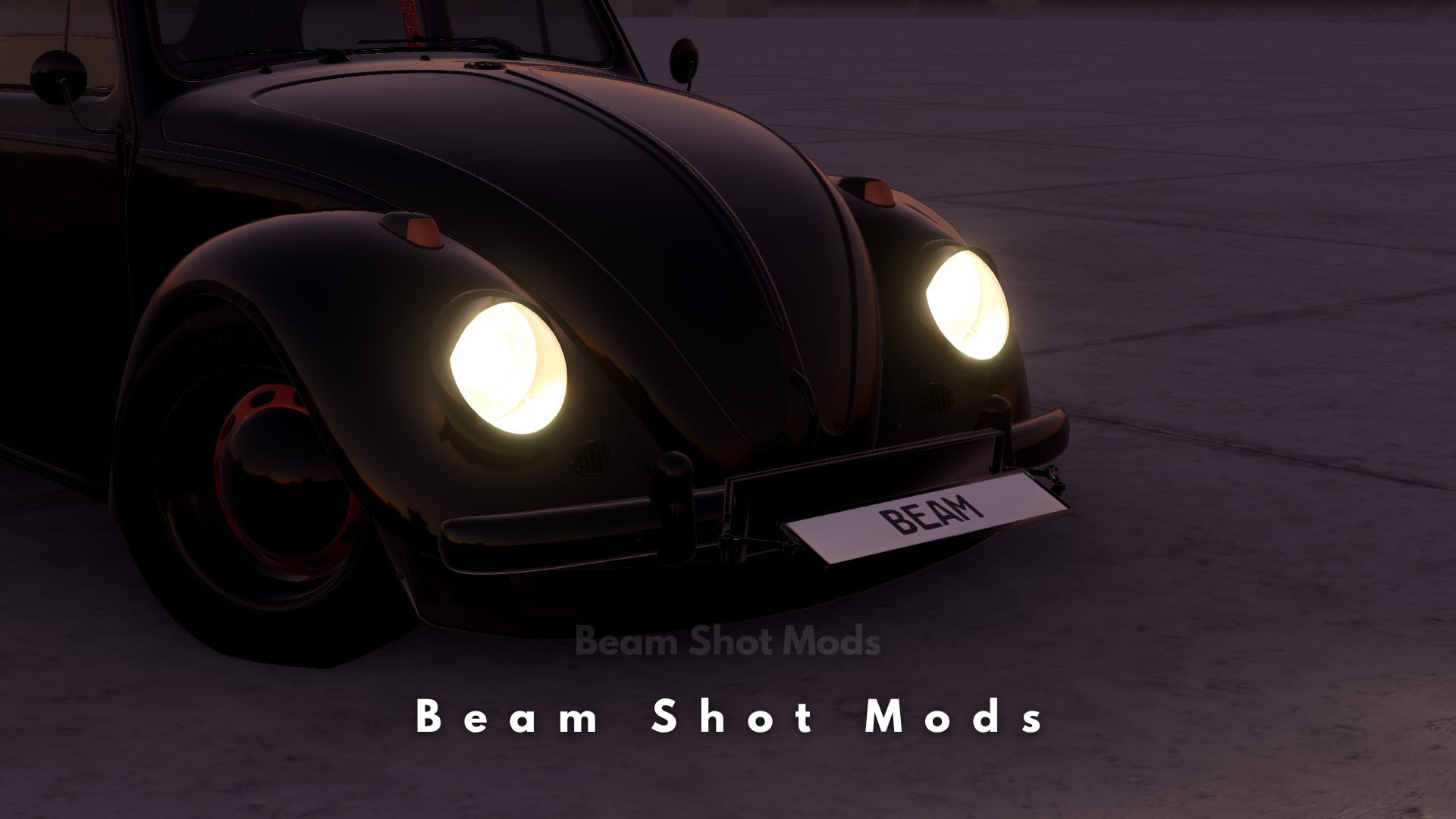
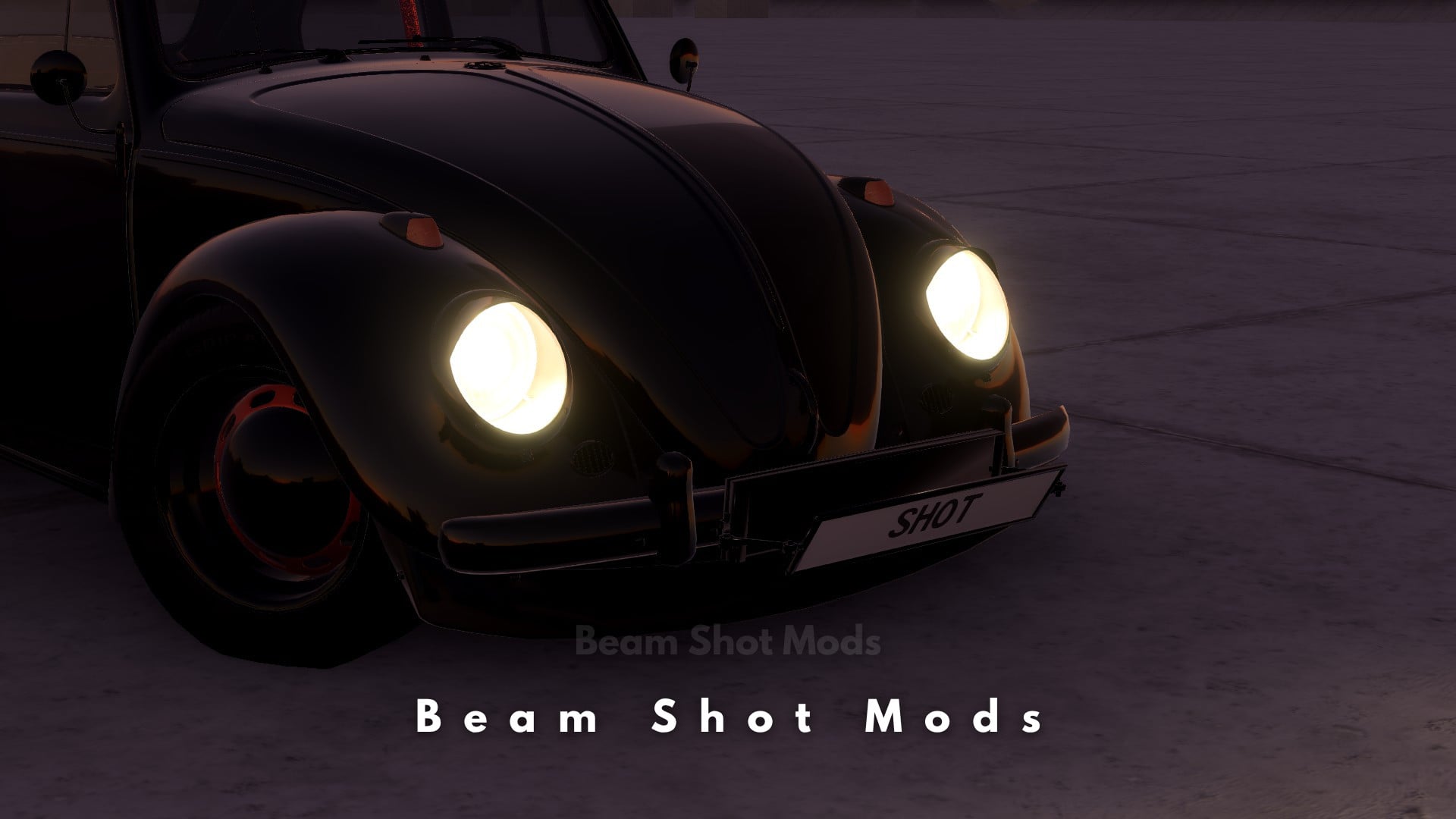
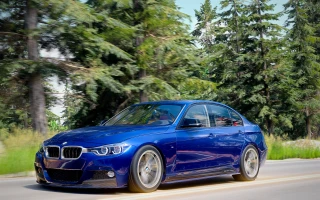
5/5,
1
votes
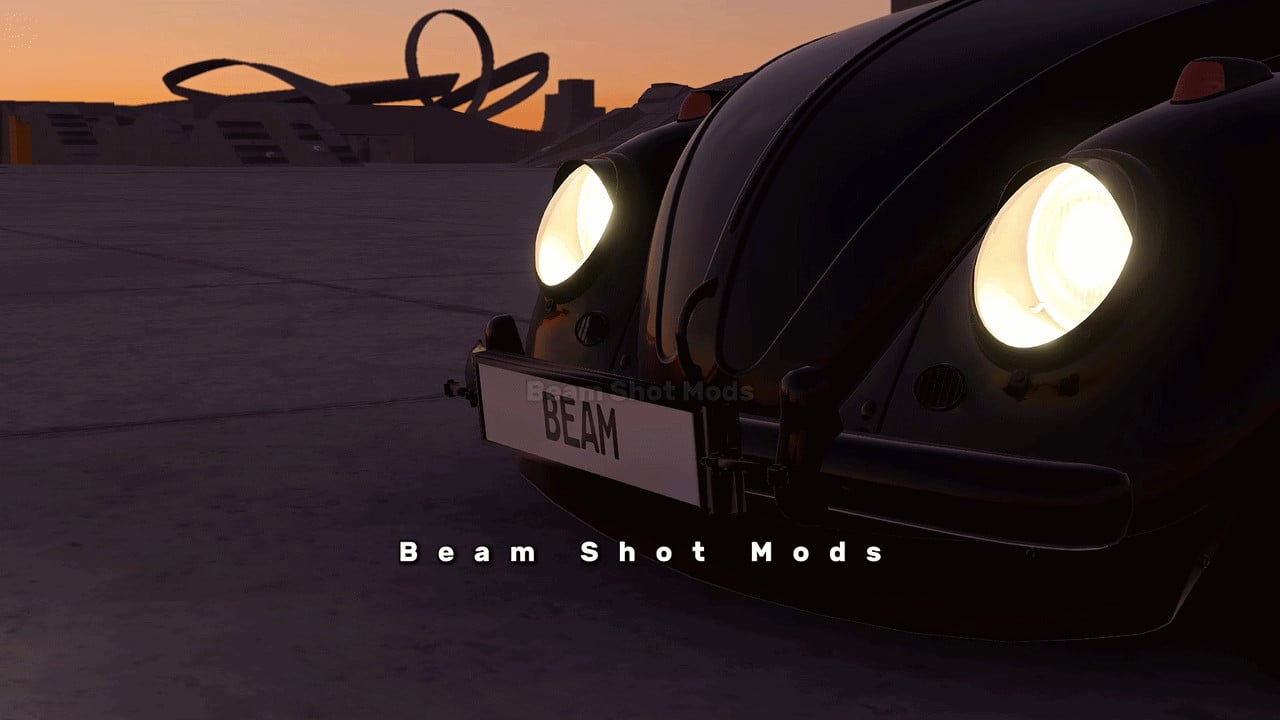
BeamShotMods Flip Plate
Switch between two custom license plate numbers with an animated flip.
Features
- Animated front and rear plates.
- Two customizable plate numbers.
- One key to flip both plates.
- Rotate and Forward / Back sliders for placement.
- Reset button to restore default placement.
How to Use
- Open Vehicle Config → Parts → License Plate Design.
- Select BeamShotMods Flip Plate.
- Enter your two plate numbers under Front Plate or Rear Plate.
- Go to Options → Controls and assign a key to BeamShotMods: Flip Plate.
- Press your assigned key to flip the plates.
External Download Links:
About Mod
| Latest Version | 0.1 |
| Game | BeamNG.drive |
| Category | Other |
| Game Version | 0.39.x |
| Tags | Tuning UI |
| Downloads | 80 |
| Created | 18 hours ago |
![Mack Anthem / Pinnacle [PACK]](https://temp2.modland.net/i/6aa50a7184eaa/6ab9344368d3b/0_modland.webp)

but how do you change the numbers on the plates?
@Rift Once you select the license plate under the "vehicle config" section, an additional tab panel becomes active; you can open it and make changes there.