BrokenBrainCells Universal 3d Audio engine and Universal Touch screen With spotify/pc audio support 1

![Mack Anthem / Pinnacle [PACK]](https://temp2.modland.net/i/6aa50a7184eaa/6ab9344368d3b/0_modland.webp)
5/5,
1
votes
Installation Instructions
- Download the zip file from Google Drive.
- Move bbcstereo_0.6 to the mod folder
- Extract the controller to your desktop
- Open the controller and set your input to vb cable and output to your headset
- Press Start Pc Audio Capture
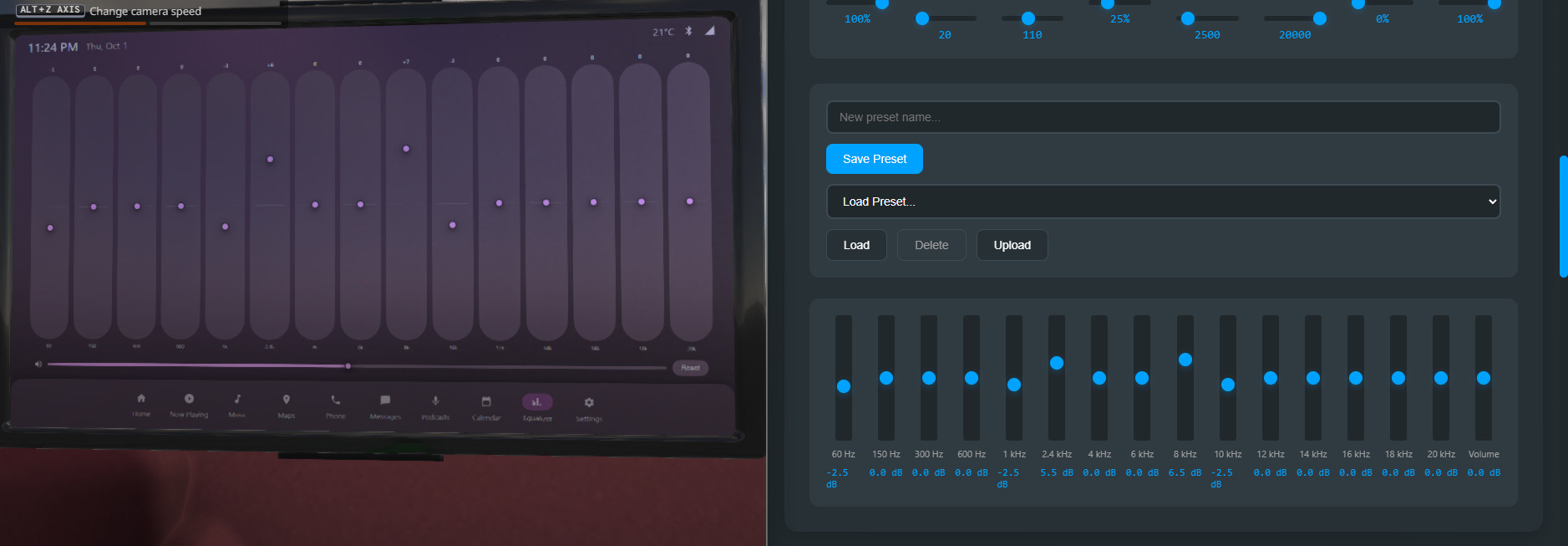
- Scroll to the eq and press UDP Controll
- Turn On 3d Audio
IN GAME
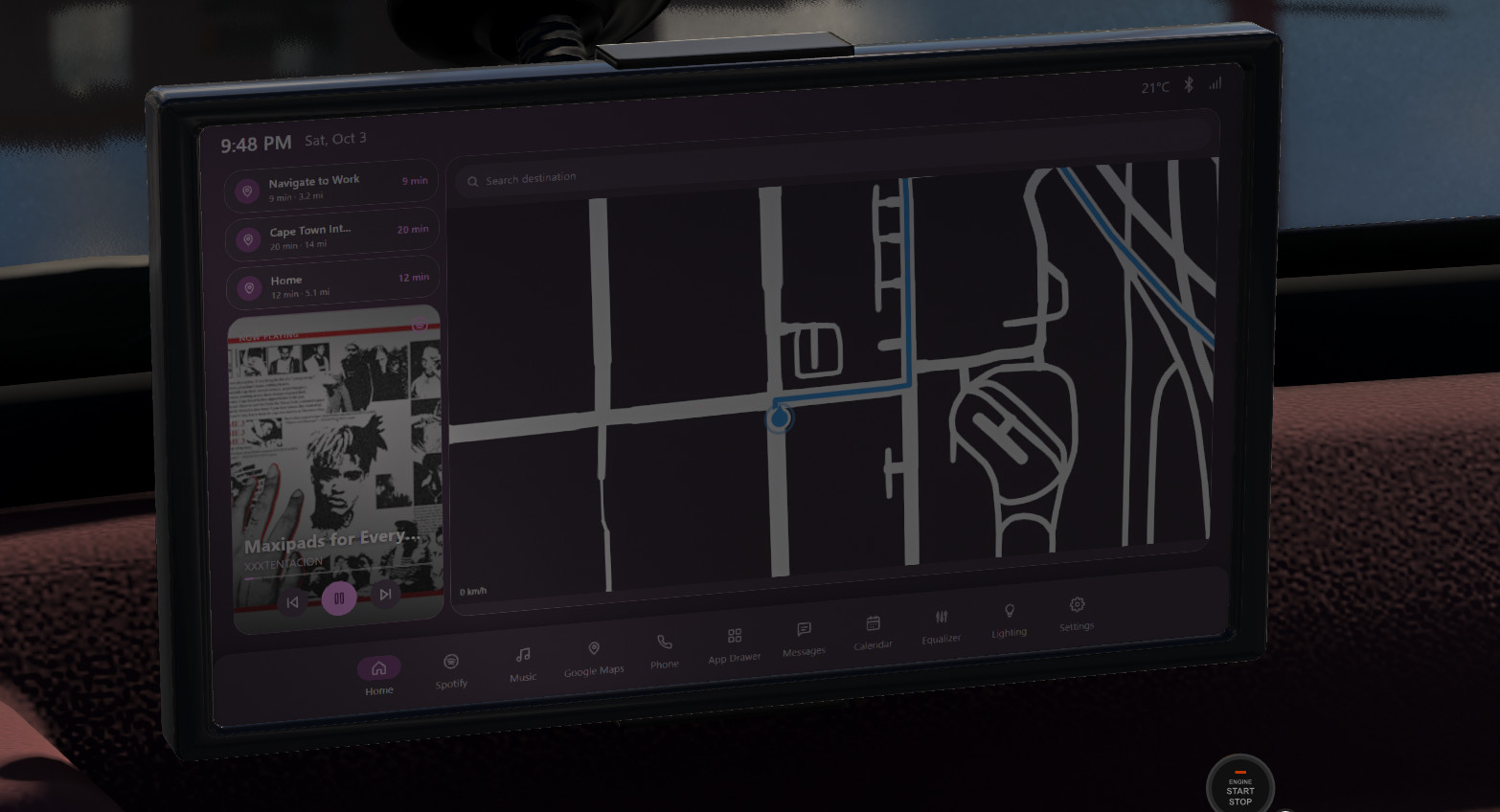
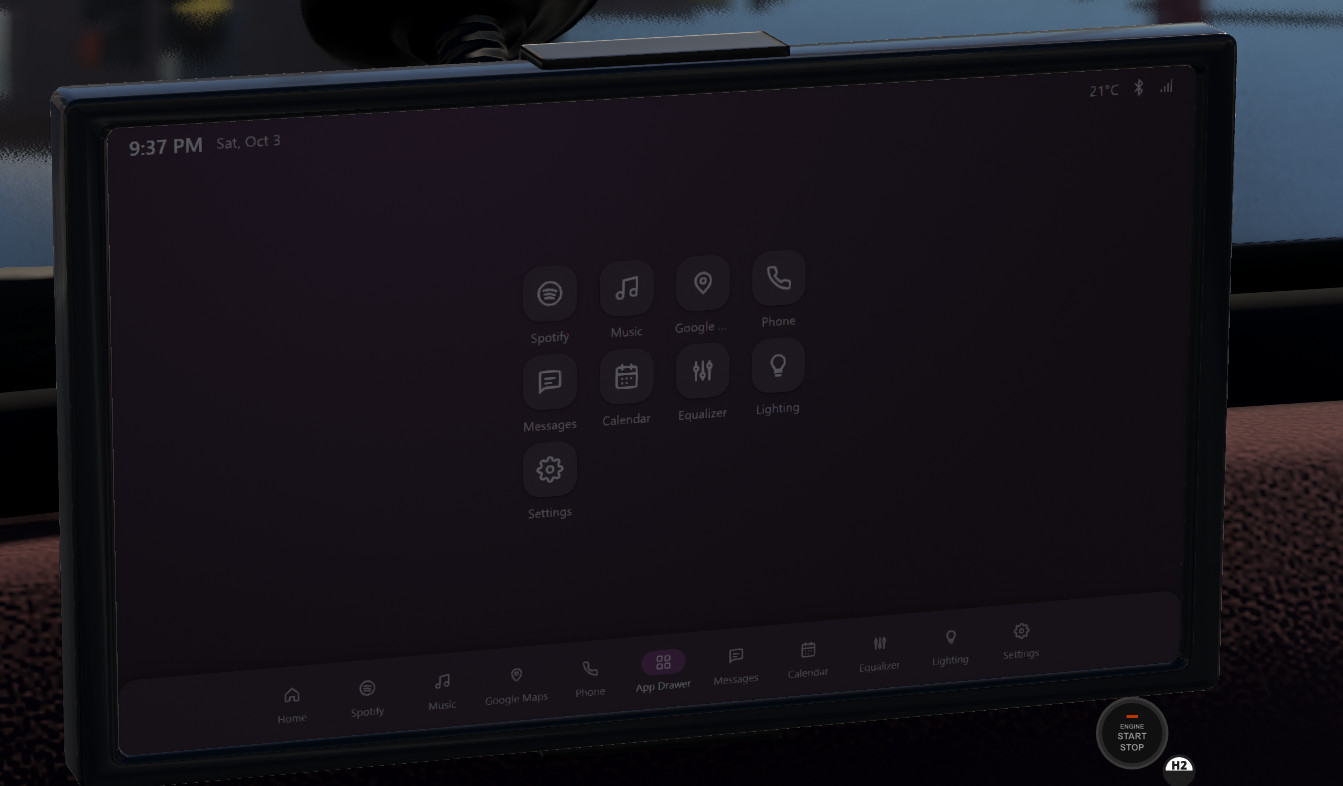
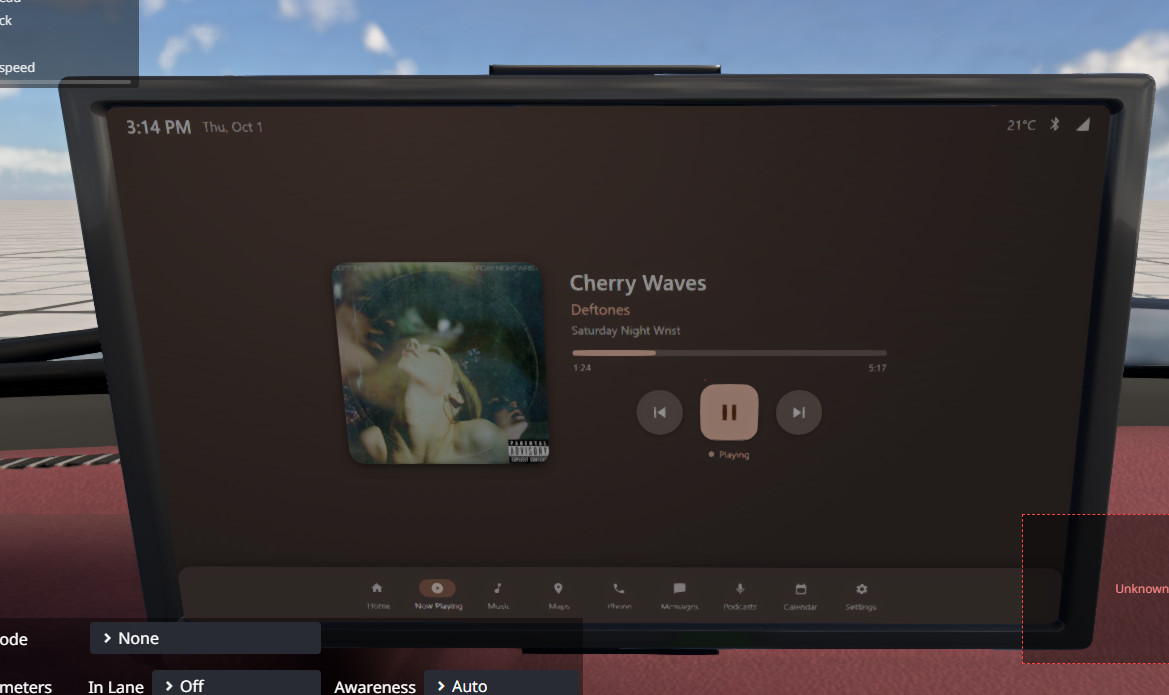
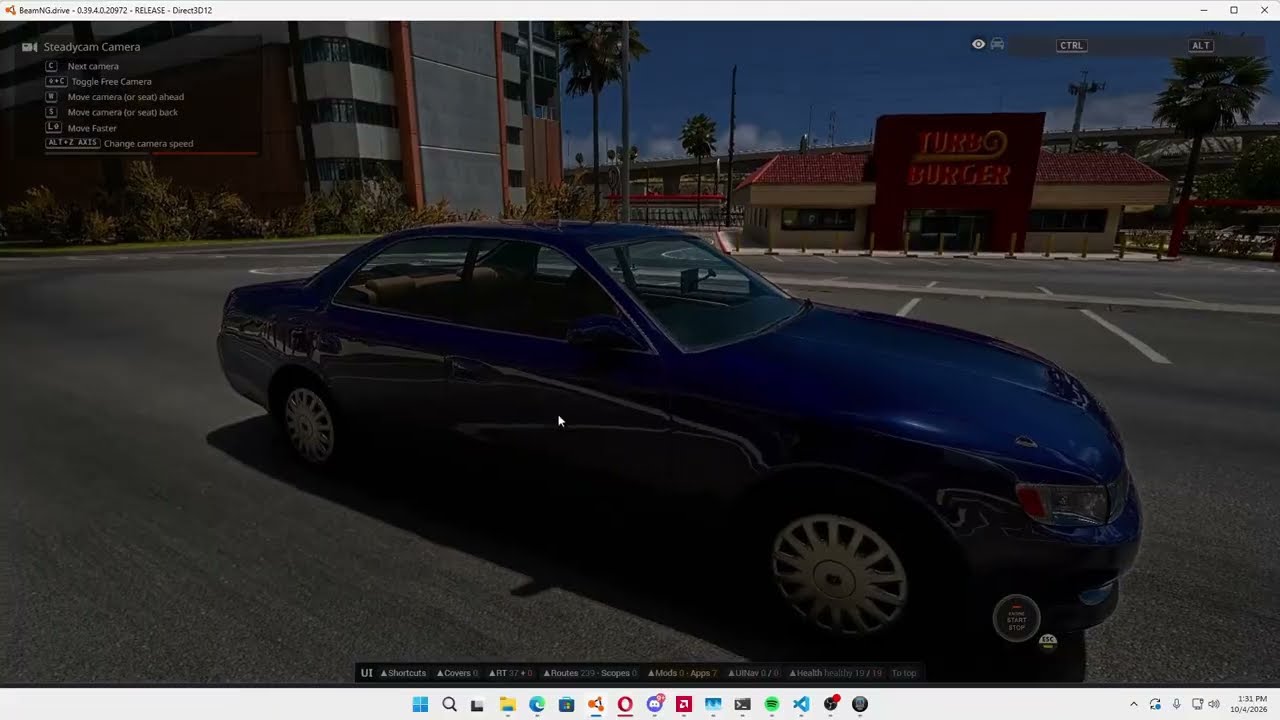
- Open the tuning menu and search for Navigation Unit
- Select My Media Info Screen
- Open the tuning menu and adjust the screen to where you want it and save the config
- Set KeyBinds:
-- Screen Tuner - Toggle
-- BBC Stereo: Speaker Nodes Menu
-- BBC Stereo: Lighting Props Editor
- Open the screen tuner
- Press Show Debug Boxes and use the Reference Plane Pos Sliders to adjust it to line up with the screen. Press save and Close that Menu
- Press Control N
- Open the Speaker Node Menu, type the name of the nodes you want for your speakers, hit Save all Config files, close the menu and press Control Shift N
Everything for that car's config is set up and no more changes need to be made. When you spawn that car everything will load automatically.
- Download the zip file from Google Drive.
- Move bbcstereo_0.6 to the mod folder
- Extract the controller to your desktop
- Open the controller and set your input to vb cable and output to your headset
- Press Start Pc Audio Capture
- Scroll to the eq and press UDP Controll
- Turn On 3d Audio
IN GAME
- Open the tuning menu and search for Navigation Unit
- Select My Media Info Screen
- Open the tuning menu and adjust the screen to where you want it and save the config
- Set KeyBinds:
-- Screen Tuner - Toggle
-- BBC Stereo: Speaker Nodes Menu
-- BBC Stereo: Lighting Props Editor
- Open the screen tuner
- Press Show Debug Boxes and use the Reference Plane Pos Sliders to adjust it to line up with the screen. Press save and Close that Menu
- Press Control N
- Open the Speaker Node Menu, type the name of the nodes you want for your speakers, hit Save all Config files, close the menu and press Control Shift N
Everything for that car's config is set up and no more changes need to be made. When you spawn that car everything will load automatically.
External Download Links:
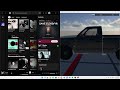
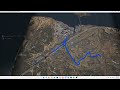
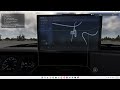
Videos
About Mod
| Latest Version | 1 |
| Game | BeamNG.drive |
| Category | Other |
| Game Version | 0.39.x |
| Downloads | 131 |
| Created | 4 hours ago |


![Mack Anthem / Pinnacle [PACK]](https://temp2.modland.net/i/6aa50a7184eaa/6ab9344368d3b/0_modland.jpg)

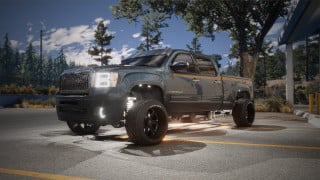
I forgot to mention you need vb cable for audio to work. Here are the instructions Will update the tutorial video soon. First download vbcable and extract the zip file somewhere on your pc that you wont lose it. Then Open that folder and double click VBCABLE_Setup_x64.exe and hit install. That is all your done with step 1. Step 2: Download the bbcstereo## zip file and place it in your mods folder. Step 3: Click the volume icon on your desktop to open your sound settings. Step 4: Click the icon next to the volume slider. Step 5: Click More Volume Settings.Step 6:Scroll until you see Volume Mixer and open it. Step 7: Click your app of choice playing music and then under Output change it to CABLE Input. You can now close your settings. Step 8: Place the brokenbraincells-beamng-dsp.exe pon your desktop. Open it. Step 9: Scroll to the settings section and change input to CABLE Output And Output to your headset or speakers of choice. Step 10: Now scroll up and click start pc audio capture. And hit the 3D Audio toggle.
Best mod ever, definitely worth the download and setup